2AFD9NETONESmart Phone
MOVEON TECHNOLOGY LIMITED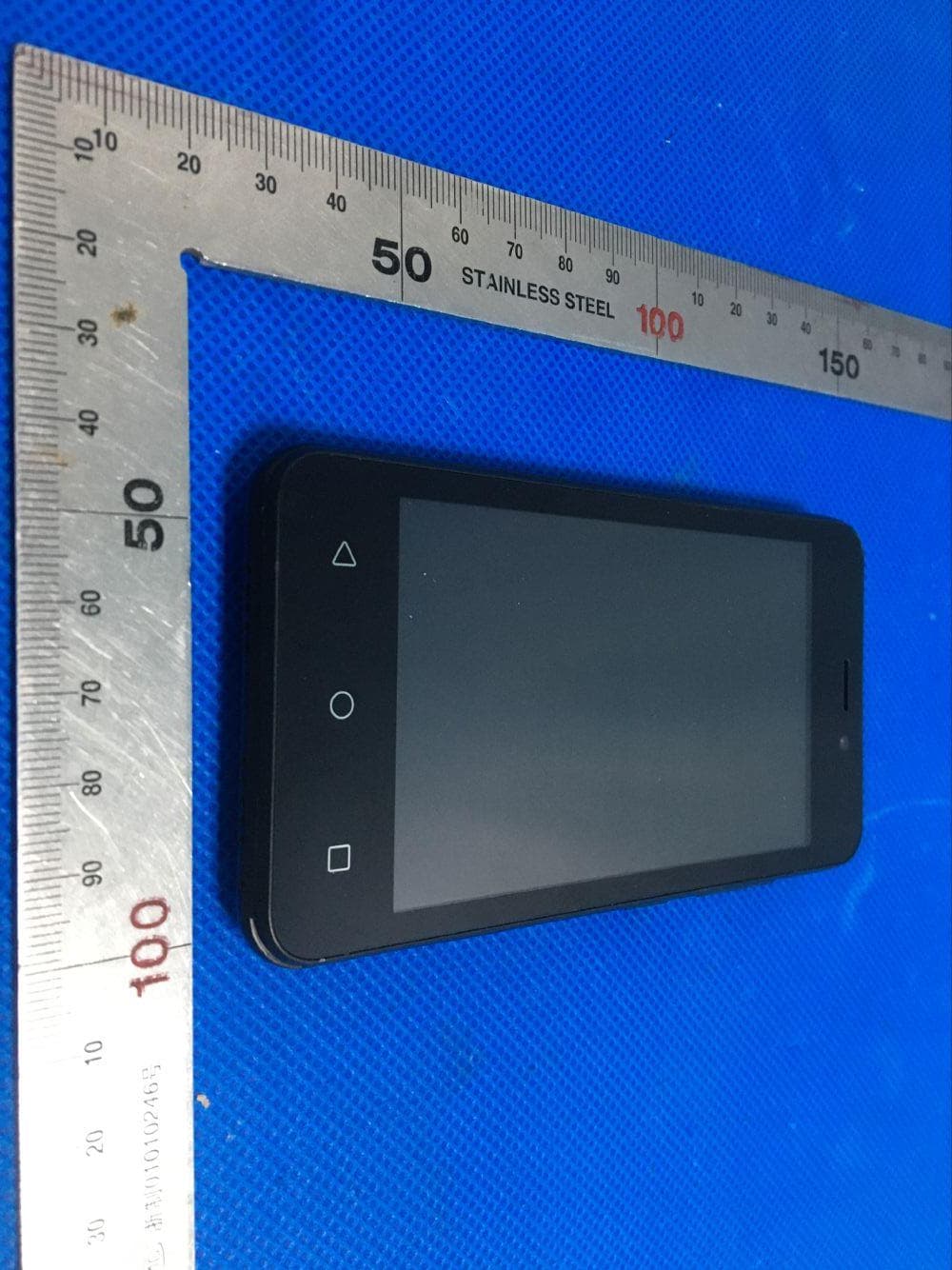
Click to zoom
Application Details
- Equipment Class
- DSS - Part 15 Spread Spectrum Transmitter
- Date of Grant
- Jul 22, 2020
- Application Purpose
- Original Equipment
- Date of Application
- Jul 22, 2020
- Equipment Note
- Smart Phone
- Frequency Range
- 2402.00000000 - 2480.00000000
- Company
- MOVEON TECHNOLOGY LIMITED
- Country
- China
Documents & Files
Document Text
Text extracted from the exhibit documents filed with the FCC. Open a document above to read the original.
Users Manual
Basic Operations Switch on Touch and hold the Power button until the phone switches on. Note: If you have enabled USIM/SIM locking in the Settings menu, enter the correct PIN number upon power-on before you use the phone. Caution: Three consecutive attempts of entering an incorrect PIN will lock the SIM card. If it is locked, use a PUK provided by the operator to unlock it. Switch off Touch and hold the “Power button” until the Phone Options screen displays. Tap " Power off ” to switch off the phone. Unlock Short press the “Power button” light up the screen, according to the clues of the screen interface can be unlocked. Touchscreen Usage Use your fingers to perform operations directly on icons, buttons, and the on-screen keypad. Tap/Touch/Click Tap the icon of an App to start it. Touch & Hold Touch and hold an item to display a pop-up menu of options. For example, go to Address Book, touch and hold a contact on the Address Book page, and a menu of options pops up. Drag Tap an item on the screen and drag it to another place. Slide/Sweep To sweep vertically or horizontally across the screen, you can view apps, pictures, and webpages in a convenient manner. Scroll Similar to sweeping, but faster. Pinch Put two fingers on the screen to pinch in or out an item, such as a webpage or picture. Home Screen 1. Status bar: allows you to view status icons and notices, such as signal, battery, current time and data service. 2. Notification bar: On the Home screen, tap the status bar and drag it down to display the notification bar. Tap this bar. Then you can view the notices. Touch the return button to switch back to the previous page. 3. App icon: Tap an app to open it. 4. Main menu: Tap the arrow and drag it up to enter the app main menu. Phone Settings To display the Settings menu, tap the Settings icon directly. 1.SIM card: In the Settings menu, choose SIM Card. You can then manage your SIM cards on the pop-up page. 2. Network: In the Settings menu, select WLAN to configure your radio network; or select Traffic usage to configure your mobile date services; or select Mobile Network under More to configure data services of your phone. 3. Sound: In the Settings menu, choose Sound. The allows you to set the volume, enable/disable vibration during ringing, and select ringtones for incoming calls and messages, as well as enable/disable keypad touch sound effect, touch alert tone, and screen lock tone 4. Display: allows you to configure the brightness, wallpaper, automatic device rotation, sleep duration, and font size. 5. Security: In the Settings menu, choose Security. The Security page allows you to set the screen locking mode and USIM/SIM locking mode. App Permission: allows you to configure certain permissions for an App and monitor their usage. 6. Anti-theft: allows you to remotely lock the phone or clear all data of it. 7. Manage apps: In the Settings menu, choose Apps. Then you can view or manage your apps. Note: Disable or unload certain apps if available space is less than 100MB. 8. Message: On the Message page, tap the Menu button and choose Settings. On the Message Settings page, you can enable/disable report sending, create or select a message template, and configure a message alert tone for each short or multimedia message. 9. Call: To display the Call Settings page, choose Settings on the Call page. Shortcuts On the Home screen, lightly drag down the Status bar. On the screen top, a group of shortcuts are displayed, such as Settings, WLAN, Bluetooth, Brightness, Auto-rotate, flashlight Airplane mode and so on. Tap any of them to open it quickly. Shortcut menu Android™ 10 (Go edition) provides several easy-to-use shortcut menus on the home screen. On this screen, long press on the screen, the selection menu of the shortcut function menu will pop up. Click the menu of the desired settings and complete the function settings according to the prompts. Move/Uninstall apps 1. Access the App main menu from the Home screen. On the ALL App page, tap and hold an app to be put on the Home screen, and drag it left or right to locate it at a proper place. In this way, a desktop app is created. 2. On the All App page, tap and hold an app, and drag it to Uninstall on the desktop. In this way, the app is removed from the phone. Note: You are not allowed to uninstall basic apps of the phone. 3. On the All App page, tap and hold an app, and drag it to APP Info. on the desktop. In this way, details about the app is displayed. Call This phone allows you to make or answer a call, initiate an emergency call, and launch a multi-party call. On the bottom left of the Home screen, tap the Dial-up icon. The Dial-up page is displayed. Enter a phone number and choose between card 1 and card 2 to make the call. When you enter the number, the phone will automatically search among all contacts a number that best matches the entered numerals, to facilitate your operation. During a call, tap Add a Call, and this call automatically switches to Silent mode. Enter the number of another contact, tap Dial-up, and the previous call automatically switches to On-hold mode. After the second call is answered, tap Join. In this way, a teleconference is established to achieve a multi-party talk. Note: You need to subscribe to this service from your carrier before you use it. You are also allowed to initiate a call by selecting a phone number from the list of contacts or the Message page. Contacts Tap Contacts to open it. The Contacts page offers management functions. It allows you to view the list of contacts and related details, make a call or send an SMS to a certain contact, and share the contact. Contact import: On the Contacts page, tap the Menu button, and choose Import/Export to select a mode for importing or exporting a contact. Add a contact: On the lower right of the Contacts page, tap the Add button to add a contact to your phone or USIM/SIM. Enter the name and number, and tap Finish. In this way, a contact is created. Con…
Text truncated - open the document above for the full version.
External Photos
External Photos All VIEW OF EUT TOP VIEW OF EUT BOTTOM VIEW OF EUT FRONT VIEW OF EUT BACK VIEW OF EUT LEFT VIEW OF EUT RIGHT VIEW OF EUT
ID Label/Location Info
FCC ID Label Location FCC ID: 2AFD9NETONE
Internal Photos
Internal Photos OPEN VIEW OF EUT-1 GSM& WCDMA Antenna BT&WIFI &GPS Antenna OPEN VIEW OF EUT-2 OPEN VIEW OF EUT-3 INTERNAL VIEW OF EUT-1 INTERNAL VIEW OF EUT-2 Position of Antenna
Operational Description
Declaration concerning Antenna Specification It is hereby declared that the product Model No.: NET_ONE FCC ID: 2AFD9NETONE fulfills the requirement in FCC test relating to the antenna type. The device specified above confirms to the FCC recommendations for internal antenna type(s) described below: 1. Type of antenna: PIFA Antenna Gain of the antenna: 0 dBi Frequency range: 2412-2462 MHz & 2402-2480 MHz 2. Type of antenna: PIFA Antenna Gain of the antenna: 2.77 dBi Frequency range: 824.2-848.8 MHz Gain of the antenna: 3.52 dBi Frequency range: 1850.20-1909.8 MHz Gain of the antenna: 2.77 dBi Frequency range: 826.4-846.6 MHz Gain of the antenna: 3.52 dBi Frequency range: 1852.4-1907.6MHz The mounting of the antenna is fixed to the radio module and no other antenna should be used. Company name: MOVEON TECHNOLOGY LIMITED Address: World Trade Plaza-A block #3201-3202 Fuhong Road, Futian, Shenzhen, China Place: Shenzhen Date: 2020-07-23 Signature:
RF Exposure Info
Page 1 of 88 SAR Test Report Report No.: AGC00564200501FH01 FCC ID : 2AFD9NETONE APPLICATION PURPOSE : Original Equipment PRODUCT DESIGNATION : SMART PHONE BRAND NAME : krono MODEL NAME : NET_ONE APPLICANT : MOVEON TECHNOLOGY LIMITED DATE OF ISSUE : Jul. 21,2020 STANDARD(S) : IEEE Std. 1528:2013 FCC 47 CFR Part 2§2.1093:2013 IEEE Std C95.1 ™-2005 IEC 62209-1: 2016 REPORT VERSION : V1.0 Attestation of Global Compliance(Shenzhen) Co., Ltd. CAUTION: This report shall not be reproduced except in full without the written permission of the test laboratory and shall not be quoted out of context. Report No.: AGC00564200501FH01 Page 2 of 88 Report Revise Record Report Version Revise Time Issued Date Valid Version Notes V1.0 / Jul. 21,2020 Valid Initial Release Report No.: AGC00564200501FH01 Page 3 of 88 Test Report Applicant Name MOVEON TECHNOLOGY LIMITED Applicant Address World Trade Plaza-A block#3201-3202 Fuhong Road Futian, Shenzhen, China Manufacturer Name MOVEON TECHNOLOGY LIMITED Manufacturer Address World Trade Plaza-A block#3201-3202 Fuhong Road Futian, Shenzhen, China Factory Name MOVEON TECHNOLOGY LIMITED Factory Address World Trade Plaza-A block#3201-3202 Fuhong Road Futian, Shenzhen, China Product Designation SMART PHONE Brand Name krono Model Name NET_ONE EUT Voltage DC3.7V by battery Applicable Standard IEEE Std. 1528:2013 FCC 47 CFR Part 2§2.1093:2013 IEEE Std C95.1 ™-2005 IEC 62209-1: 2016 Test Date May 27,2020 to May 29,2020 Report Template AGCRT-US-3G3/SAR (2018-01-01) Note: The results of testing in this report apply to the product/system which was tested only. Prepared By Jack Gui (Project Engineer) May 29,2020 Reviewed By Angela Li (Reviewer) Jul. 21,2020 Approved By Forrest Lei (Authorized Officer) Jul. 21,2020 Report No.: AGC00564200501FH01 Page 4 of 88 TABLE OF CONTENTS 1. SUMMARY OF MAXIMUM SAR VALUE ....................................................................................................... 5 2. GENERAL INFORMATION ............................................................................................................................ 6 2.1. EUT DESCRIPTION ...................................................................................................................................... 6 3. SAR MEASUREMENT SYSTEM ..................................................................................................................... 8 3.1. THE SATIMO SYSTEM USED FOR PERFORMING COMPLIANCE TESTS CONSISTS OF FOLLOWING ITEMS .................. 8 3.2. COMOSAR E-FIELD PROBE ....................................................................................................................... 9 3.3. ROBOT ....................................................................................................................................................... 9 3.4. VIDEO POSITIONING SYSTEM ..................................................................................................................... 10 3.5. DEVICE HOLDER ....................................................................................................................................... 10 3.6. SAM TWIN PHANTOM ................................................................................................................................. 11 4. SAR MEASUREMENT PROCEDURE ........................................................................................................... 12 4.1. SPECIFIC ABSORPTION RATE (SAR) ........................................................................................................... 12 4.2. SAR MEASUREMENT PROCEDURE ............................................................................................................. 13 4.3. RF EXPOSURE CONDITIONS ....................................................................................................................... 15 5. TISSUE SIMULATING LIQUID ...................................................................................................................... 17 5.1. THE COMPOSITION OF THE TISSUE SIMULATING LIQUID ................................................................................... 17 5.2. TISSUE DIELECTRIC PARAMETERS FOR HEAD AND BODY PHANTOMS ............................................................. 17 5.3. TISSUE CALIBRATION RESULT ..................................................................................................................... 18 6. SAR SYSTEM CHECK PROCEDURE ......................................................................................................... 19 6.1. SAR SYSTEM CHECK PROCEDURES ........................................................................................................... 19 6.2. SAR SYSTEM CHECK ................................................................................................................................ 20 7. EUT TEST POSITION ................................................................................................................................... 21 7.2. CHEEK POSITION ...................................................................................................................................... 22 7.3. TILT POSITION ........................................................................................................................................... 22 7.4. BODY WORN POSITION .............................................................................................................................. 23 8. SAR EXPOSURE LIMITS ............................................................................................................................ 24 9. TEST FACILITY ........................................................................................................................................... 25 10. TEST EQUIPMENT LIST ........................................................................................................................... 26 11. MEASUREMENT UNCERTAIN…
Text truncated - open the document above for the full version.
Test Report
Page 1 of 61 FCC Test Report Report No.: AGC00564200501FE03 FCC ID : 2AFD9NETONE APPLICATION PURPOSE : Original Equipment PRODUCT DESIGNATION : SMART PHONE BRAND NAME : krono MODEL NAME : NET_ONE APPLICANT : MOVEON TECHNOLOGY LIMITED DATE OF ISSUE : Jul. 20, 2020 STANDARD(S) : FCC Part 15.247 REPORT VERSION : V1.0 Attestation of Global Compliance (Shenzhen) Co., Ltd CAUTION: This report shall not be reproduced except in full without the written permission of the test laboratory and shall not be quoted out of context. Report No.: AGC00564200501FE03 Page 2 of 61 REPORT REVISE RECORD Report Version Revise Time Issued Date Valid Version Notes V1.0 / Jul. 20, 2020 Valid Initial Release Report No.: AGC00564200501FE03 Page 3 of 61 TABLE OF CONTENTS 1. VERIFICATION OF CONFORMITY ............................................................................................................... 5 2. GENERAL INFORMATION ............................................................................................................................ 6 2.1. PRODUCT DESCRIPTION ..................................................................................................................... 6 2.2. TABLE OF CARRIER FREQUENCYS .................................................................................................... 6 2.3. RECEIVER INPUT BANDWIDTH ............................................................................................................ 7 2.4. EXAMPLE OF A HOPPING SEQUENCY IN DATA MODE ...................................................................... 7 2.5. EQUALLY AVERAGE USE OF FREQUENCIES AND BEHAVIOUR ....................................................... 7 2.6. RELATED SUBMITTAL(S) / GRANT (S) ................................................................................................. 8 2.7. TEST METHODOLOGY .......................................................................................................................... 8 2.8. SPECIAL ACCESSORIES ....................................................................................................................... 8 2.9. EQUIPMENT MODIFICATIONS .............................................................................................................. 8 3. MEASUREMENT UNCERTAINTY ................................................................................................................. 9 4. DESCRIPTION OF TEST MODES ............................................................................................................... 10 5. SYSTEM TEST CONFIGURATION ............................................................................................................. 11 5.1. CONFIGURATION OF EUT SYSTEM .................................................................................................... 11 5.2 EQUIPMENT USED IN TESTED SYSTEM ............................................................................................. 11 5.3. SUMMARY OF TEST RESULTS ............................................................................................................ 11 6. TEST FACILITY ........................................................................................................................................... 12 7. PEAK OUTPUT POWER ............................................................................................................................. 13 7.1. MEASUREMENT PROCEDURE ........................................................................................................... 13 7.2. TEST SET-UP (BLOCK DIAGRAM OF CONFIGURATION).................................................................. 13 7.3. LIMITS AND MEASUREMENT RESULT ............................................................................................... 14 8. 20DB BANDWIDTH ..................................................................................................................................... 20 8.1. MEASUREMENT PROCEDURE ........................................................................................................... 20 8.2. TEST SET-UP (BLOCK DIAGRAM OF CONFIGURATION).................................................................. 20 8.3. LIMITS AND MEASUREMENT RESULTS ............................................................................................ 20 9. CONDUCTED SPURIOUS EMISSION ........................................................................................................ 27 9.1. MEASUREMENT PROCEDURE ........................................................................................................... 27 9.2. TEST SET-UP (BLOCK DIAGRAM OF CONFIGURATION).................................................................. 27 9.3. MEASUREMENT EQUIPMENT USED ................................................................................................. 27 9.4. LIMITS AND MEASUREMENT RESULT ............................................................................................... 27 10. RADIATED EMISSION ............................................................................................................................... 37 10.1. MEASUREMENT PROCEDURE ......................................................................................................... 37 10.2. TEST SETUP ...................................................................................................................................... 39 10.3. LIMITS AND MEASUREMENT RESULT ............................................................................................. 40 Report No.: AGC00564200501FE03 Page 4 of 61 10.4. TEST RESULT .................................................................................................................................... 40 11. NUMBER OF HOPPING FREQUENCY ..................................................................................................... 50 11.1. MEASUREMENT PROCEDURE ....................................…
Text truncated - open the document above for the full version.
Test Setup Photos
Test Setup Photos RADIATED EMISSION TEST SETUP BELOW 1GHZ RADIATED EMISSION TEST SETUP ABOVE 1GHZ CONDUCTED EMISSION TEST SETUP
Contact Information
Applicant
Apple Chen
Test Firm
Attestation of Global Compliance (Shenzhen) Co., LDoris Li
[email protected]+86-755-25234088
Technical Specifications
| # | Rule Parts | Frequency Range | Power Output |
|---|---|---|---|
| 1 | 15C | 2.40 GHz - 2.48 GHz | 2.70 mW |
Other Applications from MOVEON TECHNOLOGY LIMITED
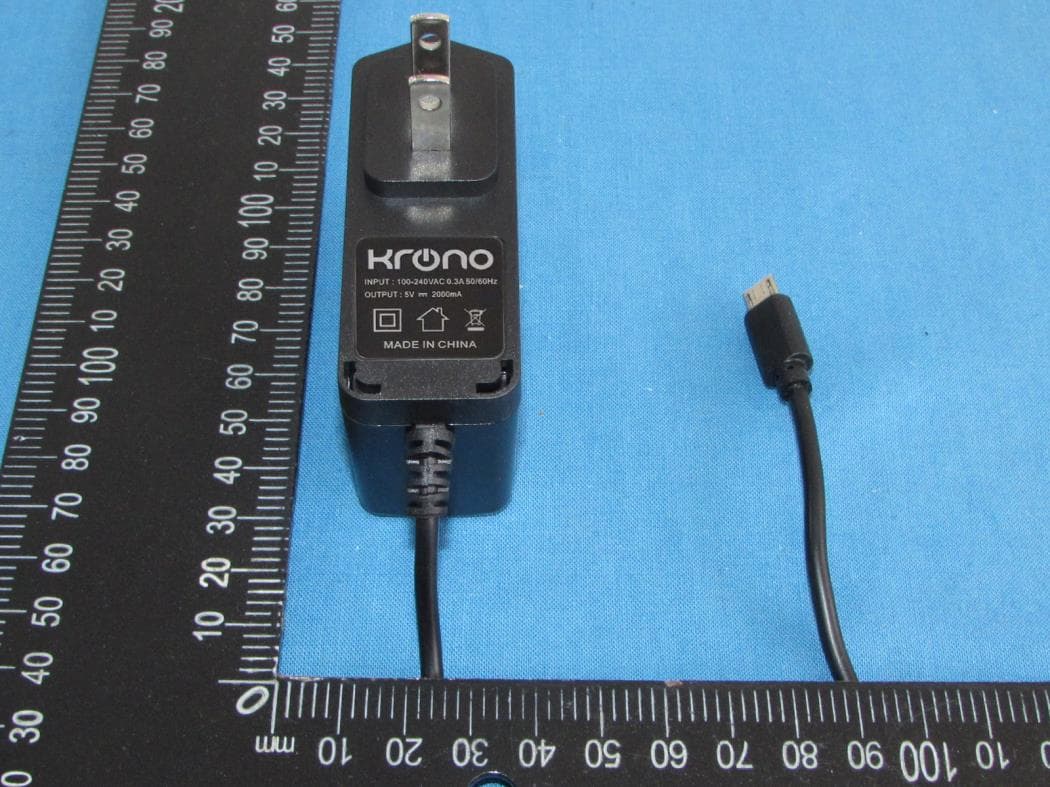
2AFD9101
Jul 19, 2021TABLET PC
Equipment Class
PCB - PCS Licensed Transmitter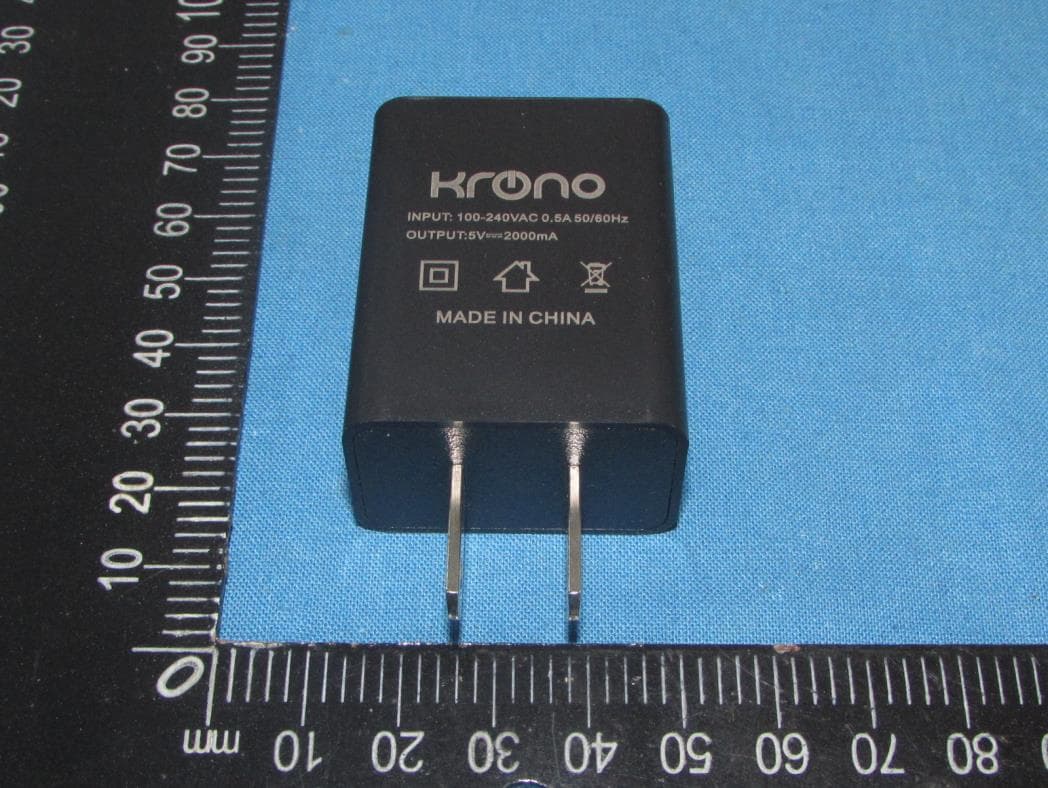
2AFD9NET9
Apr 12, 2021Tablet PC
Equipment Class
DTS - Digital Transmission System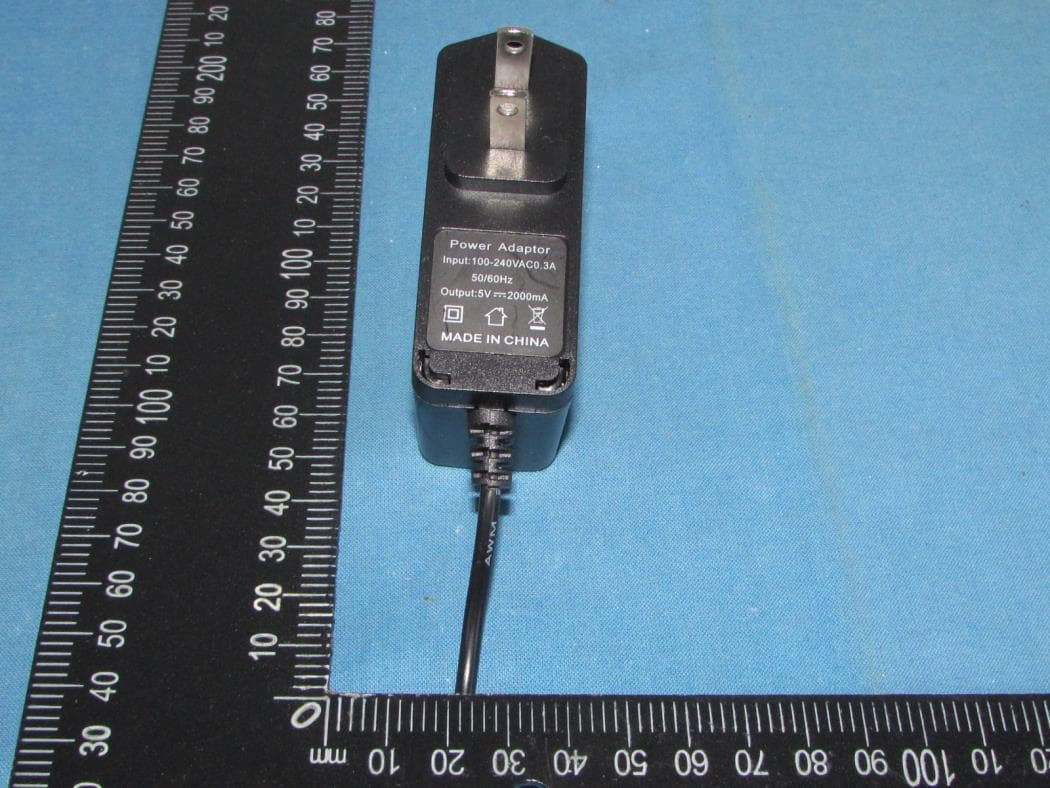
2AFD9ULTRA
Dec 21, 2020Tablet PC
Equipment Class
PCE - PCS Licensed Transmitter held to ear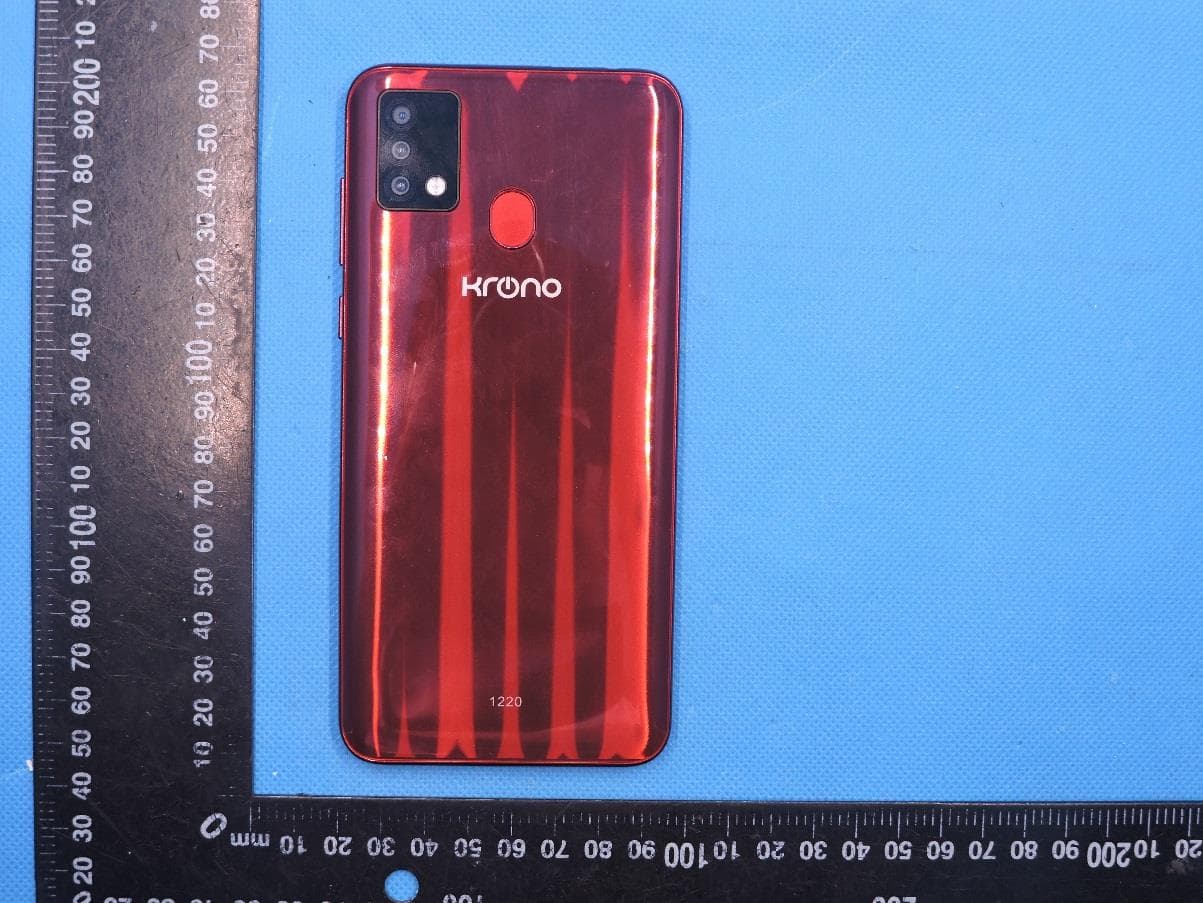
2AFD9NETADVANCE
Nov 09, 2020SMART PHONE
Equipment Class
PCE - PCS Licensed Transmitter held to ear
2AFD9Q6
Jan 26, 2016MOBILE PHONE
Equipment Class
JBP - Part 15 Class B Computing Device Peripheral