2AG7C-BABY2TBaby Monitor
Hangzhou Meari Technology Co., Ltd.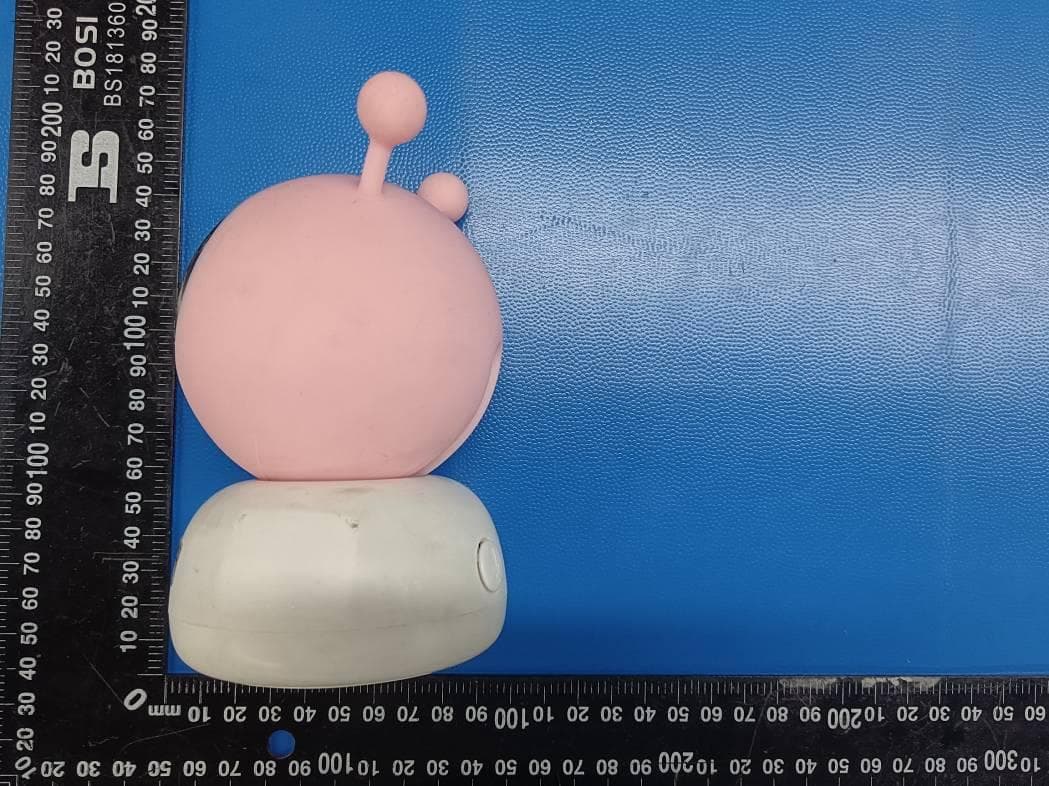
Click to zoom
Application Details
- Equipment Class
- DTS - Digital Transmission System
- Date of Grant
- May 29, 2022
- Application Purpose
- Original Equipment
- Date of Application
- May 29, 2022
- Equipment Note
- Baby Monitor
- Frequency Range
- 905.00000000 - 925.00000000
- Country
- China
Documents & Files
Document Text
Text extracted from the exhibit documents filed with the FCC. Open a document above to read the original.
Users Manual
Baby Monitor Baby 2S&1M O RIGINALITY DESIGN SMART - AND BEAUTIFUL QUICK GUIDE 1 USB cable x 2 Camera Screws Manual Please consult this checklist for all parts. What's in the box Bracket Power adapter x 2 Display Reset pin 2 Micro USB DC 5V/1A Capture sound for your video Support local SD Card storage (Max.128G) Press to make a call; long press to pair Microphone SD card slot Reset Call/Pairing Description Microphone Status light of charging Status light of using Zoom in/out Menu Direction OK Call Back Microphone Status light Call button & Pair button Speaker Micro USB SD card slot Reset Status light Solid red light on: network is malfunctional Blinking red light: wait for network connection (fast blinking) Solid blue light on: camera is working correctly Press and hold for 5 seconds with pin to reset the camera (if you have modified settings, they will return to factory defaults) 3 Micro USB DC 5V/1A Orange light: Charging Green light: Fully charged Yellow light: The display is on No light: The display is off Capture sound for your video Adjust the angle to get better signals Long press 5 seconds to turn on and turn off the display Zoom the image in 1X, 2X or 4X On homepage, press to enter the menu interface; On homepage, long press to enter the setting interface Control the rotation directions; select the menu items Confirm Make a call after pressing the button Support local SD Card storage (Max.128G) Press with pin to reset the display Press to back up; On homepage, long press to stop playing music Microphone Antenna ON/OFF button Menu Description Speaker ON/OFF button Antenna Screen holder SD card slot Reset Micro USB Status light of charging Status light of using Zoom in/out Direction OK Call SD card slot Reset Back 4 1 Install the camera on a flat surface. Installation 2 Or, use the included mounting bracket to fix the camera to a clean surface. Connect the camera to the App The camera can be connected both to the display and the App. Generally, it is connected to the display by default. Follow the steps below to connect the camera to the App: 1. Make sure the Wi-Fi network is a 2.4 GHz network, as the camera doesn't support 5 GHz Wi-Fi. 2. Download the corresponding App on your phone. Register a new account to log in or log in directly. 3. Reset the camera using a pin until the status light is red in fast blinking. (You have to connect the camera to the App within 2 minutes; otherwise, you have to reset the camera again.) 4. Follow the step instructions on your smart phone to add the display, and scan nthe QR code with your camera. 5 Connect the camera to the display Connection Disconnect the camera to the display: 1. Press Menu button on the display screen, and select > Camera Management. 2. Long press OK button on the display screen to release the binding. Reconnect the camera to the display: 1. Press Menu button on the display screen, and select > Camera Management. 2. Long press the camera pairing button until you hear the prompt tone. 3. Press OK button on the display screen to start pairing. Power on the camera and the display, and then the camera will connect to the display automatically. The connection is distance limited, so make the distance between the camera and the display is no more than 200m. 6 Photo & video Usage Take a photo: You can take a photo when you want to capture an interesting scene of your baby. Press Menu button on the display screen, select and press OK to take a photo. Record a video: You can record a video when you want to capture a meaningful time of your baby. Press Menu button on the display screen, select and press OK to record a video. View the taken photos and recorded videos: 1. Press Menu button on the display screen, select and press OK to enter the interface. 2. Select the camera and date, select the photo or video you want to view, and press OK to enter preview mode. * For a video, press OK to play or pause in the preview mode. * Press backup button to quit preview or return to main menu. Rotate the camera You can adjust the monitoring angle for a better vision. The direction buttons on the display screen are available when the camera is powered on. Press direction buttons to rotate the camera horizontally and vertically, for a better vision. 7 Play music Feeding reminder Remind you to feed your baby, when you are too busy, or when you want to give your baby a regular diet. Usage 1. Press Menu button on the display screen, and select > Feeding reminder. 2. Press UP and DOWN direction buttons to select between 4 time options, and press OK to start time setting. 3. When start to set up one feeding time, press LEFT and RIGHT direction buttons to change options between hour, minute, second and on/off; and press UP and DOWN direction buttons to change values and select on or off. 4. Press OK to save settings. 5. Select on or off to open or close feeding reminders. You can set up to 4 feeding times one day. And when the set time is up, a feeding alarm will appear on the display screen. You can play music to sooth your baby when baby is crying or sleeping. There are various soft music to select. Press Menu button on the display screen, select and press OK to enter music interface. You can select different music, change the music cycle mode, or adjust the music volume. 8 Humiture detection Usage You can real-time monitor the temperature and humidity of your baby room. When the temperature and humidity are out of range, you can get the alarms immediately, and then take measures. 1. Press Menu button on the display screen, and select > Humiture detection. 2. Press UP and DOWN direction buttons to select options between temperature range, humidity range and out of range reminder, and press OK to start setting. 3. When start to set up one option, press LEFT and RIGHT direction buttons to change options, and press UP and DOWN direction buttons to change values and units. 4. Press OK to save settings. 5. In Out of range reminder option, select to turn on…
Text truncated - open the document above for the full version.
Cover Letter(s)
ModelDeclarationLetter We,theundersigningcompany CompanyName:HangzhouMeariTechnologyCo.,Ltd. Address:Room604-605,Building1,No.768JianghongRoad,Changhestreet,Binjiang District,Hangzhou,zhejiang,China Herebyconfirmthatthefollowingproducts: Product description:Baby Monitor Type designation:Baby 2S, Baby 2T, Baby 2Q, Speed 15S, Speed 15T That The PCB board, structure and internal of these model(s) above are the same, Only the model name is different. Date: 2022-5-16 Name: Zhiyang Chai Telephone: +8615869048127 E-mail: [email protected] Signature: FCC ID: 2AG7C-BABY2T
Cover Letter(s)
Confidentiality Request Letter For Certification Service in the USA FederalCommunicationCommission EquipmentAuthorizationDivision,ApplicationProcessingBranch 7435OaklandMillsRoad Columbia,MD21048 Towhomitmayconcern PursuanttoParagraphs§0.457and0.459oftheCommission’sRules(47C.F.R.)andSection §552(b)(4)oftheFreedomofInformationAct,werequestconfidentialityforthe documentationofthefollowingproducts: FCCIDModelname 2AG7C-BABY2TBaby 2S, Baby 2T, Baby 2Q, Speed 15S, Speed 15T Fortheproductslistedabove,werequestpermanentconfidentialityforallapplicable exhibitsasthereare: theOperationalDescription theBlockDiagram theSchematics Theabovelistedexhibitscontaintradesecretsandproprietaryinformationthatcouldbeof benefittoourcompetitors. Ifyouhaveanyquestions,pleasefeelfreetocontactusattheaddressshownbelow. Sincerely, 2022-5-16 Signature Date PrintedNameofSignee: Company:HangzhouMeariTechnologyCo.,Ltd. Address: Room604-605,Building1,No.768JianghongRoad,Changhestreet,Binjiang District,Hangzhou,zhejiang , China Phone: +8615869048127 Email:[email protected]
External Photos
Report No.: GTS20220228002-1-13 Page 38 of 50 6. E X T E R N A L A N D I N T E R N A L P H O T O S O F T H E EUT Fig. 1 Fig. 2 Report No.: GTS20220228002-1-13 Page 39 of 50 Fig. 3 Fig. 4 Report No.: GTS20220228002-1-13 Page 40 of 50 Fig. 5 Fig. 6 Report No.: GTS20220228002-1-13 Page 41 of 50 Fig. 7 Fig. 8
ID Label/Location Info
Labellocation
Internal Photos
Report No.: GTS20220228002-1-13 Page 42 of 50 Fig. 9 Fig. 10 Report No.: GTS20220228002-1-13 Page 43 of 50 Fig. 11 Fig. 12 Report No.: GTS20220228002-1-13 Page 44 of 50 Fig. 13 Fig. 14 Report No.: GTS20220228002-1-13 Page 45 of 50 Fig. 15 Fig. 16 SRD Antenna WLAN Antenna Report No.: GTS20220228002-1-13 Page 46 of 50 Fig. 17 Fig. 18 Report No.: GTS20220228002-1-13 Page 47 of 50 Fig. 19 Fig. 20 Report No.: GTS20220228002-1-13 Page 48 of 50 Fig. 21 Fig. 22 Report No.: GTS20220228002-1-13 Page 49 of 50 Fig. 23 Fig. 24 Report No.: GTS20220228002-1-13 Page 50 of 50 Fig. 25 .......................End of Report........................
Test Report
Shenzhen Global Test Service Co.,Ltd. No.7-101 and 8A-104, Building 7 and 8, DCC Cultural and Creative Garden, No.98, Pingxin North Road, Shangmugu Community, Pinghu Street, Longgang District, Shenzhen, Guangdong FCC PART 15 SUBPART C TEST REPORT FCC PART 15.247 Report Reference No. .....................: FCC ID. ............................................ : GTS20220228002-1-13 2AG7C-BABY2T Compiled by ( position+printed name+signature) .. : File administrators Peter Xiao Supervised by ( position+printed name+signature) .. : Test Engineer Oliver Ou Approved by ( position+printed name+signature) .. : Manager Simon Hu Date of issue ..................................... : Mar.18, 2022 Representative Laboratory Name .: Shenzhen Global Test Service Co.,Ltd. Address ............................................ : No.7-101 and 8A-104, Building 7 and 8, DCC Cultural and Creative Garden, No.98, Pingxin North Road, Shangmugu Community, Pinghu Street, Longgang District, Shenzhen, Guangdong,China Applicant’s name ............................ : Hangzhou Meari Technology Co., Ltd. Address ............................................ : Room 604-605, Building 1, No.768 Jianghong Road, Changhe street, Binjiang District, Hangzhou, zhejiang, China Test specification ...........................: Standard ........................................... : FCC Part 15.247: Operation within the bands 902-928 MHz, 2400- 2483.5 MHz and 5725-5850 MHz ANSI C63.10-2013 TRF Originator .................................. : Shenzhen Global Test Service Co.,Ltd. Master TRF ....................................... : Dated 2014-12 Shenzhen Global Test Service Co.,Ltd. All rights reserved. This publication may be reproduced in whole or in part for non-commercial purposes as long as the Shenzhen Global Test Service Co.,Ltd. is acknowledged as copyright owner and source of the material. Shenzhen Global Test Service Co.,Ltd. takes no responsibility for and will not assume liability for damages resulting from the reader's interpretation of the reproduced material due to its placement and context. Test item description .....................: Baby Monitor Trade Mark ....................................... : N/A Manufacturer .................................... : Hangzhou Meari Technology Co., Ltd. Model/Type reference....................... : Baby 2S Listed Models .................................. : Baby 2T, Baby 2Q, Speed 15S, Speed 15T Operation Frequency ........................ : From 2412MHz to 2462MHz Hardware Version ............................ : PCB-BABY2S-T3MB-GC1_REV1_1 Software Version .............................. : ppstrong-c92-m_general_baby_sta-5.2 Rating ............................................... : DC 5.0V/1.0A by Adapter Result................................................ : PASS Report No.: GTS20220228002-1-13 Page 2 of 50 T E S T R E P O R T Test Report No. : GTS20220228002-1-13 Mar.18, 2022 ____________________________________________________________________________________ Date of issue Equipment under Test : Baby Monitor Model /Type : Baby 2S Listed model : Baby 2T, Baby 2Q, Speed 15S, Speed 15T Applicant : Hangzhou Meari Technology Co., Ltd. Address : Room 604-605, Building 1, No.768 Jianghong Road, Changhe street, Binjiang District, Hangzhou, zhejiang, China Manufacturer : Hangzhou Meari Technology Co., Ltd. Address : 4F of Building 1 and 2-4F of Building 2, No. 91 Chutian Road, Xixing Street, Binjiang District, Hangzhou,Zhejiang,China Test Result: PASS The test report merely corresponds to the test sample. It is not permitted to copy extracts of these test result without the written permission of the test laboratory. Report No.: GTS20220228002-1-13 Page 3 of 50 Contents 1. TEST STANDARDS ......................................................................................................................................... 4 2. SUMMARY ....................................................................................................................................................... 5 2.1. General Remarks ................................................................................................................................... 5 2.2. Product Description ................................................................................................................................ 5 2.3. Equipment Under Test ........................................................................................................................... 6 2.4. Short description of the Equipment under Test (EUT) ........................................................................... 6 2.5. EUT operation mode .............................................................................................................................. 6 2.6. Block Diagram of Test Setup ................................................................................................................. 6 2.7. Related Submittal(s) / Grant (s) ............................................................................................................. 7 2.8. EUT Exercise Software .......................................................................................................................... 7 2.9. Special Accessories ............................................................................................................................... 7 2.10. External I/O Cable ................................................................................................................................ 7 2.11. Modifications ........................................................................................................................................ 7 3. TEST ENVIRONMENT ..................................................................................................................................... 8 3.1. Address of the test laboratory .......................................................................................…
Text truncated - open the document above for the full version.
Test Report
Shenzhen Global Test Service Co.,Ltd. No.7-101 and 8A-104, Building 7 and 8, DCC Cultural and Creative Garden, No.98, Pingxin North Road, Shangmugu Community, Pinghu Street, Longgang District, Shenzhen, Guangdong FCC PART 15 SUBPART C TEST REPORT FCC PART 15.247 Report Reference No. ..................... : FCC ID............................................. : GTS20220228002-1-14 2AG7C-BABY2T Compiled by ( position+printed name+signature) . : File administrators Peter Xiao Supervised by ( position+printed name+signature) . : Test Engineer Oliver Ou Approved by ( position+printed name+signature) . : Manager Simon Hu Date of issue .................................... : Mar.18, 2022 Representative Laboratory Name . : Shenzhen Global Test Service Co.,Ltd. Address ............................................ : No.7-101 and 8A-104, Building 7 and 8, DCC Cultural and Creative Garden, No.98, Pingxin North Road, Shangmugu Community, Pinghu Street, Longgang District, Shenzhen, Guangdong,China Applicant’s name ............................ : Hangzhou Meari Technology Co., Ltd. Address ............................................ : Room 604-605, Building 1, No.768 Jianghong Road, Changhe street, Binjiang District, Hangzhou, zhejiang, China Test specification ........................... : Standard ........................................... : FCC Part 15.247 TRF Originator .................................. : Shenzhen Global Test Service Co.,Ltd. Master TRF ...................................... : Dated 2014-12 Shenzhen Global Test Service Co.,Ltd. All rights reserved. This publication may be reproduced in whole or in part for non-commercial purposes as long as the Shenzhen Global Test Service Co.,Ltd. is acknowledged as copyright owner and source of the material. Shenzhen Global Test Service Co.,Ltd. takes no responsibility for and will not assume liability for damages resulting from the reader's interpretation of the reproduced material due to its placement and context. Test item description ..................... : Baby Monitor Trade Mark ....................................... : N/A Manufacturer .................................... : Hangzhou Meari Technology Co., Ltd. Model/Type reference ...................... : Baby 2S Listed Models .................................. : Baby 2T, Baby 2Q, Speed 15S, Speed 15T Hardware Version ............................ : PCB-BABY2S-T3MB-GC1_REV1_1 Software Version .............................. : ppstrong-c92-m_general_baby_sta-5.2 Rating ............................................... : DC 5.0V/1.0A by Adapter Result ............................................... : PASS Report No.: GTS20220228002-1-14 Page 2 of 32 T E S T R E P O R T Test Report No. : GTS20220228002-1-14 Mar.18, 2022 ______________________________________________________________________________________________ Date of issue Equipment under Test : Baby Monitor Model /Type : Baby 2S Listed model : Baby 2T, Baby 2Q, Speed 15S, Speed 15T Applicant : Hangzhou Meari Technology Co., Ltd. Address : Room 604-605, Building 1, No.768 Jianghong Road, Changhe street, Binjiang District, Hangzhou, zhejiang, China Manufacturer : Hangzhou Meari Technology Co., Ltd. Address : 4F of Building 1 and 2-4F of Building 2, No. 91 Chutian Road, Xixing Street, Binjiang District, Hangzhou,Zhejiang,China Test Result: PASS The test report merely corresponds to the test sample. It is not permitted to copy extracts of these test result without the written permission of the test laboratory. Report No.: GTS20220228002-1-14 Page 3 of 32 Contents 1. TEST STANDARDS ......................................................................................................................................... 4 2. SUMMARY ....................................................................................................................................................... 5 2.1. General Remarks ................................................................................................................................... 5 2.2. Product Description ................................................................................................................................ 5 2.3. Equipment Under Test ........................................................................................................................... 6 2.4. Short description of the Equipment under Test (EUT) ........................................................................... 6 2.5. EUT operation mode .............................................................................................................................. 6 2.6. Block Diagram of Test Setup ................................................................................................................. 7 2.7. EUT Exercise Software .......................................................................................................................... 7 2.8. Special Accessories ............................................................................................................................... 7 2.9. External I/O Cable .................................................................................................................................. 7 2.10. Related Submittal(s) / Grant (s) ........................................................................................................... 7 2.11. Modifications ........................................................................................................................................ 7 3. TEST ENVIRONMENT ..................................................................................................................................... 8 3.1. Address of the test laboratory ................................................................................................................ 8 3.2. Test Facility .............................................................................................................…
Text truncated - open the document above for the full version.
Test Setup Photos
Report No.: GTS20220228002-1-13 Page 35 of 50 5. T E S T S E T U P P H O T O S O F T H E E U T Adapter: TPA-46B050100UU Radiated Emission Report No.: GTS20220228002-1-13 Page 36 of 50 Conducted Emission Adapter:GTA92-0501000US Radiated Emission Report No.: GTS20220228002-1-13 Page 37 of 50 Conducted Emission
Contact Information
Applicant
Zhiyang Chai(Manager)
Test Firm
Shenzhen Global Test Service Co., Ltd.Simon Hu
[email protected]86-137-286-828-40
Technical Specifications
| # | Rule Parts | Frequency Range | Power Output |
|---|---|---|---|
| 2 | 15C | 905 MHz - 925 MHz | 626.70 mW |
Other Applications from Hangzhou Meari Technology Co., Ltd.
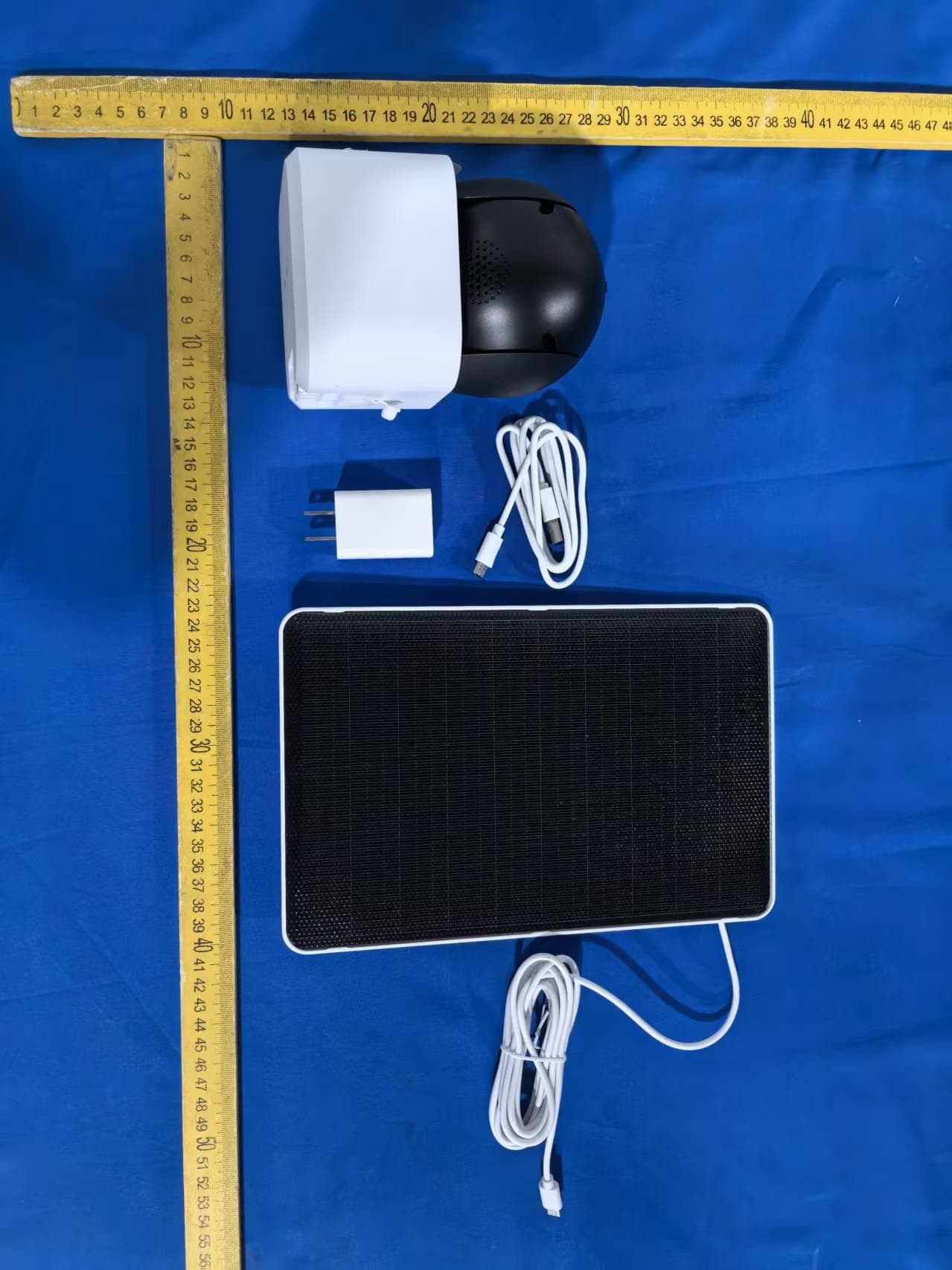
2AG7C-W516T6S3
Aug 12, 2026W7 Zoom
Equipment Class
DTS - Digital Transmission System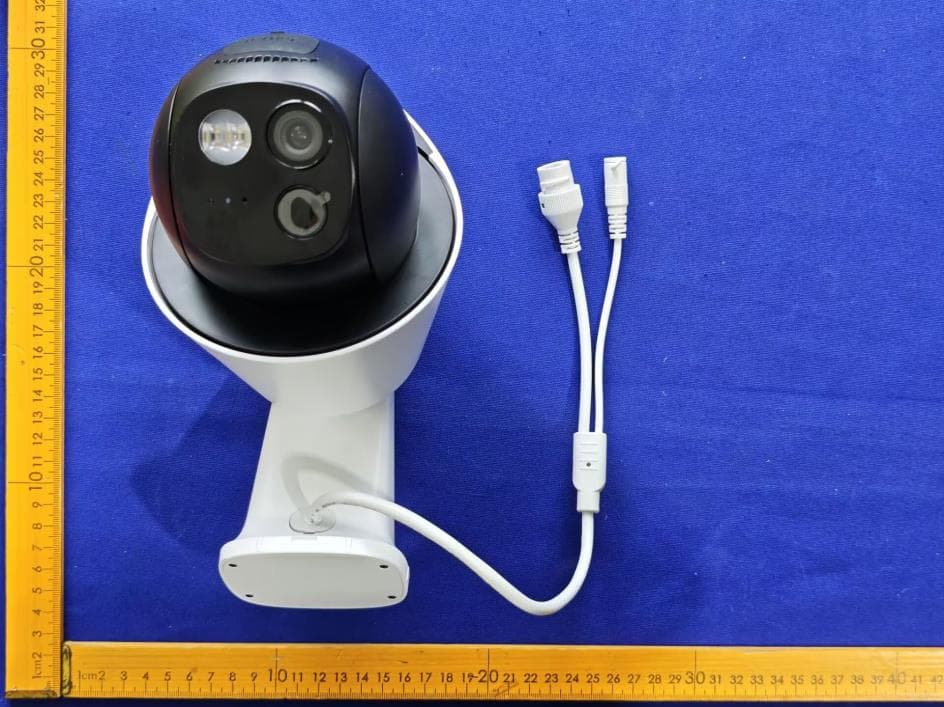
2AG7C-S30T2D1
Aug 05, 2026S7 Dual Plus
Equipment Class
DTS - Digital Transmission System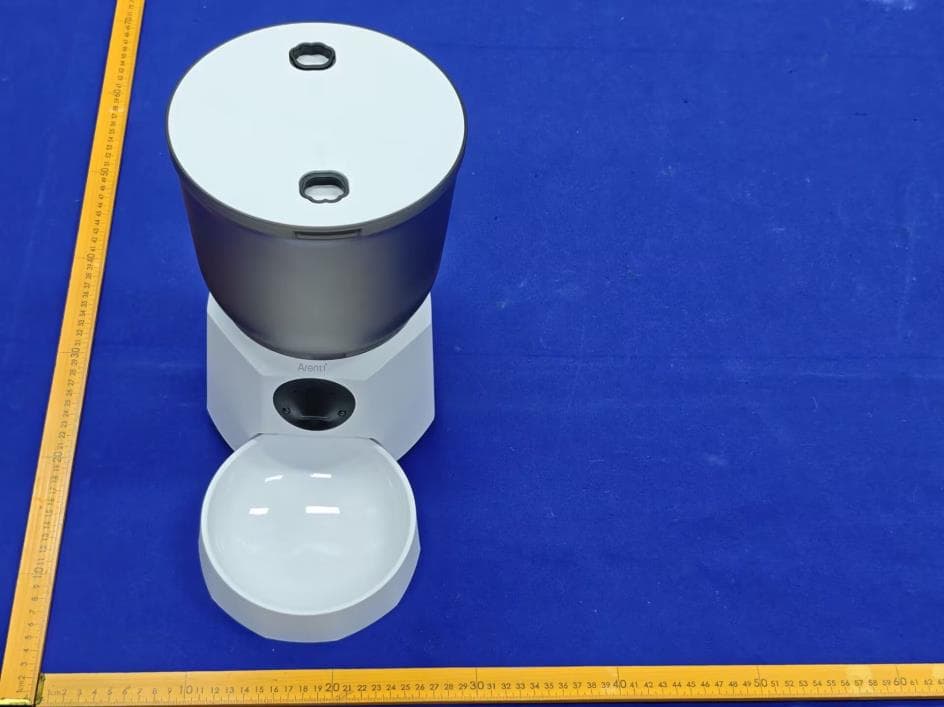
2AG7C-PET11
Jul 26, 2026Pet Feeder Lite
Equipment Class
NII - Unlicensed National Information Infrastructure TX
2AG7C-SFW24
Jun 18, 2026Baby Monitor
Equipment Class
NII - Unlicensed National Information Infrastructure TX
2AG7C-BABY5M
Apr 01, 2026Baby Monitor
Equipment Class
DTS - Digital Transmission System