2AG7C-BABY9-6062Baby Monitor
Hangzhou Meari Technology Co., Ltd.
Click to zoom
Application Details
- Equipment Class
- DTS - Digital Transmission System
- Date of Grant
- Jan 23, 2025
- Application Purpose
- Original Equipment
- Equipment Note
- Baby Monitor
- Frequency Range
- 905.00000000 - 925.00000000
- Country
- China
Documents & Files
Document Text
Text extracted from the exhibit documents filed with the FCC. Open a document above to read the original.
Users Manual
Baby9T&2M Please consult this checklist for all parts. In the Box 1 Power cable X2 Power adapter X2 Camera X1 Quick guide X1 Bracket X1 MonitorX1 Screw package X1 RESET pin X1 Description 2 Microphone Status light Pair Speaker RESET Temperture & humidity sensor Power port TF card slot PAIR DC 5V DC 5V/1A Power supply DescriptionName Status light Blinking red fast: Waiting for network configuration Solid blue: Functioning properly Solid red: Network malfunction TF card slot RESET Press and hold for 5 seconds to reset the device (all settings will be restored to factory defaults) TF card storage (up to 256GB) Temperture & humidity sensor Detect the temperature and humidity of the environment Pair Long press to pair camera with screen 3 2 1 3 4 5 6 7 8 1.Status light 2.Microphone 3.Direction 4.OK 5.Back 6.Menu 7.Call 8.Zoom in/out Speaker ON/OFF button Antenna Stand RESET Volume Power port TF card slot DC 5V/1APower supply DescriptionName ON/OFF button Zoom in/out Adjust the image magnification in 1X, 2X or 4X Long press 5 seconds to turn on/turn off the monitor Status light Orange light: Working No light: Power off Antenna Adjust the angle to get better signals Menu Access the settings and options 4 DirectionNavigate and select options OK Confirm selections or wake the screen Call Make a call after pressing the button Back Press to back up; Long press to stop playing music TF card slot TF card storage (up to 128GB) RESETPress with pin to reset the monitor DescriptionName Getting the App AndroidiOSiPad Download App1 Note: Support Tuya is available for both iOS and Android. Search for "SmartLife", "Tuya Smart" in App Store or Google Play, or scan the QR Code to download the App. You can select the App according to needs. •If you are new to Tuya Skip this section. •If you already have an account Download App (iOS & Android) 5 Set up router2 The device supports only 2.4GHz Wi-Fi (5GHz Wi-Fi is not supported). Ensure your router is set to 2.4GHz Wi-Fi and you have the SSID and password. Note: Device supports 2.4GHz Wi-Fi network only. The length of the Wi-Fi SSID and password should not exceed 24 characters. If your device has trouble connecting to the Wi-Fi network, or if you wish to switch networks, press and hold the RESET button for 5 seconds to reset the device. 2.4GHz5GHz Please keep network available 6 Registration Note: The App interface may vary due to version updates. Please check the App Store for the latest updates. Open the App, and tap Sign up to register. If you already have an account, tap Log In to access it. Sign up1 Enter a valid email address, agree to the privacy agreement, then set your nickname and password. Complete registration2 Note: Before creating a new account, please read the Privacy Policy and Terms of Use carefully. [email protected] 7 8 Add Device Note: If the device is not in the red slow flashing after 30 seconds of turing on, press and hold the reset button for 5 seconds to reset, and then restart to pair the camera with the App. Power on device1 Connect the device to an outlet (DC 5V/1A) using the power cable. PAIR DC 5V 9 In the App, tap Add Device or + > Add Device. Select the icon according to actual camera. a. Follow the App instructions and Ensure that your phone has connected to a fluentand steady Wi-Fi network already. b. Pair device to the App2 Use the device to scan the QR code displayed in the App on your phone. Place your router, phone, and device close together for best connectivity. c. Complete the network configuration. d. Scan the QR code in App 10 Installation a. Pick a clean and flat surface. Simply place the device on a horizontal surface where Wi-Fi singal is strong. •Method 1 Install the device to ceiling. •Method 2 Note: Make sure the wall is strong enough to withstand � times the weight of the device. Do not stick the adhesive tape on the limewashed walls. 11 b. Fix the included mounting bracket to the clean surface. c. Insert the camera to the bracket. 12 Live View Note: The App interface may vary due to version updates. Please check the App Store for the latest updates. Open the App to view live feed, take snapshots, talk, record videos, and use other functions as needed. 13 2021-12-22 17:59:40 72kB/S Monitor Using Tips Pairing of camera and monitor1 Power on the camera and the monitor, and they will automatically connect. If the connection fails, please follow the steps below to pair. •Unbind the monitor and camera •Bind the monitor and camera 1. Press the Menu button on the monitor, and select > Camera. Select Camera 1 or Camera 2 which you need to pair. 2. Long press the camera pairing button until you hear the prompt tone. 3. Press the OK button on the monitor to start pairing. 4. If you need pair 2 cameras, please repeat step 2~ step 4. 1. Press the Menu button on the monitor, and select > Camera. 2. Select Camera 1 or Camera 2 which you need to unbind. 3. Long press the OK button to release the binding. 14 Camera switching method2 Note: If you have added 2 cameras, the monitor will display 2 live views at the same time. If you want to set parameters or enable functions of one of the cameras, you need to select and switch to the camera first (the number shown in the represents the selected camera). On the home page, press button and use the Direction button to switch the camera between Cam1 or 2 if you have added 2 cameras. Select one camera you need and press the OK button on the monitor to enter full-screen viewing mode. And then you can press button again to zoom in and zoom out. (Zooming function does not work when the screen is not in full screen.) Rotate the camera3 You can adjust the monitoring angle for better vision. The Direction buttons on the monitor screen are available when the camera is powered on. Press the Direction buttons to rotate the camera horizontally and vertically for better vision. 15 Photo & video4 •Take a photo You can take a photo when you want to capture an interesting scene of the baby. Press Menu button…
Text truncated - open the document above for the full version.
Test Report
上海杰盛康通信工程有限公司 ShanghaiJesoncomCommunicationEngineeringCo.,Ltd Confidential 杰盛康机密,未经允许,请勿转载 第 1 页共 14 页 零件承认书 ApprovalSheet 供方/Supplier:上海杰盛康通信工程有限公司 产品名称/PartName:2.4GANT 图号/Pcode:26B047B 版本/version:T:B 物料编码/matecialCode: 日期/Date:2024.08.20 Pleasereturntousonecopyof“SPECIFICATIONFORAPPROVAL”withyour approvedsignature.//客户确认签字,盖章后请回传一份承认书给我司. ADD:No.358LiuyuanRD.,BaoshanUrbanIndustrialDistrict.,Shanghai,PR.China. 地址:上海市宝山城市工业园区柳园路358号2号楼1楼 TEL:+86-21-66276925(26/29/35)-615 供方确认 拟制/日期审核/日期批准/日期 郑湘杰/20240820 客户确认 质量/日期研发/日期产品经理/日期 上海杰盛康通信工程有限公司 ShanghaiJesoncomCommunicationEngineeringCo.,Ltd Confidential 杰盛康机密,未经允许,请勿转载 第 2 页共 14 页 目录 零件承认书...................................................................................................................................................1 目录................................................................................................................................................................3 1 修订履历 ....................................................................................................................................................4 2天线外形图................................................................................................................................................5 3名词解释....................................................................................................................................................6 4测试设备....................................................................................................................................................6 5 适用频段 ....................................................................................................................................................6 6 基本测试项目 ............................................................................................................................................7 6.1 驻波比图 .........................................................................................................................................7 6.2 史密斯阻抗图 .................................................................................................................................7 6.3辐射方向图.....................................................................................................................................7 6.4增益和效率.....................................................................................................................................7 7 测试指标和数据图表 ................................................................................................................................7 7.1 驻波比 .............................................................................................................................................7 7.1.1 驻波比图 ..............................................................................................................................7 7.1.2驻波比数据..........................................................................................................................8 7.2史密斯阻抗圆图.............................................................................................................................8 7.3辐射方向图.....................................................................................................................................9 7.3.1H-plane..................................................................................................................................9 7.3.2E-plane.................................................................................................................................10 7.4增益和效率...................................................................................................................................12 8环境处理建议..........................................................................................................................................12 上海杰盛康通信工程有限公司 ShanghaiJesoncomCommunicationEngineeringCo.,Ltd Confidential 杰盛康机密,未经允许,请勿转载 第 3 页共 14 页 9阻抗匹配要求..........................................................................................................................................12 10 天线安装指导 ........................................................................................................................................13 10.1 天线安装位置说明 .....................................................................................................................13 11.全尺寸检测报告....................................................................................................................................14 上海杰盛康通信工程有限公司 ShanghaiJesoncomCommunicationEngineeringCo.,Ltd Confidential 杰盛康机密,未经允许,请勿转载 第 4 页共 14 页 1. 修订履历 版本修订内容及理由修订日期修订人审核人批准人 T:A新增2024.08.15ZXJ T:B 更改天线安装图, 更新馈线长度 2024.08.20ZXJ 上海杰盛康通信工程有限公司 ShanghaiJesoncomCommunicationEngineeringCo.,Ltd Confidential 杰盛康机密,未经允许,请勿转载 第 5 页共 14 页 2. 天线外形图 上海杰盛康通信工程有限公司 ShanghaiJesoncomCommunicationEngineeringCo.,Ltd Confidential 杰盛康机密,未经允许,请勿转载 第 6 页共 14 页 3名词解释 dBiDecibelrelativeisotropicantenna TxTransmitfrequency RxReceivefrequency TRPTotalRadiatedPower TISTotalIsotropicSensitivity VSWRVoltageStandingWaveRatio GSMGlobalServiceforMobilecommunication DCSDigitalCommunicationSystem CDMACodeDivisionMultipleAccess WCDMAWidebandCodeDivisionMultipleAccess 4 测试设备 可根据实际情况自行增减 矢量网络分析仪 综合测试仪 SATIMO64位暗室 5 适用频段 将适用的频段用其他颜色标出。 制式频段 WIFI(2.4G)2400MHz~2500MHz 上海杰盛康通信工程有限公司 ShanghaiJesoncomCommunicationEngineeringCo.,Ltd Confidential 杰盛康机密,未经允许,请勿转载 第 7 页共 14 页 6基本测试项目 6.1驻波比图 6.2史密斯阻抗图 6.3辐射方向图 6.4增益和效率 7 测试指标和数据图表 7.1驻波比 7.1.1 驻波比图 上海杰盛康通信工程有限公司 ShanghaiJesoncomCommunicationEngineeringCo.,Ltd Confidential 杰盛康机密,未经允许,请勿转载 第 8 页共 14 页 7.1.2 驻波比数据 Freq/MHz24002500 VSWR1.591.79 7.2史密斯阻抗圆图 上海杰盛康通信工程有限公司 ShanghaiJesoncomCommunicationEngineeringCo.,Ltd Confidential 杰盛康机密,未经允许,请勿转载 第 9 页共 14 页 7.3辐射方向图 7.3.1H-plane H 上海杰盛康通信工程有限公司 ShanghaiJesoncomCommunicationEngineeringCo.,Ltd Confidential 杰盛康机密,未经允许,请勿转载 第 10 页共 14 页 7.3.2E-plane E1 上海杰盛康通信工程有限公司 ShanghaiJesoncomCommunicationEngineeringCo…
Text truncated - open the document above for the full version.
Test Setup Photos
Report No.:GTS20241230006-2-08 Page 26 of 40 5. T E S T S E T U P P H O T O S O F T H E E U T Adapter: TPA-46B050100UU Radiated Emission Report No.:GTS20241230006-2-08 Page 27 of 40 Conducted Emission Adapter:DCT07W050100US-C1 Radiated Emission Report No.:GTS20241230006-2-08 Page 28 of 40 Conducted Emission
Test Report
Shenzhen Global Test Service Co.,Ltd. No.7-101 and 8A-104, Building 7 and 8, DCC Cultural and Creative Garden, No.98, Pingxin North Road, Shangmugu Community, Pinghu Street, Longgang District, Shenzhen, Guangdong FCC PART 15 SUBPART C TEST REPORT FCC PART 15.247 Report Reference No. ..................... : FCC ID............................................. : GTS20241230006-2-10 2AG7C-BABY9-6062 Compiled by ( position+printed name+signature) . : File administrators Peter Xiao Supervised by ( position+printed name+signature) . : Test Engineer Evan Ouyang Approved by ( position+printed name+signature) . : Manager Jason Hu Date of issue .................................... : Jan.09, 2025 Representative Laboratory Name . : Shenzhen Global Test Service Co.,Ltd. Address ............................................ : No.7-101 and 8A-104, Building 7 and 8, DCC Cultural and Creative Garden, No.98, Pingxin North Road, Shangmugu Community, Pinghu Street, Longgang District, Shenzhen, Guangdong,China Applicant’s name ............................ : Hangzhou Meari Technology Co., Ltd. Address ............................................ : Building 4, Huiding Intelligent Innovation Center, No. 825, Ruquan Road, Changhe Street, Binjiang District, Hangzhou, Zhejiang, China Test specification ........................... : Standard ........................................... : FCC Part 15.247 TRF Originator .................................. : Shenzhen Global Test Service Co.,Ltd. Master TRF ...................................... : Dated 2014-12 Shenzhen Global Test Service Co.,Ltd. All rights reserved. This publication may be reproduced in whole or in part for non-commercial purposes as long as the Shenzhen Global Test Service Co.,Ltd. is acknowledged as copyright owner and source of the material. Shenzhen Global Test Service Co.,Ltd. takes no responsibility for and will not assume liability for damages resulting from the reader's interpretation of the reproduced material due to its placement and context. Test item description ..................... : Baby Monitor Trade Mark ....................................... : N/A Manufacturer .................................... : Hangzhou Meari Technology Co., Ltd. Model/Type reference ...................... : Baby 9T Listed Models .................................. : Baby 9S, Baby 9Q, Baby 9F, Baby 9TM, Baby 9SM, EBM1-1001-WHT Hardware Version ............................ : BABY5S-T3MB-GC1 REV2 0 Software Version .............................. : N/A Rating ............................................... : DC 5.0V/1.0A by Adapter Result ............................................... : PASS Report No.: GTS20241230006-2-10 Page 2 of 26 T E S T R E P O R T Test Report No. : GTS20241230006-2-10 Jan.09, 2025 ______________________________________________________________________________________________ Date of issue Equipment under Test : Baby Monitor Model /Type : Baby 9T Listed model : Baby 9S, Baby 9Q, Baby 9F, Baby 9TM, Baby 9SM, EBM1-1001-WHT Applicant : Hangzhou Meari Technology Co., Ltd. Address : Building 4, Huiding Intelligent Innovation Center, No. 825, Ruquan Road, Changhe Street, Binjiang District, Hangzhou, Zhejiang, China Manufacturer : Hangzhou Meari Technology Co., Ltd. Address : 4F of Building 1 and 2-4F of Building 2, No. 91 Chutian Road, Xixing Street, Binjiang District, Hangzhou,Zhejiang,China Test Result: PASS The test report merely corresponds to the test sample. It is not permitted to copy extracts of these test result without the written permission of the test laboratory. Report No.: GTS20241230006-2-10 Page 3 of 26 Contents 1. TEST STANDARDS ......................................................................................................................................... 4 2. SUMMARY ....................................................................................................................................................... 5 2.1. General Remarks ................................................................................................................................... 5 2.2. Product Description ................................................................................................................................ 5 2.3. Equipment Under Test ........................................................................................................................... 6 2.4. Short description of the Equipment under Test (EUT) ........................................................................... 6 2.5. EUT operation mode .............................................................................................................................. 6 2.6. Block Diagram of Test Setup ................................................................................................................. 7 2.7. EUT Exercise Software .......................................................................................................................... 7 2.8. Special Accessories ............................................................................................................................... 7 2.9. External I/O Cable .................................................................................................................................. 7 2.10. Related Submittal(s) / Grant (s) ........................................................................................................... 7 2.11. Modifications ........................................................................................................................................ 7 3. TEST ENVIRONMENT ..................................................................................................................................... 8 3.1. Address of the test laboratory ................................................................................................................ 8 3.2. Test Facility ...............................................…
Text truncated - open the document above for the full version.
Test Report
Shenzhen Global Test Service Co.,Ltd. No.7-101 and 8A-104, Building 7 and 8, DCC Cultural and Creative Garden, No.98, Pingxin North Road, Shangmugu Community, Pinghu Street, Longgang District, Shenzhen, Guangdong FCC PART 15 SUBPART C TEST REPORT FCC PART 15.247 Report Reference No. ..................... : FCC ID ............................................ : GTS20241230006-2-08 2AG7C-BABY9-6062 Compiled by ( position+printed name+signature) . : File administrators Peter Xiao Supervised by ( position+printed name+signature) . : Test Engineer Evan Ouyang Approved by ( position+printed name+signature) . : Manager Jason Hu Date of issue .................................... : Jan.09, 2025 Representative Laboratory Name . : Shenzhen Global Test Service Co.,Ltd. Address ............................................ : No.7-101 and 8A-104, Building 7 and 8, DCC Cultural and Creative Garden, No.98, Pingxin North Road, Shangmugu Community, Pinghu Street, Longgang District, Shenzhen, Guangdong,China Applicant’s name ............................ : Hangzhou Meari Technology Co., Ltd. Address ............................................ : Building 4, Huiding Intelligent Innovation Center, No. 825, Ruquan Road, Changhe Street, Binjiang District, Hangzhou, Zhejiang, China Test specification ........................... : Standard ........................................... : FCC Part 15.247 TRF Originator .................................. : Shenzhen Global Test Service Co.,Ltd. Master TRF ...................................... : Dated 2014-12 Shenzhen Global Test Service Co.,Ltd. All rights reserved. This publication may be reproduced in whole or in part for non-commercial purposes as long as the Shenzhen Global Test Service Co.,Ltd. is acknowledged as copyright owner and source of the material. Shenzhen Global Test Service Co.,Ltd. takes no responsibility for and will not assume liability for damages resulting from the reader's interpretation of the reproduced material due to its placement and context. Test item description ..................... : Baby Monitor Trade Mark ....................................... : N/A Manufacturer .................................... : Hangzhou Meari Technology Co., Ltd. Model/Type reference ...................... : Baby 9T Listed Models ................................. : Baby 9S, Baby 9Q, Baby 9F, Baby 9TM, Baby 9SM, EBM1-1001-WHT Modulation Type ............................... : GFSK Operation Frequency ........................ : From 2402MHz to 2480MHz Hardware Version ............................ : BABY5S-T3MB-GC1 REV2 0 Software Version .............................. : N/A Rating ............................................... : DC 5.0V by Adapter Result ............................................... : PASS Report No.:GTS20241230006-2-08 Page 2 of 40 T E S T R E P O R T Test Report No. : GTS20241230006-2-08 Jan.09, 2025 ______________________________________________________________________________________________ Date of issue Equipment under Test : Baby Monitor Model /Type : Baby 9T Listed model : Baby 9S, Baby 9Q, Baby 9F, Baby 9TM, Baby 9SM, EBM1-1001-WHT Applicant : Hangzhou Meari Technology Co., Ltd. Address : Building 4, Huiding Intelligent Innovation Center, No. 825, Ruquan Road, Changhe Street, Binjiang District, Hangzhou, Zhejiang, China Manufacturer : Hangzhou Meari Technology Co., Ltd. Address : 4F of Building 1 and 2-4F of Building 2, No. 91 Chutian Road, Xixing Street, Binjiang District, Hangzhou, Zhejiang,China Test Result: PASS The test report merely corresponds to the test sample. It is not permitted to copy extracts of these test result without the written permission of the test laboratory. Report No.:GTS20241230006-2-08 Page 3 of 40 Contents 1. TEST STANDARDS ......................................................................................................................................... 4 2. SUMMARY ....................................................................................................................................................... 5 2.1. General Remarks ................................................................................................................................... 5 2.2. Product Description ................................................................................................................................ 5 2.3. Equipment Under Test ........................................................................................................................... 6 2.4. Short description of the Equipment under Test (EUT) ........................................................................... 6 2.5. EUT operation mode .............................................................................................................................. 6 2.6. Block Diagram of Test Setup ................................................................................................................. 7 2.7. EUT Exercise Software .......................................................................................................................... 7 2.8. Special Accessories ............................................................................................................................... 7 2.9. External I/O Cable .................................................................................................................................. 7 2.10. Related Submittal(s) / Grant (s) ........................................................................................................... 7 2.11. Modifications ........................................................................................................................................ 7 3. TEST ENVIRONMENT ..................................................................................................................................... 8 3.1. Address of the test laboratory ..............................................................…
Text truncated - open the document above for the full version.
Test Report
Shenzhen Global Test Service Co.,Ltd. No.7-101 and 8A-104, Building 7 and 8, DCC Cultural and Creative Garden, No.98, Pingxin North Road, Shangmugu Community, Pinghu Street, Longgang District, Shenzhen, Guangdong FCC PART 15 SUBPART C TEST REPORT FCC PART 15.247 Report Reference No. .....................: FCC ID . ........................................... : GTS20241230006-2-09 2AG7C-BABY9-6062 Compiled by ( position+printed name+signature) .. : File administrators Peter Xiao Supervised by ( position+printed name+signature) .. : Test Engineer Evan Ouyang Approved by ( position+printed name+signature) .. : Manager Jason Hu Date of issue ..................................... : Jan.09, 2025 Representative Laboratory Name .: Shenzhen Global Test Service Co.,Ltd. Address ............................................ : No.7-101 and 8A-104, Building 7 and 8, DCC Cultural and Creative Garden, No.98, Pingxin North Road, Shangmugu Community, Pinghu Street, Longgang District, Shenzhen, Guangdong,China Applicant’s name ............................ : Hangzhou Meari Technology Co., Ltd. Address ............................................ : Building 4, Huiding Intelligent Innovation Center, No. 825,Ruquan Road, Changhe Street, Binjiang District, Hangzhou, Zhejiang, China Test specification ...........................: Standard ........................................... : FCC Part 15.247 TRF Originator .................................. : Shenzhen Global Test Service Co.,Ltd. Master TRF ....................................... : Dated 2014-12 Shenzhen Global Test Service Co.,Ltd. All rights reserved. This publication may be reproduced in whole or in part for non-commercial purposes as long as the Shenzhen Global Test Service Co.,Ltd. is acknowledged as copyright owner and source of the material. Shenzhen Global Test Service Co.,Ltd. takes no responsibility for and will not assume liability for damages resulting from the reader's interpretation of the reproduced material due to its placement and context. Test item description .....................: Baby Monitor Trade Mark ....................................... : N/A Manufacturer .................................... : Hangzhou Meari Technology Co., Ltd. Model/Type reference....................... : Baby 9T Listed Models ................................... : Baby 9S, Baby 9Q, Baby 9F, Baby 9TM, Baby 9SM, EBM1-1001-WHT Operation Frequency ........................ : From 2412MHz to 2462MHz Hardware Version ............................ : BABY5S-T3MB-GC1 REV2 0 Software Version .............................. : N/A Rating ............................................... : DC 5.0V by Adapter Result................................................ : PASS Report No.: GTS20241230006-2-09 Page 2 of 27 T E S T R E P O R T Test Report No. : GTS20241230006-2-09 Jan.09, 2025 ____________________________________________________________________________________ Date of issue Equipment under Test : Baby Monitor Model /Type : Baby 9T Listed model : Baby 9S, Baby 9Q, Baby 9F, Baby 9TM, Baby 9SM, EBM1-1001-WHT Applicant : Hangzhou Meari Technology Co., Ltd. Address : Building 4, Huiding Intelligent Innovation Center, No. 825, Ruquan Road, Changhe Street, Binjiang District, Hangzhou, Zhejiang, China Manufacturer : Hangzhou Meari Technology Co., Ltd. Address : 4F of Building 1 and 2-4F of Building 2, No. 91 Chutian Road, Xixing Street, Binjiang District, Hangzhou, Zhejiang,China Test Result: PASS The test report merely corresponds to the test sample. It is not permitted to copy extracts of these test result without the written permission of the test laboratory. Report No.: GTS20241230006-2-09 Page 3 of 27 Contents 1. TEST STANDARDS ......................................................................................................................................... 4 2. SUMMARY ....................................................................................................................................................... 5 2.1. General Remarks ................................................................................................................................... 5 2.2. Product Description ................................................................................................................................ 5 2.3. Equipment Under Test ........................................................................................................................... 6 2.4. Short description of the Equipment under Test (EUT) ........................................................................... 6 2.5. EUT operation mode .............................................................................................................................. 6 2.6. Block Diagram of Test Setup ................................................................................................................. 6 2.7. Related Submittal(s) / Grant (s) ............................................................................................................. 7 2.8. EUT Exercise Software .......................................................................................................................... 7 2.9. Special Accessories ............................................................................................................................... 7 2.10. External I/O Cable ................................................................................................................................ 7 2.11. Modifications ........................................................................................................................................ 7 3. TES…
Text truncated - open the document above for the full version.
Contact Information
Applicant
Zhiyang Chai(Manager)
[email protected]Fax: +86-571-56565100
Test Firm
SHENZHEN GLOBAL TEST SERVICE CO., LTD.Simon Hu
Technical Specifications
| # | Rule Parts | Frequency Range | Power Output |
|---|---|---|---|
| 1 | 15C | 905 MHz - 925 MHz | 751.60 mW |
| 2 | 15C | 2.40 GHz - 2.48 GHz | 18.30 mW |
| 3 | 15C | 2.41 GHz - 2.46 GHz | 235.50 mW |
Other Applications from Hangzhou Meari Technology Co., Ltd.
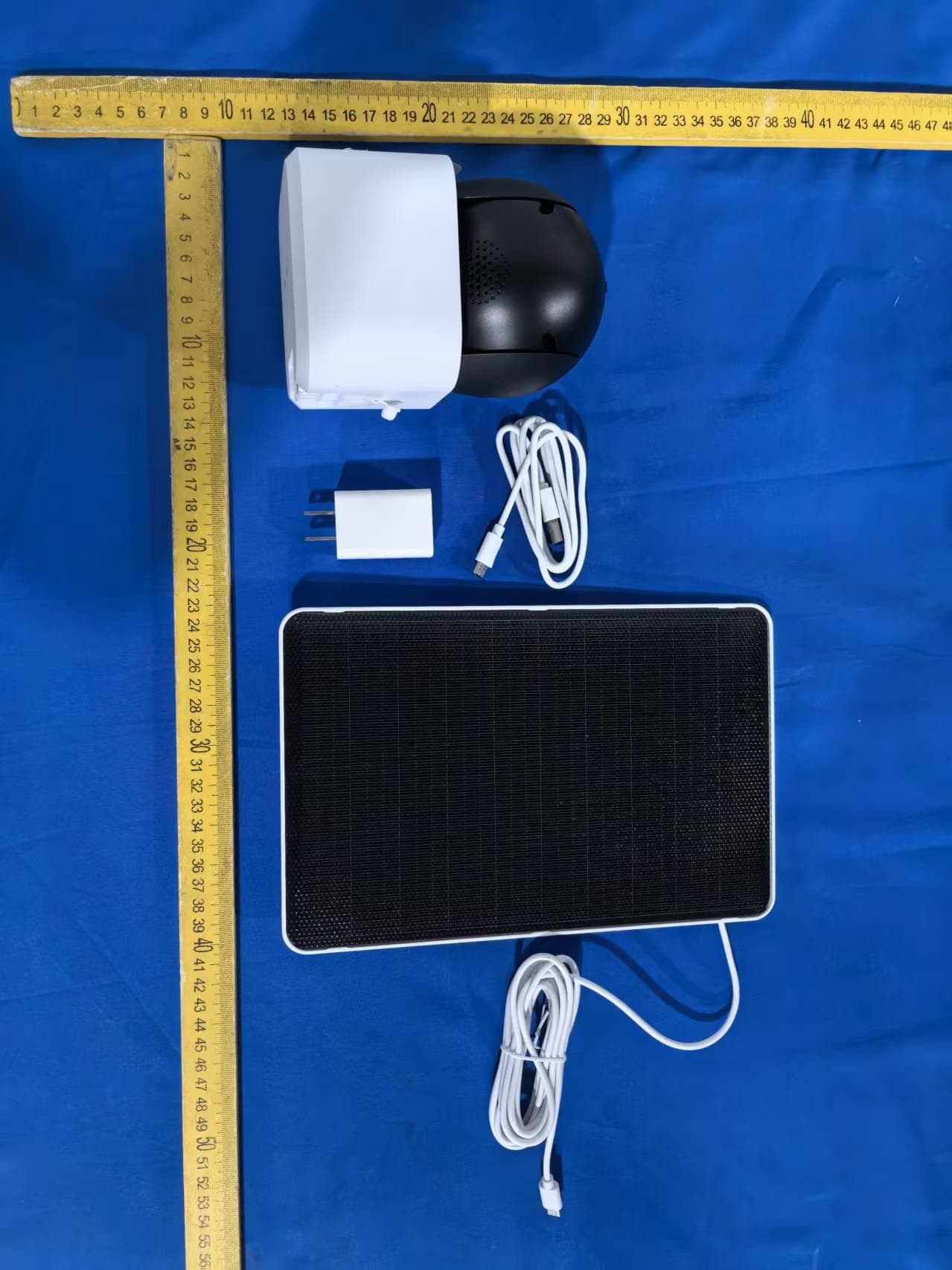
2AG7C-W516T6S3
Aug 12, 2026W7 Zoom
Equipment Class
DTS - Digital Transmission System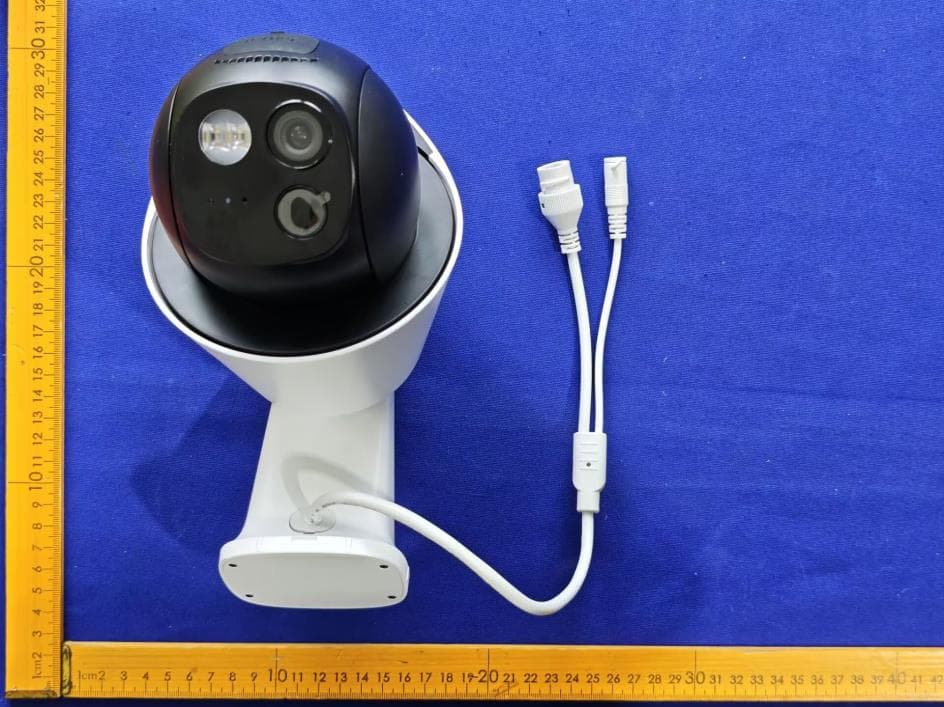
2AG7C-S30T2D1
Aug 05, 2026S7 Dual Plus
Equipment Class
DTS - Digital Transmission System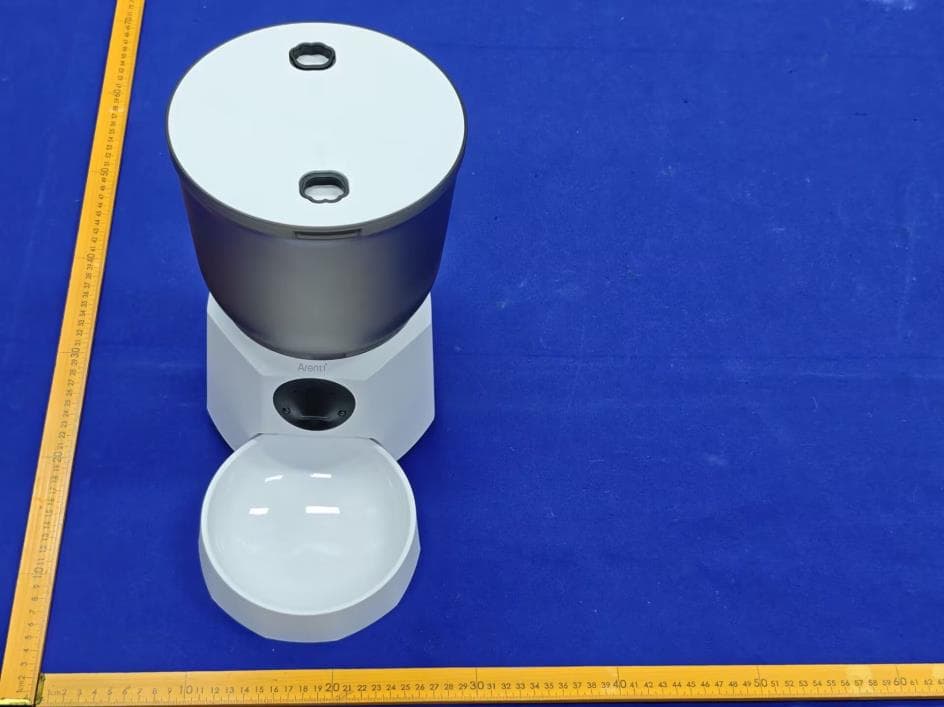
2AG7C-PET11
Jul 26, 2026Pet Feeder Lite
Equipment Class
NII - Unlicensed National Information Infrastructure TX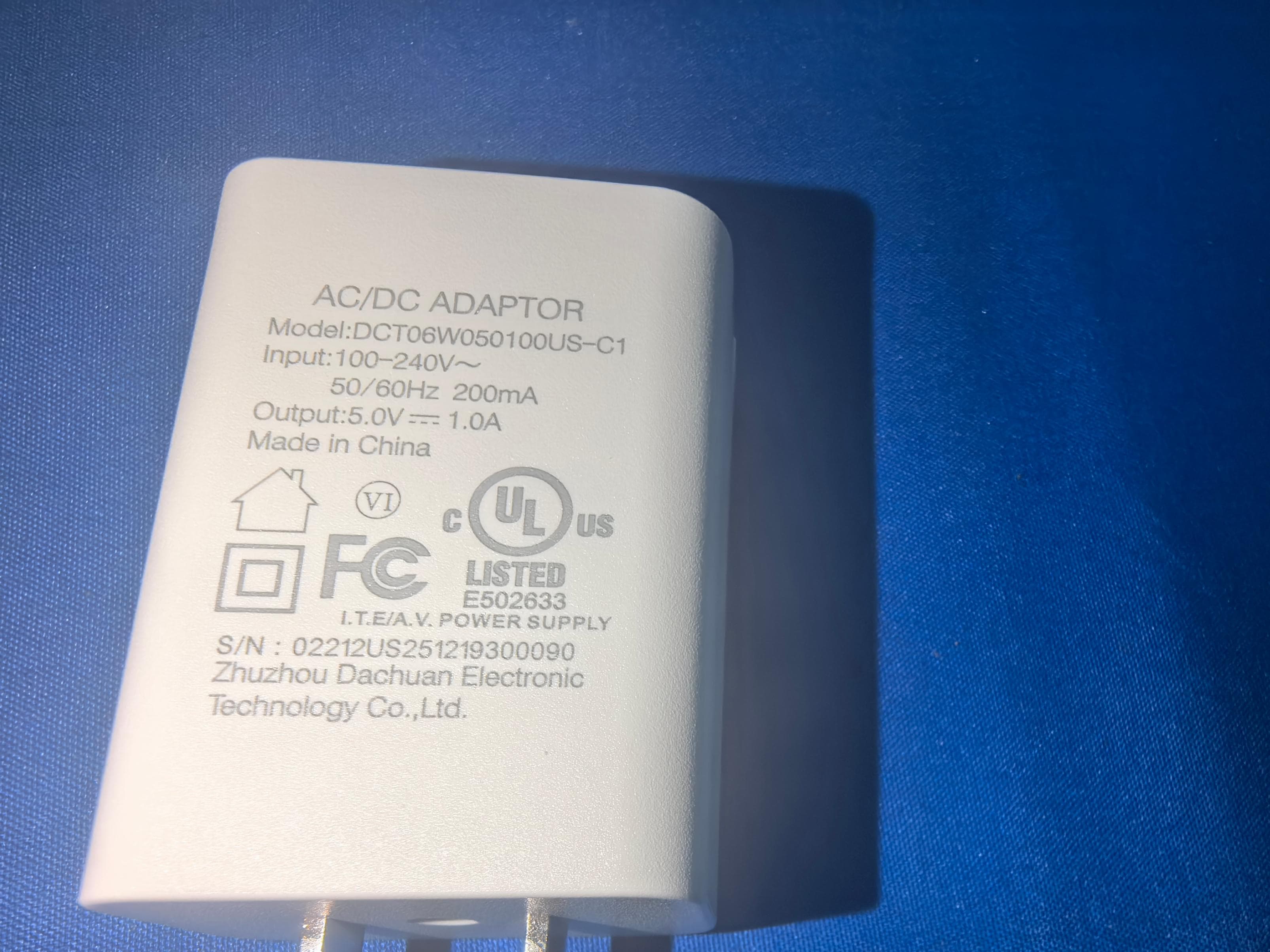
2AG7C-SFW24
Jun 18, 2026Baby Monitor
Equipment Class
NII - Unlicensed National Information Infrastructure TX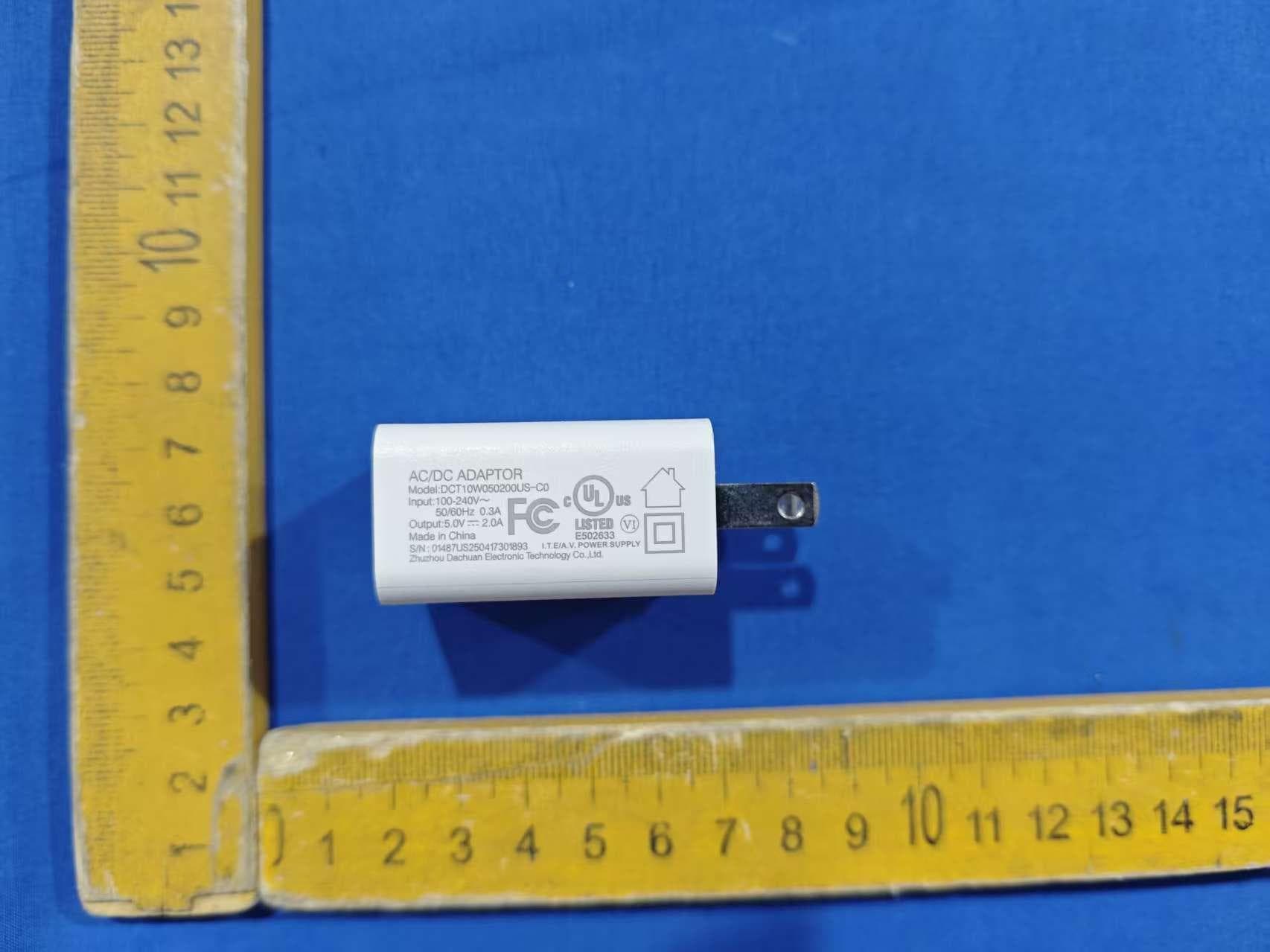
2AG7C-BABY5M
Apr 01, 2026Baby Monitor
Equipment Class
DTS - Digital Transmission System