2AG7C-SNAP8GBATTERY CAMERA
Hangzhou Meari Technology Co., Ltd.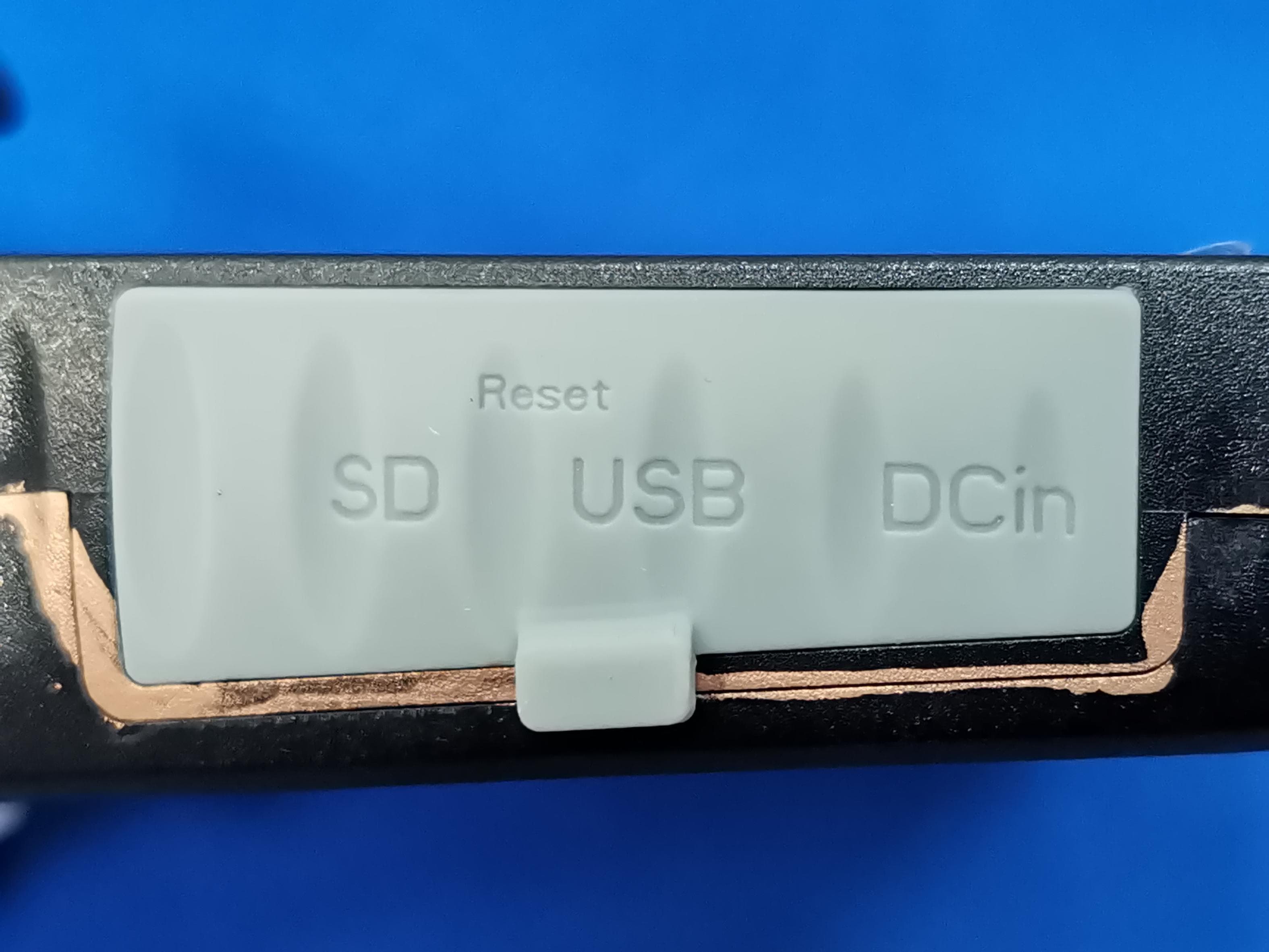
Click to zoom
Application Details
- Equipment Class
- DTS - Digital Transmission System
- Date of Grant
- Jun 08, 2022
- Application Purpose
- Original Equipment
- Date of Application
- Jun 08, 2022
- Equipment Note
- BATTERY CAMERA
- Frequency Range
- 2412.00000000 - 2462.00000000
- Country
- China
Documents & Files
Document Text
Text extracted from the exhibit documents filed with the FCC. Open a document above to read the original.
Users Manual
QUICK GUIDE ORIGINALITY DESIGN SMART - AND BEAUTIFUL BATTERY CAM Battery Camera 1 Battery Camera Screws(2 kinds) Silicone plug User Manual Bracket Pin Power adapter Please consult this checklist for all parts. What's in the box USB cable 2 Reset SD card slot RET SD Power button Micro USB Microphone PIR Status Light Camera Speaker Power Port Power on/off Status light DC 5V±10% Press the button for 3 seconds to turn on/off the camera Red light solids on: the camera network is abnormal Red light blinks: awaiting WiFi connection, or currently connecting (faster blinking) Blue light solids on: camera running correctly Support local SD Card storage (Max.128G) Press and hold on for 5 seconds to reset the camera Reset SD card slot Red indicator solids on: battery is charging Blue indicator solids on: charging completed Charging indicator Battery capacity6700mAh (Two 18650 lithium-ion batteries) 3 Mode 1 Bottom Bracket Installation Mode 2 Side Bracket Installation Install 1.Fix the bracket to the wall with the mounting screws 2.Install the camera in the bracket and lock it with the screw 3.Install the camera in the bracket and lock it with the screw 1.Fix the mounting bracket in the angle wall mount 2.Fix the angle wall mount to the wall 1 2 4 Download Cloudedge is available for both iOS and Android OS. Rearch the name 'Cloud edge'in App Store or Android Market, or scan the QR-Code to download the App. Connect ipadAndroidIOS ·Support Download App(IOS&android) Log in the CloudEdge, select "Add Device", and add the smart camera to the App according to the screen tips(Make the smart camera close to the router when configuring). NOTE:If you need to re-select the WiFi network, please press and hold the "RESET" button for 5 seconds, the device will restart, and the indicator will be flashing red. Add device 5 Q: Why is it still in the list of devices after reseting? A: The reset device only resets the network configuration of the camera, but cannot change the configuration on the App, remove the camera, and must be deleted by the App. Q: How to cut the camera network to another router? A: First remove and reset the device on the App and then configure the device again by the App. Q: Why doesn't the device identify the SD card? A: It is recommended to plug in SD card after power cut. Confirm whether the SD card is normally available and the format is FAT32. And the TF card can’t be identified when the internet environment is not good. Q: Why I can’t get the notifications with my cell phone App? A: Please confirm that the App has been running on the phone, and the relevant reminder function has been opened;Message notification and authority confirmation in the mobile phone system have been opened. Q: The device cannot be previewed properly? A: Check whether the network is normal, you can place the camera close to the router, and if not, it is recommended to reset the device and add it again. FAQ 6 DaytimeNight Functions Record Using SD card or opening the Cloud-Storage Service, to keep recording for every moment. Day & Night Powerful night vision means no interruptions, even in complete darkness. Full-duplex audio You can see and hear the vistor in your App from the camera. PIR When the camera detects someone stopping by, it sends an alarm message to your cell phone. Low battery alarm When the battery power is lower than your set, the App will send a notification to your mobile phone. Remote wake-up The camera will be in a sleep mode to save power; you can have a preview in App. FCC Statement This equipment has been tested and found to comply with the limits for a Class B digital device, pursuant to part 15 of the FCC Rules. These limits are designed to provide reasonable protection against harmful interference in a residential installation. This equipment generates, uses and can radiate radio frequency energy and, if not installed and used in accordance with the instructions, may cause harmful interference to radio communications. However, there is no guarantee that interference will not occur in a particular installation. If this equipment does cause harmful interference to radio or television reception, which can be determined by turning the equipment off and on, the user is encouraged to try to correct the interference by one or more of the following measures: Reorient or relocate the receiving antenna. Increase the separation between the equipment and receiver. Connect the equipment into an outlet on a circuit different from that to which the receiver is connected. Consult the dealer or an experienced radio/TV technician for help. FCC Radiation Exposure Statement This device complies with FCC radiation exposure limits set forth for an uncontrolled environment and it also complies with Part 15 of the FCC RF Rules. This equipment must be installed and operated in accordance with provided instructions and the antenna(s) used for this transmitter must be installed to provide a separation distance of at least 20 cm from all persons and must not be co-located or operating in conjunction with any other antenna or transmitter. End-users and installers must be provide with antenna installation instructions and consider removing the nocollocation statement. This device complies with Part 15 of the FCC Rules. Operation is subject to the following two conditions: (1) this device may not cause harmful interference, and (2) this device must accept any interference received, including interference that may cause undesired operation. Caution! Any changes or modifications not expressly approved by the party responsible for compliance could void the user's authority to operate the equipment.
Cover Letter(s)
HangzhouMeariTechnologyCo.,Ltd. AgentAuthorization Company:HangzhouMeariTechnologyCo.,Ltd. Address:Room604-605,Building1,No.768JianghongRoad,Changhe street,BinjiangDistrict,Hangzhou,zhejiang,China ModelNumber(s):Snap8S,Snap8SL,Snap8T,W1,W1T,G01 ProductDescription:BATTERYCAMERA WeauthorizeMiCOMLabsInc.,575BoulderCourt,Pleasanton,California94566,USA, toactonourbehalfonallmattersconcerningthecertificationofabovenamed equipment. WedeclarethatMiCOMLabsInc.isallowedtoforwardallinformationrelatedtothe approvalandcertificationofequipmenttotheregulatoryagenciesasrequiredandto discussanyissuesconcerningtheapprovalapplication.Anyandallactscarriedoutby MiCOMLabsonourbehalfshallhavethesameeffectasactsofourown. Signature:Date:May.17,2022 Name:ZhiyangChai Title:Manager Company:HangzhouMeariTechnologyCo.,Ltd.
Cover Letter(s)
HangzhouMeariTechnologyCo.,Ltd. OfficeofEngineeringTechnology FederalCommunicationsCommission 7435OaklandMillsRoad Columbia,MD21046 USA Date:2022-05-17 Subject;RequestforConfidentiality FCCID: 2AG7C-SNAP8G ToWhomItMayConcern, PursuanttotheprovisionsoftheCommission’srulesTitle47Sections§0.457and§0.459,we arerequestingtheCommissiontowithholdthefollowingattachment(s)asconfidential documentsfrompublicdisclosureindefinitely. Thesedocumentscontaindetailedsystemandequipmentdescriptionsandareconsideredas proprietaryinformationinoperationoftheequipment.Thepublicdisclosureofthesedocuments mightbeharmfultoourcompanyandwouldgivecompetitorsanunfairadvantageinthemarket. SchematicDiagram BlockDiagram PartsList OperationalDescription Tune-upProcedure Itisourunderstandingthatallmeasurementtestreports,FCCIDlabelformatand correspondenceduringthecertificationreviewprocesscannotbegrantedasconfidential documentsandthisinformationwillbeavailableforpublicreviewoncethegrantofequipment authorizationisissued. Sincerely, Signature: Name:ZhiyangChai Title:Manager
Cover Letter(s)
version01 HangzhouMeariTechnologyCo.,Ltd. Modeldifferencestatement Itisherebydeclaredthattheproduct ProductName:BATTERYCAMERA Model:Snap8S ListedModel(s):Snap8SL,Snap8T,W1,W1T,G01 FCCID:2AG7C-SNAP8G TradeMark:N/A AllmodelshavethesamecircuitandRFmodule,exceptforthenameisdifferent. Sincerely, Signature [ZhiyangChai] [Manager] [HangzhouMeariTechnologyCo.,Ltd.]
External Photos
Photo1 Photo2 Photo3 Photo4 Photo5 Photo6 Photo7 Photo8 Photo9 Photo10 Photo11 Photo12
ID Label/Location Info
Model: Snap 8S Power Input: DC 5V/1A SN:XXXXXXXXX FCC ID:2AG7C-SNAP8G Hangzhou Meari Technology Co., Ltd. 4F of Building 1 and 2-4F of Building 2, No. 91 Chutian Road, Xixing Street, Binjiang District, Hangzhou,Zhejiang,China Label Label position
Internal Photos
Photo1 Photo2 Photo3 Photo4 Photo5 Photo6 Photo7
RF Exposure Info
KSIGN(Guangdong)TestingCo.,Ltd. WestSideof1/F.,BuildingC,ZoneA,FuyuanNewFactory,JiujiuIndustrialPark, Minzhu,Shatou,Shajing,Bao'anDistrict,Shenzhen,Guangdong,People’sRepublicofChina Tel.:+(86)755-29852678Fax:+(86)755-29852397E-mail:[email protected]: www.gdksign.com RFEXPOSUREEVALUATION 1.PRODUCTINFORMATION ProductDescriptionBATTERYCAMERA ModelNameSnap8S FCCID2AG7C-SNAP8G 2.EVALUATIONMETHODANDLIMIT HumanexposuretoRFemissionsfrommobiledevices(47CFR§2.1091)maybeevaluated basedontheMPElimitsadoptedbytheFCCforelectricandmagneticfieldstrengthand/or powerdensity,asappropriate,sinceexposuresareassumedtooccuratdistancesof20cmor morefrompersons. LIMITSFORGENERALPOPULATION/UNCONTROLLEDEXPOSURE Frequency Range (MHz) E-fieldStrength (E) (V/m) MagneticField Strength(H) (A/m) PowerDensity (S) (mW/cm 2 ) AveragingTime |E| 2 ,|H| 2 orS (Minutes) 0.3--1.346141.63(100)*30 1.34--30824/f2.19/f(180/f 2 )*30 30--30027.50.0730.230 300--1500----f/150030 1500--100,000----1.030 *Note: 1.f=FrequencyinMHz*Plane-waveEquivalentPowerDensity 2.TheaveragingtimeforGeneralPopulation/Uncontrolledexposuretofixedtransmittersis notapplicableformobileandportabletransmitters.See47CFR§§2.1091and2.1093on source-basedtime-averagingrequirementformobileandportabletransmitters. S=PG/4πR² Where: S=powerdensity P=powerinputtoantenna G=powergainoftheantennainthedirectionofinterestrelativetoanisotropicradiator R=distancetothecenterofradiationoftheantenna KSIGN(Guangdong)TestingCo.,Ltd. WestSideof1/F.,BuildingC,ZoneA,FuyuanNewFactory,JiujiuIndustrialPark, Minzhu,Shatou,Shajing,Bao'anDistrict,Shenzhen,Guangdong,People’sRepublicofChina Tel.:+(86)755-29852678Fax:+(86)755-29852397E-mail:[email protected]: www.gdksign.com 3.CALCULATION Aminimumtestseparationdistance≥20cmisrequiredbetweentheantennaandradiating structuresofthedeviceandnearbypersonstoapplymobiledeviceexposurelimits.The distancemustbeatleast20cmandfullysupportedbytheoperatingandinstallation configurationsofthetransmitteranditsantenna(s),accordingtothesource-based time-averagedmaximumpowerrequirementsof§2.1091(d)(2).Incaseswherecablelosses orotherattenuationsareappliedtodeterminecompliance,themostconservativeoperating configurationsandexposureconditionsmustbeevaluated. WIFIPART(Cannottransmitatdifferentbandsimultaneously) AntennaGain=1.98dBi(Numeric1.41),π=3.14 Mode Frequency (MHz) Output Power (dBm) Tune-up power (dBm) Output Power (mW) Power Density (mW/cm2) Power DensityLimit (mW/cm2) Result 802.11b 241214.42 13±1 25.1190.007881PASS 243713.7913±125.1190.007881PASS 246213.6513±125.1190.007881PASS 802.11g 241214.47 13±1 25.1190.007881PASS 243713.48 13±1 25.1190.007881PASS 246213.2413±125.1190.007881PASS 802.11n(H T20) 241214.1313±125.1190.007881PASS 243713.56 13±1 25.1190.007881PASS 246213.28 13±1 25.1190.007881PASS --THEEND--
Test Report
TRF No. FCC 15.247_R1 Add : WestSide of 1/F., BuildingC, ZoneA, FuyuanNew Factory,JiujiuIndustrialPark,Minzhu,Shatou,Shajing, Bao'anDistrict,Shenzhen,Guangdong,China Tel : +(86)0755-29852678Fax: +(86)0755-29852397E-m ail : [email protected]:www.gdksign.com Page1 of 64ReportNo.: KS2205S1917E01 TESTREPORT ReportNo . ··························:KS2205S1917E01 FCCID·································:2A G7C-SNAP8G Applicant·····························:HangzhouMeariTechnologyCo., Ltd. Address································ : Room604-605,Building1, No.768JianghongRoad,ChangheStreet, BinjiangDistrict,Hangzhou,Zhejiang, China Manufacturer························· :HangzhouMeariTechnologyCo., Ltd. Address································ : 4F Of Building1 And 2-4FOf Building2, No. 91 ChutianRoad,Xixing Street,BinjiangDistrict,Hangzhou,Zhejiang,China ProductName······················: BATTERYCAMERA TradeMark ···························:N/A Model/Typereference·············:Snap8S List ed Model(s) ·····················:Snap8SL,Snap8T,W1,W1T,G01 Standard·····························: FCC15.247 Dateof receiptof test sample...: May 19, 2022 Dateof testing.......................: May 19, 2022to June06, 2022 Dateof issue.........................:June06, 2022 Test Result.......................... :PASS Preparedby: ( PrintedName + Signature) Sky Dong Approvedby: ( PrintedName + Signature) Neil Wan TestingLaboratoryName·······:KSIGN(Guangdong)TestingCo., Ltd. Address..............................: WestSide of 1/F., BuildingC, ZoneA, FuyuanNew Factory,Jiujiu IndustrialPark,Minzhu,Shatou,Shajing,Bao'anDistrict,Shenzhen, Guangdong,China This test reportmay be duplicatedcompletelyfor legaluse with the approvalof the applicant.It shouldnot be reproducedexceptin full, withoutthe writtenapprovalof our laboratory.The clientshouldnot use it to claim productendorsementby KSIGN. The test resultsin the reportonly applyto the testedsample.The test report shall be invalidwithoutall the signaturesof testingengineers,reviewerand approver.Any objectionsmustbe raisedto KSIGNwithin15 dayssincethe datewhenthe reportis received.It will not be takeninto considerationbeyondthis limit. The test reportmerelycorresponds to the test sample. Page2 of 61ReportNo:KS2205S1917E01 TRF No. FCC 15.247_R1 Add : WestSide of 1/F., BuildingC, ZoneA, FuyuanNew Factory,JiujiuIndustrialPark,Minzhu,Shatou,Shajing, Bao'anDistrict,Shenzhen,Guangdong,China Tel : +(86)0755-29852678Fax: +(86)0755-29852397E-m ail : [email protected]:www.gdksign.com TABLEOF CONTENTSPage 1. TESTSUMMARY..................................................................................................................................................................3 1.1.TESTSTANDARDS..................................................................................................................................................................3 1.2. REPORTVERSION..................................................................................................................................................................3 1.3. TESTDESCRIPTION................................................................................................................................................................4 1.4.TESTFACILITY.......................................................................................................................................................................5 1.5. MEASUREMENTUNCERTAINTY................................................................................................................................................6 1.6. ENVIRONMENTALCONDITIONS.................................................................................................................................................6 2. GENERALINFORMATION...................................................................................................................................................7 2.1.GENERALDESCRIPTIONOFEUT ..............................................................................................................................................7 2.2.OPERATIONSTATE.................................................................................................................................................................8 2.3. MEASUREMENTINSTRUMENTSLIST.........................................................................................................................................9 2.5. TESTSOFTWARE..................................................................................................................................................................10 3. TESTITEMANDRESULTS.................................................................................................................................................11 3.1. ANTENNAREQUIREMENT......................................................................................................................................................11 3.2.PEAKOUTPUTPOWER.........................................................................................................................................................12 3.3.POWERSPECTRALDENSITY...................................................................................................................................................14 3.4.BANDWIDTH......................................................................................................................................................................21 3.5. BANDEDGEANDSPURIOUSEMISSION(CONDUCTED) ................................................................................................32 3.6.BANDEDGEEMISSIONS(RADIATED).......................................................................................................................................38 3.7.SPURIOUSEMISSION(RADIATED)........................................................................................................…
Text truncated - open the document above for the full version.
Test Setup Photos
RadiatedMeasurement(Below1GHz) RadiatedMeasurement(Above1GHz) ConductedEmission RFConducted
Contact Information
Applicant
Zhiyang Chai(Manager)
Technical Contact
Test Firm
KSIGN (Guangdong) Testing Co., Ltd.Neil Wan
[email protected]+(86) 0755-2985 2678
Technical Specifications
| # | Rule Parts | Frequency Range | Power Output |
|---|---|---|---|
| 1 | 15C | 2.41 GHz - 2.46 GHz | 27.99 mW |
Other Applications from Hangzhou Meari Technology Co., Ltd.
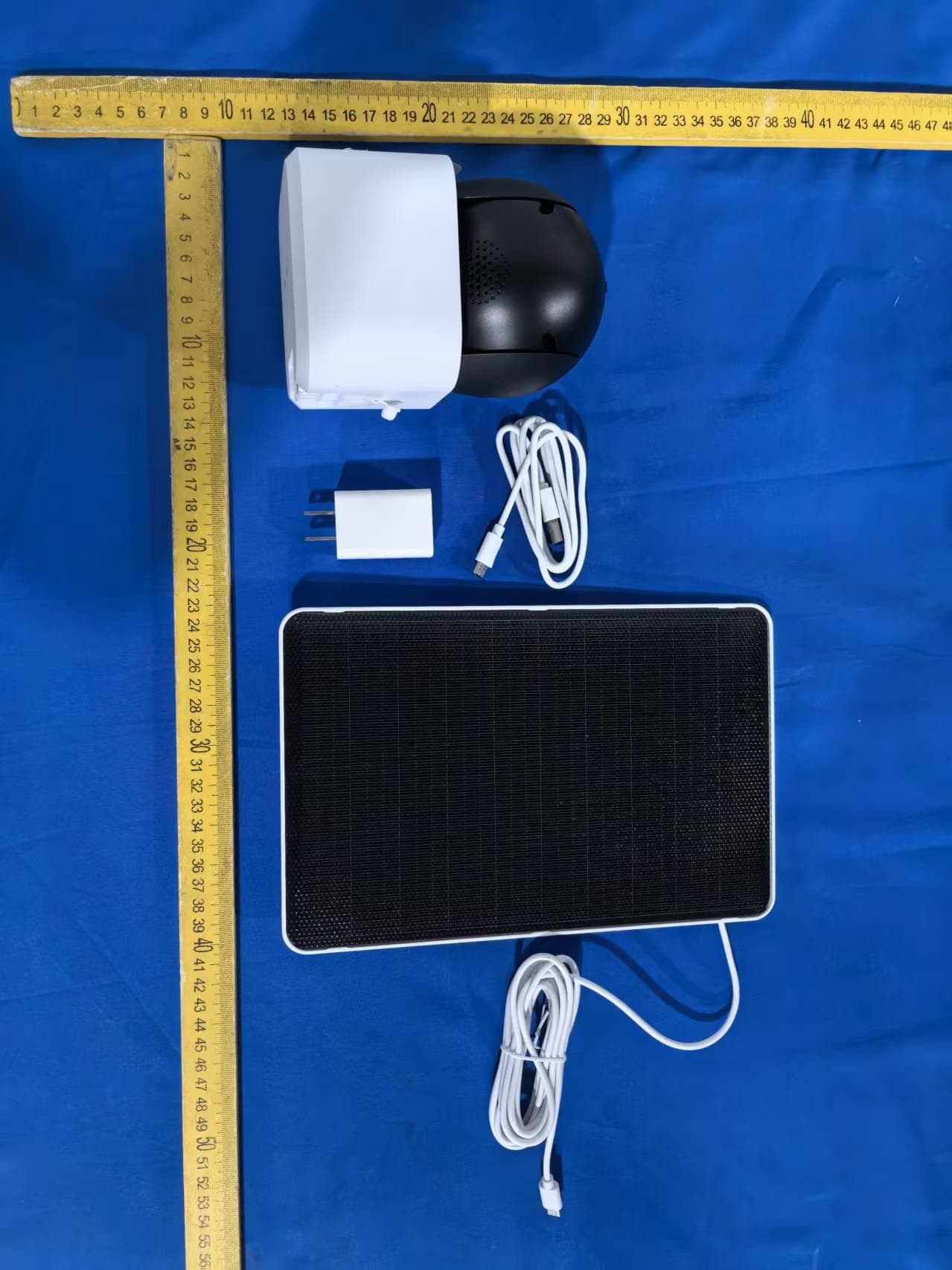
2AG7C-W516T6S3
Aug 12, 2026W7 Zoom
Equipment Class
DTS - Digital Transmission System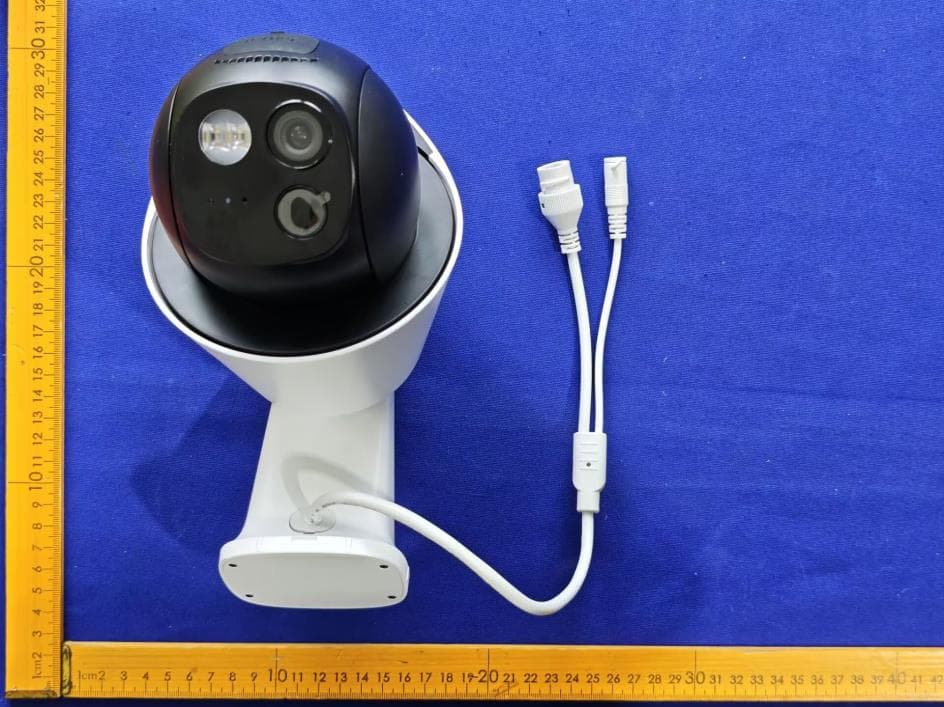
2AG7C-S30T2D1
Aug 05, 2026S7 Dual Plus
Equipment Class
DTS - Digital Transmission System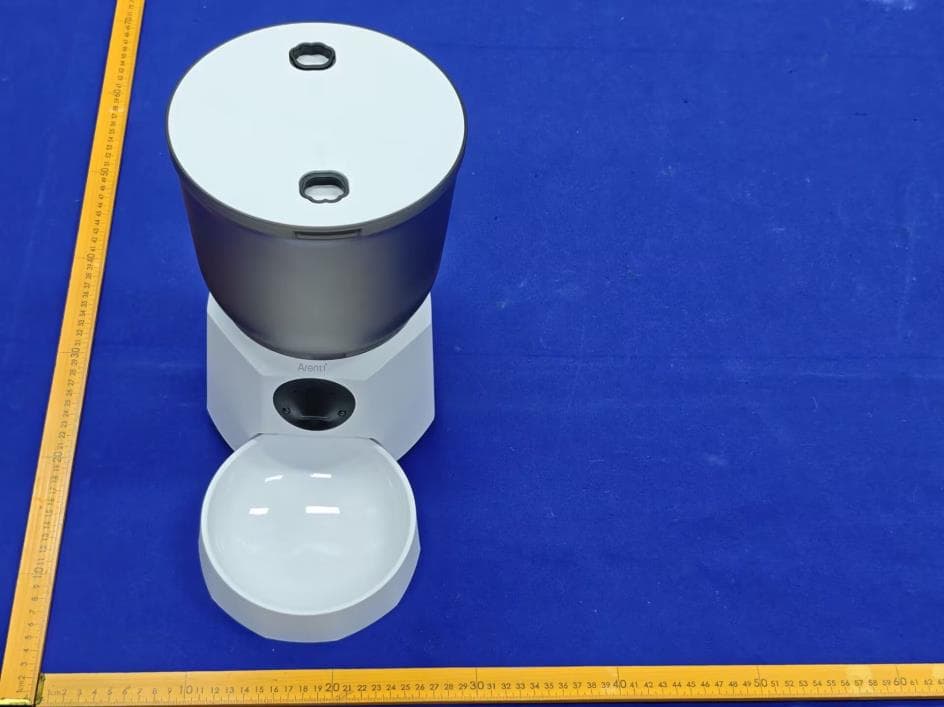
2AG7C-PET11
Jul 26, 2026Pet Feeder Lite
Equipment Class
NII - Unlicensed National Information Infrastructure TX
2AG7C-SFW24
Jun 18, 2026Baby Monitor
Equipment Class
NII - Unlicensed National Information Infrastructure TX
2AG7C-BABY5M
Apr 01, 2026Baby Monitor
Equipment Class
DTS - Digital Transmission System