2AG7C-SNAP8SBATTERY CAMERA
Hangzhou Meari Technology Co., Ltd.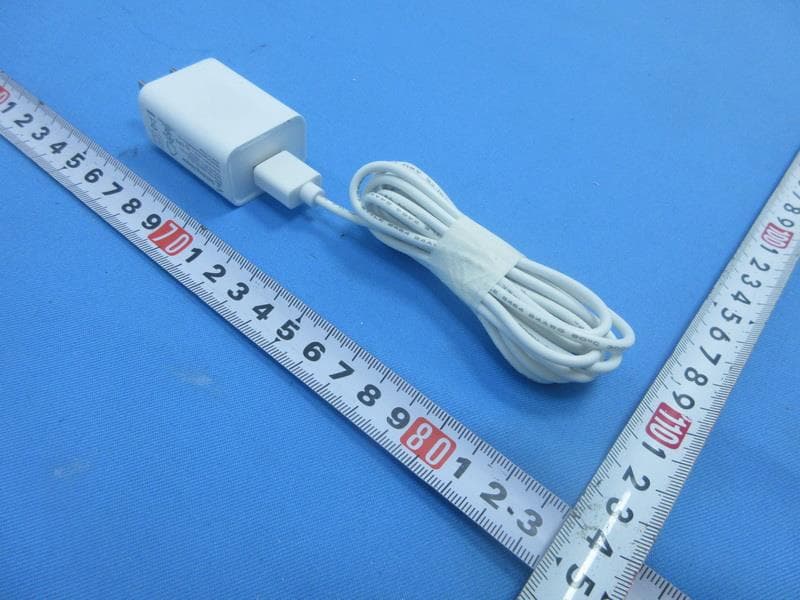
Click to zoom
Application Details
- Equipment Class
- DTS - Digital Transmission System
- Date of Grant
- Jul 22, 2020
- Application Purpose
- Original Equipment
- Date of Application
- Jul 22, 2020
- Equipment Note
- BATTERY CAMERA
- Frequency Range
- 2412.00000000 - 2462.00000000
- Country
- China
Documents & Files
Document Text
Text extracted from the exhibit documents filed with the FCC. Open a document above to read the original.
Users Manual
QUICK GUIDE ORIGINALITY DESIGN SMART - AND BEAUTIFUL BATTERY CAM Battery Camera 1 Battery Camera Screws(2 kinds) Silicone plug User Manual Bracket Pin Power adapter Please consult this checklist for all parts. What's in the box USB cable
Users Manual
2 Reset SD card slot RET SD Power button Micro USB Microphone PIR Status Light Camera Speaker Power Port Power on/off Status light DC 5V±10% Press the button for 3 seconds to turn on/off the camera Red light solids on: the camera network is abnormal Red light blinks: awaiting WiFi connection, or currently connecting (faster blinking) Blue light solids on: camera running correctly Support local SD Card storage (Max.128G) Press and hold on for 5 seconds to reset the camera Reset SD card slot Red indicator solids on: battery is charging Blue indicator solids on: charging completed Charging indicator Battery capacity6700mAh (Two 18650 lithium-ion batteries) 3 Mode 1 Bottom Bracket Installation Mode 2 Side Bracket Installation Install 1.Fix the bracket to the wall with the mounting screws 2.Install the camera in the bracket and lock it with the screw 3.Install the camera in the bracket and lock it with the screw 1.Fix the mounting bracket in the angle wall mount 2.Fix the angle wall mount to the wall 1 2
Users Manual
4 Download Cloudedge is available for both iOS and Android OS. Rearch the name 'Cloud edge'in App Store or Android Market, or scan the QR-Code to download the App. Connect ipadAndroidIOS ·Support Download App(IOS&android) Log in the CloudEdge, select "Add Device", and add the smart camera to the App according to the screen tips(Make the smart camera close to the router when configuring). NOTE:If you need to re-select the WiFi network, please press and hold the "RESET" button for 5 seconds, the device will restart, and the indicator will be flashing red. Add device 5 Q: Why is it still in the list of devices after reseting? A: The reset device only resets the network configuration of the camera, but cannot change the configuration on the App, remove the camera, and must be deleted by the App. Q: How to cut the camera network to another router? A: First remove and reset the device on the App and then configure the device again by the App. Q: Why doesn't the device identify the SD card? A: It is recommended to plug in SD card after power cut. Confirm whether the SD card is normally available and the format is FAT32. And the TF card can’t be identified when the internet environment is not good. Q: Why I can’t get the notifications with my cell phone App? A: Please confirm that the App has been running on the phone, and the relevant reminder function has been opened;Message notification and authority confirmation in the mobile phone system have been opened. Q: The device cannot be previewed properly? A: Check whether the network is normal, you can place the camera close to the router, and if not, it is recommended to reset the device and add it again. FAQ
Users Manual
6 DaytimeNight Functions Record Using SD card or opening the Cloud-Storage Service, to keep recording for every moment. Day & Night Powerful night vision means no interruptions, even in complete darkness. Full-duplex audio You can see and hear the vistor in your App from the camera. PIR When the camera detects someone stopping by, it sends an alarm message to your cell phone. Low battery alarm When the battery power is lower than your set, the App will send a notification to your mobile phone. Remote wake-up The camera will be in a sleep mode to save power; you can have a preview in App.
Attestation Statements
The test data, data evaluation, and equipment configuration contained in our test report(s) above was (were) obtained utilizing the test procedures, test instruments, test sites that has been accredited according to the ISO/IEC 17025 quality assessment standard and technical standard(s). The test data contained in the referenced test report relate only to the EUT sample and item(s) tested. Ryan Wang Authorized Signatory BTL INC. No. 29, Jintang Road, Tangzhen Industry Park, Pudong New Area, Shanghai 201210,China TEL: +86-021-61765666 TECHNICAL COMPLIANCE STATEMENT This is to certify that the product listed in follows was (were) tested in the BTL EMC Laboratory to comply with below FCC official limits. Equipment BATTERY CAMERA Model Name Snap 8S, Snap 8T, GO1, GO1T, GO1S Brand Name N/A Applicant Hangzhou Meari Technology Co., Ltd. Address No.91, Chutian Road, Xixing Block, Binjiang, Hangzhou, China 310051 Standard(s) FCC CFR Title 47,Part 15,Subpart B,Class B ANSI C63.4-2014 Report(s) BTL-FCCE-1-2005H045
External Photos
Project No.: 2005H045 Page 1 of 17 ATTACHMENT PHOTOGRAPHS OF EUT Project No.: 2005H045 Page 2 of 17 Project No.: 2005H045 Page 3 of 17 Project No.: 2005H045 Page 4 of 17 Project No.: 2005H045 Page 5 of 17
ID Label/Location Info
Label Label location
Internal Photos
Project No.: 2005H045 Page 6 of 17 Project No.: 2005H045 Page 7 of 17 Project No.: 2005H045 Page 8 of 17 Project No.: 2005H045 Page 9 of 17 Project No.: 2005H045 Page 10 of 17 Project No.: 2005H045 Page 11 of 17 Project No.: 2005H045 Page 12 of 17 Project No.: 2005H045 Page 13 of 17 Project No.: 2005H045 Page 14 of 17 Project No.: 2005H045 Page 15 of 17 ANT. Project No.: 2005H045 Page 16 of 17 Project No.: 2005H045 Page 17 of 17
RF Exposure Info
Report No.: BTL-FCCP-2-2005H045 Page 1 of 4 FCC RF EXPOSURE REPORT FCC ID: 2AG7C-SNAP8S Project No. : 2005H045 Equipment : BATTERY CAMERA Brand Name : N/A Test Model : Snap 8S Series Model : Snap 8T, GO1, GO1T, GO1S Applicant : Hangzhou Meari Technology Co., Ltd. Address : No.91, Chutian Road, Xixing Block, Binjiang, Hangzhou, China 310051 Manufacturer : Hangzhou Meari Technology Co., Ltd.? Address : No.91, Chutian Road, Xixing Block, Binjiang, Hangzhou, China 310051 Factory : Hangzhou Meari Technology Co., Ltd.? Address : No.91, Chutian Road, Xixing Block, Binjiang, Hangzhou, China 310051 Date of Receipt : May 29, 2020 Date of Test : Jun. 01, 2020 ~ Jul. 07, 2020 Issued Date : Jul. 20, 2020 Report Version : R00 Test Sample : Engineering Sample No.: SH20200527414, SH20200527413, SH20200527413-3 Standard(s) : FCC Guidelines for Human Exposure IEEE C95.1 & FCC Part 2.1091 FCC Title 47 Part 2.1091, OET Bulletin 65 Supplement C The above equipment has been tested and found compliance with the requirement of the relative standards by BTL Inc. Prepared by : Allen Wei Approved by : Ryan Wang Add: No. 29, Jintang Road, Tangzhen Industry Park, Pudong New Area, Shanghai 201210,China TEL: +86-021-61765666 Web: www.newbtl.com Report No.: BTL-FCCP-2-2005H045 Page 2 of 4 REPORT ISSUED HISTORY Report Version Description Issued Date R00 Original Issue Jul. 20, 2020 Report No.: BTL-FCCP-2-2005H045 Page 3 of 4 1. MPE CALCULATION METHOD Calculation Method of RF Safety Distance: where: S = power density P = power input to the antenna G = power gain of the antenna in the direction of interest relative to an isotropic radiator R = distance to the center of radiation of the antenna Table for Filed Antenna Ant. Brand Model Name Antenna Type Connector Gain(dBi) 1 N/A N/A PCB N/A 3 Report No.: BTL-FCCP-2-2005H045 Page 4 of 4 2. TEST RESULTS For 2.4GHz: Directional gain (dBi) Directional gain (numeric) Max. tune up Power (dBm) Max. tune up Power (mW) Power Density (S) (mW/cm 2 ) Limit of Power Density (S) (mW/cm 2 ) Test Result 3 1.9953 23.40 218.7762 0.08689 1 Complies Note: The calculated distance is 20 cm. Output power including tune up tolerance. End of Test Report
Test Report
Report No.: BTL-FCCP-1-2005H045 Page 1 of 99 FCC Radio Test Report FCC ID: 2AG7C-SNAP8S This report concerns: Original Grant Project No. : 2005H045 Equipment : BATTERY CAMERA Brand Name : N/A Test Model : Snap 8S Series Model : Snap 8T, GO1, GO1T, GO1S Applicant : Hangzhou Meari Technology Co., Ltd. Address : No.91, Chutian Road, Xixing Block, Binjiang, Hangzhou, China 310051 Manufacturer : Hangzhou Meari Technology Co., Ltd.? Address : No.91, Chutian Road, Xixing Block, Binjiang, Hangzhou, China 310051 Factory : Hangzhou Meari Technology Co., Ltd.? Address : No.91, Chutian Road, Xixing Block, Binjiang, Hangzhou, China 310051 Date of Receipt : May 29, 2020 Date of Test : Jun. 01, 2020 ~ Jul. 07, 2020 Issued Date : Jul. 20, 2020 Report Version : R00 Test Sample : Engineering Sample No.: SH20200527414, SH20200527413, SH20200527413-3 Standard(s) : FCC Part15, Subpart C (15.247) ANSI C63.10-2013 KDB 558074 D01 15.247 Meas Guidance v05r02 The above equipment has been tested and found compliance with the requirement of the relative standards by BTL Inc. Prepared by : Allen Wei Approved by : Ryan Wang Add: No. 29, Jintang Road, Tangzhen Industry Park, Pudong New Area, Shanghai 201210,China TEL: +86-021-61765666 Web: www.newbtl.com Report No.: BTL-FCCP-1-2005H045 Page 2 of 99 Declaration BTL represents to the client that testing is done in accordance with standard procedures as applicable and that test instruments used has been calibrated with standards traceable to international standard(s) and/or national standard(s). BTL's reports apply only to the specific samples tested under conditions. It is manufacture’s responsibility to ensure that additional production units of this model are manufactured with the identical electrical and mechanical components. BTL shall have no liability for any declarations, inferences or generalizations drawn by the client or others from BTL issued reports. The report must not be used by the client to claim product certification, approval, or endorsement by NIST, A2LA, or any agency of the U.S. Government. This report is the confidential property of the client. As a mutual protection to the clients, the public and ourselves, the test report shall not be reproduced, except in full, without our written approval. BTL’s laboratory quality assurance procedures are in compliance with the ISO/IEC 17025 requirements, and accredited by the conformity assessment authorities listed in this test report. BTL is not responsible for the sampling stage, so the results only apply to the sample as received. The information, data and test plan are provided by manufacturer which may affect the validity of results, so it is manufacturer’s responsibility to ensure that the apparatus meets the essential requirements of applied standards and in all the possible configurations as representative of its intended use. Limitation For the use of the authority's logo is limited unless the Test Standard(s)/Scope(s)/Item(s) mentioned in this test report is (are) included in the conformity assessment authorities acceptance respective. Please note that the measurement uncertainty is provided for informational purpose only and are not use in determining the Pass/Fail results. Report No.: BTL-FCCP-1-2005H045 Page 3 of 99 Table of Contents Page REPORT ISSUED HISTORY 6 1 . SUMMARY OF TEST RESULTS 7 1.1 TEST FACILITY 8 1.2 MEASUREMENT UNCERTAINTY 8 1.3 TEST ENVIRONMENT CONDITIONS 8 2 . GENERAL INFORMATION 9 2.1 GENERAL DESCRIPTION OF EUT 9 2.2 DESCRIPTION OF TEST MODES 10 2.3 PARAMETERS OF TEST SOFTWARE 11 2.4 DUTY CYCLE 12 2.5 BLOCK DIAGRAM SHOWING THE CONFIGURATION OF SYSTEM TESTED 13 2.6 SUPPORT UNITS 13 3 . AC POWER LINE CONDUCTED EMISSIONS TEST 14 3.1 LIMIT 14 3.2 TEST PROCEDURE 14 3.3 DEVIATION FROM TEST STANDARD 14 3.4 TEST SETUP 15 3.5 EUT OPERATION CONDITIONS 15 3.6 TEST RESULTS 15 4 . RADIATED EMISSIONS TEST 16 4.1 LIMIT 16 4.2 TEST PROCEDURE 17 4.3 DEVIATION FROM TEST STANDARD 17 4.4 TEST SETUP 18 4.5 EUT OPERATION CONDITIONS 19 4.6 TEST RESULTS - 9 KHZ TO 30 MHZ 19 4.7 TEST RESULTS - 30 MHZ TO 1000 MHZ 19 4.8 TEST RESULTS - ABOVE 1000 MHZ 19 5 . BANDWIDTH TEST 20 5.1 LIMIT 20 5.2 TEST PROCEDURE 20 5.3 DEVIATION FROM STANDARD 20 5.4 TEST SETUP 20 Report No.: BTL-FCCP-1-2005H045 Page 4 of 99 Table of Contents Page 5.5 EUT OPERATION CONDITIONS 20 5.6 TEST RESULTS 20 6 . MAXIMUM OUTPUT POWER TEST 21 6.1 LIMIT 21 6.2 TEST PROCEDURE 21 6.3 DEVIATION FROM STANDARD 21 6.4 TEST SETUP 21 6.5 EUT OPERATION CONDITIONS 21 6.6 TEST RESULTS 21 7 . CONDUCTED SPURIOUS EMISSIONS 22 7.1 LIMIT 22 7.2 TEST PROCEDURE 22 7.3 DEVIATION FROM STANDARD 22 7.4 TEST SETUP 22 7.5 EUT OPERATION CONDITIONS 22 7.6 TEST RESULTS 22 8 . POWER SPECTRAL DENSITY TEST 23 8.1 LIMIT 23 8.2 TEST PROCEDURE 23 8.3 DEVIATION FROM STANDARD 23 8.4 TEST SETUP 23 8.5 EUT OPERATION CONDITIONS 23 8.6 TEST RESULTS 23 9 . MEASUREMENT INSTRUMENTS LIST 24 10 . EUT TEST PHOTO 26 APPENDIX A - AC POWER LINE CONDUCTED EMISSIONS 29 APPENDIX B - RADIATED EMISSION - 9 KHZ TO 30 MHZ 32 APPENDIX C - RADIATED EMISSION - 30 MHZ TO 1000 MHZ 33 APPENDIX D - RADIATED EMISSION- ABOVE 1000 MHZ 36 APPENDIX E - BANDWIDTH 85 APPENDIX F - MAXIMUM OUTPUT POWER 90 APPENDIX G - CONDUCTED SPURIOUS EMISSIONS 92 Report No.: BTL-FCCP-1-2005H045 Page 5 of 99 Table of Contents Page APPENDIX H - POWER SPECTRAL DENSITY 97 Report No.: BTL-FCCP-1-2005H045 Page 6 of 99 REPORT ISSUED HISTORY Report Version Description Issued Date R00 Original Issue. Jul. 20, 2020 Report No.: BTL-FCCP-1-2005H045 Page 7 of 99 1. SUMMARY OF TEST RESULTS Test procedures according to the technical standard(s): FCC Part15, Subpart C (15.247) Standard(s) Section Test Item Test Result Judgment Remark 15.207 AC Power Line Conducted Emissions APPENDIX A N/A ------ 15.247(d) 15.205(a) 15.209(a) Radiated Emissions APPENDIX B APPENDIX C APPENDIX D PASS ------ 15.247(a)(2) Bandwidth APPENDIX E PASS ------ 15.247(b)(3) Maximum Output Power APPENDIX F PASS ------ 15.247(d) Conducted Spurious Emissions APPENDIX G P…
Text truncated - open the document above for the full version.
Test Setup Photos
Report No.: BTL-FCCP-1-2005H045 Page 26 of 99 10. EUT TEST PHOTO Conducted Emissions Test Photos Report No.: BTL-FCCP-1-2005H045 Page 27 of 99 Radiated Emissions Test Photos 30 MHz to 1 GHz Report No.: BTL-FCCP-1-2005H045 Page 28 of 99 Radiated Emissions Test Photos Above 1 GHz
Contact Information
Applicant
Zhiyang Chai(Manager)
Test Firm
BTL INC.Sophia Huang
[email protected]+86-769-83183000
Technical Specifications
| # | Rule Parts | Frequency Range | Power Output |
|---|---|---|---|
| 1 | 15C | 2.41 GHz - 2.46 GHz | 218.80 mW |
Other Applications from Hangzhou Meari Technology Co., Ltd.
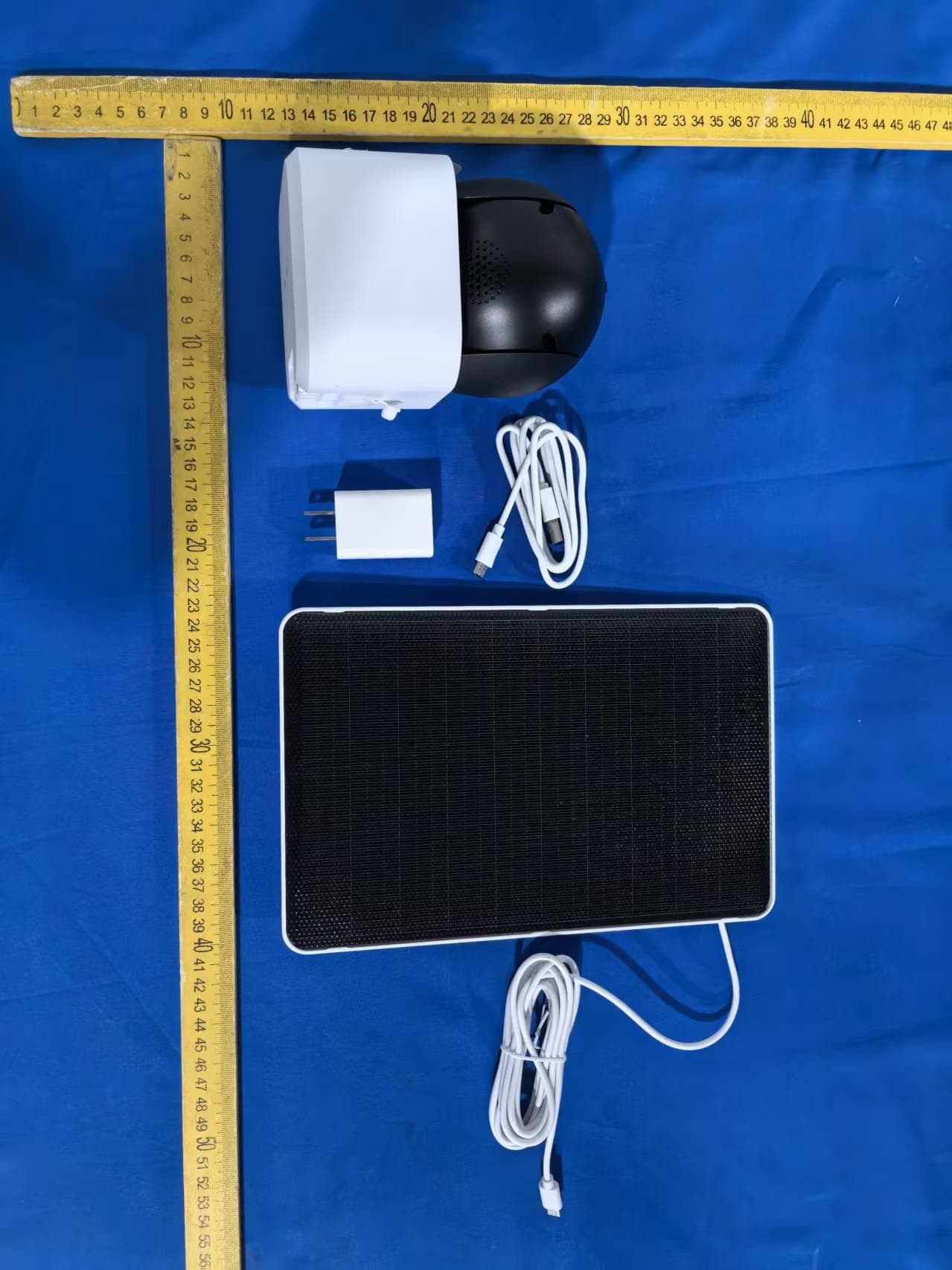
2AG7C-W516T6S3
Aug 12, 2026W7 Zoom
Equipment Class
DTS - Digital Transmission System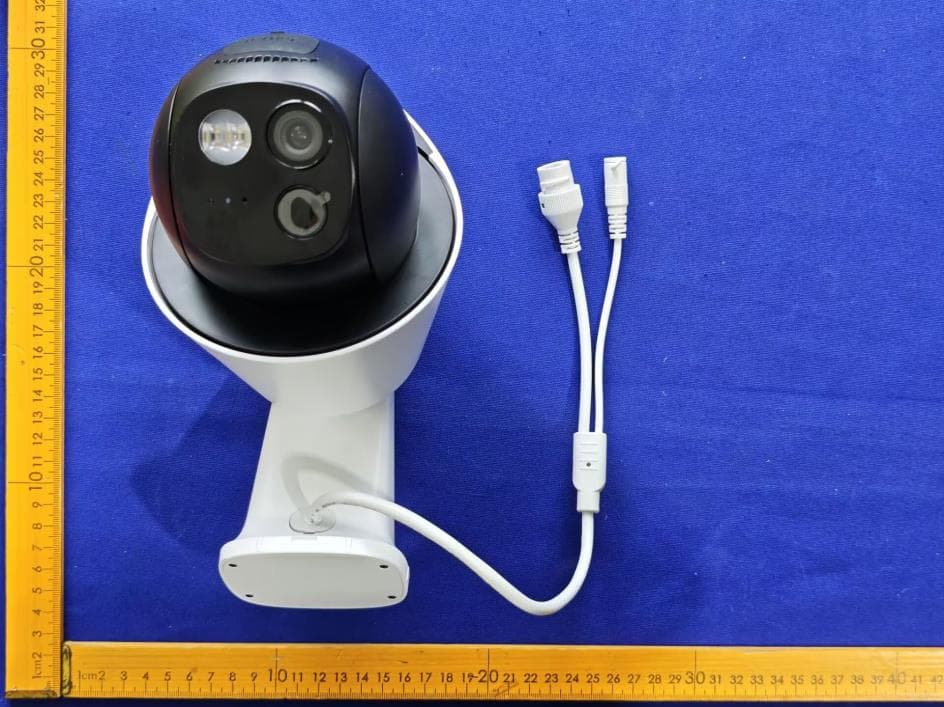
2AG7C-S30T2D1
Aug 05, 2026S7 Dual Plus
Equipment Class
DTS - Digital Transmission System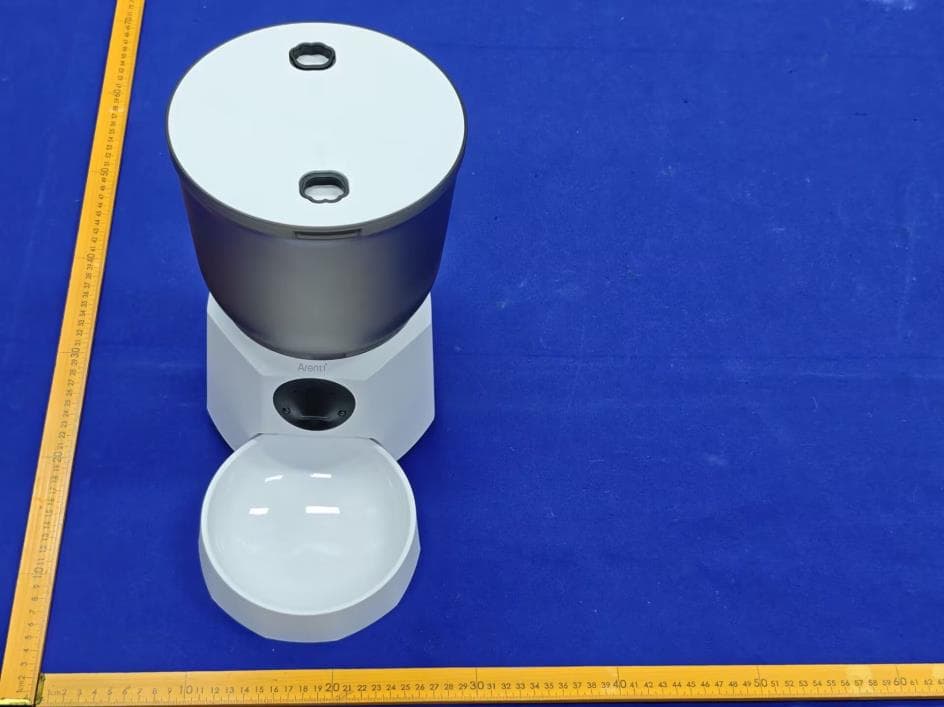
2AG7C-PET11
Jul 26, 2026Pet Feeder Lite
Equipment Class
NII - Unlicensed National Information Infrastructure TX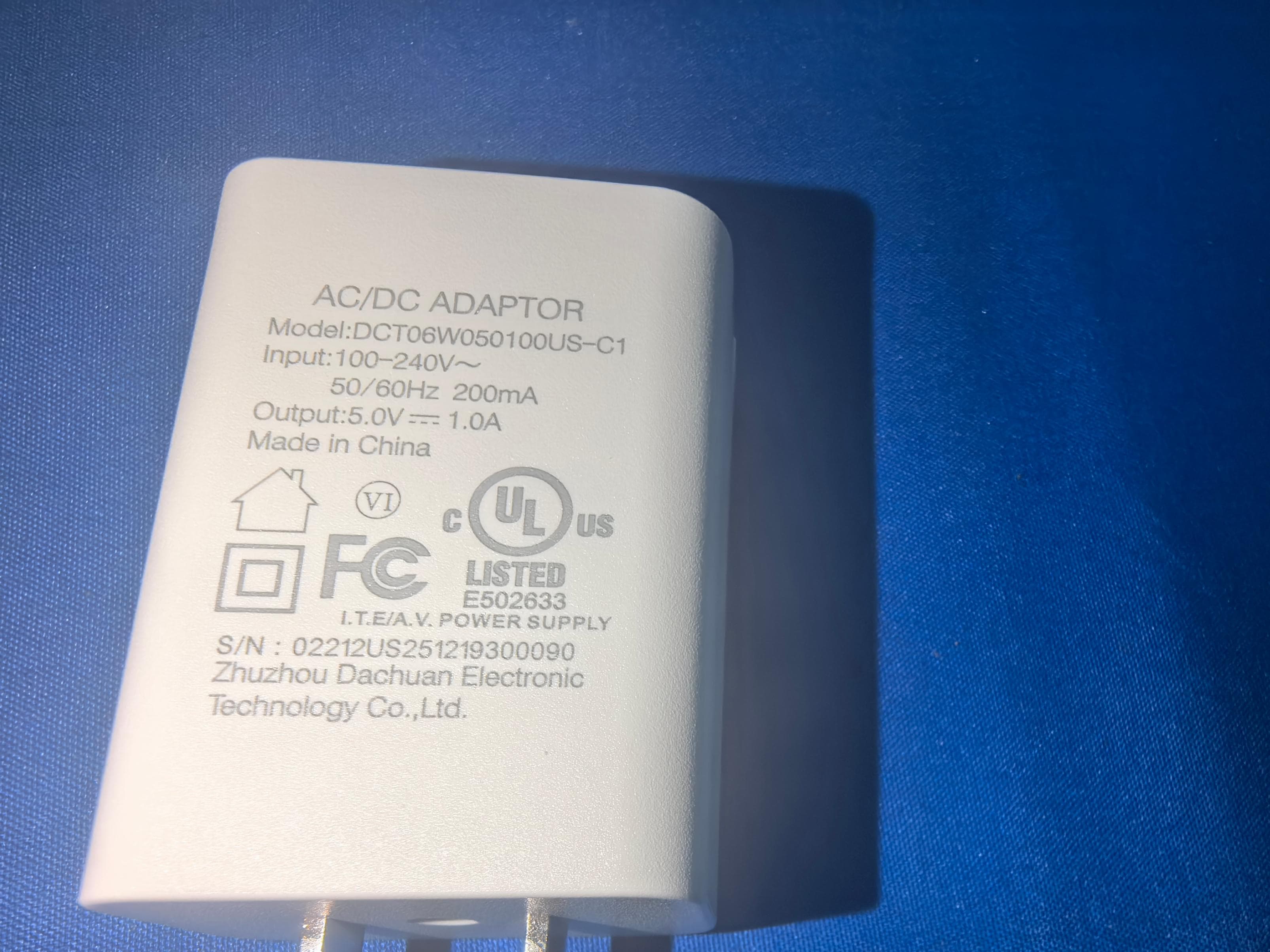
2AG7C-SFW24
Jun 18, 2026Baby Monitor
Equipment Class
NII - Unlicensed National Information Infrastructure TX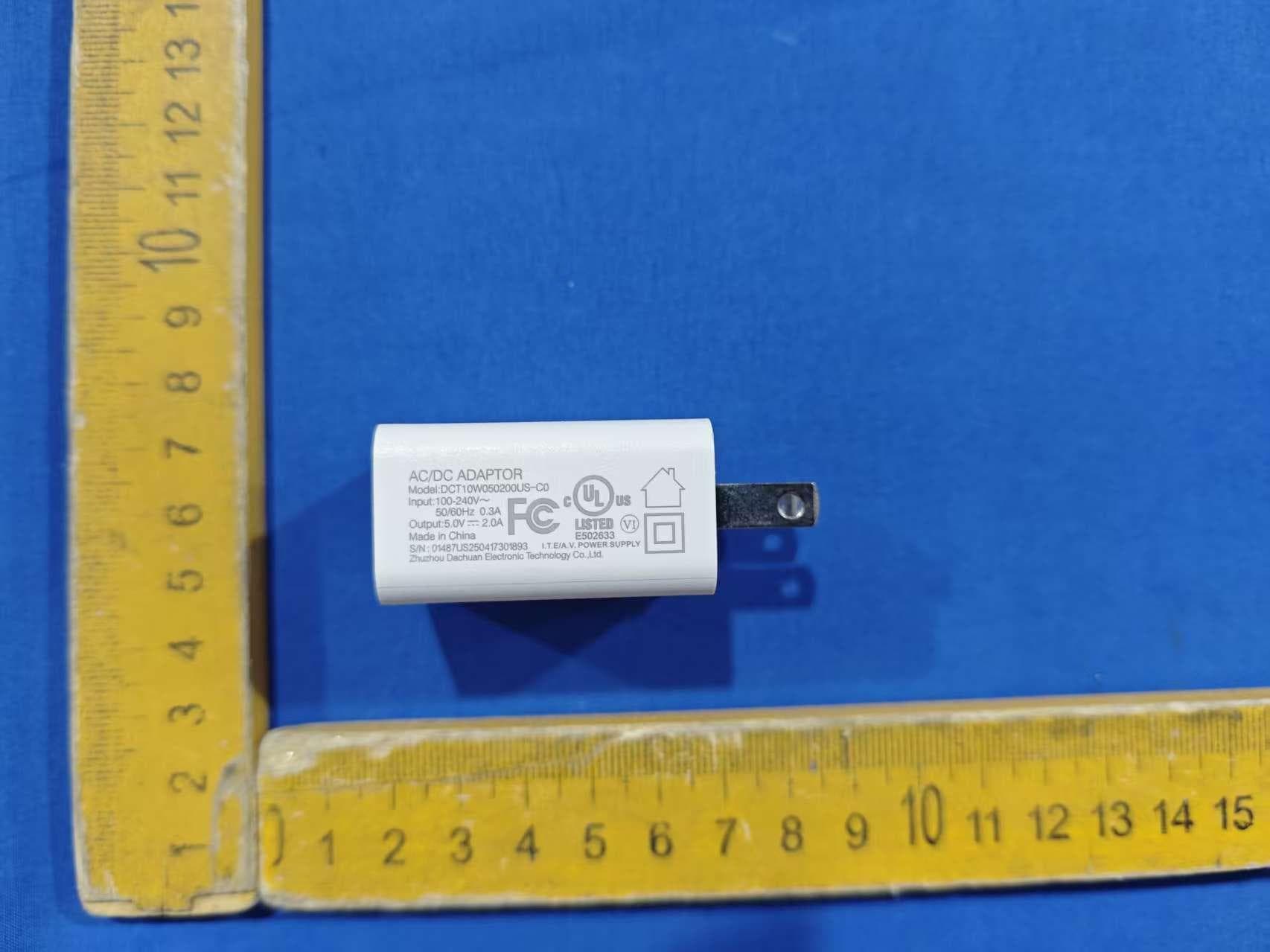
2AG7C-BABY5M
Apr 01, 2026Baby Monitor
Equipment Class
DTS - Digital Transmission System