2AGA6-OONTZRCBluetooth Adapter
Shenzhen AngSi Technology Co., LTD
Click to zoom
Application Details
- Equipment Class
- DTS - Digital Transmission System
- Date of Grant
- Nov 29, 2020
- Application Purpose
- Original Equipment
- Date of Application
- Nov 29, 2020
- Equipment Note
- Bluetooth Adapter
- Frequency Range
- 2402.00000000 - 2480.00000000
- Country
- China
Documents & Files
Document Text
Text extracted from the exhibit documents filed with the FCC. Open a document above to read the original.
Users Manual
Quick Start Guide TheOontZ.com Designed and Engineered By Analog Surround Optical Mute In the Package Quick-Start Guide Micro USB Power Adapter 3.5mm Audio Cable Digital Audio Optical Cable Analog Surround Optical Mute Analog Surround Optical Mute Thank you for being an OontZ Bluetooth Adapter 2nd Gen Owner! This User Guide first covers the steps to connect your OontZ Bluetooth Adapter to your TV or device (Laptop, Computer, Tablet, Mac, iPad, or Music Receiver), with the included Digital Audio Optical Cable or the 3.5mm Audio Cable. Then the steps to connect the OontZ Bluetooth Adapter wirelessly over Bluetooth to 1, 2, 3 or 4 these Supported OontZ Speaker Models: SUPPORTED OONTZ SPEAKER MODELS - OontZ Angle 3 ULTRA 4th Gen - OontZ Angle 3 Pro 2nd Gen • The OontZ Bluetooth Adapter will only work with the Supported OontZ Speaker Models noted above, for the latest list of supported OontZ speakers please visit TheOontZ.com/BT-Adapter-2nd-Gen The OontZ Bluetooth Adapter is designed to transmit the audio from your TV or device to the OontZ Speaker(s) with our Low latency Feature. The Low Latency Feature reduces delays that occur in the Bluetooth transmission of the audio which can cause lip sync issues when playing a video on your TV or device and playing the audio wirelessly through 1, 2, 3 or 4 OontZ Speakers. Buttons and Lights Connectors Connecting with Television Using Digital Audio Optical Cable Connecting with Television Using 3.5mm Audio Cable Connecting with Devices Using 3.5mm Audio Cable Turning On the OontZ Bluetooth Adapter Connecting Your OontZ Bluetooth Adapter with Supported OontZ Speaker(s) Using the OontZ Remote Using the OontZ App Troubleshooting Reset Function Other Important Notes Contacting Customer Support Safety and Precautions Table of Contents 1 2 3 4 5 6 7 - 9 10 - 11 12 - 18 19 20 21 22 23 - 24 Pages Optical - Lit White when the adapter is connected to an audio source with the Digital Audio Optical Cable Buttons and Lights Page 1 Mute Button - Used when muting the volume of the connected OontZ Speakers Analog - Lit Green when the adapter is connected to an audio source with the 3.5mm Audio Cable Mute - Lit Red when the adapter volume is muted. - Flashing Red when adapter is turned on and not connected to an audio source. Surround - Lit Orange when OontZ Speaker(s) are connected to the OontZ Bluetooth Adapter Surround Mode Button - Used when connecting to OontZ Speakers Analog Surround Optical Mute Optical - Lit White when the adapter is connected to an audio source with the Digital Audio Optical Cable Connectors Page 2 Optical/Audio In Connector used for 3.5mm Audio Cable or Digital Audio Optical Cable DC IN Power Connector used for Micro USB Power Adapter Analog Surround Optical Mute Analog Surround Optical Mute Connecting with Television Using Digital Audio Optical Cable Page 3 - Plug the longer end of the Digital Audio Optical Cable into the Optical/Audio In Connector on the OontZ Bluetooth Adapter as shown below. - Plug the shorter end of the Digital Audio Optical Cable into the Optical - Digital Audio Out on your TV as shown below. - Make sure both ends of the cable are fully inserted. We recommend to connect to your TV using the Digital Audio Optical Out Connector. If the TV does not have a Digital Audio Optical Out Connector, use the Analog Audio Connection as described on Page 4. ANALOG AUDIO OUT LR DIGITAL AUDIO OUT OPTICAL Digital Audio Optical Cable is included AUDIO OUT Analog Surround Optical Mute Analog Surround Optical Mute Connecting with Television Using 3.5mm Audio Cable Page 4 - Plug one end of the 3.5mm Audio Cable into the Optical/Audio In Connector on the OontZ Bluetooth Adapter. - Plug the other end of that 3.5mm Audio Cable into the Headphone or Audio-Out Connector on your television. - Make sure both ends of the cable are fully inserted. -If your TV does not have a Headphone Connector or Audio-Out Connector but does have Left Right Analog Audio Out you will need a 3.5mm to RCA cable as shown below. ANALOG AUDIO OUT LR 3.5mm to 3.5mm Audio Cable (included) OR 3.5mm to RCA audio cable is sold seperately and is available at: TheOontZ.com/accessories AUDIO OUT HEADPHONE OUT - or - DIGITAL AUDIO OUT OPTICAL L R Analog Surround Optical Mute Connecting with Devices Using 3.5mm Audio Cable Page 5 - Plug one end of the 3.5mm Analog Cable into the Optical/Audio In Connector on the OontZ Bluetooth Adapter. - Plug the other end of that 3.5mm Audio Cable into the Headphone or Audio-Out Connector on your device. - Make sure both ends of the cable are fully inserted. OR Turning On the OontZ Bluetooth Adapter Page 6 Step 2: Insert the small end of the Micro USB Charging Adapter into the DC IN Micro USB Charging Connector as shown Step 1: Connect the wall plug end of the Micro USB Charging Adapter into a power outlet. Step 3: - If the adapter is connected to an audio source with the 3.5mm Audio Cable the Analog light is solid Green. - If the adapter is connected to an audio source with the Digital Audio Optical Cable the Optical light is solid White. - If the 3.5mm Audio Cable or the Digital Audio Optical Cable are NOT connected to the adatper the Mute light is slowly flashing Red. Analog Surround Optical Mute Page 7 Play your music or TV audio wirelessly through speakers up to 66 feet apart * * Placing the speakers on the ground or having walls or obstructions between the speakers will significantly reduce the distance apart the two speakers can play together. Connect 1, 2, 3 or 4 Supported OontZ speakers with your OontZ Bluetooth Adapter Note: The OontZ Bluetooth Adatper 2nd Gen is ONLY compatible with OontZ Angle 3 ULTRA (4th Gen) and OontZ Angle 3 Pro (2nd Gen) speakers. Slave Speaker Full Stereo Master Slave Speaker Full Stereo Connect to 1, 2, 3 or 4 Speakers Up to 66 feet apart * Up to 66 feet apart * Analog Surround Optical Mute Connect 1, 2, 3 or 4 Supported OontZ speakers with your OontZ Bluetooth Adapter You can also use the OontZ app to connect…
Text truncated - open the document above for the full version.
Cover Letter(s)
Shenzhen AngSi Technology Co., LTD 6/F, Block B, Ding Xin Science Park. Hong Lang North No.2 Road , Bao An District, ShenZhen PRC -------------------------------------------------------------------------------- -------- (FCC ID : 2AGA6-OONTZRC) LABEL LOCATION JUSTIFICATION LETTER November 24, 2020 Federal Communications Commission Authorization and Evaluation Division 7435 Oakland Mills Road Columbia, MD 21046 TO WHOM IT MAY CONCERN: Due to the product shell is relatively smooth, the label is easy to fall off and wear during use, so label will be placed on the packing box and at user manual to ensure that the label will be readily visible at the time of purchase BEST REGARDS, Shenzhen AngSi Technology Co., LTD ------------------------------- (Andy Zhang) (R&D Management)
Cover Letter(s)
Shenzhen AngSi Technology Co., LTD 6/F, Block B, Ding Xin Science Park. Hong Lang North No.2 Road , Bao An District, ShenZhen PRC --------------------------------------------------------------------------------------------------------------------- Date: 2020-11-24 Federal Communications Commission Authorization and Evaluation Division 7435 Oakland Mills Road Columbia, MD 21046 FCC ID: 2AGA6-OONTZRC Confidentiality Request To whom it may concern, Pursuant to Sections 0.457 and 0.459 of the Commission’s Rules, we hereby request confidential treatment of the information accompanying this application as outlined below: ☒ Block Diagram ☐ Tune-Up Information ☒Operational Description☐Security Information ☒ Schematics ☐ Software Defined Radio (SDR) Information ☐Parts List The above materials contain trade secrets and proprietary information not customarily released to the public. The public disclosure of these materials may be harmful to the applicant and provide unjustified benefits to its competitors. The applicant understands that pursuant to Section 0.457 of the Rules, disclosure of this application and all accompanying documentation will not be made before the date of the Grant for this application. Sincerely, Shenzhen AngSi Technology Co., LTD ------------------------------- (Andy Zhang) (R&D Management)
Cover Letter(s)
Shenzhen AngSi Technology Co., LTD 6/F, Block B, Ding Xin Science Park. Hong Lang North No.2 Road , Bao An District, ShenZhen PRC -------------------------------------------------------------------------------- (FCC ID : 2AGA6-OONTZRC) POWER OF ATTORNEY DATE: 2020-11-24 Federal Communications Commission Authorization and Evaluation Division 7435 Oakland Mills Road Columbia, MD 21046 To Whom It May Concern: We, the undersigned, hereby authorize Waltek Testing Group (Shenzhen) Co., Ltd. Jandy So on our behalf, to apply to the Federal Communications Commission on our equipment. Any and all acts carried out by Waltek Testing Group (Shenzhen) Co., Ltd. Jandy So on our behalf shall have the same effect as acts of our own. This is to advise that we are in full compliance with the Anti-Drug Abuse Act. We, Shenzhen AngSi Technology Co., LTD are not subject to a denial of federal benefits pursuant to Section 5301 of the Anti-Drug Act of 1988, 21 USC853a, and no party to the application is subject to a denial of federal benefits pursuant to that section. Sincerely, Shenzhen AngSi Technology Co., LTD ------------------------------- (Andy Zhang) (R&D Management)
External Photos
Reference No.: WTX20X10077601W Page 2 of 9 Waltek Testing Group (Shenzhen) Co., Ltd. http://www.semtest.com.cn EXHIBIT 2 - EUT EXTERNAL PHOTOGRAPHS EUT View 1 EUT View 2 Reference No.: WTX20X10077601W Page 3 of 9 Waltek Testing Group (Shenzhen) Co., Ltd. http://www.semtest.com.cn EUT View 3 EUT View 4 Reference No.: WTX20X10077601W Page 4 of 9 Waltek Testing Group (Shenzhen) Co., Ltd. http://www.semtest.com.cn EUT View 5 EUT View 6
ID Label/Location Info
Reference No.: WTX20X10077601W Page 1 of 9 Waltek Testing Group (Shenzhen) Co., Ltd. http://www.semtest.com.cn ANNEX EXHIBIT 1 - PRODUCT LABELING Proposed FCC ID Label Format FCC ID: 2AGA6-OONTZRC Specifications: Due to the product shell is relatively smooth, the label is easy to fall off and wear during use, so label will be placed on the packing box and at the user manual to ensure that the label will be readily visible at the time of purchase. Proposed Label Location on EUT FCC ID Label Location
Internal Photos
Reference No.: WTX20X10077601W Page 5 of 9 Waltek Testing Group (Shenzhen) Co., Ltd. http://www.semtest.com.cn EXHIBIT 3 - EUT INTERNAL PHOTOGRAPHS EUT Housing and Board View 1 EUT Housing and Board View 2 Reference No.: WTX20X10077601W Page 6 of 9 Waltek Testing Group (Shenzhen) Co., Ltd. http://www.semtest.com.cn Solder Board-Component View 1 Reference No.: WTX20X10077601W Page 7 of 9 Waltek Testing Group (Shenzhen) Co., Ltd. http://www.semtest.com.cn Solder Board-Component View 2 Antenna View
RF Exposure Info
RF Exposure Requirements Product Description: Bluetooth Adapter Model No.: OontZ Bluetooth Adapter FCC ID: 2AGA6-OONTZRC According to the KDB 447498 D01 v06 section 4.3.1, for 100 MHz to 6 GHz and test separation distances ≤ 50 mm, the 1-g and 10-g SAR test exclusion thresholds are determined by the following: [(max. power of channel, including tune-up tolerance, mW)/(min. test separation distance, mm)] · [√f(GHz)] ≤ 3.0 for 1-g SAR and ≤ 7.5 for 10-g extremity SAR, where - f(GHz) is the RF channel transmit frequency in GHz - Power and distance are rounded to the nearest mW and mm before calculation17 - The result is rounded to one decimal place for comparison Calculation Result: Tx frequency range: 2402-2480MHz Min. test separation distance: 5mm Maximum Conducted Output Power: 0.19dBm Tune-Up output power: 1dBm RF channel transmit frequency: 2480MHz Result: 0.4 Limit: 3.0 The exclusion thresholds is 0.4 < 3, so the transmitter complies with the RF exposure requirements and the SAR is not required.
Test Report
Waltek Testing Group (Shenzhen) Co., Ltd. http://www.semtest.com.cn Page 1 of 39 TEST REPORT Reference No. .................... : WTX20X10077601W FCC ID ................................ : 2AGA6-OONTZRC Applicant ........................... : Shenzhen AngSi Technology Co., Ltd. Address.............................. : 6/F, Block B, Ding Xin Science Park, Hong Lang North No.2 Road, Bao An District, ShenZhen PRC Product Name ................... : Bluetooth Adapter Test Model. ........................ : OontZ Bluetooth Adapter Standards .......................... : FCC Part 15.247 Date of Receipt sample .... : Oct.23, 2020 Date of Test........................ : Oct.23, 2020 to Nov.19, 2020 Date of Issue ..................... : Nov.19, 2020 Test Result ......................... : Pass Remarks: The results shown in this test report refer only to the sample(s) tested, this test report cannot be reproduced, except in full, without prior written permission of the company. The report would be invalid without specific stamp of test institute and the signatures of compiler and approver. Prepared By: Waltek Testing Group (Shenzhen) Co., Ltd. Address: 1/F., Room 101, Building 1, Hongwei Industrial Park, Liuxian 2nd Road, Block 70 Bao'an District, Shenzhen, Guangdong, China Tel.: +86-755-33663308 Fax.: +86-755-33663309 Tested by: Reviewed By: Approved & Authorized By: Jack Huang / Project Engineer Lion Cai / RF Manager Silin Chen / Manager Reference No.: WTX20X10077601W Page 2 of 39 Waltek Testing Group (Shenzhen) Co., Ltd. http://www.semtest.com.cn TABLE OF CONTENTS 1. GENERAL INFORMATION ...................................................................................................................................4 1.1 PRODUCT DESCRIPTION FOR EQUIPMENT UNDER TEST (EUT) ...............................................................................4 1.2 TEST STANDARDS ...................................................................................................................................................5 1.3 TEST METHODOLOGY .............................................................................................................................................5 1.4 TEST FACILITY .......................................................................................................................................................5 1.5 EUT SETUP AND TEST MODE .................................................................................................................................6 1.6 MEASUREMENT UNCERTAINTY ..............................................................................................................................7 1.7 TEST EQUIPMENT LIST AND DETAILS .....................................................................................................................8 2. SUMMARY OF TEST RESULTS ......................................................................................................................... 10 3. ANTENNA REQUIREMENT ................................................................................................................................ 11 3.1 STANDARD APPLICABLE ....................................................................................................................................... 11 3.2 EVALUATION INFORMATION................................................................................................................................. 11 4. POWER SPECTRAL DENSITY ........................................................................................................................... 12 4.1 STANDARD APPLICABLE ....................................................................................................................................... 12 4.2 TEST SETUP BLOCK DIAGRAM ............................................................................................................................. 12 4.3 TEST PROCEDURE ................................................................................................................................................. 12 4.4 SUMMARY OF TEST RESULTS/PLOTS .................................................................................................................... 12 5. DTS BANDWIDTH ................................................................................................................................................. 13 5.1 STANDARD APPLICABLE ....................................................................................................................................... 13 5.2 TEST SETUP BLOCK DIAGRAM ............................................................................................................................. 13 5.3 TEST PROCEDURE ................................................................................................................................................. 13 5.4 SUMMARY OF TEST RESULTS/PLOTS .................................................................................................................... 13 6. RF OUTPUT POWER ............................................................................................................................................ 14 6.1 STANDARD APPLICABLE ....................................................................................................................................... 14 6.2 TEST SETUP BLOCK DIAGRAM ............................................................................................................................. 14 6.3 TEST PROCEDURE ................................................................................................................................................. 14 6.4 SUMMARY OF TEST RESULTS/PLOTS .................................................................................................................... 14 7. FIELD STRENGTH OF SPURIOUS EMISSIONS .............................................................................…
Text truncated - open the document above for the full version.
Test Setup Photos
Reference No.: WTX20X10077601W Page 8 of 9 Waltek Testing Group (Shenzhen) Co., Ltd. http://www.semtest.com.cn EXHIBIT 4 - TEST SETUP PHOTOGRAPHS Radiation Emission Test Setup (Below 30MHz) Radiation Emission Test Setup (30MHz to 1GHz) Reference No.: WTX20X10077601W Page 9 of 9 Waltek Testing Group (Shenzhen) Co., Ltd. http://www.semtest.com.cn Radiation Emission Test Setup (1GHz to 18GHz) Radiation Emission Test Setup (Above 18GHz) ***** END OF REPORT *****
Contact Information
Applicant
Andy Zhang(R&D Management)
Test Firm
Waltek Testing Group (Shenzhen) Co., Ltd.Jandy So
Technical Specifications
| # | Rule Parts | Frequency Range | Power Output |
|---|---|---|---|
| 1 | 15C | 2.40 GHz - 2.48 GHz | 1.00 mW |
Other Applications from Shenzhen AngSi Technology Co., LTD
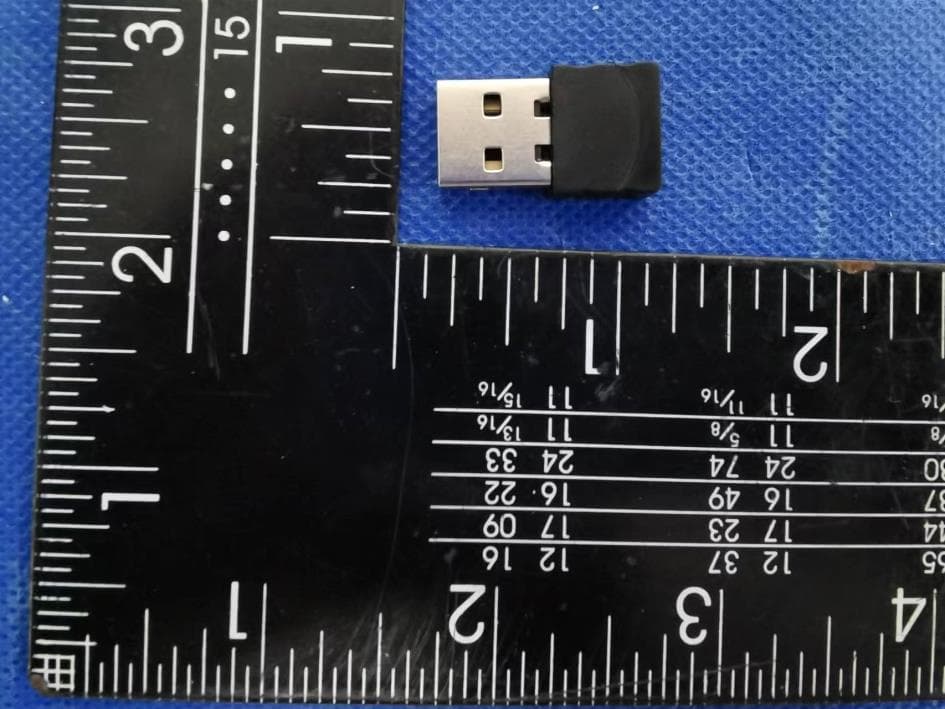
2AGA6-DG001BT2
Aug 14, 2022CA Essential Bluetooth Dongle
Equipment Class
DSS - Part 15 Spread Spectrum Transmitter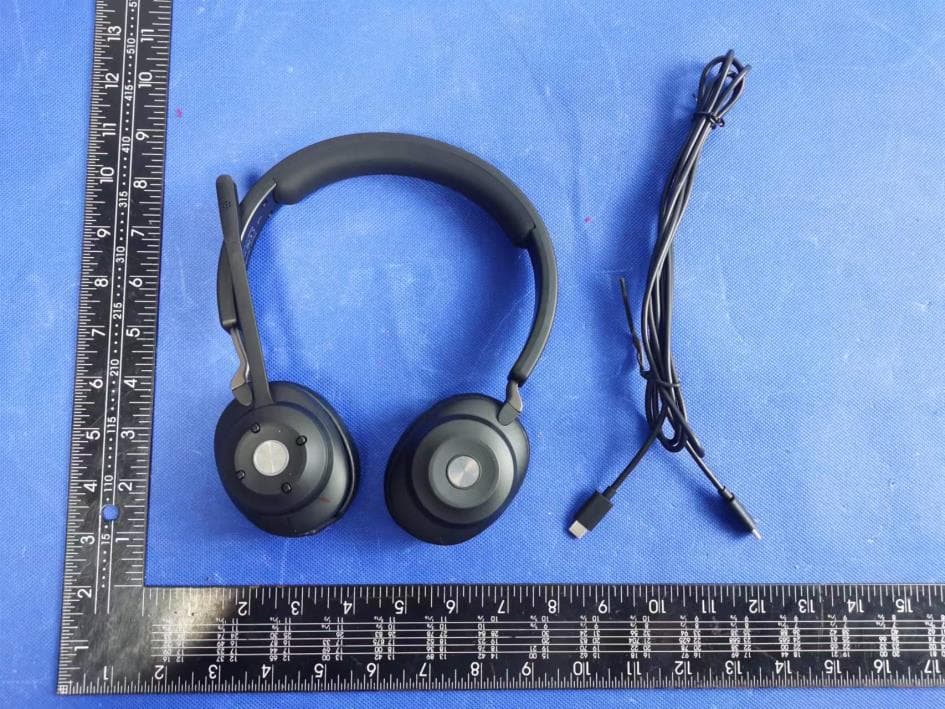
2AGA6-HS2000BT
Aug 13, 2022CA Essential Bluetooth Headset
Equipment Class
DSS - Part 15 Spread Spectrum Transmitter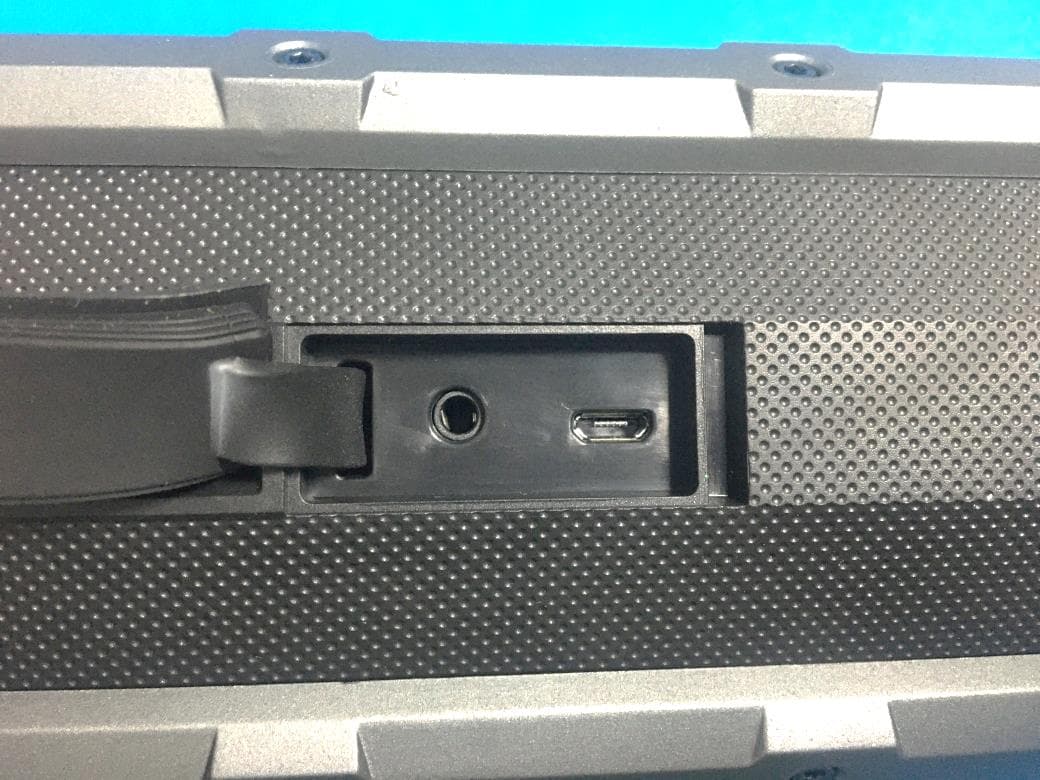
2AGA6-FUGOOF6EL
May 27, 2021Fugoo Element
Equipment Class
DSS - Part 15 Spread Spectrum Transmitter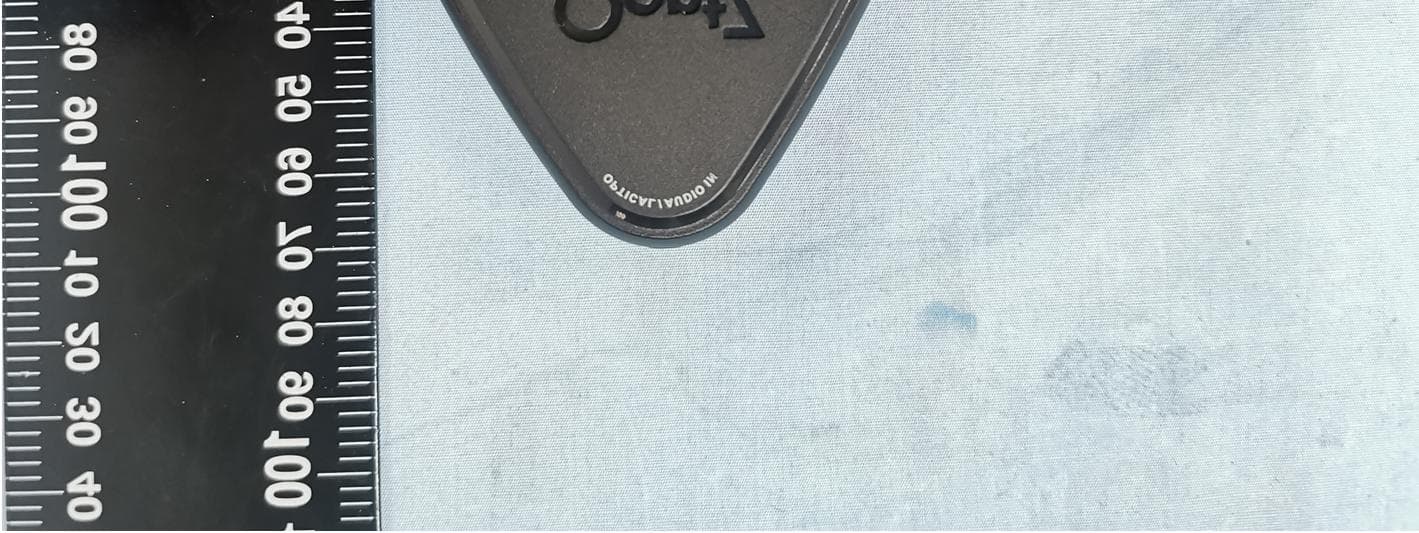
2AGA6-OONTZBTAD2
Nov 29, 2020Bluetooth Adapter
Equipment Class
DSS - Part 15 Spread Spectrum Transmitter2AGA6-OZA3PROS
Nov 15, 2020Portable Bluetooth Speaker
Equipment Class
DTS - Digital Transmission System