2AI2O-OL605MULTIFUNCTIONAL CABINET LOCK
Shenzhen Omni Intelligent Technology Co., Ltd.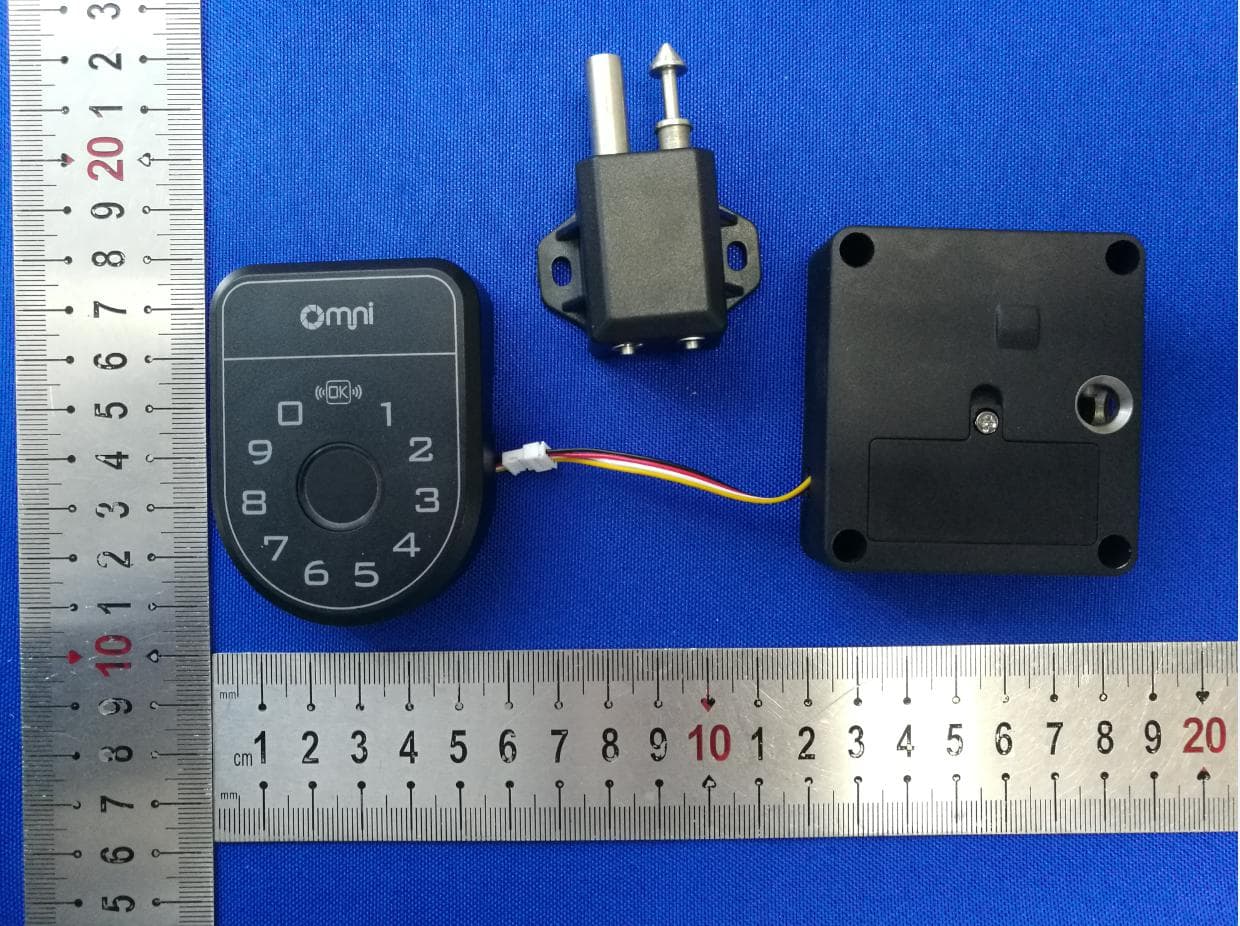
Click to zoom
Application Details
- Equipment Class
- DXT - Part 15 Low Power Transceiver, Rx Verified
- Date of Grant
- Sep 22, 2020
- Application Purpose
- Original Equipment
- Date of Application
- Sep 22, 2020
- Equipment Note
- MULTIFUNCTIONAL CABINET LOCK
- Frequency Range
- 13.56000000 - 13.56000000
- Country
- China
Documents & Files
Document Text
Text extracted from the exhibit documents filed with the FCC. Open a document above to read the original.
Users Manual
MULTIFUNCTIONAL CABINET LOCK 01. Product Description 02. Product Appearance A smart cabinet lock, a variety of unlocking methods (optional single and any combination of unlocking methods) 1. Touch the keyboard to enter the password to unlock 2. RFID card swipe to unlock. 3. Fingerprint unlock. 1、Control panel 2、Lock body FrontBack Perspective FrontsidePerspective 03. Specifications 3、Lock Pin FrontsidePerspective Product nameSmart cabinet lock BLEBLE4.0 (2402-2480MHz) RFID card13.56Mhz,YPE-A,TYPE-B FingerprintSemiconductor fingerprint module, 1-100 users Amount of users 100 groups, each group can be combined with password and RFID, or combination of password and fingerprint Operating temperature -10°C ~ 60°C storage temperature -40°C ~ 70°C Working humidity93%RH Working current<80mA(3.7VDC) recharging current<500mA(5VDC) voltage3.7VDC Battery standby2year Shell material ABS Dimensions Control panel 69.9x53.4x13mm lock body 63x58x22.6mm 4.1、Function Description: To wake up, press any touch button, and the white light will indicate that you have changed to wake up. 04. Instructions The keyboard is unlocked, enter the 6-digit password, and press OK to confirm. If the password is correct, the green light is on and a long beep sounds. The lock is unlocked. After 5 seconds, the lock is locked. During this period, the unlock cannot be repeated The fingerprint is unlocked, the key fingerprint remains unchanged for about one second, if the fingerprint is correct, the green light and a long beep, then unlock. Factory mode, any password with more than 6 digits and any RFID card can be unlocked, the administrator password is 123456. User mode, if there is a password input, RFID or fingerprint, that is, switch to user mode, only registered password or RFID card or fingerprint to unlock. The RFID card is unlocked. The RFID card is close to the panel. If the card is correct, the green light is on and a long beep sounds to unlock the card. 4.2、Indicator description: Change to awake state: white light The unlocking is correct: the green light is on for 1s Delete all passwords to restore factory mode; add at least one user password to switch to user mode. The password is entered incorrectly 5 times in succession, the keyboard is locked, the red light is on, and it returns to normal after 2 minutes. Charging: Use a type-c usb cable to charge the machine. The yellow light flashes when charging, and the yellow light turns off when it is full. It is recommended to use 5V / 1A or above for the adapter. virtual password function, enter any password before the correct password to prevent peeping, as long as the last 6 digits of the password are correct, the lock can be unlocked Failed to unlock: the red light is on for 1s Charging status: yellow light flashes The keyboard is disabled: the red light is always on APP entry: fingerprint and password are entered, the blue light is on when the RFID card is entered, the blue light flashes when the entry is successful, and there is no change if it is unsuccessful Operation failed: red light flashes Successful operation: green light flashes Delete all passwords: pink purple lights flash 12 Factory mode: green light is on for 0.2 seconds after changing User mode: white light after waking up Waiting for verification administrator: yellow light Add mode: blue light Delete mode: pink purple light 4.3、Buzzer status: Short touch of the touch buttonThe lock is unlocked correctly and the sound is long 4.4、 Local Password Management: Input format Add: operation code + administrator password + newly added password twice Delete: operation code + administrator password + password to be deleted twice Delete all passwords: operation code + administrator password Add password OK 1 2 3 OK Delete password OK 3 2 1 OK Delete all passwords OK 4 4 4 OK A:opcode The factory default administrator password is 123456 The first one added (new password, RFID, fingerprint) is the new administrator, and the previous 123456 is invalid, and the subsequent operations need to be verified with the new administrator password B:administrator password Input: OK 1 2 3 OK Yellow light is on Enter the administrator password+OK, the correct password green light flashes and turns blue Enter the newly set 6-digit password and click OK, and enter it twice in succession; the green light flashes successfully; when the two passwords are different, the red light flashes 4 times; the red light flashes when the same password is available A:add a password The specific operation If you are adding an RFID card, swipe the card once, if the addition is successful, the green light flashes, and if you already have the current card, the red light flashes If you are adding a fingerprint, you need to press your finger for about 3 to 5 seconds until the green light flashes 4 times successfully Note: If adding RFID or fingerprint to the current user, add it before the blue light goes out If you add the next user, you need to wait for the blue light to go out. The number of added users has reached 100, and the administrator will flash a red light after verification to indicate that the user is full Enter OK 3 2 1 OK Yellow light is on Enter the administrator password+OK, the correct password, green light flashes, and then turns into pink and purple Enter the 6-digit password to be deleted twice, RFID and fingerprint only once Successful green light flashes, two times different, red light flashes, has the same password, red light flashes B:delete the password Enter OK 4 4 4 OK yellow light Enter the administrator password+OK. The correct password flashes green and then turns pink and purple About 100 users, each user can set a password or associate RFID or fingerprint 1.The user only associates one password.Each time you add it, you need to wait for the blue light to go out, and then add the next user according to the password addition process C:delete all passwords 2. The user associates the password and RFID or fingerprint. After…
Text truncated - open the document above for the full version.
Cover Letter(s)
<ShenzhenOmniIntelligentTechnologyCo.,Ltd.> OfficeofEngineeringTechnology FederalCommunicationsCommission 7435OaklandMillsRoad Columbia,MD21046 Date:Sep.16,2020 Subject;RequestforLongTermConfidentiality FCCID:2AI2O-OL605 ToWhomItMayConcern, PursuanttotheprovisionsoftheCommission’srulesTitle47Sections§0.457and§0.459,weare requestingtheCommissiontowithholdthefollowingattachment(s)asconfidentialdocumentsfrom publicdisclosureindefinitely. Thesedocumentscontaindetailedsystemandequipmentdescriptionsandareconsideredasproprietary informationinoperationoftheequipment.Thepublicdisclosureofthesedocumentsmightbeharmfulto ourcompanyandwouldgivecompetitorsanunfairadvantageinthemarket. SchematicDiagram BlockDiagram PartsList OperationalDescription Tune-upProcedure Itisourunderstandingthatallmeasurementtestreports,FCCIDlabelformatandcorrespondenceduring thecertificationreviewprocesscannotbegrantedasconfidentialdocumentsandthisinformationwillbe availableforpublicreviewoncethegrantofequipmentauthorizationisissued. Sincerely, Signature: Name:WuchengLei Title:Manager
Cover Letter(s)
ShenzhenOmniIntelligentTechnologyCo.,Ltd. LetterofAuthorization Company:ShenzhenOmniIntelligentTechnologyCo.,Ltd. Address:5th.FloorBlock4,LianchuangTechnicalZone,21th.BulanRoad, LonggangDistrict,Shenzhen,Guangdong,China ProductName:MULTIFUNCTIONALCABINETLOCK ModelNumber:OL605 FCCIdentifier:2AI2O-OL605 WeauthorizeMiCOMLabsInc,575BoulderCourt,Pleasanton,California94566, USA,toactonourbehalfonallmattersconcerningtheabovenamedequipment. AnyindividualwithinMiCOMLabsisauthorizedtoactonourbehalfandtake actionontheapplication. WedeclarethatMiCOMLabsInc,575BoulderCourt,Pleasanton,California 94566,USA,isallowedtoforwardallinformationrelatedtotheapprovalproject totheFederalCommunicationCommissionandtodiscussanyissues concerningtheapprovalapplication.AnyandallactscarriedoutbyMiCOMLabs onourbehalfshallhavethesameeffectasactsofourown. Name:WuchengLeiDate:Sep.16,2020 Title:Manager Signatureofapplicant:
External Photos
Model:OL605 Model:OL605 Model:OL605 Model:OL605 Model:OL605 Model:OL605 Model:OL605
ID Label/Location Info
FCCIDLABEL: LabelLocation: FCCID:2AI2O-OL605 Productname:MULTIFUNCTIONALCABINETLOCK ModelNo.:OL605 ThisdevicecomplieswithPart15oftheFCCRules.Operationissubjecttothe followingtwoconditions: (1)Thisdevicemaynotcauseharmfulinterference (2)Thisdevicemustacceptanyinterferencereceived,includinginterferencethatmay causeundesiredoperation. Long:3cm Width:2cm
Internal Photos
Model:OL605 Model:OL605 Model:OL605 Model:OL605 Model:OL605 Model:OL605 Model:OL605 Model:OL605 BLEAntenna 13.56MAntenna
Test Report
Page1of21ReportNo.:UNIA20070204ER-02 FCCRADIOTESTREPORT FCCID:2AI2O-OL605 Product : MULTIFUNCTIONALCABINETLOCK TradeName : OMNI ModelName : OL605 SerialModel: N/A ReportNo. : UNIA20070204ER-02 Preparedfor ShenzhenOmniIntelligentTechnologyCo.,Ltd. 5th.FloorBlock4,LianchuangTechnicalZone,21th.BulanRoad,Longgang District,Shenzhen,Guangdong,China Preparedby ShenzhenUnitedTestingTechnologyCo.,Ltd. 2F,AnnexBldg,JiahuangyuanTechPark,#365Baotian1Rd,Tiegang Community,XixiangStr,Bao'anDistrict,Shenzhen,China Page2of21ReportNo.:UNIA20070204ER-02 TESTRESULTCERTIFICATION Applicant’sname....................: ShenzhenOmniIntelligentTechnologyCo.,Ltd. Address......................................: 5th.FloorBlock4,LianchuangTechnicalZone,21th.BulanRoad, LonggangDistrict,Shenzhen,Guangdong,China Manufacture'sName..............: ShenzhenOmniIntelligentTechnologyCo.,Ltd. Address......................................: 5th.FloorBlock4,LianchuangTechnicalZone,21th.BulanRoad, LonggangDistrict,Shenzhen,Guangdong,China Productdescription Productname............................... : MULTIFUNCTIONALCABINETLOCK TradeMark.................................: OMNI Modeland/ortypereference . : OL605 Standards..................................: FCCRulesandRegulationsPart15SubpartCSection15.225 ANSIC63.10:2013 ThisdevicedescribedabovehasbeentestedbyShenzhenUnitedTestingTechnology Co.,Ltd.,andthetestresultsshowthattheequipmentundertest(EUT)isincompliance withtheFCCrequirements.Anditisapplicableonlytothetestedsampleidentifiedinthe report. Thisreportshallnotbereproducedexceptinfull,withoutthewrittenapprovalofUNI,this documentmaybealteredorrevisedbyShenzhenUnitedTestingTechnologyCo.,Ltd., personnelonly,andshallbenotedintherevisionofthedocument. DateofTest...............................................: Date(s)ofperformanceoftests...............: Jul.02,2020~Sep.16,2020 DateofIssue..............................................: Sep.16,2020 TestResult .................................................. :Pass Preparedby: Bobliao/Editor Reviewer: Kahnyang/Supervisor Approved&AuthorizedSigner: Liuze/Manager Page3of21ReportNo.:UNIA20070204ER-02 TableofContentsPage 1TESTSUMMARY....................................................................................................................4 2GENERALINFORMATION....................................................................................................5 2.1GENERALDESCRIPTIONOFEUT.........................................................................................5 2.2CarrierFrequencyofChannels.................................................................................................6 2.3OperationofEUTduringtesting................................................................................................6 2.4DESCRIPTIONOFTESTSETUP..............................................................................................6 2.5MEASUREMENTINSTRUMENTSLIST...................................................................................7 3CONDUCTEDEMISSIONTEST ........................................................................................... 8 3.1ConductedPowerLineEmissionLimit.....................................................................................8 3.2TestSetup.....................................................................................................................................8 3.3TestProcedure.............................................................................................................................8 3.4TestResult....................................................................................................................................8 4RADIATEDEMISSIONTEST..............................................................................................11 4.1BlockDiagramofTestSetup .................................................................................................... 11 4.2Rulesandspecifications ........................................................................................................... 12 4.3TestProcedure ........................................................................................................................... 13 4.4TestResult .................................................................................................................................. 13 5OccupiedBandwidth.............................................................................................................17 5.1TestSetup...................................................................................................................................17 5.2TestProcedure...........................................................................................................................17 5.3MeasurementEquipmentUsed...............................................................................................17 5.4TestResult..................................................................................................................................17 6Frequencystability............................................................................................................................17 6.1TestSetup...................................................................................................................................18 6.2TestProcedure...........................................................................................................................18 6.3MeasurementEquipmentUsed...............................................................................................18 6.4TestResult..................................................................................................................................18 7ANTENNAREQUIREMENT ................................................................................................ 19 8PHOTOGRAPHOFTEST.....................................................................................................2…
Text truncated - open the document above for the full version.
Test Setup Photos
Model:OL605 Model:OL605
Contact Information
Applicant
Wucheng Lei(Manager)
Technical Contact
Test Firm
Shenzhen United Testing Technology Co., Ltd.Liu Ze
[email protected]86-755-86180996
Technical Specifications
| # | Rule Parts | Frequency Range | Power Output |
|---|---|---|---|
| 1 | 15C | 13.56 MHz - 13.56 MHz | - |
Other Applications from Shenzhen Omni Intelligent Technology Co., Ltd.

2AI2O-M531CDZ
Mar 03, 2026Wireless Charging & Docking Station
Equipment Class
DTS - Digital Transmission System
2AI2O-M135YB
Sep 28, 2025IOT DISPLAY
Equipment Class
PCB - PCS Licensed Transmitter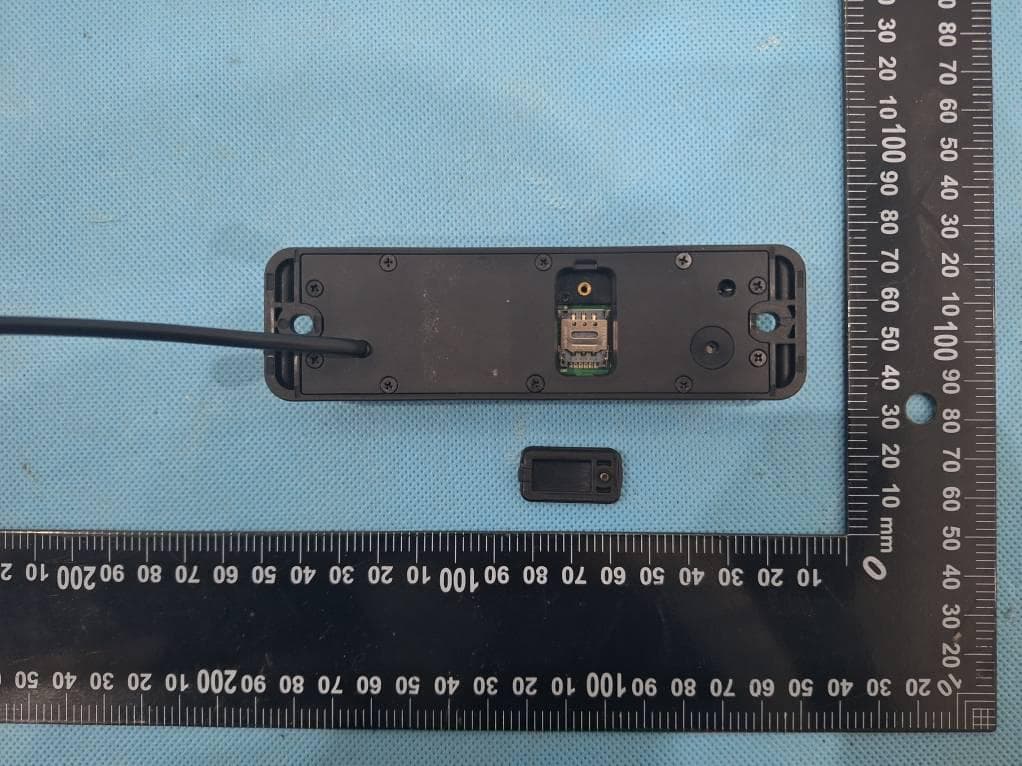
2AI2O-M151IOT
Sep 04, 2024Sharing Scooter IOT
Equipment Class
DTS - Digital Transmission System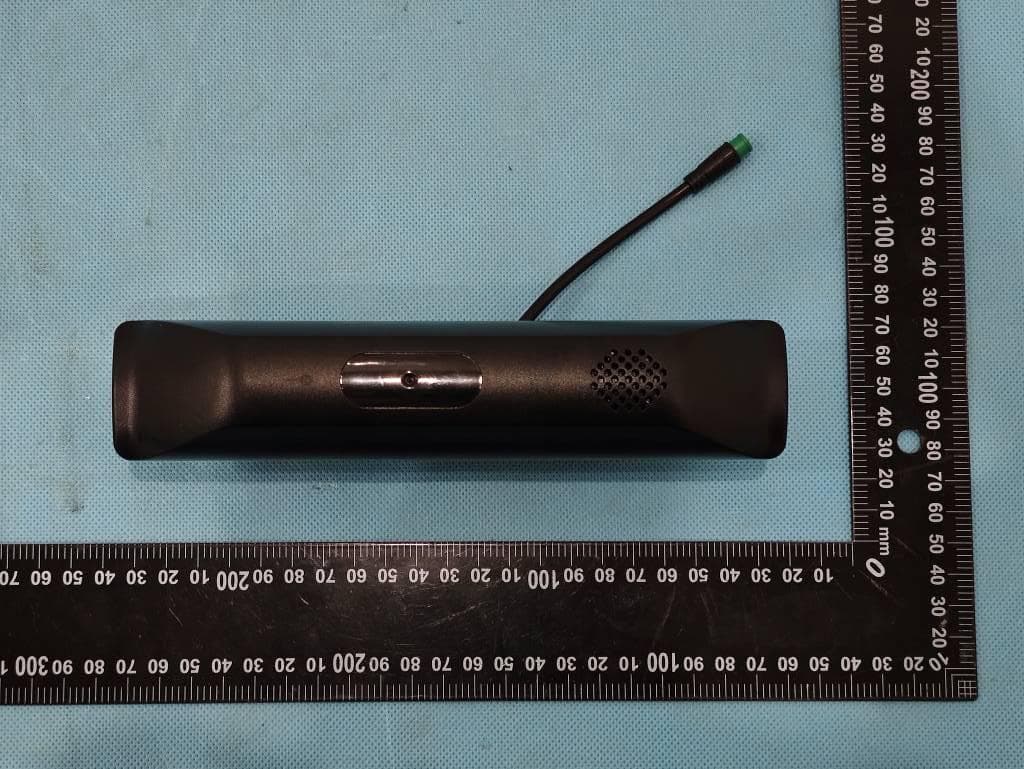
2AI2O-M154IOT
Aug 04, 2024Sharing scooter IOT
Equipment Class
DTS - Digital Transmission System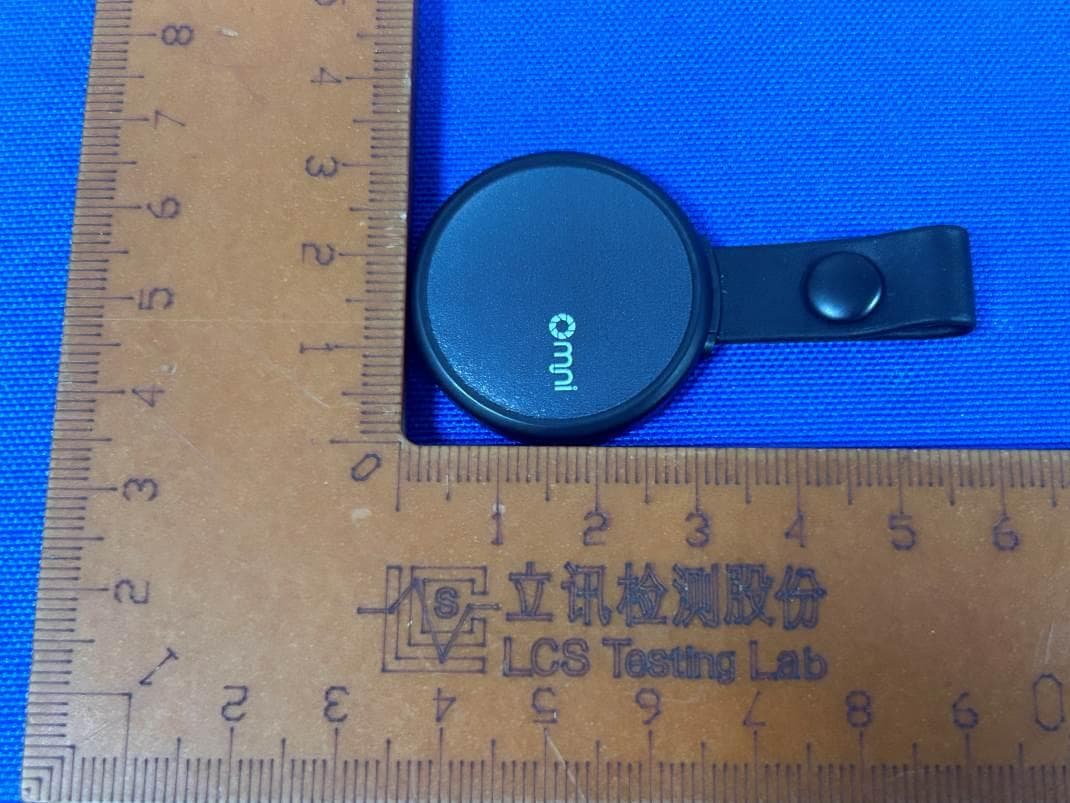
2AI2O-OPD03
Oct 25, 2023MiniLocator
Equipment Class
DTS - Digital Transmission System