2AJVKTWKB100Wireless Mechanical Keyboard
Foto Electric Supply Co., INC.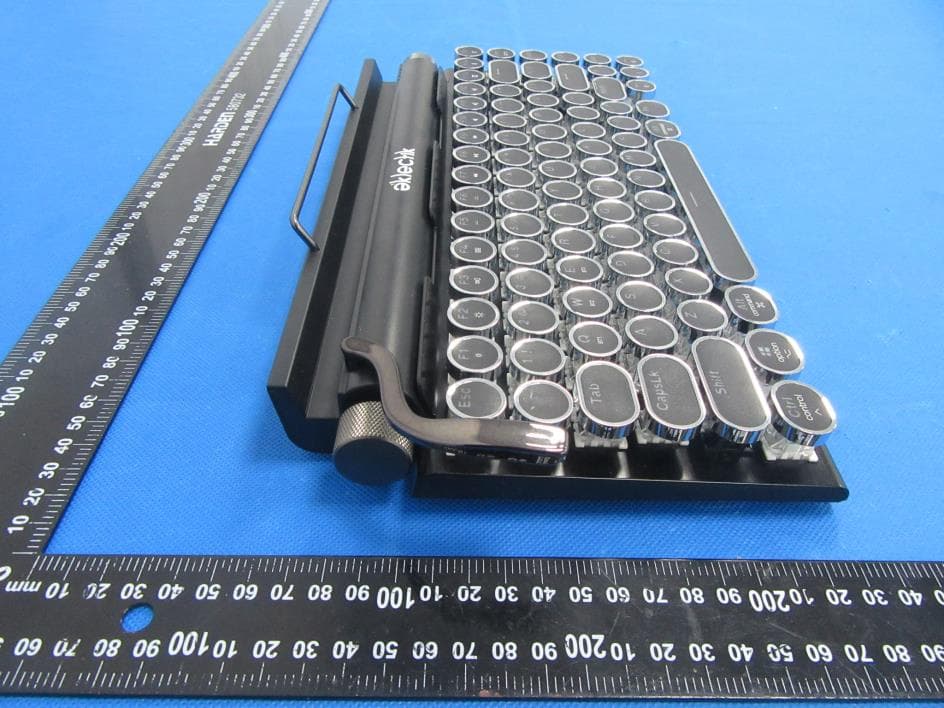
Click to zoom
Application Details
- Equipment Class
- DTS - Digital Transmission System
- Date of Grant
- Apr 02, 2023
- Application Purpose
- Original Equipment
- Date of Application
- Apr 02, 2023
- Equipment Note
- Wireless Mechanical Keyboard
- Frequency Range
- 2402.00000000 - 2480.00000000
- Country
- United States
Documents & Files
Document Text
Text extracted from the exhibit documents filed with the FCC. Open a document above to read the original.
Users Manual
color: Black Size:332*177*47.6mm Weight: 719.84g Number of keys: 83 keys Battery capacity: 2000mAh Switch: Blue Outemu switches Working Voltage/ Current : 1)BT mode: 3.7V/162.7mA; 2)Wire mode: 5V/270mA Charging Cable:1.6m braided Type C cable Type: Mechanical keyboard Switch button: BT/ OFF/ USB (wired), when switch to BT, then it’s under BT mode, and when switch off, then turn off the keyboard, and when switching to USB, then means it’s working as a wired keyboard In Bluetooth mode, there is no keyboard action (no keys pressed or scroll wheel), and it goes to sleep after 5 minutes. In wired mode, sleep synchronously with your computer Under bluetooth mode Bluetooth can match three devices, corresponding to three different positions of key Q, W and E respectively. In Bluetooth mode, there are two ways to pair Bluetooth connections. 1. Long press Fn + Q, W and E keys (for 3 seconds) until the blue indicator light blinks slowly and enters the code matching state. After successful connection, this LED will be steady blue and the connection information will be saved in the corresponding key position. Second, short press Fn + Q, W, E the host of the corresponding position (select), USB/bluetooth indicator light blue into rapid flash back to the state (which can be connected to the connection before the host), press the code key at this time, the USB/bluetooth indicator light Blue slow flashing, into the state of code, after the connection is successful, the blue LED normally on, In addition, the connection information is saved in the corresponding position of the key, which can be connected back to the corresponding host by short pressing Fn + W, W, E. 3. After connecting the corresponding positions of Fn+ Q, W and E to the host, you can switch the connected host by short pressing Fn+ Q, W and E. Note: 1. If Fn+Q has been paired with the host, it can be paired with other hosts by long pressing Fn+Q or short pressing Fn+Q and then pressing the pairing button. 2. If the keyboard does not move after the Bluetooth is successfully connected to the host device, the Bluetooth will first go to sleep after 3 minutes. When the key is pressed at this time, there will be a phenomenon of stalling, because the Bluetooth is in the state of connecting back, and it will take some time from the beginning to the success of connecting back. 3, when the USB cable is not connected to the computer and other hosts, the backlight may not be bright, then you can switch the keyboard to Bluetooth mode. 4, Bluetooth adapter if you have Bluetooth 4.0 version above, and to use in Win10. when connecting with bluetooth, the device name is showed TWKB100 Switch button: Mac/ Windows, switch Mac, means working on Mac system, when switching Windows, then working on Windows system Backlit: Rainbow backlit, each line with each color LED, from top to bottom, the color is blue/ red/ orange/ green/ purple/ white Right roller: is for volume control, turn right is for increasing the volume, turn left is for decreasing the volume Left roller: is for brightness control, turn right is for increasing the brightness, turn left is for decreasing the brightness Compatible with Mac/ Windows, the multimedia function is laser for Mac system 4 indicator light: wired/ bluetooth indicator, winlock indicator, caps lock indicator, charge low battery indicator Bluetooth Wired Indicator The blue light of indicator flashes when switching to Bluetooth mode. The LED is always on in blue after a successful connection. The LED is always on in red when switching to wired mode. Win Lock Indicator Win Lock function can be turned on or off after pressing FN+Win. Win key has no function when the Win Lock function is turned on (the LED is on). Win key is normal when the Win Lock function is turned off(the LED is off). Caps Indicator The LED is always on when the Caps is turned on and the LED is off when the Caps is off. Charge Low Battery Indicator Charging blue light on, fully charged blue light off The LED flashes red when the voltage is lower than 3.4V. Multimedia function Windows system Mac System FN + F1 My Computer F1: Screen brightness - FN+F2 Search F2: Screen brightness + FN+F3 Calculator F3: Call out all programs and all desktops that are running FN+F4 Media F4: Launch an interface similar to Apple's iOS FN+F5 Previous track F5: Keyboard brightness - FN+F6 Next track F6: Keyboard brightness + FN+F7 Play/ Pause F7: Previous track FN+F8 Stop F8: Play/ Pause FN+F9 Mute F9: Next track FN+F0 Volume + F10: Mute FN+F11 Volume - F11: Volume + FN+F12 Lock Whole keys F12: Volume- Support 14 backlit modes Long press FN + ESC for 3 seconds to restore the factory settings, the lighting effects will be switched to constant light mode only in wired mode FN+ Del: ON/OFF the light FN+Home: switch the backlit modes FN+↑: brightness + FN+ ↓: brightness- FN+←: lightning speed - FN+ →: lightning speed+ There is memory function in light effect speed, brightness and mode Notes: brightness cannot be switches in breathing mode, Speed cannot be switched in constant light mode FCC Caution: This device complies with part 15 of the FCC Rules. Operation is subject to the following two conditions: (1) This device may not cause harmful interference, and (2) this device must accept any interference received, including interference that may cause undesired operation. Any Changes or modifications not expressly approved by the party responsible for compliance could void the user's authority to operate the equipment. Note: This equipment has been tested and found to comply with the limits for a Class B digital device, pursuant to part 15 of the FCC Rules. These limits are designed to provide reasonable protection against harmful interference in a residential installation. This equipment generates uses and can radiate radio frequency energy and, if not installed and used in accordance with the instructions, may cause harmful interference to radio communications. However, there is no guarant…
Text truncated - open the document above for the full version.
Attestation Statements
Foto Electric Supply Co., INC 2023.03.14 Eurofins Electrical and Electronic Testing NA, Inc. 914 West Patapsco Avenue Baltimore, MD 21230 RE: Attestation Statements Part 2.911(d)(5)(i) request for FCC ID: 2AJVKTWKB100 Foto Electric Supply Co., INC certifies that the equipment for which authorization is sought is not “covered” equipment prohibited from receiving an equipment authorization pursuant to section 2.903 of the FCC rules. Sincerely, Applicant signature: Applicant printed name: Jared Melnicoff / Director Sourcing Foto Electric Supply Co., INC 2023.03.14 Eurofins Electrical and Electronic Testing NA, Inc. 914 West Patapsco Avenue Baltimore, MD 21230 RE: Attestation Statements Part 2.911(d)(5)(ii) request for FCC ID: 2AJVKTWKB100 Foto Electric Supply Co., INC certifies that, as of the date of the filing of the application, the applicant is not identified on the Covered List as an entity producing “covered” equipment. Sincerely, Applicant signature: Applicant printed name: Jared Melnicoff / Director Sourcing
Attestation Statements
Attestation Statements 2023.03.14 TO: Federal Communications Commission Authorization and Evaluation Division 7435 Oakland Mills Road Columbia, MD 21046, USA RE: Attestation Statements Part 2.911(d)(7) request for FCC ID: 2AJVKTWKB100 Foto Electric Supply Co., INC, the undersigned, hereby authorize Foto Electric Supply Co., INC to act as our designated U.S. agent for service of process, Foto Electric Supply Co., INC accepts to maintain an agent for no less than one year after the grantee has terminated all marketing and importation or the conclusion of any Commission-related proceeding involving the equipment. Foto Electric Supply Co., INC accepts the responsibility to act as designated U.S. agent for service of process, provides an agent for no less than one year after the grantee has terminated all marketing and importation or the conclusion of any Commission-related proceeding involving the equipment. Applicant Information: Company name: Foto Electric Supply Co., INC Contact Name: Jared Melnicoff Address: 1 Rewe Street Brooklyn, NY 11211, USA Telephone No: 212-260-0666 Email: [email protected] U.S. Agent Information: Company Name: Foto Electric Supply Co., INC Address: 1 Rewe Street Brooklyn, NY 11211, USA FRN: 0025902875 Contact Name: Jared Melnicoff Telephone No: 212-260-0666 Email: [email protected] Applicant Signature: Applicant printed name: Jared Melnicoff / Director Sourcing
Cover Letter(s)
Foto Electric Supply Co., INC Model Difference 2023.03.14 EUT NAME: Wireless Mechanical Keyboard MODEL : EKL-TWKB100, EKL-TWKB200, GAM-WKB100, GAM-WKB150, GAM- WKB200, TWKB100, TWKB200, WKB100, WKB150, WKB200 FCC ID: 2AJVKTWKB100 All the model are the same circuit and RF module, except model names. Regards Sincerely Client’s signature: Client’s name / title : Jared Melnicoff / Director Sourcing Contact information / address: 1 Rewe Street Brooklyn, NY 11211, USA
External Photos
External Photos
ID Label/Location Info
50*30mm Label Location FCC ID: 2AJVKTWKB100 This device complies with Part 15 of the FCC Rules. Operation is subject to the following two conditions:(1)This device may not cause harmful interference, and (2) this device must accept any interference received, including interference that may cause undesire d operation.
Internal Photos
Internal Photos Antenna
RF Exposure Info
FCC ID: 2AJVKTWKB100 Portable device According to §15.247(e)(i) and §1.1307(b)(1), systems operating under the provisions of this section shall be operated in a manner that ensures that the public is not exposed to radio frequency energy level in excess of the Commission’s guidelines. According to KDB447498 D01 General RF Exposure Guidance V06 The 1-g SAR and 10-g SAR test exclusion thresholds for 100 MHz to 6 GHz at test separation distances ≤ 50 mm are determined by: [(max. power of channel, including tune-up tolerance, mW)/(min. test separation distance, mm)]·[√f(GHZ)] ≤ 3.0 for 1-g SAR and ≤ 7.5 for 10-g extremity SAR, where: • f(GHZ) is the RF channel transmit frequency in GHz • Power and distance are rounded to the nearest mW and mm before calculation • The result is rounded to one decimal place for comparison When the minimum test separation distance is < 5 mm, a distance of 5 mm is applied to determine SAR test exclusion. Modulation Channel Freq. (GHz) Conduct ed power (dBm) Conducte d power (mW) Tune-up power (dBm) Max tune-up power (dBm) Max tune-up power (mW) Distance (mm) Result calculatio n SAR Exclusion threshold SAR test exclusion GFSK 2.402 -2.02 0.63 -2±1 -1.00 0.79 <5 0.24622 3.00 YES Conclusion: For the max result : 0.24622<3, the SAR testing is not required.
Test Report
2.4GHzAntennaSpecification Manufacturer:ShenzhenJiexinruiTechnologyCo.,Ltd. Address:4/F,Building3,XinXintianIndustrialPark,Xinsha Road,ShajingStreet,Bao'anDistrict,Shenzhen,Guangdong, China ANTTestLabs:SINOWEALTHElectronicLtd. 1、Antennasize : TheAntennatypeisPIFA,theplateistwolayersofFR4,and theplatethicknessis0.8mm 2 、 AntennaperformanceS11 3、2DRadiationPatterns: 4 、 3DRadiationPatterns 5、AntennaGianandEfficiency
Test Report
No.:BCTC/RF-EMC-005 Page: 1 of 40 Edition:A.5 TEST REPORT Shenzhen BCTC Testing Co., Ltd. Report No.: BCTC2210360965E Applicant: Foto Electric Supply Co., INC Product Name: Wireless Mechanical Keyboard Model/Type Ref.: EKL-TWKB100 Tested Date: 2022-10-28 to 2022-11-03 Issued Date: 2022-11-04 Report No.: BCTC2210360965E No.:BCTC/RF-EMC-005 Page: 2 of 40 Edition:A.5 FCC ID: 2AJVKTWKB100 The test report is effective only with both signature and specialized stamp. This result(s) shown in this report refer only to the sample(s) tested. Without written approval of Shenzhen BCTC Testing Co., Ltd, this report can’t be reproduced except in full. The tested sample(s) and the sample information are provided by the client. Product Name: Wireless Mechanical Keyboard Trademark: Model/Type Ref.: EKL-TWKB100 EKL-TWKB200, GAM-WKB100, GAM-WKB150, GAM-WKB200, TWKB100, TWKB200, WKB100, WKB150, WKB200 Prepared For: Foto Electric Supply Co., INC Address: 1 Rewe Street Brooklyn, NY 11211, USA Manufacturer: Foto Electric Supply Co., INC Address: 1 Rewe Street Brooklyn, NY 11211, USA Prepared By: Shenzhen BCTC Testing Co., Ltd. Address: 1-2/F., Building B, Pengzhou Industrial Park, No.158, Fuyuan 1st Road, Zhancheng, Fuhai Subdistrict, Bao'an District, Shenzhen, Guangdong, China. Sample Received Date: 2022-10-28 Sample tested Date: 2022-10-28 to 2022-11-03 Issue Date: 2022-11-04 Report No.: BCTC2210360965E Test Standards: FCC Part15.247 ANSI C63.10-2013 Test Results: PASS Remark: This is Bluetooth BLE radio test report. Tested by: Approved by: Eric Yang/Project Handler Zero Zhou/Reviewer Report No.: BCTC2210360965E No.:BCTC/RF-EMC-005 Page: 3 of 40 Edition:A.5 Table Of Content Test Report Declaration Page 1. Version .................................................................................................................. 5 2. Test Summary ....................................................................................................... 6 3. Measurement Uncertainty ..................................................................................... 7 4. Product Information And Test Setup ..................................................................... 8 4.1 Product Information ............................................................................................... 8 4.2 Test Setup Configuration ...................................................................................... 8 4.3 Support Equipment ............................................................................................... 8 4.4 Channel List .......................................................................................................... 9 4.5 Test Mode ............................................................................................................. 9 4.6 Table Of Parameters Of Text Software Setting ..................................................... 9 5. Test Facility And Test Instrument Used ............................................................... 10 5.1 Test Facility ......................................................................................................... 10 5.2 Test Instrument Used .......................................................................................... 10 6. Conducted Emissions .......................................................................................... 12 6.1 Block Diagram Of Test Setup .............................................................................. 12 6.2 Limit .................................................................................................................... 12 6.3 Test Procedure ................................................................................................... 12 6.4 EUT Operating Conditions .................................................................................. 12 6.5 Test Result .......................................................................................................... 13 7. Radiated Emissions ............................................................................................. 15 7.1 Block Diagram Of Test Setup .............................................................................. 15 7.2 Limit .................................................................................................................... 16 7.3 Test Procedure ................................................................................................... 17 7.4 EUT Operating Conditions .................................................................................. 18 7.5 Test Result .......................................................................................................... 18 8. Radiated Band Emission Measurement And Restricted Bands Of Operation ..... 22 8.1 Block Diagram Of Test Setup .............................................................................. 22 8.2 Limit .................................................................................................................... 22 8.3 Test Procedure ................................................................................................... 23 8.4 EUT operating Conditions ................................................................................... 23 8.5 Test Result .......................................................................................................... 24 9. Power Spectral Density Test ............................................................................... 25 9.1 Block Diagram Of Test Setup .............................................................................. 25 9.2 Limit .................................................................................................................... 25 9.3 Test Procedure ................................................................................................... 25 9.5 Test Result .......................................................................................................... 2…
Text truncated - open the document above for the full version.
Test Setup Photos
Conducted emissions Photos Radiated Measurement Photos
Contact Information
Applicant
Jared Melnicoff(Director Sourcing)
Technical Contact
Shenzhen BCTC Testing Co., Ltd.Alan Mei
[email protected]+86-755-36882589
1-2/F., Building B, Pengzhou Industrial Park, · Bao'an District, Shenzhen, Guangdong · China
Test Firm
Shenzhen BCTC Testing Co., Ltd.Sally He
[email protected]15999690624
Technical Specifications
| # | Rule Parts | Frequency Range | Power Output |
|---|---|---|---|
| 1 | 15C | 2.40 GHz - 2.48 GHz | 630.00 µW |
Other Applications from Foto Electric Supply Co., INC.
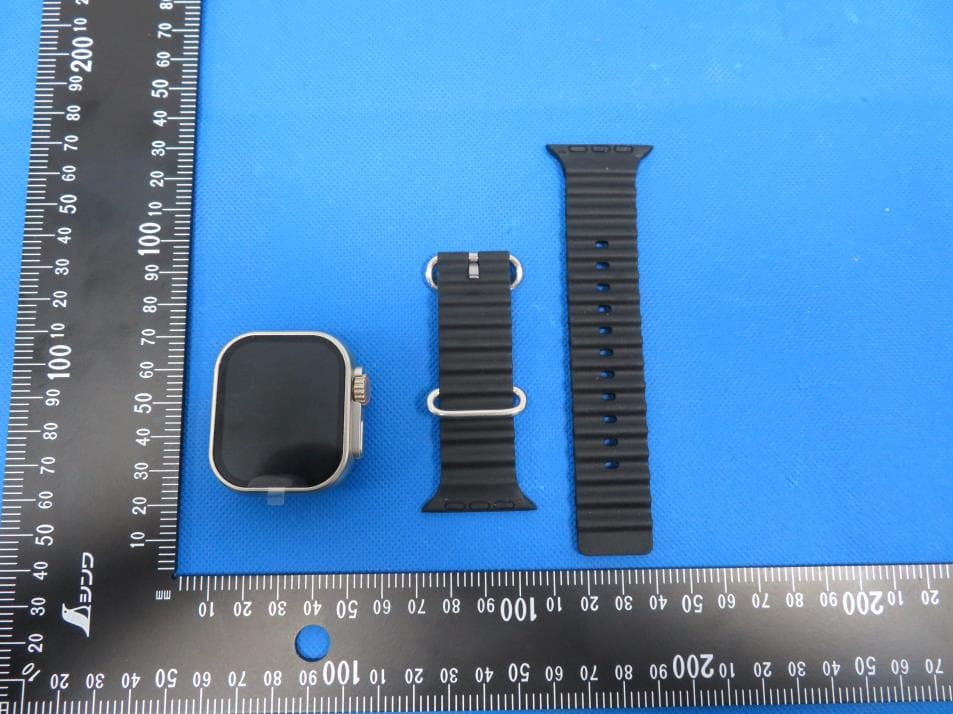
2AJVKSW475
Oct 16, 2023Smart Watch
Equipment Class
DTS - Digital Transmission System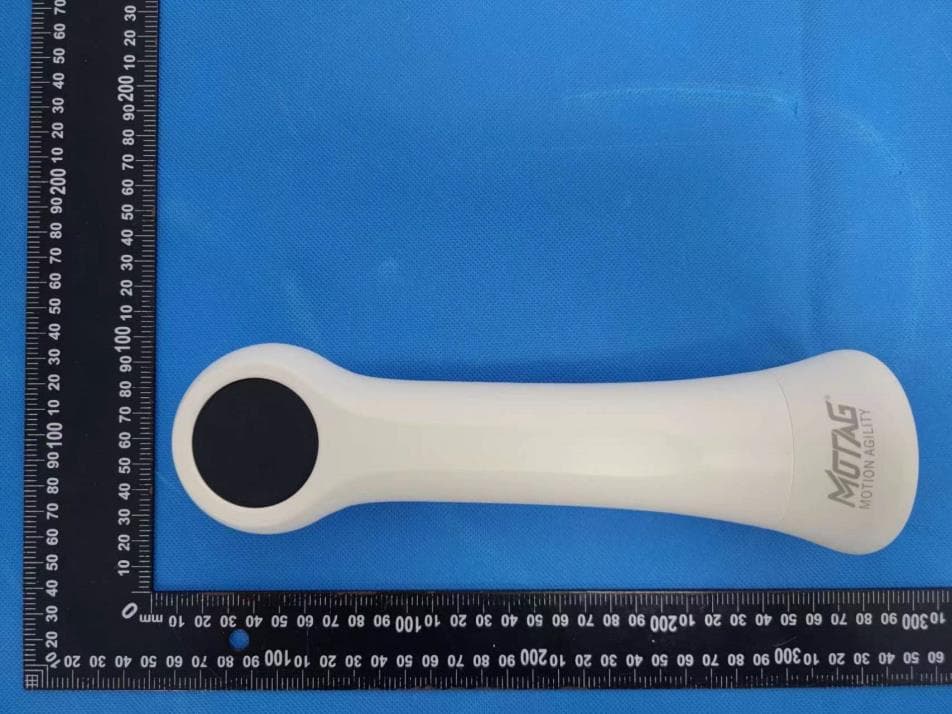
2AJVKMO-SSD5
Nov 05, 2022Smart Dumbbell
Equipment Class
DTS - Digital Transmission System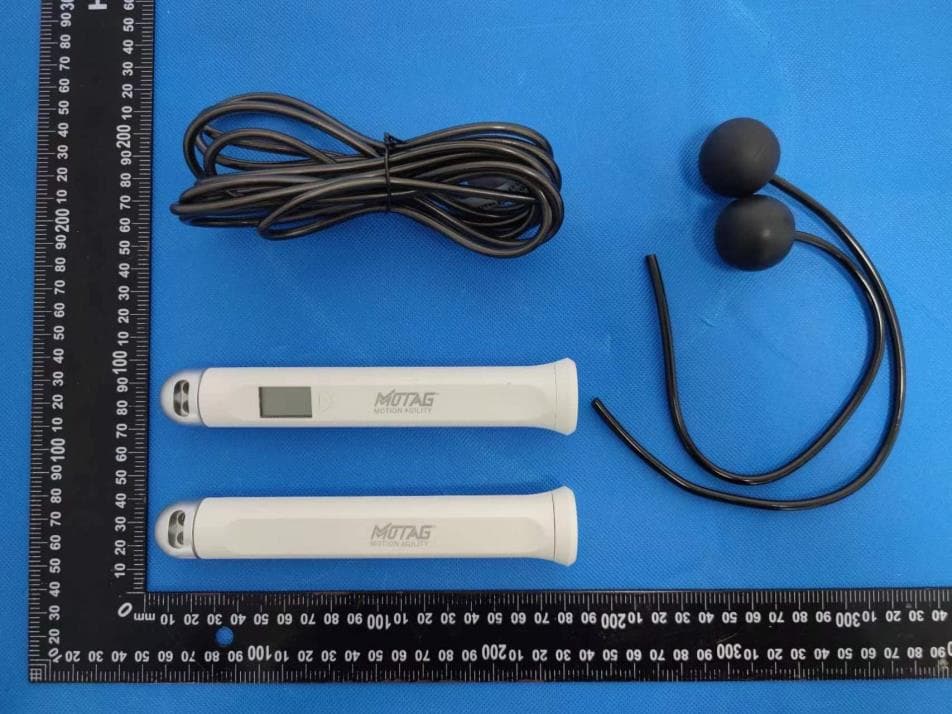
2AJVKMO-SJR
Nov 05, 2022Smart Jump Rope
Equipment Class
DTS - Digital Transmission System
2AJVKSW375
Jul 11, 2021Smart Watch
Equipment Class
DSS - Part 15 Spread Spectrum Transmitter
2AJVK-WH200
Dec 16, 2020Rechargeable wireless Mic
Equipment Class
DTS - Digital Transmission System