2ALNA-BTS60Soundbar Speaker
Shenzhen Thousandshores Technology Co., Ltd.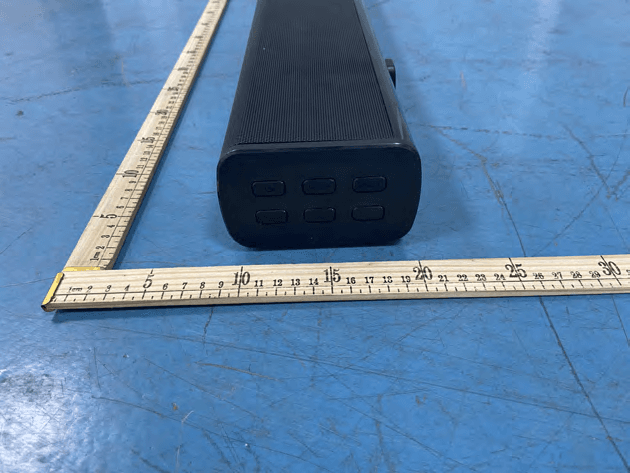
Click to zoom
Application Details
- Equipment Class
- DSS - Part 15 Spread Spectrum Transmitter
- Date of Grant
- Apr 13, 2021
- Application Purpose
- Original Equipment
- Date of Application
- Apr 13, 2021
- Equipment Note
- Soundbar Speaker
- Frequency Range
- 2402.00000000 - 2480.00000000
- Country
- China
Documents & Files
Document Text
Text extracted from the exhibit documents filed with the FCC. Open a document above to read the original.
Users Manual
Soundbar Speaker English User Manual Benutzerhandbuch | Guide Utilisateur | Manual de Usuario Manuale Utente | 取扱説明書 2.1 Channel Soundbar BTS60 Find more about Declaration of Confirmity, please click the below link to download: http://files.tribit.com/bts60-uk-doc.pdf Um mehr über die Konformitätserklärung zu erfahren, klicken Sie bitte auf den folgenden Link: http://files.tribit.com/bts60-uk-doc.pdf English User Manual Benutzerhandbuch Guide Utilisateur Manuale Utente Manual de Usuario 取扱説明書 01 10 18 26 34 42 EN EN - 1 -- 2 - Soundbar Control Button Tribit Home Soundbar Optical Cable HDMI Cable Mounting Kit Remote Control Power Cable Power Source VOL- EQ Mode VOL+ Bluetooth Packing List EN EN - 3 -- 4 - Input Functions 1. AC Power Input: Use included AC power cable to connect AC 100V-240V 2. HDMI (ARC) Mode: (1) Using the HDMI cable connect the HDMI(ARC) connector on the soundbar to the HDMI ARC connector on the TV.(HDMI ARC port on TV may be labelled differently,For details,see the TV user manual.) (2) Go to setting in your TV menu to select source as HDMI(ARC) mode. For details, see the TV manual.(may vary due to different brand) 1) Setting>Sound>select speaker to: extemal speaker(ARC mode)/turn off TV speaker 2) Setting>Sound(audio)>advanced Audio>digital audio output>PCM Setting> Sound(audio)>audio output format>PCM/Dolby off 3. Optical Mode: (1) Using the provided optical cable connected to the TV. (2) Select optical mode using the remote by pressing the Source button, and the soundbar indicator will show OPTIC. (3) Go to Setting in your TV menu 4. AUX Mode: (1) Turn on the soundbar, Select AUX mode using the remote by pressing the Source button or press the source button on the right side of soundbar, and the soundbar indicator will show AUX. (2) Plug in the 3.5mm AUX cable(not included) to the aux in connector on the soundbar and start playing from the music device. 5. Coaxial Mode: (1) Using the Coaxial cable (not included) connected to the TV. (2) Select Coaxial mode using the remote by pressing the Source button, and the soundbar indicator will show COAXI (3) Go to Setting in your TV menu. 6. Bluetooth Connect: (1) Press the Source button to choose Bluetooth mode until BT is shown on the LED display. (2) Press the bluetooth button onthe remote control or on the right side of soundbar (3) Search for new device on your Bluetooth player. (smartphone, tablet, computer.) Choose the device named Tribit Soundbar in the list of new devices detected and select it. EN EN - 5 -- 6 - Remote Control Battery replacement Remote Control ButtonFunction Power on/off MUTEMute the sound SOURCE Shifting Input mode between HDMI(ARC)/Optical/Coaxial/ BT/AUX/USB Vol+Increase volume VoL-Decrease volume Previous track Play/Pause Next track MOVIEEntering to MOVIE EQ mode GAMEEntering to GAME EQ mode MUSICEntering to MUSIC EQ mode NEWSEntering to NEWS EQ mode Entering bluetooth pairing ① Remove the battery compartment cover. ② Inseert 2AAA batteries (Not included) according to the marking inside compartment . ③ Close the compartment. Equalizer Modes: The soundbar has 4 equalizer presets, tailored to complement various styles of music. Press the EQ modes button on the remote or the right side of soundbar to choose between Music, Movie, News, Game. EN EN - 7 -- 8 - Specifications Output Power25W*2+50W Frequency Response50Hz-20KHz Bluetooth Version5.0 Power Input100-240V 50/60Hz Function HDMI(ARC) , Optical, Coaxial, Bluetooth, USB EQ ModeMusic, Movie, News, Game Size Changes or modifications not expressly approved by the party responsible for compliance could void the user’s authority to operate the equipment. This equipment has been tested and found to comply with the limits for a Class B digital device, pursuant to Part 15 of the FCC Rules. These limits are designed to provide reasonable protection against harmful interference in a residential installation. This equipment generates uses and can radiate radio frequency energy and, if not installed and used in accordance with the instructions, may cause harmful interference to radio communications. However, there is no guarantee that interference will not occur in a particular installation. If this equipment does cause harmful interference to radio or television reception, which can be determined by turning the equipment off and on, the user is encouraged to try to correct the interference by one or more of the following measures: -- Reorient or relocate the receiving antenna. -- Increase the separation between the equipment and receiver. -- Connect the equipment into an outlet on a circuit different from that to which the receiver is connected. -- Consult the dealer or an experienced radio/TV technician for help This device complies with part 15 of the FCC rules. Operation is subject to the following two conditions (1)this device may not cause harmful interference, and (2) this device must accept any interference received, including interference that may cause undesired operation. FCC Statement Wall mounting 1. Measure ?mm and drill 2 parallel hole(1/4 in each) in the wall. 2. Firmly apply a dowel into each hole in the wall.(dowel only required for solid wall) 3. Install the bracket to the wall using screw 4. Attach the soundbar to the bracket , and press and push the soundbar to the right location. EN EN - 9 -- PB - English: This device complies with Industry Canada licence-exempt RSS standard(s). Operation is subject to the following two conditions: (1) This device may not cause interference, and (2) This device must accept any interference, including interference that may cause undesired operation of the device. French: Le présentappareilestconforme aux CNR d'Industrie Canada applicables aux appareils radio exempts de licence. L'exploitationestautorisée aux deux conditions suivantes: (1) l'appareil ne doit pas produire de brouillage, et (2) l'utilisateur de l'appareildoit accepter tout brouillageradioélectriquesubi, mêmesi le brouillageest susceptible …
Text truncated - open the document above for the full version.
Cover Letter(s)
C5266091_X8_Ed.1 1/1 LetterofAuthorization ShenzhenThousandshoresTechnologyCo.,Ltd. Company:ShenzhenThousandshoresTechnologyCo.,Ltd. Address:5/F,ChuangxinBuilding,Seven-starCreative Square,No.2NorthAlley,Chuangye2ndRoad,Bao'anDis 28th,ShenZhen,China ProductName:SoundbarSpeaker ModelNumber:BTS60 FCCIdentifier:2ALNA-BTS60 WeauthorizeLGAITechnologicalCenterS.A.,RondadelaFontdelCarme,s/n, 08193Bellaterra,Spain,toactonourbehalfonallmattersconcerningthe abovenamedequipment. AnyindividualwithinLGAITechnologicalCenterS.A.isauthorizedtoactonour behalfandtakeactionontheapplication. WedeclarethatauthorizeLGAITechnologicalCenterS.A.,RondadelaFontdel Carme,s/n,08193Bellaterra,Spain,isallowedtoforwardallinformation relatedtotheapprovalprojecttotheFederalCommunicationCommissionand todiscussanyissuesconcerningtheapprovalapplication.Anyandallacts carriedoutbyLGAITechnologicalCenterS.A.onourbehalfshallhavethe sameeffectasactsofourown. Name:CatherineLuDate:2021-03-25 Title:Testengineer Signatureofapplicant:
Cover Letter(s)
C5266091_X10_Ed.2 1/1 ShenzhenThousandshoresTechnologyCo.,Ltd. OfficeofEngineeringTechnology FederalCommunicationsCommission 7435OaklandMillsRoad Columbia,MD21046 Date:2021-03-25 Subject:RequestforConfidentiality FCCID:2ALNA-BTS60 ToWhomItMayConcern, PursuanttotheprovisionsofSections0.457and0.459ofCommission'srules (47CFR0.457,0.459),wearerequestingtheCommissiontowithholdthefollowing attachment(s)asconfidentialdocumentfrompublicdisclosure. ExhibitsLong-Term Confidentiality Short-Term Confidentiality NOTE2 IDLabel/LocationNoNo AttestationStatementNoNo ExternalPhotosNo ☐ BlockDiagram ☒☐ Schematics ☒☐ TestReportNoNo TestSetupPhotosNo ☐ User’sManual ☐ NOTE 1 ☐ InternalPhotos ☐ NOTE 1 ☐ PartsList/TuneUp ☐☐ RFExposureInfoNoNo OperationalDescription ☒☐ CoverLetter(s)NoNo SDRSoftware/SecurityInfo ☐ No NOTE1:Long-TermConfidentialitymaybepermittedunderspecialconditions(SeeII.LONG-TERMCONFIDENTIALITY,Section3of KDB726920,uselastinforce) NOTE2:Short-TermConfidentialitycanberequestedforamaximumof180daysfromthedateofthegrant. Abovementioneddocumentcontainsdetailedsystemandequipmentdescriptionare consideredasproprietaryinformationinoperationoftheequipment.Thepublic disclosureofabovedocumentsmightbeharmfultoourcompanyandwouldgive competitoranunfairadvantageinthemarket. Incaseofshort-termConfidentiality,theapplicantrequeststheexhibitsselected abovearewithheldfrompublicviewforaperiodofdaysfromthedateofthe GrantofEquipmentAuthorizationandpriortomarketing. Itisourunderstandingthatallmeasurementtestreports,FCCIDlabelformatand correspondentduringcertificationreviewprocesscannotbegrantedasconfidential documentsandthoseinformationwillbeavailableforpublicreviewoncethegrantof equipmentauthorizationisissued. C5266091_X10_Ed.2 1/1 Sincerely, Signature: Name:CatherineLu Title:Testengineer
External Photos
Model: BTS60
Internal Photos
Model: BTS60 ANT
RF Exposure Info
1 / 2 RFEXPOSUREEVALUATION ProductName:SoundbarSpeaker ModelName:BTS60 AdditionalmodelN/A BluetoothVersion:BT5.0BDR+EDR Operatingfrequency:2402-2480MHz NumbersofChannel:79channels AntennaType:PCBAntenna AntennaGain:3.38dBi TypeofModulation:GFSK,Π/4-DQPSK,8DPSKForDSS Powersupply: Adaptermodel:N/A Input:AC100V-240V HardwareVersion:N/A SoftwareVersion:N/A StandardRequirement Accordingto§15.247(i)and§1.1307b(1),systemsoperatingundertheprovisionsofthis sectionshallbeoperatedinamannerthatensuresthatthepublicisnotexposedtoradio frequencyenergylevelsinexcessoftheCommission’sguidelines.SeeKDB447498D01 GeneralRFExposureGuidancev06,section4.3.1. The1-gand10-gSARtestexclusionthresholdsfor100MHzto6GHzattestseparation distances≤50mmaredeterminedby: [(max.powerofchannel,includingtune-uptolerance,mW)/(min.testseparationdistance, mm)]*[√f(GHz)]≤3.0for1-gSARand≤7.5for10-gSARextremitySAR,where f(GHz)istheRFchanneltransmitfrequencyinGHz PoweranddistanceareroundedtothenearestmWandmmbeforecalculation Theresultisroundedtoonedecimalplaceforcomparison. Thetestexclusionsareapplicableonlywhentheminimumtestseparationdistanceis≤ 50mmandfortransmissionfrequenciesbetween100MHzand6GHz.Whentheminimumtest separationdistanceis<5mm,adistanceof5mmisappliedtodetermineSARtestexclusion. 2 / 2 RoutineSARevaluationreferstothatspecificallyrequiredby§2.1093,usingmeasurements orcomputersimulation.WhenroutineSARevaluationisnotrequired,portabletransmitters withoutputpowergreaterthantheapplicablelowthresholdrequireSARevaluationtoquality forTCBapproval. Channel (MHz) Maximum output power (dBm) Tuneup tolerance (dBm) MaxTuneUp Power(dBm) Distance (mm) Calculation results Limit Operating Mode 2480 1.437 1.437±1 2.43750.5523BDR+EDR AccordingtoKDB447498,nostand-alonerequiredforBTantenna,andnosimultaneousSAR measurementisrequired. Signature ChrisDu EMCManager Date:2021-04-14
Test Report
ReportNo.:PTC21021801502E-FC01 Page 1 of 67 FCCTESTREPORT FCCID:2ALNA-BTS60 ProductName:SoundbarSpeaker ModelName:BTS60 BrandName:Tribit ReportNo.:PTC21021801502E-FC01 Preparedfor ShenzhenThousandshoresTechnologyCo.,Ltd. 5/F,ChuangxinBuilding,Seven-starCreativeSquare,No.2NorthAlley,Chuangye2ndRoad, Bao'anDis28th,ShenZhen,China Preparedby PreciseTesting&CertificationCo.,Ltd. Building1,No.6,TongxinRoad,DongchengStreet,Dongguan,Guangdong,China ReportNo.:PTC21021801502E-FC01 Page 2 of 67 1TESTRESULTCERTIFICATION Applicant’sname: ShenzhenThousandshoresTechnologyCo.,Ltd. Address: 5/F,ChuangxinBuilding,Seven-starCreativeSquare,No.2North Alley,Chuangye2ndRoad,Bao'anDis28th,ShenZhen,China Manufacture'sname: ShenzhenThousandshoresTechnologyCo.,Ltd. Address: 5/F,ChuangxinBuilding,Seven-starCreativeSquare,No.2North Alley,Chuangye2ndRoad,Bao'anDis28th,ShenZhen,China Productname: SoundbarSpeaker Modelname: BTS60 Standards:FCCCFR47Part15Section15.247 Testprocedure:ANSIC63.10:2013 TestDate:March02,2021toApril06,2021 DateofIssue:April06,2021 TestResult:Pass ThisdevicedescribedabovehasbeentestedbyPTC,andthetestresultsshowthatthe equipmentundertest(EUT)isincompliancewiththeFCCrequirements.Anditisapplicable onlytothetestedsampleidentifiedinthereport. Thisreportshallnotbereproducedexceptinfull,withoutthewrittenapprovalofPTC,this documentmaybealteredorrevisedbyPTC,personalonly,andshallbenotedintherevision ofthedocument. TestEngineer: LeoYang/Engineer TechnicalManager: ChrisDu/Manager ReportNo.:PTC21021801502E-FC01 Page 3 of 67 Contents Page 1TESTRESULTCERTIFICATION.....................................................................................................................2 2TESTSUMMARY...........................................................................................................................................................5 3TESTFACILITY..............................................................................................................................................................5 4GENERALINFORMATION..........................................................................................................................................6 4.1GENERALDESCRIPTIONOFE.U.T.....................................................................................................................6 4.2TESTMODE..........................................................................................................................................................7 5EQUIPMENTDURINGTEST.......................................................................................................................................9 5.1EQUIPMENTSLIST................................................................................................................................................9 5.2MEASUREMENTUNCERTAINTY..........................................................................................................................11 5.3DESCRIPTIONOFSUPPORTUNITS....................................................................................................................12 6CONDUCTEDEMISSION...........................................................................................................................................13 6.1E.U.T.OPERATION............................................................................................................................................13 6.2EUTSETUP........................................................................................................................................................13 6.3TESTSET-UP(BLOCKDIAGRAMOFCONFIGURATION)..................................................................................14 6.4MEASUREMENTPROCEDURE:...........................................................................................................................14 6.5CONDUCTEDEMISSIONLIMIT............................................................................................................................14 6.6MEASUREMENTDESCRIPTION...........................................................................................................................14 6.7CONDUCTEDEMISSIONTESTRESULT..............................................................................................................14 7RADIATEDSPURIOUSEMISSIONS.......................................................................................................................17 7.1EUTOPERATION...............................................................................................................................................17 7.2TESTSETUP.......................................................................................................................................................18 7.3SPECTRUMANALYZERSETUP...........................................................................................................................19 7.4TESTPROCEDURE.............................................................................................................................................20 7.5SUMMARYOFTESTRESULTS...........................................................................................................................21 8MAXIMUMPEAKOUTPUTPOWERTEST............................................................................................................28 8.1TESTSTANDARDANDLIMIT..............................................................................................................................28 8.2TESTSETUP.......................................................................................................................................................28 8.3TESTPROCEDURE.............................................................................................................................................28 8.4TESTDATA.............................................................................................................…
Text truncated - open the document above for the full version.
Test Setup Photos
Conducted Emissions Radiated Spurious Emissions From 30MHz-1000MHz Model: BTS60 Above1GHz
Contact Information
Applicant
Catherine Lu(Test engineer)
Technical Contact
Shenzhen Thousandshores Technology Co., Ltd.Catherine Lu
[email protected]86-0755-26728574
Shenzhen · China
Test Firm
Precise Testing & Certification Co., LTD.Chris Du
[email protected]+86-769-38808222
Technical Specifications
| # | Rule Parts | Frequency Range | Power Output |
|---|---|---|---|
| 1 | 15C | 2.40 GHz - 2.48 GHz | 1.40 mW |
Other Applications from Shenzhen Thousandshores Technology Co., Ltd.
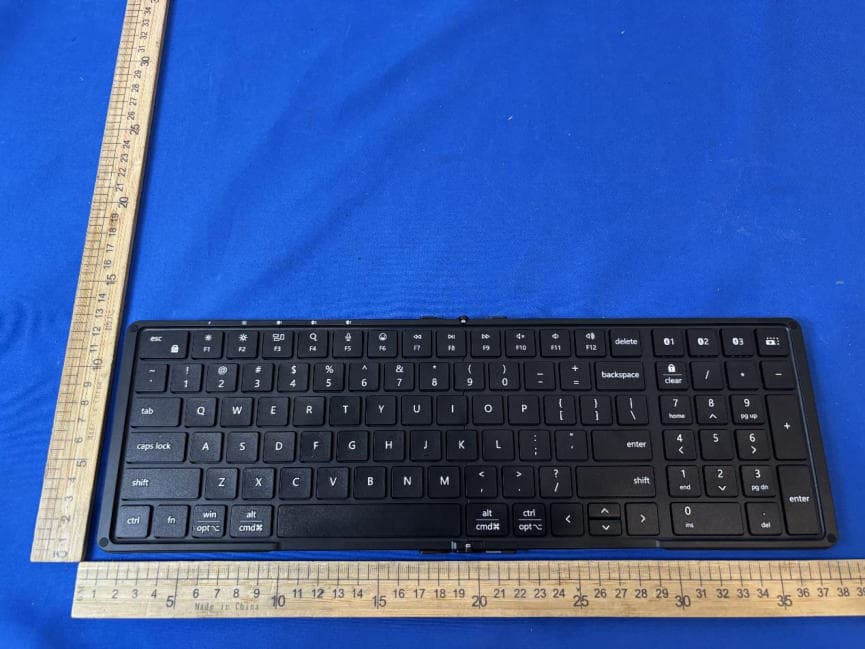
2ALNA-KF012BN
Aug 19, 2026Wireless Keyboard
Equipment Class
DTS - Digital Transmission System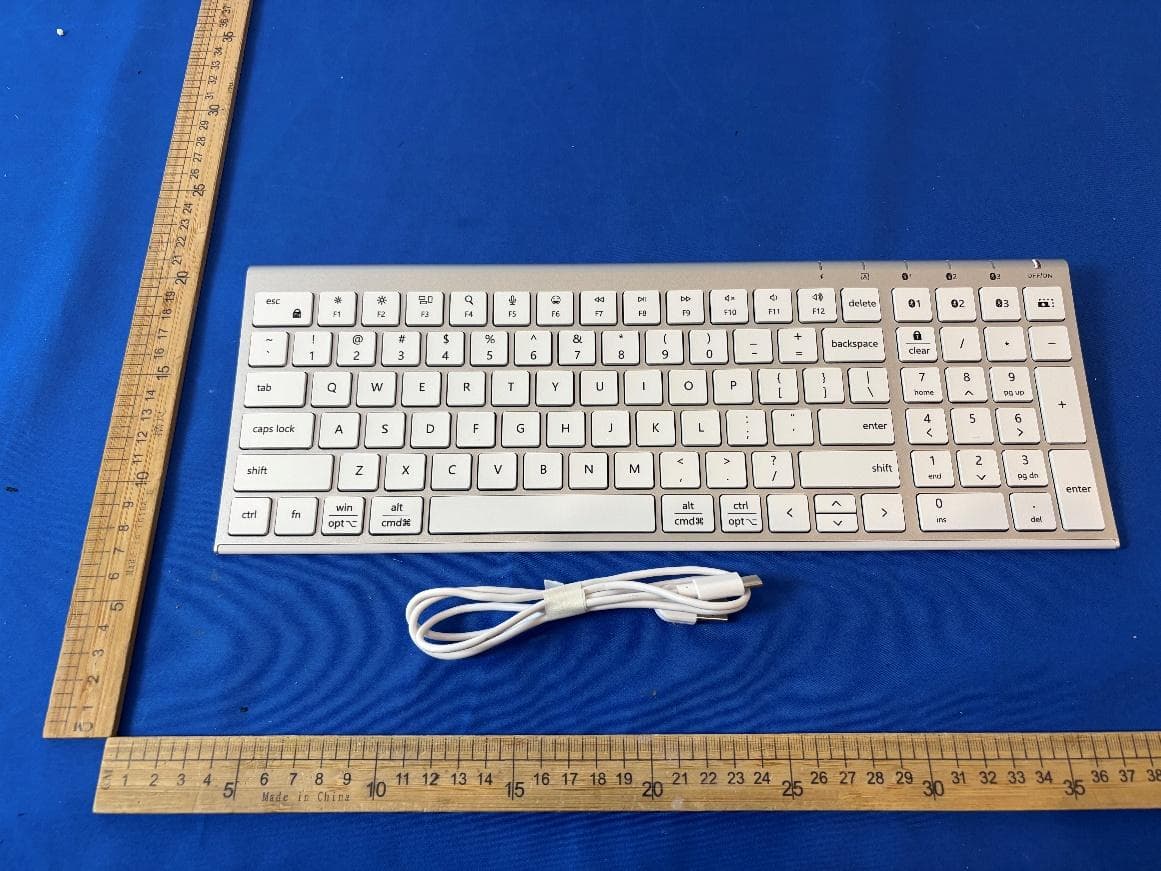
2ALNA-BK10SE
Jul 22, 2026Wireless Keyboard
Equipment Class
DTS - Digital Transmission System2ALNA-BTS58
Jun 08, 2026Portable Wireless Speaker
Equipment Class
DSS - Part 15 Spread Spectrum Transmitter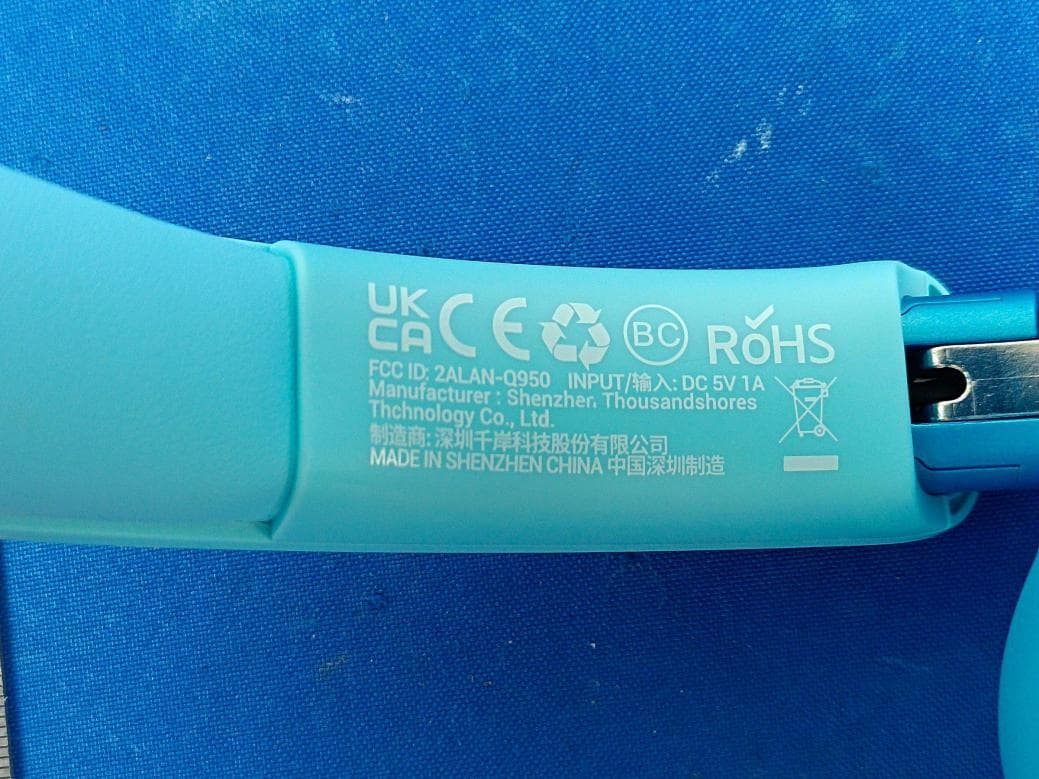
2ALNA-Q950
Jun 05, 2026Wireless Headphones
Equipment Class
DTS - Digital Transmission System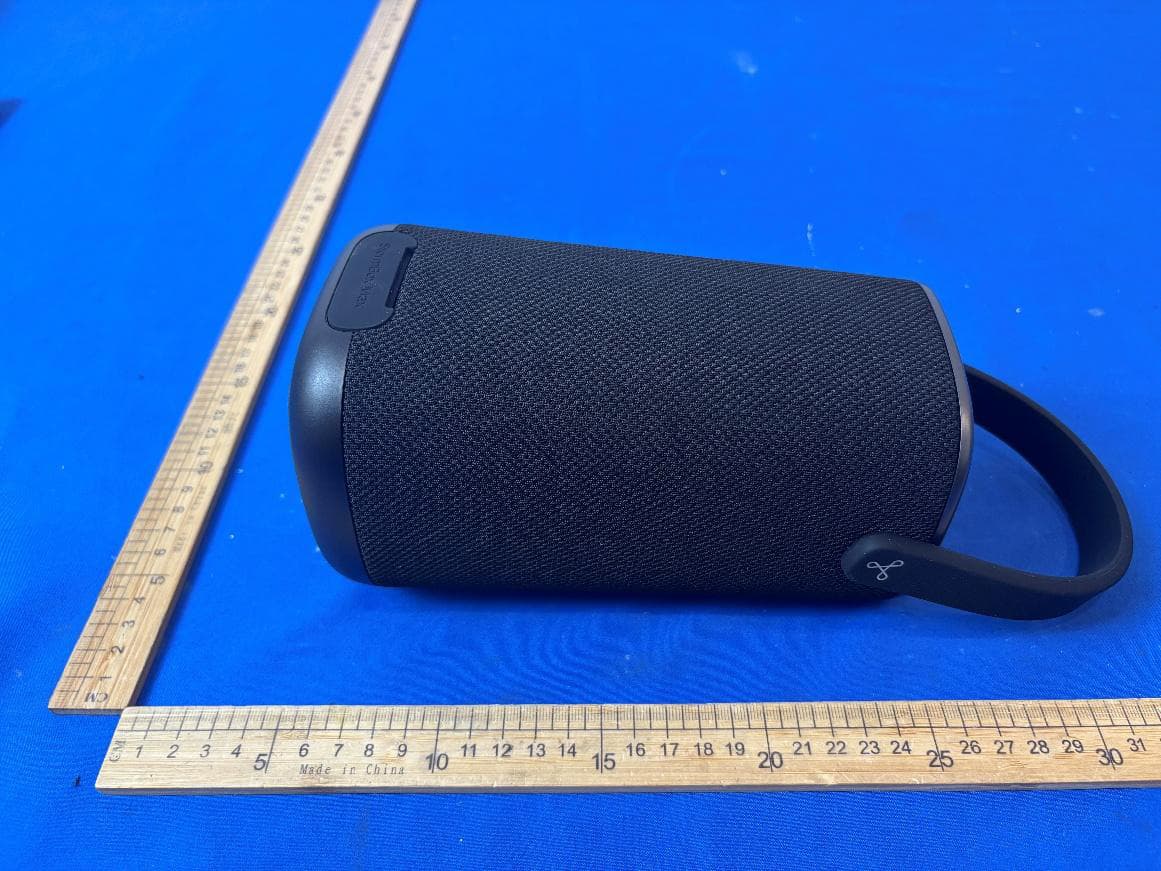
2ALNA-BTS37
May 22, 2026Portable Wireless Speaker
Equipment Class
DSS - Part 15 Spread Spectrum Transmitter