2AO6ZTX10004G LTE Tablet
Epik One America Corporation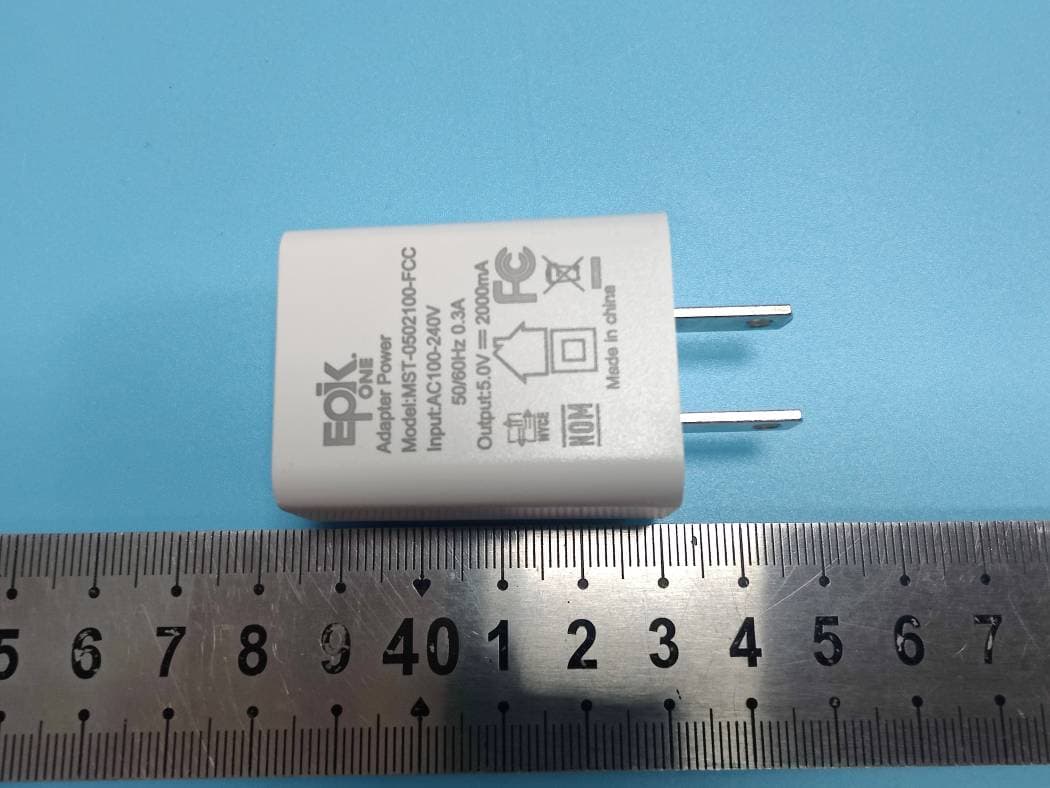
Click to zoom
Application Details
- Equipment Class
- DTS - Digital Transmission System
- Date of Grant
- Dec 16, 2021
- Application Purpose
- Original Equipment
- Date of Application
- Dec 16, 2021
- Equipment Note
- 4G LTE Tablet
- Frequency Range
- 2402.00000000 - 2480.00000000
- Company
- Epik One America Corporation
- Country
- United States
Documents & Files
Document Text
Text extracted from the exhibit documents filed with the FCC. Open a document above to read the original.
Users Manual
User Manual Contents Contents ..................................................................................................................................................... 1 1. Appearance and Keypad Operations .............................................................................................. 2 2. Using Memory Card as U Disk ...................................................................................................... 2 3. Wi-Fi .............................................................................................................................................. 3 4. Bluetooth ........................................................................................................................................ 4 5. Calculator ....................................................................................................................................... 5 6. Calendar ......................................................................................................................................... 5 7. Camera ........................................................................................................................................... 6 8. Clock .............................................................................................................................................. 9 9. Contacts.......................................................................................................................................... 9 10. FM Radio ................................................................................................................................... 13 11. Gmail .......................................................................................................................................... 15 12. Messaging .................................................................................................................................. 15 13. Phone.......................................................................................................................................... 17 14. Phots ........................................................................................................................................... 18 15. Settings ....................................................................................................................................... 21 16. Notices for the use of phone ...................................................................................................... 23 2 1. Appearance and Keypad Operations Keys Functions home Short press this button to return home from any application or interface. Long press it to open Google search. recent Short press this button to manage wallpapers , widgets and home settings. Long press it to open therecent items. back Press it to return to the previous interface,or to close dialog box ,options’ menu ,notification panel or the keypad. power Short press this button tolock or unlock the screen. Long press it to open the phone’s menu,then you could choose to Power off, Restart, Airplane mode, Screenshot and switching scene modes. up Press it to increase the volume. down Press it to decrease the volume. 2. Using Memory Card as U Disk If you want to send music, pictures or other files to the phone’s memory card from the computer,you should set memory card as u disk first. Set memory card as u disk 1) Connect the phone to the computer with USB cable. The notification icon will appear in the status box. 2) Use USB mobile transmission line will connected to the computer 3) In the notification panel, touch USB is connected,And then touch the USB connected as a media device Notice: On the PC operation assistant tool such as mobile phone, Must be open the USB debugging. USB for file transfer 3 3. Wi-Fi Wi-Fi provides as far as 300feet (100M) range of wireless network access. If you use cell phone to connect Wi-Fi , you should connect to the wireless access point or 「hot spots」. Notices:The availability and coverage of Wi-Fi signal depend on the number, infrastructure and other objects penetrated by the signal. Open Wi-Fi and to connect to the wireless network 1) Enter settings. 2) Select the Wi-Fi box,to open Wi-Fi. Phone will automatically scan for available wireless networks. 3) Touch Wi-Fi settings. Then a list of Wi-Fi network will show the founded network name and security settings. (open network or WEP、WPA/WPA2 with password).If you enable the notification in Wi-Fi settings, The status box will show this icon ( ) when open available wireless network founded. 4) Touch one of the Wi-Fi choices to connect the network. When you choose open network, phone will connect to it automatically. If you choose WEP、WPA/WPA2 with password, you should type the password first, then touch to connect it. Notices:when the phone is connected to the wireless network, the status box will show this Wi-Fi icon (), and the approximate signal strengthen (the number of lit bars).If touch the connected network, will display the name of Wi-Fi network, status,speed,signal,strength, security, information and IP address. If you want to delete the wireless settings, please touch “FORGET”as in the picture below. If you want to connect to this network, youshould re-enter these settings. Notice: Unless you choose to forget the network, otherwise, there is no need to re-enter the corresponding password when next time connecting to the previously encrypted wireless network. Wi-Fi will search 4 automatically, that is, phone needn’t to perform additional steps to connect Wi-Fi networks. Connect to other Wi-Fi networks In the interface of wireless and network, touch Wi-Fi settings. The founded Wi-Fi networks will show on the Wi-Fi network list. Touch other Wi-Fi networks, and then you can connect to this network. Notices: in addition, mobile phone can also surf the Internet by GPRS. Our current SIM card GPRS to open after the default boot. Users ca…
Text truncated - open the document above for the full version.
Cover Letter(s)
EpikOneAmericaCorporation Address:801BrickellAve.#900,Miami,Florida,UnitedStates Tel.:+1-8582489036 E-mail:[email protected] FCCConfidentialAuthorization Date:2021-11-19 FEDERALCOMMUNICATIONSCOMMISSIONS AuthorizationandEvaluationDivision 7435OaklandMillsRoad Columbia,MD21046 Subject:ConfidentialityRequestregardingapplicationforcertificationof FCCID:2AO6ZTX1000 InaccordancewithSections0.457and0.459oftheCommission’sRules, EpikOneAmericaCorporationherebyrequestslong-termconfidentialtreatmentof informationaccompanyingthisapplicationasoutlinedbelow: BlockDiagram Schematics OperationDescription Partlist/Tuneupprocedure(forlicenseddevices) Theabovematerialscontainproprietaryandconfidentialinformationnotcustomarily releasedtothepublic.Thepublicdisclosureofthesematerialsprovidesunjustified benefitstoitscompetitorsinthemarket. SincerelyYours, Signature TracyHu Manager
External Photos
Shenzhen Accurate Technology Co., Ltd. Project No.: SZNS211101-56012E-RF External Photos Page 1 of 4 External Photos Shenzhen Accurate Technology Co., Ltd. Project No.: SZNS211101-56012E-RF External Photos Page 2 of 4 Shenzhen Accurate Technology Co., Ltd. Project No.: SZNS211101-56012E-RF External Photos Page 3 of 4 Shenzhen Accurate Technology Co., Ltd. Project No.: SZNS211101-56012E-RF External Photos Page 4 of 4
ID Label/Location Info
Shenzhen Accurate Technology Co., Ltd. Project No.: SZNS211101-56012E-RF LABEL AND LOCATION Page 1 of 1 FCC ID Label FCC ID Label Location Information The label shown shall be permanently affixed at a conspicuous location on the device and be readily visible to the user at the time purchase (Labeling requirements per 2.925)
Internal Photos
Shenzhen Accurate Technology Co., Ltd. Project No.: SZNS211101-56012E-RF Internal Photos Page 1 of 6 Internal photos Shenzhen Accurate Technology Co., Ltd. Project No.: SZNS211101-56012E-RF Internal Photos Page 2 of 6 Shenzhen Accurate Technology Co., Ltd. Project No.: SZNS211101-56012E-RF Internal Photos Page 3 of 6 Shenzhen Accurate Technology Co., Ltd. Project No.: SZNS211101-56012E-RF Internal Photos Page 4 of 6 Shenzhen Accurate Technology Co., Ltd. Project No.: SZNS211101-56012E-RF Internal Photos Page 5 of 6 DIV ANT Shenzhen Accurate Technology Co., Ltd. Project No.: SZNS211101-56012E-RF Internal Photos Page 6 of 6 Main ANT antenna-BT BLE 2.4G WIFI
Test Report
Note: This rep ★ ort may contain data that are not covered by the A2LA accreditation and are marked with an asterisk “ ”. Shenzhen Accurate Technology Co., Ltd. is not responsible for the authenticity of any test data provided by the applicant. Data included from the applicant that may affect test results are marked with an asterisk ’*’. Customer model name, addresses, names, trademarks etc. are not considered data. This report cannot be reproduced except in full, without prior written approval of the Company. Unless otherwise stated the results shown in this test report refer only to the sample(s) tested. This report is valid only with a valid digital signature. The digital signature may be available only under the Adobe software above version 7.0. Shenzhen Accurate Technology Co., Ltd. 1/F., Building A, Changyuan New Material Port, Science & Industry Park, Nanshan District, Shenzhen, Guangdong, P.R. China Tel: +86 755-26503290 Fax: +86 755-26503396 Web: www.atc-lab.com Version 12: 2021-11-09 Page 1 of 54 FCC- BLE&2.4G Wi-Fi TEST REPORT Applicant Name : Epik One America Corporation Address : 801 Brickell avenue #900 Miami Florida 33131 United States. Report Number : SZNS211101-56012E-RF-00B FCC ID: 2AO6ZTX1000 Test Standard (s) FCC PART 15.247 Sample Description Product Type: 4G LTE Tablet Model No.: TX1000 Multiple Model(s) No.: N/A Trade Mark: Epik One Date Received: 2021/11/01 Date of Test: 2021/11/08~2021/12/03 Report Date: 2021/12/03 Test Result: Pass* * In the configuration tested, the EUT complied with the standards above. Prepared and Checked By: Approved By: Ting Lv Candy Li EMC Engineer EMC Engineer Shenzhen Accurate Technology Co., Ltd. Report No.: SZNS211101-56012E-RF-00B Version 12: 2021-11-09 Page 2 of 54 FCC- BLE&2.4G Wi-Fi TABLE OF CONTENTS GENERAL INFORMATION ....................................................................................................................................... 4 PRODUCT DESCRIPTION FOR EQUIPMENT UNDER TEST (EUT) ..................................................................................... 4 OBJECTIVE ................................................................................................................................................................... 4 TEST METHODOLOGY .................................................................................................................................................. 4 MEASUREMENT UNCERTAINTY .................................................................................................................................... 5 SYSTEM TEST CONFIGURATION .......................................................................................................................... 6 DESCRIPTION OF TEST CONFIGURATION ...................................................................................................................... 6 EQUIPMENT MODIFICATIONS ....................................................................................................................................... 7 EUT EXERCISE SOFTWARE .......................................................................................................................................... 7 DUTY CYCLE ................................................................................................................................................................ 7 SUPPORT EQUIPMENT LIST AND DETAILS .................................................................................................................... 7 EXTERNAL I/O CABLE .................................................................................................................................................. 7 BLOCK DIAGRAM OF TEST SETUP ................................................................................................................................ 8 SUMMARY OF TEST RESULTS ............................................................................................................................... 9 TEST EQUIPMENT LIST ......................................................................................................................................... 10 FCC§15.247 (I), §1.1307 (B) (1) & §2.1093 – RF EXPOSURE .................................................................................... 12 APPLICABLE STANDARD ............................................................................................................................................ 12 FCC §15.203 - ANTENNA REQUIREMENT ........................................................................................................... 13 APPLICABLE STANDARD ............................................................................................................................................ 13 ANTENNA CONNECTOR CONSTRUCTION .................................................................................................................... 13 FCC §15.207 (A) – AC LINE CONDUCTED EMISSIONS .................................................................................... 14 APPLICABLE STANDARD ............................................................................................................................................ 14 EUT SETUP ................................................................................................................................................................ 14 EMI TEST RECEIVER SETUP ....................................................................................................................................... 14 TEST PROCEDURE ...................................................................................................................................................... 14 TRANSD FACTOR & MARGIN CALCULATION.............................................................................................................. 15 TEST DATA ...................................................................................…
Text truncated - open the document above for the full version.
Test Setup Photos
Shenzhen Accurate Technology Co., Ltd. Project No.: SZNS211101-56012E-RF Test Photos Page 1 of 3 Photo of Conducted Emission Measurement Shenzhen Accurate Technology Co., Ltd. Project No.: SZNS211101-56012E-RF Test Photos Page 2 of 3 Photo of Radiated Emission Measurement (Below 1G) Photo of Radiated Emission Measurement (Above 1G) Shenzhen Accurate Technology Co., Ltd. Project No.: SZNS211101-56012E-RF Test Photos Page 3 of 3
Contact Information
Applicant
Tracy Hu
Test Firm
Shenzhen Accurate Technology Co., Ltd.Lisa Zhang
[email protected]+86-755-26503290
Technical Specifications
| # | Rule Parts | Frequency Range | Power Output |
|---|---|---|---|
| 2 | 15C | 2.40 GHz - 2.48 GHz | 1.50 mW |
Other Applications from Epik One America Corporation
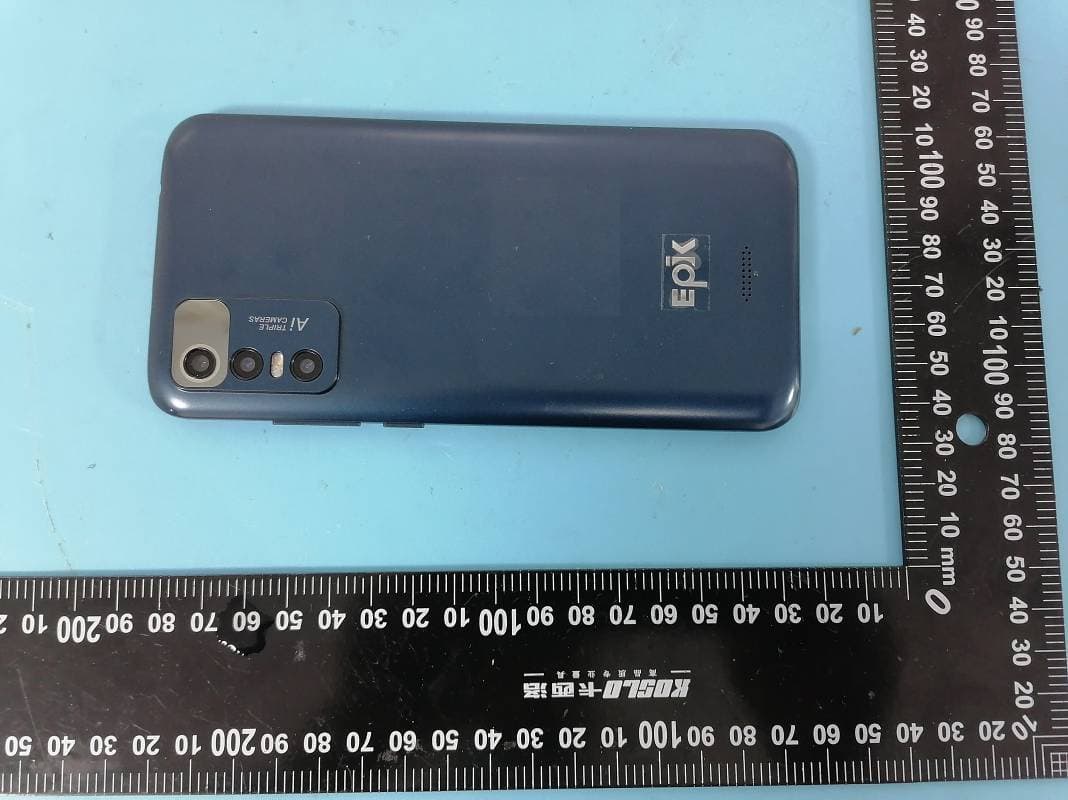
2AO6ZX602
Nov 23, 2022Mobile Phone
Equipment Class
DSS - Part 15 Spread Spectrum Transmitter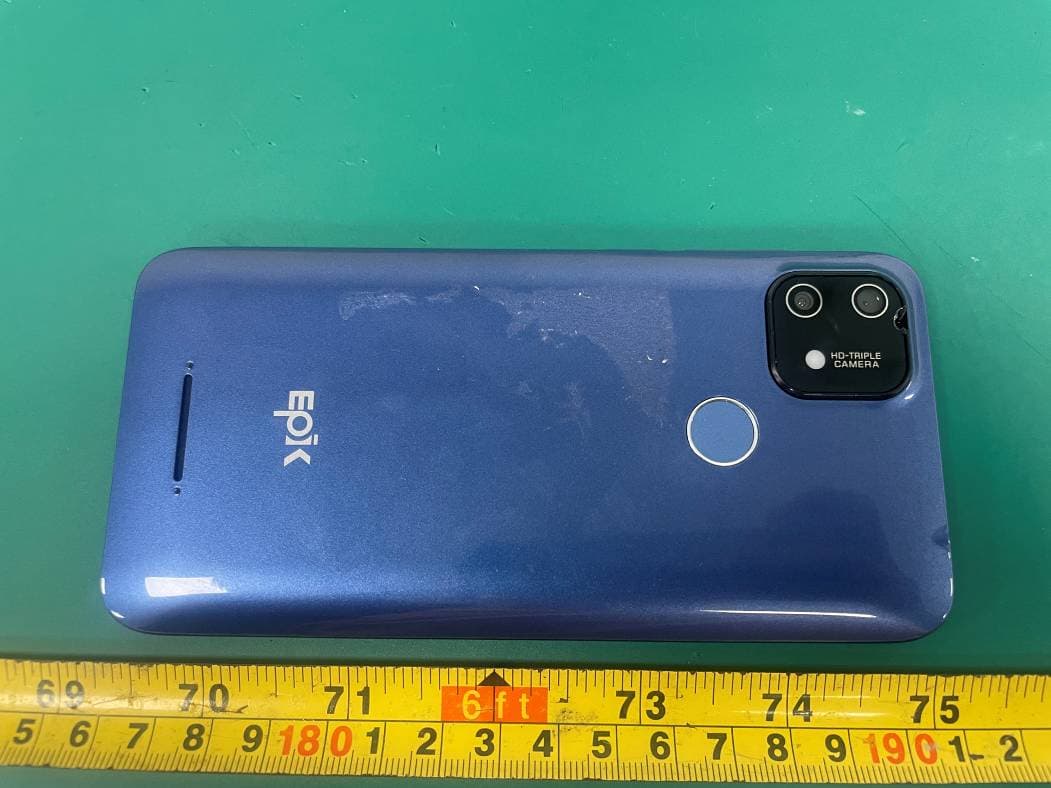
2AO6ZX515
Jun 29, 20214G Smart Phone
Equipment Class
DTS - Digital Transmission System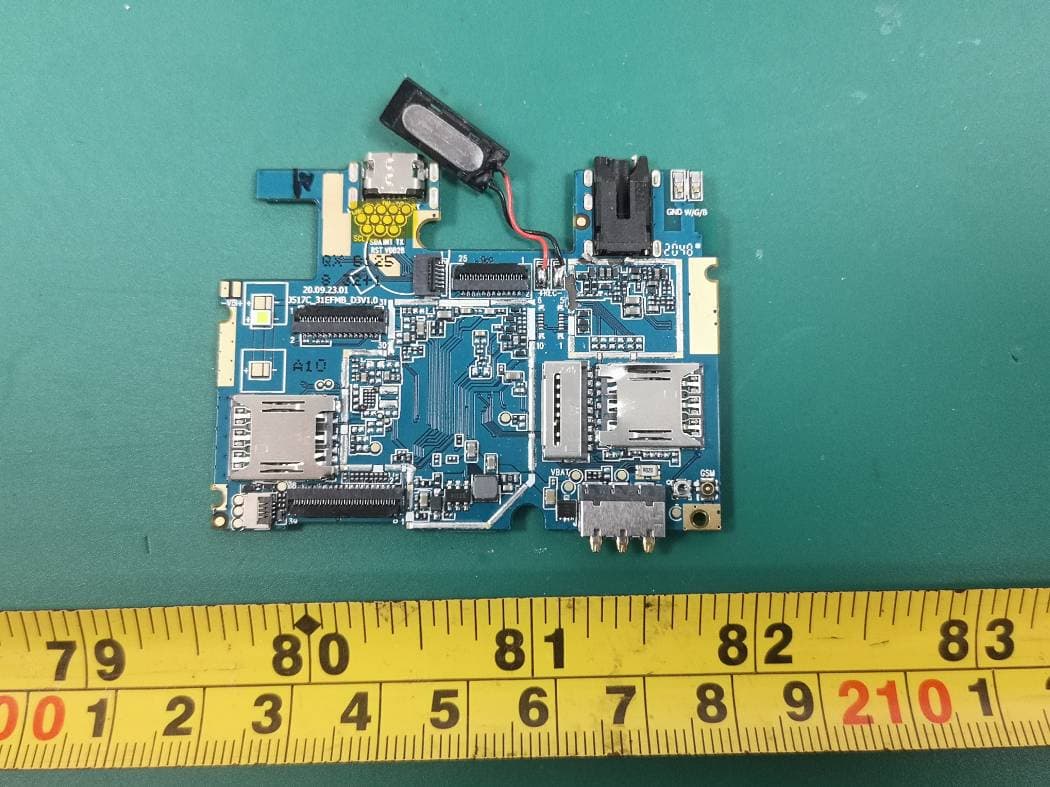
2AO6ZK506
Apr 13, 20213G Smart Phone
Equipment Class
DSS - Part 15 Spread Spectrum Transmitter
2AO6ZX410
May 27, 20204G Smart Phone
Equipment Class
DTS - Digital Transmission System
2AO6ZX547
Apr 13, 20204G Smart Phone
Equipment Class
DTS - Digital Transmission System