2APX7K1M2G Feature Phone
KRIPTO MOBILE CORPORATION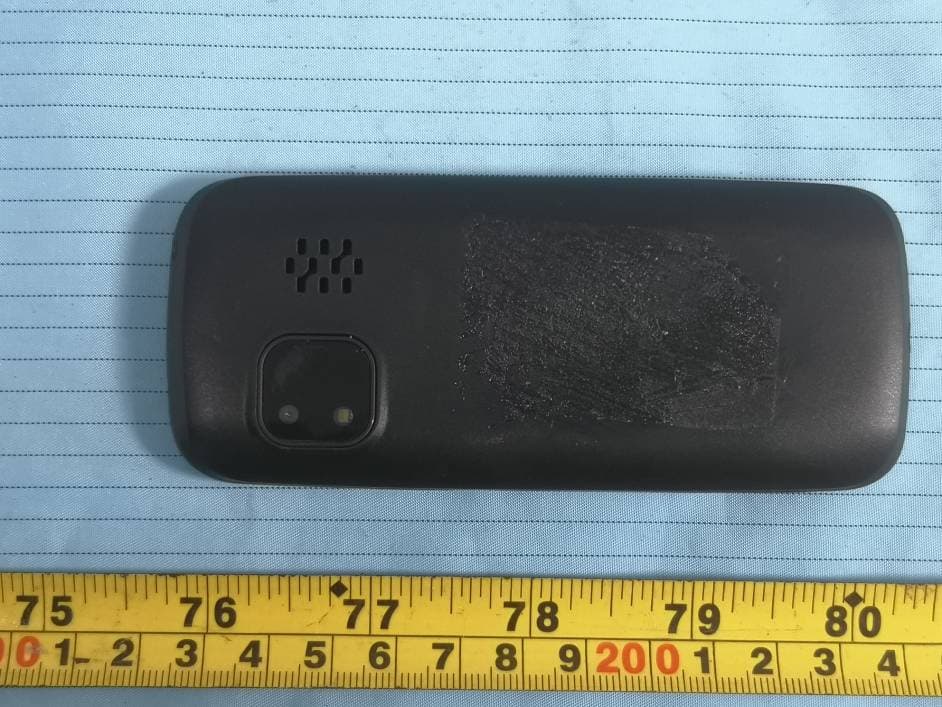
Click to zoom
Application Details
- Equipment Class
- DSS - Part 15 Spread Spectrum Transmitter
- Date of Grant
- Feb 10, 2021
- Application Purpose
- Original Equipment
- Date of Application
- Feb 10, 2021
- Equipment Note
- 2G Feature Phone
- Frequency Range
- 2402.00000000 - 2480.00000000
- Company
- KRIPTO MOBILE CORPORATION
- Country
- United States
Documents & Files
Document Text
Text extracted from the exhibit documents filed with the FCC. Open a document above to read the original.
Users Manual
Declaration Please read the user manual so as to keep your mobile phone in the best condition. The manual has been verified and reviewed to guarantee the accuracy. Instructions and descriptions contained herein are accurate at the time of publication. However, mobile phones developed afterwards and the contents of their manual are subject to modification without further notification. Our company reserves the rights in relation to the manual. Contents Overview. ...............................................................................................1 1. Introduction..........................................................................................2 2. Function of main menu.............................................................................2 3. PCconnect...........................................................................................................................5 4. Maintenance and service............................................................................5 Please read the following concise rules carefully. Nonobservance to the rules may lead to danger or violence of the laws. The user’s manual gives details about the safety precautions. Overview Emergency call Make sure the equipment is in the covered area of the network service and the calling function is activated. As per the specific requirements, press the key of finish to clear the screen and return to the standby state. Input the emergency call number (112)and press the call key. Function Description The phone is a perfect combination of humanized design and exquisite workmanship, the streamline and ingenious body is comfortable to hold. With streamline and ingenious frame, it feels comfortable to hold the mobile phone in your hand. It supports TXT electronic book, Blue-tooth, dual SIM cards with one standby, camera, FM and etc. It makes your work more convenient and your free time more fun with the combination of keyboard, florid colored screen, pleasant bells, strong file management function (supporting T-FLASH card), fashionable camera function and long time tape recording function, audio player, video player. 1. Introduction Insert the SIM card and the battery Ask your SIM card dealer whether he has provided SIM card service and the method of usage who may be service provider or other dealers,SIM card and its contacts are vulnerable to scratch or bending. Attention shall be attached when use, insert or take out the card. Inserting/taking out T-FLASH CARD Only use approved and compatible T-FLASH card applicable to the mobile phone. Approved memory card trade standard is applied; however, certain bands may not be completely compatible with the mobile phone. Using incompatible memory card may damage not only the card and the mobile, but also the data stored in the card. Charging the battery Check the model number of the charger before using it to charge the mobile. Only use approved battery, charger and accessories applicable to the specific mobile model. Using other types of battery, charger and accessories may violate the certification or warranty terms of the equipment and may result in danger. Refer to the dealer for supply of relative approved accessories. Startup and shutdown Press the key of power supply to start up or shut down the mobile phone. If it is prompted to input PIN or UPIN, please input the required password (shown as **** on the screen). 2. Function of main menu Multimedia Combining multiple functions, including video recording, audio recording, etc. Video recorder In the options of the Video recorderinterface, you may set view video directory, camera, effect and settings. Press the middle (OK) key to begin video. Your phone can recorder 3GP formats file. FM radio Right key on the function keys can turn off FM radio. Press the left and right key to change the channel. By pressing the up key / down key to adjust volume. OK key on the function keys can play and pause FM radio. Video player Enter the video player to play the video file. Note: Your phone supports 3GP/MP4 formats file. Image viewer You can be in this to browse for pictures taken or stored in the phone. My files You can browse files and save files in the memory card. Sound recorder You can record file and play it. Camera In the options of camera interface, you may set image viewer, camcorder, effect, settings. You may enter the Image viewer to view the pictures. Press the middle (OK) key to take pictures. Audio player The audio player is used to play music files in supported formats in the current player’s list. You may view details of the music files and set the current music file as the ring signal for incoming call. You may connect the Bluetooth earphone to enjoy the music. Calendar You can see the date in it. Alarm Set the time, ringtone, repeat modeof alarm clock. World clock You can view the world of time through the World clock. Calculator You can calculate in this function. Torchlight Activate the torchlight when you need it. Contacts You may save the information of contacts including names and telephone numbers in the contacts, which can save as much as 300 entries. Messaging You may select to send the finished message from SIM card 1 or SIM card 2.You may select multiple receivers to send the message to more than 1 person. Call logs Information about:missed calls\dialed calls\received calls\rejected calls\delete all\call timers\GPRS counter. Internet The internetwork is the application platform which wireless communication combine with wi th Internet ,it can make you get plentiful Internet information resources and electronic comme rce application by phone. Note: Your Internet service provider may not support the certain functions, in order t o guarantee the normal operation of the browser line, please confirm your SIM card has support the Internet service. 2.when you browse the web,it will costs relate d flow fee, the expenses please enquiry local opera…
Text truncated - open the document above for the full version.
Cover Letter(s)
KRIPTO MOBILE CORPORATION 7236 NW 31ST ST., MIAMI Florida United States Tel: +1 305 499 3333 Fax: +1 786 693 8098 Email: [email protected] FCC Confidential Authorization Date: 2021-01-14 FEDERAL COMMUNICATIONS COMMISSIONS Authorization and Evaluation Division 7435 Oakland Mills Road Columbia, MD 21046 Subject: Confidentiality Request regarding application for certification of FCC ID:2APX7K1M In accordance with Sections 0.457 and 0.459 of the Commission’s Rules, KRIPTO MOBILE CORPORATION hereby requests long-term confidential treatment of information accompanying this application as outlined below: • Block Diagram • Schematics • Operation Description • Parts List/Tune up procedure (for licensed devices) The above materials contain proprietary and confidential information not customarily released to the public. The public disclosure of these materials provides unjustified benefits to its competitors in the market. Sincerely Yours, Signature: RENATO TAVARES Soft Manager
External Photos
Bay Area Compliance Laboratories Corp. (Shenzhen) Project No.: RSZ210105005-RF Page 1 of 3 EXHIBIT B - EUT EXTERNAL PHOTOGRAPHS Bay Area Compliance Laboratories Corp. (Shenzhen) Project No.: RSZ210105005-RF Page 2 of 3 Bay Area Compliance Laboratories Corp. (Shenzhen) Project No.: RSZ210105005-RF Page 3 of 3
ID Label/Location Info
Bay Area Compliance Laboratories Corp. (Shenzhen) Project No.: RSZ210105005-RF EXHIBIT A - FCC ID LABEL AND LOCATION FCC ID Label FCC ID Label Location Information The label shown shall be permanently affixed at a conspicuous location on the device and be readily visible to the user at the time purchase (Labeling requirements per 2.925)
Internal Photos
Bay Area Compliance Laboratories Corp. (Shenzhen) Project No.: RSZ210105005-RF Page 1 of 6 EXHIBIT C - EUT INTERNAL PHOTOGRAPHS GSM Antenna Bay Area Compliance Laboratories Corp. (Shenzhen) Project No.: RSZ210105005-RF Page 2 of 6 Bay Area Compliance Laboratories Corp. (Shenzhen) Project No.: RSZ210105005-RF Page 3 of 6 BT Antenna Bay Area Compliance Laboratories Corp. (Shenzhen) Project No.: RSZ210105005-RF Page 4 of 6 Bay Area Compliance Laboratories Corp. (Shenzhen) Project No.: RSZ210105005-RF Page 5 of 6 Bay Area Compliance Laboratories Corp. (Shenzhen) Project No.: RSZ210105005-RF Page 6 of 6
Test Report
Note: This report may contain data that are not covered by the A2LA accreditation and are marked with an asterisk “★”. BACL is not responsible for the authenticity of any test data provided by the applicant. Data included from the applicant that may affect test results are marked with an asterisk ’*’. Customer model name, addresses, names, trademarks etc. are not considered data. This report cannot be reproduced except in full, without prior written approval of the Company. Unless otherwise stated the results shown in this test report refer only to the sample(s) tested. This report is valid only with a valid digital signature. The digital signature may be available only under the Adobe software above version 7.0. FCC PART 15.247 TEST REPORT For KRIPTO MOBILE CORPORATION 7236 NW 31ST ST., MIAMI Florida United States FCC ID: 2APX7 K1M Report Type: Original Report Product Type: 2G Feature Phone Re port Number: RSZ210105005-00A Re port Date: 2021-01-18 Reviewed B y: Nancy Wang RF Engineer Prepared By: Bay Area Compliance Laboratories Corp. (Shenzhen) 6/F., West Wing, Third Phase of Wanli Industrial Building, Shihua Road, Futian Free Trade Zone, Shenzhen, Guangdong, China Tel: +86-755-33320018 Fax: +86-755-33320008 www.baclcorp. com.cn Bay Area Compliance Laboratories Corp. (Shenzhen) Report No.: RSZ210105005-00A FCC Part 15.247 Page 2 of 56 TABLE OF CONTENTS GENERAL INFORMATION ....................................................................................................................................... 4 PRODUCT DESCRIPTION FOR EQUIPMENT UNDER TEST (EUT) ..................................................................................... 4 OBJECTIVE ................................................................................................................................................................... 4 TEST METHODOLOGY .................................................................................................................................................. 4 MEASUREMENT UNCERTAINTY .................................................................................................................................... 5 TEST FACILITY ............................................................................................................................................................. 5 SYSTEM TEST CONFIGURATION .......................................................................................................................... 6 DESCRIPTION OF TEST CONFIGURATION ...................................................................................................................... 6 EUT EXERCISE SOFTWARE .......................................................................................................................................... 6 SPECIAL ACCESSORIES ................................................................................................................................................. 6 EQUIPMENT MODIFICATIONS ....................................................................................................................................... 6 SUPPORT EQUIPMENT LIST AND DETAILS .................................................................................................................... 6 EXTERNAL I/O CABLE .................................................................................................................................................. 6 BLOCK DIAGRAM OF TEST SETUP ................................................................................................................................ 7 SUMMARY OF TEST RESULTS ............................................................................................................................... 8 TEST EQUIPMENT LIST ........................................................................................................................................... 9 FCC§15.247 (i), §1.1307 (b) (1) &§2.1093 – RF EXPOSURE ...................................................................................... 10 APPLICABLE STANDARD ............................................................................................................................................ 10 FCC §15.203 – ANTENNA REQUIREMENT .......................................................................................................... 11 APPLICABLE STANDARD ............................................................................................................................................ 11 ANTENNA CONNECTOR CONSTRUCTION .................................................................................................................... 11 FCC §15.207 (a) – AC LINE CONDUCTED EMISSIONS ..................................................................................... 12 APPLICABLE STANDARD ............................................................................................................................................ 12 EUT SETUP ................................................................................................................................................................ 12 EMI TEST RECEIVER SETUP ....................................................................................................................................... 12 TEST PROCEDURE ...................................................................................................................................................... 12 CORRECTED FACTOR & MARGIN CALCULATION ....................................................................................................... 13 TEST DATA ................................................................................................................................................................ 13 FCC §15.205, §15.209 & §15.247(d) – RADIATED EMISSIONS ........................................................................... 16 APPLICABLE STANDARD .........…
Text truncated - open the document above for the full version.
Test Setup Photos
Bay Area Compliance Laboratories Corp. (Shenzhen) Project No.: RSZ210105005-RF Page 1 of 2 EXHIBIT D - TEST SETUP PHOTOGRAPHS Conducted Emissions - Front View Conducted Emissions - Side View Bay Area Compliance Laboratories Corp. (Shenzhen) Project No.: RSZ210105005-RF Page 2 of 2 Radiated Emissions View (Below 1 GHz) Radiated Emissions View (Above 1 GHz)
Contact Information
Applicant
RENATO TAVARES
Test Firm
Bay Area Compliance Laboratories Corp. (Shenzhen)Well Wang
[email protected]+86 (0) 755 33320018
Technical Specifications
| # | Rule Parts | Frequency Range | Power Output |
|---|---|---|---|
| 1 | 15C | 2.40 GHz - 2.48 GHz | 3.00 mW |
Other Applications from KRIPTO MOBILE CORPORATION
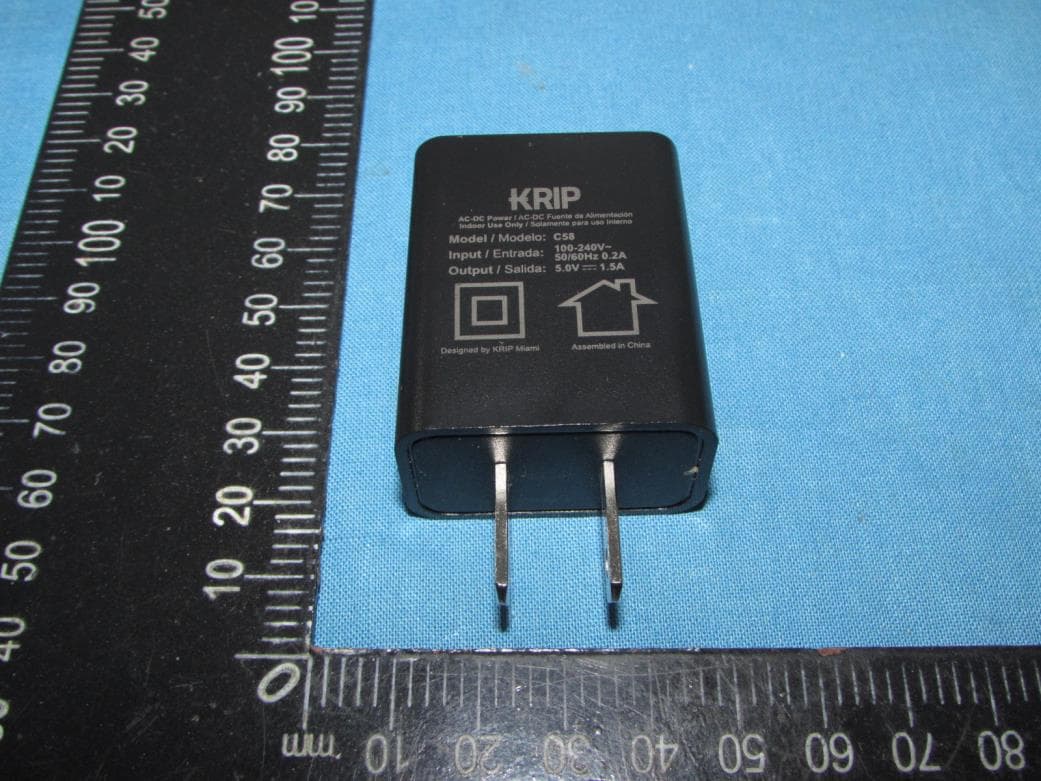
2APX7K60
Apr 21, 2023Smart phone
Equipment Class
DSS - Part 15 Spread Spectrum Transmitter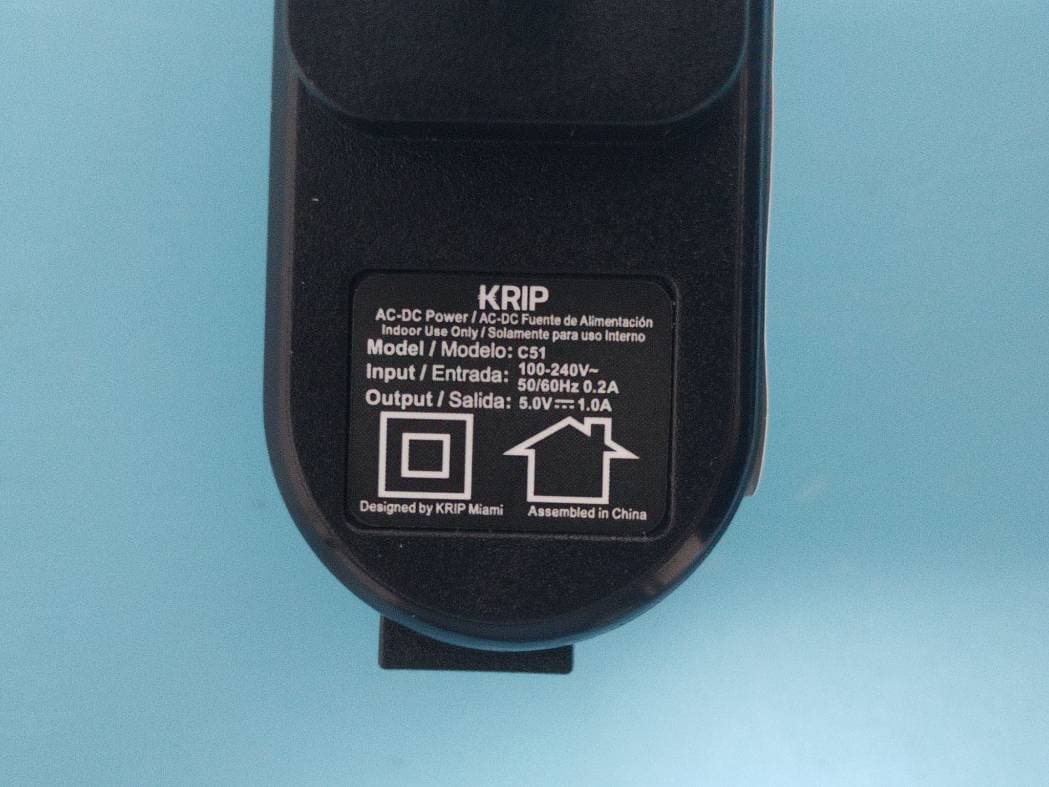
2APX7K51
Mar 16, 20234G Smart Phone
Equipment Class
PCE - PCS Licensed Transmitter held to ear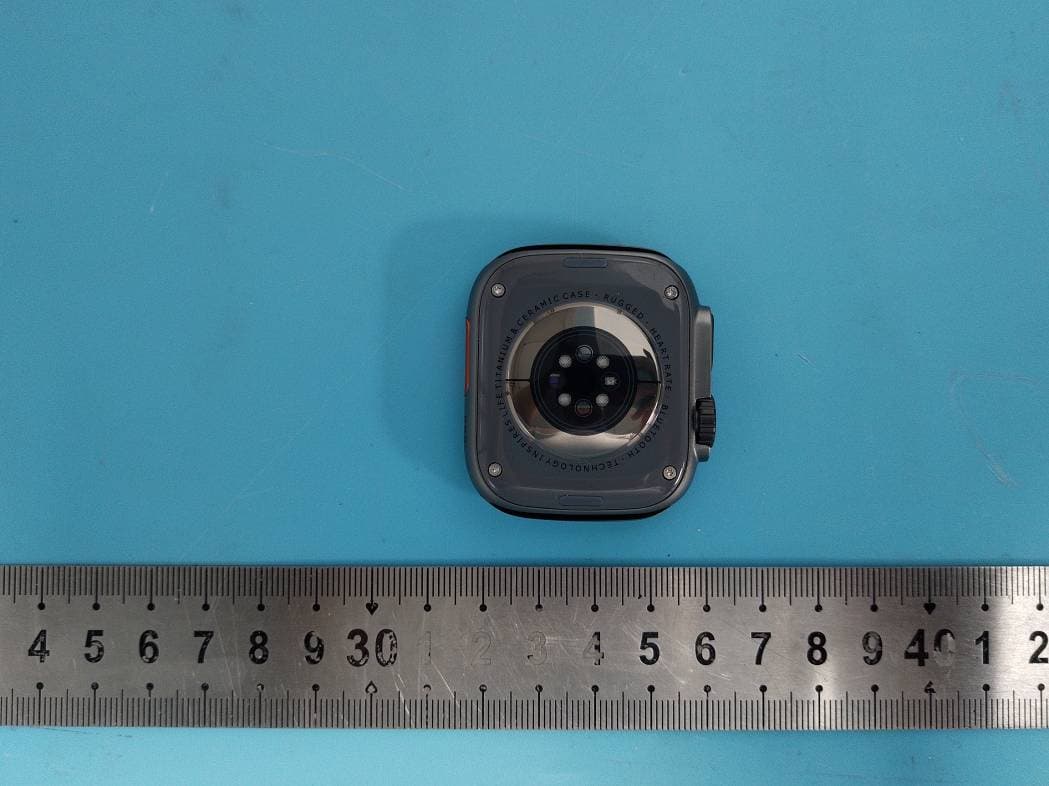
2APX7KT2
Jan 30, 2023Smart Watch
Equipment Class
DSS - Part 15 Spread Spectrum Transmitter2APX7K55G
Jul 28, 2022Smart phone
Equipment Class
DTS - Digital Transmission System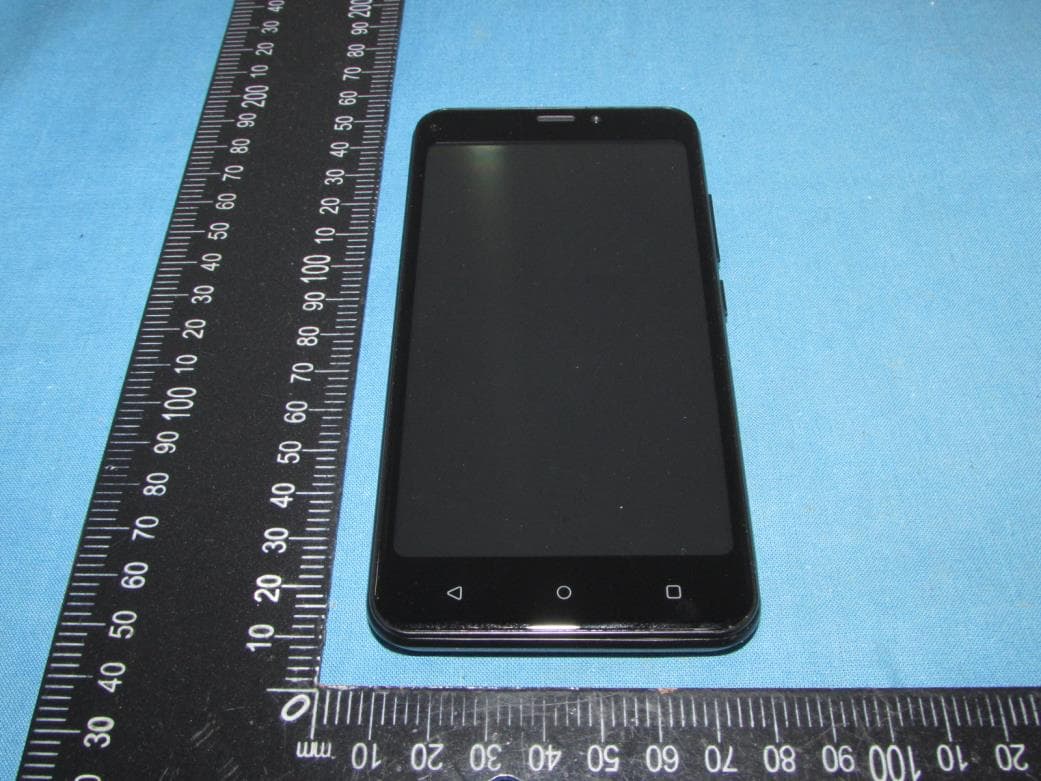
2APX7K50
Jun 01, 2022Smart phone
Equipment Class
PCE - PCS Licensed Transmitter held to ear