2AQURZW39SZ-Wave Mini Plug Dimmer
NIE-TECH CO., LTD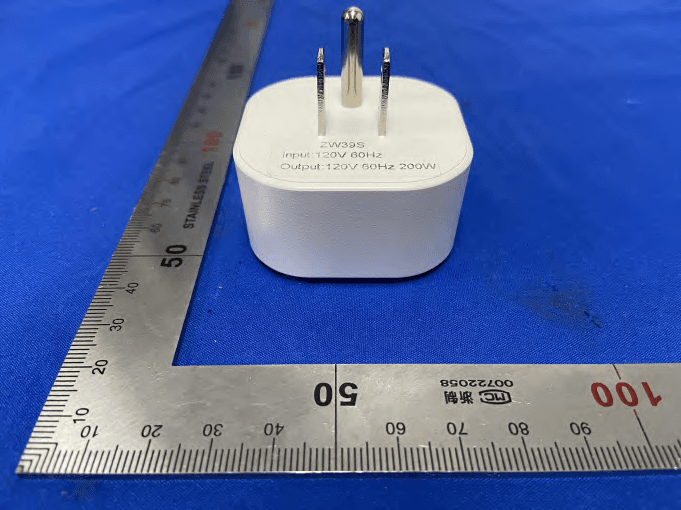
Click to zoom
Application Details
- Equipment Class
- DXX - Part 15 Low Power Communication Device Transmitter
- Date of Grant
- Mar 16, 2021
- Application Purpose
- Original Equipment
- Date of Application
- Mar 16, 2021
- Equipment Note
- Z-Wave Mini Plug Dimmer
- Frequency Range
- 908.42000000 - 908.42000000
- Company
- NIE-TECH CO., LTD
- Country
- China
Documents & Files
Document Text
Text extracted from the exhibit documents filed with the FCC. Open a document above to read the original.
Users Manual
Z-Wave Mini Smart Plug Dimmer • MP21ZD • Parameter Settings Features: 2. Your device may need to be within 100 feet of the controller to be included. If so, include the device to the network within 10 feet of the controller and relocate it to the desired position in your home. Be sure to refresh the network if the device is included in this manner. 1. Plug the device you want to control into the Z-Wave Smart plug controlled outlet. NOTE: Plug directly into the outlet, do not use with extension cords. 100 feet Notes: Our Products warrants this product to be free from manufacturing defects for a period of one year from the original date of consumer purchase. This warranty is limited to the repair or replacement of this product only and does not extend to consequential or incidental damage to other products that may be used with this product. This warranty is in lieu of all other warranties, expressed or implied. Some states do not allow limitations on how long an implied warranty lasts or permit the exclusion or limitation of incidental or consequential damage, so the above limitations may not apply to you. This warranty gives you specific rights, and you may also have other rights which vary from state to state. Warranty Z-WAVE INTEROPERABILITY This product can be included and operated in any Z-Wave network with other Z-Wave certified devices from other manufacturers and/or other applications. All non-battery operated nodes within the network will act as repeaters regardless of vendor to increase the reliability of the network. This Device supports Lifeline (association group 1) supporting 1 node for lifeline communication. Group 1 must be assigned the Node ID of the primary controller where unsolicited notifications will be sent. The Z-Wave controller should set this association automatically after inclusion. Lifeline association only supports the “Device Reset Locally” function. Auto Turn-On Timer This parameter can access you to set a timer to make the switch turn on automatically after the switch turned off.The numberentered as value corresponds to number of minutes. Operation: Set up on the hub. (LED flashes 3 times when the configuration parameter changed.) Parameter =6, Size=4Value: 0– 65535 (minutes); Value=0(default) turn on the outlet Restores state after power failure This parameter can access you to set the switch to be on/off after power failure. Operation: quickly press 8 times to change this parameter . (LED flashes 3 times when the configuration parameter changed.) Parameter=8Size=1Value=2(default) Value=0-----------The switch is off regardless of the state prior to power failure. Value=1-----------The switch is on regardless of the state prior to power failure. Value=2(default) memory state before power failure This switch will be return to state prior to the power failure after power is restored. Night Light Set This parameter can access you to set a specific brightness for the light when you want to make it as a night light. (LED flashes 3 times when the configuration parameter changed.) Parameter=7Size=1, Default = 2 Value=1 10% brightness Value=2 20% brightness / Value=10 100% brightness Dimmer speed (ON/OFF Control) This parameter can access you to set the time from maximum brightness to minimum brightness or minimum brightness to maximum brightness (Only when turn ON/OFF the light ) Operation: Set up on the hub. (LED flashes 3 times when the configuration parameter changed.) Value=0 instant on/off Value=1-----------from 0x63 to 0x00 or from 0x00 to 0x63 need 1s Value=2-----------from 0x63 to 0x00 or from 0x00 to 0x63 need 2s / Value=10----------from 0x63 to 0x00 or from 0x00 to 0x63 need 10s Dimmer speed (Dimmer Control) This parameter can access you to set the time from maximum brightness to minimum brightness or minimum brightness to maximum brightness. (Only when hold to change the brightness or control from HUB). Operation: Set up on the hub. (LED flashes 3 times when the configuration parameter changed.) Parameter=10Size=1, Default = 4 Value=1 ----------from 0x63 to 0x00 or from 0x00 to 0x63 need 1s Value=2-----------from 0x63 to 0x00 or from 0x00 to 0x63 need 2s / Value=10----------from 0x63 to 0x00 or from 0x00 to 0x63 need 10s Multilevel minimum value can be set Operation: quickly press 5 times to change this parameter. (LED flashes 3 times when the configuration parameter changed.) ---Parameter=11Size=1Default = 10 Value=0 disable Value=1 / Value=99 Multilevel maximum value can be set Operation: quickly press 10 times to change this parameter. (LED flashes 3 times when the configuration parameter changed.) ---Parameter=12Size=1Default = 99 Value=0 disable Value=1 / Value=99 Temperature report time This parameter determines the minimum time in temperature that will result in sending new power report to the main controller. (LED flashes 3 times when the configuration parameter changed.) Operation: Set up on the hub. Parameter=13Size=1, Default = 1(1-60MIN) Value=1 1 MIN Value=2 2MIN / Value=60 60MIN Temperature report Threshold value This parameter determines the minimum change in temperature that will result in sending new power report to the main controller. (LED flashes 3 times when the configuration parameter changed.) Operation: Set up on the hub. Parameter=14Size=1, Default = 5(1-10 °C)(1.8°F--18°F) Value=1 1 °C/1.8°F Value=2 2°C/3.6°F Value=10 10°C/18°F Power: 120V 60Hz Loading: 200W Max Frequency: 908.42MHz Temperature Range: 32°F~104°F (0°C~ 40°C) Program button Smart outlet Press 1x: On/Off Press 2x: Night Light Mode Press 3x: Z-Wave Network configuriation. Hold to adjust brightness. Can remotely turn On/Off the connected devices. Indoor use in dry location 1. Follow the instructions for your Z-Wave certified controller to remove a device from the Z-Wave network. 2. Once the controller is ready to remove your device, press the manual/pro- gram button on the smart plug 3 times quickly. Adding Device To Z-Wave Network To Remove The Device Again: If yo…
Text truncated - open the document above for the full version.
Attestation Statements
Page1of1 Declarationonmodeldifference We,NIE-TECHCo.,Ltd,theundersignedherebyconfirmthatthese modelsareidentical,andallmodelshavethesameRFmoduleandAntenna, exceptforcolorofenclosureandmodelNo.fortradingpurpose. ProductnameZ-WaveMiniPlugDimmer ModelNo.ZW39S,MP21ZD TradenameMiniston FCCID 2AQURZW39S INPUTAC120V Confirmedby: Client’ssignature: Client’sname/title:JianghaiNie/Manager Date:2021-03-16
Cover Letter(s)
C5266091_X8_Ed.1 1/1 LetterofAuthorization NIE-TECHCO.,LTD Company:NIE-TECHCO.,LTD Address:Jinliancommercialcenter9001,JinxiuroadNo.2,Changan Town,DongguanCity,GuangdongProvince,China ProductName:Z-WaveMiniPlugDimmer ModelNumber:ZW39S,MP21ZD FCCIdentifier:2AQURZW39S WeauthorizeLGAITechnologicalCenterS.A.,RondadelaFontdelCarme,s/n, 08193Bellaterra,Spain,toactonourbehalfonallmattersconcerningthe abovenamedequipment. AnyindividualwithinLGAITechnologicalCenterS.A.isauthorizedtoactonour behalfandtakeactionontheapplication. WedeclarethatauthorizeLGAITechnologicalCenterS.A.,RondadelaFontdel Carme,s/n,08193Bellaterra,Spain,isallowedtoforwardallinformation relatedtotheapprovalprojecttotheFederalCommunicationCommissionand todiscussanyissuesconcerningtheapprovalapplication.Anyandallacts carriedoutbyLGAITechnologicalCenterS.A.onourbehalfshallhavethe sameeffectasactsofourown. Name:JianghaiNieDate:2021-03-16 Title:Manager Signatureofapplicant:
Cover Letter(s)
C5266091_X10_Ed.2 1/1 NIE-TECHCO.,LTD OfficeofEngineeringTechnology FederalCommunicationsCommission 7435OaklandMillsRoad Columbia,MD21046 Date:2021-03-16 Subject:RequestforConfidentiality FCCID:2AQURZW39S ToWhomItMayConcern, PursuanttotheprovisionsofSections0.457and0.459ofCommission'srules (47CFR0.457,0.459),wearerequestingtheCommissiontowithholdthefollowing attachment(s)asconfidentialdocumentfrompublicdisclosure. ExhibitsLong-Term Confidentiality Short-Term Confidentiality NOTE2 IDLabel/LocationNoNo AttestationStatementNoNo ExternalPhotosNo ☐ BlockDiagram ☒☐ Schematics ☒☐ TestReportNoNo TestSetupPhotosNo ☐ User’sManual ☐ NOTE 1 ☐ InternalPhotos ☐ NOTE 1 ☐ PartsList/TuneUp ☐☐ RFExposureInfoNoNo OperationalDescription ☒☐ CoverLetter(s)NoNo SDRSoftware/SecurityInfo ☐ No NOTE1:Long-TermConfidentialitymaybepermittedunderspecialconditions(SeeII.LONG-TERMCONFIDENTIALITY,Section3of KDB726920,uselastinforce) NOTE2:Short-TermConfidentialitycanberequestedforamaximumof180daysfromthedateofthegrant. Abovementioneddocumentcontainsdetailedsystemandequipmentdescriptionare consideredasproprietaryinformationinoperationoftheequipment.Thepublic disclosureofabovedocumentsmightbeharmfultoourcompanyandwouldgive competitoranunfairadvantageinthemarket. Incaseofshort-termConfidentiality,theapplicantrequeststheexhibitsselected abovearewithheldfrompublicviewforaperiodofdaysfromthedateofthe GrantofEquipmentAuthorizationandpriortomarketing. Itisourunderstandingthatallmeasurementtestreports,FCCIDlabelformatand correspondentduringcertificationreviewprocesscannotbegrantedasconfidential documentsandthoseinformationwillbeavailableforpublicreviewoncethegrantof equipmentauthorizationisissued. C5266091_X10_Ed.2 1/1 Sincerely, Signature: Name:JianghaiNie Title:Manager
External Photos
Model:ZW39S
ID Label/Location Info
11mm 13.6mm BLACK 5 mm Z-Wave Mini Plug Dimmer Model: MP21ZD(ZW39S) V1.0 Input: 120VAC 60Hz Frequency: 908.42 MHz Loading: 200W Resistive FCC ID: 2AQURZW39S For indoor use
Internal Photos
Model:ZW39S ANT
Test Report
ReportNo.:PTC20092201710E-FC01 Page 1 of 31 FCCTESTREPORT FCCID:2AQURZW39S ProductName:Z-WaveMiniPlugDimmer ModelName:ZW39S,MP21ZD BrandName:Ministon ReportNo.:PTC20092201710E-FC01 Preparedfor NIE-TECHCo.,Ltd Jinliancommercialcenter9001,JinxiuroadNo.2,ChanganTown,DongguanCity, GuangDongProv.,CHINA Preparedby PreciseTesting&CertificationCo.,Ltd. Building1,No.6,TongxinRoad,DongchengStreet,Dongguan,Guangdong,China ReportNo.:PTC20092201710E-FC01 Page 2 of 31 1TESTRESULTCERTIFICATION Applicant’sname:NIE-TECHCo.,Ltd Address: Jinliancommercialcenter9001,JinxiuroadNo.2,Changan Town,DongguanCity,GuangDongProv.,CHINA Manufacture'sname:NIE-TECHCo.,Ltd Address: Jinliancommercialcenter9001,JinxiuroadNo.2,Changan Town,DongguanCity,GuangDongProv.,CHINA Productname:Z-WaveMiniPlugDimmer Modelname:ZW39S,MP21ZD Standards:FCCPart15SubpartC,Paragraph15.249 Testprocedure:ANSIC63.10:2013 TestDate:Feb.25,2021toMar.11,2021 DateofIssue:Mar.11,2021 TestResult:Pass ThisdevicedescribedabovehasbeentestedbyPTC,andthetestresultsshowthatthe equipmentundertest(EUT)isincompliancewiththeFCCrequirements.Anditisapplicable onlytothetestedsampleidentifiedinthereport. Thisreportshallnotbereproducedexceptinfull,withoutthewrittenapprovalofPTC,this documentmaybealteredorrevisedbyPTC,personalonly,andshallbenotedintherevision ofthedocument. TestEngineer: LeoYang/Engineer TechnicalManager: ChrisDu/Manager ReportNo.:PTC20092201710E-FC01 Page 3 of 31 Contents Page 1TESTRESULTCERTIFICATION................................................................................................................................2 2TESTSUMMARY...........................................................................................................................................................4 3TESTFACILITY..............................................................................................................................................................5 4GENERALINFORMATION..........................................................................................................................................6 4.1GENERALDESCRIPTIONOFE.U.T.....................................................................................................................6 4.2TESTMODE..........................................................................................................................................................7 4.3LISTOFCHANNELS..............................................................................................................................................8 5EQUIPMENTDURINGTEST.......................................................................................................................................9 5.1EQUIPMENTSLIST................................................................................................................................................9 5.2MEASUREMENTUNCERTAINTY..........................................................................................................................11 5.3DESCRIPTIONOFSUPPORTUNITS....................................................................................................................12 6TESTSTANDARDANDLIMIT...............................................................................................................................13 6.1.TESTSETUP......................................................................................................................................................13 6.2.TESTPROCEDURE............................................................................................................................................13 6.3.TESTDATA........................................................................................................................................................14 7.RADIATEDEMISSIONANDBANDEDGE..........................................................................................................17 7.1.TESTSTANDARDANDLIMIT.............................................................................................................................17 7.2.TESTSETUP......................................................................................................................................................18 7.3.TESTPROCEDURE............................................................................................................................................19 7.4.TESTDATA........................................................................................................................................................20 8.20DBBANDWIDTHTEST........................................................................................................................................24 8.1.TESTSTANDARDANDLIMIT.............................................................................................................................24 8.2.TESTSETUP......................................................................................................................................................24 8.3.TESTPROCEDURE............................................................................................................................................24 8.4.TESTDATA........................................................................................................................................................24 9.ANTENNAREQUIREMENT......................................................................................................................................26 9.1.TESTSTANDARDANDREQUIREMENT..............................................................................................................26 9.2.ANTENNACONNECTEDCONSTRUCTION..........................................................................................................26 10APPENDIXI--PHOTOGRAPH.......................................................................................................................…
Text truncated - open the document above for the full version.
Test Setup Photos
Radiated Spurious Emissions From 30MHz-1000MHz Test frequency from Above 1GHz Model:ZW39S CONDUCTEDEMISSIONTEST
Contact Information
Applicant
Jianghai Nie(Manager)
Technical Contact
Test Firm
Precise Testing & Certification Co., LTD.Chris Du
[email protected]+86-769-38808222
Technical Specifications
| # | Rule Parts | Frequency Range | Power Output |
|---|---|---|---|
| 1 | 15C | 908.42 MHz - 908.42 MHz | - |
Other Applications from NIE-TECH CO., LTD
2AQUR-RF922
Jun 10, 20262 Button Remote ON/ON
Equipment Class
DSC - Part 15 Security/Remote Control Transmitter
2AQUR-ZW305Z
Mar 03, 2026ON/OFF SWITCH 800
Equipment Class
DXX - Part 15 Low Power Communication Device Transmitter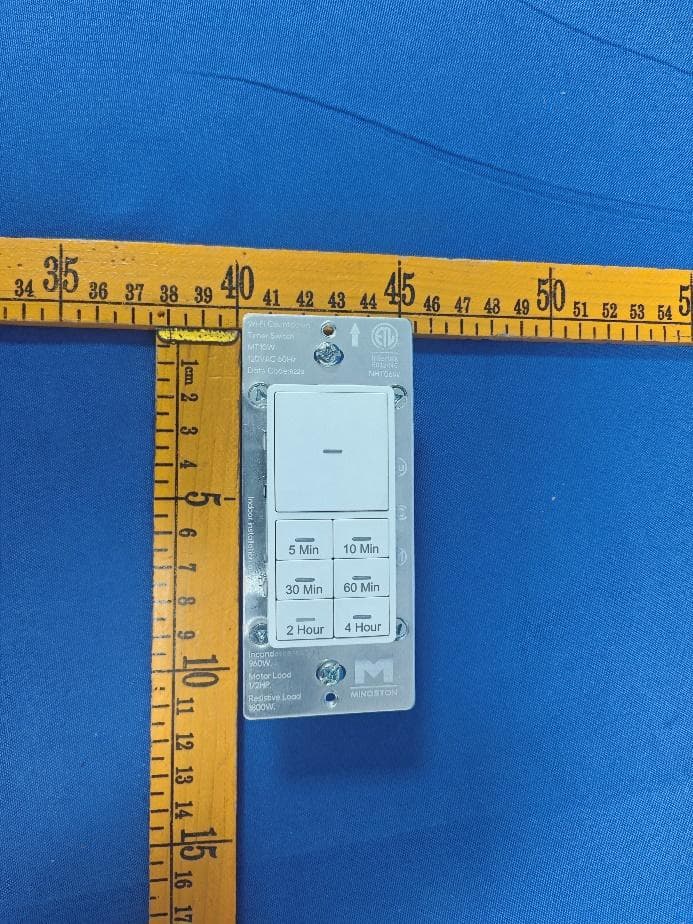
2AQURNHT06W
Jun 26, 2024Wi-Fi Countdown Timer Switch
Equipment Class
DTS - Digital Transmission System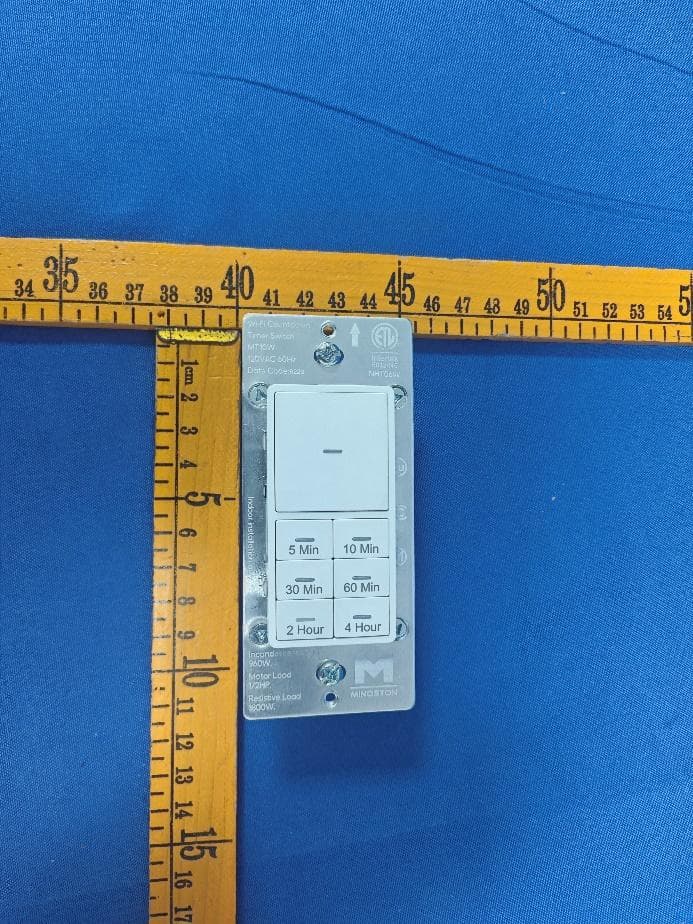
2AQURNHTO6W
Jun 26, 2024Wi-Fi Countdown Timer Switch
Equipment Class
DTS - Digital Transmission System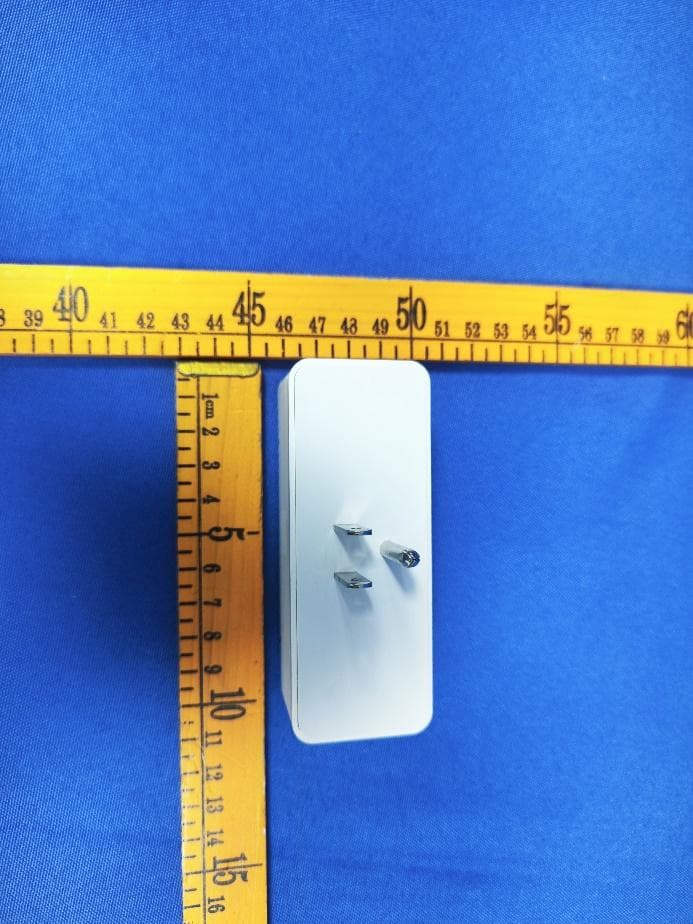
2AQURZW37MU
Mar 08, 2024Z-Wave Mini Smart Plug (800S)
Equipment Class
DXX - Part 15 Low Power Communication Device Transmitter