2AR5EELTOROSmart Watch
SHENZHEN MIFANG NETWORK TECHNOLOGY CO., LTD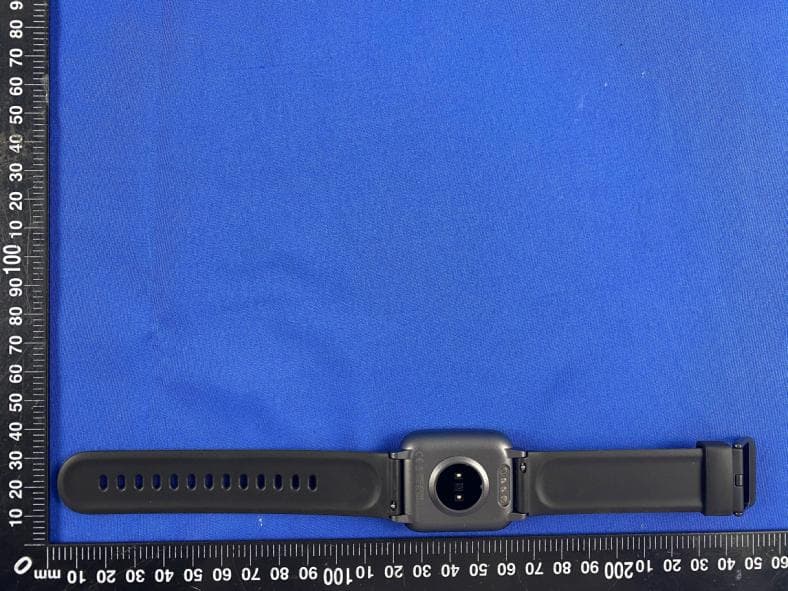
Click to zoom
Application Details
- Equipment Class
- DTS - Digital Transmission System
- Date of Grant
- Aug 23, 2020
- Application Purpose
- Original Equipment
- Date of Application
- Aug 23, 2020
- Equipment Note
- Smart Watch
- Frequency Range
- 2402.00000000 - 2480.00000000
- Country
- China
Documents & Files
Document Text
Text extracted from the exhibit documents filed with the FCC. Open a document above to read the original.
Users Manual
- 1 - EI Toro Smart Watch User Manual S M -SH-EI Toro - V1 Thank you for purchasing our products. This manual addresses the safety guidelines, warranty, and operating instructions. Please review this manual thoroughly before operating your device. 85g哑粉纸 四色 双面印刷 24P 骑马钉 成品尺寸: 75x120mm SM-SH-EI Toro-V1 王润婷 2020-08-11 V1 EI Toro说明书 Table of Contents English Version...................................................1 Getting Started ...............................................................1 What’s in the box...............................................................1 What’s in this Document ...................................................1 Setting up Your Watch .................................................1 Charging your watch .........................................................1 Disassembling / Assembling Your Watch..........................2 Wearing Your Watch .....................................................4 Using Your Watch..........................................................5 App Installation ..................................................................5 Smart Phone System Requirements.................................5 App Interfaces ...................................................................6 Pairing the Watch with Your Phone...................................7 Getting to Know Your Watch .....................................8 Touch Key .........................................................................8 Waking a Dimmed Screen .................................................9 Watch Interfaces................................................................9 Function Introduction ...................................................9 1. Customize Your Home Screen ......................................9 2. Tracking Daily Activity Data ..........................................10 3. Monitoring Heart Rate...................................................10 4. Tracking Sports: Outdoor Walking ................................11 5. Tracking Sports: Outdoor Running ...............................12 6. Tracking Sports: Outdoor Cycling .................................12 7. Setting Alarms...............................................................13 8. Tracking Sleep ..............................................................14 9. More Functions .............................................................14 9.1 Relax.......................................................................14 9.2 Stopwatch ...............................................................14 9.3 Call Notification.......................................................14 9.4 Message Notification ..............................................15 9.5 Sedentary Reminder...............................................15 Basic Specifications .....................................................15 FAQs ..................................................................................16 Warranty ...........................................................................18 Important Safety Instructions ...................................18 What’s in the box Charging cableUser manual Getting Started All-day wear and exercise Wearing Your Watch Setting up Your Watch Smart watch (EI Toro with bands) What’s in this document This manual gets you started quickly with setting up your watch. Setup ensures that your watch can synchronize its data with the VeryFitPro app, where you can get detailed information on your stats, view historical trends, log sleep, and more. As soon as setup is complete, you’re ready to start moving. The remainder of the manual walks you through every function on your EI Toro. Charging your watch Please fully charge your watch before initial use. 1. Insert the USB plug of the charging cable into the USB port on your computer or a UL-certified USB wall charger. 2. Hold the other end of the charging cable near the port on the back of the watch until it attaches magnetically. 3. Make sure the pins on the charging cable lock securely with the port. The connection is secure when the watch vibrates and the battery icon with percent charged appears on the screen. - 2 -- 3 -- 4 -- 5 -- 6 -- 7 -- 8 -- 9 -- 10 - When the watch shows that the battery is low, connect the watch to a USB port with 5V-500mA. While the watch charges, there is a battery progress bar on the screen and you can tap the touch key to check the battery level. Remove the watch from the power supply once fully charged. ● USB charger requirement: DC USB port (5V-500mA) ● Charging time: Approximately 2 hours Disassembling / Assembling Your Watch Disassembly 1. To remove the wristbands, turn over the watch and find the quick-release lever. 2. While pressing the quick-release lever inward, gently pull the wristband away from the watch to release it. 3. Repeat on the other side. Assembly 1. To reattach the wristbands, slide the pin (the side opposite the quick-release lever) into the notch on the watch. Attach the wristband with the clasp to the top of the watch. 2. While pressing the quick-release lever inward, slide the other end of the wristband into place. 3. When both ends of the pin are inserted, release the quick-release lever. For all-day wear when you’re not exercising, wear the device on your wrist horizontally, a finger’s width below your wrist bone and lying flat, the same way you would put on a watch. Basic Specifications FAQs Using Your Watch App Installation Use the watch with our customized VeryFitPro app. You can download VeryFitPro from Apple Store / Google Play or scan the QR codes below to download. Getting to Know Your Watch Touch Key After the watch is bound to the app, the main screen will display the time as shown in fig. 1. You can customize the main screen. See Function Introduction. Function Introduction 1. Customize Your Home Screen You can customize the home screen by following the steps below: 1) Tap and hold the touch key. App Interfaces For optimized heart rate tracking, k…
Text truncated - open the document above for the full version.
External Photos
External Photos of EUT
ID Label/Location Info
FCC-ID Label Information 1. Label location: 2.FCC ID Label: 2AR5EELTORO FCC-ID Label Location
Internal Photos
Internal Photos of EUT Antenna
Operational Description
version01 SHENZHEN MIFANG NETWORK TECHNOLOGY CO., LTD. 305, No.8 BLDG, SUOLING INDUSTRIAL ZONE XIKENG, GUANLAN, LONGHUA, SHENZHEN, GUANGDONG, CHINA Tel: +86-13715282097 Fax:N/A Declaration concerning Antenna Specification It is hereby declared that the product Model No.:El Toro FCC ID:2AR5EELTORO fulfills the requirement in FCC test relating to the antenna type. The device specified above confirms to the FCC recommendations for internal antenna type(s) described below: Model No. of antenna: N/A Type of antenna: FPC Antenna Gain of the antenna: -0.11 dBi Frequency range: 2402~2480 MHz The mounting of the antenna is fixed to the radio module and no other antenna should be used. Company name: SHENZHEN MIFANG NETWORK TECHNOLOGY CO., LTD. Address: 305, No.8 BLDG, SUOLING INDUSTRIAL ZONE XIKENG, GUANLAN, LONGHUA, SHENZHEN, GUANGDONG, CHINA City:Shenzhen ZIP / Postal code: Country: China Place: Shenzhen Date: 2020-08-19 Signature:
RF Exposure Info
RF Exposure evaluation According to 447498 D01 General RF Exposure Guidance v05 The 1‐gand10‐gSARtest exclusion thresholds for 100 MHz to 6 GHz at test separation distances≤50 mm are determined by: [(max. power of channel, including tune‐up tolerance, mW)/(min. test separation distance, mm)]·[√f(GHz)]≤3.0 for 1‐gSARand≤7.5 for 10‐g extremity SAR, where f(GHz) is the RF channel transmit frequency in GHz Power and distance are rounded to the nearest mW and mm before calculation The result is rounded to one decimal place for comparison For Bluetooth BR/EDR pt=0.57dBm=1.140mW at 2480MHz So (1.140mW/5mm)x√2.480GHz = 0.36<3 Then SAR evaluation is not required
Test Report
Report No.: CTL2008071031-WF Appendix for 15.247 1. Duty Cycle 1.1 Test Result Test Mode Channel Frequency( MHz) TX Type ANT No. T_on (ms) Period (ms) Duty Cycle (%) Duty Cycle Correction Factor (dB) 1M 2402 SISO 1 0.106 0.625 16.96 7.71 2440 SISO 1 0.107 0.625 17.12 7.66 2480 SISO 1 0.107 0.625 17.12 7.66 1.2 Test Graph 2. Bandwidth 2.1 Test Result Test Mode Frequency (MHz) TX Type ANT No. 6dB Bandwidth Verdict Test Result (MHz) Limits (MHz) 1M 2402 SISO 1 0.690 ≥0.5 PASS 2440 SISO 1 0.682 ≥0.5 PASS 2480 SISO 1 0.680 ≥0.5 PASS Test Mode Frequency (MHz) TX Type ANT No. 99% Occupied Bandwidth Test Result (MHz) 1M 2402 SISO 1 1.032 Only for Report Use 2440 SISO 1 1.039 Only for Report Use 2480 SISO 1 1.036 Only for Report Use 2.2 Test Graph - 6dB Bandwidth 2.3 Test Graph - 99% Occupied Bandwidth 3. Maximum Conducted Output Power 3.1 Test Result Test Mode Frequency (MHz) Tx Type Measured Peak Output Power (dBm) Limits (dBm) Verdict Ant 1 1M 2402 SISO -0.01 30 PASS 2440 SISO 0.39 30 PASS 2480 SISO 0.57 30 PASS 3.2 Test Graph 4. Maximum Power Spectral Density (PSD) 4.1 Test Result Test Mode Frequency (MHz) Tx Type Maximum Power Spectral Density (dBm/3KHz) Limits (dBm/3kHz) Verdict Ant 1 1M 2402 SISO -17.54 ≤8 PASS 2440 SISO -17.12 ≤8 PASS 2480 SISO -16.94 ≤8 PASS 4.2 Test Graph 5. Unwanted Emissions in Non-restricted Frequency Bands 5.1 Test Result Test Mode Frequency (MHz) TX Type ANT No. Spurious Conducted Emission (dBm) Limits (dBm) Verdict 1M 2402 SISO 1 Refer to test graph -19.45 PASS 2440 SISO 1 Refer to test graph -19.45 PASS 2480 SISO 1 Refer to test graph -19.45 PASS 5.2 Test Graph
Test Report
Shenzhen CTL Testing Technology Co., Ltd. Tel: +86-755-89486194 E-mail: [email protected] TEST REPORT FCC PART 15.247 Report Reference No. ................ : CTL2008071031-WF Compiled by: ( position+printed name+signature) Happy Guo (File administrators) Tested by: ( position+printed name+signature) Nice Nong (Test Engineer) Approved by: ( position+printed name+signature) Ivan Xie (Manager) Product Name ............................ : Smart Watch Model/Type reference ................ : El Toro List Model(s) ............................... : N/A Trade Mark .................................. : Letsfit FCC ID ......................................... : 2AR5EELTORO Applicant’s name ....................... : SHENZHEN MIFANG NETWORK TECHNOLOGY CO., LTD. Address of applicant ................. : 305, No.8 BLDG., SUOLING INDUSTRIAL ZONE XIKENG, GUANLAN, LONGHUA, SHENZHEN, GUANGDONG, CHINA Test Firm ..................................... : Shenzhen CTL Testing Technology Co., Ltd. Address of Test Firm ................. : Floor 1-A, Baisha Technology Park, No.3011, Shahexi Road, Nanshan District, Shenzhen, China 518055 Test specification ....................... : Standard ...................................... : FCC Part 15.247: Operation within the bands 902-928 MHz, 2400-2483.5 MHz and 5725-5850 MHz. TRF Originator ............................. : Shenzhen CTL Testing Technology Co., Ltd. Master TRF .................................. : Dated 2011-01 Date of receipt of test item ........ : Aug. 13, 2020 Date of sampling ........................ : Aug. 13, 2020 Date of Test Date ........................ : Aug. 13, 2020- Aug. 19, 2020 Data of Issue............................... : Aug. 19, 2020 Result .......................................... : Pass Shenzhen CTL Testing Technology Co., Ltd. All rights reserved. This publication may be reproduced in whole or in part for non-commercial purposes as long as the Shenzhen CTL Testing Technology Co., Ltd. is acknowledged as copyright owner and source of the material. Shenzhen CTL Testing Technology Co., Ltd. takes no responsibility for and will not assume liability for damages resulting from the reader's interpretation of the reproduced material due to its placement and context. V1.0 Page 2 of 31 Report No.: CTL2008071031-WF TEST REPORT Test Report No. : CTL2008071031-WF Aug. 19, 2020 Date of issue Equipment under Test : Smart Watch Sample No. : CTL200807103-1-S001 Model /Type : El Toro Listed Models : N/A Applicant : SHENZHEN MIFANG NETWORK TECHNOLOGY CO., LTD. Address : 305, No.8 BLDG., SUOLING INDUSTRIAL ZONE XIKENG, GUANLAN, LONGHUA, SHENZHEN, GUANGDONG, CHINA Manufacturer : SHENZHEN MIFANG NETWORK TECHNOLOGY CO., LTD. Address : 305, No.8 BLDG., SUOLING INDUSTRIAL ZONE XIKENG, GUANLAN, LONGHUA, SHENZHEN, GUANGDONG, CHINA Test result Pass * * In the configuration tested, the EUT complied with the standards specified page 5. The test results presented in this report relate only to the object tested. This report shall not be reproduced, except in full, without the written approval of the issuing testing laboratory. V1.0 Page 3 of 31 Report No.: CTL2008071031-WF ** Modified History ** Revisions Description Issued Data Report No. Remark Version 1.0 Initial Test Report Release 2020-08-19 CTL2008071031-WF Tracy Qi V1.0 Page 4 of 31 Report No.: CTL2008071031-WF Table of Contents Page 1. SUMMARY ............................................................................................................................................................... 5 1.1. TEST STANDARDS ..................................................................................................................................................... 5 1.2. TEST DESCRIPTION ........................................................................................................................................................ 5 1.3. TEST FACILITY .............................................................................................................................................................. 6 1.4. STATEMENT OF THE MEASUREMENT UNCERTAINTY ............................................................................................................... 6 2. GENERAL INFORMATION .......................................................................................................................................... 8 2.1. ENVIRONMENTAL CONDITIONS ........................................................................................................................................ 8 2.2. GENERAL DESCRIPTION OF EUT ...................................................................................................................................... 8 2.3. DESCRIPTION OF TEST MODES AND TEST FREQUENCY .......................................................................................................... 8 2.4. EQUIPMENTS USED DURING THE TEST .............................................................................................................................. 9 2.5. RELATED SUBMITTAL(S) / GRANT (S) ................................................................................................................................ 9 2.6. MODIFICATIONS ........................................................................................................................................................... 9 3. TEST CONDITIONS AND RESULTS ............................................................................................................................ 10 3.1. CONDUCTED EMISSIONS TEST ....................................................................................................................................... 10 3.2. RADIATED EMISSIONS AND BAND EDGE .......................................................................................................................... 13 3.3. MAXIMUM CONDUCTED OUTPUT POWER.....................................................................…
Text truncated - open the document above for the full version.
Test Setup Photos
Test Setup Photos of the EUT
Contact Information
Applicant
william lin
Test Firm
Shenzhen CTL Testing Technology Co., Ltd.Tracy Qi
[email protected]86-755-89486194
Technical Specifications
| # | Rule Parts | Frequency Range | Power Output |
|---|---|---|---|
| 1 | 15C | 2.40 GHz - 2.48 GHz | 1.20 mW |
Other Applications from SHENZHEN MIFANG NETWORK TECHNOLOGY CO., LTD
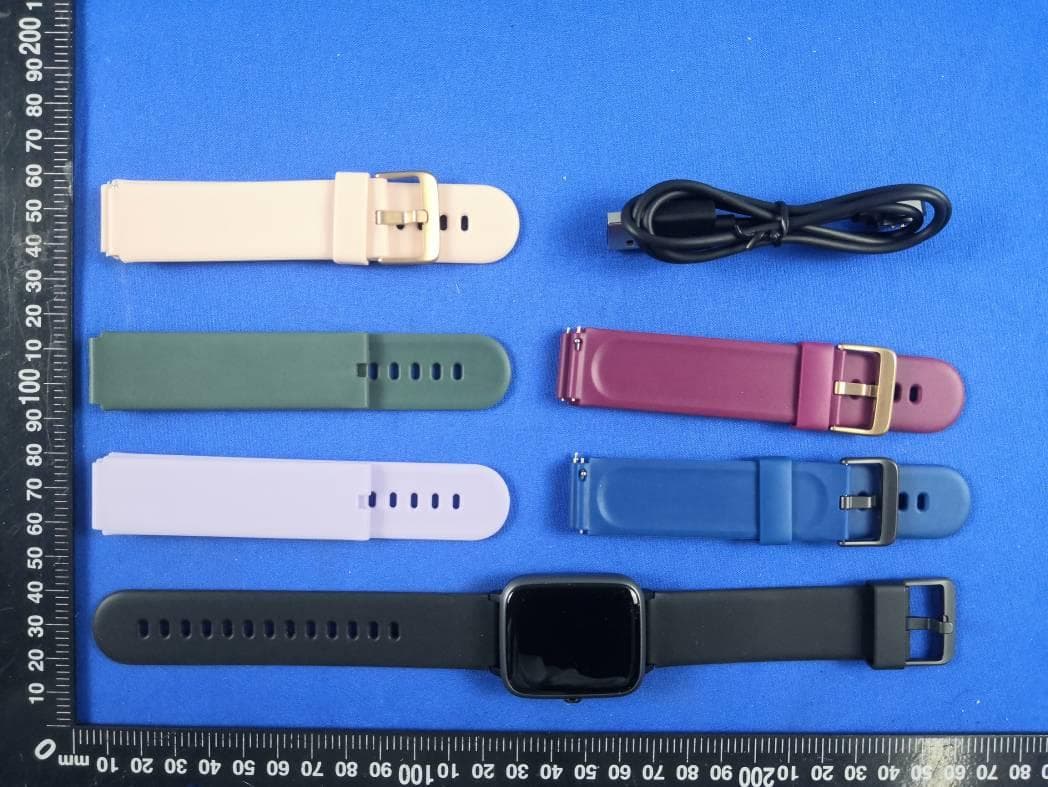
2AR5EID205G
Nov 04, 2020Smart Watch
Equipment Class
DTS - Digital Transmission System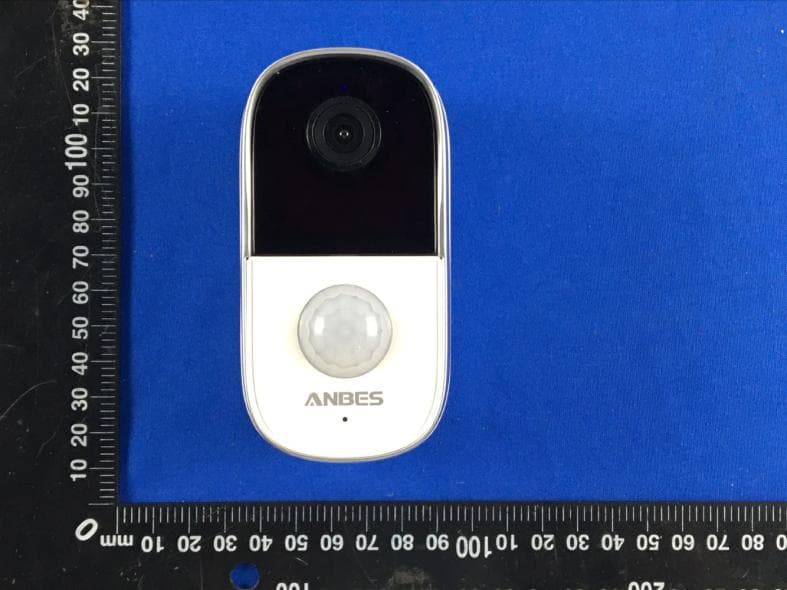
2AR5E-BF-A10
Aug 24, 2020Battery Powered Wi-Fi Camera
Equipment Class
DTS - Digital Transmission System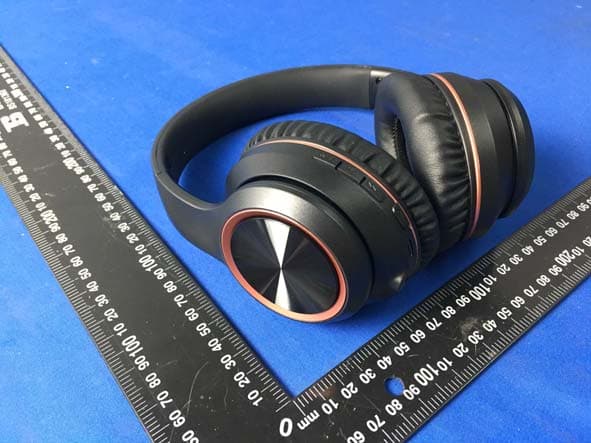
2AR5E-H081
Jul 30, 2020ANC Wireless Headphones
Equipment Class
DSS - Part 15 Spread Spectrum Transmitter
2AR5E-W01
Jul 14, 20203-in-1 Wireless Charger
Equipment Class
DCD - Part 15 Low Power Transmitter Below 1705 kHz
2AR5E-ONEX
Jun 23, 2020Wireless Car Charger Mount
Equipment Class
DCD - Part 15 Low Power Transmitter Below 1705 kHz