2ARNF-M01328PixelArt Wireless Bluetooth Controller-Hyperkin
Hyperkin,inc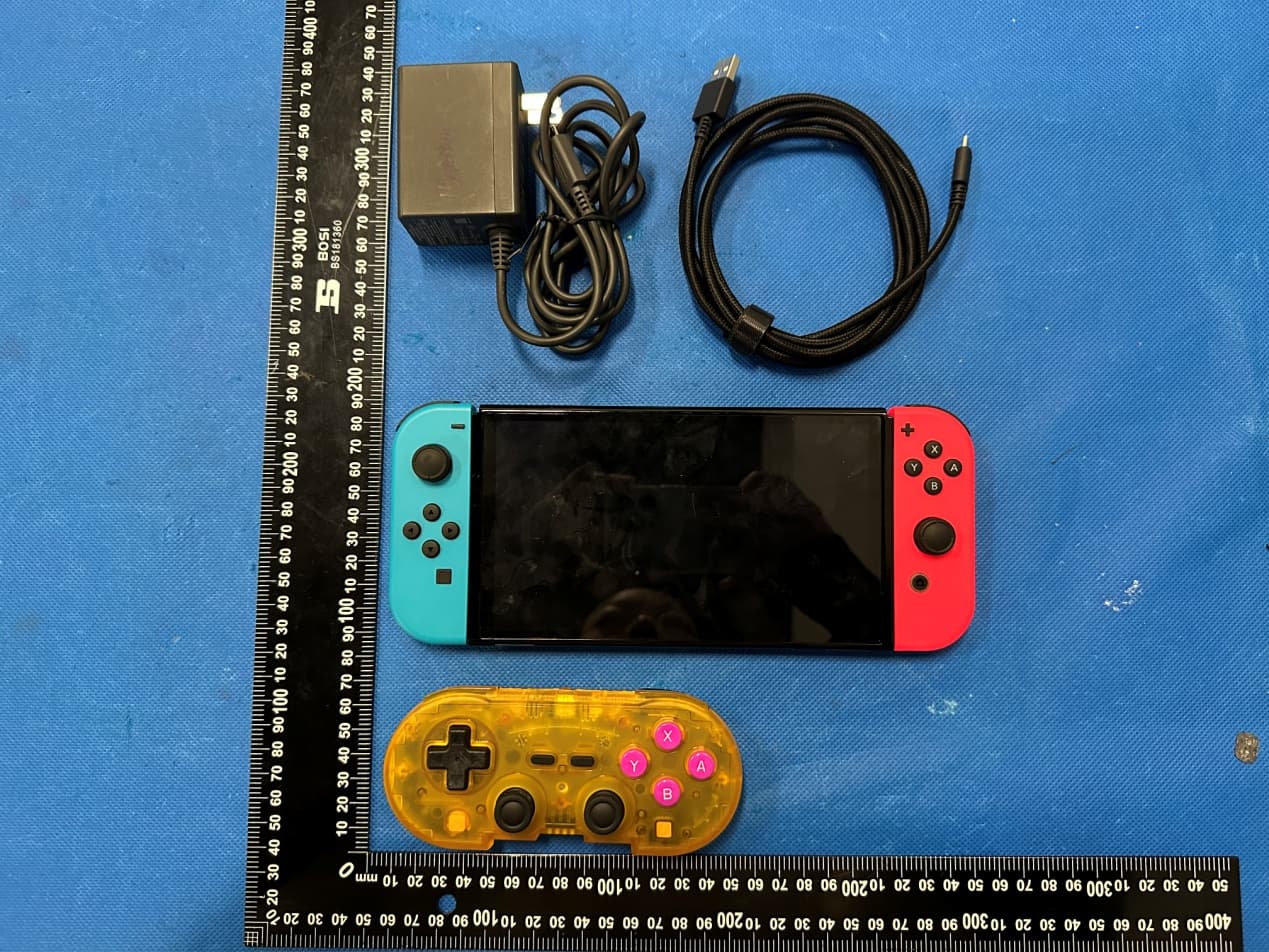
Click to zoom
Application Details
- Equipment Class
- DSS - Part 15 Spread Spectrum Transmitter
- Date of Grant
- Apr 12, 2023
- Application Purpose
- Original Equipment
- Date of Application
- Apr 12, 2023
- Equipment Note
- PixelArt Wireless Bluetooth Controller-Hyperkin
- Frequency Range
- 2402.00000000 - 2480.00000000
- Company
- Hyperkin,inc
- Country
- United States
Documents & Files
Document Text
Text extracted from the exhibit documents filed with the FCC. Open a document above to read the original.
Users Manual
PixelArtBluetoothControllerInstructionManual CONTENTS •PIXELARTCONTROLLER •CHARGECABLE [DIAGRAM] •MODESWITCH(BTforBluetooth)/SW(forNintendoSwitch®) •TYPE-CCHARGINGPORT •SYNC •RESETPIN •LEDBATTERYINDICATORLIGHT •LEDSYNCINDICATORLIGHTS •HYPERKINBUTTON(HOME) •A •B •X •Y •L •L2 •R •R2 •TURBO(LIGHTNINGBOLT) •START •SELECT •D-PAD •LEFTANALOGSTICK/L3(WHENPUSHED) •RIGHTANALOGSTICK/R3(WHENPUSHED) ----- QuickReference Afteryou’vecarefullyreadtheguidebelow,pleaserefertothisquickreferencelistwhenyouneedit. •SelectyourmodewiththeMODESWITCH(BTforBluetooth)/SW(forNintendoSwitch®) •HoldtheSYNCbuttonfor3secondstostartpairing •Reconnectingtopreviouslypaireddevice,pressSYNCbutton •HoldSYNCbuttonfor5secondstoturnoffcontroller GettingtoKnowthePixelArtBluetoothController XInputandDInputMode •ThePixelArtcontrollercanbeusedineitherXInputorDirectInput(DInputMode)whereapplicable. Bydefault,thecontrollerwillbeinXInputmode. SwitchingtoDInput:WhileholdingtheBbuttonandSYNCbuttonsimultaneously.TheLEDSYNC INDICATORLIGHTSwillstartflashingtwoatatime. InDInputmode,thebuttonmappingisasfollows: B=A A=B Y=Y X=X SwitchBacktoXInput:YoucaneitherturnOFFyourcontroller,turnitbackON,thenre-pairtoyour device.Itwill,bydefault,beinXInputmode.Alternatively,youcanalsoresetyourcontroller. InXInputmode,thebuttonmappingisasfollows: B=A A=B Y=X X=Y •Usingapapercliporsimilar-sizedobject,youcan(soft)resetthecontrollerbypressingtheRESETPIN. PowerandCharging •Thecontrollerwillturnoffafter15minsofinactivitytosavepower.Towakeupthecontroller,press theSYNCbutton. •Thecontrollerwillsleepafter20secondsofnoBluetoothconnectiontoadevice/console. •TochargethePixelArtBluetoothController,plugtheincludedType-Ccableintothecontroller'sTYPE- CCHARGINGPORT.PlugtheotherendintoanavailableUSBportonyourdeviceorany5V1AUSB powersource. •Whenthebatteryislow,theLEDBATTERYINDICATORLIGHTwillblink. •Whenthecontrollerischarging,theLEDBATTERYINDICATORLIGHTwilllightupsolid. •Whenthecontrollerisfullycharged,theLEDBATTERYINDICATORLIGHTwillturnoff. VibrationSettings ToturnOFFVIBRATION,pressandholdSTART+SELECT+HYPERKINBUTTON(HOME)for5seconds. RepeatthesequencetoturnitbackON. HyperkinButton(Home) •TheHYPERKINBUTTONwilllightupwheneverconnected/pairedtoadevice. •TheHYPERKINBUTTON'slightissettoWHITEbydefault.Tochangethecolor,whileholdingthe TURBOBUTTON,pressR3tocyclethroughthedifferentcolors:RED,ORANGE,YELLOW,GREEN,BLUE, PURPLE,PINK,andWHITE. •TheHYPERKINBUTTONwillbrieflyflasheachtimeitispressed. •AfterabuttonthathasbeensettoTURBOMODE,theHYPERKINBUTTONwillflashrapidly. •ToturnOFFtheHYPERKINBUTTON'slight,holdSTARTandtheHYPERKINBUTTONfor5seconds.The HYPERKINBUTTONwillflashthreetimestoindicateitisOFF.Toturnthelightbackon,holdthe HYPERKINBUTTONfor5Seconds. UsingtheTurboFunction(LightningBolt) 1.WhileholdingtheTURBObutton,pressthebuttonyouwouldliketobesettoTURBOMODE. 2.TheHYPERKINBUTTONwillflash,indicatingthebuttonhasbeensettoTURBOMODE. 3.ToturnoffTURBOMODE,whileholdingthebuttonthathasbeensettoTURBOMODE,pressthe TURBOBUTTON.Ifsuccessful,theHYPERKINBUTTONwillnolongerflashwhenabuttonhasbeen pressed. HelpfulTips •TURBOMODEdoesnotworkfortheNintendoSwitch® •OnlythefollowingcanbesettoTURBOMode: A,B,X,Y,L,L2,R,R2,D-PAD FactoryReset Ifyouwanttoresetthecontrollertoitsdefaultfactorysettings,holdSELECTandYfor5seconds.The HYPERKINBUTTONwillflash3timestoindicatethecontrollerhasbeenreset.ItwillalsolightupWHITE. ThiswillalsounpairyourcontrollerfromALLpreviouslypaireddevices. ----- ConnectingYourPixelArtBluetoothController Note:Whentheterm“pair/paired”ismentioned,itisreferringtoaBluetooth/wirelessconnection,nota wiredconnection. FortheNintendoSwitch® WiredConnection 1.PlugtheincludedType-Ccableintothecontroller'sTYPE-CCHARGINGPORT.Plugtheotherendintoa USBportonyourdock.MakesuretheMODESWITCHissettoSW(totheRIGHT). 2.Onceconnected,ONEoftheLEDSYNCINDICATORLIGHTSwilllightupsolid. BluetoothConnection 1.MakesuretheMODESWITCHissettoSW(totheRIGHT).HoldtheSYNCbuttonfor3seconds.The LEDSYNCINDICATORLIGHTSwillbegintomovefromlefttoright. 2.Usingeitherthetouchscreenorapreviouslypairedcontroller,gotoyourconsole'sHomemenu.Go toControllers,thenChangeGrip/Order.Yourcontrollerwillbegintopair.Oncepaired,theLEDSYNC INDICATORLIGHTSwilllightupsolid. HelpfulTips •TheTURBObuttonfunctionsastheSharebutton.BecauseofthistheTURBOfunctiondoesnotwork fortheNintendoSwitch®. •Onceyourcontrollerispaired,ifyourconsoleentersSleepMode,youcanre-pairbywakingupyour console(usingthePowerbuttononyourconsole),thenpressingtheSYNCBUTTONonce. •ThePixelArtcontrollersupportsgyrofunctions,whichareautomaticallyavailableoncepaired. ----- ForWindows10®/11® WiredConnection 1.MakesuretheMODESWITCHissettoBT(totheLEFT).PlugtheincludedType-Ccableintothe controller'sTYPE-CCHARGINGPORT.PlugtheotherendintoaUSBportonyourWindows10®/11® computer. 2.Onceconnected,ONEoftheLEDSYNCINDICATORLIGHTSwilllightupsolid. BluetoothConnection 1.MakesuretheMODESWITCHissettoBT(totheLEFT).HoldtheSYNCbuttonfor3seconds.TheLED SYNCINDICATORLIGHTSwillbegintoflash. 2.InWindows10®/11®gotoBluetooth&Devices,thenclickAddDevice.SelectHyperkinXpad(for XInput)orHyperkinPad(forDInput). 3.Oncepaired,TheLEDSYNCINDICATORLIGHTSwilllightupsolid. PCGamePass MakesurecontrollerissettoXInputmodebeforeplayinggamesinPCGamePass. HelpfulTips •Ifpreviouslypaired,yourcontrollerwillautomaticallyconnecttoyourcomputerwhenSYNCbuttonis pressed. ----- ForMac®(macOS®SierraandNewer) WiredConnection 1.PlugtheincludedType-Ccableintothecontroller'sTYPE-CCHARGINGPORT.Plugtheotherendintoa USBportonyourMac®. 2.Onceconnected,ONEoftheLEDSYNCINDICATORLIGHTSwilllightupsolid. BluetoothConnection 1.MakesuretheMODESWITCHissettoBT(totheLEFT).HoldtheSYNCbuttonfor3seconds.TheLED SYNCINDICATORLIGHTSwillbegintoflash. 2.InmacOS®,gotoSystemSettings,thenclickBluetoothinthesidebar(youmayneedtoscrolldown). SelectHyperkinXpad(forXInput)orHyperkinPad(forDInput). 3.Oncepaired,TheLEDSYNCINDICATORLIGHTSwilllightupsolid. PCGamePass(viabrowser) MakesurecontrollerissettoXInputmodebeforeplayinggamesinPCGamePass. HelpfulTips •Ifpreviouslypaired,yourco…
Text truncated - open the document above for the full version.
Attestation Statements
1/1 USAgentforServiceofProcessLETTEROFATTESTATION TO: OfficeofEngineeringTechnology FederalCommunicationsCommission 7435OaklandMillsRoad Columbia,MD21046 USAgentforServiceofProcess: CompanyName:Hyperkin,inc FRN:0027967017 ContactName:JesseZhang Address: 1939 W. Mission Blvd Pomona California United States 91766 Telephone No: (909) 397-8788 Email: [email protected] Applicant: Company name: Hyperkin,inc Product Description: 0027967017 Grantee code:2ARNF FCC ID:2ARNF-M01328 Contact Name:Jesse Zhang Address:1939 W. Mission Blvd Pomona California United States 91766 Telephone No: (909) 397-8788 Email:[email protected] [Hyperkin,inc]certifies that, as of the date of this filing of the application with the TCB,[Hyperkin,inc]is our designated US agent for service of process for the above referenced FCC ID.[Hyperkin,inc]accepts to maintain an agent for no less than one year after the grantee has terminated all marketing and imp ortation or the conclusion of any commission related proceeding involving theobligationofthedesignatedUSagentforserviceofprocessfortheabove referenceFCCID equipment.[Hyperkin,inc]accepts, as of the date of the filing of the application, . TheUSAgentforServiceofProcessisawareofandagreestocomplywiththerequirements outlinedintheFCCEquipmentAuthorizationProgram,ReportandOrderFCC22-84,andclause §2.911. TheApplicantisawareofandagreestocomplywiththerequirementsoutlinedintheFCC EquipmentAuthorizationProgram,ReportandOrderFCC22-84,andclause§2.911. Date:2023-4-11 Applicant’sName:JesseZhangUSAgent’sName:JesseZhang Title:managerTitle:manager SignatureSignature
Attestation Statements
C5266091_X24_Ed.1 1/1 “AttestationStatements” TO: OfficeofEngineeringTechnology FederalCommunicationsCommission 7435OaklandMillsRoad Columbia,MD21046 TheCommissionadoptedrulesthatprohibitequipmentauthorizationfor“covered” telecommunicationsequipmentandvideosurveillanceequipmentproducedbyentitiesidentified ontheCommission’sCoveredList 1 ,whichisperiodicallyupdated.SeetheCoveredListformore details.ThisAttestationStatementistoconfirmthatwefollowtheSection2.911(d)(5)(i)-(ii) Applicant Companyname:Hyperkin,inc Granteecode:2ARNF FCCID:2ARNF-M01328 ContactName:JesseZhang Address:1939W.MissionBlvdPomonaCaliforniaUnitedStates91766 TelephoneNo:(909)397-8788 FaxNo:(909)397-8781 Email:[email protected] i. ii authorization is sought is not “covered” equipment prohibited from receiving an equipment authorization pursuant to section 2.903 of the FCC rules. The [Hyperkin,inc]certifies that the equipment for which applicant must sign this certification. .[Hyperkin,inc]certifies that, as of the date of the filing of the entityproducing“covered”equipment.Theapplicantmustsignthi application, the applicant[is not]identified on the Covered List as an s certification. Date:2023-4-11 Applicant’sName:JesseZhang Title:manager Signature 1 TheCommission’sCoveredListispublishedbythePublicSafetyandHomelandSecurityBureauandpostedonthe Commission’swebsite.ThisCoveredList,whichisperiodicallyupdated,identifiesparticularequipment,producedby particularentities,thatconstitutes“covered”equipment.https://www.fcc.gov/supplychain/coveredlist
Attestation Statements
Statement We Hyperkin,inc Herebythat TheproductPixelArtWirelessBluetoothController-Hyperkin, Modelsno.M01328,M01328-TETS,M01328-TEHG,M01328-TEHD,M01328-HFTR,M01328-HFRP, M01328-KHOY,M01328-KHCO,M01328-KHLL,M01328-KHHD,M01328-SBEB Allmodel’sthefunction,softwareandelectriccircuitarethesame,onlywithaproductmodel nameddifferent.Testsamplemodel : M01328 , . Yourassistanceonthismatterishighlyappreciated. Yourssincerely, Signature : CompanyName:Hyperkin,inc
Cover Letter(s)
C5266091_X8_Ed.1 1/1 LetterofAuthorization Company:Hyperkin,inc Address:1939W.MissionBlvdPomonaCaliforniaUnitedStates91766 ProductName:PixelArtWirelessBluetoothController-Hyperkin ModelNumber:M01328,M01328-TETS,M01328-TEHG,M01328-TEHD, M01328-HFTR,M01328-HFRP,M01328-KHOY,M01328-KHCO,M01328-KHLL, M01328-KHHD,M01328-SBEB FCCIdentifier:2ARNF-M01328 WeauthorizeLGAITechnologicalCenterS.A.,RondadelaFontdelCarme,s/n, 08193Bellaterra,Spain,toactonourbehalfonallmattersconcerningthe abovenamedequipment. AnyindividualwithinLGAITechnologicalCenterS.A.isauthorizedtoactonour behalfandtakeactionontheapplication. WedeclarethatauthorizeLGAITechnologicalCenterS.A.,RondadelaFontdel Carme,s/n,08193Bellaterra,Spain,isallowedtoforwardallinformation relatedtotheapprovalprojecttotheFederalCommunicationCommissionand todiscussanyissuesconcerningtheapprovalapplication.Anyandallacts carriedoutbyLGAITechnologicalCenterS.A.onourbehalfshallhavethe sameeffectasactsofourown. Name:JesseZhangDate:2023-4-10 Title:manager Signatureofapplicant:
Cover Letter(s)
C5266091_X10_Ed.2 1/1 Hyperkin,inc OfficeofEngineeringTechnology FederalCommunicationsCommission 7435OaklandMillsRoad Columbia,MD21046 Date:2023-4-10 Subject:RequestforConfidentiality FCCID:2ARNF-M01328 ToWhomItMayConcern, PursuanttotheprovisionsofSections0.457and0.459ofCommission'srules (47CFR0.457,0.459),wearerequestingtheCommissiontowithholdthefollowing attachment(s)asconfidentialdocumentfrompublicdisclosure. ExhibitsLong-Term Confidentiality Short-Term Confidentiality NOTE2 IDLabel/LocationNoNo AttestationStatementNoNo ExternalPhotosNo ☐ BlockDiagram ☒☐ Schematics ☒☐ TestReportNoNo TestSetupPhotosNo ☐ User’sManual ☐ NOTE 1 ☒ InternalPhotos ☐ NOTE 1 ☒ PartsList/TuneUp ☐☐ RFExposureInfoNoNo OperationalDescription ☒☐ CoverLetter(s)NoNo SDRSoftware/SecurityInfo ☐ No NOTE1:Long-TermConfidentialitymaybepermittedunderspecialconditions(SeeII.LONG-TERMCONFIDENTIALITY,Section3of KDB726920,uselastinforce) NOTE2:Short-TermConfidentialitycanberequestedforamaximumof180daysfromthedateofthegrant. Abovementioneddocumentcontainsdetailedsystemandequipmentdescriptionare consideredasproprietaryinformationinoperationoftheequipment.Thepublic disclosureofabovedocumentsmightbeharmfultoourcompanyandwouldgive competitoranunfairadvantageinthemarket. Incaseofshort-termConfidentiality,theapplicantrequeststheexhibitsselected abovearewithheldfrompublicviewforaperiodof__180____daysfromthedateof theGrantofEquipmentAuthorizationandpriortomarketing. Itisourunderstandingthatallmeasurementtestreports,FCCIDlabelformatand correspondentduringcertificationreviewprocesscannotbegrantedasconfidential documentsandthoseinformationwillbeavailableforpublicreviewoncethegrantof equipmentauthorizationisissued. C5266091_X10_Ed.2 1/1 Sincerely, Signature: Name:JesseZhang Title:manager
External Photos
Annex A External Photos Report No.: HK2303231006-E Page 1 of 4 Report No.: HK2303231006-E Page 2 of 4 Report No.: HK2303231006-E Page 3 of 4 Report No.: HK2303231006-E Page 4 of 4
ID Label/Location Info
Label
Internal Photos
Annex B Internal Photo Report No.: HK2303231006-E Page 1 of 4 Report No.: HK2303231006-E Page 2 of 4 Antenna Report No.: HK2303231006-E Page 3 of 4 Report No.: HK2303231006-E Page 4 of 4
RF Exposure Info
FCC RF Exposure EUT Description: PixelArt Wireless Bluetooth Controller-Hyperkin Model No.: M01328 FCC ID: 2ARNF-M01328 1. Limits According to KDB 447498 D01 General RF Exposure Guidance v01 The 1‐g and 10‐g SAR test exclusion thresholds for 100 MHz to 6 GHz at test separation distances ≤50 mm are determined by: [(max power of channel, including tune‐up tolerance, mW)/(min. test separation distance, mm)]·[√f(GHz)]≤3.0 for 1‐g SAR and ≤ 7.5 for 10‐g extremity SAR, Where: Result=P/D*√F F= the RF channel transmit frequency in GHz P=Maximum turn‐up power in mw D=Min. test separation distance in mm 2. Test Result of RF Exposure Evaluation Output power (dBm) Tune Up Power (dBm) Max Tune Up power dBm/mW Min test separati on distance mm Result Limit SAR Test Exclusion EDR -2.33 -3±1(-2) 0.63 5 0.196 3.0 Pass Note: PK Output power= conducted power. Conducted power see the test report HK2303231006-E, antenna gain=2.48dBi Per KDB 447498 D01, when the minimum test separation distance is < 5 mm, a distance of 5 mm is applied to determine SAR test exclusion. The test exclusion threshold is 0.196 which is<= 3, SAR testing is not required. Note: Exclusion Thresholds Results=[(max. power of channel, including tune-up tolerance, mW)/(min. test separation distance, mm)] ·[√f (GHz)] f(GHz) is the RF channel transmit frequency in GHz Distance=5mm
Test Report
Page 1 of 52 Report No.: HK2303231006-E FCC Test Report FCC PART 15 SUBPART C 15.247 Test report On Behalf of Hyperkin,inc For PixelArt Wireless Bluetooth Controller-Hyperkin Model No.: M01328, M01328-TETS, M01328-TEHG, M01328-TEHD, M01328-HFTR, M01328-HFRP, M01328-KHOY, M01328-KHCO, M01328-KHLL, M01328-KHHD, M01328-SBEB FCC ID: 2ARNF-M01328 Prepared for : Hyperkin,inc 1939 W. Mission Blvd., Pomona, California, 91766, United States Prepared By : Shenzhen HUAK Testing Technology Co., Ltd. 1-2/F., Building B2, Junfeng Zhongcheng Zhizao Innovation Park, Heping, Fuhai Street, Bao’an District, Shenzhen, Guangdong, China Date of Test: Mar. 23, 2023 ~ Apr. 04, 2023 Date of Report: Apr. 04, 2023 Report Number: HK2303231006-E Page 2 of 52 Report No.: HK2303231006-E Test Result Certification Applicant’s Name .................. : Hyperkin,inc Address .................................. : 1939 W. Mission Blvd., Pomona, California, 91766, United States Manufacture's Name ............. : Dashine Electronics Co,Ltd Address .................................. : No.53, Guangtian Road,Yanchuan community, Yanluo street, Bao'an District,ShenZhen, China Product Description Trade Mark: Hyperkin Product Name ........................... : PixelArt Wireless Bluetooth Controller-Hyperkin Model and/or type reference . : M01328, M01328-TETS, M01328-TEHG, M01328-TEHD, M01328-HFTR, M01328-HFRP, M01328-KHOY, M01328-KHCO, M01328-KHLL, M01328-KHHD, M01328-SBEB Standards .............................. : 47 CFR FCC Part 15 Subpart C 15.247 This publication may be reproduced in whole or in part for non-commercial purposes as long as the Shenzhen HUAK Testing Technology Co., Ltd. is acknowledged as copyright owner and source of the material. Shenzhen HUAK Testing Technology Co., Ltd. takes no responsibility for and will not assume liability for damages resulting from the reader's interpretation of the reproduced material due to its placement and context. Date of Test .................................... . Date (s) of Performance of Tests .... . Mar. 23, 2023 ~ Apr. 04, 2023 Date of Issue .................................... Apr. 04, 2023 Test Result ........................................ Pass Prepared by: Project Engineer Reviewed by: Project Supervisor Approved by: Technical Director Page 3 of 52 Report No.: HK2303231006-E Table of Contents Page 1. Summary .............................................................................................................................................................. 5 1.1. Test Standards ......................................................................................................................................................... 5 1.2. Test Description ....................................................................................................................................................... 5 1.3. Test Facility .............................................................................................................................................................. 6 1.4. Statement of the Measurement Uncertainty .......................................................................................................... 6 2. General Information ............................................................................................................................................. 7 2.1. Environmental Conditions ....................................................................................................................................... 7 2.2. General Description of EUT ..................................................................................................................................... 7 2.3. Description of Test Modes and Test Frequency ....................................................................................................... 8 2.4. Equipments Used during the Test ............................................................................................................................ 9 2.5. Related Submittal(s) / Grant (s) ............................................................................................................................. 10 2.6. Modifications ........................................................................................................................................................ 10 2.7. Description of Test Setup ....................................................................................................................................... 10 3. Test Conditions and Results ................................................................................................................................. 11 3.1. Conducted Emissions Test ..................................................................................................................................... 11 3.2. Radiated Emissions and Band Edge ....................................................................................................................... 14 3.3. Maximum Peak Conducted Output Power ............................................................................................................ 25 3.4. 20dB Bandwidth .................................................................................................................................................... 26 3.5. Frequency Separation ........................................................................................................................................... 30 3.6. Number of Hopping Frequency ............................................................................................................................. 32 3.7. Time of Occupancy (Dwell Time) .......................................................................................................................... 34 3.8. Out‐of‐Band Emissions .....................................................................................................................…
Text truncated - open the document above for the full version.
Test Report
天线规格书 产品名称 PRODUCTNAME: 产品设计 PRODUCTDESIGN :深圳市达实智控科技股份有限公司 测试机构 TESTINGAGENCY: Address53 Guangtian Road, Yanchuan Community, Yanluo Street, Bao 'an District, Shenzhen 天线主要技术参数 一、测试报告 1.1:网络分析仪测试报告 2400MHZ~2500MHZ 主要技术指标 Maintechnicalspecifications 频率范围 (MHZ) 2400~2500FrequencyRange (MHZ) 2400~2500 特性阻抗(Ω) 50Impedance(Ω)50 增益(dBi) 2dBiPeakGain(dBi)2dBi 输出电压 驻波比 ≦2.0 VSWR ≦2.0 极化方式 垂直极化 PolarizationLinear,Vertical 方向性 全向性 RadiationOmni-directional 连接方式 直连 ConnectorTypedirectconnection 1.2:增益效率 FreqEffiGain (MHz)(%)(dBi) 2400 40.58% 2.10 2410 39.14% 1.92 2420 40.49% 2.17 2430 40.10% 2.18 2440 43.65% 2.42 2450 44.00% 2.41 2460 48.89% 2.48 2470 48.90% 2.10 2480 45.71% 1.53 2490 45.17% 1.49 2500 47.84% 1.56 Unit:mm 1.3:3D场型 2400.0MHzH+V,Eff:40.6%BackView 2410.0MHzH+V,Eff:39.1%BackView 2420.0MHzH+V,Eff:40.5%BackView 2430.0MHzH+V,Eff:40.1%BackView 2440.0MHzH+V,Eff:43.7%BackView 2450.0MHzH+V,Eff:44.0%BackView 2460.0MHzH+V,Eff:48.9%BackView 2470.0MHzH+V,Eff:48.9%BackView 2480.0MHzH+V,Eff:45.7%BackView 2490.0MHzH+V,Eff:45.2%BackView 2500.0MHzH+V,Eff:47.8%BackView
Test Setup Photos
FCCID:2ARNF-M01328
Contact Information
Applicant
Jesse Zhang(manager)
Technical Contact
Test Firm
Shenzhen HUAK Testing Technology Co., Ltd.Jason Zhou
[email protected]86-755-23029901
Technical Specifications
| # | Rule Parts | Frequency Range | Power Output |
|---|---|---|---|
| 1 | 15C | 2.40 GHz - 2.48 GHz | 585.00 µW |
Other Applications from Hyperkin,inc
2ARNF-M07606
Aug 13, 2024Hyperkin Echo-01 Universal Wireless BT
Equipment Class
DTS - Digital Transmission System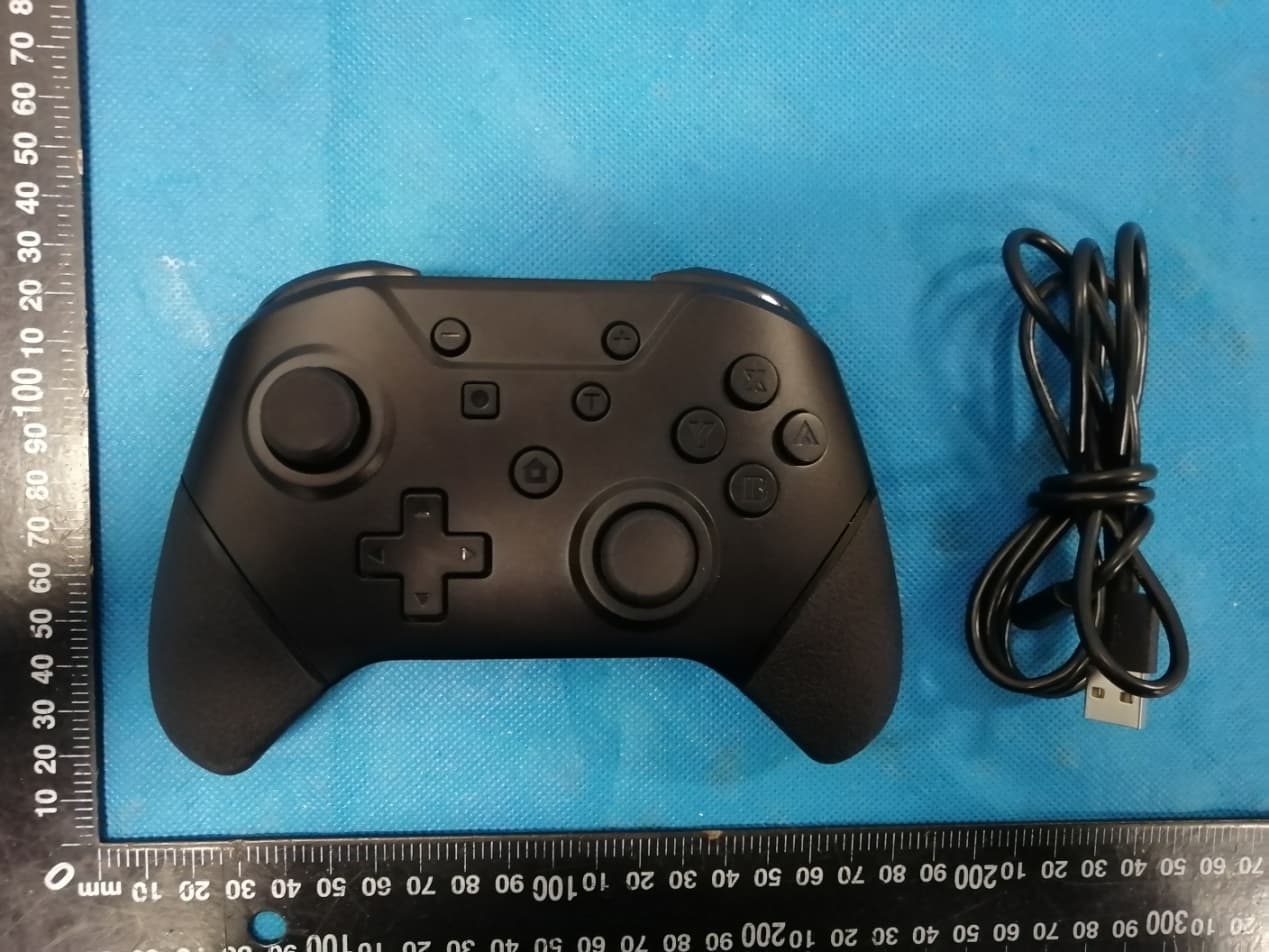
2ARNF-M07467
Nov 17, 2020NuChamp Wireless Game Controller For Nintendo SwitchR - Armor3
Equipment Class
DTS - Digital Transmission System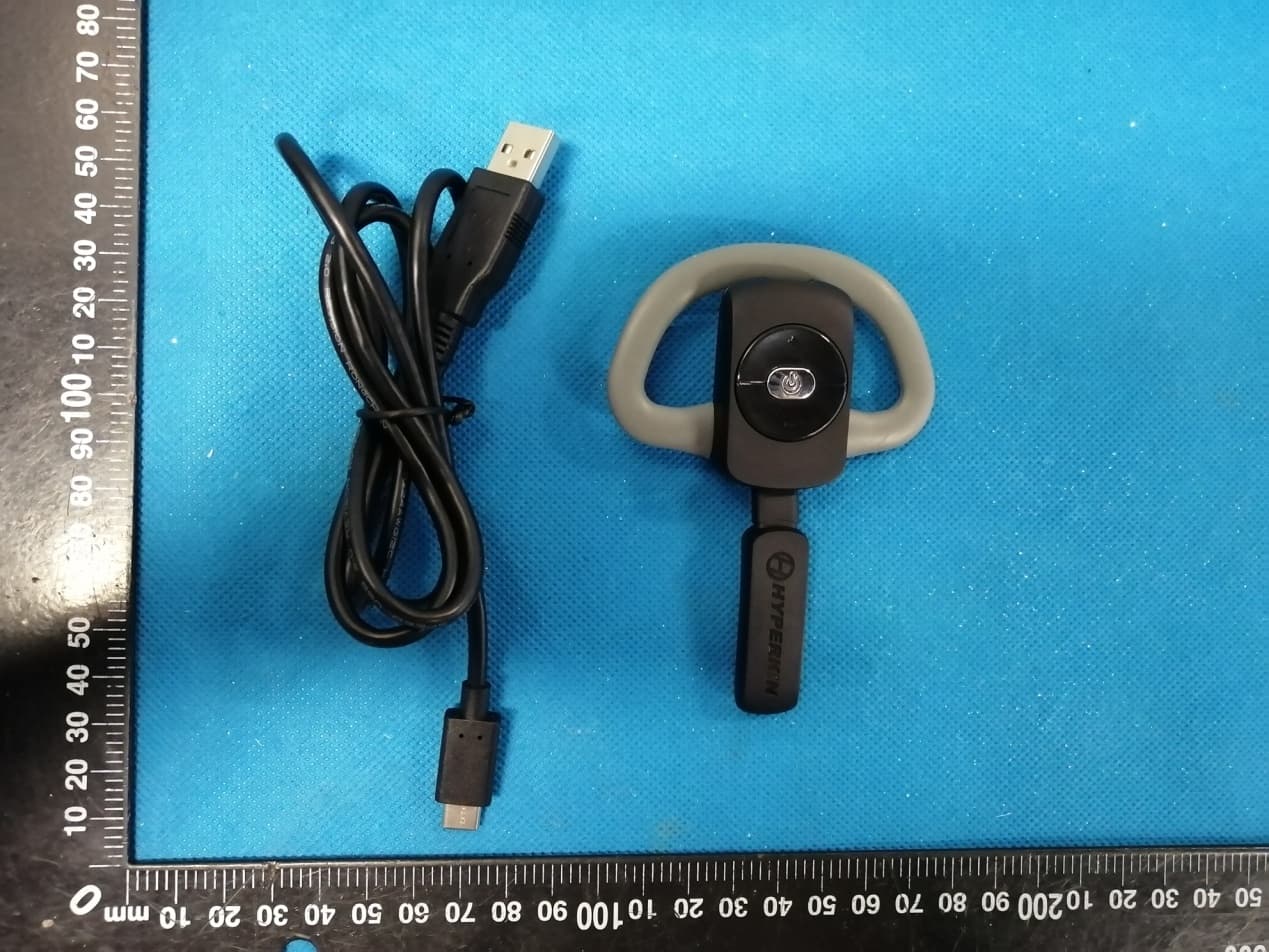
2ARNF-M07331A
Jun 02, 2020X88 Voice Chat Headset for Xbox One - Hyperkin
Equipment Class
DXX - Part 15 Low Power Communication Device Transmitter