2ARNF-M07467NuChamp Wireless Game Controller For Nintendo SwitchR - Armor3
Hyperkin,inc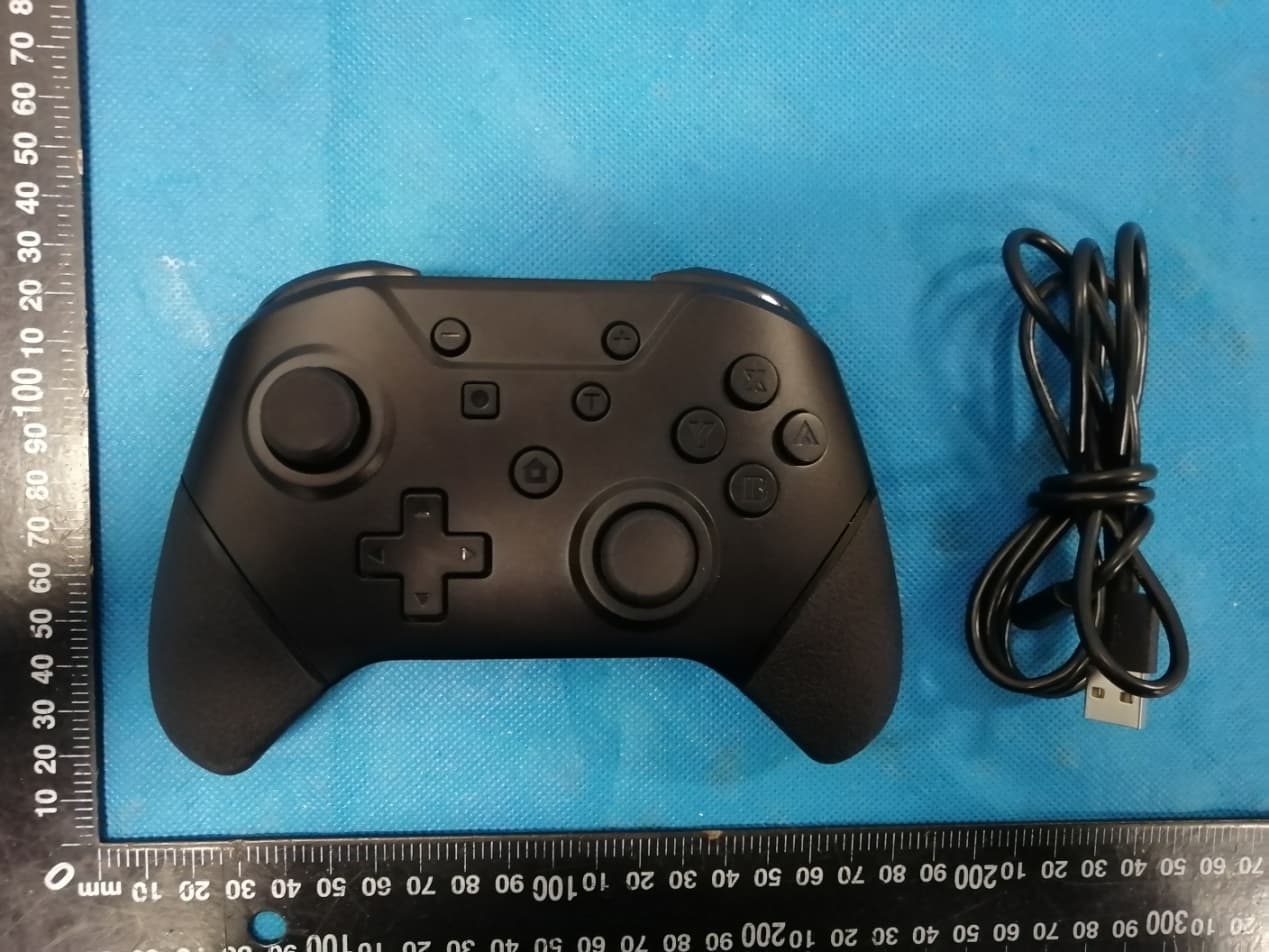
Click to zoom
Application Details
- Equipment Class
- DTS - Digital Transmission System
- Date of Grant
- Nov 17, 2020
- Application Purpose
- Original Equipment
- Date of Application
- Nov 16, 2020
- Equipment Note
- NuChamp Wireless Game Controller For Nintendo SwitchR - Armor3
- Frequency Range
- 2402.00000000 - 2480.00000000
- Company
- Hyperkin,inc
- Country
- United States
Documents & Files
Document Text
Text extracted from the exhibit documents filed with the FCC. Open a document above to read the original.
Users Manual
User Manual for Bluetooth Pro Controller for Nintendo Switch 1. Product description: This is a Bluetooth game controller for Nintendo Switch. It connects to the console via Bluetooth communication, but also works via wired connection. 2. Product features: (1)Contains all the buttons and cooresponding functions of original Pro controller. Adds Turbo speed control function and motor vibration strength control function. (2)Provide 4 green LED status indicators. (3)20 function buttons input. Docking button is convenient for first pairing and power-off. (4)Built-in dual vibrators and high precision analogue sticks. (5)4 mapping buttons M1,M2,M3,M4 on the back, with 4 groups of state for option. (6)Built-in 6 axis gyroscope for fast and accurate target locking. Menu button + Action button X Action button A Right analogue stick/L3 Action button Y TURBO button Action button B Type-C port Left analogue stick/L3 D-pad HOME button LED status indicators Menu button - Capture button ZR R ZL L 3. Functions description: (1) Connection way to the game console:①Wired connection: By USB cable. ②Wireless connection: By Bluetooth communication. (2) Wireless Bluetooth connection:For 1 st pairing, press and hold Docking button for 3 seconds until 4 LEDs flash.Enter the pairing screen of the console, start pairing, the controller works after pairing succeeds and corresponding LED keeps illuminating. If pairing fails, the controller will automatically enter sleep mode after 60 seconds. (3) Guided Bluetooth connection by cable:Connect the controller to the console by USB cable, press any button of the controller to awake up the controller, unplug the cable, controller automatically connnect with the console. (4) Docking button operation:Press and hold docking button for 3 seconds, 4 LEDs flash, the controller is into pairing state. In power-on state, press docking button to turn off the controller. (5) Connect the controller to PC by USB cable, the display name of the device is Xbox 360 Controller (The PC needs to be installed the Xbox 360 driver), achieve Xbox 360 functions. (6) The controller does not support upgrade on console. To upgrade the controller, please contact us for the updater and upgrade the controller on PC.(If firmware of the console updates and it impacts our controller, please contact us to get the updater and upgrade the controller.) (7) The controller supports Turbo function. Press and hold any button you want to program it as turbo feature,such as A/B/X/Y, press Turbo button to activate turbo feature for the button you hold. Repeat above step to cancel the turbo feature. Press and hold Turbo button, operate UP or DOWN on RIGHT analogue stick to adjust the speed of Turbo (UP: to make it faster. DOWN: to make it slower). (8) Press any button (except L3/R3/TURBO/M1/M2/M3/M4) to awake up the game controller, it enters reconnect state,4 LEDs flash. If previous pairing is not clear away, it will automatically reconnect to the console. (9) Controller buttons includes UP/DOWN/LEFT/RIGHT/A/B/X/Y/L/R/ZL/ZR/L3/R3/-/+/TURBO/HOME/CAPTURE/DOCKING 20 functional buttons, 4 mapping buttons M1/M2/M3/M4 and 2 analogue sticks. (10) The controller with built-in motors,you can manually turn on or turn off the vibration function in Setting option on the console. It also supports vibration intensity adjustment. In connection state, press and hold Turbo button, operate UP or DOWN on LEFT analogue stick to strengthen or weaken the vibration intensity. After operation, there is a 3 seconds vibration prompt and there are 4 gears for option:100%-70%-30%-0%. M1 M3 M2 M4 Docking button (11) There are 4 mapping buttons M1/M2/M3/M4 with 4 groups of state for option on the back of the controller. Three groups with mapping functions: Firstly, M1-A, M2-B, M3-X, M4-Y. Secondly, M1-R, M2-L, M3-ZR, M4-Z. Thirdly, M1&M3-R3,M2&M4-L3. The fourth group without functions, M1/M2/M3/M4 without functions output. In the state of connection with console or PC, press and hold Turbo button, then press menu button -, it switches to another state. Default setting for these 4 mapping buttons is: M1-A, M2-B, M3-X, M4-Y. 4. Charging: LED indicators flash during charging by adapter and turn to off after full charging. If controller is charging in connection state, corresponding channel LED indicator slowly flashes and keeps illuminating after full charging. 5. Low voltage alarm: When the battery voltage is less than 3.6V, corresponding channel LED indicator flashes to indicate low energy and controller needs to be charged. 6. Standby: When the controller is powered on, press Docking button to make it standby. When the controller is in pairing state, it automatically stand by if pairing fails after 60 seconds. 7. Reset function: Docking button can be used to reset the controller if it is abnormal. 8. Working range: Working range within 10m. 9. Referenced current: Sleep current:<2uA Pairing current:<20mA Working current without vibration:<20mA 10. Electrical specifications: Power supply:Built-in polymeric Li-ion battery Working time:8-10 hours Battery capacity:500mAh Charging time:2.5 hours Charging voltage:DC5V Charging current:200MA 11. Instruction for pairing: 1). Switch on the console, click house icon on the screen to enter the main menu, as below picture: 2). Click controllers icon on the main menu, as below picture: 3). Select “change grip/order”,as below picture: 4). Click “change grip/order”to enter the pairing interface. Press and hold Docking button for 3 seconds to establish pairing, 4 LED indicators flash, release your hand, wait for 5-30 seconds until pairing succeeds and controller icon shows up on the screen, corresponding channel LED indicator keeps on. 12. Gyroscope sensor calibration: In sleep state, press and hold L3, then press button R, LED indicators flash from left to right in cycle, the controller enters calibration mode. Place the controller on a horizontal table, press button +, 4 LED indicators illuminate and are off in …
Text truncated - open the document above for the full version.
Attestation Statements
Hyperkin, Inc. Statement Product: NuChamp Wireless Game Controller For Nintendo SwitchR - Armor3 FCC ID: 2ARNF-M07467 Model: M07467, M07467-BK, M07467-RR, M07467-TQ/WH All models are all identical in interior structure, electrical circuits and components, and just model names and color are different for the marketing requirement. Your assistance on this matter is highly appreciated. Yours sincerely, signature : name / title : Jesse Zhang / Manager Contact information / address: 1939 West Mission Blvd. Pomona, CA 91766,USA
Cover Letter(s)
C5266091_X10_Ed.1 1/1 Hyperkin, inc Office of Engineering Technology Federal Communications Commission 7435 Oakland Mills Road Columbia, MD 21046 Date: 2020-11-3 Subject: Request for Confidentiality FCC ID: 2ARNF-M07467 To Whom It May Concern, Pursuant to the provisions of Sections 0.457 and 0.459 of Commission's rules (47CFR0.457, 0.459), we are requesting the Commission to withhold the following attachment(s) as confidential document from public disclosure. Exhibits Long-Term Confidentiality Short-Term Confidentiality ID Label/Location No No Attestation Statement No No External Photos No Block Diagram Schematics Test Report No No Test Setup Photos No User’s Manual Internal Photos Parts List / Tune Up RF Exposure Info Operational Description Cover Letter(s) No No SDR Software / Security Info No Above mentioned document contains detailed system and equipment description are considered as proprietary information in operation of the equipment. The public disclosure of above documents might be harmful to our company and would give competitor an unfair advantage in the market. It is our understanding that all measurement test reports, FCC ID label format and correspondent during certification review process cannot be granted as confidential documents and those information will be available for public review once the grant of equipment authorization is issued. Sincerely, Signature: Name: Jesse Zhang Title: Manager
Cover Letter(s)
C5266091_X8_Ed.1 1/1 Letter of Authorization Hyperkin, Inc. Company: Hyperkin, Inc. Address: 1939 West Mission Blvd. Pomona, CA 91766, USA Product Name: NuChamp Wireless Game Controller For Nintendo SwitchR - Armor3 Model Number: M07467, M07467-BK, M07467-RR, M07467-TQ/WH FCC Identifier: 2ARNF-M07467 We authorize LGAI Technological Center S.A., Ronda de la Font del Carme, s/n, 08193 Bellaterra, Spain, to act on our behalf on all matters concerning the above named equipment. Any individual within LGAI Technological Center S.A. is authorized to act on our behalf and take action on the application. We declare that authorize LGAI Technological Center S.A., Ronda de la Font del Carme, s/n, 08193 Bellaterra, Spain, is allowed to forward all information related to the approval project to the Federal Communication Commission and to discuss any issues concerning the approval application. Any and all acts carried out by LGAI Technological Center S.A. on our behalf shall have the same effect as acts of our own. Name: Jesse Zhang Date: 2020.11.3 Title: Manager Signature of applicant:
External Photos
Annex A External Photos Report No.: HK2010293203-E Page 1 of 4 Report No.: HK2010293203-E Page 2 of 4 Report No.: HK2010293203-E Page 3 of 4 Report No.: HK2010293203-E Page 4 of 4
Internal Photos
Annex B Internal Photos Report No.: HK2010293203-E Page 1 of 4 Report No.: HK2010293203-E Page 2 of 4 BT Antenna Report No.: HK2010293203-E Page 3 of 4 Report No.: HK2010293203-E Page 4 of 4
Test Report
Page 1 of 44 Report No.: HK2010293203-E TEST REPORT FCC PART 15 SUBPART C 15.247 Test report On Behalf of Hyperkin,Inc For NuChamp Wireless Game Controller For Nintendo SwitchR - Armor3 Model No.: M07467, M07467-BK, M07467-RR, M07467-TQ/WH FCC ID: 2ARNF-M07467 Prepared for : Hyperkin,Inc 1939 W. Mission Blvd., Pomona, California, 91766, United States Prepared By : Shenzhen HUAK Testing Technology Co., Ltd. 1F, B2 Building, Junfeng Zhongcheng Zhizao Innovation Park, Fuhai Street, Bao'an District, Shenzhen City, China Date of Test: Oct. 27, 2020 ~ Nov. 03, 2020 Date of Report: Nov. 03, 2020 Report Number: HK2010293203-E Page 2 of 44 Report No.: HK2010293203-E TEST RESULT CERTIFICATION Applicant’s name .................... : Hyperkin,Inc Address .................................... : 1939 W. Mission Blvd., Pomona, California, 91766, United States Manufacture's Name .............. : GCHT (HK) Technology Co Limited Address .................................... : Building L, ShengGuang Industrial Area, No. 152 ShaJing DongHuan Road, XinQiao Street, Bao'An District, Shenzhen, China Product description Trade Mark: Armor3 Product name ............................ : NuChamp Wireless Game Controller For Nintendo SwitchR - Armor3 Model and/or type reference ... : M07467, M07467-BK, M07467-RR, M07467-TQ/WH Standards ................................ : 47 CFR FCC Part 15 Subpart C 15.247 This publication may be reproduced in whole or in part for non-commercial purposes as long as the Shenzhen HUAK Testing Technology Co., Ltd. is acknowledged as copyright owner and source of the material. Shenzhen HUAK Testing Technology Co., Ltd. takes no responsibility for and will not assume liability for damages resulting from the reader's interpretation of the reproduced material due to its placement and context. Date of Test ............................................... : Date (s) of performance of tests ................. : Oct. 27, 2020 ~ Nov. 03, 2020 Date of Issue .............................................. : Nov. 03, 2020 Test Result .................................................. : Pass Prepared by: Project Engineer Reviewed by: Project Supervisor Approved by: Technical Director Page 3 of 44 Report No.: HK2010293203-E Contents Page CONTENTS .............................................................................................................................................................. 3 1 TEST SUMMARY ............................................................................................................................................ 6 1.1 TEST DESCRIPTION ...................................................................................................................................... 6 1.2 MEASUREMENT UNCERTAINTY ...................................................................................................................... 7 2 TEST FACILITY ............................................................................................................................................... 8 3 GENERAL INFORMATION ............................................................................................................................. 8 3.1 GENERAL DESCRIPTION OF EUT .................................................................................................................. 8 3.2 DESCRIPTION OF TEST CONDITIONS ............................................................................................................ 10 3.3 DESCRIPTION OF TEST SETUP ........................................................................................................... 10 4 EQUIPMENTS LIST FOR ALL TEST ITEMS ............................................................................................... 11 5 TEST RESULT .............................................................................................................................................. 12 5.1 ANTENNA REQUIREMENT ............................................................................................................................ 12 5.1.1 Standard requirement ...................................................................................................................... 12 5.1.2 EUT Antenna ................................................................................................................................... 12 5.2 CONDUCTION EMISSIONS MEASUREMENT ................................................................................................... 13 5.2.1 Applied procedures / Limit ............................................................................................................... 13 5.2.2 Test procedure ................................................................................................................................. 13 5.2.3 Test setup ........................................................................................................................................ 14 5.2.4 Test results ...................................................................................................................................... 15 5.3 RADIATED EMISSIONS MEASUREMENT ........................................................................................................ 17 5.3.1 Applied procedures / Limit ............................................................................................................... 17 5.3.2 Test setup ........................................................................................................................................ 17 5.3.3 Test Result ....................................................................................................................................... 19 5.4 MAXIMUM OUTPUT POWER MEASUREMENT ................................................................................................. 26 5.4.1 Limit ...................................................................................................…
Text truncated - open the document above for the full version.
Contact Information
Applicant
Jesse Zhang(manager)
Technical Contact
Test Firm
Shenzhen HUAK Testing Technology Co., Ltd.Jason Zhou
[email protected]+86-755-23029901
Technical Specifications
| # | Rule Parts | Frequency Range | Power Output |
|---|---|---|---|
| 1 | 15C | 2.40 GHz - 2.48 GHz | 400.00 µW |
Other Applications from Hyperkin,inc
2ARNF-M07606
Aug 13, 2024Hyperkin Echo-01 Universal Wireless BT
Equipment Class
DTS - Digital Transmission System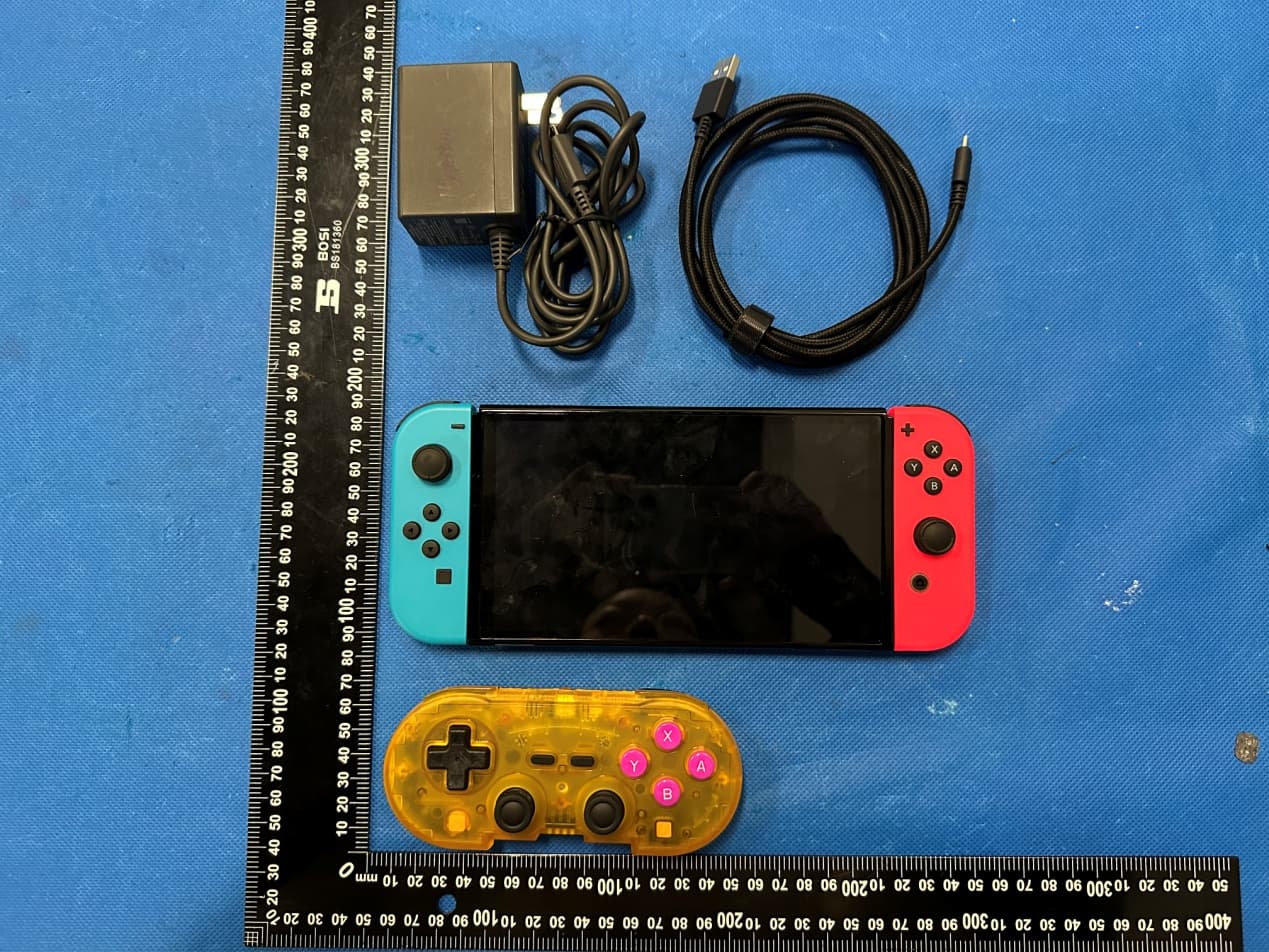
2ARNF-M01328
Apr 12, 2023PixelArt Wireless Bluetooth Controller-Hyperkin
Equipment Class
DSS - Part 15 Spread Spectrum Transmitter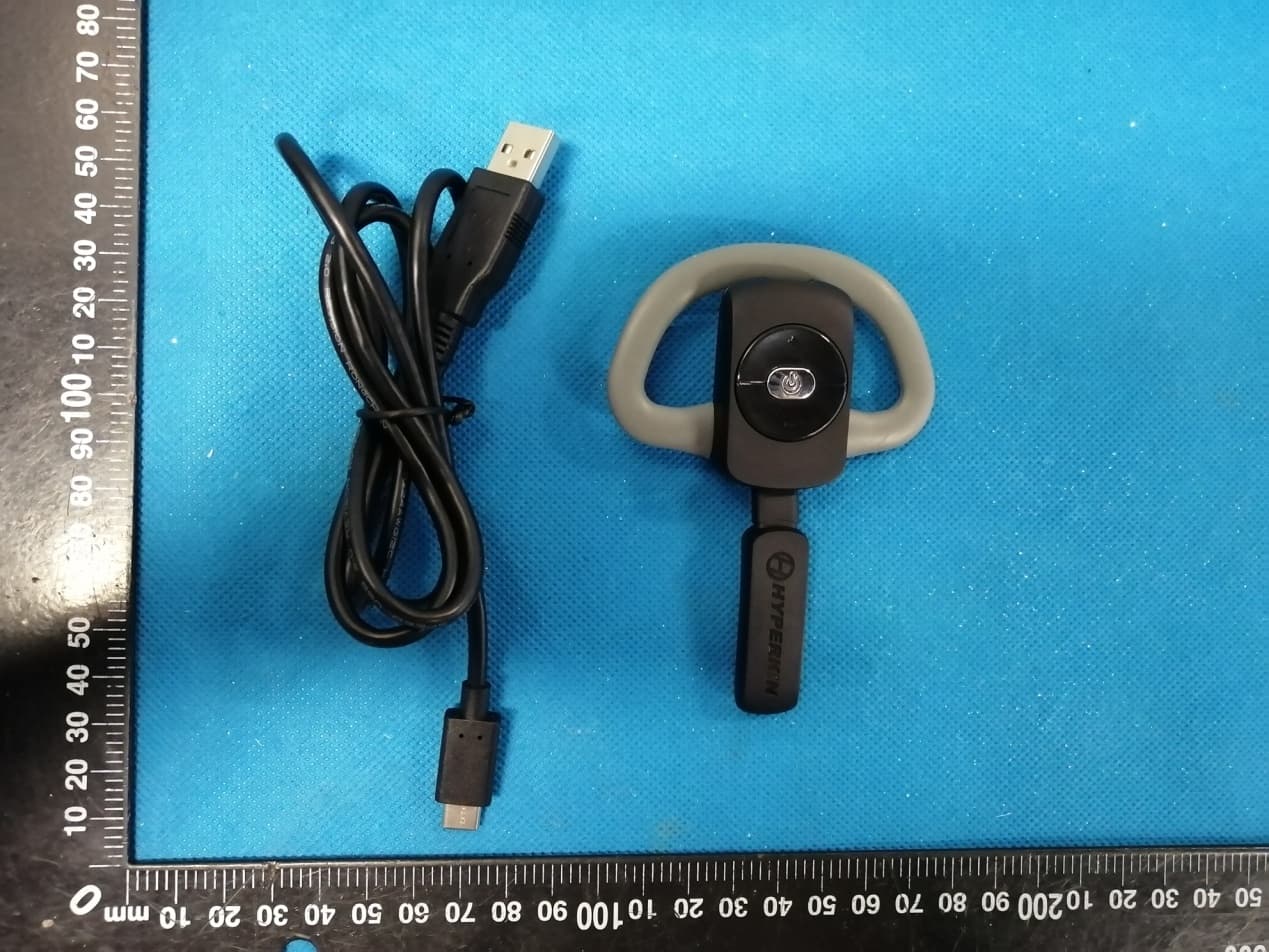
2ARNF-M07331A
Jun 02, 2020X88 Voice Chat Headset for Xbox One - Hyperkin
Equipment Class
DXX - Part 15 Low Power Communication Device Transmitter