2ATOW-TD-E2228Face Recognition & Access Control Terminal
SHENZHEN TVT DIGITAL TECHNOLOGY CO.,LTD.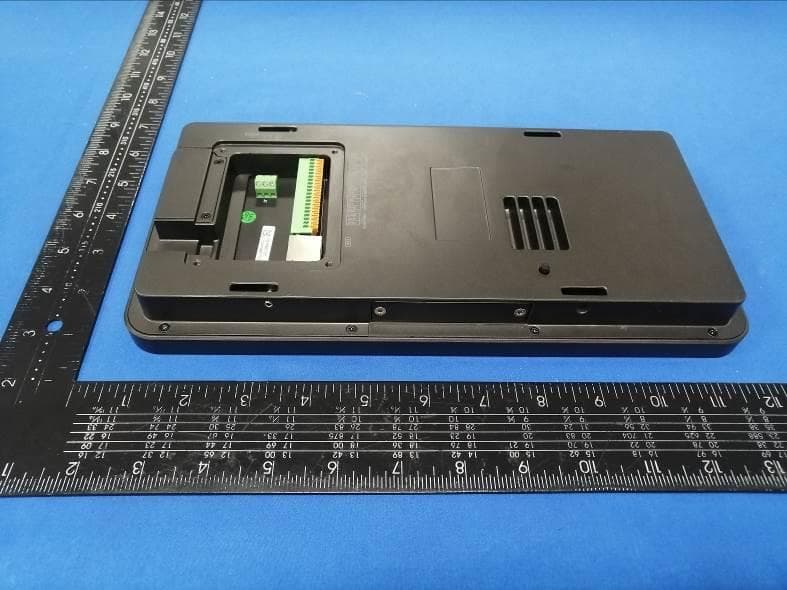
Click to zoom
Application Details
- Equipment Class
- DXX - Part 15 Low Power Communication Device Transmitter
- Date of Grant
- Dec 02, 2022
- Application Purpose
- Original Equipment
- Date of Application
- Dec 02, 2022
- Equipment Note
- Face Recognition & Access Control Terminal
- Frequency Range
- 13.56000000 - 13.56000000
- Country
- China
Documents & Files
Document Text
Text extracted from the exhibit documents filed with the FCC. Open a document above to read the original.
Users Manual
Package Overview Cable Connection Installation 1 2 3 4 30°30° 30°30° 2m 3m Height Requirement H=1.45m 0.5m 1m Face Recognition Terminal Quick Start Guide About This Manual All pictures, images, icons and snapshots in this manual are for reference only. If there is inconsistency between the manual and the actual product, the actual product shall prevail. The manual will be updated according to the product improvement and are subject to change without prior written notice. Legal Disclaimer To the maximum extent permitted by applicable law, the product described, with its hardware, software, software and firmware, is provided “as is”, with all faults and errors, and our company makes no warranties, express or implied, including particular purpose, and non-infringement of third party. In no event will our company, offices, or agents be liable to you for any special, consequential, incidental, or indirect damages, including, among others, damages for loss of business profits, business interruption, or loss of data or documentation, in connection with the use of this product, even if our company has been advised of the possibility of such damages. With regard to the product with internet access, the use of product shall be wholly at your own risks. Our company shall be irresponsible for abnormal operation, privacy leakage or other damages resulting from cyber attack, hacker attack, virus inspection, or other internet security risks; however, our company will provide timely technical support if necessary. During the use of the device, pleas strictly abide by applicable law. In the event of any conflicts between this manual and the applicable law, the later prevails. Installation and Use Please use our product according to the following safety instructions and warnings. Do not place the camera in extremely hot, cold, dusty or damp location. Do not expose it to high electromagnetic radiation. If the product does not work properly, please contact your dealer or the nearest service center. Never attempt to disassemble the camera yourself. (We shall not be responsible for any problems caused by unauthorized repair or maintenance.) Do not drop the camera or subject it to physical shock. Keep away from liquid while in use. Do not touch the screen with sharp objects. If cleaning is necessary, please use clean cloth to wipe it gently, avoiding water or alcohol. Front Left Right Back Note: * The wiegand terminal here is a wiegand input terminal. If you want to connect to an access controller, you shall set the Wiegand direction to “Output”. * A card reader can be connected to this device via RS 485 interface independently. 2CH alarm input 20-pin Interface RS 485 2CH alarm outputLock interface Wiegand interfaceExit button connector Make sure faces can be captured clearly. Avoid direct sunlight and backlight . The device should be at least 2 meters away from the light, and at least 3 meters away from the window or door. Ambient Illumination Requirement The recommended installation height (H) is 1.45m which can cover human height of 1.2m ~2.2m in the detection area. It can be adjusted according to the actual scene. The ideal recognition distance ranges from 0.5m to 1m. Drill Template Paste the drill template onto the wall and then drill the holes according to it. Installation 1234 Bracket Gang box Wall Install the gang box on the wall. Secure the bracket onto the wall with 4 screws. Route and connect the cables and then install the cable cover. Hang the device onto the bracket hook and then tighten the screws. Direct/indirect sunlight through window Plastic Plug ×4 Device Quick Start Guide CD Drill TemplateBracket Tapping Screw×4 Screw (KM3*7)×6 L-wrenchCable Cover (KM3*7) Screws Cable Cover Cable Entry Screws (KM3*7) Ethernet Connector 138.6 mm 30.5 mm 285.8 mm Infrared Light Display Screen Speaker White Fill Light Cameras Micro SD Card Slot Reset USB Port Microphone Card Swiping Area 20-pin Interface Anti- Tamper Button Power Interface 123 4 5 6 7 891011121314151617191820 NO2NO1NO3COM2COM1COM3 NC3 D+D- GND GND IN1 GND IN2 GND D0 D1 GND BUT SEN Door contact interface Sensor GND +12V GND Power Input 12V0 PE GND IN1 GND D0 GND D1 + + + + + + - - - - - - RS485+ RS485- Anode/ Magnetic Lock Cathode Lock D0 D1 GND NC3 COM3 NO3 IN2 GND COM1 NO1 COM2 NO2 D+ D- BUT GND Alarm Input1 Alarm Output1 Alarm Input2 Alarm Output2 RS 485 Wiegand Interface Lock Exit Button Earth Alarm Input Device Alarm Input Device Alarm Output Device Alarm Output Device Power Power Power P o w e r Card Reader Exit Button Router Switch Or Door Contact Door Contact Login Network Configuration 5 6 10:29:10 Usename and password admin •••••• Cancel OK Menu SD Card Status Wired Network Connection Status Local Network Configuration Sever Configuration Local Network Config IPv4 IPv6 Obtaining IP address automatically Input IP address manually IP address Subnet mask Gateway First DNS server Second DNS server 192.168.1.88 192.168.1. 1 192.168.1. 1 255.255.0. 0 8 . 8 . 8 . 8 Please set IPv4 or IPv6 as needed. Here taking IPv4 network settings for example. You can enter IP address, subnet mask, gateway and DNS server manually or get these network parameters by selecting obtaining IP address automatically. After that, tap to save the settings. Note: If you want to obtain IP address automatically, you shall enable DHCP function in the router. Enter the IP address of the transfer server of the client software Enter the device ID allocated in the client software Enter auto report port of the client software Group Settings Sever port Sever address . . . 2009 People Management People Management Name ID No. Group Verification XXX 123 Allow List Face only Search name or ID number Name ID no. Group Verification XXX 123 Allow List Face only Add User Name* ID no. Gender* Age Card no. Password Remark Group type* Verification* Face* Pls select group type Pls input password Face only Match Settings Group Settings In the face config page, tap “Match Settings” to go …
Text truncated - open the document above for the full version.
Cover Letter(s)
Sincerely, Name/Title: Bella Deng/Manager Company: SHENZHEN TVT DIGITAL TECHNOLOGY CO.,LTD. Address: 23rd Floor, Building B4, Block 9, Shenzhen Bay Science and Technology Ecological Garden, Yuehai Subdistrict,Nanshan District,Shenzhen,P.R. China Phone: 0755-36995888 Fax: 0755-33104777 E-Mail: [email protected]
External Photos
FCC ID: 2ATOW-TD-E2228 External Photos of the EUT Photo 1 Photo 2 Photo 3 FCC ID: 2ATOW-TD-E2228 Photo 4 Photo 5 Photo 6 FCC ID: 2ATOW-TD-E2228 Photo 7
ID Label/Location Info
Label and Location Size: L: 4.0cm*W: 3.0cm Label and Location Model: TD-E2228-IC/TP FCC ID : 2ATOW-TD-E2228 Caution : This device complies with part 15 of the FCC Rules. Operation is subject to the following two conditions: (1) This device may not cause harmful interference, and (2) this device must accept any interference received, including interference that may cause undesired operation.
Internal Photos
FCC ID: 2ATOW-TD-E2228 Internal Photos of the EUT Photo 1 Photo 2 Photo 3 Photo 4 FCC ID: 2ATOW-TD-E2228 Photo 5 Photo 6 Photo 7 FCC ID: 2ATOW-TD-E2228 Photo 8 Photo 9 Photo 10 FCC ID: 2ATOW-TD-E2228 Photo 11 Photo 12 13.56(Internal) Antenna
Test Report
1. Antenna Description: Antenna type Internal Antenna Model TD-E2228-IC/TP Frequency range 13.56MHz Manufacturer SHENZHEN TVT DIGITAL TECHNOLOGY CO., LTD. 2. Antenna Photo: Length:45.40mm diameter:25.56mm
Test Report
Shenzhen CTA Testing Technology Co., Ltd. Room 106, Building 1, Yibaolai Industrial Park, Qiaotou Community, Fuhai Street, Bao’an District, Shenzhen, China Shenzhen CTA Testing Technology Co., Ltd. Room 106, Building 1, Yibaolai Industrial Park, Qiaotou Community, Fuhai Street, Bao’an District, Shenzhen, China Tel:+86-755 2322 5875 E-mail:[email protected] Web:http://www.cta-test.cn FCC PART 15 SUBPART C TEST REPORT FCC PART 15.225 Report Reference No. ..................... : FCC ID. ............................................ : CTA22042100601 2ATOW-TD-E2228 Compiled by ( position+printed name+signature) .. : File administrators Zoey Cao Supervised by ( position+printed name+signature) .. : Project Engineer Amy Wen Approved by ( position+printed name+signature) .. : RF Manager Eric Wang Date of issue ..................................... : Oct. 24, 2022 Testing Laboratory Name .............: Shenzhen CTA Testing Technology Co., Ltd. Address ............................................ : Room 106, Building 1, Yibaolai Industrial Park, Qiaotou Community, Fuhai Street, Bao‘an District, Shenzhen, China Applicant’s name ............................ : SHENZHEN TVT DIGITAL TECHNOLOGY CO., LTD. Address ............................................ : 23rd Floor, Building B4, Block 9, Shenzhen Bay Science and Technology Ecological Garden, Yuehai Subdistrict, Nanshan District, Shenzhen, P.R. China Test specification ...........................: Standard ........................................... : FCC Part 15.225 Shenzhen CTA Testing Technology Co., Ltd. All rights reserved. This publication may be reproduced in whole or in part for non-commercial purposes as long as the Shenzhen CTA Testing Technology Co., Ltd. is acknowledged as copyright owner and source of the material. Shenzhen CTA Testing Technology Co., Ltd. takes no responsibility for and will not assume liability for damages resulting from the reader's interpretation of the reproduced material due to its placement and context. Test item description .....................: Face Recognition & Access Control Terminal Trade Mark ....................................... : TVT Manufacturer .................................... : SHENZHEN TVT DIGITAL TECHNOLOGY CO., LTD. Model/Type reference....................... : TD-E2228-IC/TP Listed Models .................................. : TD-E2228-IC, TD-E2228-TP Modulation Type ............................... : ASK Operation Frequency ........................ : 13.56MHz Rating ............................................... : DC 12.0V from external circuit Result................................................ : PASS Report No.: CTA22042100601 Page 2 of 27 Shenzhen CTA Testing Technology Co., Ltd. Room 106, Building 1, Yibaolai Industrial Park, Qiaotou Community, Fuhai Street, Bao’an District, Shenzhen, China Tel:+86-755 2322 5875 E-mail:[email protected] Web:http://www.cta-test.cn T E S T R E P O R T Equipment under Test : Face Recognition & Access Control Terminal Model /Type : TD-E2228-IC/TP Listed Models : TD-E2228-IC, TD-E2228-TP Applicant : SHENZHEN TVT DIGITAL TECHNOLOGY CO., LTD. Address : 23rd Floor, Building B4, Block 9, Shenzhen Bay Science and Technology Ecological Garden, Yuehai Subdistrict, Nanshan District, Shenzhen, P.R. China Manufacturer : SHENZHEN TVT DIGITAL TECHNOLOGY CO., LTD. Address : 23rd Floor, Building B4, Block 9, Shenzhen Bay Science and Technology Ecological Garden, Yuehai Subdistrict, Nanshan District, Shenzhen, P.R. China Test Result: PASS The test report merely corresponds to the test sample. It is not permitted to copy extracts of these test result without the written permission of the test laboratory. Report No.: CTA22042100601 Page 3 of 27 Shenzhen CTA Testing Technology Co., Ltd. Room 106, Building 1, Yibaolai Industrial Park, Qiaotou Community, Fuhai Street, Bao’an District, Shenzhen, China Tel:+86-755 2322 5875 E-mail:[email protected] Web:http://www.cta-test.cn Contents 1 T E S T S T A N D A R D S ................................................................. 4 2 S U M M A R Y ............................................................................ 5 2.1 General Remarks 5 2.2 Product Description 5 2.3 Equipment Under Test 6 2.4 Block Diagram of Test Setup 6 2.5 Special Accessories 6 2.6 Related Submittal(s) / Grant (s) 6 2.7 Modifications 6 3 T E S T E N V I R O N M E N T .............................................................. 7 3.1 Address of the test laboratory 7 3.2 Test Facility 7 3.3 Environmental conditions 7 3.4 Test Description 8 3.5 Statement of the measurement uncertainty 8 3.6 Equipments Used during the Test 9 4 T E S T C O N D I T I O N S A N D R E S U L T S ........................................... 10 4.1 AC Power Conducted Emission 10 4.2 Radiated Emission 13 4.3 20dB Bandwidth 18 4.4 Frequency Stability 19 5 T E S T S E T U P P H O T O S O F T H E E U T ......................................... 21 6 P H O T O S O F T H E E U T ........................................................... 22 Report No.: CTA22042100601 Page 4 of 27 Shenzhen CTA Testing Technology Co., Ltd. Room 106, Building 1, Yibaolai Industrial Park, Qiaotou Community, Fuhai Street, Bao’an District, Shenzhen, China Tel:+86-755 2322 5875 E-mail:[email protected] Web:http://www.cta-test.cn 1 T E S T S T A N D A R D S The tests were performed according to following standards: FCC Rules Part 15.225: Operation within the band 13.110–14.010 MHz. ANSI C63.10-2013: American National Standard for Testing Unlicensed Wireless Devices Report No.: CTA22042100601 Page 5 of 27 Shenzhen CTA Testing Technology Co., Ltd. Room 106, Building 1, Yibaolai Industrial Park, Qiaotou Community, Fuhai Street, Bao’an District, Shenzhen, China Tel:+86-755 2322 5875 E-mail:[email protected] Web:http://www.cta-test.cn 2 S U M M A R Y 2.1 General Remarks Date of receipt of test sample : Apr. 21, 2022 Testing commenced on : Apr. 28, 2022 Testing concluded on : Oct. 24, 2022 2.2 Product Description Product Name: …
Text truncated - open the document above for the full version.
Test Setup Photos
FCC ID: 2ATOW-TD-E2228 Test Setup Photos of the EUT
Contact Information
Applicant
Bella Deng
Test Firm
SHENZHEN CTA TESTING TECHNOLOGY CO., LTD.Eric Wang
[email protected]+86 755 2322 5875
Technical Specifications
| # | Rule Parts | Frequency Range | Power Output |
|---|---|---|---|
| 1 | 15C | 13.56 MHz - 13.56 MHz | - |
Other Applications from SHENZHEN TVT DIGITAL TECHNOLOGY CO.,LTD.
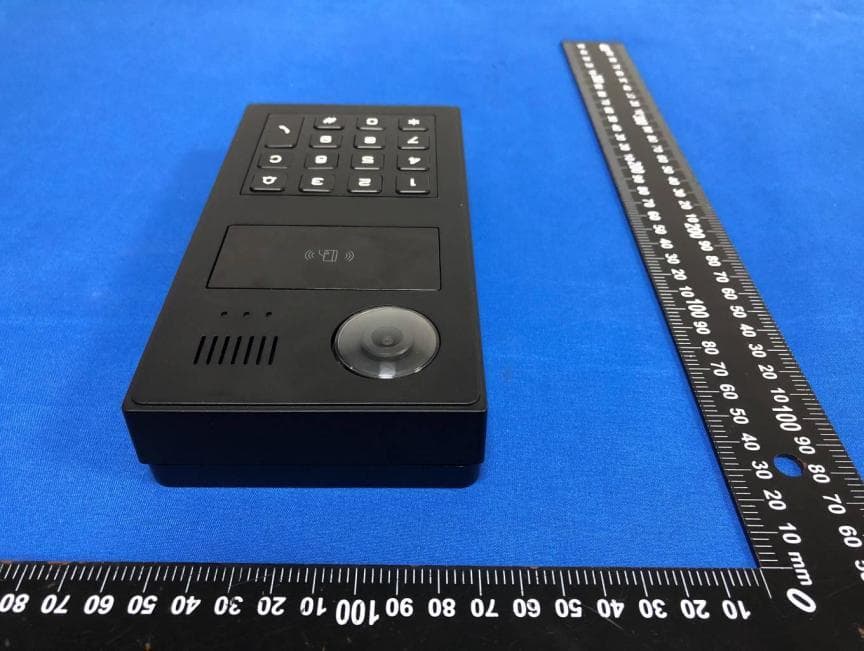
2ATOW-TD-VD110X
Dec 05, 2025Video Intercom Door Station
Equipment Class
DTS - Digital Transmission System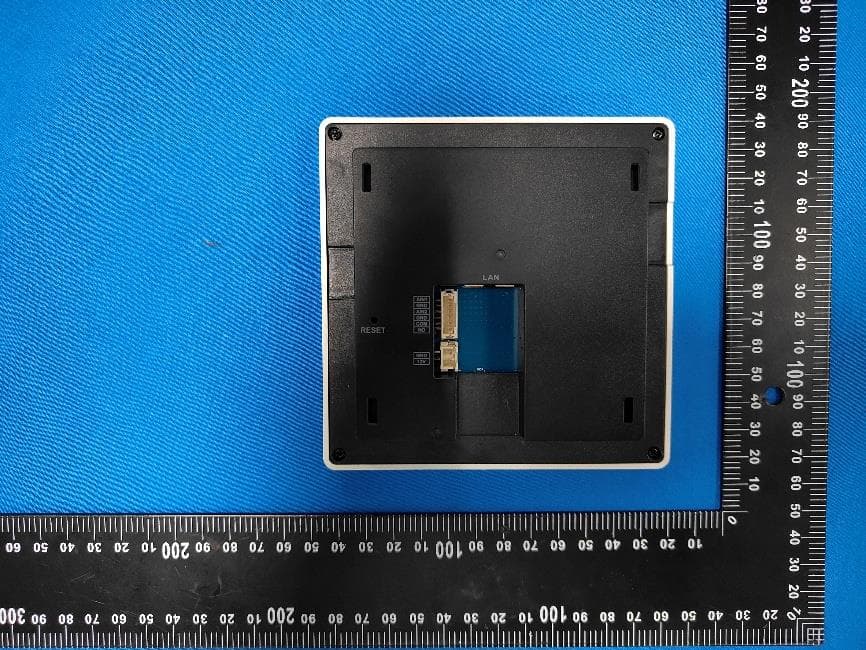
2ATOW-TD-VH110X
Nov 26, 2025Video Intercom Indoor Station
Equipment Class
DTS - Digital Transmission System2ATOW-C14
Jan 21, 2024IP Camera
Equipment Class
DTS - Digital Transmission System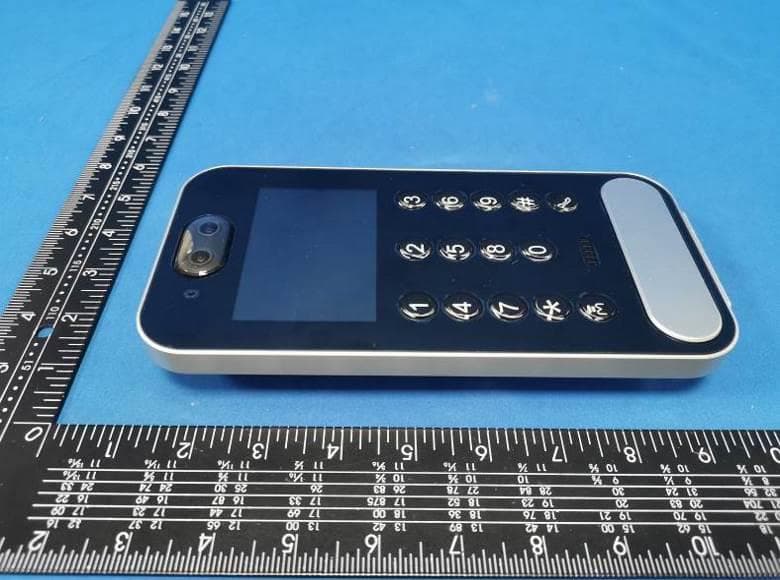
2ATOW-TD-E2223
Jul 31, 2023Video Intercom Door Station
Equipment Class
DTS - Digital Transmission System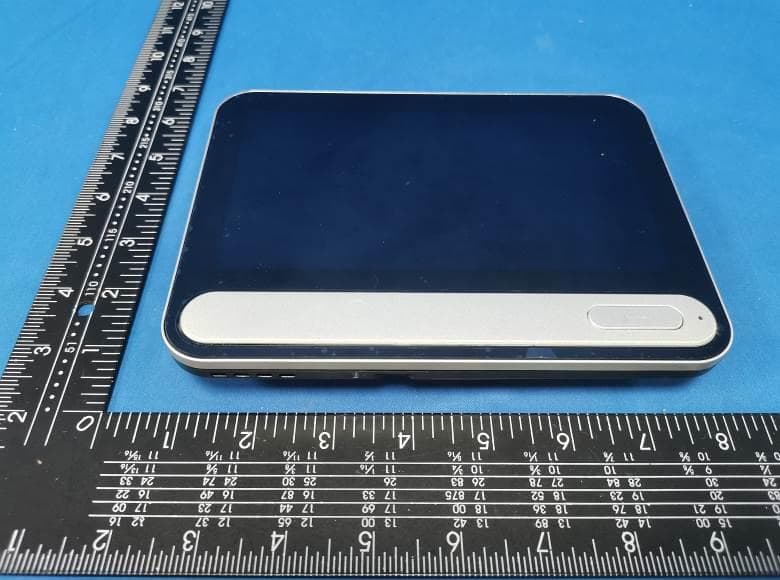
2ATOW-TD-E2137
Jul 14, 2023Video Intercom Indoor Station
Equipment Class
DTS - Digital Transmission System