2AYLJ-AIR5XAirBuds
Shenzhen Yingkeda Technology Co., Ltd.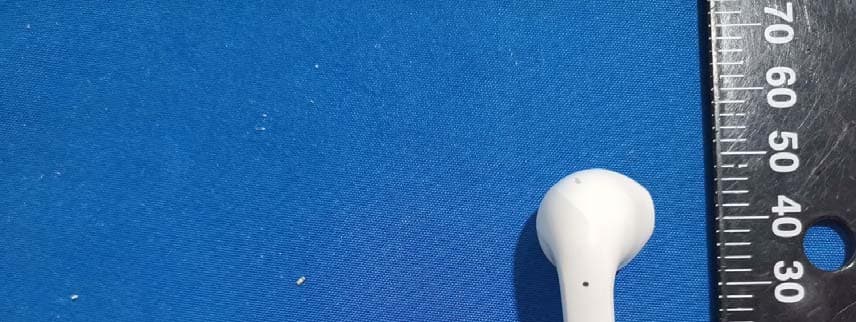
Click to zoom
Application Details
- Equipment Class
- DSS - Part 15 Spread Spectrum Transmitter
- Date of Grant
- Apr 26, 2021
- Application Purpose
- Original Equipment
- Date of Application
- Apr 26, 2021
- Equipment Note
- AirBuds
- Frequency Range
- 2402.00000000 - 2480.00000000
- Country
- China
Documents & Files
Document Text
Text extracted from the exhibit documents filed with the FCC. Open a document above to read the original.
Users Manual
Contents English06 ~ 13 Quick Start Guide01 ~ 05 Italiano38 ~ 45 46 ~ 53 54 ~ 61 Safety Statement62 ~ 64 Deutsch14 ~ 21 Français 22 ~ 29 Español30 ~ 37 - 09 - - 04 -- 05 - Bluetooth Bluetooth AirBuds MY DEVICES Pairing with Devices For the rst use, the earbuds will enter pairing mode automatically; turn on Bluetooth on your device and select “AirBuds” in available devices list. Note: The two earbuds will auto-pair to each other when taken out; The earbuds will reconnect with the latest paired device automatically; If pairing fails, the earbuds will turn o in 5 minutes; If there is no sound output in one earbud, put both earbuds back into the charging case for several seconds and take them out again to retry. - 17 - Bluetooth Bluetooth AirBuds MY DEVICES Pairing mit Geräten Bei der ersten Verwendung wechseln die Ohrhörer automatisch in den Pairing-Modus. Schalten Sie Bluetooth auf Ihrem Gerät ein und wählen Sie "AirBuds" in der Liste der verfügbaren Geräte. Hinweis Die beiden Ohrhörer verbinden sich automatisch miteinander, wenn Sie aus dem Lade-Case genommen werden; Die Ohrhörer verbinden sich automatisch mit dem zuletzt gekoppelten Gerät; Schlägt das Pairing fehl, schalten sich die Ohrhörer nach 5 Minuten aus; Wenn in einem Ohrhörer kein Ton ausgegeben wird, legen Sie beide Ohrhörer für einige Sekunden wieder in das Lade-Case und nehmen Sie sie erneut heraus, um es erneut zu versuchen. - 08 - Get Started: Charging Earbuds and Case For the rst use, please charge the earbuds and charging case before using. Put the earbuds into the charging case, use the USB-C charging cable provided in the package to connect it with a USB port, it takes approx. 1 .5 hours to get fully charged. - 12 - Q: I have established a connection with my smartphone but cannot hear any sound. A: Double-check the volume level on your smartphone and the earbuds. Some smartphones require you to set up the earbuds as an audio output device before the audio can be transmitted. If you’re using a music player or other device, please make sure it supports the A2DP stereo music pro le. Q: The sound is not very clear or the caller cannot hear my voice clearly. A: Adjust the volume on your smartphone and the earbuds. Try getting closer to your smartphone to rule out the possibility of interference or wireless range-related issues. Q: What is the wireless range of the earbuds? A: The maximum range is 33 feet (10 meters). However, the actual range depends on environmental factors. For optimal performance, keep your devices connected with the earbuds within 15 to 25 feet and make sure that there are no major obstacles (e.g. reinforced steel walls) between the earbuds and your device. - 11 - Speci cation: FAQ Model Technology Operation Range Frequency Range Playtime Charging Time Battery Type Charging Input Weight AirBuds A2DP,AVRCP,HFP,HSP,SBC,AAC 10 meters / 33 feet 20 Hz-20k Hz Up to 5 hours per charge Playtime (with charging case) 20 hours in total 1.5 hours Li-Polymer (earbuds: 40mAh*2 / charging case300mAh) DC 5V 1A Earbuds: 4g*2, Case: 32g Q: The earbuds are on, but not connecting to my device. A: For the earbuds and your device to establish a connection, you need to put them both in pairing mode. Please follow the instructions in the “Pairing” section of this manual. Keep away from liquids and extreme heat. Do not use the earbuds at high volume for extended periods, as this may cause permanent hearing damage or loss. - 13 - Product Care & Use Warranty & Customer Support For questions, support, or warranty claims, contact us at the address below that corresponds with your region. Please include your order information and product model number. 1. Shopping from Amazon or the o cial website, please contact: [email protected] 2. Shopping from agents or distribution channels, please contact the direct seller support team. - 62 -- 65 - Contenuto della confezion - 38 - Cavo di carica USB-C Auricolari AirBuds Manuale utente USER MANUAL Case di ricarica - 40 - Per iniziare: caricare gli auricolari e caricare il case Per il primo utilizzo, assicurarsi che gli auricolari e il case siano completamente carichi. Usare il cavo di carica USB-C per collegarsi alla porta USB, ci vogliono ca. 1,5 ore per ricaricare completamente. - 44 - D: Ho stabilito una connessione con il mio smartphone ma non riesco a sentire alcun suono. R: Controlla due volte il livello del volume del tuo smartphone e degli auricolari. Alcuni smartphone richiedono l'impostazione degli auricolari come dispositivo di uscita audio prima di poter trasmettere l'audio. Se si utilizza un lettore musicale o un altro dispositivo, assicurarsi che supporti il pro lo musicale stereo A2DP. D: Il suono non è chiaro, o chi chiama non può sentire chiaramente la mia voce. R: Regolare il volume dello smartphone e degli auricolari. Prova ad avvicinarti al tuo smartphone per escludere la possibilità di interferenze o problemi legati alla portata wireless. D: Qual è la portata wireless degli auricolari? R: La portata massima è di 10 metri. Tuttavia, la portata e ettiva dipenderà da fattori ambientali. Per prestazioni ottimali, si prega di mantenere i dispositivi collegati agli auricolari entro un raggio di 4,57-7,6 m e di assicurarsi che non ci siano ostacoli importanti (ad esempio, pareti di cemento armato) tra gli auricolari e i dispositivi. - 43 - Speci cation: FAQ Model TTecnologia Raggio di funzionamento Raggio di frequenza Durata della batteria Tempo di ricarica Tipo di batteria Ingresso di carica Peso AirBuds 10 metr / 33 piedi 20 Hz-20k Hz Fino a 5 ore per singola carica Durata della batteria con custodia Fino a 20 ore 1.5 ore Polimeri di litio Auricolari: 40mAh*2 / Custodia: 300 mAh DC 5V 1A Auricalari: 4g * 2, Custodia: 32 g D: Gli auricolari sono accesi ma non possono collegarsi al mio dispositivo. R: Per stabilire una connessione tra gli auricolari e il dispositivo, è necessario metterli entrambi in modalità di accoppiamento. Seguire le istruzioni ri…
Text truncated - open the document above for the full version.
Cover Letter(s)
Shenzhen Yingkeda Technology Co., Ltd. 3rd and 4th floors, 88, Xingwang Road, Sigang, Henggang Street, Longgang District, Shenzhen., China Tel: 0755-28690966 E-mail: [email protected] Declaration Date: 2021-04-04 FEDERAL COMMUNICATIONS COMMISSIONS Authorization and Evaluation Division 7435 Oakland Mills Road Columbia, MD 21046 Our product, Air Buds, model: AirBuds, AirBuds Q, AirBuds 2, AirBuds Pro, AirBuds U, Upods 2, Upods 2 Pro FCC ID: 2AYLJ-AIR5X, is a twins earphone that has a left earphone and a right earphone. The layout of the left earphone and the right earphone is same. So only choose the one of two earphones to test. Sincerely, Signature: Yongfa Chen Manager
Cover Letter(s)
, FCC ID: 2AYLJ-AIR5X FEDERAL COMMUNICATIONS COMMISSIONSAuthorization and Evaluation Division7435 Oakland Mills RoadColumbia, MD 21046 Shenzhen Yingkeda Technology Co., Ltd.3rd and 4th floors, 88, Xingwang Road, Sigang, Henggang Street, Longgang District, Shenzhen., ChinaTel: 0755-28690966E-mail: [email protected]
Cover Letter(s)
Shenzhen Yingkeda Technology Co., Ltd. 3rd and 4th floors, 88, Xingwang Road, Sigang, Henggang Street, Longgang District, Shenzhen., China Tel: 0755-28690966 E-mail: [email protected] FCC ID Cover Letter We, Shenzhen Yingkeda Technology Co., Ltd., hereby submit justification for placing the FCC ID in the associated user manual and charging case. According to the FCC Regulation and Guidance (KDB Publication 784748 D01 v09r01) allows for the FCC ID to be moved to the user manual and charging case if the device is unquestionably too small for the FCC ID to be printed. Referring to the above quote, as the device is too small for the label (MM odel: AirBuds, AirBuds Q , AirBuds 2, AirBuds P ro, AirBuds U , U pods 2, U pods 2 P ro FCC ID: 2AYLJ-AIR5X) to be printed. The FCC ID will be moved to user manual and charging case. The details are as below: A. Side surface (A): The side surface does not provide enough physical space to fit the printing of the FCC ID according to below reference picture. B. Top cover (B): The top cover does not provide enough physical space to fit the printing of the FCC ID according to below reference picture. FEDERAL COMMUNICATIONS COMMISSIONS Authorization and Evaluation Division 7435 Oakland Mills Road Columbia, MD 21046 Conclusion: Based on the above description of area A to B, we conclude that the device is unquestionably too small for enabling the FCC ID to be printed onto any surface. We therefore request to move the FCC ID to the user manual and charging case. Best regards, Yongfa Chen Manager 2021-04-12
External Photos
EXHIBIT B - EUT EXTERNAL PHOTOGRAPHS Right Left
ID Label/Location Info
AirBuds 2 AirBuds 2 2 2 02 02 02 02 AirBuds Pro AirBuds Pro Pro Pro S1_3.0 S1_3.0 S1_3.0 S1_3.0 AirBuds Q AirBuds Q Q Q 2396_V2.0 2396_V2.0 2396_V2.0 2396_V2.0 AirBuds U AirBuds U U U A431_2 A431_2 A431_2 A431_2 Upods 2 Pro Upods 2 Pro Upods 2 Pro Upods 2 Pro A15_V3.0 A15_V3.0 A15_V3.0 A15_V3.0 Upods 2 Upods 2 Upods 2 Upods 2 B4_V3 B4_V3 B4_V3 B4_V3
Internal Photos
EXHIBIT C - EUT INTERNAL PHOTOGRAPHS Right Chip Antenna Left Chip Antenna
Test Report
FCC PART 15.247 RSS-GEN, ISSUE 5, FEBRUARY 2021 AMENDMENT 2 RSS-247, ISSUE 2, FEBRUARY 2017 TEST REPORT For Shenzhen Yingkeda Technology Co., Ltd. 3rd and 4th floors, 88, Xingwang Road, Sigang,Henggang Street,Longgang District, Shenzhen FCC ID: 2AYLJ-AIR5X IC: 26843-AIR5X Report Type: Original Report Product Name: AirBuds Report Number: RSZ210320001-00A Re port Date: 2021-04-06 Reviewed By: Allen Qiao RF Supervisor Test Laboratory: Bay Area Compliance Laboratories Corp. (Dongguan) No.12, Pulong East 1 st Road, Tangxia Town, Dongguan, Guangdong, China Tel: +86-769-86858888 Fax: +86-769-86858891 www.baclcorp.com.cn Bay Area Compliance Laboratories Corp. (Dongguan) Report No.: RSZ210320001-00A Page 2 of 56 TABLE OF CONTENTS GENERAL INFORMATION ....................................................................................................................................... 4 PRODUCT DESCRIPTION FOR EQUIPMENT UNDER TEST (EUT) ..................................................................................... 4 OBJECTIVE ................................................................................................................................................................... 4 TEST METHODOLOGY .................................................................................................................................................. 4 MEASUREMENT UNCERTAINTY .................................................................................................................................... 5 TEST FACILITY ............................................................................................................................................................. 5 DECLARATIONS ............................................................................................................................................................ 5 SYSTEM TEST CONFIGURATION .......................................................................................................................... 6 DESCRIPTION OF TEST CONFIGURATION ...................................................................................................................... 6 EUT EXERCISE SOFTWARE .......................................................................................................................................... 6 EQUIPMENT MODIFICATIONS ....................................................................................................................................... 6 SUPPORT EQUIPMENT LIST AND DETAILS .................................................................................................................... 6 SUPPORT CABLE LIST AND DETAILS ............................................................................................................................ 6 BLOCK DIAGRAM OF TEST SETUP ................................................................................................................................ 7 SUMMARY OF TEST RESULTS ............................................................................................................................... 8 FCC §15.247 (i) & §1.1310 & §2.1093- RF Exposure ................................................................................................. 9 APPLICABLE STANDARD .............................................................................................................................................. 9 RSS-102 § 2.5.1 EXEMPTION LIMITS FOR ROUTINE EVALUATION – SAR EVALUATION ................... 10 APPLICABLE STANDARD ............................................................................................................................................ 10 FCC §15.203 & RSS-GEN CLAUSE 6.8 - ANTENNA REQUIREMENT ............................................................. 11 APPLICABLE STANDARD ............................................................................................................................................ 11 ANTENNA INFORMATION AND CONNECTOR CONSTRUCTION ..................................................................................... 11 FCC §15.209, §15.205 & §15.247(d) & RSS-247 CLAUSE 5.5,RSS -GEN CLAUSE 8.10- SPURIOUS EMISSIONS ................................................................................................................................................................. 12 APPLICABLE STANDARD ............................................................................................................................................ 12 EUT SETUP ................................................................................................................................................................ 12 EMI TEST RECEIVER & SPECTRUM ANALYZER SETUP .............................................................................................. 13 TEST PROCEDURE ...................................................................................................................................................... 13 TEST EQUIPMENT LIST AND DETAILS ......................................................................................................................... 13 CORRECTED AMPLITUDE & MARGIN CALCULATION ................................................................................................. 14 TEST DATA ................................................................................................................................................................ 14 FCC §15.247(a) (1)& RSS-247 CLAUSE 5.1 b) - CHANNEL SEPARATION TEST ........................................... 20 APPLICABLE STANDARD ............................................................................................................................................ 20 TEST EQUIPMENT LIST AND DETAILS ......................................................................................................................... 20 TEST PROCEDURE .........................................…
Text truncated - open the document above for the full version.
Test Setup Photos
EXHIBIT D - TEST SETUP PHOTOGRAPHS Radiated Emission Below 1GHz View Radiated Emission Above 1GHz View
Contact Information
Applicant
Yongfa Chen(Manager)
Test Firm
Bay Area Compliance Laboratories Corp.(Dongguan)David Zhang
[email protected]0086 0769 86858888
Technical Specifications
| # | Rule Parts | Frequency Range | Power Output |
|---|---|---|---|
| 1 | 15C | 2.40 GHz - 2.48 GHz | 2.00 mW |
Other Applications from Shenzhen Yingkeda Technology Co., Ltd.

2AYLJ-ABF5X
Aug 03, 2022TWS headset
Equipment Class
DSS - Part 15 Spread Spectrum Transmitter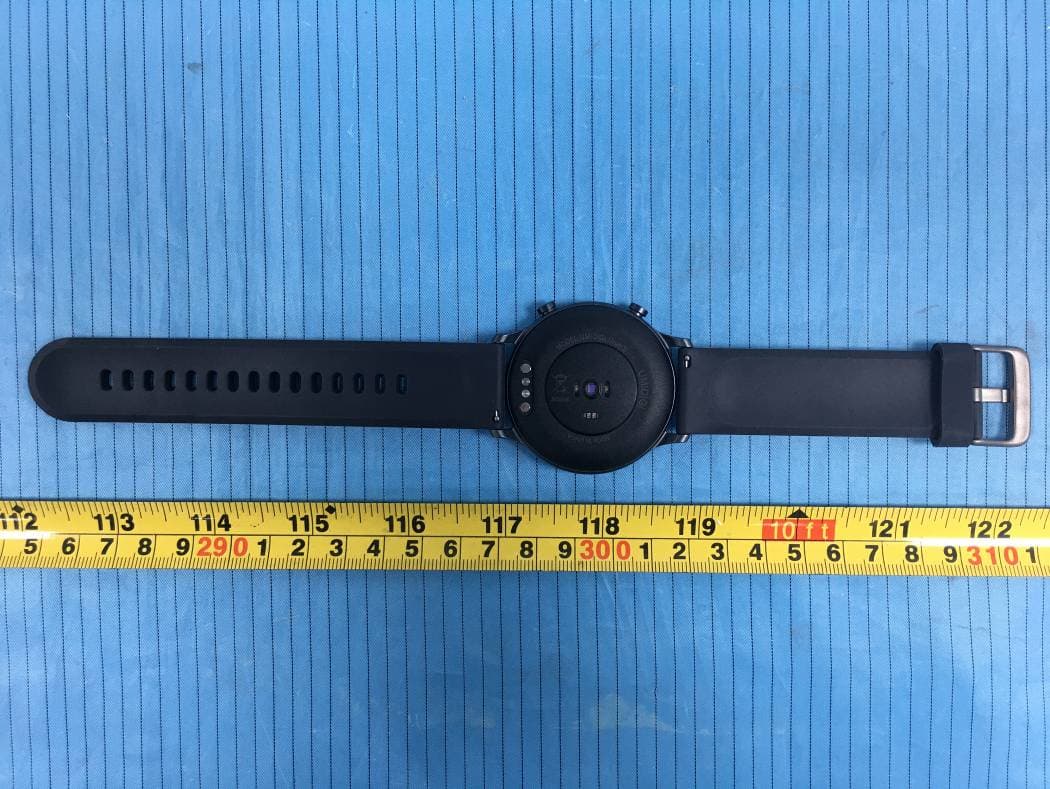
2AYLJ406
Feb 21, 2021Health & Fitness Smartwatch
Equipment Class
DTS - Digital Transmission System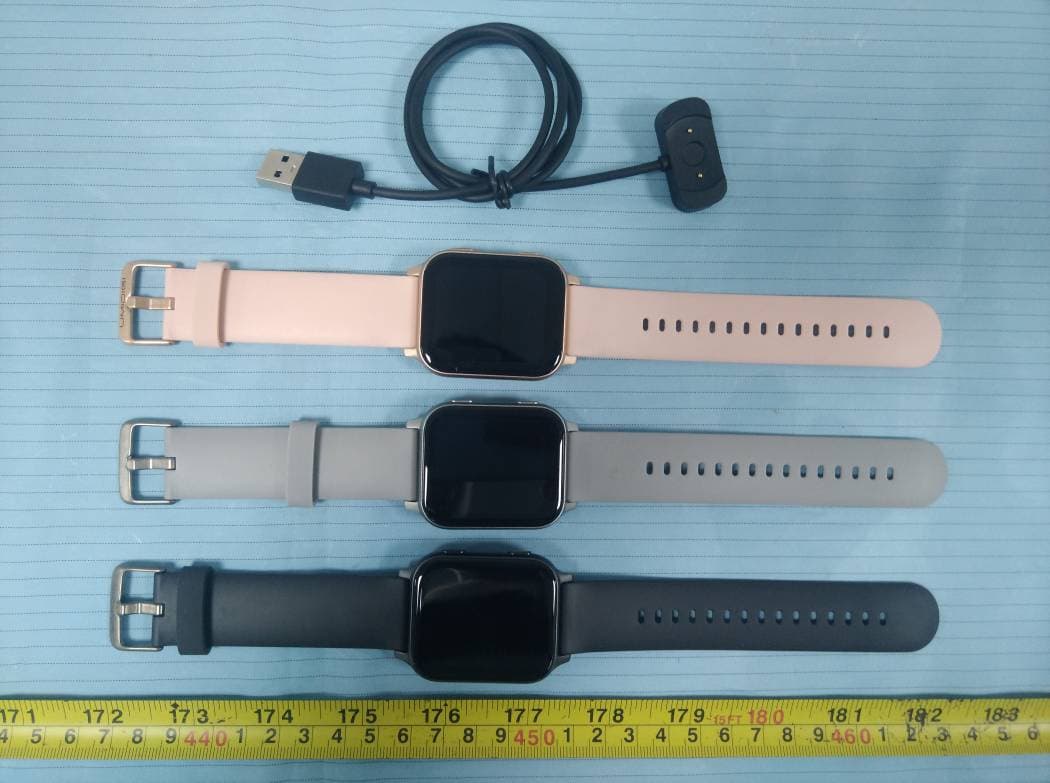
2AYLJ405
Jan 31, 2021Health & Fitness Smartwatch
Equipment Class
DTS - Digital Transmission System