AJDK058DVD AV RECEIVER
Pioneer Corporation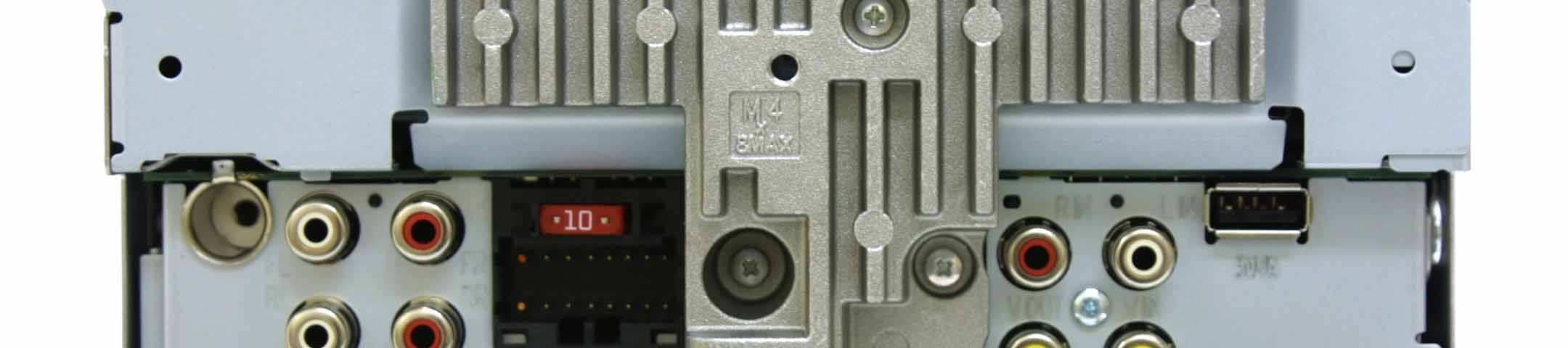
Click to zoom
Application Details
- Equipment Class
- DSS - Part 15 Spread Spectrum Transmitter
- Date of Grant
- Sep 18, 2012
- Application Purpose
- Original Equipment
- Date of Application
- Sep 18, 2012
- Equipment Note
- DVD AV RECEIVER
- Frequency Range
- 2402.00000000 - 2480.00000000
- Company
- Pioneer Corporation
- Country
- Japan
Documents & Files
Document Text
Text extracted from the exhibit documents filed with the FCC. Open a document above to read the original.
Users Manual
Owner ’ s Manual Mode d ’ emploi Manual de instrucciones DVD RDS AV RECEIVERAUTORADIO AV RDS LECTEUR DE DVDRADIO AV RDS CON DVDAVH-X5500BHSAVH-X4500BTAVH-X3500BHSAVH-X2500BTAVH-X1500DVD <CRD4703-A/N>1 EnglishEspañolFrançais PrecautionsIMPORTANT SAFEGUARDS 4 To ensure safe driving 4 To avoid battery exhaustion 4 Before you startInformation to User 5 The Safety of Your Ears is in Your Hands 5 About this unit 5 DVD video disc region numbers 6 About this manual 6 After-sales service for Pioneer products 6 Visit our website 6 Use and care of the remote control 6 Demo mode 6 What ’ s what Head unit 7 Home display 7 Turning the source ON/OFF 8 Selecting a source 8 Adjusting the volume 8 Remote control 8 Common operationsCommon operations for menu settings/ lists 9 Operating the scroll icon and the scrubber bar 9 Activating the touch panel keys 10 Using the rear view 10 Using the rear monitor 10 Using sound retriever 10 Changing the wide-screen mode 10 Basic operationsAdjusting the angle of the LCD panel and ejecting media 11 Setting the clock 11 HD Radio ä tuner About HDRadio ä stations 11 HDRadio tuner operations 11 Storing and recalling stations 12 Storing the strongest stations 12 Tuning in to strong signals 12 Using iTunes tagging 12 Switching the seek mode 12 Switching the reception mode 12 TunerTuner operations 13 Storing and recalling stations 13 Storing the strongest stations 13 Tuning in to strong signals 13 Using iTunes tagging 13 SiriusXM tunerIntroducing SiriusXM tuner operations 14 Storing and recalling stations 14 Selecting a channel from the SiriusXM channel list display 14 Switching the list display 15 Selecting a SiriusXM channel directly 15 Using iTunes tagging 15 Setting Parental Control 15 Setting SiriusXM Tune Start ä 16 Scan play 16 Disc (CD/DVD)Introducing movie operations 16 Sound playback operations 17 Switching the media file type 18 Operating the DVD menu 18 Random play (shuffle) 18 Repeating playback 18 Searching for the part you want to play 18 Selecting audio output 19 PBC playback 19 Selecting tracks from the track title list 19 Selecting files from the file name list 19 Playing DivX â VOD content 19 iPodMoving images operations 20 Sound playback operations 20 Using this unit ’ s iPod function from your iPod 20 Shuffle play 21 Repeating playback 21 Playing videos from your iPod 21 Browsing for a video/music on the iPod 21 Changing audiobook speed 22 Displaying lists related to the song currently playing (link search) 22 Advanced App ModeAdvanced App Mode operation 22 Starting procedure 22 Setting the Keyboard 23 Setting the App sound mixing 23 USBMoving images operations 23 Sound playback operations 24 Music browse mode 24 Still image playback operations 24 Switching the media file type 25 Random play (shuffle) 25 Repeating playback 25 Selecting files from the file name list 25 Displaying lists related to the song currently playing (link search) 25 Playing DivX â VOD content 25 Capture an image in JPEG files 25 Bluetooth AudioSound playback operations 26 Setting up for Bluetooth audio 26 Random play (shuffle) 26 Repeating playback 26 Using MIXTRAXMIXTRAX operation 27 MIXTRAX EZ operation 27 Starting MIXTRAX EZ operation 27 Setting MIXTRAX mode 27 Setting the effect 27 Using Pandora â internet radio Pandora operations 28 Selecting and playing Pandora â stations/ shuffle 29 Bluetooth telephoneBluetooth telephone operations 29 Calling a number in the phone book 30 Selecting a number by alphabet search mode 30 Inverting names in phone book 31 Using the missed, received and dialed call lists 31 Setting automatic answering 31 Adjusting the other party ’ s listening volume 31 Switching the ring tone 31 Using the preset dial lists 31 Making a call by entering phone number 31 Setting the private mode 31 Voice control 32 SettingsMenu operations 32 Audio adjustmentsUsing fader/balance adjustment 33 Using balance adjustment 33 Using the equalizer 33 Using the auto-equalizer 33 Using sonic center control 33 Adjusting loudness 34 Using subwoofer output 34 Boosting the bass 34 Using the high pass filter 34 Adjusting source levels 34 Contents 2 Contents En <CRD4703-A/N>2 Setting up the video playerSetting the subtitle language 35 Setting the audio language 35 Setting the menu language 35 Setting the multi-angle DVD display 35 Setting the aspect ratio 35 Setting the slideshow interval 35 Setting parental lock 36 Setting the DivX subtitle file 36 Displaying the DivX â VOD registration code 36 Automatic playback of DVDs 37 System settingsSwitching the auxiliary setting 37 Setting AV input 37 Setting the RGB Input 37 Setting the App sound mixing 37 Setting MIXTRAX mode 37 Changing the picture adjustment 37 Selecting the system language 38 Setting SiriusXM Tune Start ä 38 Setting Demo Mode 38 Switching sound muting/attenuation 38 Setting the rear output and subwoofer controller 38 Using the keyboard 38 Setting the ever scroll 39 Setting the Pandora connect mode 39 Setting the Bluetooth audio 39 Clearing Bluetooth memory 39 Updating Bluetooth connection software 39 Displaying the Bluetooth system version 39 Setting the rear view camera (back up camera) 39 Auto EQ (auto-equalizing) 40 Setting the video signal 41 Favorite menuUsing the Favorite menu 41 Bluetooth connection menuBluetooth connection menu operations 42 Theme menuSelecting the illumination color 43 Selecting the OSD (on-screen display) color 43 Selecting the background display 43 Other functionsAdjusting the response positions of the touch panels (Touch PanelCalibration) 43 Using an AUX source 43 Resetting the microprocessor 44 ConnectionConnecting the power cord 46 When connecting to separately sold power amp 47 When connecting the external video component and the display 47 When connecting with a rear view camera 48 Optional SiriusXM Tuner connection 48 InstallationInstallation using the screw holes on the side of the unit 49 Installing the microphone 50 Additional informationTroubleshooting 51 Error messages 53 Understand…
Text truncated - open the document above for the full version.
Users Manual
PrécautionsRÈGLES DE PROTECTION IMPORTANTES 68 Pour une conduite en toute sécurité 68 Pour éviter l ’ épuisement de la batterie 69 Avant de commencerLa protection de votre ouïe est entre vos mains 69 Quelques mots sur cet appareil 69 Numéros de région des disques DVD vidéo 70 Quelques mots sur ce mode d ’ emploi 70 Service après-vente des produits Pioneer 70 Visitez notre site Web 70 Utilisation et entretien de la télécommande 70 Mode de démonstration 71 Description de l ’ appareil Appareil central 71 Afficheur d ’ accueil 72 Mise en/hors service de la source 72 Choix d ’ une source 72 Réglage du volume 73 Télécommande 73 Opérations communesUtilisation standard des éléments de menu/ listes 74 Utilisation de l ’ icône de défilement et de la barre de lecture 74 Activation des touches du clavier tactile 74 Utilisation de la vue arrière 74 Utilisation du moniteur arrière 74 Utilisation du correcteur de son 75 Changer le mode écran large 75 Opérations de baseRéglage de l ’ angle du panneau LCD et éjection du support 75 Réglage de l ’ horloge 75 Syntoniseur HD Radio ä À propos des stations HDRadio ä 76 Utilisation du syntoniseur HDRadio 76 Mise en mémoire et rappel des stations 77 Mise en mémoire des stations les plus fortes 77 Accord sur les signaux puissants 77 Utilisation de l ’ étiquetage iTunes 77 Changement de mode de recherche 77 Changement de mode de réception 77 SyntoniseurUtilisation du syntoniseur 78 Mise en mémoire et rappel des stations 78 Mise en mémoire des stations les plus fortes 78 Accord sur les signaux puissants 78 Utilisation de l ’ étiquetage iTunes 78 Syntoniseur SiriusXMPrésentation des opérations du syntoniseur SiriusXM 79 Mise en mémoire et rappel des stations 80 Sélection d ’ un canal à partir de l ’ affichage de la liste des canaux SiriusXM 80 Changement de l ’ affichage de la liste 80 Sélection directe d ’ un canal SiriusXM 80 Utilisation de l ’ étiquetage iTunes 81 Réglage du contrôle parental 81 Réglage de SiriusXM Tune Start ä 81 Examen du disque 81 Disque (CD/DVD)Présentation de l ’ utilisation vidéo 82 Utilisation de la lecture audio 84 Changement de type de fichier média 84 Utilisation du menu DVD 84 Lecture aléatoire (shuffle) 84 Répétition de la lecture 85 Recherche de la partie que vous souhaitez lire 85 Choix de la sortie audio 85 Lecture PBC 85 Choix des plages à partir de la liste des titres de plages 85 Choix des fichiers à partir de la liste des noms de fichiers 85 Lecture du contenu VOD d ’ un DivX â 86 iPodUtilisation des images de vidéos 86 Utilisation de la lecture audio 87 Utilisation de la fonction iPod de cet appareil sur votre iPod 87 Lecture aléatoire 87 Répétition de la lecture 88 Lecture de vidéos à partir de votre iPod 88 Recherche d ’ une vidéo/musique sur l ’ iPod 88 Modification de la vitesse d ’ un livre audio 88 Affichage de listes liées à la plage musicale en cours de lecture (recherche deliaison) 89 Mode Advanced AppUtilisation du mode App avancée 89 Démarrage de la procédure 90 Réglage du clavier 90 Réglage du mixage audio de l ’ application 90 USBUtilisation des images de vidéos 91 Utilisation de la lecture audio 91 Mode de navigation Musique 92 Utilisation de la lecture d ’ images fixes 92 Changement de type de fichier média 93 Lecture aléatoire (shuffle) 93 Répétition de la lecture 93 Choix des fichiers à partir de la liste des noms de fichiers 93 Affichage de listes liées à la plage musicale en cours de lecture (recherche deliaison) 93 Lecture du contenu VOD d ’ un DivX â 93 Capture d ’ une image dans des fichiers JPEG 93 Audio BluetoothUtilisation de la lecture audio 94 Réglage de l ’ audio Bluetooth 94 Lecture aléatoire (shuffle) 94 Répétition de la lecture 94 Utilisation de la touche MIXTRAXUtilisation de MIXTRAX 95 Utilisation de MIXTRAX EZ 95 Exécution de MIXTRAX EZ 95 Réglage du mode MIXTRAX 95 Réglage de l ’ effet 95 Utilisation de la radio Pandora â sur InternetUtilisation de Pandora 96 Sélection et lecture de stations de radio Pandora â /aléatoire 97 Téléphone BluetoothUtilisation du téléphone Bluetooth 97 Appel d ’ un numéro de l ’ annuaire 98 Sélection d ’ un numéro à l ’ aide du mode de recherche par ordre alphabétique 98 Inversion des noms dans l ’ annuaire 99 Utilisation des listes des appels reçus, manqués et composés 99 Réglage de la réponse automatique 99 Réglage du volume d ’ écoute du destinataire 99 Mise en service ou hors service de la sonnerie 99 Utilisation des listes de présélection des numéros d ’ appel 99 Exécution d ’ un appel par saisie d ’ un numéro de téléphone 99 Réglage du mode privé 100 Contrôle vocal 100 RéglagesUtilisation des menus 100 Table des matières 66 Table des matières Fr <CRD4703-A/N>66 Réglages sonoresUtilisation du réglage de l ’ équilibre avant- arrière/droite-gauche 101 Réglage de l ’ équilibre sonore 101 Utilisation de l ’ égaliseur 101 Utilisation de l ’ égalisation automatique 101 Utilisation du sonic center control 101 Réglage de la correction physiologique 102 Utilisation de la sortie haut-parleur d ’ extrêmes graves 102 Accentuation des graves 102 Utilisation du filtre passe-haut 102 Ajustement des niveaux des sources 102 Configuration du lecteur vidéoChoix de la langue des sous-titres 103 Choix de la langue audio 103 Choix de la langue des menus 103 Réglage de l ’ affichage des DVD sous plusieurs angles 103 Définition du ratio d ’ aspect 103 Réglage de l ’ intervalle du diaporama 104 Réglage du verrouillage parental 104 Paramétrage du fichier de sous-titres DivX 104 Affichage de votre code d ’ enregistrement VOD DivX â 105 Lecture automatique des DVD 105 Réglages systèmeMise en service ou hors service de l ’ entrée auxiliaire 105 Réglage de l ’ entrée AV 105 Réglage de l ’ entrée RGB 105 Réglage du mixage audio de l ’ application 105 Réglage du mode MIXTRAX 105 Modification des réglages de l ’ image 105 Sélection de la langue du système 106 Réglage de SiriusXM Tune Start ä 106 Réglage du mode démonstration 106 Mise en service ou hors service de la coupure/atténuation du son…
Text truncated - open the document above for the full version.
External Photos
Pioneer Corporation DVD AV RECEIVER Model: AVH-X2500BT FCC ID: AJDK058 IC Number: 775E-K058 External Photo Front Rear Pioneer Corporation DVD AV RECEIVER Model: AVH-X2500BT FCC ID: AJDK058 IC Number: 775E-K058 External Photo Top Bottom Pioneer Corporation DVD AV RECEIVER Model: AVH-X2500BT FCC ID: AJDK058 IC Number: 775E-K058 External Photo Right Left
External Photos
Pioneer Corporation DVD AV RECEIVER Model: AVH-X3500BHS FCC ID: AJDK058 IC Number: 775E-K058 External Photo Front Rear Pioneer Corporation DVD AV RECEIVER Model: AVH-X3500BHS FCC ID: AJDK058 IC Number: 775E-K058 External Photo Top Bottom Pioneer Corporation DVD AV RECEIVER Model: AVH-X3500BHS FCC ID: AJDK058 IC Number: 775E-K058 External Photo Right Left
External Photos
Pioneer Corporation DVD AV RECEIVER Model: AVH-X4500BT FCC ID: AJDK058 IC Number: 775E-K058 External Photo Front Rear Pioneer Corporation DVD AV RECEIVER Model: AVH-X4500BT FCC ID: AJDK058 IC Number: 775E-K058 External Photo Top Bottom Pioneer Corporation DVD AV RECEIVER Model: AVH-X4500BT FCC ID: AJDK058 IC Number: 775E-K058 External Photo Right Left
External Photos
Pioneer Corporation DVD AV RECEIVER Model: AVH-X5500BHS FCC ID: AJDK058 IC Number: 775E-K058 External Photo Front Rear Pioneer Corporation DVD AV RECEIVER Model: AVH-X5500BHS FCC ID: AJDK058 IC Number: 775E-K058 External Photo Top Bottom Pioneer Corporation DVD AV RECEIVER Model: AVH-X5500BHS FCC ID: AJDK058 IC Number: 775E-K058 External Photo Right Left
ID Label/Location Info
Label Position AVH-X5500BHS AVH-X3500BHS AVH-X2500BT AVH-X4500BT
Internal Photos
Pioneer Corporation CD RDS RECEIVER FCC ID: AJDK058 IC Number: 775E-K058 Internal Photo Bluetooth Board side A with shield Bluetooth Board side A without shield Pioneer Corporation CD RDS RECEIVER FCC ID: AJDK058 IC Number: 775E-K058 Internal Photo Bluetooth Board side B Pioneer Corporation CD RDS RECEIVER FCC ID: AJDK058 IC Number: 775E-K058 Internal Photo Bluetooth Board Location
RF Exposure Info
UL Japan, Inc. Shonan EMC Lab. 1-22-3 Megumigaoka, Hiratsuka-shi, Kanagawa-ken, 259-1220 JAPAN Telephone : +81 463 50 6400 Facsimile : +81 463 50 6401 Applicant: PIONEER CORPORATION T ype of Equipment : DVD AV RECEIVER M odel No. : AVH-X5500BHS FCC ID: AJDK058 PIONEER CORPORATION declares that Model : DVD AV RECEIVER complies with FCC radiation exposure requirement specified in the FCC Rules 2.1091. The “AVH-X5500BHS“ has 1.09 mW of conducted Peak O utput power and 0.64 mW of EIRP. This equipment is considered as a mobile device so that SAR testing is excluded. The Following calculation is the reference data for 20cm distance. RF Exposure Calculations: The following information provides the minimum separation distance for the highest gain antenna provided with the “AVH-X5500BHS“ as calculated from FCC OET Bulletin 65 Appendix A, Table (B) Limits for General Population / Uncontrolled Exposure. This calculation is based on the highest EIRP possible from the system, considering maximum power and antenna gain, and considering a 1.0mW/cm^2 uncontrolled exposure limit. The Friis formula used was: S = (P * G) / (4* π * r 2 ) Where P = 1.09 mW (M aximum peak output power) G = 0.59 Numerical Antenna gain; equal -2.30 dBi r =20.0 cm For: AVH-X5500BHSS = 0.00013 mW/cm 2 N o. : 32K E 0188-SH -02-A RF Ex posure / SAR Statement
Test Report
Test report No. : 32KE0188-SH-02-A Page : 2 of 55 Issued date : September 12, 2012 FCC ID : AJDK058 UL Japan, Inc. Shonan EMC Lab. 1-22-3 Megumigaoka, Hiratsuka-shi, Kanagawa-ken, 259-1220 JAPAN Telephone : +81 463 50 6400 Facsimile : +81 463 50 6401 REVISION HISTORY Original Test Report No.: 32KE0188-SH-02-A Revision Test report No. Date Page revised Contents - (Original) 32KE0188-SH-02-A September 12, 2012 - - Test report No. : 32KE0188-SH-02-A Page : 3 of 55 Issued date : September 12, 2012 FCC ID : AJDK058 UL Japan, Inc. Shonan EMC Lab. 1-22-3 Megumigaoka, Hiratsuka-shi, Kanagawa-ken, 259-1220 JAPAN Telephone : +81 463 50 6400 Facsimile : +81 463 50 6401 Contents Page SECTION 1: Customer information ..................................................................................... 4 SECTION 2: Equipment under test (E.U.T.) ....................................................................... 4 SECTION 3: Test specification, procedures & results ......................................................... 6 SECTION 4: Operation of E.U.T. during testing ................................................................. 9 SECTION 5: Carrier frequency separation ........................................................................ 12 SECTION 6: 20dB bandwidth & Occupied bandwidth (99%) ......................................... 12 SECTION 7: Number of hopping frequency ...................................................................... 12 SECTION 8: Dwell time ...................................................................................................... 12 SECTION 9: Maximum peak output power ...................................................................... 12 SECTION 10: Spurious emissions (Antenna port conducted) ........................................... 12 SECTION 11: Radiated emission........................................................................................ 13 Contents of APPENDIXES ................................................................................................... 15 APPENDIX 1: Data of radio tests ....................................................................................... 16 APPENDIX 2: Test instruments ......................................................................................... 54 APPENDIX 3: Photographs of test setup ........................................................................... 55 Test report No. : 32KE0188-SH-02-A Page : 4 of 55 Issued date : September 12, 2012 FCC ID : AJDK058 UL Japan, Inc. Shonan EMC Lab. 1-22-3 Megumigaoka, Hiratsuka-shi, Kanagawa-ken, 259-1220 JAPAN Telephone : +81 463 50 6400 Facsimile : +81 463 50 6401 SECTION 1: Customer information Company Name : PIONEER CORPORATION Brand name : Pioneer Address : 25-1 Aza-Nishi-machi, Yamada, Kawagoe-shi, Saitama, 350-8555, JAPAN Telephone Number : +81-49-228-6415 Facsimile Number : +81-49-228-6493 Contact Person : Makoto Kaieda SECTION 2: Equipment under test (E.U.T.) 2.1 Identification of E.U.T. Type of Equipment : DVD AV RECEIVER Model No. : AVH-X5500BHS Serial No. : See Section 4. Rating : DC 14.4V Country of Mass-production : Thailand Condition of EUT : Production prototype (Not for Sale: This sample is equivalent to mass-produced items.) Modification of EUT : No modification by the test lab. Receipt Date of Sample : August 31, 2012 Test report No. : 32KE0188-SH-02-A Page : 5 of 55 Issued date : September 12, 2012 FCC ID : AJDK058 UL Japan, Inc. Shonan EMC Lab. 1-22-3 Megumigaoka, Hiratsuka-shi, Kanagawa-ken, 259-1220 JAPAN Telephone : +81 463 50 6400 Facsimile : +81 463 50 6401 2.2 Product description Model: AVH-X5500BHS (referred to as the EUT in this report) is a DVD AV RECEIVER. Clock Frequency: FM/AM TUNER: 36.48MHz HD-Radio TUNER: 24.00MHz DVD DRIVE DVD DECODER: 27MHz, 33.8688MHz, 36.864MHz, 40.5MHz, 48MHz, 67.5MHz, 108MHz, 121.5MHz, 405MHz DC-DC CONVERTER: 365.8kHz/413.9kHz SYSTEM MICRO COMPUTER: 12.5MHz DISPLAY CONVERTER: 13.3333MHz, 48MHz, 16.9344MHz Bluetooth module OSC: 26MHz LCD BACK LIGHT DRIVER: 476.6kHz/514.8kHz Equipment type : Transceiver Frequency of operation : 2402-2480MHz Bandwidth & channel spacing : 1MHz Type of modulation : GFSK, π/4DQPSK, 8DPSK Antenna type : Pattern Antenna gain with cable loss : -2.3dBi (max) Antenna connector type : None Operation temperature range : -10 to +60 deg.C. The EUT and its derived models: The electrical characteristics among those models are identical to each other. Monitor size Autoslide SiriusXM-BUS Built-in HD Radio AVH-X5500BHS 6.95inch A A A AVH-X4500BT 6.95inch A NA NA AVH-X3500BHS 6.1inch NA A A AVH-X2500BT 6.1inch NA NA NA A: application NA:Not application FCC 15.31 (e) The equipment provides the Bluetooth transmitter with stable power supply (DC1.8V and DC3.3V). Therefore, the equipment complies with the requirement. FCC 15.203 The equipment and its antenna comply with this requirement since this antenna is built in the equipment and it cannot be replaced by end users. Test report No. : 32KE0188-SH-02-A Page : 6 of 55 Issued date : September 12, 2012 FCC ID : AJDK058 UL Japan, Inc. Shonan EMC Lab. 1-22-3 Megumigaoka, Hiratsuka-shi, Kanagawa-ken, 259-1220 JAPAN Telephone : +81 463 50 6400 Facsimile : +81 463 50 6401 SECTION 3: Test specification, procedures & results 3.1 Test specification Test specification : Test specification: FCC Part 15 Subpart C: 2012, final revised on August 13, 2012 and effective September 12, 2012 Title : FCC 47CFR Part15 Radio Frequency Device Subpart C Intentional Radiators Section 15.207 Conducted limits Section 15.209 Radiated emission limits, general requirements Section 15.247 Operation within the bands 902-928MHz, 2400-2483.5MHz, and 5725-5850MHz * The revision on August 13, 2012 does not affect the test specification applied to the EUT. The EUT complies with FCC Part 15 Subpart B. The test is performed by the customer. 3.2 Procedures & Results Item Test Procedure SpecificationRemarksDeviationWorst Margin Results Conducted emission…
Text truncated - open the document above for the full version.
Test Setup Photos
Test report No.: 32KE0188-SH-02-A UL Japan, Inc. Shonan EMC Lab. 1-22-3 Megumigaoka, Hiratsuka-shi, Kanagawa-ken, 259-1220 JAPAN Telephone : +81 463 50 6400 Facsimile : +81 463 50 6401 APPENDIX 3: Photographs of test setup Radiated emission Front (below 1GHz) Front (above 1GHz) Rear END OF REPORT 55 / 55
Contact Information
Applicant
Takashi Tsuzura(Manager)
Technical Contact
UL Japan, Inc.Toyokazu Imamura
[email protected]81-463-50-6400
1-22-3 Megumigaoka, Hiratsuka-shi · Kanagawa-ken · Japan
Test Firm
UL Japan, Inc. Shonan EMC EMC Lab.Tetsuya Hashimoto
Technical Specifications
| # | Rule Parts | Frequency Range | Power Output |
|---|---|---|---|
| 1 | 15C | 2.40 GHz - 2.48 GHz | 1.20 mW |
Other Applications from Pioneer Corporation
AJDK133
Jun 15, 2026On-Dash Multimedia Display
Equipment Class
NII - Unlicensed National Information Infrastructure TX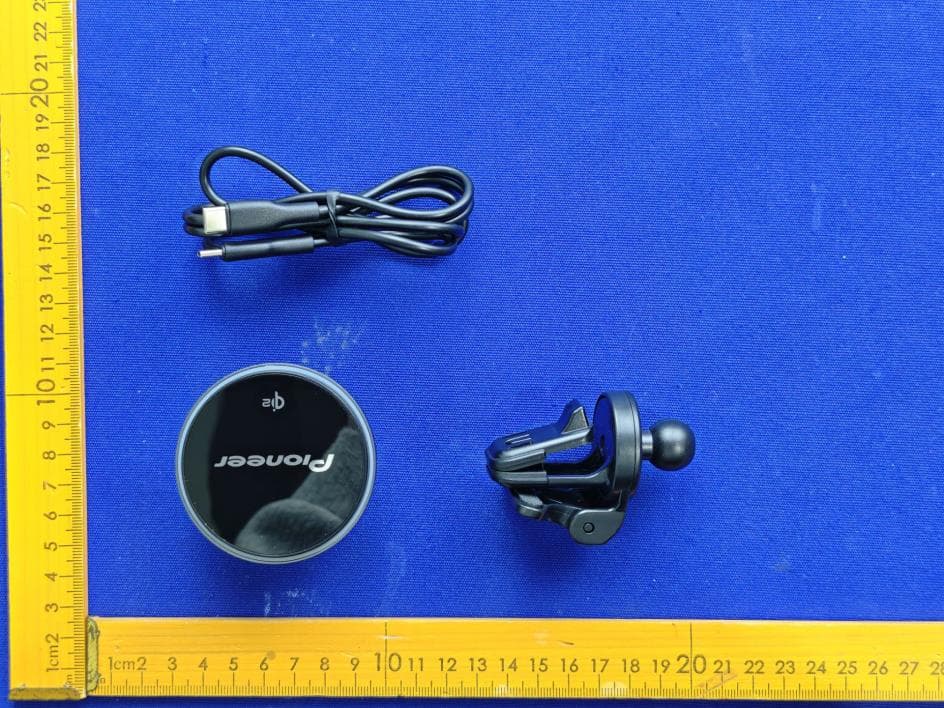
AJDK132
Jan 29, 2026WIRELESS CHARGING CRADLE
Equipment Class
DCD - Part 15 Low Power Transmitter Below 1705 kHz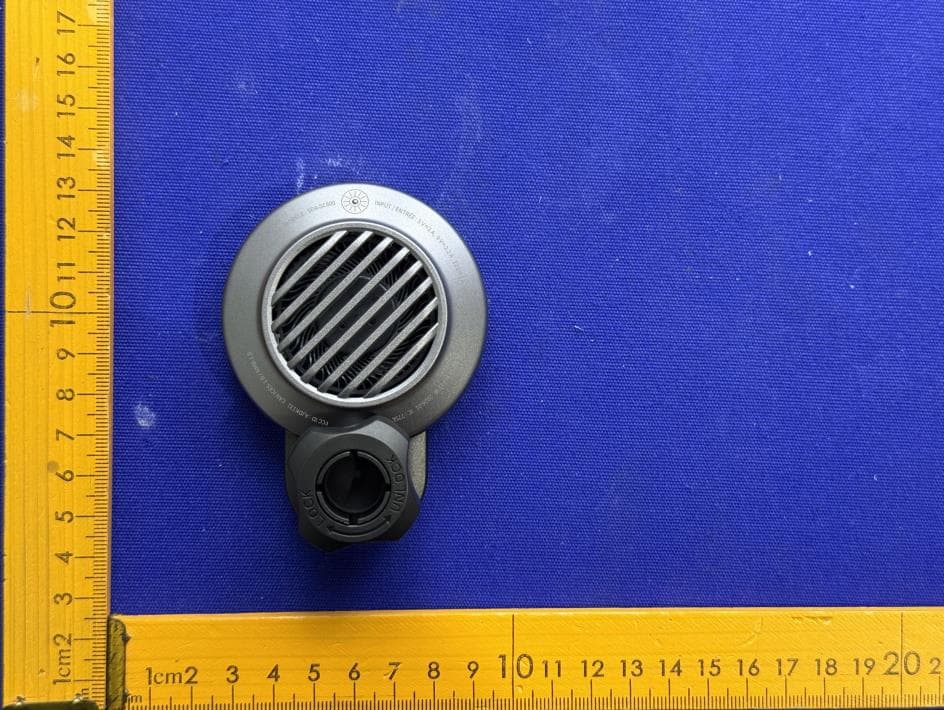
AJDK131
Jan 29, 2026WIRELESS CHARGING CRADLE
Equipment Class
DCD - Part 15 Low Power Transmitter Below 1705 kHzAJDK129
Nov 17, 2025RDS AV RECEIVER
Equipment Class
DSS - Part 15 Spread Spectrum Transmitter
AJDK122
Dec 11, 2022RDS AV RECEIVER
Equipment Class
NII - Unlicensed National Information Infrastructure TX