AJDK076Car Audio
Pioneer Corporation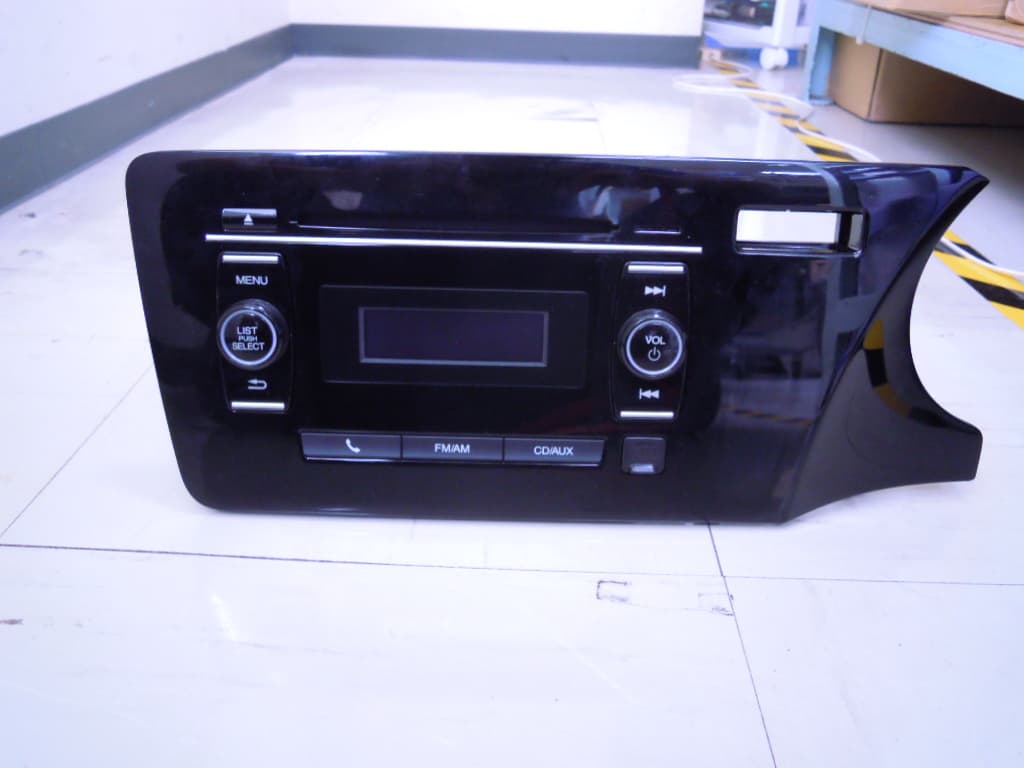
Click to zoom
Application Details
- Equipment Class
- DSS - Part 15 Spread Spectrum Transmitter
- Date of Grant
- Sep 28, 2013
- Application Purpose
- Original Equipment
- Date of Application
- Sep 28, 2013
- Equipment Note
- Car Audio
- Frequency Range
- 2402.00000000 - 2480.00000000
- Company
- Pioneer Corporation
- Country
- Japan
Documents & Files
Document Text
Text extracted from the exhibit documents filed with the FCC. Open a document above to read the original.
Users Manual
Confidential Pioneer Corporation © Operation Manual Confidential Pioneer Corporation © Push the “ VOL/ ” button to turn on the audio system. 2 1. BASIC OPERATION - P.2 - ■ Appearance Turn on DC power (13.2V) for +B and ACC. “Honda Logo” appears. DISC EJECT MENU BACK SELECT LIST/PUSH UP/CUE DOWN/REV VOLUME POWER ON/OFF MODE SELECT AUX IN DISPLAY CD SLOT MIC ■ Power On■ Volume Up/Down Turn the “ Volume “ knob right : UpTurn the “ Volume “ knob left : Down Confidential Pioneer Corporation © a. Each push of the “ FM/AM “ button switches the mode in the following sequence. FM1 > FM2 > AM > FM1 ... b. Each push of the “ CD/AUX “ button swit ches the mode in the following sequence. CD > USB/iPod > BT audio > AUX > CD ... c. Push the “ “ button, PHONE mode starts. 3 1. BASIC OPERATION - P.3 - ■ Mode Select ■ Sound Settings After pushing “ MENU “ button, choose the “ Sound Settings “ by pushing the “ LIST/PUSH “ button, You can adjust the equalizer settings to create more fine sound. Bass, Treble, Fader, Balance can be adjusted in this mode. Push the “ LIST/PUSH “ button. Choose by turning the “ SELECT ” knob and push the “ LIST/PUSH “ button. Push the “ LIST/PUSH “ button. Confidential Pioneer Corporation © By pushing the “ “ , you can seek up.By pushing the “ “ , you can seek down. 4 2. Operating Radio mode - P.4 - ■ Tune Up/Down Turning the “ SELECT “ knob Right. ■ Seek Up/Down ■ Select the preset channel Preset List appears. By turning the “ SELECT “ Knob, you can select preset channel. Push the “ LIST/PUSH “ button. Push the “ LIST/PUSH “ button. 107.0 Channel changes to the selected channel. 103.6 Turning the “ SELECT “ knob Left. 1 step up 1 step down Confidential Pioneer Corporation © Push the “ MENU “ button. Tune frequency by “ Tune Up/D own ” or “ Seek Up/Down “ . 5 2. Operating Radio mode - P.5 - ■ Preset frequency MENU mode appears. Turn the “ SELECT “ knob. Select “ Save preset “. Push the “ LIST/PSH “ button. Select the channel you want to preset. Push the “ LIST/PSH “ button. 103.5 Tuned frequency was set to the channel. Confidential Pioneer Corporation © Turn the “ SELECT “ knob Right or push “ “ button. Turn the “ SELECT “ knob Left or push “ “ button. By keep pushing the “ “ , you can put “ time ” forward : Cue .By keep pushing the “ “ , you can put “ time “ back : Rev . 6 3. Operating CD mode - P.6 - ■Track Up/Down ■Cue/Rev ■Track List Track List appears. By turning the “ SEL ECT “ Knob, you can select other track. Track up Track down 08 Push the “ LIST/PUSH “ button. Push the “ LIST/PUSH “ button. Track changes to the selected track. Confidential Pioneer Corporation © 7 3. Operating CD mode - P.7 - ■ Play Mode ■Scan Choose “ Play Mode “ by turning the “ SELECT ” knob and push the “ LIST/PUSH “ button. Push the “ MENU “ button. Normal PlayRepeat TrackRandom All Push the “ MENU “ button. Choose “ Scan tracks “ by turning the “ SELECT ” knob and push the “ LIST/PUSH “ button. 03 00’02 Next track Play for 10seconds. Confidential Pioneer Corporation © Push “ “ button. Push “ “ button. By keep pushing the “ “ , you can put “ time ” forward : Cue .By keep pushing the “ “ , you can put “ time “ back : Rev . 8 4. Operating USB mode - P.8 - ■Track Up/Down ■Cue/Rev ■ Folder List / Track List Track up Track down Push the “ LIST/PUSH “ button. Push the “ LIST/PUSH “ button. 6 Turn the “ SELECT “ knob Right. Turn the “ SELECT “ Knob Left. ■ Folder Up/Down Folder up Folder down 6 1 Select and push the “ LIST/PUSH “ button. Folder List Track List Confidential Pioneer Corporation © 9 4. Operating USB mode - P.9 - ■ Audio Menu ■ Play Mode Push the “ MENU “ button. Sound SettingPlay ModeScan Tracks ... Scan in current folder. Select “ Play Mode. Scan Folders ... Scan first tracks in each folders in current Media. Menu Normal PlayRepeat TrackRepeat Folder Random All Random In Folder Confidential Pioneer Corporation © Turn the “ SELECT “ knob Right or push “ “ button. Turn the “ SELECT “ knob Left or push “ “ button. By keep pushing the “ “ , you can put “ time ” forward : Cue .By keep pushing the “ “ , you can put “ time “ back : Rev . 10 5. Operating iPod mode - P.10 - ■Track Up/Down ■Cue/Rev ■ iPod List Track up Track down PlaylistsArtistsAlbums Songs Genres Composers Push the “ LIST/PUSH “ button. Confidential Pioneer Corporation © 11 5. Operating iPod mode - P.11 - ■ Audio Menu ■ Play Mode Push the “ MENU “ button. Sound SettingPlay Mode Select “ Play Mode. Menu Normal PlayRepeat TrackRepeat Off Shuffle Off Shuffle SongsShuffle Albums Confidential Pioneer Corporation © Push “ “ button. Push “ “ button. By keep pushing the “ “ , you can put “ time ” forward : Cue .By keep pushing the “ “ , you can put “ time “ back : Rev . 12 6. Operating Bluetooth Audio mode - P.12 - ■Track Up/Down ■Cue/Rev Track up Track down Turn the “ SELECT “ knob Right. Turn the “ SELECT “ Knob Left. ■ Group Up/Down Group up Group down ■ BT-A Menu Push the “ MENU “ button. Sound SettingResumePause Bluetooth setup Confidential Pioneer Corporation © 13 7. Operating AUX mode - P.13 - ■ AUX Menu Push the “ MENU “ button. Save preset Sound settings Menu Confidential Pioneer Corporation © 14 8. Operating Phone mode - P.14 - ■Phone Menu Speed DialCall HistoryPhonebook Redial Phone Setup □ Speed Dial Select “ Alicia Keys “ . Start dialing... Select “ (Add New) “ . Call HistoryPhonebookPhone Number Confidential Pioneer Corporation © 15 8. Operating Phone mode - P.15 - ◇ Add Speed Dial (Call History) Dialed CallsReceived CallsMissed Calls Select “ Mary Grace “ . No History Select “ Michael Jackson“ .Select “ Unknown “ .Select “ Michael Jackson“ .Select “ Unknown “ . Confidential Pioneer Corporation © 16 8. Operating Phone mode - P.16 - ◇ Add Speed Dial (Phonebook) Displayed only Initial. Select “ A “ Successfully stored Select “ Adam Stockman “ ◇ Add Speed Dial (Manual Input) Select “ Done “ Successfully stored Select “ 1 “ Done Confidential Pioneer Corporation © □ Call History 17 8. Operating Phone mode - P.17 - Dial CallsReceiv…
Text truncated - open the document above for the full version.
External Photos
External Photo [Model: DEH-3548ZH] Front Rear External Photo [Model: DEH-3548ZH] Top Bottom External Photo [Model: DEH-3548ZH] Right Left
External Photos
External Photo [Model: DEH-4648ZH] Front Rear External Photo [Model: DEH-4648ZH] Top Bottom External Photo [Model: DEH-4648ZH] Right Left
ID Label/Location Info
Label Location DEH-3548ZH DEH-4648ZH
Internal Photos
Internal Photo Pioneer Corporation DEH-3548ZH DEH-4648ZH Top with shield Top without shield Internal Photo Pioneer Corporation DEH-3548ZH DEH-4648ZH Bottom Bluetooth Board Position Antenna Position
Internal Photos
BT Module BTBoard Pattern Antenna
RF Exposure Info
UL Japan, Inc. Shonan EMC Lab. 1-22-3 Megumigaoka, Hiratsuka-shi, Kanagawa-ken, 259-1220 JAPAN Telephone : +81 463 50 6400 Facsimile : +81 463 50 6401 Applicant: PIONEER CORPORATION T ype of Equipment : Car Audio M odel No. : DEH-3548ZH FCC ID: AJDK076 PIONEER CORPORATION declares that Model : Car Audio complies with FCC radiation exposure requirement specified in the FCC Rules 2.1091. RF Exposure Calculations: The following information provides the minimum separation distance for the highest gain antenna provided with the “DEH-3548ZH“ as calculated from FCC Part 1, §1.1310, TABLE 1 (B) Limits for General Population / Uncontrolled Exposure. This calculation is based on the highest EIRP possible from the system, considering maximum power and antenna gain, and considering a 1.0mW/cm^2 uncontrolled exposure limit. The Friis formula used was: S = (P * G) / (4* π * r 2 ) Where P = 1.49 mW (Maximum peak output power) G = 1.78 Numerical Antenna gain; equal to 2.50 dBi r =20.0 cm For: DEH-3548ZHS = 0.00053 mW/cm 2 No. : 10043958S-A RF Ex posure / SAR Statement
Test Report
Test report No. : 10043958S-A Page : 2 of 55 Issued date : September 26, 2013 FCC ID : AJDK076 UL Japan, Inc. Shonan EMC Lab. 1-22-3 Megumigaoka, Hiratsuka-shi, Kanagawa-ken, 259-1220 JAPAN Telephone: +81 463 50 6400 Facsimile: +81 463 50 6401 REVISION HISTORY Original Test Report No.: 10043958S-A Revision Test report No. Date Page revised Contents - (Original) 10043958S-A September 26, 2013 - - Test report No. : 10043958S-A Page : 3 of 55 Issued date : September 26, 2013 FCC ID : AJDK076 UL Japan, Inc. Shonan EMC Lab. 1-22-3 Megumigaoka, Hiratsuka-shi, Kanagawa-ken, 259-1220 JAPAN Telephone: +81 463 50 6400 Facsimile: +81 463 50 6401 Contents Page SECTION 1: Customer information .................................................................................. 4 SECTION 2: Equipment under test (E.U.T.) ..................................................................... 4 SECTION 3: Test specification, procedures & results ...................................................... 6 SECTION 4: Operation of E.U.T. during testing .............................................................. 9 SECTION 5: Carrier frequency separation ..................................................................... 12 SECTION 6: 20dB bandwidth & Occupied bandwidth (99%) ....................................... 12 SECTION 7: Number of hopping frequency ................................................................... 12 SECTION 8: Dwell time.................................................................................................... 12 SECTION 9: Maximum peak output power .................................................................... 12 SECTION 10: Spurious emissions (Antenna port conducted) ........................................ 12 SECTION 11: Radiated emission ..................................................................................... 13 Contents of APPENDIXES .................................................................................................. 15 APPENDIX 1: Data of radio tests..................................................................................... 16 APPENDIX 2: Test instruments ....................................................................................... 54 APPENDIX 3: Photographs of test setup ......................................................................... 55 Test report No. : 10043958S-A Page : 4 of 55 Issued date : September 26, 2013 FCC ID : AJDK076 UL Japan, Inc. Shonan EMC Lab. 1-22-3 Megumigaoka, Hiratsuka-shi, Kanagawa-ken, 259-1220 JAPAN Telephone: +81 463 50 6400 Facsimile: +81 463 50 6401 SECTION 1: Customer information Company Name : PIONEER CORPORATION Address : 25-1 Aza Nishimachi, Yamada, Kawagoe-shi, Saitama 350-8555, JAPAN Telephone Number : +81 49 228 6415 Facsimile Number : +81 49 228 6493 Contact Person : Tomoyuki Tanaka SECTION 2: Equipment under test (E.U.T.) 2.1 Identification of E.U.T. Type of Equipment : Car Audio Model Number : DEH-3548ZH Serial Number : Refer to 4.2 of this report. Rating : DC12V (car battery) Country of Mass-production : Thailand Condition of EUT : Engineering prototype (Not for Sale: This sample is equivalent to mass-produced items.) Receipt Date of Sample : August 9, 2013 Modification of EUT : No modification by the test lab. 2.2 Product description Model: DEH-3548ZH (referred to as the EUT in this report) is a Car Audio. The EUT has a similar model: DEH-4648ZH Difference: Front Face Shape The difference doesn’t affect the radio characteristics. DEH-3548ZH DEH-4648ZH Test report No. : 10043958S-A Page : 5 of 55 Issued date : September 26, 2013 FCC ID : AJDK076 UL Japan, Inc. Shonan EMC Lab. 1-22-3 Megumigaoka, Hiratsuka-shi, Kanagawa-ken, 259-1220 JAPAN Telephone: +81 463 50 6400 Facsimile: +81 463 50 6401 Clock frequency(ies) in the system : (1) FM/AM Tuner Clock: 62.4MHz (2) Micro Computer Clock: 12MHz (3) BT Module: 26MHz, 25.8048MHz Bluetooth specification: Equipment type : Transceiver Frequency of operation : 2402-2480MHz Bandwidth & channel spacing : 79MHz & 1MHz Type of modulation : FHSS (BDR: GFSK Bbt=0.5, EDR: π/4-DQPSK, 8DPSK) Antenna type : Pattern Antenna connector type : None Antenna gain : 2.5dBi ITU code : F1D Operation temperature range : -30 to +70 deg.C. FCC 15.31 (e) This EUT provides stable voltage (DC 3.3V & DC 1.5V) constantly to RF Module regardless of input voltage. Therefore, this EUT complies with the requirement. FCC 15.203 It is impossible for end users to replace the antenna, because the antenna is mounted inside of the EUT. Therefore, the equipment complies with the antenna requirement. Test report No. : 10043958S-A Page : 6 of 55 Issued date : September 26, 2013 FCC ID : AJDK076 UL Japan, Inc. Shonan EMC Lab. 1-22-3 Megumigaoka, Hiratsuka-shi, Kanagawa-ken, 259-1220 JAPAN Telephone: +81 463 50 6400 Facsimile: +81 463 50 6401 SECTION 3: Test specification, procedures & results 3.1 Test specification Test specification : FCC Part 15 Subpart C: 2013, final revised on June 11, 2013 and effective July 11, 2013 Title : FCC 47CFR Part15 Radio Frequency Device Subpart C Intentional Radiators Section 15.207 Conducted limits Section 15.209 Radiated emission limits, general requirements Section 15.247 Operation within the bands 902-928MHz, 2400-2483.5MHz, and 5725-5850MHz 3.2 Procedures & Results Item Test Procedure Specification Remarks DeviationWorst Margin Results Conducted emission ANSI C63.4:2009 7. AC powerline conducted emission measurements FCC 15.207 - N/A *1) - - Carrier frequency separation FCC Public Notice DA 00-705 & ANSI C63.4:2009 13. Measurement of intentional radiators FCC 15.247 (a)(1) ConductedN/A *See data. Complied 20dB bandwidth FCC Public Notice DA 00-705 & ANSI C63.4:2009 13. Measurement of intentional radiators FCC 15.247 (a)(1) ConductedN/A - Number of hopping frequency FCC Public Notice DA 00-705 & ANSI C63.4:2009 13. Measurement of intentional radiators FCC 15.247 (a)(1)(iii) ConductedN/A Complied Dwell time FCC Public Notice DA 00-705 …
Text truncated - open the document above for the full version.
Test Setup Photos
UL Japan, Inc. Shonan EMC Lab. 1-22-3 Megumigaoka, Hiratsuka-shi, Kanagawa-ken, 259-1220 JAPAN Telephone : +81 463 50 6400 Facsimile : +81 463 50 6401 APPENDIX 3: Photographs of test setup Radiated emission (Front, below 1GHz) (Front, above 1GHz) (Rear, below 1GHz) (Rear, above 1GHz) End of Report Test Report No. : 10043958S-A 55 of 55
Contact Information
Applicant
Takashi Tsuzura(Manager)
Technical Contact
UL Japan, Inc.Toyokazu Imamura
[email protected]81-463-50-6400
1-22-3 Megumigaoka, Hiratsuka-shi · Kanagawa-ken · Japan
Test Firm
UL Japan, Inc. Shonan EMC EMC Lab.Tetsuya Hashimoto
Technical Specifications
| # | Rule Parts | Frequency Range | Power Output |
|---|---|---|---|
| 1 | 15C | 2.40 GHz - 2.48 GHz | 1.50 mW |
Other Applications from Pioneer Corporation
AJDK133
Jun 15, 2026On-Dash Multimedia Display
Equipment Class
NII - Unlicensed National Information Infrastructure TX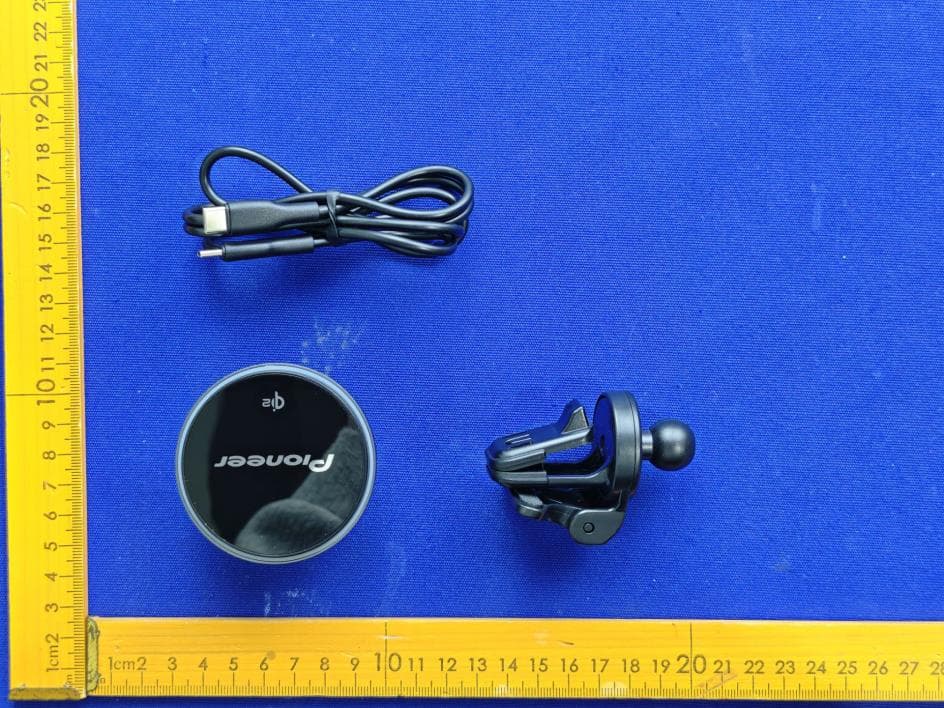
AJDK132
Jan 29, 2026WIRELESS CHARGING CRADLE
Equipment Class
DCD - Part 15 Low Power Transmitter Below 1705 kHz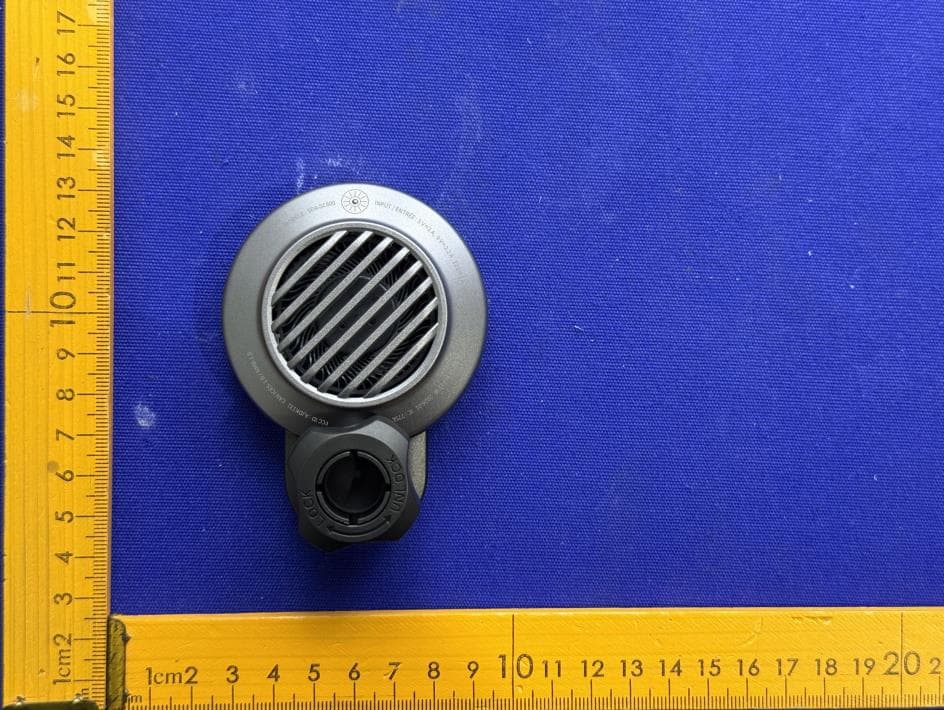
AJDK131
Jan 29, 2026WIRELESS CHARGING CRADLE
Equipment Class
DCD - Part 15 Low Power Transmitter Below 1705 kHzAJDK129
Nov 17, 2025RDS AV RECEIVER
Equipment Class
DSS - Part 15 Spread Spectrum Transmitter
AJDK122
Dec 11, 2022RDS AV RECEIVER
Equipment Class
NII - Unlicensed National Information Infrastructure TX