AJDK089DVD AV RECEIVER
Pioneer Corporation
Click to zoom
Application Details
- Equipment Class
- DSS - Part 15 Spread Spectrum Transmitter
- Date of Grant
- May 24, 2015
- Application Purpose
- Original Equipment
- Date of Application
- May 24, 2015
- Equipment Note
- DVD AV RECEIVER
- Frequency Range
- 2402.00000000 - 2480.00000000
- Company
- Pioneer Corporation
- Country
- Japan
Documents & Files
Document Text
Text extracted from the exhibit documents filed with the FCC. Open a document above to read the original.
Users Manual
DVH-885AVBT English DVD AV RECEIVER Owner's Manual 2 En Thank you for purchasing this PIONEER product. To ensure proper use, please read through this manual before using this product. It is especially important that you read and observe WARNINGs and CAUTIONs in this manual. Please keep the manual in a safe and accessible place for future reference. Contents Precautions .........................................3 IMPORTANT SAFEGUARDS ......................3 To ensure safe driving ...................................3 To avoid battery exhaustion ..........................4 Before you start ..................................5 About this unit ...............................................5 In case of trouble ...........................................5 Resetting the microprocessor .......................5 Disable the demonstration mode ..................5 Operating this unit .............................6 Basic operations .........................................9 Removing the front panel to protect your unit from theft .......................................................9 Re-attaching the front panel ..........................9 Turning the unit on ........................................9 Turning the unit off ........................................9 Selecting a source .........................................9 Adjusting the volume .....................................9 Use and care of the remote control .........10 Using the remote control .............................10 Replacing the battery ..................................10 Basic menu operations .............................10 Source (selecting a source) ........................10 List (operating a list menu) ..........................10 Audio/Video (setting an audio menu) ..........10 System (setting a system menu) .................10 Radio ..........................................................11 Radio menu .................................................11 Band selecting .............................................11 Manual tuning (step by step) .......................11 Seeking .......................................................11 Storing and recalling stations ......................11 LOC/DX (local / distant seek tuning) ...........11 USB playback ...........................................12 Playing files on a USB storage device ........12 Stopping playback of files on a USB storage device ..........................................................12 List menu .....................................................12 Selecting file category .................................12 Selecting a folder ........................................12 Selecting a file (chapter) .............................12 Playing audio files .......................................12 Playing photo files .......................................13 Playing video files .......................................13 Playing DivX ® VOD content .........................13 Disc playback ............................................14 Insert a disc .................................................14 Eject the disc ...............................................14 Disc playback ..............................................14 Stop playback temporarily ...........................14 Stop playback entirely .................................14 Select desired track .....................................14 Fast forward/backward during playback ......14 Random track playback (for CD/VCD/MP3/ WMA Only) ..................................................14 Repeat .........................................................14 Repeat A - B ................................................14 GOTO ..........................................................15 PBC - Playback control ( for VCD 2.0 or up) ...15 DVD audio select ........................................15 VCD audio select ........................................15 DVD subtitle select ......................................15 DVD title select ...........................................15 DVD angle select ........................................15 Zoom ...........................................................15 Bluetooth Operation ................................16 Pairing .........................................................16 Main menu ..................................................16 Music display ...............................................16 Making a call ...............................................16 Answering a call ..........................................16 Transfer the call ..........................................17 Call from Phonebook ...................................17 Audio Streaming Operations .......................17 What is audio streaming? ............................17 Play / Pause a track ....................................17 Selecting a track ..........................................17 APP Operation ..........................................18 Main menu ..................................................18 Select desired track .....................................18 Fast forward/backward during playback ......18 Information for compatibility of connected devices ........................................................18 iPod/iPhone Playback ...............................19 Main Menu ..................................................19 Stop playback temporarily ...........................19 Select desired track/chapter ........................19 Fast forward/backward ................................19 Control an iPod/iPhone from its unit (Control iPod mode) ..................................................19 System setup .............................................20 Setting menu ...............................................20 General .......................................................20 Language ....................................................21 Radio ...........................................................21 Bluetooth .....................................................…
Text truncated - open the document above for the full version.
Cover Letter(s)
Pioneer corporation file: declaration letter-template Page 1 of 1 Declaration Letter We: Pioneer corporation Product: DVD AV RECEIVER Model: DVH-885AVBT, DVH-880AVBT, DVH-8880AVBT All models have the same technical construction including circuit diagram, PCB Layout, components and component layout, all electrical construction and mechanical construction, except the different model name and details listed in table as below: Model Difference from basic model DVH-885AVBT Basic model with all functions DVH-880AVBT 1. Different power line 2.The silkscreen of lens 3. software DVH-8880AVBT 1. Different power line 2. The silkscreen of lens 3. software Above differences wouldn’t influence the RF performance, the difference of software is not related to RF parameter and performance, and user can not adjust any RF parameter though any software version. Yours sincerely, Signatory Name: Makoto Kaieda Company Name: Pioneer Corporation Address 25-1 AZA-NISHIMACHI, YAMADA, KAWAGOE-SHI SAITAMA-KEN 350-8555, JAPAN Tel / Fax +081-(0)49-228-6415 / +81-(0)49-228-6493 E-mail: [email protected]
External Photos
Photos of the EUT
Internal Photos
Photos of the EUT
RF Exposure Info
RF Exposure evaluation According to 447498 D01 General RF Exposure Guidance v05 The 1-g and 10-g SAR test exclusion thresholds for 100 MHz to 6 GHz at test separation distances İ 50 mm are determined by: [(max. power of channel, including tune-up tolerance, mW)/(min. test separation distance, mm)] g[Ĝf(GHz)]İ 3.0 for 1-g SAR and İ 7.5 for 10-g extremity SAR, where: f(GHz) is the RF channel transmit frequency in GHz Power and distance are rounded to the nearest mW and mm before calculation The result is rounded to one decimal place for comparison Worse case is as below: [2402MHz, 3.06dBm (2.023mW) output power] (2.023/5)g[Ĝ2.402(GHz)]= 0.627 <3.0 for 1-g SAR Then SAR evaluation is not required Damon Hu 2015/5/13 Worse case is as below: [2402MHz, 4dBm (2.51mW) output power] refer to user manual (2.51/5) g[Ĝ2.480(GHz)]= 0.8 <3.0 for 1-g SAR
Test Report
Dongguan Dongdian Testing Service Co., Ltd. Report No.: DDT-R15Q0429-3R2 Page 1 of 58 FCC CERTIFICATION TEST REPORT FOR Issued By: Dongguan Dongdian Testing Service Co., Ltd. Add: No. 17, Zongbu Road 2, Songshan Lake Sci&Tech, Industry Park, Dongguan City, Guangdong Province, China, 523808 Tel: +86-0769-22891499 Http://www.dgddt.com Applicant : PIONEER CORPORATION Address : 25-1 AZA-NISHIMACHI, YAMADA, KAWAGOE-SHI SAITAMA-KEN 350-8555, JAPAN Equipment under Test : DVD AV RECEIVER Model No. : DVH-885AVBT, DVH-880AVBT, DVH-8880AVBT Trade Mark : PIONEER FCC ID : AJDK089 Manufacturer : PIONEER CORPORATION Address : 25-1 AZA-NISHIMACHI, YAMADA, KAWAGOE-SHI SAITAMA-KEN 350-8555, JAPAN Report No.: DDT-R15Q0429-3R2 Issued Date: May 13, 2015 Dongguan Dongdian Testing Service Co., Ltd. Report No.: DDT-R15Q0429-3R2 Page 2 of 58 TABLE OF CONTENTS Test report declares......................................................................................................................4 1. Summary of test results ............................................................................................................... 5 2. General test information .............................................................................................................. 6 2.1. Description of EUT ..................................................................................................................... 6 2.2. Detail of EUT .............................................................................................................................. 6 2.3. Block diagram of EUT configuration for test ............................................................................. 7 2.4. Test environment conditions ....................................................................................................... 7 2.5. Test laboratory............................................................................................................................. 7 2.6. Measurement uncertainty ............................................................................................................ 8 3. Maximum Peak Output Power ....................................................................................................9 3.1. Test equipment ............................................................................................................................ 9 3.2. Block diagram of test setup ......................................................................................................... 9 3.3. Limits .......................................................................................................................................... 9 3.4. Test Procedure............................................................................................................................. 9 3.5. Test Result................................................................................................................................... 9 4. 20dB Bandwidth........................................................................................................................ 10 4.1. Test equipment .......................................................................................................................... 10 4.2. Block diagram of test setup ....................................................................................................... 10 4.3. Limits ........................................................................................................................................ 10 4.4. Test Procedure........................................................................................................................... 10 4.5. Test Result................................................................................................................................. 11 4.6. Original test data ....................................................................................................................... 11 5. Carrier Frequency Separation.................................................................................................... 15 5.1. Test equipment .......................................................................................................................... 15 5.2. Block diagram of test setup ....................................................................................................... 15 5.3. Limits ........................................................................................................................................ 15 5.4. Test Procedure........................................................................................................................... 15 5.5. Test Result................................................................................................................................. 15 5.6. Original test data ....................................................................................................................... 16 6. Number Of Hopping Channel ...................................................................................................17 6.1. Test equipment .......................................................................................................................... 17 6.2. Block diagram of test setup ....................................................................................................... 17 6.3. Limits ........................................................................................................................................ 17 6.4. Test Procedure........................................................................................................................... 17 6.5. Test Result................................................................................................................................. 17 6.6. Original test data ..........................................................................................…
Text truncated - open the document above for the full version.
Test Setup Photos
Test setup photograph
Contact Information
Applicant
Takashi Tsuzura(Manager)
Test Firm
Dongguan Dongdian Testing Service Co.,LtdJamy Yu
[email protected]086-0769-22891499
Technical Specifications
| # | Rule Parts | Frequency Range | Power Output |
|---|---|---|---|
| 1 | 15C | 2.40 GHz - 2.48 GHz | 2.02 mW |
Other Applications from Pioneer Corporation
AJDK133
Jun 15, 2026On-Dash Multimedia Display
Equipment Class
NII - Unlicensed National Information Infrastructure TX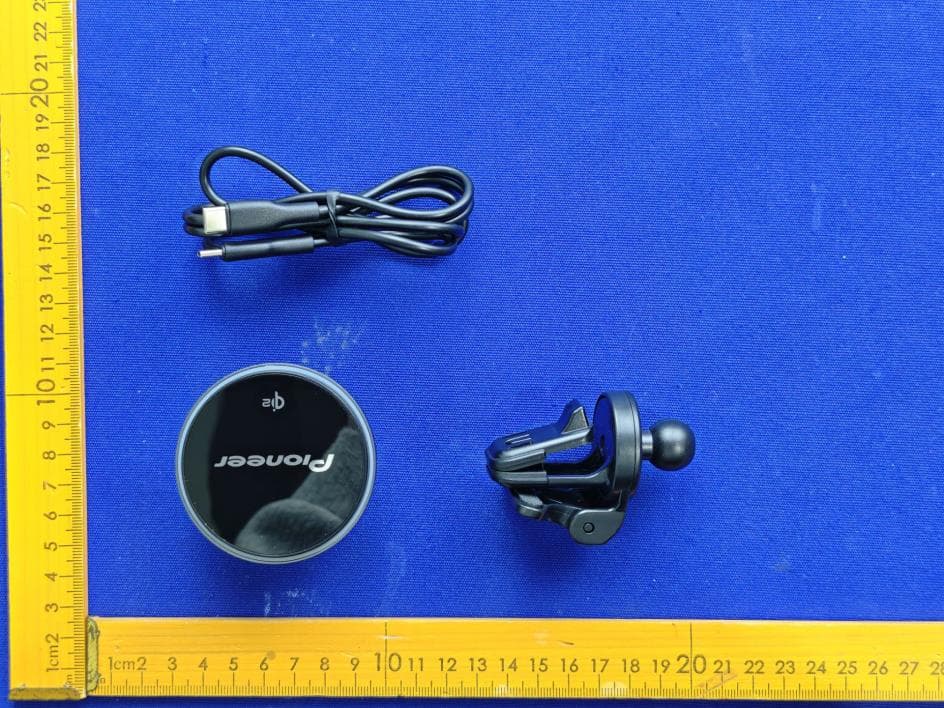
AJDK132
Jan 29, 2026WIRELESS CHARGING CRADLE
Equipment Class
DCD - Part 15 Low Power Transmitter Below 1705 kHz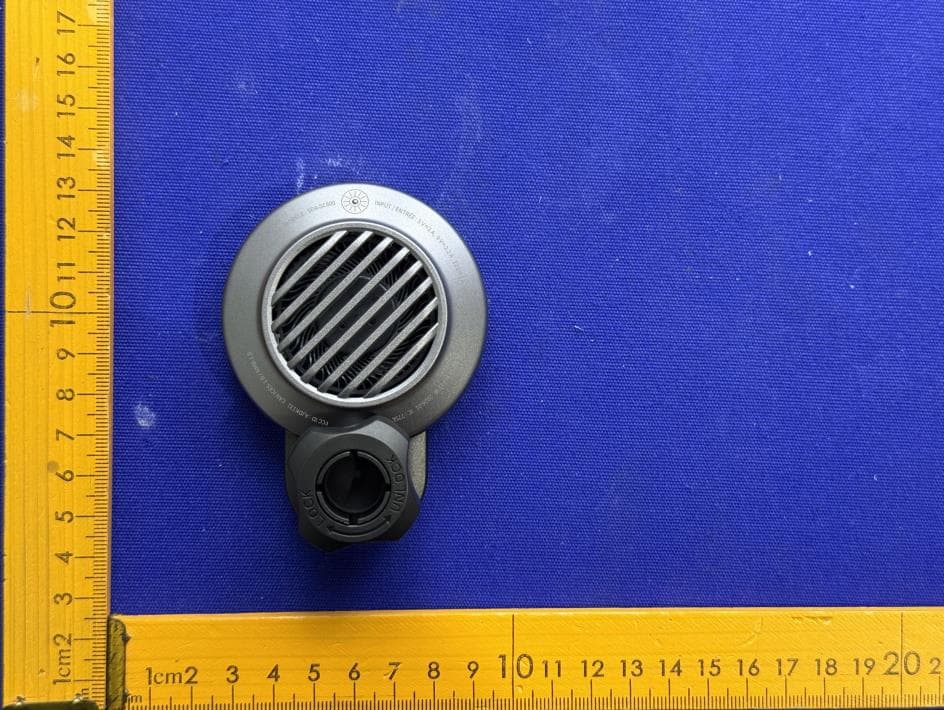
AJDK131
Jan 29, 2026WIRELESS CHARGING CRADLE
Equipment Class
DCD - Part 15 Low Power Transmitter Below 1705 kHzAJDK129
Nov 17, 2025RDS AV RECEIVER
Equipment Class
DSS - Part 15 Spread Spectrum Transmitter
AJDK122
Dec 11, 2022RDS AV RECEIVER
Equipment Class
NII - Unlicensed National Information Infrastructure TX