AJDK093DVD AV RECEIVER
Pioneer Corporation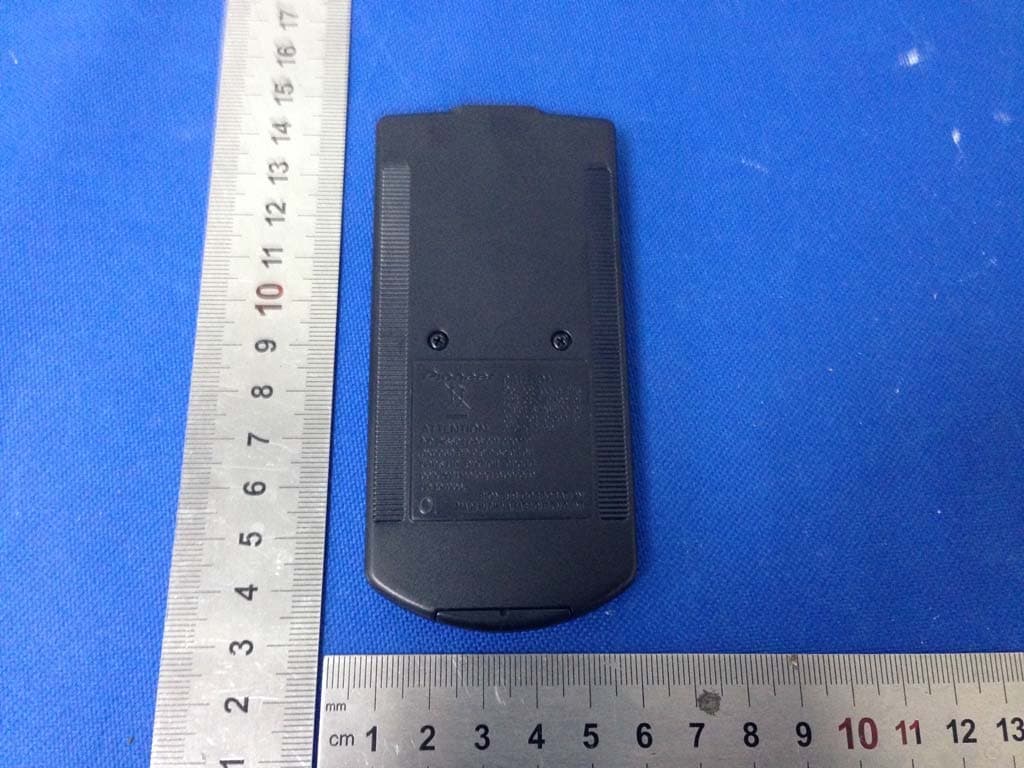
Click to zoom
Application Details
- Equipment Class
- DSS - Part 15 Spread Spectrum Transmitter
- Date of Grant
- Dec 05, 2015
- Application Purpose
- Original Equipment
- Date of Application
- Dec 01, 2015
- Equipment Note
- DVD AV RECEIVER
- Frequency Range
- 2402.00000000 - 2480.00000000
- Company
- Pioneer Corporation
- Country
- Japan
Documents & Files
Document Text
Text extracted from the exhibit documents filed with the FCC. Open a document above to read the original.
Users Manual
AVH-4850BT DVD AV RECEIVER Owner's Manual English 2 ■Precaution ........................................4 • IMPORTANT SAFEGUARDS ...................................4 • To ensure safe driving ............................................4 • About this unit .........................................................4 • Information to User..................................................5 • DVD video disc region numbers ............................5 ■Basic operation ................................6 • Head Unit ..................................................................6 • Remote control ........................................................6 • Use and care of the remote control .......................7 Using the remote control............................................7 Replacing the battery .................................................7 • Adjusting the LCD panel angle...............................7 • Inserting/ejecting/connecting media .....................7 Insert a disc ...............................................................7 Ejecting a disc............................................................7 Plugging and unplugging a USB storage device .......7 • How to Use the screens ..........................................8 ■Radio .................................................9 • Select radio as playing source ...............................9 • Select one radio band .............................................9 • Tune ..........................................................................9 Auto tuning.................................................................9 Manual tuning ............................................................9 Preset station .............................................................9 Storing the strongest stations ....................................9 Manual store ..............................................................9 Search Stations Automatically ...................................9 Recalling a station .....................................................9 Displays the preset channel list .................................9 Local/Distance ...........................................................9 Setting the FM tuning step .........................................9 Setting the AM tuning step.........................................9 ■Disc .................................................10 DVD title/chapter select ...........................................10 VCD track select ......................................................10 CD track select ........................................................10 ■Registration and connection of Bluetooth device ............................12 Pairing......................................................................12 Displaying the “Bluetooth” screen ............................12 Registering your Bluetooth devices .........................12 Connecting to a Bluetooth device automatically ......12 Deleting a registered device ....................................12 Connecting a registered Bluetooth device manually 12 Switching visibility ....................................................12 Entering the PIN code for Bluetooth wireless connection ...............................................................12 Displaying the device information ............................12 Clearing the Bluetooth memory ...............................12 ■Hands-free phoning .......................13 Displaying the Phone menu screen .........................13 Making a phone call .................................................13 Direct dialing ............................................................13 Calling a number in the phone book ........................13 Dialing from the history ............................................13 Using the preset dial lists .........................................13 Receiving a phone call.............................................13 Changing the phone settings ...................................13 Answering a call automatically.................................13 Switching the ring tone ............................................13 Setting the private mode ..........................................13 Contents 3 Notes for hands-free phoning ..................................14 ■Bluetooth audio player ..................15 • Selecting files from the file name list ..................15 ■Compressed files ...........................16 Selecting file category..............................................16 Selecting a folder .....................................................16 Selecting file ............................................................16 Selecting a file of other folder ..................................16 • Playing audio files .................................................16 • Playing video files .................................................17 • Playing photo files .................................................17 ■Other source ..................................18 • AUX source ............................................................18 • AV source ...............................................................18 • Camera View ..........................................................18 Rear view camera ....................................................18 Camera for Camera View mode ..............................18 ■Settings ...........................................19 • Setting menu ..........................................................19 • Favorites settings ..................................................19 • System settings .....................................................19 Touch Panel Calibration ..........................................19 Dimmer Duration......................................................19 Steering Wheel Control............................................20 • Adjust Audio settings............................................20 Graphic EQ .............................................…
Text truncated - open the document above for the full version.
External Photos
Dongguan Dongdian Testing Service Co., Ltd Report No.: DDT-R15Q1111-1E2 Page 43 of 53 15. Photos of the EUT Dongguan Dongdian Testing Service Co., Ltd Report No.: DDT-R15Q1111-1E2 Page 44 of 53 Dongguan Dongdian Testing Service Co., Ltd Report No.: DDT-R15Q1111-1E2 Page 45 of 53
Internal Photos
Dongguan Dongdian Testing Service Co., Ltd Report No.: DDT-R15Q1111-1E2 Page 46 of 53 Dongguan Dongdian Testing Service Co., Ltd Report No.: DDT-R15Q1111-1E2 Page 47 of 53 Dongguan Dongdian Testing Service Co., Ltd Report No.: DDT-R15Q1111-1E2 Page 48 of 53 Dongguan Dongdian Testing Service Co., Ltd Report No.: DDT-R15Q1111-1E2 Page 49 of 53 Dongguan Dongdian Testing Service Co., Ltd Report No.: DDT-R15Q1111-1E2 Page 50 of 53 Dongguan Dongdian Testing Service Co., Ltd Report No.: DDT-R15Q1111-1E2 Page 51 of 53 Dongguan Dongdian Testing Service Co., Ltd Report No.: DDT-R15Q1111-1E2 Page 52 of 53 Dongguan Dongdian Testing Service Co., Ltd Report No.: DDT-R15Q1111-1E2 Page 53 of 53 END OF REPORT
RF Exposure Info
RF Exposure evaluation According to 447498 D01 General RF Exposure Guidance v05 The 1-g and 10-g SAR test exclusion thresholds for 100 MHz to 6 GHz at test separation distances İ 50 mm are determined by: [(max. power of channel, including tune-up tolerance, mW)/(min. test separation distance, mm)] g[Ĝf(GHz)]İ 3.0 for 1-g SAR and İ 7.5 for 10-g extremity SAR, where: f(GHz) is the RF channel transmit frequency in GHz Power and distance are rounded to the nearest mW and mm before calculation The result is rounded to one decimal place for comparison Worse case is as below: [2402MHz, 4.72dBm (2.96mW) output power] (2.96/5) g[Ĝ2.402(GHz)]= 0.918 <3.0 for 1-g SAR Then SAR evaluation is not required 4.78dBm (3.01mW) (3.01/5) 80 80 0.95
Test Setup Photos
Dongguan Dongdian Testing Service Co., Ltd Report No.: DDT-R15Q1111-1E2 Page 42 of 53 14. Test setup photograph
Contact Information
Applicant
Takashi Tsuzura(Manager)
Test Firm
Dongguan Dongdian Testing Service Co.,LtdJamy Yu
[email protected]086-0769-22891499
Technical Specifications
| # | Rule Parts | Frequency Range | Power Output |
|---|---|---|---|
| 1 | 15C | 2.40 GHz - 2.48 GHz | 3.01 mW |
Other Applications from Pioneer Corporation
AJDK133
Jun 15, 2026On-Dash Multimedia Display
Equipment Class
NII - Unlicensed National Information Infrastructure TX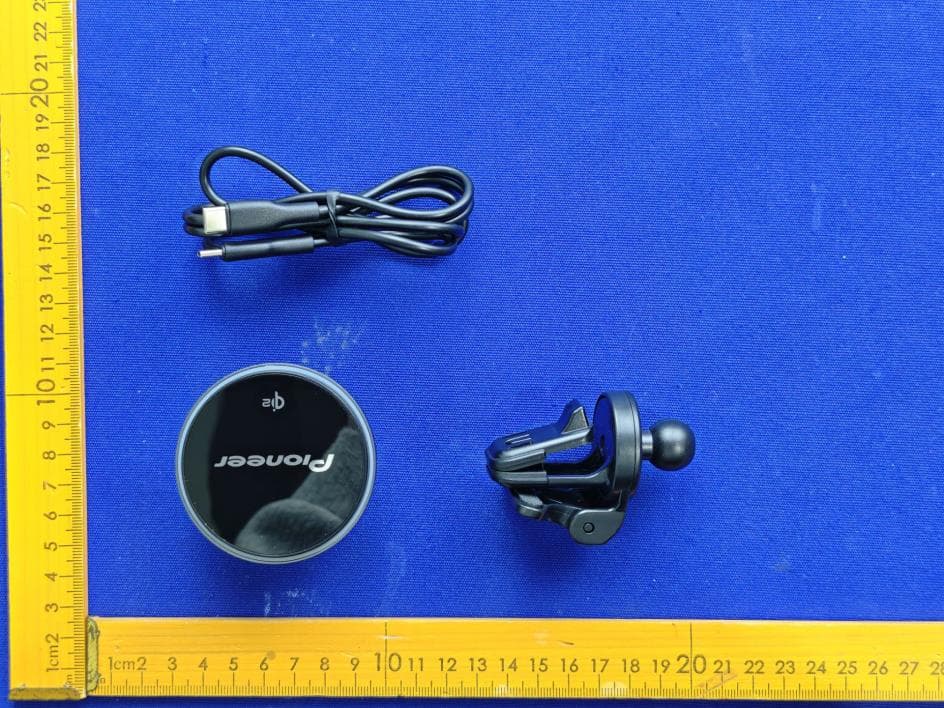
AJDK132
Jan 29, 2026WIRELESS CHARGING CRADLE
Equipment Class
DCD - Part 15 Low Power Transmitter Below 1705 kHz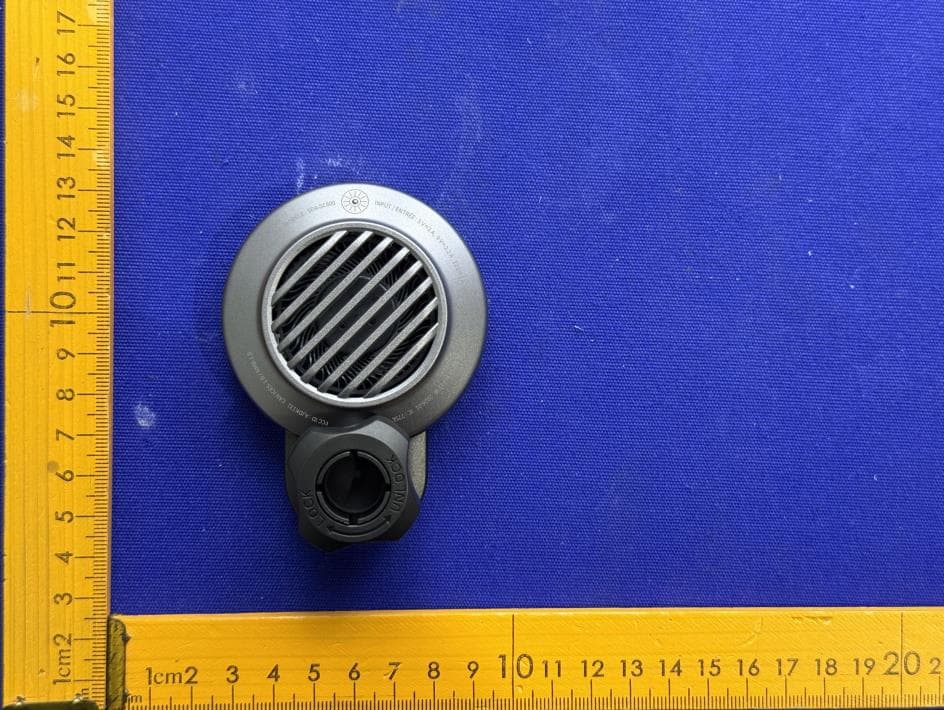
AJDK131
Jan 29, 2026WIRELESS CHARGING CRADLE
Equipment Class
DCD - Part 15 Low Power Transmitter Below 1705 kHzAJDK129
Nov 17, 2025RDS AV RECEIVER
Equipment Class
DSS - Part 15 Spread Spectrum Transmitter
AJDK122
Dec 11, 2022RDS AV RECEIVER
Equipment Class
NII - Unlicensed National Information Infrastructure TX