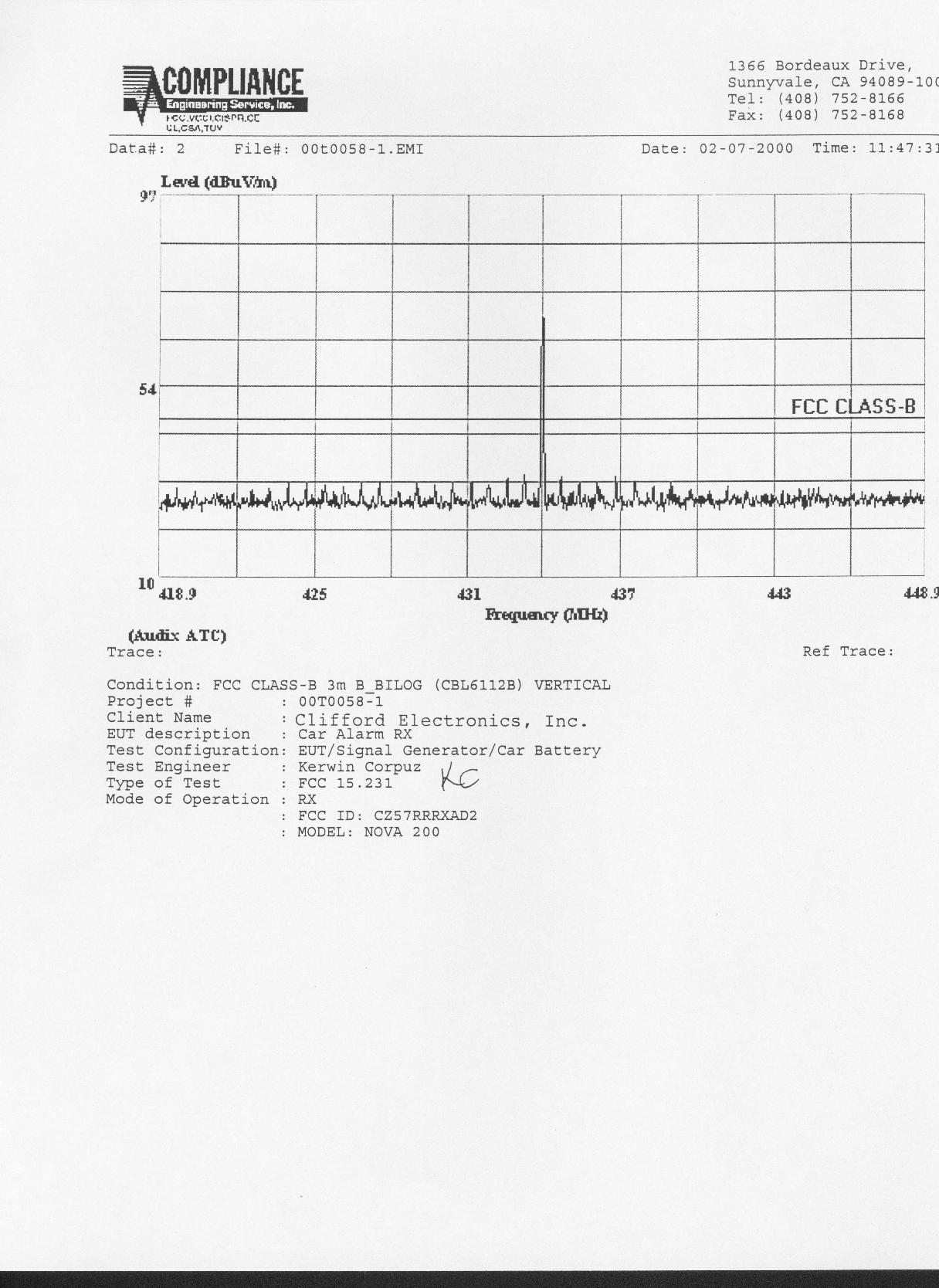
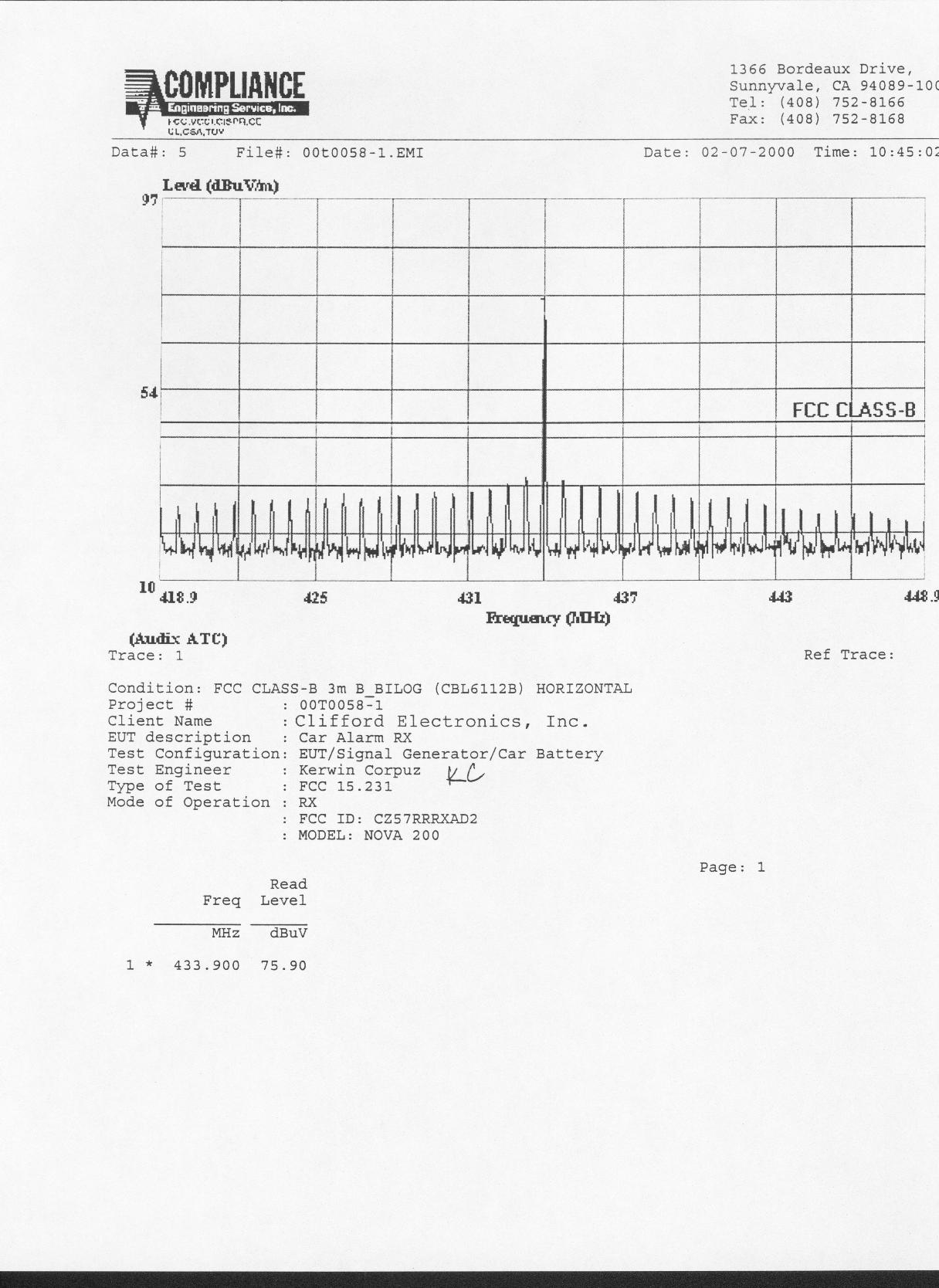
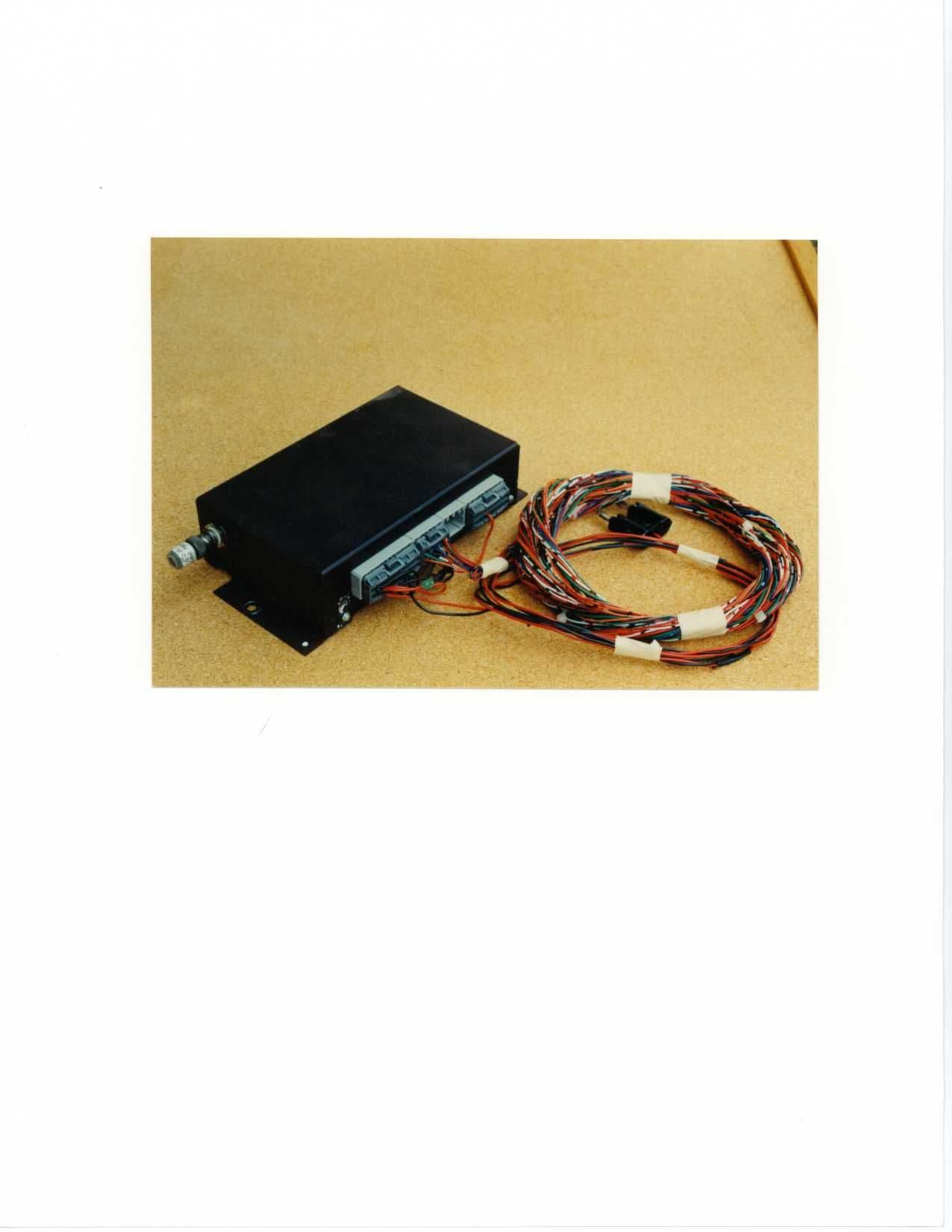
CZ57RRRXAD2433.90 MHz Car Alarm Receiver
Voxx Electronics Corporation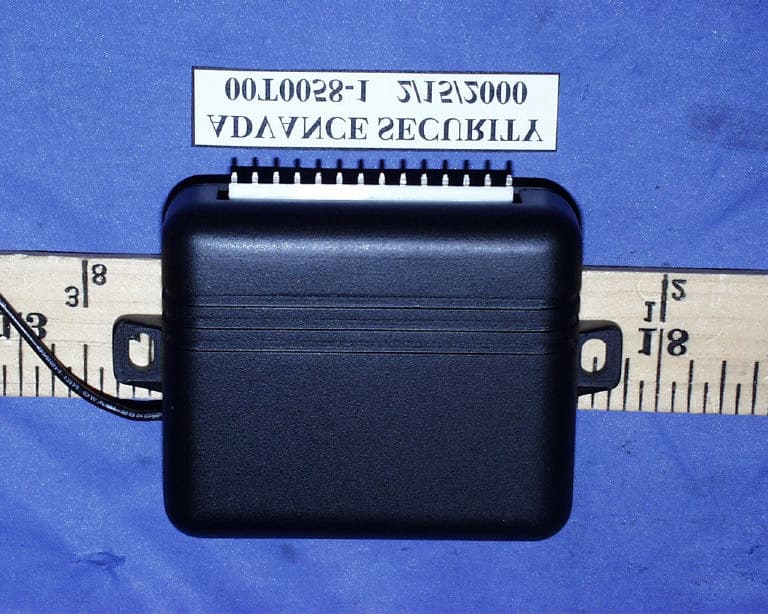
Click to zoom
Application Details
- Equipment Class
- CRR - Superregenerative Receiver
- Date of Grant
- Mar 21, 2000
- Application Purpose
- Original Equipment
- Date of Application
- Mar 14, 2000
- Equipment Note
- 433.90 MHz Car Alarm Receiver
- Frequency Range
- 433.90000000 - 433.90000000
- Company
- Voxx Electronics Corporation
- Country
- United States
Documents & Files
Document Text
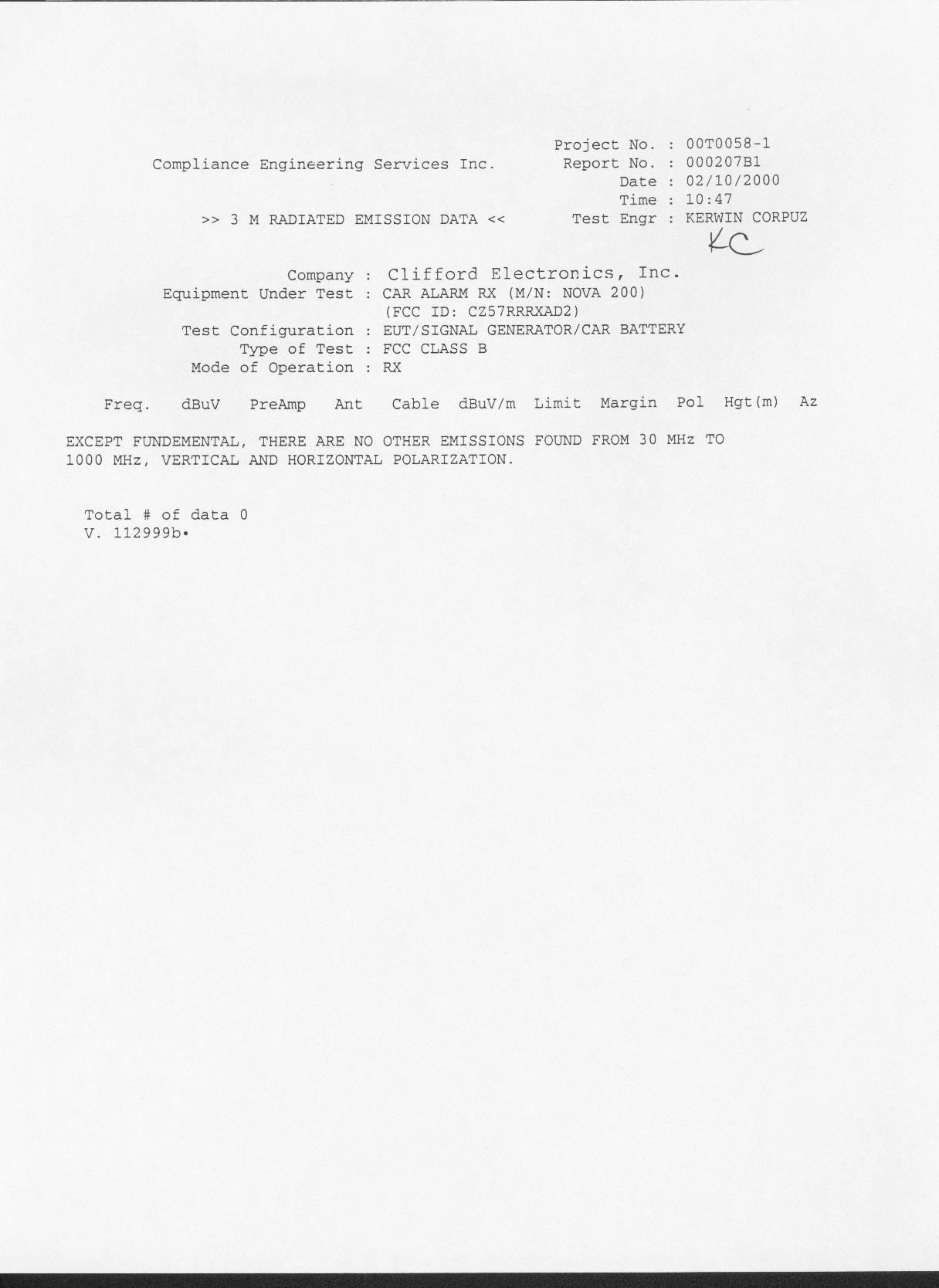
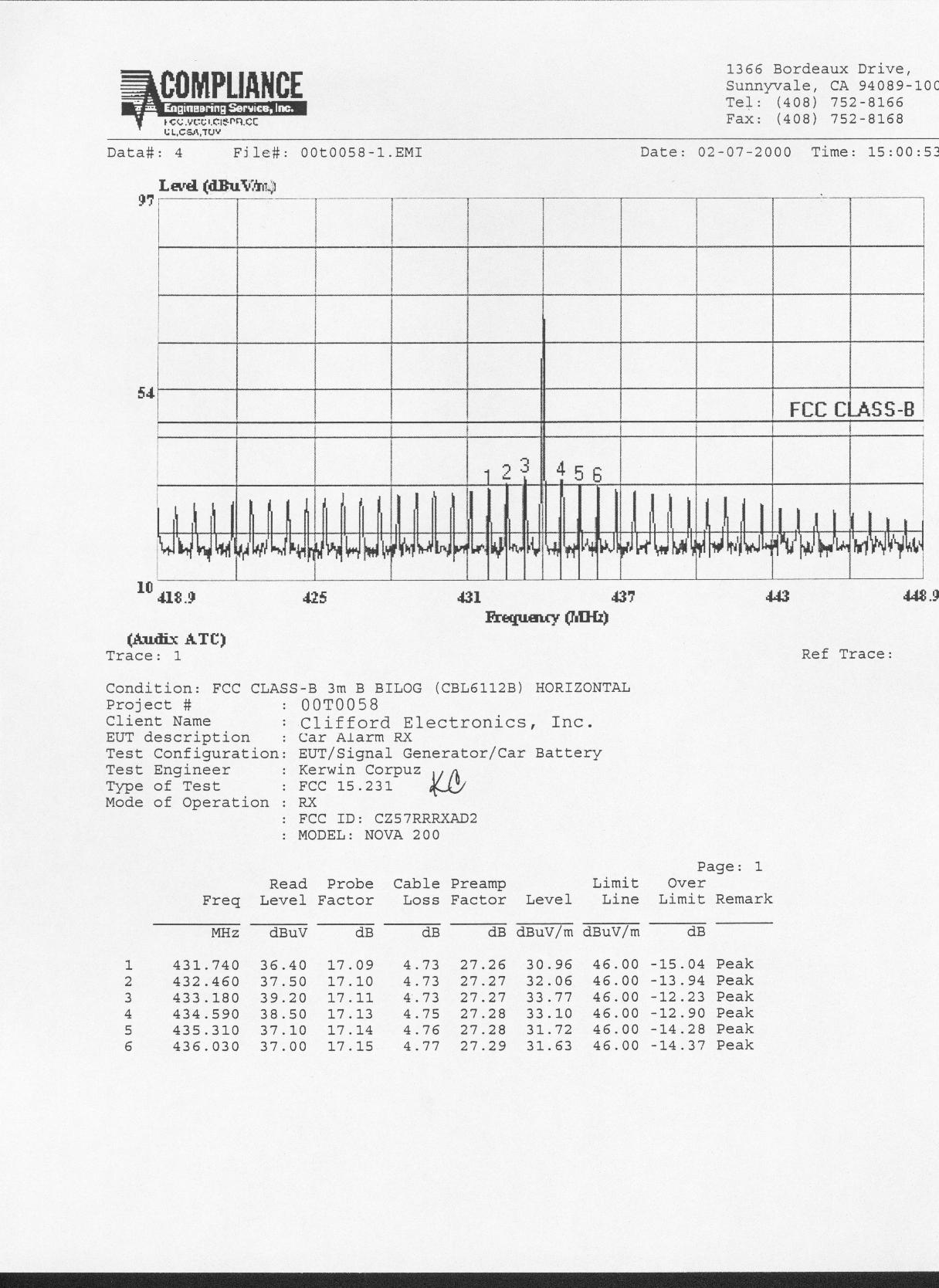
Text extracted from the exhibit documents filed with the FCC. Open a document above to read the original.
Users Manual
1Nova 200 – Security OPERATION MANUAL Table of Contents Remote Control ..........................................................................................................2 Using the Remote Control..........................................................................................2 To transmit channels 1, 2 or 3 ....................................................................................2 To arm the system ......................................................................................................2 To disarm the system ..................................................................................................2 To silently arm or disarm the system ............................................................................ 3 To activate the panic feature ......................................................................................... 3 To activate an option when the alarm is disarmed ....................................................... 3 Remote Controls with Hopping Coding ........................................................................ 4 Electronic Scan Prevention (ESP) ................................................................................ 4 Selectable Passive Arming ........................................................................................4 Quick Override of Passive Arming ................................................................................ 4 Passive Self-Locking .................................................................................................... 4 Valet Mode with Remote Controlled Activation.............................................................. 4 To remotely turn ON the protected valet mode .............................................................. 4 To remotely turn OFF the protected valet mode ........................................................... 5 To manually turn ON the protected valet mode ............................................................. 5 To manually turn OFF the protected valet mode ............................................................. 5 Keyless entry in valet mode............................................................................................ 5 Automatic Door Control ................................................................................................. 5 Dual-Level Tampering Warning .................................................................................... 5 Alarm State Memory ...................................................................................................... 5 Automatic System Check............................................................................................... 5 Specific Malfunction Identification............................................................................5 LED Status Indicator ...................................................................................................... 6 Attempted Theft Alert ..................................................................................................... 6 How to Interpret the Chirps and Parking Light Flashes ................................................. 6 Selectable Chirp Control ............................................................................................... 7 Chirp Canceling ............................................................................................................. 7 One-Time Remote Chirp Muting .................................................................................... 7 User-Programmable Features ....................................................................................... 7 Example of Programming .............................................................................................. 7 Programming Table for User-Programmable Features ................................................. 8 2Using Your Nova 200 Security System ! Remote Control Each of the pair of remote controls is a miniature radio transmitter with a typical range of up to 100 feet. Obstructions radio interference, cellular transmissions or a weak remote control battery may reduce the range, or interrupt transmission (if the system does not immediately respond, release and press the button again; this works better than holding the button down). The second remote can be used by a second driver of the vehicle. or kept as a spare. ! Using the Remote Control Your 3-button/3-channel remote control is the key to your security system. It incorporates Nova 200 Security Stealth Coding technology which offers the most advanced protection available against "code-grabbing' devices. It’s an ingenious user-friendly device that can control six different functions, yet it has only three buttons. You will use the remote control to arm and disarm the system, lock and unlock the doors, activate its panic feature, and control options such as headlight activation, remote trunk release and Nova 200 Security systems on your other vehicles. ! To transmit channels 1, 2 or 3: Just press button 1, 2, or 3. For instance, to transmit channel 3, press button 3. When you transmit, the LED will flash. TO ARM THE SYSTEM... Press button 1 once. You will hear two chirps and the parking lights will flash twice. The LED will flash repeatedly and the car doors will automatically lock. Any attempt to break into the car will immediately disable the engine, sound the siren and flash the parking lights. TO DISARM THE SYSTEM... Press button 1 again. One chirp and one flash of the lights will confirm disarming. In addition, the car doors will automatically unlock and the interior lights will turn on and stay on for 30 seconds or until you start the engine. TO SILENTLY ARM OR DISARM THE SYSTEM... Press button 3. The system will arm or disarm with all the indications noted above except the chirp acknowledgments. TO ACTIVATE THE PANIC FEATURE... Press button 1 for 3 seconds. The lights will flash repeatedly and the sir…
Text truncated - open the document above for the full version.
ID Label/Location Info
PROPOSED FCC ID LABEL AND LOCATION CLIFFORD ELECTRONICS, INC. This device complies with Part 15 of the FCC Rules. Operation is subject to the following two conditions: (1) this device may not cause harmful interference, and (2) this device must accept any interference received, including interference that may cause undesired operation. FCC ID: CZ57RRRXAD2 FCC ID LABEL FCC ID LABEL
Contact Information
Applicant
Joseph A. Santavicca(SVP of Engineering)
Technical Contact
Compliance Engineering ServicesMike C.I. Kuo
[email protected]408-752-8166
1366 Bordeaux Drive · Sunnyvale, California · United States
Test Firm
Compliance Certification Services IncSteve Cheng
Technical Specifications
| # | Rule Parts | Frequency Range | Power Output |
|---|---|---|---|
| 1 | 15B | 433.9 MHz - 433.9 MHz | - |
Other Applications from Voxx Electronics Corporation
CZ57RRPRRX
Mar 27, 2000RKE Receiver
Equipment Class
CYY - Communications Receiver used w/Pt 15 Transmitter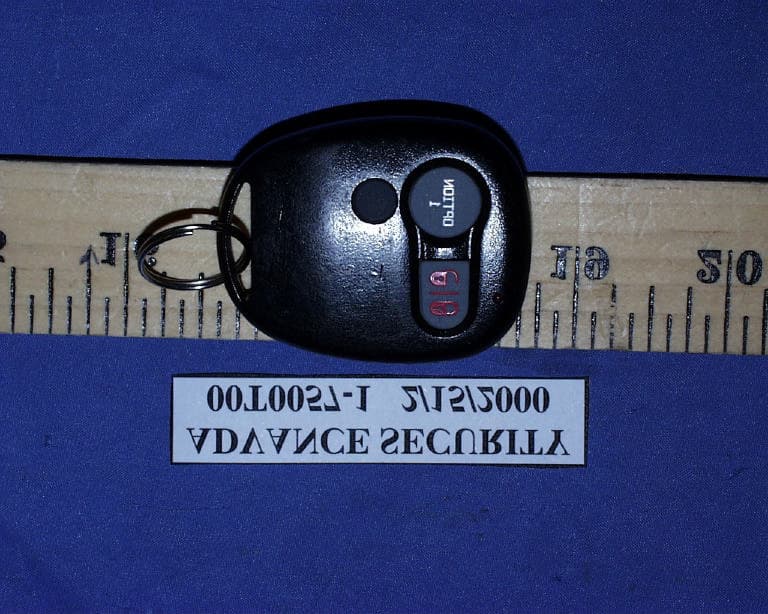
CZ57RRTX3AD
Mar 22, 2000Car Alarm Transmitter
Equipment Class
DSC - Part 15 Security/Remote Control Transmitter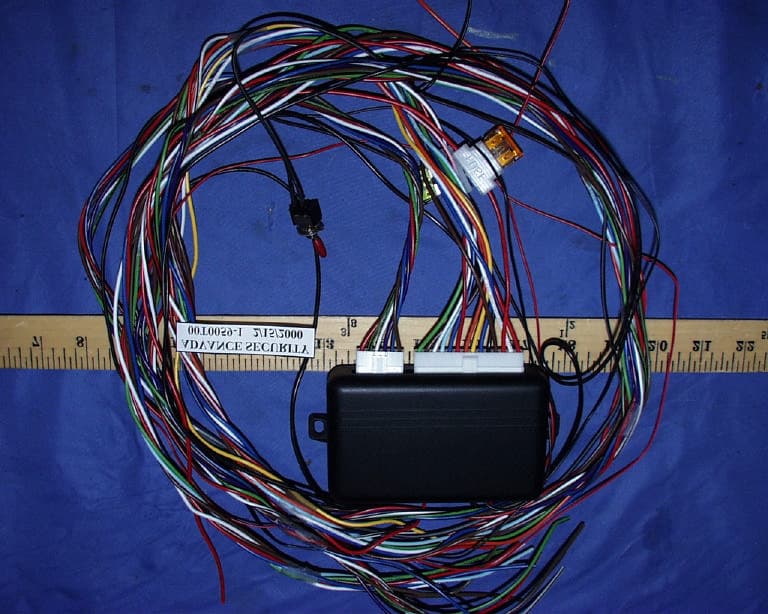
CZ57RRRXAD4
Mar 22, 2000Car Alarm Receiver
Equipment Class
CRR - Superregenerative Receiver
CZ57RRKC
Nov 05, 1998Keyless Automotive Security control device
Equipment Class
DSC - Part 15 Security/Remote Control Transmitter
CZ57RRKR
Nov 04, 1998Auto Security System Transmitter
Equipment Class
DSC - Part 15 Security/Remote Control Transmitter