DYFSH200Remote Controller of Navigation and Information Reference Point System
Primatronix Ltd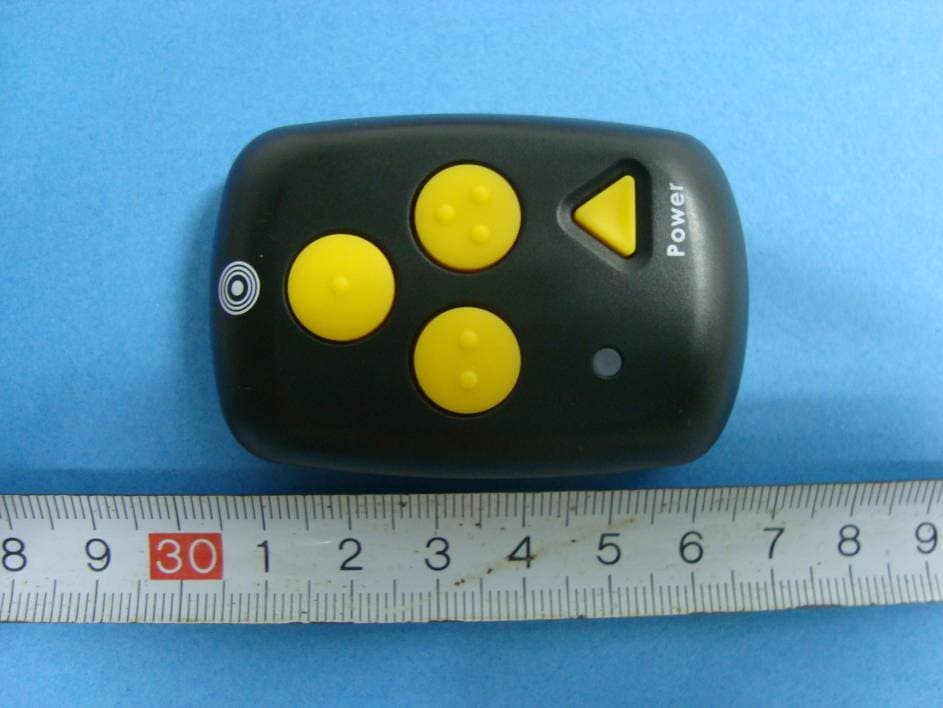
Click to zoom
Application Details
- Equipment Class
- DSC - Part 15 Security/Remote Control Transmitter
- Date of Grant
- Apr 21, 2010
- Application Purpose
- Original Equipment
- Date of Application
- Apr 21, 2010
- Equipment Note
- Remote Controller of Navigation and Information Reference Point System
- Frequency Range
- 433.57000000 - 433.57000000
- Company
- Primatronix Ltd
- Country
- Hong Kong
Documents & Files
Document Text
Text extracted from the exhibit documents filed with the FCC. Open a document above to read the original.
Users Manual
What’s Included for AC Power version Base Unit with AC Power Cable Activator / Charger / Power Supply Wall Mounting Bracket / Screw Driver / Screws User’s Guide What’s Included for Solar Panel version Base Unit Solar Panel with Cable Activator / Charger / Power Supply Wall Mounting Bracket / Pole Bracket / Screw Driver / Screws User’s Guide InstructionManual Thank you for purchasing this unit, while using or installing it, please read this instruction manual carefully. Model:STEPHEAR Location of controls 1 2 3 4 5 6 7 89 10 11 12 13 14 ACTIVATOR & CHARGER 16 BASE UNIT 1. AC cable for AC unit 2. LED indicator Message playing/White Battery low/Red Charging/Red Battery fully charged/Green 3. Speaker 4. Button 1 5. Button 2 6. Button 3 7. DC socket 8. Audio socket 9. Additional flash LED socket 10. Key 1 11. Key 2 12. LED indicator 13. Key 3 14. Power ON/OFF button 15. Charger 16. Solar Pole 2 Wall mounting Your unit is suitable for wall mounting. Use two screws for fixing. Drill two holes horizontally one above the other, 80mm apart, and leave the screws protruding from the wall by 5mm, please see below: AC Power Version Solar Panel Version 3 BASE UNIT Connect the AC Power cable into an electric outlet socket . Recording message 1. Hold button 2&3 for 2 seconds at the same time to toggle recoding on/off, while the white LED flash once it means your recording is set to on and two times is off. 2. Press and hold button 1/2/3 and speak clearly when you hear a beep tone, the message can be up to 10 minute long. 3. Release the button 1/2/3, the base unit will play the recorded message automatically. You can press button 1/2/3 at any time to listen the message. with an optional audio unit 1. Connect the audio cable to the socket on the back side of the unit. 2. Hold button 2&3 for 2 seconds at the same time to activate the recoding. 3. Press and hold button 1/2/3 and turn on your audio unit when you hear a beep tone to start recording the sound voiced from the audio (up to 10 minutes). 4. Release the button 1/2/3, the base unit will play the recorded message automatically. You can press button 1/2/3 at any time to listen the message. Please Note: Please set your recording to OFF after recorded your message. Volume setting While playing message, you can set the volume to a more comfortable listening level: press button 1 to set your playback volume to Low/Mid/High, and press button 3 to set your playback volume to High/Mid/Low. Note: The playback volume will be set to higher in noise environment and to lower listening level in quiet environment automatically. Remote range setting Hold down button 1&2 at the same time for 2 seconds, the white LED will light, then press one of the 3 buttons to determine the range (the default range is 5-7m): Button 1 : 3-5m Button 2 : 5-7m Button 3: 7-9m Hold down button 1&2 again to exiting range setting mode. Note: The ranges quoted are for indication only and will vary according to local conditions and environment. 4 ACTIVATOR Turn the activator On/Off To turn the activator ON, press and hold the POWER key on the activator for 2-4 seconds until a beep tone is heard. To turn the activator OFF, press and hold the POWER key for 2-4 seconds again, until two beep tones are heard. The red LED indicator will flash. Activator default set is beep & vibrate on. Turn the beep tone OFF 1. Press and hold the POWER key to turn on the activator. 2. Press and hold the activator key 1&3 together for 5 seconds until a beep tone is heard. The activator will only vibrate. 3. To turn the beep ON, press and hold the key 1&3 together again until you hear a beep tone. The activator will vibrate and beep. The activator keeps the latest settings until a new setting is received. Pause mode 1. Press the POWER key once to pause the vibrating and beeping. Only the vibrator will work every 60 seconds. If the activator is out of range for 15 seconds, it will revert to normal operation mode automatically. 2. Press the POWER key once again at any time to resume normal activator operation. Checking the message with the Activator 1. Press key 1/2/3 once on the activator. 2. The corresponding message stored in button 1/2/3 will be heard. Charging your activator 1. Plug the supplied AC adaptor cord into the jack on the back of the charger, and the other end into an electrical outlet. 2. Place your activator into the charger, the green LED lights and the activator vibrates and beeps once. The green LED will turn off when the activator is fully charged. Please note: When the green LED on the activator flashes and a tone beeps every 60 seconds, you need to charge the activator. The approximate charging time for the activator is about 2 hours. 5 External Flash and Buzzer: If message start playback by activator, the external white LED will flash and the buzzer will beep. Press the LENS button will stop the flash and the buzzer. For more information please visit: www.step-hear.com Or contact: [email protected] 6 Any Changes or modifications not expressly approved by the party responsible for compliance FCC Caution: could void the user's authority to operate the equipment. This device complies with part 15 of the FCC Rules. Operation is subject to the following two conditions: (1) This device may not cause harmful interference, and (2) this device must accept any interference received, including interference that may cause undesired operation.
External Photos
EXHIBIT B - EUT EXTERNAL PHOTOGRAPHS EUT–Top View EUT–Bottom View
ID Label/Location Info
EXHIBIT A - FCC ID LABELING AND LOCATION FCC ID Label FCC ID Label Location FCC ID: DYFSH200 Model: STEPHEAR This device complies with part 15 of the FCC Rules. Operation is subject to the following two conditions: (1) This device may not cause harmful interference, and (2) This device must accept any interference received, including interference that may cause undesired operation. PRIMATRONIX LTD Label here
Internal Photos
EXHIBIT C - EUT INTERNAL PHOTOGRAPHS EUT- Cover off View EUT- Main Board Top Component View Antenna EUT– Main Board Bottom Components View EUT– Battery Top View EUT– Battery Bottom View
Test Report
Note: This test report is prepared for the customer shown above and for the device described herein. It may not be duplicated or used in part without prior written consent from Bay Area Compliance Laboratories Corp. This report must not be used by the customer to claim product certification, approval, or endorsement by NVLAP*, NIST, or any agency of the Federal Government. * This report may contain data that are not covered by the NVLAP accreditation and are marked with an asterisk “*” (Rev.2) FCC PART 15.231 MEASUREMENT AND TEST REPORT For PRIMATRONIX LTD Unit 1, 21/F QPL Industrial Bldg, 126-140 Texaco Road, Tsuen Wan NT, Hong Kong FCC ID: DYFSH200 Report Type: Original Report Product Type: Activator (Remote Controller) Test Engineer: Thomas Zhang Report Number: RSZ10030905 Report Date: 2010-04-21 Reviewed By: Merry Zhao EMC Engineer Prepared By: Bay Area Compliance Laboratories Corp. (Shenzhen) 6/F, the 3rd Phase of WanLi Industrial Building, ShiHua Road, FuTian Free Trade Zone, Shenzhen, Guangdong, China Tel: +86-755-33320018 Fax: +86-755-33320008 PRIMATRONIX LTD FCC ID: DYFSH200 Report #: RSZ10030905 Page 2 of 15 FCC Part15.231 Test Report TABLE OF CONTENTS GENERAL INFORMATION.......................................................................................................................................3 PRODUCT DESCRIPTION FOR EQUIPMENT UNDER TEST (EUT) ....................................................................................3 EUT PHOTOGRAPH......................................................................................................................................................3 OBJECTIVE...................................................................................................................................................................3 RELATED SUBMITTAL(S)/GRANT(S).............................................................................................................................4 TEST METHODOLOGY..................................................................................................................................................4 TEST FACILITY.............................................................................................................................................................4 SYSTEM TEST CONFIGURATION ..........................................................................................................................5 JUSTIFICATION.............................................................................................................................................................5 SPECIAL ACCESSORIES.................................................................................................................................................5 EQUIPMENT MODIFICATIONS.......................................................................................................................................5 EXTERNAL I/O CABLE..................................................................................................................................................5 CONFIGURATION OF TEST SETUP.................................................................................................................................5 BLOCK DIAGRAM OF TEST SETUP................................................................................................................................5 SUMMARY OF TEST RESULTS...............................................................................................................................6 FCC §15.203 - ANTENNA REQUIREMENT.............................................................................................................7 STANDARD APPLICABLE..............................................................................................................................................7 FCC §15.205, §15.209 & §15.231(B) - RADIATED EMISSIONS .............................................................................8 MEASUREMENT UNCERTAINTY....................................................................................................................................8 EUT SETUP..................................................................................................................................................................8 EMI TEST RECEIVER SETUP.........................................................................................................................................8 TEST EQUIPMENT LIST AND DETAILS...........................................................................................................................9 TEST PROCEDURE........................................................................................................................................................9 APPLICABLE STANDARD..............................................................................................................................................9 CORRECTED AMPLITUDE & MARGIN CALCULATION...................................................................................................9 TEST RESULTS SUMMARY..........................................................................................................................................10 TEST DATA................................................................................................................................................................10 FCC §15.231(A) - DEACTIVATION TESTING......................................................................................................12 REQUIREMENT...........................................................................................................................................................12 EUT SETUP................................................................................................................................................................12 TEST EQUIPMENT LIST AND DETAILS.....…
Text truncated - open the document above for the full version.
Test Setup Photos
EXHIBIT D - TEST SETUP PHOTOGRAPHS Radiated Emissions – Front View (Below 1GHz) Radiated Emissions – Rear View (Below 1GHz) Radiated Emissions –Front View (Above 1GHz) Radiated Emissions – Rear View (Above 1GHz)
Contact Information
Applicant
Ricky Tse(Project Manager)
Test Firm
Bay Area Compliance Laboratory Corp. (Shenzhen)John Chan
Technical Specifications
| # | Rule Parts | Frequency Range | Power Output |
|---|---|---|---|
| 1 | 15.231 | 433.57 MHz - 433.57 MHz | - |
Other Applications from Primatronix Ltd
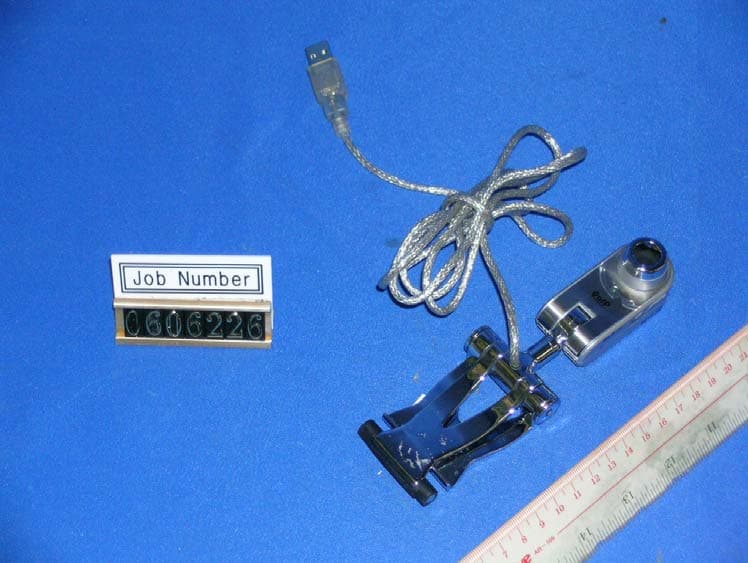
DYFC18
Sep 17, 2007Professional Webcam
Equipment Class
JBP - Part 15 Class B Computing Device Peripheral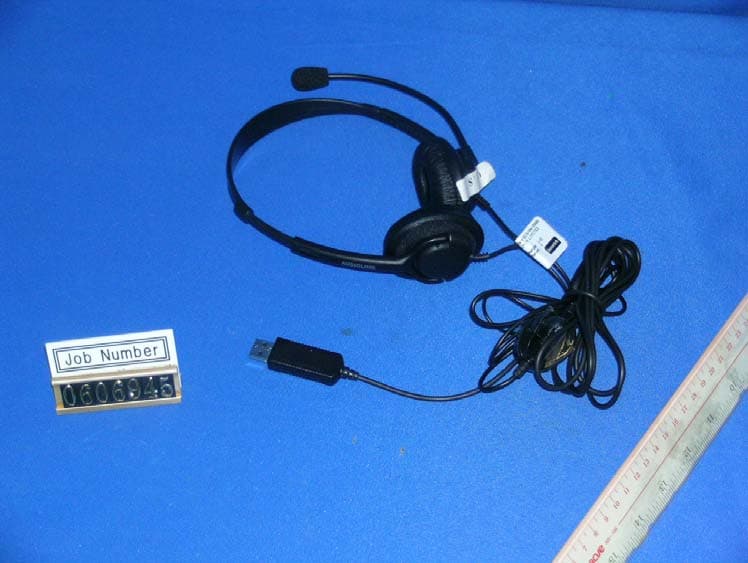
DYFV852
Sep 17, 2007USB Headset
Equipment Class
JBP - Part 15 Class B Computing Device Peripheral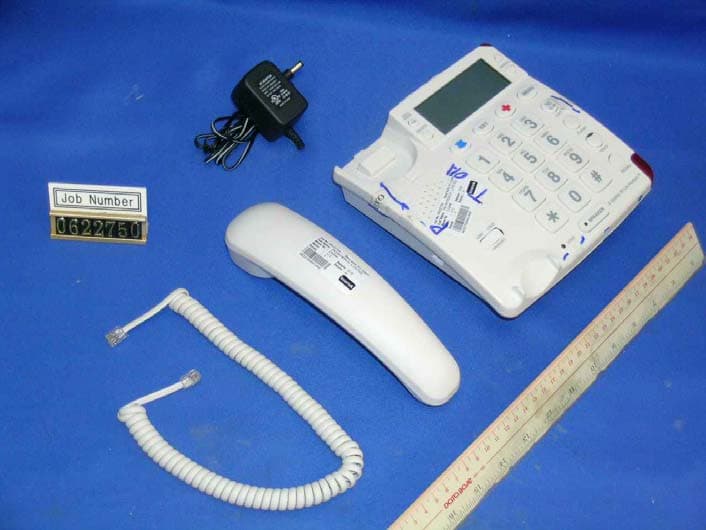
DYFCV200RT
May 21, 2007433MHz Transceiver
Equipment Class
DSR - Part 15 Remote Control/Security Device Transceiver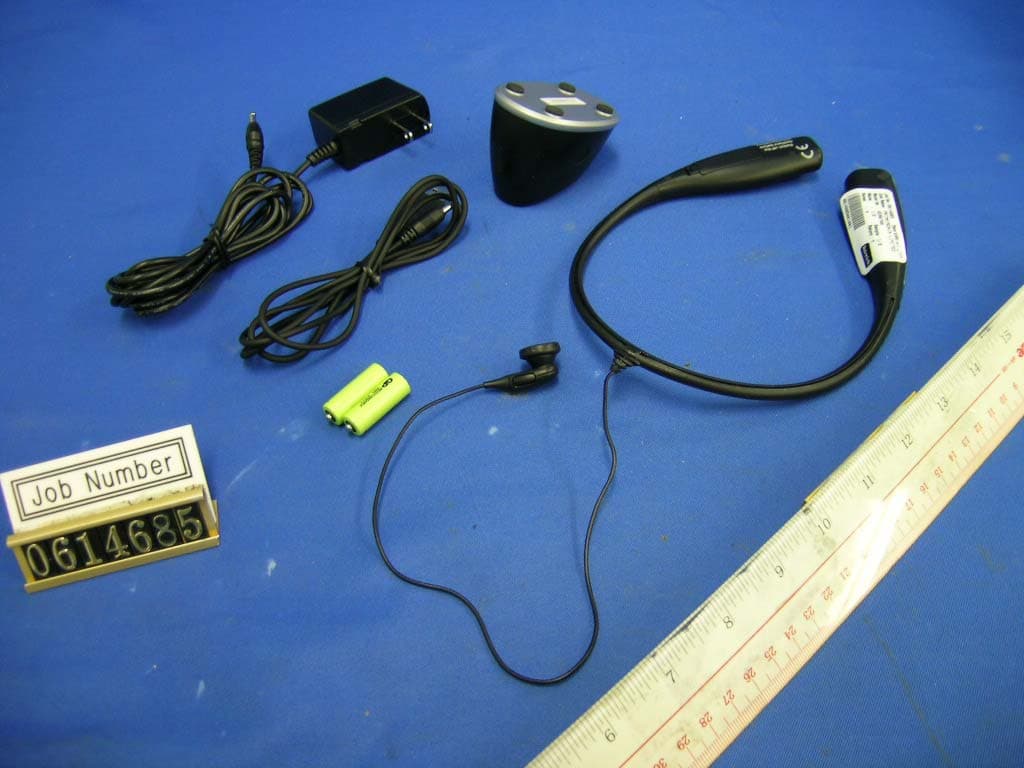
DYF86708
Aug 15, 2006Bluetooth Headset
Equipment Class
DXT - Part 15 Low Power Transceiver, Rx Verified
DYFEMG900T
Jul 26, 2006Emergency Pendant Telephone-Remote Control
Equipment Class
DSC - Part 15 Security/Remote Control Transmitter