EOA-ZSERIES-HIHearing Aid
Starkey Laboratories Inc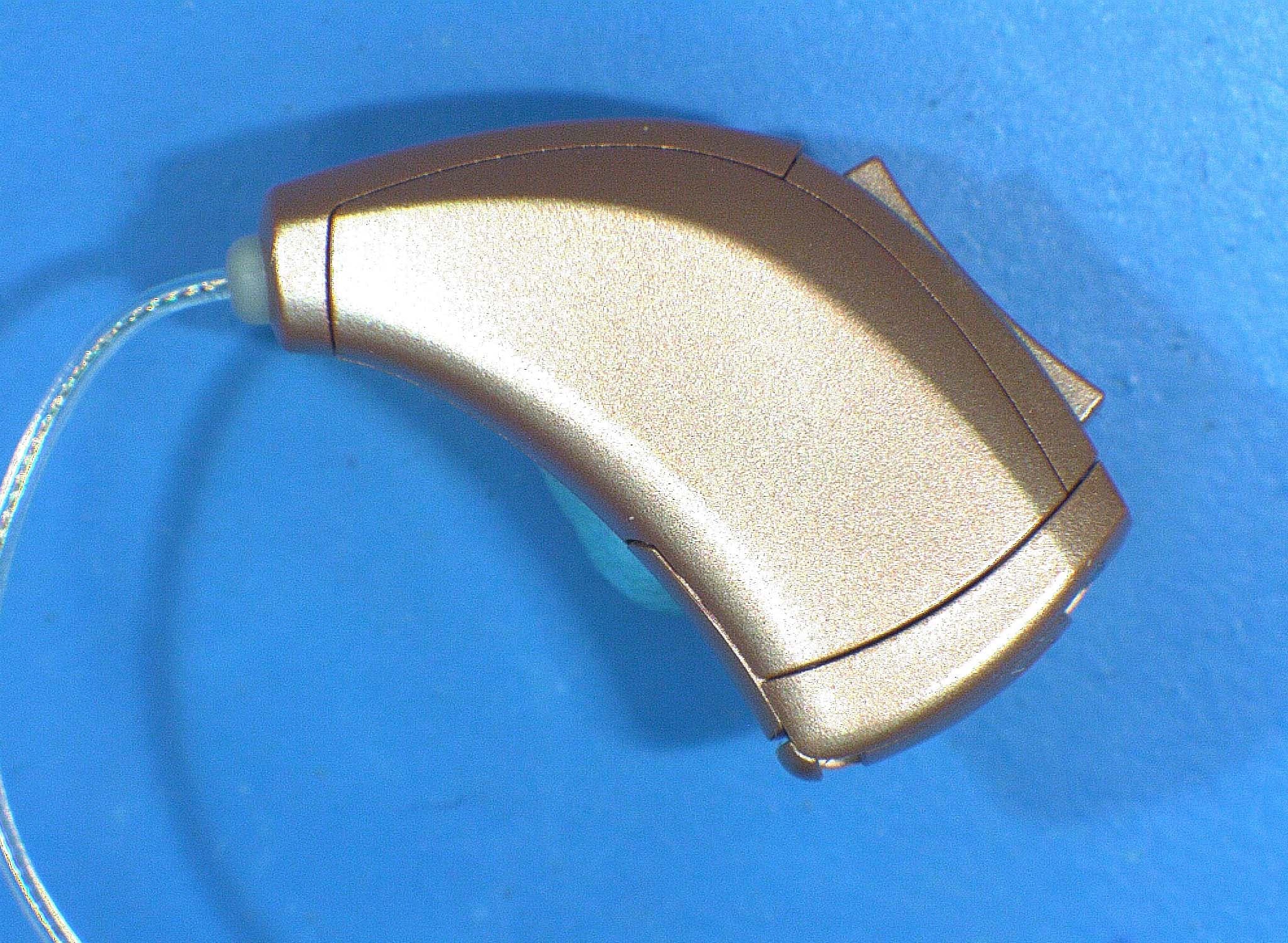
Click to zoom
Application Details
- Equipment Class
- DXX - Part 15 Low Power Communication Device Transmitter
- Date of Grant
- Aug 21, 2014
- Application Purpose
- Original Equipment
- Date of Application
- Aug 21, 2014
- Equipment Note
- Hearing Aid
- Frequency Range
- 902.63000000 - 926.90000000
- Company
- Starkey Laboratories Inc
- Country
- United States
Documents & Files
Document Text
Text extracted from the exhibit documents filed with the FCC. Open a document above to read the original.
Users Manual
RIC (Receiver-In-Canal) OPERATIONS MANUAL Table of Contents Size 13 Battery - Orange Select Hearing Instrument Size 10 Battery - Yellow Size 312 Battery - Brown Size 312 Battery - Brown Size 13 Battery - Orange Size 312 Battery - Brown Size 312 Battery - Brown Select Instrument Controls Automatic Volume Control p. 16 Adjustable Volume Control p. 16-17 Multimemory p. 18 Combined Volume and Multimemory Control p. 18 Overview RIC 10 Overview .................................................... 4 RIC 312 Overview ................................................... 5 RIC 13 Overview ..................................................... 8 Preparation Batteries ................................................................10 Battery Indicators ..................................................12 Tamper Resistant Battery Compartment ...............12 Insertion and Removal ...........................................14 Operation On & Off ................................................................16 Volume Control ......................................................16 Volume Settings .......................................................17 Multimemory ........................................................18 Telephone Use ......................................................19 Manual Switching .................................................20 Direct Audio Input (DAI) ........................................22 Accessories Wireless Accessories .............................................24 Hearing System Care Instrument Care .....................................................25 Hear Clear ............................................................25 Service and Repair .................................................26 Troubleshooting Guide .........................................27 Tips for Better Communication For You ..................................................................28 For Your Family and Friends ..................................29 Safety Information ........................................................30 FDA Information ...........................................................32 FCC Information ...........................................................34 4 5 Features, Controls and Identification Your hearing system controls include: Features, Controls and Identification Your hearing system controls include: 1. Hearing Instrument 2. Cable 3. Receiver 4. Microphones 5. Control Surface Switch 6. Battery Compartment (on/off control), Location of serial number, Location of left/ right side device indicator 7. Retention Lock 8. Location of manufacturer’s name and model name 9. Location of left/right side receiver indicator 10. Instant Fit Earbud 11. Custom Earmold (optional) 12. RIC Custom Power Earmold (optional) 1. Hearing Instrument 2. Cable 3. Receiver 4. Microphones* 5. Push Button Switch or Rotary Volume Control 6. Battery Compartment (on/off control), Location of serial number, Location of left/ right side device indicator 7. Retention Lock 8. Location of manufacturer’s name and model name 9. Location of left/right side receiver indicator 10. Instant Fit Earbud 11. Custom Earmold (optional) 12. RIC Custom Power Earmold (optional) RIC 10 Overview RIC 312 Overview *Look may vary 4 2 1 3 5 7 10 6 8 9 111112 12 4 2 1 3 5 7 10 6 8 9 6 7 RIC 312 OverviewRIC 312 Overview Features, Controls and Identification Your hearing system controls include: Features, Controls and Identification Your hearing system controls include: 1. Hearing Instrument 2. Cable 3. Receiver 4. Microphones 5. Push Button Switch 6. Battery Compartment (on/off control), Location of serial number 7. Retention Lock 8. Location of manufacturer’s name and model name 9. Location of left/right side receiver indicator 10. Instant Fit Earbud 11. Custom Earmold (optional) 12. RIC Custom Power Earmold (optional) 1. Hearing Instrument 2. Cable 3. Receiver 4. Microphones 5. Rocker Switch 6. Battery Compartment (on/off control), Location of serial number, Location of left/right side device indicator 7. Retention Lock 8. Location of manufacturer’s name and model name 9. Location of left/right side receiver indicator 10. Instant Fit Earbud 11. Custom Earmold (optional) 12. RIC Custom Power Earmold (optional) 4 2 1 3 5 7 10 6 8 9 7 10 6 8 9 4 2 1 3 5 11111212 8 9 Overview Features, Controls and Identification Your hearing system controls include: RIC 13 Overview 1. Hearing Instrument 2. Cable 3. Receiver 4. Microphones 5. Control Surface Switch 6. Battery Compartment (on/off control), Location of serial number 7. Retention Lock 8. Location of manufacturer’s name and model name 9. Location of left/right side receiver indicator 10. Instant Fit Earbud 11. Location of left/right side device indicator 12. Custom Earmold (optional) 13. RIC Custom Power Earmold (optional) 4 2 1 3 5 1213 7 10 6 8 9 11 Features, Controls and Identification Your hearing system controls include: RIC 13 Overview 1. Hearing Instrument 2. Cable 3. Receiver 4. Microphones 5. Push Button Switch 6. Battery Compartment (on/off control), Location of serial number 7. Retention Lock 8. Location of manufacturer’s name and model name 9. Location of left/right side receiver indicator 10. Instant Fit Earbud 11. Location of left/right side device indicator 12. Custom Earmold (optional) 13. RIC Custom Power Earmold (optional) 4 2 1 3 5 1213 7 10 6 8 9 11 10 11 Preparation Preparation 12 3 4 5 Batteries Your hearing system uses a battery as its power source. This battery size can be identified by the orange (13), brown (312), or yellow (10) color code on the packaging. To insert or replace the battery: 1. Use the nail grip on the battery door. 2. Open the battery door gently and remove the old battery. 3. Remove the tab from the new battery. 4. Line up the battery’s “+” sign (flat side of the battery) with the “+” on the battery door. 5. Close the battery door. 12 13 Preparation Preparation Helpful Hints • NEVER FORCE THE BATTERY …
Text truncated - open the document above for the full version.
Test Setup Photos
Test Setup Photos
Contact Information
Applicant
William John Mitchell(Principal Regulatory Affairs Engineer)
Technical Contact
Starkey Laboratories Inc. DBA Starkey Hearing TechWilliam J. Mitchell
[email protected]952-918-5683
6700 Washington Avenue South · Eden Prairie, Minnesota · United States
Non-Technical Contact
Starkey Laboratories Inc. DBA Starkey Hearing TechWilliam J. Mitchell
[email protected]952-918-5683
Test Firm
Intertek Testing Services NA, Inc.Andrew Waytulonis
Technical Specifications
| # | Rule Parts | Frequency Range | Power Output |
|---|---|---|---|
| 1 | 15C | 902.63 MHz - 926.9 MHz | - |
Other Applications from Starkey Laboratories Inc
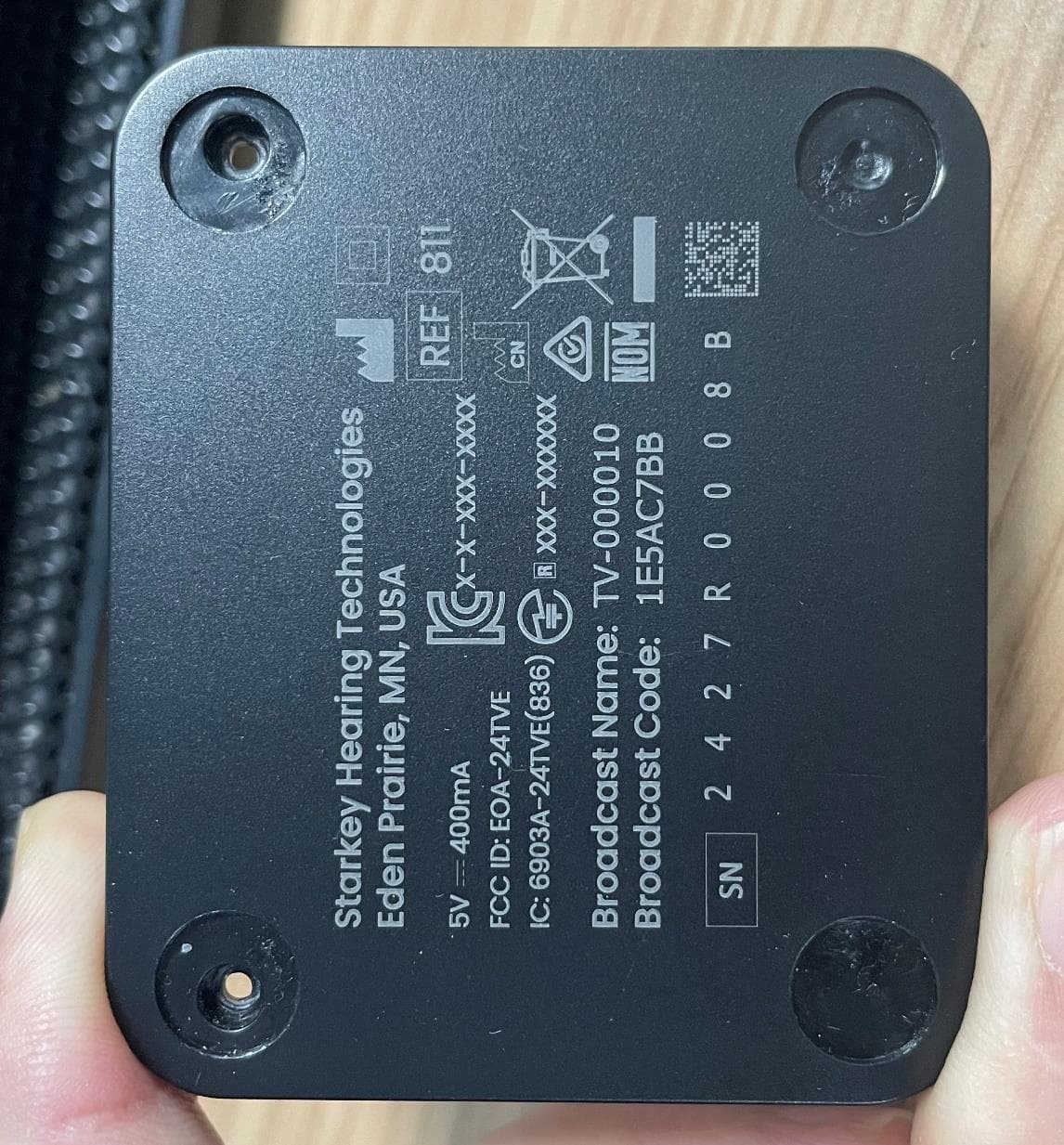
EOA-24TVE
Aug 18, 2024Starlink Edge TV
Equipment Class
DTS - Digital Transmission System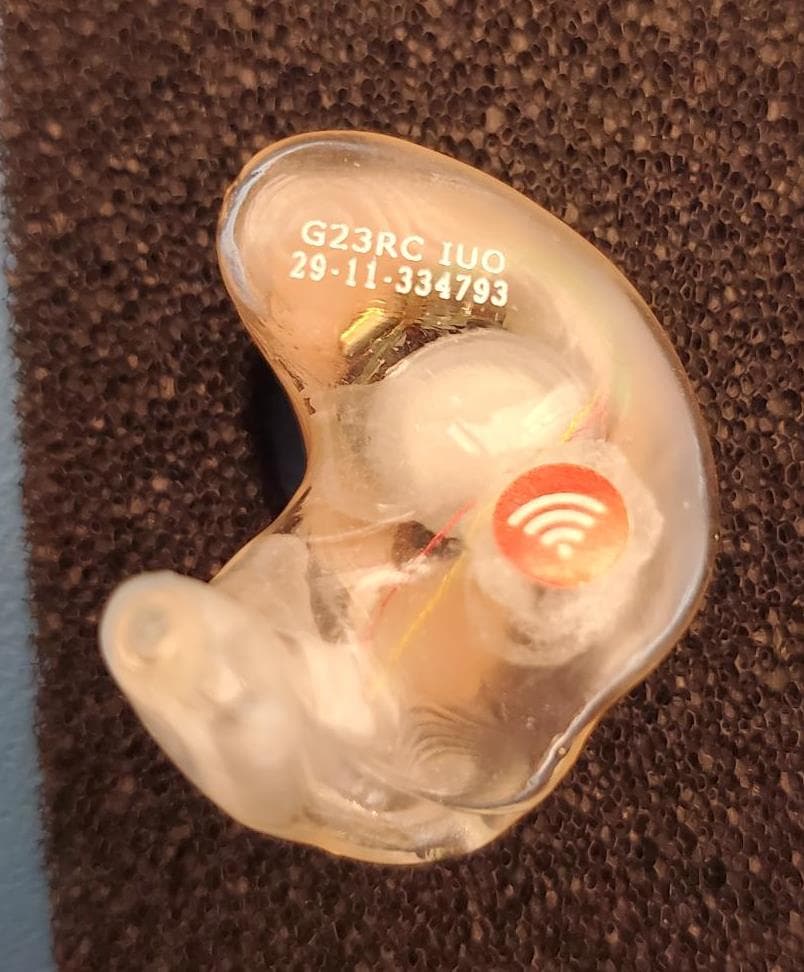
EOA-24EDGITERCH
Jul 17, 2024Edge AI ITE right
Equipment Class
DTS - Digital Transmission System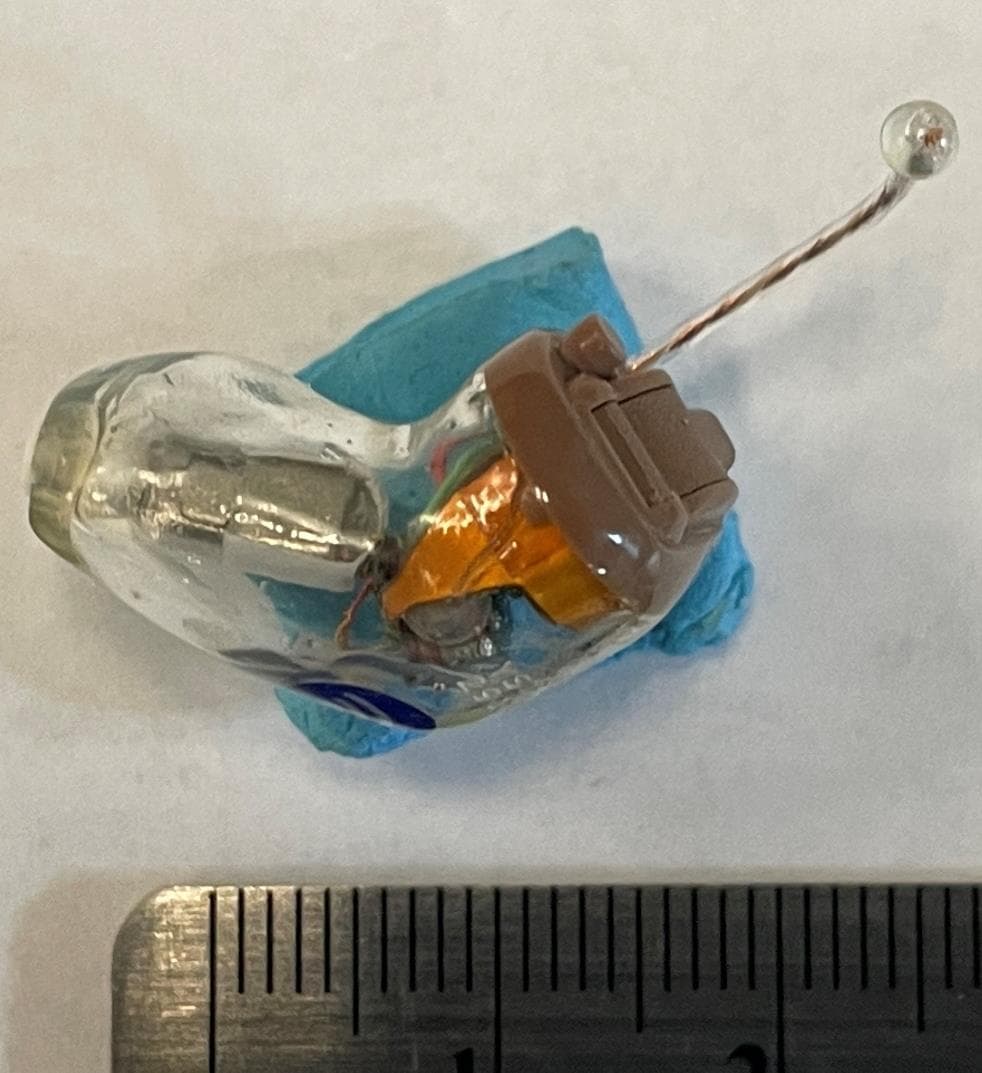
EOA-24EDGCIC
Jul 17, 2024Edge AI CIC
Equipment Class
DTS - Digital Transmission System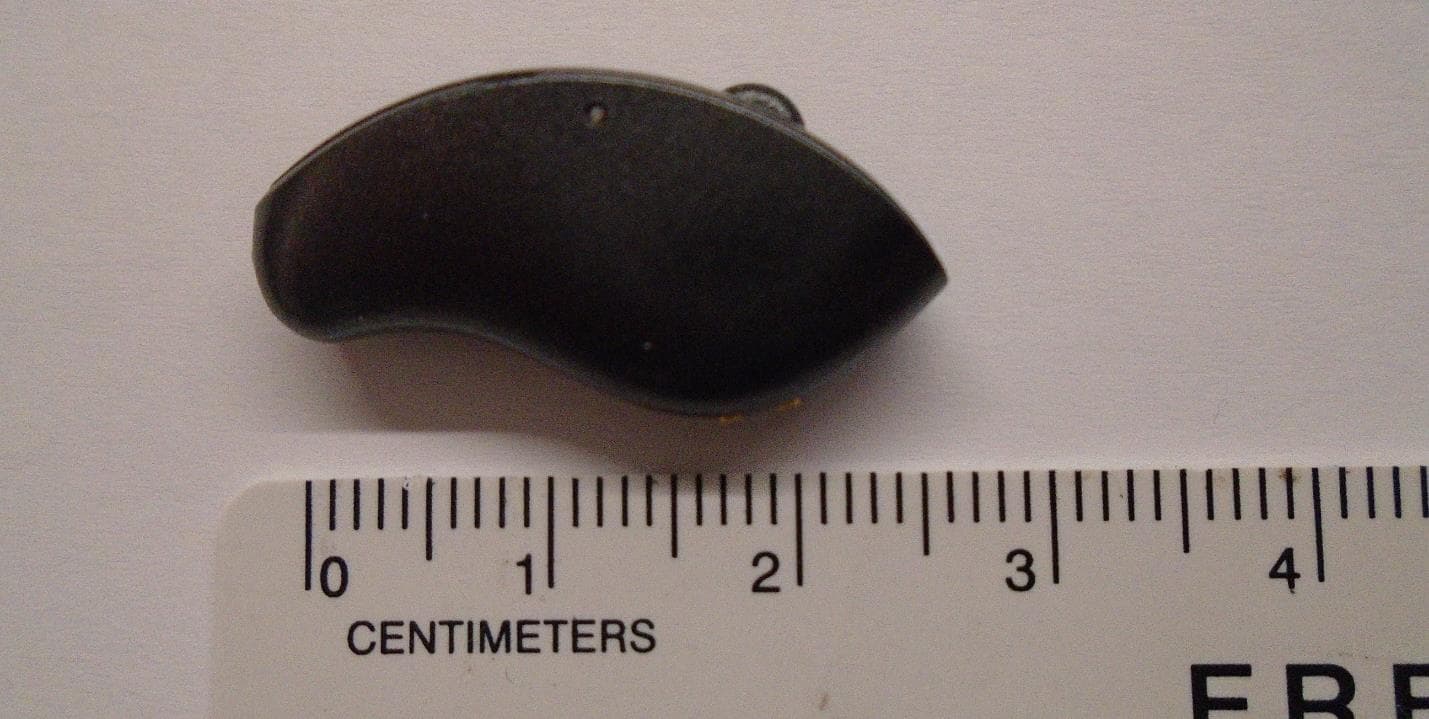
EOA-24EDGMRIC
Jul 17, 2024Edge AI mRIC R
Equipment Class
DTS - Digital Transmission System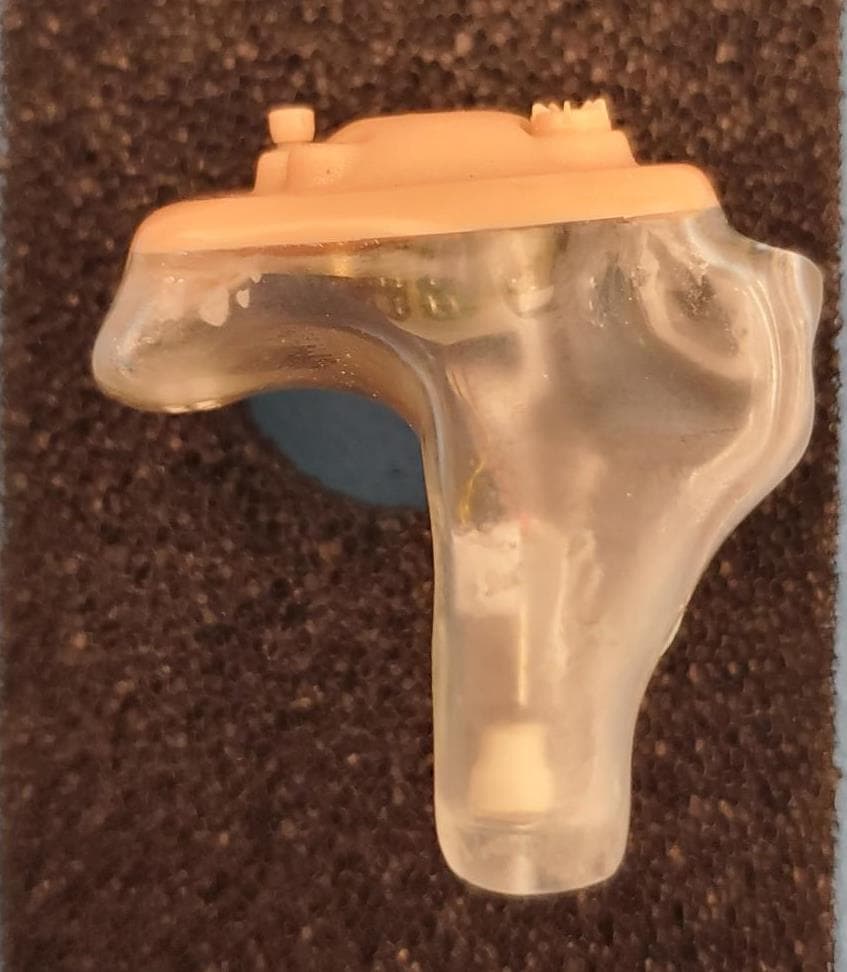
EOA-24EDGITELCH
Jul 17, 2024Edge AI ITE left
Equipment Class
DTS - Digital Transmission System