EROST-1550CSmarTouch Remote Control
Crestron Electronics Inc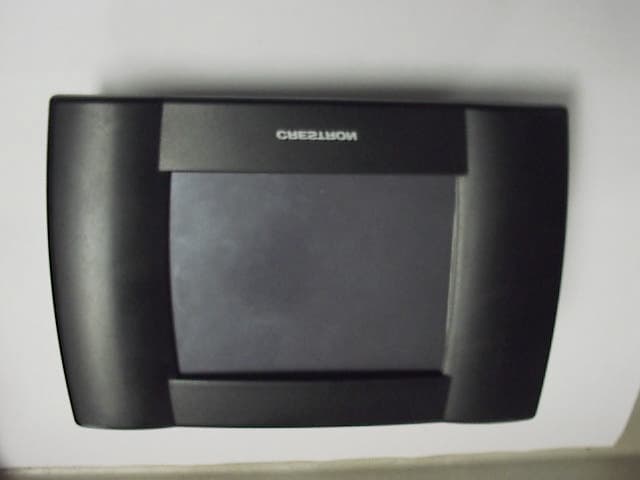
Click to zoom
Application Details
- Equipment Class
- DSC - Part 15 Security/Remote Control Transmitter
- Date of Grant
- Feb 24, 2000
- Application Purpose
- Original Equipment
- Date of Application
- Nov 10, 1999
- Equipment Note
- SmarTouch Remote Control
- Frequency Range
- 433.92000000 - 433.92000000
- Company
- Crestron Electronics Inc
- Country
- United States
Documents & Files
Document Text
Text extracted from the exhibit documents filed with the FCC. Open a document above to read the original.
Users Manual
Crestron ST-1550 & ST-1550C SmarTouch STS Touchpanels Operations Guide - DOC. 5803Contents •• i Contents SmarTouch STS: Touchpanels1 Introduction...............................................................................................................................................1 Software......................................................................................................................................2 Leading Specifications.............................................................................................................2 Configuring the Touchpanel (Advanced Settings Screen).................................................................3 Daylight Savings.......................................................................................................................4 Power Up On Last Page...........................................................................................................4 Interface......................................................................................................................................4 Internal Scheduler.....................................................................................................................................5 Button Sequence Development..............................................................................................5 Scheduling a Sequence/Button Press....................................................................................6 The Schedule System Display................................................................................................8 Touchpanel as Part of SmarTouch STS................................................................................................8 Touchpanel as Part of Cresnet System..................................................................................................9 Programming with SIMPL™ Windows............................................................................9 How the Program Works.........................................................................................................9 How to Create the Program...................................................................................................10 Loading a Program..................................................................................................................12 Reserved Join Numbers.........................................................................................................13 Problem Solving......................................................................................................................................15 Troubleshooting......................................................................................................................15 Further Inquiries......................................................................................................................16 Return and Warranty Policies...............................................................................................................17 Merchandise Returns / Repair Service................................................................................17 CRESTRON Limited Warranty...........................................................................................17 Crestron ST-1550 & ST-1550C SmarTouch STS Touchpanels Operations Guide - DOC. 5803SmarTouch STS: Touchpanels •• 1 SmarTouch STS: Touchpanels Introduction This Operations Guide supports and addresses the attributes of the SmarTouch STS Touchpanels (herein referred to as the touchpanel) that are beyond the scope of the SmarTouch STS Touchpanel User’s Operations Guide (latest revision of Doc. 5804). The two guides combined provide details of the touchpanel whether it is used in either a Cresnet remote control system or as part of the SmarTouch STS. Peruse the information in the User’s Guide, before furnishing it to the end user. NOTE: It is not necessary to provide this Operations Guide to the end user. SmarTouch STS Touchpanels Crestron ST-1550 & ST-1550C 2 •• SmarTouch STS: TouchpanelsOperations Guide - DOC. 5803 Software Have a comment about Crestron software? Direct software related suggestions and/or complaints to Crestron via email ([email protected]). Do not forward any queries to this address. Instead refer to “Further Inquiries” on page 16 for assistance. Unlimited control screen variations incorporating two and three-dimensional graphics and text are possible and can be created with VisionTools™ Pro (VT Pro), a design and programming Windows-based software. A set of pages which make up a project can be designed for each application. Each touchpanel can be organized with the ideal, color-oriented control environment with custom control graphics: icons, two and three-dimensional buttons, and floor plans. The project is uploaded to the touchpanel and programmed into the flash PROM. The touchpanel uses the programmed project until another is uploaded from the PC. The PC may be disconnected from the control processor except when loading a program. For additional software information, refer to the help file provided with the software. A copy of the software can be obtained from the Software Downloads page (Touchpnl Library) of the Crestron website (www.crestron.com). A tutorial is provided as a guide for the novice programmer. Leading Specifications The table below provides a summary of leading specifications for the SmarTouch STS touchpanels. Dimensions and weight are rounded to the nearest hundredth unit. Leading Specifications of the SmarTouch STS Touchpanels SPECIFICATIONDETAILS Power Options ST-BTP Rechargeable NiCad power pack (Fully charged battery, 2800 mAh capacity, can last up to 10 days depending on touchpanel settings and usage.) AC: Domestic External Adapter12V DC, 1.0A, 120V Input (P/N PW-1210 or equivalent) AC: International External Adapter 12V DC, 1.0A, 230V Input (P/N PWI-1210 or equivalent) SIMPL™ Windows…
Text truncated - open the document above for the full version.
Block Diagram
Programming Ports MICROPROCESSOR LCD display MEMORY TOUCH PANEL RF AMP 433.92MHz SAW BATTERY SWITCH BATT./ EXT.POWER 5V Converter Hi Voltage Converter DISPLAY Back Light 3.6864MHz X-TAL 32.768KHz X-TALS EXT.POWER ST-1550C ANTENNA 10MHz X-TAL
Contact Information
Applicant
Chirag Patel(Lead Compliance Engineer)
Test Firm
Dayton T. Brown, Inc.Thomas Arcati
Technical Specifications
| # | Rule Parts | Frequency Range | Power Output | Tolerance |
|---|---|---|---|---|
| 1 | 15C | 433.92 MHz - 433.92 MHz | - | Hz |
Other Applications from Crestron Electronics Inc
EROTSW1580
Jan 29, 202615 inch Touch Screen wall mount
Equipment Class
6XD - 15E 6 GHz Low Power Indoor Client
EROM202108007
Sep 19, 2023Crestron Video Bar with WIFI and Bluetooth
Equipment Class
NII - Unlicensed National Information Infrastructure TX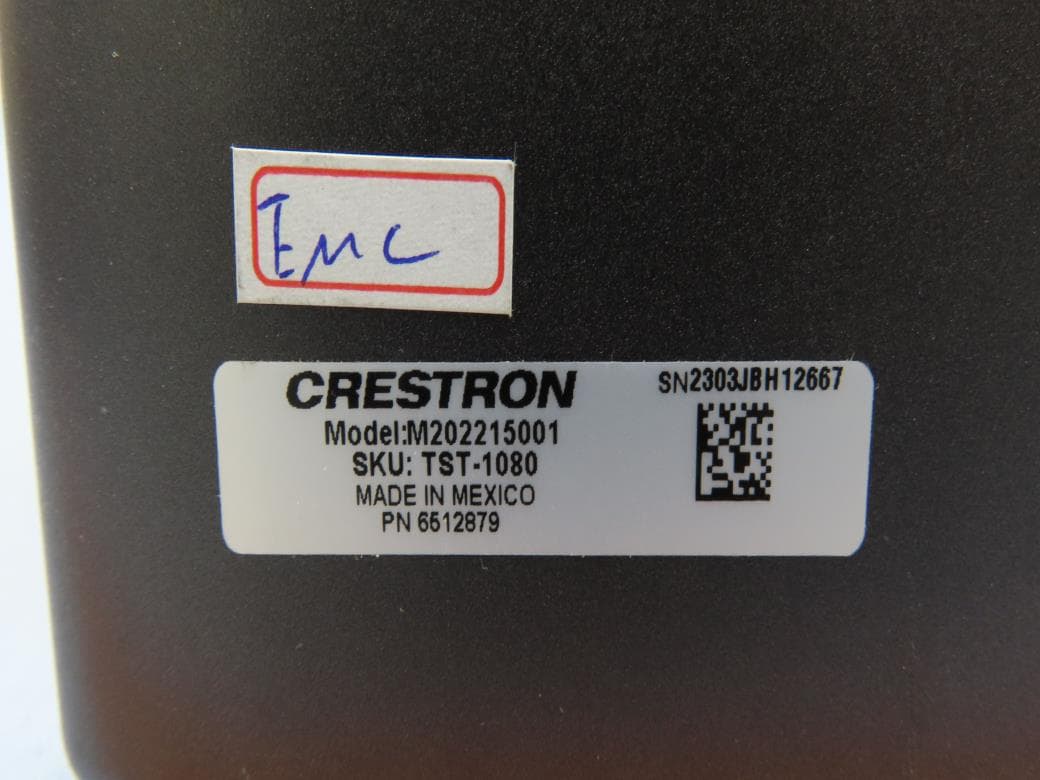
EROM202215001
Jul 05, 202310.1 in. Wireless Touch Screen
Equipment Class
DSS - Part 15 Spread Spectrum Transmitter
EROAM-TX3-200
Jan 13, 2023WIRELESS MEDIA TRANSMITTER
Equipment Class
NII - Unlicensed National Information Infrastructure TX
EROAM-TX3
Jun 06, 2021Wireless Media Transmitter
Equipment Class
DTS - Digital Transmission System