HLEPA700BTNFRugged handheld computer
Unitech Electronics Co., Ltd.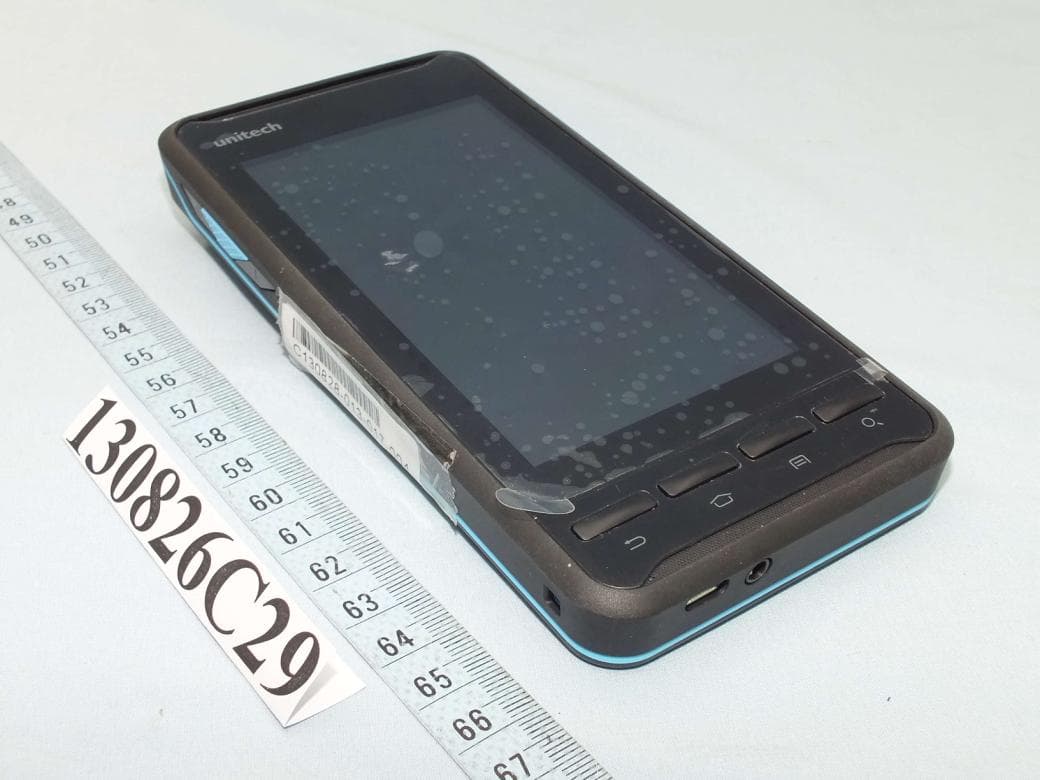
Click to zoom
Application Details
- Equipment Class
- DSS - Part 15 Spread Spectrum Transmitter
- Date of Grant
- Oct 16, 2013
- Application Purpose
- Original Equipment
- Date of Application
- Oct 16, 2013
- Equipment Note
- Rugged handheld computer
- Frequency Range
- 2402.00000000 - 2480.00000000
- Country
- Taiwan
Documents & Files
Document Text
Text extracted from the exhibit documents filed with the FCC. Open a document above to read the original.
Users Manual
PA700 Rugged Handheld Computer User’s Manual Version 1.0 Table of content Table of content..............................................................................................2 1. Package Contents......................................................................................3 2. Getting started ...........................................................................................4 2.1 Device overview ...................................................................................4 2.2 Assembly ..............................................................................................6 Accessing battery, Micro SD card and SIM card.....................................6 2.3 Charging the battery .............................................................................7 2.4 Data Communicating with PC Device...................................................7 2.5 LED status............................................................................................8 2.6 To check the battery level and to access the battery usage menu .......8 3. Basic Operation .......................................................................................10 3.1 Accessing and using applications.......................................................10 To open the Application screen .............................................................10 To browse the Application screen .........................................................10 To create a shortcut to an application on the Home screen ..................10 To Remove a shortcut of an application on the Home screen...............10 Calling ......................................................................................................10 Call handling .........................................................................................10 To make a call by dialing.......................................................................10 To end a call .........................................................................................10 3.2 Barcode Scanning (For Imager Version only)..................................... 11 3.3 RFID Sensing .....................................................................................12 4. Specification.............................................................................................13 Camera and Flash Light .......................................................................13 Appendix Worldwide Support.......................................................................15 1. Package Contents PA700 USB cable (Standard USB to Micro USB) Charger Battery Power Plug Adapter Hand Strap Utility DVD 2. Getting started Unitech PA700 is an Android platform device. Android platform device has great flexibility that allows you to make customized configurations and enhancements by install and remove Apps. With Android operation system, your device has limitless possibilities to update to latest features and improvements. 2.1 Device overview 1. Receiver 7. Back button 2. LED indicator 8. Flash LED 3. Search button 9. 5M Camera with AF 4. Microphone. 10. Reset button 5. Menu button 11. RFID antenna 6. Home screen button 12. Mounting screw for battery cover 13. Bar code Scan Engine 15. Volume Down button 14. Scan button 16. Volume Up button 17. Micro USB port 19. Power button 18. Phone jack 20. Scan button 2.2 Assembly Accessing battery, Micro SD card and SIM card 1. Using a proper tool (ex. a coin) to loosen the two screws on the battery cover by turning anticlockwise. 2. Remove the back cover and pull the battery out. 3. Now you can access the micro SD card slot and SIM card slot. 1. Micro SD card slot 2. SIM card slot 2.3 Charging the battery Connect PA700 to the charger, it will be charged automatically. 1. Connect the standard USB connector to the charger. 2. Connect the micro USB connector to the micro USB port at the bottom. 3. Plug the AC charger into a wall outlet. If needed, attach a plug converter onto the AC charger. 2.4 Data Communicating with PC Device 1. Connect the standard USB connector to the USB port of the PC device. 2. Connect the micro USB connector to the micro USB port at the bottom. 2.5 LED status Green The battery is fully charged Lights Red The battery is charging. The battery level is between low and full Blue Message is received. 2.6 To check the battery level and to access the battery usage menu 1 From your Home screen, tap . 2 Find and tap Settings. 3 Find and tap Battery. 3. Basic Operation 3.1 Accessing and using applications To open the Application screen From your Home screen, tap. To browse the Application screen From the Application screen, flick right or left. To create a shortcut to an application on the Home screen 1 From your Home screen, tap . 2 Touch and hold an application icon and then the Home screen opens. 3 Drag the icon to the desired page on the Home screen by flicking left or rught, then release your finger. To Remove a shortcut of an application on the Home screen 1 From your Home screen, touch and hold the icon of the desired application you want to remove 2 “X Remove” shows on the top of the home screen. 3 Drag the icon to be removed to the “X Remove”. Calling Call handling To make a call by dialing 1 From your Home screen, tap . 2 Find and tap Phone. 3 Enter the number of the recipient and tap Call. To delete a number, tap . To end a call • Tap . 3.2 Barcode Scanning (For Imager Version only) 1. Tap the ScanService . 2. Aim the Bar code Scan Engine to the barcode and press one of two scan buttons. 3.3 RFID Sensing 1. Tap the NFC Reader . 4. Specification System Features CPU TI OMAP 4470 1.5Ghz Dual Core Processor Memory 1GB Mobile DDR RAM 8GB eMMC Flash OS Android 4.1.1 Jelly Bean Languages support English, Simp. Chinese, Traditional Chinese, Japanese, Spanish, German, French Display Gorilla Glass II with 5-point capacitive touch panel 4.7" Color 450nits High Brightness TFT 720x1280 dots IPS LCD Keypad 4 x Function…
Text truncated - open the document above for the full version.
Cover Letter(s)
SCS-F18: Project and Product Certification Representative Authorization Letter Page 1 of 2 Rev 3.0 775 Montague Expressway Milpitas, CA 95035 Tel: 408-526-1188 Fax: 408-526-1088 Email: [email protected] Project and Product Certification Representative Authorization Letter Reason for Amendment (current / obsolete) Revision History Approved Date From To Initial Release (obsolete) 1.0 1.0 Nov-14-2006 Revised wording (obsolete) 1.0 2.0 Sept–25-2007 Updated company template (current) 2.0 3.0 Jan-31-2012 SCS-F18: Project and Product Certification Representative Authorization Letter Page 2 of 2 Rev 3.0 Bureau Veritas Consumer Products Services (H.K.) Ltd., Taoyuan Branch No. 19, Hwa Ya 2nd Rd, Wen Hwa Tsuen, Kwei Shan Hsiang, Taoyuan Hsien 333, Taiwan, R.O.C. September 30, 2013 To: SIEMIC, INC. 775 Montague Expressway, Milpitas, CA 95035 USA Dear Sir/Madam, Re: Project and Product Certification Representative Authorization Letter We, Bureau Veritas Consumer Products Services (H.K.) Ltd., Taoyuan Branch hereby authorize SIEMIC, INC. to act as a Certification Body for certifying for the following project(s): Rugged Handheld Computer, PA700 (Product description, model name) We affirm that between SIEMIC and Bureau Veritas Consumer Products Services (H.K.) Ltd., Taoyuan Branch, any difference in understanding, including test plan, measurement methods, applicable standards and relevant procedures and processes have been resolved prior to commencement of testing activities. Sincerely, Daniel Lee Vice President, MPTC II Bureau Veritas ADT Tel: +886-3-318-3232 Ext. 1857 Mobile: +886-970510189 E-mail: [email protected]
External Photos
1 CONSTRUCTION PHOTOS OF EUT 2
ID Label/Location Info
FCC ID: HLEPA700BTNF Back of the EUT Battery Compartment Label Location
ID Label/Location Info
2013.0716更正 資料收集器 R35280 減少電磁波影響請妥適使用 Rugged Handheld Computer This device complies with Part 15 of the FCC Rules. Operation is subject to the following two conditions: (1)This device may not cause harmful interference,and (2) this device must accept any interference received, including interference that may cause undesirec operation of the device. 台灣製造 PA700 Product of unitech FCC ID:HLEPA700BTNF WWAN SIM 料號:401037G 規格:82.94mm*42.14mm
Internal Photos
3 4 5 6 7 8 9 10 11 12 13 14 15 16 17 18 19
Test Report
Report No.: RF130826C29 1 of 68 Report Format Version 5.2.0 FCC TEST REPORT (BLUETOOTH) REPORT NO.: RF130826C29 MODEL NO.: PA700 FCC ID: HLEPA700BTNF RECEIVED: Aug. 26, 2013 TESTED: Sep. 10, 2013 ~ Sep. 19, 2013 ISSUED: Sep. 27, 2013 APPLICANT: unitech Electronics co., Ltd. ADDRESS: 5F., No.136, Lane 235, Pao-Chiao Rd., Hsin-Tien Dist, New Taipei City, Taiwan 231, R.O.C. ISSUED BY: Bureau Veritas Consumer Products Services (H.K.) Ltd., Taoyuan Branch LAB ADDRESS: No. 47, 14th Ling, Chia Pau Vil., Lin Kou Dist., New Taipei City, Taiwan ( R.O.C ) TEST LOCATION: No. 19, Hwa Ya 2nd Rd, Wen Hwa Tsuen, Kwei Shan Hsiang, Taoyuan Hsien 333, Taiwan, R.O.C. This report is for your exclusive use. Any copying or replication of this report to or for any other person or entity, or use of our name or trademark, is permitted only with our prior written permission. This report sets forth our findings solely with respect to the test samples identified herein. The results set forth in this report are not indicative or representative of the quality or characteristics of the lot from which a test sample was taken or any similar or identical product unless specifically and expressly noted. Our report includes all of the tests requested by you and the results thereof based upon the information that you provided to us. You have 60 days from date of issuance of this report to notify us of any material error or omission caused by our negligence, provided, however, that such notice shall be in writing and shall specifically address the issue you wish to raise. A failure to raise such issue within the prescribed time shall constitute your unqualified acceptance of the completeness of this report, the tests conducted and the correctness of the report contents. Unless specific mention, the uncertainty of measurement has been explicitly taken into account to declare the compliance or non-compliance to the specification This report should not be used by the client to claim product certification, approval, or endorsement by TAF or any government agencies. Report No.: RF130826C29 2 of 68 Report Format Version 5.2.0 Table of Contents RELEASE CONTROL RECORD ......................................................................................................... 5 1. CERTIFICATION ...................................................................................................................... 6 2. SUMMARY OF TEST RESULTS ............................................................................................. 7 2.1 MEASUREMENT UNCERTAINTY ................................................................................................ 8 3. GENERAL INFORMATION ...................................................................................................... 9 3.1 GENERAL DESCRIPTION OF EUT ........................................................................................ 9 3.2 DESCRIPTION OF TEST MODES ........................................................................................ 10 3.2.1 TEST MODE APPLICABILITY AND TESTED CHANNEL DETAIL ........................................ 11 3.3 GENERAL DESCRIPTION OF APPLIED STANDARDS ....................................................... 14 3.4 DESCRIPTION OF SUPPORT UNITS .................................................................................. 15 3.4.1 CONFIGURATION OF SYSTEM UNDER TEST ................................................................... 15 4. TEST TYPES AND RESULTS (FOR Bluetooth EDR) ........................................................... 16 4.1 Radiated Emission AND BANDEDGE Measurement ............................................................ 16 4.1.1 LIMITS OF RADIATED EMISSION AND BANDEDGE MEASUREMENT ............................. 16 4.1.2 TEST INSTRUMENTS ........................................................................................................... 17 4.1.3 TEST PROCEDURES ........................................................................................................... 18 4.1.4 DEVIATION FROM TEST STANDARD ................................................................................. 18 4.1.5 TEST SETUP ......................................................................................................................... 19 4.1.6 EUT OPERATING CONDITIONS .......................................................................................... 19 4.1.7 TEST RESULTS..................................................................................................................... 20 4.2 CONDUCTED EMISSION MEASUREMENT ........................................................................ 24 4.2.1 LIMITS OF CONDUCTED EMISSION MEASUREMENT ..................................................... 24 4.2.2 TEST INSTRUMENTS ........................................................................................................... 24 4.2.3 TEST PROCEDURES ........................................................................................................... 25 4.2.4 DEVIATION FROM TEST STANDARD ................................................................................. 25 4.2.5 TEST SETUP ......................................................................................................................... 26 4.2.6 EUT OPERATING CONDITIONS .......................................................................................... 26 4.2.7 TEST RESULTS..................................................................................................................... 27 4.3 NUMBER OF HOPPING FREQUENCY USED ..................................................................... 31 4.3.1 LIMIT OF HOPPING FREQUENCY USED ........................................................................... 31 4.3.2 TEST SETUP ......................................................................................................................... 31 4.3.3 TEST INSTRUMENTS ................................…
Text truncated - open the document above for the full version.
Test Setup Photos
1 PHOTOGRAPHS OF THE TEST CONFIGURATION CONDUCTED EMISSION TEST 2 RADIATED EMISSION TEST (For WLAN 2.4GHz/Bluetooth+ Bluetooth LE4.0) 3 RADIATED EMISSION TEST (For NFC)
Contact Information
Applicant
Ben Chiang
Test Firm
Bureau Veritas CPS (H.K.) Ltd., Taoyuan BranchRichard Chen
Technical Specifications
| # | Rule Parts | Frequency Range | Power Output |
|---|---|---|---|
| 1 | 15C | 2.40 GHz - 2.48 GHz | 5.00 mW |
Other Applications from Unitech Electronics Co., Ltd.
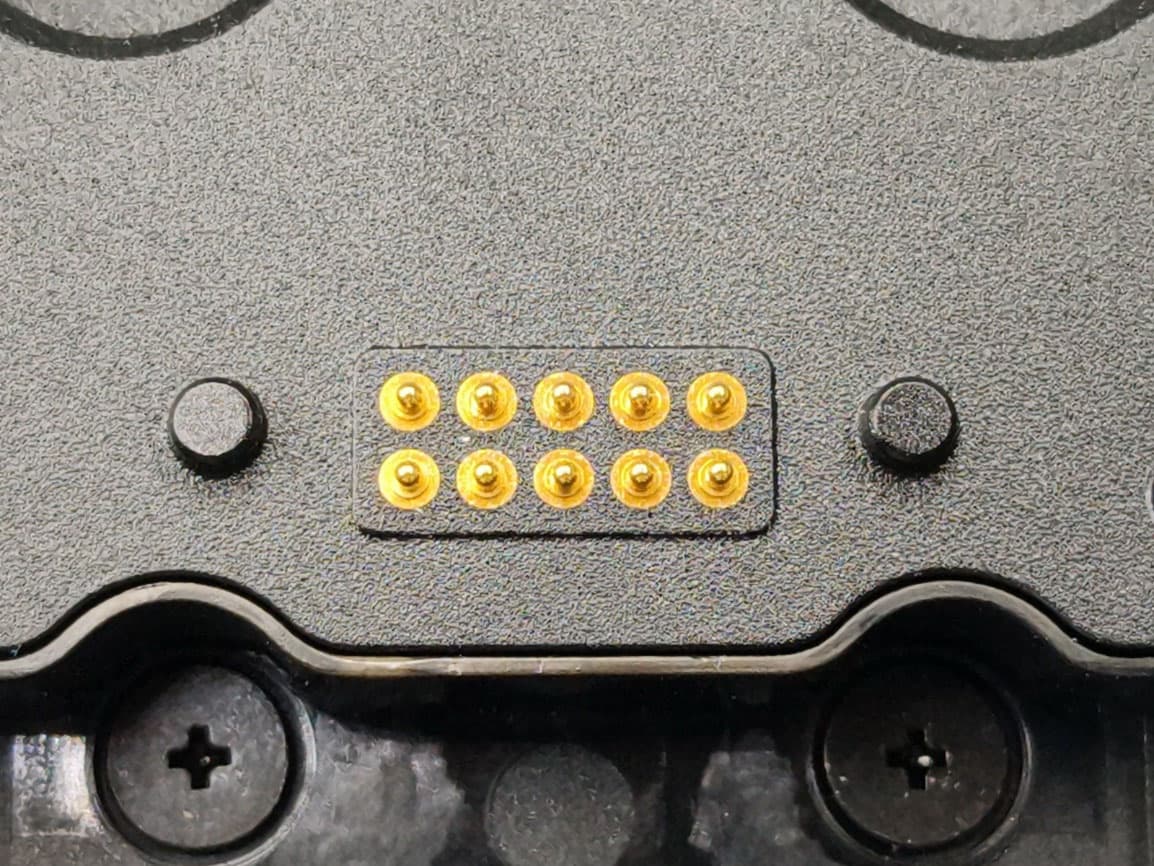
HLERG768PU
Jul 29, 2026RG768 Plus gun grip
Equipment Class
DSS - Part 15 Spread Spectrum TransmitterHLEEA530BWNWU
Feb 16, 2026Rugged Handheld Computer
Equipment Class
DTS - Digital Transmission SystemHLEEA530BWNW
Feb 16, 2026Rugged Handheld Computer
Equipment Class
6XD - 15E 6 GHz Low Power Indoor Client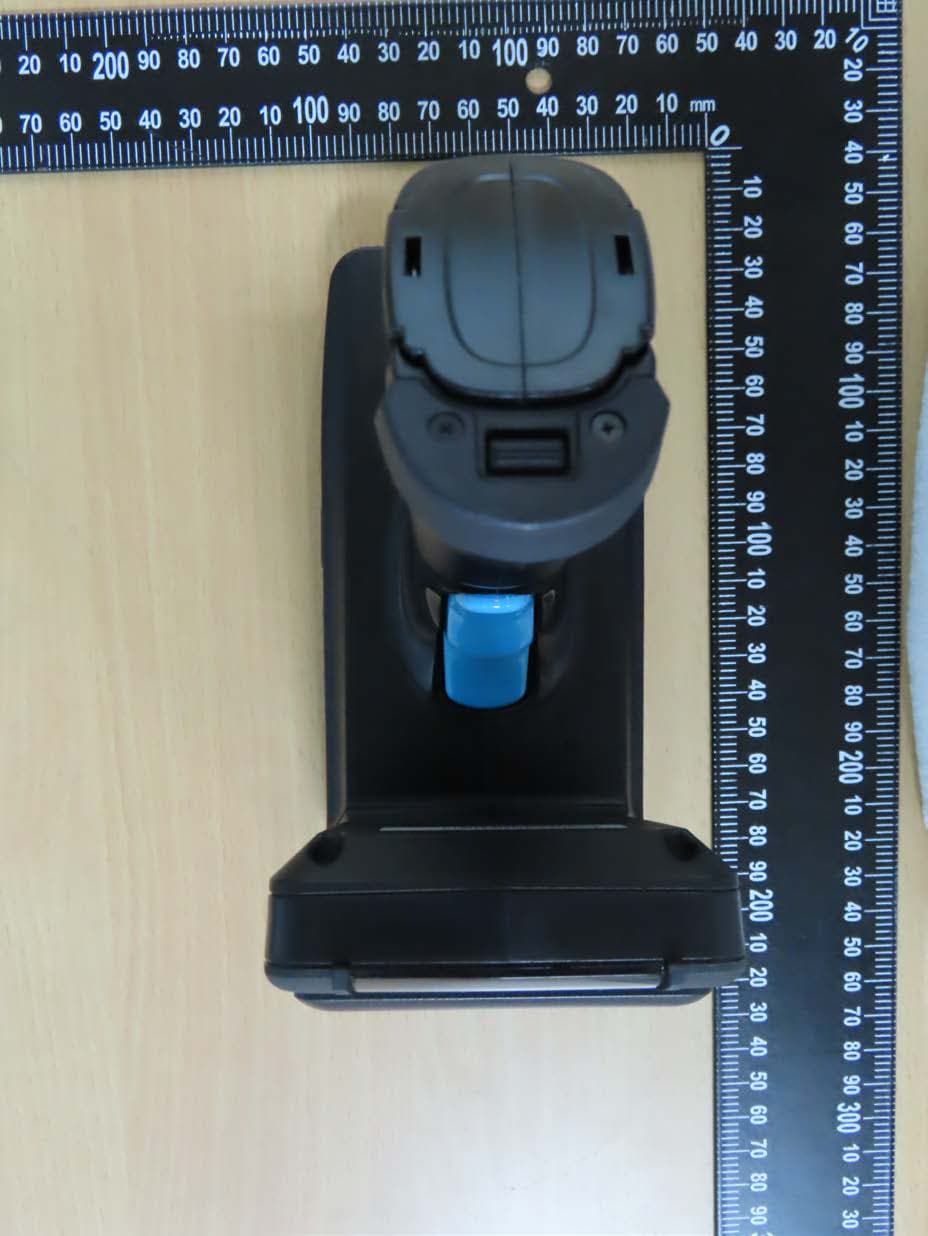
HLERP300BU
Nov 24, 2025RP300 UHF RFID Mobile Reader
Equipment Class
DSS - Part 15 Spread Spectrum Transmitter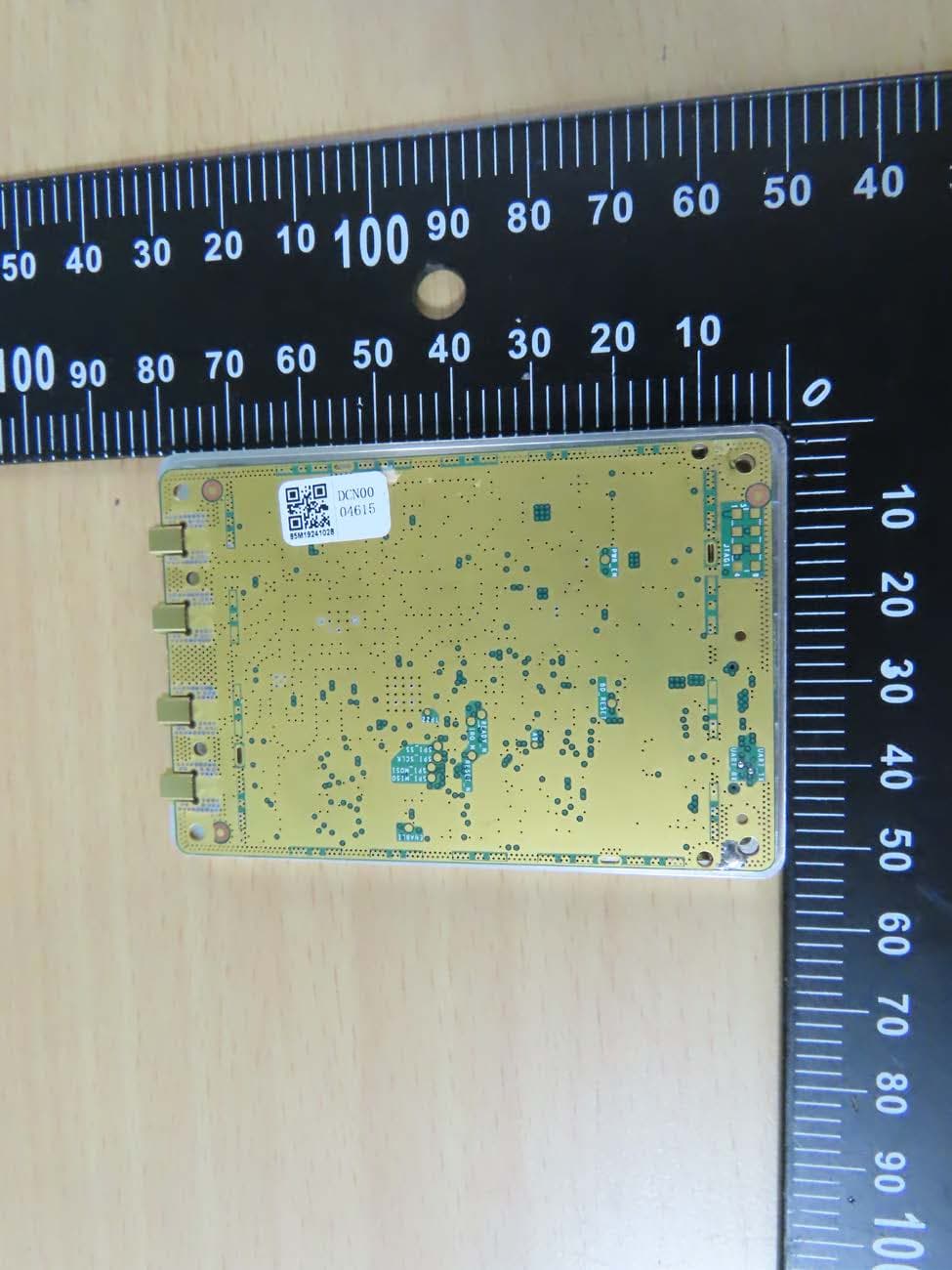
HLERM300PU
Sep 01, 2024RM300 Plus UHF RFID Reader Module
Equipment Class
DSS - Part 15 Spread Spectrum Transmitter