IXMCTE-430Graphire 3 Tablet
Universal Scientific Industrial Co., Ltd.
Click to zoom
Application Details
- Equipment Class
- DCD - Part 15 Low Power Transmitter Below 1705 kHz
- Date of Grant
- Aug 10, 2003
- Application Purpose
- Original Equipment
- Date of Application
- Aug 10, 2003
- Equipment Note
- Graphire 3 Tablet
- Frequency Range
- 0.75000000 - 0.75000000
- Country
- Taiwan
Documents & Files
Document Text
Text extracted from the exhibit documents filed with the FCC. Open a document above to read the original.
Users Manual
T R O U B L E S H O O T I N G T A B L E T & T O O L S C U S T O M I Z I N G P E N C O R D L E S S M O U S E P O P - U P M E N U I N D E X C O N T E N T S User’s Manual for Windows & Macintosh ®® Page 2 I N D E X C O N T E N T S Wacom Graphire ® 3 User’s Manual for Windows ® & Macintosh ® , March 07, 2003 English V1.0 for Windows & MacintoshCopyright © Wacom Company, Limited, 2003All rights reserved. No part of this manual may be reproduced except for your express personal use. Wacom reserves the right to revise this publication without obligation to provide notification of such changes. Wacom does its best to provide current and accurate information in this manual. However, Wacom reserves the right to change any specifications and product configurations at its discretion, without prior notice and without obligation to include such changes in this manual.DuoSwitch is a trademark, and Graphire and Wacom are registered trademarks of Wacom Company, Limited.Adobe, Acrobat, and Acrobat Reader are either registered trademarks or trademarks of Adobe Systems Incorporated in the United States and/or other countries. Microsoft and Windows are either registered trademarks or trademarks of Microsoft Corporation in the United States and/or other countries. Apple, the Apple logo, and Macintosh are registered trademarks of Apple Computer, Inc., registered in the U.S. and other countries. Any additional company and product names mentioned in this documentation may be trademarked and/or registered as trademarks. Mention of third-party products is for information purposes only and constitutes neither an endorsement nor a recommendation. No responsibility is assumed with regard to the performance or use of these products. Page 3 I N D E X C O N T E N T S CONTENTS About the Manual 5 Navigating the Manual 7 WORKING WITH GRAPHIRE3 8 Graphire3 Tablet Features 9 Graphire3 Input Tools 10 Setting Up Your Work Area 11 Using the Pen 12 Holding the Pen 13 Pointing 14 Clicking 15 Using the Side Switch 16 Dragging 17 Proximity 18 Drawing with Pressure 19 Erasing 20 Eye-Hand Coordination Exercise 21 Using the Cordless Mouse 22 Using the Cordless Mouse Fingerwheel 23 Working with the Tablet 24 Changing the Tablet Underlay 25 Creating a New Tablet Underlay 26 CUSTOMIZING 27 Opening the Control Panel 27 Control Panel Basics 28 Customizing the Pen 29 Customizing the Cordless Mouse 30 Customizing the Pop-up Menu 31 Control Panel Details 32 Adjusting Tip and Eraser Feel 33 Adjusting Double-Click 34 Customizing the Side Switch 35 Button Functions 36 Tablet Tracking 40 Mapping to Multiple Monitors 42 Portion of Screen 43 Portion of Tablet 44 Setting Mouse Speed 45 TROUBLESHOOTING 46 Testing Your Tablet 47 Troubleshooting Tables 49 General Problems 49 Windows-Specific Problems 53 Macintosh-Specific Problems 54 Technical Support Options 55 Obtaining Driver Downloads 56 C ONTENTS Page 4 I N D E X C O N T E N T S APPENDICES 57 Caring for Your Tablet and Tools 58 Replacing the Pen Tip 58 Uninstalling the Software 59 Product Specifications 60 General Specifications for All Graphire3 Tablets 60 Graphire3 4x5 / A6 Tablet (Model CTE-430) 61 Graphire3 6x8 / A5 Tablet (Model CTE-630) 61 Graphire3 Pen (Model EP-130) 61 Graphire3 Cordless Mouse (Model EC-130) 62 Graphire3 Inking Pen (Model EP-200, optional) 62 Product Information 62 Ordering Parts and Accessories 63 Radio and Television Interference 64 FCC Notice 64 CE Declaration 65 License and Warranties (Worldwide, Except for Europe, Africa and Middle East) 66 Software License 66 Limited Warranty (Worldwide, Except Europe, Africa and Middle East) 67 Warranty on Sales Outside of U.S. and Canada (Except Europe, Africa and Middle East) 69 License and Warranty (Europe, Africa and Middle East) 70 Software License Agreement 70 Entitlement to Use the Software 70 Limited Warranty 71 GLOSSARY 73 INDEX 75 Page 5 I N D E X C O N T E N T S ABOUT THE MANUAL This combined interactive User’s Manual for Windows and Macintosh provides quick access to information about Graphire3. Just click on a navigation button or highlighted word to move through the document. The information is common to both platforms, unless otherwise noted. Windows screen captures are shown.• The Contents enables you to go directly to a topic by clicking on it. • W or king with Gr aphire3 is the learning chapter, and introduces you to the many capabilities of your Graphire3 pen and mouse set. It includes a description of the features and functions of your Graphire3 tools, as well as exercises for new users. If you are not familiar with a pen tablet, this chapter gives you the basics. • Customizing describes how you can change the control panel settings to optimize your Graphire3 pen and mouse set for the way you like to work. • Want to test your tablet? Need troubleshooting guidelines? T roub leshooting is where you will find the answers to most common questions. • The Appendices include a variety of information: tips on caring for your tablet and tools, a how-to on uninstalling the tablet software, your license and warranty, and more. Note: This manual does not contain information on installing your tablet. Please refer to your product Quick Start Guide and to the automated software installer (located on the Wacom Tablet CD) for details on installing your Wacom tablet.If you are new to electronic documentation, be sure to read Na vigating the Man ual . Page 6 I N D E X C O N T E N T S S MALL CAPITAL LETTERS are used to identify the names of keyboard keys, dialog boxes, and control panel options. Remember that you can always use the Acrobat Reader zoom-in tool to increase the size of the manual on your display screen.The following kinds of information are not included with this product: information about your specific computer hardware or operating system, information about application software, and information about other Wacom tablets. Your best source for this information is the set of manuals and disks that came with your hardwa…
Text truncated - open the document above for the full version.
External Photos
Spectrum Research & Testing Lab., Inc. No. 101-10, Ling 8, Shan-Tong Li, Chung-Li City, Taoyuan, Taiwan, R.O.C. Page 1 of 1 - PHOTO OF EUT (CTE430) Spectrum Research & Testing Lab., Inc. No. 101-10, Ling 8, Shan-Tong Li, Chung-Li City, Taoyuan, Taiwan, R.O.C. Page 2 of 2 - PHOTO OF EUT (Graphire3 pen) Spectrum Research & Testing Lab., Inc. No. 101-10, Ling 8, Shan-Tong Li, Chung-Li City, Taoyuan, Taiwan, R.O.C. Page 3 of 3 - PHOTO OF EUT (Graphire3 mouse)
ID Label/Location Info
Sample of FCC ID Label FCC ID : IXMCTE-430 THIS DEVICE COMPLIES WITH PART 15 OF THE FCC RULES. OPERATION IS SUBJECT TO THE FOLLOWING TWO CONDITIONS. (1) THIS DEVICE MAY NOT CAUSE HARMFUL INTERFERENCE AND (2) THIS DEVICE MUST ACCEPT ANY INTERFERENCE RECEIVED, INCLUDING INTERFERENE THAT MAY CAUSE UNDESIRED OPERATION.
Internal Photos
Spectrum Research & Testing Lab., Inc. No. 101-10, Ling 8, Shan-Tong Li, Chung-Li City, Taoyuan, Taiwan, R.O.C. Page 1 of 6 - PHOTO OF EUT(CTE430) Spectrum Research & Testing Lab., Inc. No. 101-10, Ling 8, Shan-Tong Li, Chung-Li City, Taoyuan, Taiwan, R.O.C. Page 2 of 6 - PHOTO OF EUT (Graphire3 pen) Spectrum Research & Testing Lab., Inc. No. 101-10, Ling 8, Shan-Tong Li, Chung-Li City, Taoyuan, Taiwan, R.O.C. Page 3 of 6 - PHOTO OF EUT (Graphire3 mouse) Spectrum Research & Testing Lab., Inc. No. 101-10, Ling 8, Shan-Tong Li, Chung-Li City, Taoyuan, Taiwan, R.O.C. Page 4 of 6 - PHOTO OF EUT (CTE430) Spectrum Research & Testing Lab., Inc. No. 101-10, Ling 8, Shan-Tong Li, Chung-Li City, Taoyuan, Taiwan, R.O.C. Page 5 of 6 - PHOTO OF EUT (Graphire3 pen) Spectrum Research & Testing Lab., Inc. No. 101-10, Ling 8, Shan-Tong Li, Chung-Li City, Taoyuan, Taiwan, R.O.C. Page 6 of 6 - PHOTO OF EUT (Graphire3 mouse)
Operational Description
FCC ID: IXMCTE-430 Operational Description of the equipment The Graphire3 pen and mouse set consists of two basic elements: a tablet that serves as your work area, and the Graphire3 Input Tools you use with the tablet. The quickest way to learn about your Graphire3 pen and mouse set is to become familiar with its appearance and features. If you are new to using a pen tablet and tablet input tools, read the following sections; they describe your Graphire3 tools and explain how to use them with the tablet. PRODUCT Graphire3 Tablet MODEL NO. CTE-430 POWER SUPPLY DC 5V CABLE Shielded USB cable (1.5m) I/O PORT N/A FREQUENCY BAND 490kHz ~ 1.705MHz CARRIER FREQUENCY 750kHz ±10% NUMBER OF CHANNEL 1 CHANNEL SPACING 0 ANTENNA TYPE Integral
Schematics
5 5 4 4 3 3 2 2 1 1 DD CC BB AA USB SPLY SHILD GND D- D+ <Doc><RevCode> <Title> Custom 11Friday, April 18, 2003 Title SizeDocument NumberRev Date:Sheetof VEE +Va Vrs +Va VCC +VA VEE VEE VEE VCC +VA VEE VCC VCC VCC VEE VCC VCC VEE VCC VCC VEE Vrs VCC X1710 12 12 X1706 12 12 X1707 12 12 X1004 12 12 X02 1 1 X1003 12 12 X1711 12 12 X1712 12 12 X1708 12 12 X1008 12 12 X1007 12 12 X1006 12 12 X1005 12 12 X1703 12 12 X1704 12 12 X1705 12 12 X1702 12 12 X1001 12 12 X1011 12 12 X1010 12 12 X1009 12 12 X1701 12 12 X1709 12 12 R121K IC6 HC4051A 1 2 4 5 15 14 13 12 8 3 7 16 6 11 10 9 X4 X6 X7 X5 X2 X1 X0 X3 GND X VEE VCC EN A B C X1012 12 12 X1105 12 12 X1104 12 12 X1103 12 12 X1102 12 12 X1108 12 12 X1107 12 12 X1106 12 12 X1101 12 12 X1111 12 12 X1110 12 12 X1109 12 12 X1112 12 12 C28 2.2U X1205 12 12 X1204 12 12 X1203 12 12 X1202 12 12 X1209 12 12 X1208 12 12 X1207 12 12 X1206 12 12 X1210 12 12 R35 10K R31 1M C1 1U R2012K 1% + - IC2A UPC4570G2 3 2 1 8 4 X1201 12 12 X1211 12 12 X1302 12 12 Y12 1 1 C20 1U X1212 12 12 C19 1U X1304 12 12 X1303 12 12 X1305 12 12 Y11 1 1 Y14 1 1 Y13 1 1 X1309 12 12 X1308 12 12 X1307 12 12 X1306 12 12 C34 0.1U Y09 1 1 Y08 1 1 X1311 12 12 X1310 12 12 C35 0.1U X1301 12 12 X1312 12 12 C33 0.1U Y10 1 1 X17 1 1 X1405 12 12 X1404 12 12 X1403 12 12 X1402 12 12 X1407 12 12 X1406 12 12 X1401 12 12 X1408 12 12 IC1 M37532M4 27 28 29 30 31 32 1 4 3 12 13 33 34 8 9 19 20 21 22 23 11 5 6 24 36 26 35 10 15 18 17 16 14 25 7 P00 P01 P02 P03 P04 P05 P12 P20 P14 Vref RES P06 P07 P24 P25/AN5 P30 P31 P32 P33 P34 P27 P21 P22 P35 D+(TXD) USBref D-(RXD) P26 VCC GND XOUT XIN CNVss P37(532) P23 X1410 12 12 X1409 12 12 X1411 12 12 X1412 12 12 TR1 2SA1163 1 2 3 Y1406 12 12 Y1407 12 12 Y1408 12 12 C7 1U F5 EBM16088A102 IC4 74HC126DR 1 23 4 56 10 7 98 1112 13 14 1 23 4 56 10 GND 98 1112 13 VCC R19 10K 1% Y1412 12 12 Y1404 12 12 R51K Y1405 12 12 X08 1 1 X06 1 1 X07 1 1 C81U Y1411 12 12 + - IC3A UPC4570G2 3 2 1 8 4 Y1402 12 12 Y1403 12 12 X10 1 1 X04 1 1 X05 1 1 X09 1 1 Y1303 12 12 Y1401 12 12 Y1409 12 12 Y1410 12 12 X14 1 1 X13 1 1 X12 1 1 X11 1 1 Y1309 12 12 Y1310 12 12 Y1311 12 12 Y1302 12 12 R25 100 C9 1U C10 1U + - IC2B UPC4570G2 5 6 7 8 4 F1EBM16088A102 Y1306 12 12 Y1307 12 12 Y1308 12 12 C22 1U C26 470P C21 1U Y1301 12 12 Y1312 12 12 Y1304 12 12 Y1305 12 12 D5 RB706 1 23 1 23 C29 1U R40 1.5K Y1105 12 12 Y1106 12 12 TR4 2SA1163 1 23 X03 1 1 F3EBM16088A102 R131K R22 22K 1% Y1111 12 12 Y1112 12 12 Y1103 12 12 Y1104 12 12 X001 12 12 X002 12 12 R2115K 1% C2468P Y1101 12 12 Y1102 12 12 X005 12 12 X004 12 12 X003 12 12 X00 1 1 Y1108 12 12 Y1109 12 12 Y1110 12 12 R1 47K R184.7K 1% X008 12 12 X007 12 12 X006 12 12 D1 1SS355 D2 1SS355 R2 100K Y1107 12 12 X012 12 12 X011 12 12 X010 12 12 X009 12 12 Y1008 12 12 Y1009 12 12 C4 0.1U C5 0.1U D3RB706 1 23 1 23 C31 1U R48 1M Y1006 12 12 Y1007 12 12 X19 1 1 Y1002 12 12 Y1003 12 12 Y1004 12 12 Y1005 12 12 C23 68P Y1010 12 12 Y1011 12 12 Y1001 12 12 Y1012 12 12 C15 0.1U C14 0.1U C13 0.1U C16 0.1U Y912 12 12 Y902 12 12 Y903 12 12 Y904 12 12 X15 1 1 Y908 12 12 Y909 12 12 Y910 12 12 Y911 12 12 Y901 12 12 Y905 12 12 Y906 12 12 Y907 12 12 X16 1 1 Y805 12 12 Y806 12 12 Y807 12 12 TP2 SIG 1 1 X1505 12 12 X1504 12 12 C18 0.1U R15 1K R1415K !% Y804 12 12 X1501 12 12 X1512 12 12 X1503 12 12 X1502 12 12 Y801 12 12 Y812 12 12 Y802 12 12 Y803 12 12 X1510 12 12 X1509 12 12 X1508 12 12 X1511 12 12 X1 6MHZ Y811 12 12 C212P C312P R31K Y1203 12 12 Y1207 12 12 Y1204 12 12 Y1205 12 12 R6 10K Y808 12 12 Y809 12 12 Y810 12 12 X1506 12 12 X1607 12 12 X1608 12 12 R11 10 IC8 HC4051A 1 2 4 5 15 14 13 12 8 3 7 16 6 11 10 9 X4 X6 X7 X5 X2 X1 X0 X3 GND X VEE VCC EN A B C C32 0.1U R41K Y1208 12 12 Y1210 12 12 Y1206 12 12 X1507 12 12 TP1 TP 1 1 C111U C121U X1603 12 12 X1606 12 12 TP3 TRIG 1 1 Y1201 12 12 Y1202 12 12 Y1209 12 12 X1604 12 12 X1605 12 12 Y1212 12 12 Y1211 12 12 X1612 12 12 X1601 12 12 X1611 12 12 X1602 12 12 X1906 12 12 X1907 12 12 X1908 12 12 X1610 12 12 X1609 12 12 D4 1SS355 X1902 12 12 X1904 12 12 X1905 12 12 X1903 12 12 X01 1 1 R8 1K X1909 12 12 X1901 12 12 X1912 12 12 X1911 12 12 X102 12 12 R7 1K X1910 12 12 X106 12 12 X105 12 12 X104 12 12 X103 12 12 X108 12 12 X107 12 12 Y407 12 12 Y404 12 12 Y405 12 12 X110 12 12 X109 12 12 Y408 12 12 Y410 12 12 Y406 12 12 Y403 12 12 X112 12 12 X101 12 12 X111 12 12 Y411 12 12 Y402 12 12 Y409 12 12 Y401 12 12 X202 12 12 Y412 12 12 Y05 1 1 Y07 1 1 Y04 1 1 CON1 WH1-1038/0538 1 2 3 4 5 1 2 3 4 5 R2610K X203 12 12 Y01 1 1 Y00 1 1 Y03 1 1 Y06 1 1 X204 12 12 Y704 12 12 Y705 12 12 Y02 1 1 X208 12 12 X207 12 12 X206 12 12 X205 12 12 Y712 12 12 Y701 12 12 Y702 12 12 Y703 12 12 X211 12 12 X210 12 12 X209 12 12 Y708 12 12 Y709 12 12 Y710 12 12 Y711 12 12 X201 12 12 X18 1 1 Y607 12 12 Y608 12 12 Y706 12 12 Y707 12 12 X212 12 12 R38 100K Y612 12 12 Y604 12 12 Y605 12 12 Y606 12 12 X302 12 12 R9150 1% Y610 12 12 Y611 12 12 Y602 12 12 Y603 12 12 X306 12 12 X305 12 12 X304 12 12 X303 12 12 Y502 12 12 Y503 12 12 Y601 12 12 Y609 12 12 Y508 12 12 Y509 12 12 Y510 12 12 Y511 12 12 X308 12 12 X307 12 12 R23 15K 1% R24 10K Y504 12 12 Y505 12 12 Y506 12 12 Y507 12 12 X301 12 12 X311 12 12 X310 12 12 X309 12 12 Y305 12 12 Y306 12 12 Y501 12 12 Y512 12 12 X312 12 12 Y311 12 12 Y312 12 12 Y303 12 12 Y304 12 12 PH1 15-22VYVGC 12 34 12 34 Y309 12 12 Y310 12 12 Y301 12 12 Y302 12 12 X403 12 12 X402 12 12 Y208 12 12 Y209 12 12 Y307 12 12 Y308 12 12 X407 12 12 X406 12 12 X405 12 12 X404 12 12 Y204 12 12 Y205 12 12 Y206 12 12 Y207 12 12 X409 12 12 X408 12 12 Y201 12 12 Y212 12 12 Y202 12 12 Y203 12 12 X410 12 12 C25 100P Y103 12 12 Y104 12 12 Y210 12 12 Y211 12 12 X412 12 12 X401 12 12 X411 12 12 Y110 12 12 Y111 12 12 Y112 12 12 Y102 12 12 X502 12 12 Y106 12 12 Y107 12 12 Y108 12 12 Y109 12 12 TR5 2SC2712 1 2 3 X504 12 12 X503 12 12 R37 470K Y007 12 12 Y006 12 12 Y101 12 12 Y105 12 12 Y003 12 12 Y002 12 12 Y004 12 12 Y005 12 12 X508 12 12 X507 12 12 X506 12 12 X505 12 12 Y010 12 12 Y011 12 12 Y001 12 12 Y012 12 12 X511 12 12 X510 12 12 X509 12 12 IC9 HC4051A 1 2 4 5 15 14…
Text truncated - open the document above for the full version.
Test Report
Spectrum Research & Testing Lab., Inc. No. 101-10, Ling 8, Shan-Tong Li, Chung-Li City, Taoyuan, Taiwan, R.O.C. TEST REPORT Reference No.:A03050604 Report No.:FCCA03050604 Page:2 of 24 Date:Jun. 16, 2003 FCC ID:IXMCTE-430 Table of Contents 1. DOCUMENT POLICY AND TEST STATEMENT......................................................3 1.1 DOCUMENT POLICY....................................................................................................3 1.2 TEST STATEMENT........................................................................................................3 2. DESCRIPTION OF EUT AND TEST MODE.............................................................4 2.1 GENERAL DESCRIPTION OF EUT............................................................................4 2.2 DESCRIPTION OF EUT INTERNAL DEVICE...........................................................4 2.3 DESCRIPTION OF TEST MODE.................................................................................5 2.4 DESCRIPTION OF SUPPORT UNIT..........................................................................5 3. DESCRIPTION OF APPLIED STANDARDS.............................................................5 4. CONDUCTED EMISSION TEST.................................................................................6 4.1 CONDUCTED EMISSION LIMIT.................................................................................6 4.2 TEST EQUIPMENT........................................................................................................6 4.3 TEST SETUP..................................................................................................................7 4.4 TEST PROCEDURE......................................................................................................7 4.5 EUT OPERATING CONDITION...................................................................................7 4.6 TEST RESULT................................................................................................................8 5. RADIATED EMISSION TEST....................................................................................10 5.1 RADIATED EMISSION LIMIT....................................................................................10 5.2 TEST EQUIPMENT......................................................................................................11 5.3 TEST SET-UP..............................................................................................................12 5.4 TEST PROCEDURE...................................................................................................13 5.5 EUT OPERATING CONDITION................................................................................13 5.6 RADIATED EMISSION TEST RESULT...................................................................14 6. PHOTOS OF TESTING..............................................................................................18 7. TERMS OF ABRIVATION...........................................................................................24 Spectrum Research & Testing Lab., Inc. No. 101-10, Ling 8, Shan-Tong Li, Chung-Li City, Taoyuan, Taiwan, R.O.C. TEST REPORT Reference No.:A03050604 Report No.:FCCA03050604 Page:3 of 24 Date:Jun. 16, 2003 FCC ID:IXMCTE-430 1. DOCUMENT POLICY AND TEST STATEMENT 1.1 DOCUMENT POLICY - The report shall not be reproduced except in full, without the written approval of SRT Lab, Inc. - The report must not be used by the applicant to claim that the product is endorsed by NVLAP, TÜV, NEMKO and SRT. - The NVLAP logo applies only to the applicable standards specified in this report. 1.2 TEST STATEMENT - The test results in the report apply only to the unit tested by SRT Lab. - There was no deviation from the requirements of test standards during the test. - AC power source, 120 Vac/60 Hz, was used during the test. Spectrum Research & Testing Lab., Inc. No. 101-10, Ling 8, Shan-Tong Li, Chung-Li City, Taoyuan, Taiwan, R.O.C. TEST REPORT Reference No.:A03050604 Report No.:FCCA03050604 Page:4 of 24 Date:Jun. 16, 2003 FCC ID:IXMCTE-430 2. DESCRIPTION OF EUT AND TEST MODE 2.1 GENERAL DESCRIPTION OF EUT PRODUCT Graphire3 Tablet MODEL NO. CTE-430 POWER SUPPLY DC 5V CABLE Shielded USB cable (1.5m) I/O PORT N/A FREQUENCY BAND 490kHz ~ 1.705MHz CARRIER FREQUENCY 750kHz ±10% NUMBER OF CHANNEL 1 CHANNEL SPACING 0 ANTENNA TYPE Integral NOTE: The EUT has two support units on market, Graphire3 Pen and Graphire3 Mouse. Support Uint Model No. Physical size Weight Graphire3 Pen EP-130 L x D : 145 x 12.5 mm (5.71 x 0.49 in) 11 g (0.02 lb), approximately Graphire3 Mouse EC-130 L x W x H : 115 x 60 x 38 mm (4.53 x 2.36 x 1.50 in) 90 g (0.2 lb), approximately For more detailed information, please refer to the EUT’s specification or user’s manual provided by manufacturer. 2.2 DESCRIPTION OF EUT INTERNAL DEVICE DEVICE BRAND / MAKER MODEL # FCC ID/DOC REMARK N/A NOTE : 1. The highest clock : CTE-430 is 6MHz. 2. Frequency range to be measured. Radiated emission is 30 MHz to 1 GHz. Spectrum Research & Testing Lab., Inc. No. 101-10, Ling 8, Shan-Tong Li, Chung-Li City, Taoyuan, Taiwan, R.O.C. TEST REPORT Reference No.:A03050604 Report No.:FCCA03050604 Page:5 of 24 Date:Jun. 16, 2003 FCC ID:IXMCTE-430 2.3 DESCRIPTION OF TEST MODE The EUT was tested for emission measurement under the following situations: Mode Model No. Support Units Mode 1 Graphire3 Pen Mode 2 CTE-430 Graphire3 Mouse 2.4 DESCRIPTION OF SUPPORT UNIT The EUT was configured by the requirement of ANSI C63.4:1992 and CISRP22:1997. All interface ports were connected to the appropriate support units via specific cables. The support units and cables are listed below. NO DEVICE BRAND MODEL # FCC ID / DOC CABLE 1 NOTEBOOK DELL VDA9950 DOC 1.5m unshielded power cord 2 PRINTER EPSON STYLUS C20SX DOC 1.5m unshielded power cord 1.2m shielded data cable 3 MODEM ACEEX DM-1414 DOC 1.5m unshielded power cord 1.2m shielded data cable NOTE : For the actual test …
Text truncated - open the document above for the full version.
Test Setup Photos
PHOTOS OF TESTING - Conducted test (Mode 1) - Conducted test (Mode 2) - Radiated test (Mode 1: 490kHz – 30MHz) - Radiated test (Mode 2: 490kHz – 30MHz) - Radiated test (Mode 1: 30MHz – 1000MHz) - Radiated test (Mode 2: 490kHz – 30MHz)
Contact Information
Applicant
Martin Shih(Section Manager)
Test Firm
Spectrum Research & Testing Lab.Linda Chiang
Technical Specifications
| # | Rule Parts | Frequency Range | Power Output |
|---|---|---|---|
| 1 | 15C | 0.75 MHz - 0.75 MHz | - |
Other Applications from Universal Scientific Industrial Co., Ltd.
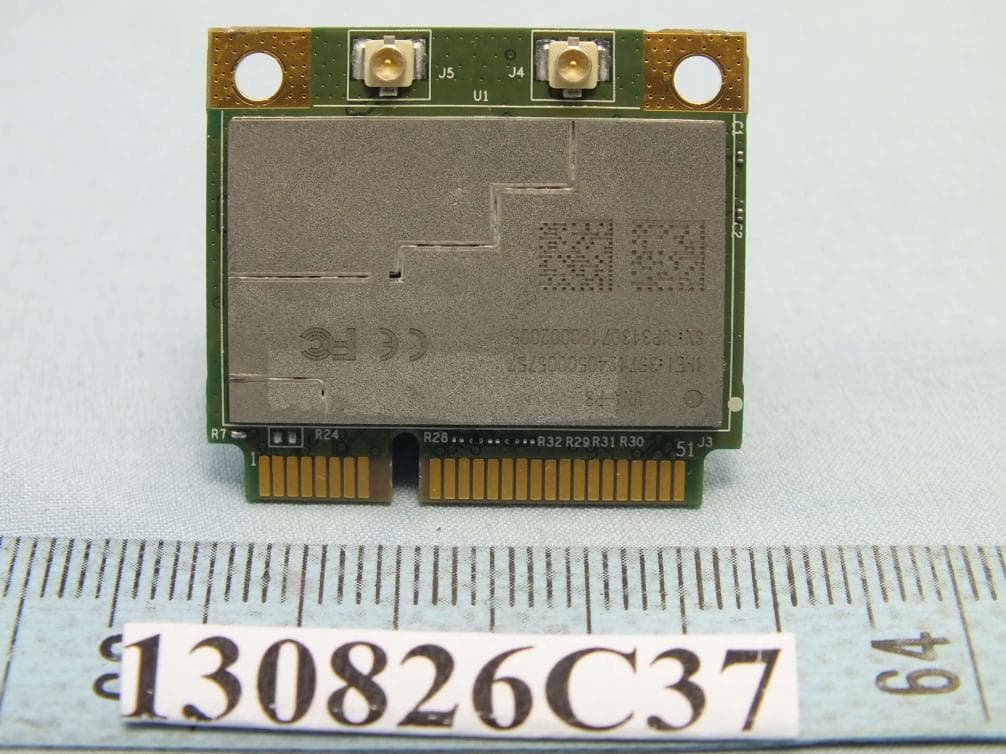
IXM-UNA-P3
Nov 21, 20133G Module
Equipment Class
PCB - PCS Licensed Transmitter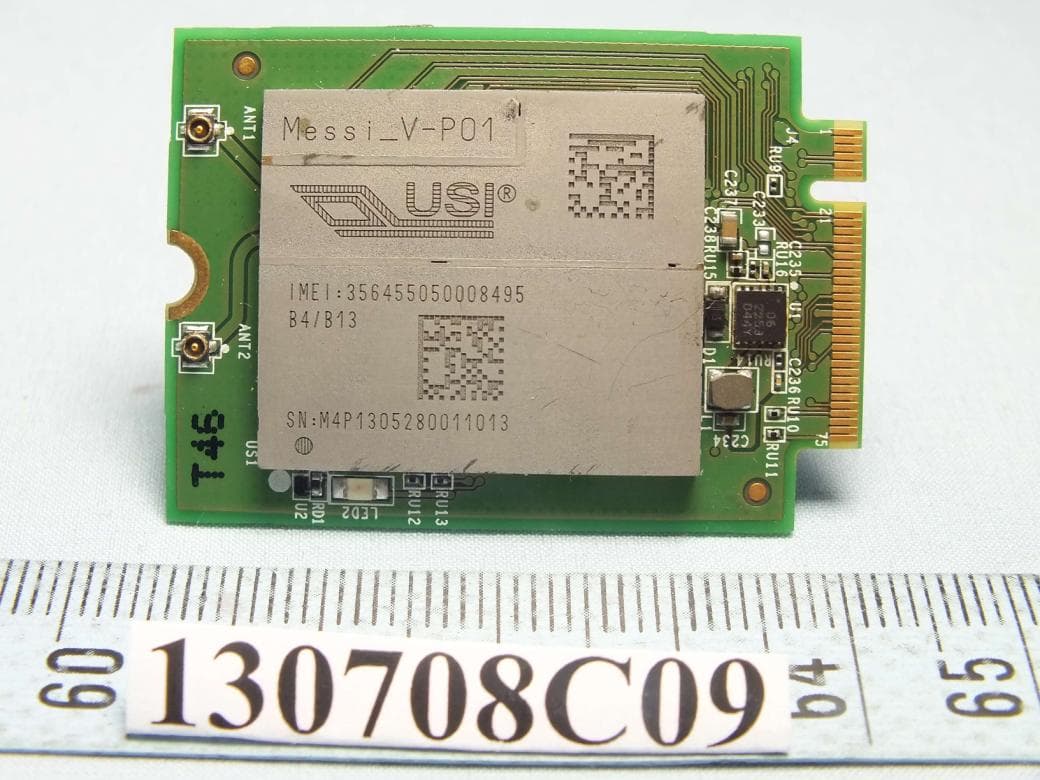
IXMMESSI-V
Sep 29, 2013LTE Module
Equipment Class
JBP - Part 15 Class B Computing Device Peripheral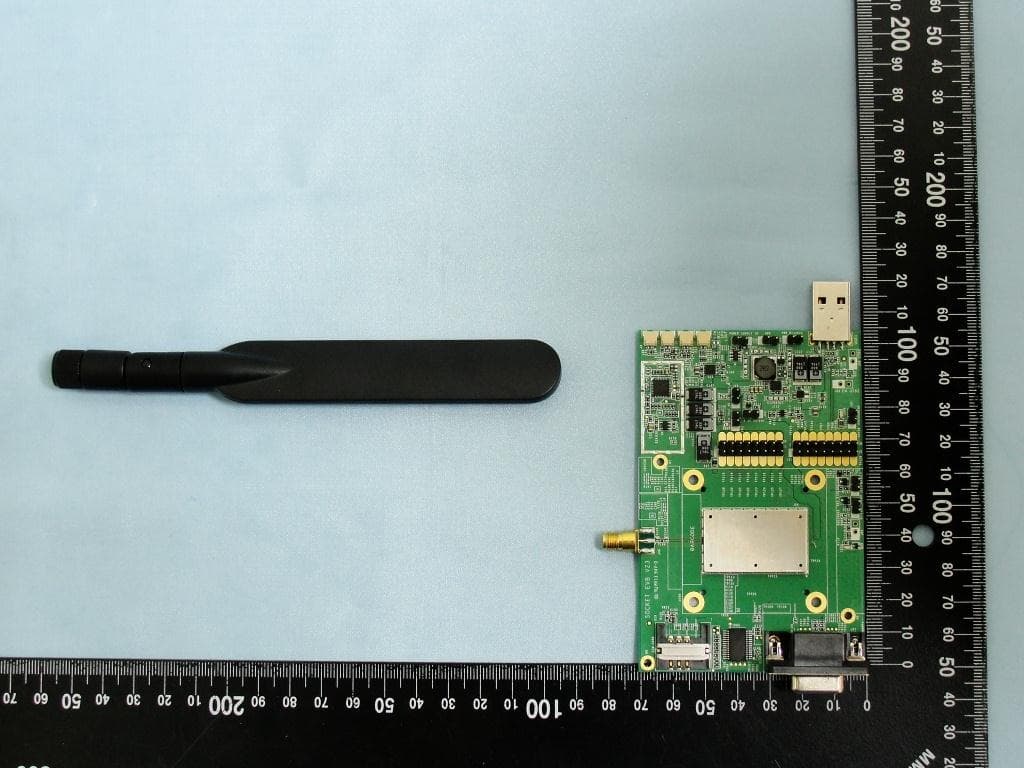
IXM-UNA850
Oct 01, 2012UNA 850 module
Equipment Class
PCB - PCS Licensed Transmitter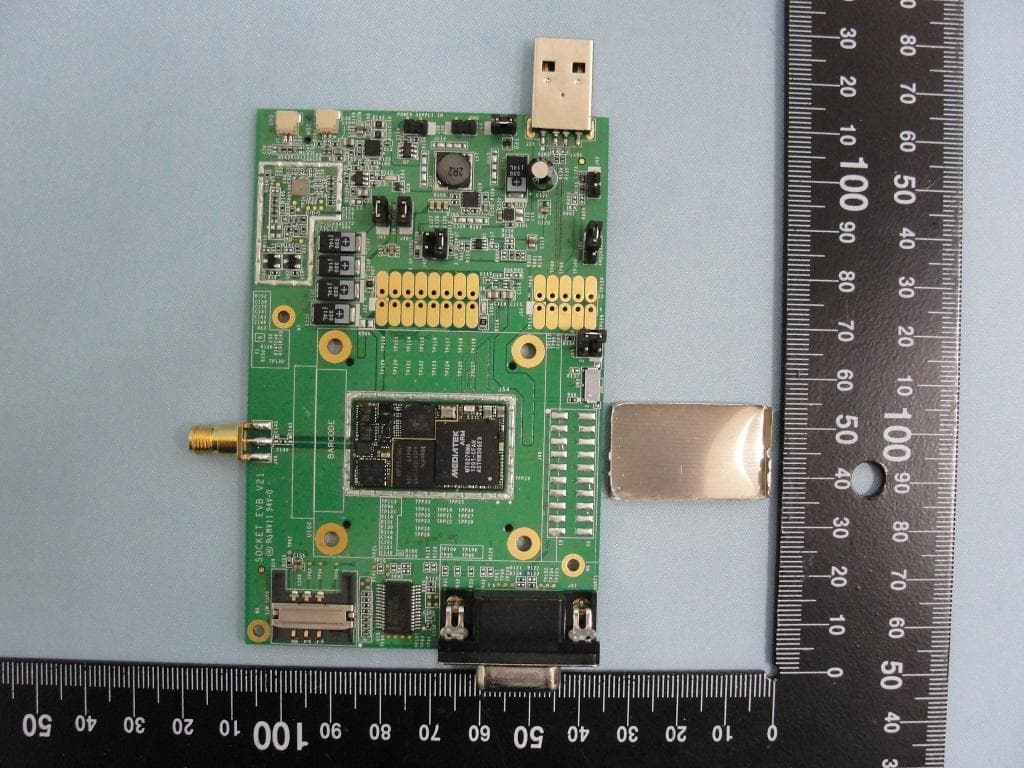
IXM-UNA900
Apr 19, 2012WWAN Module
Equipment Class
PCB - PCS Licensed Transmitter
IXMUGNAS-P3
Jul 28, 2011NETWORK ATTACHED STORAGE
Equipment Class
DTS - Digital Transmission System