IXMCTE630BTGraphire 3 wireless Tablet
Universal Scientific Industrial Co., Ltd.
Click to zoom
Application Details
- Equipment Class
- DCD - Part 15 Low Power Transmitter Below 1705 kHz
- Date of Grant
- Mar 07, 2005
- Application Purpose
- Original Equipment
- Date of Application
- Mar 07, 2005
- Equipment Note
- Graphire 3 wireless Tablet
- Frequency Range
- 0.75000000 - 0.75000000
- Country
- Taiwan
Documents & Files
Document Text
Text extracted from the exhibit documents filed with the FCC. Open a document above to read the original.
Users Manual
I NDEX C O NTENTS I N DEX C O NTENTS 1 1 T R OUBLESHOOTING C U STOMIZING P EN P OP - UP M ENU C ORDLESS M OUSE U SING T A BLET C ORDLESS M OUSE P E N T A BLET User’s Manual for Windows & Macintosh ®® I N DEX C ONTENTS I N DEX C O NTENTS 2 2 Wacom Graphire ® Bluetooth ® User’s Manual for Windows ® & Macintosh ® English version 1.0, February 11, 2005 Copyright © WACOM Company, Limited, 2005 All rights reserved. No part of this manual may be reproduced except for your express personal use. Wacom reserves the right to revise this publication without obligation to provide notification of such changes. Wacom does its best to provide current and accurate information in this manual. However, Wacom reserves the right to change any specifications and product configurations at its discretion, without prior notice and without obligation to include such changes in this manual. DuoSwitch is a trademark, and Graphire, Penabled, and Wacom are registered trademarks of WACOM Company, Limited. The Bluetooth ® word mark and logos are owned by the Bluetooth SIG, Inc. and any use of such marks by WACOM Company, Limited is under license. Other trademarks and trade names are those of their respective owners. Adobe, Reader, and Photoshop are either registered trademarks or trademarks of Adobe Systems Incorporated in the United States and/or other countries. Microsoft and Windows are either registered trademarks or trademarks of Microsoft Corporation in the United States and/or other countries. Apple, the Apple logo, and Macintosh are registered trademarks of Apple Computer, Inc., registered in the U.S. and other countries. Any additional company and product names mentioned in this documentation may be trademarked and/or registered as trademarks. Mention of third-party products is for information purposes only and constitutes neither an endorsement nor a recommendation. Wacom assumes no responsibility with regard to the performance or use of these products. ExpressKey is a registered trademark of Ginsan Industries, Inc., and is used with permission. Watch for the Penabled logo to ensure you are getting the natural feel and superior performance of Wacom’s patented cordless and battery-free pen technology. I NDEX C O NTENTS I N DEX C O NTENTS 3 3 CONTENTS About the manual 4 Navigating the manual 5 WORKING WITH GRAPHIRE 6 Tablet features 7 Input tools 8 Battery and power management 9 Installing the battery 9 Charging the battery 10 Power saving features 12 P ower indicator light 12 Establishing a Bluetooth connection 13 Optimizing the Bluetooth connection 16 Setting up your work area 17 Using the cordless pen 18 Holding the pen 18 Pointing 19 Clicking 20 Dragging 20 Using the side switch 21 Drawing with pressure-sensitivity 21 Erasing 22 Eye-hand coordination exercise 22 Using the cordless mouse 23 Working with the tablet 24 Using the ExpressKeys 25 Changing the tablet underlay 26 Creating a new tablet underlay 26 CUSTOMIZING 27 Opening the control panel 27 Control panel overview 28 Control panel settings 28 Customizing the pen 29 Adjusting tip f eel, eraser feel, and double-click 30 Customizing the side switch 31 Button functions 32 Customizing the cordless mouse 34 Customizing mouse buttons 35 Tablet tracking 36 Portion of screen area 39 Portion of tablet area 40 Setting mouse speed 40 Working with tablet properties 41 Customizing the Pop-up Menu 42 T ROUBLESHOOTING 43 Testing your tablet 44 Testing your tools 45 Troubleshooting tables 46 Connection problems 46 General problems 48 Windows-specific problems 51 Macintosh-specific problems 51 Technical support options 52 Obtaining dr iver downloads 53 APPENDIX 54 Tablet installation 54 Caring for your tablet and tools 55 Replacing the pen tip 55 Battery life information 55 Replacing the tablet battery 56 Uninstalling the tablet software 57 Product specifications 58 Graphire Bluetooth pen tablet (model CTE-630BT) 58 Graphire pen (model EP-130E) 59 Graphire cordless mouse (model EC-130) 59 Graphire Inking Pen (model EP-200, optional) 59 Product information 60 Ordering parts and accessories 60 Radio and television interference 61 FCC notice 61 CE declaration 61 License and Warranties (Worldwide, Except for Europe, Africa and Middle East) 62 Software License 62 Limited Warranty (U.S.A. and Canada) 62 Warranty Service in the U.S.A. and Canada 63 Warranty on Sales Outside of the U.S.A. and Canada 64 License and Warranty (Europe, Africa and Middle East) 65 Softw are License Agreement 65 Entitlement to Use the Softw are 65 Limited Warranty 65 GLOSSARY 67 INDEX 69 I N DEX C ONTENTS I N DEX C O NTENTS 4 4 About the manual This interactive user’s manual provides quick access to information about Graphire. Just click on a navigation button or highlighted word to move through the document. The information is common to Windows and Macintosh computers, and Windows screen captures are shown unless otherwise noted. •In the contents you can go directly to a topic by clicking on it. •Working with Graphire is the learning chapter, and introduces you to the many capabilities of your Graphire pen tablet. It describes the wireless pen tablet, the features and function of each Graphire tool, and includes exercises for new users. If you are not familiar with a pen tablet, this chapter gives you the basics. •Customizing describes how you can change the control panel settings to optimize your Graphire pen, mouse, and tablet for the way you like to work. •Want to test your tablet and tools? Need troubleshooting guidelines? T roubleshooting is where you will find the answers to most common questions. •The appendix include a variety of information: tips on tablet installation, caring for your tablet and tools, a how-to on uninstalling the software, your license and warranty, and more. Note: This manual does not contain complete information on installing your tablet. Please refer to your product Quick Start Guide and to the automated software installer (located on the Wacom Pen Tablet Driver CD) f…
Text truncated - open the document above for the full version.
Cover Letter(s)
From: [email protected] [mailto:[email protected]] Sent: Tuesday, March 08, 2005 1:13 AM To: steve.cheng Cc: [email protected]; [email protected] Subject: RE: RE: RE: One new FCC approval project, FCC ID:IXMCTE630BT Dear Steve, Thank you for your comments on this application! The following items are our replies for your comments: Question #1: Users manual revised to has compliance statements! Question #2: label format revised as suggested! If you still have any further question, please contact us! Please give us the grant if it's OK today. Best Regards, Amanda Chu / 朱芳誼 ~~~~~~~~~~~~~~~~~~~~~~~~~ Certification Specialist ADT Corp. (Hsin Chu Office) TEL: 03-5935343 ext. 1737 FAX: 03-5934728 ~~~~~~~~~~~~~~~~~~~~~~~~~ "steve.cheng" <[email protected]> 2005/03/07 上午 10:50 收件人 [email protected] 副本抄送 主旨 RE: RE: One new FCC approval project, FCC ID:IXMCTE630BT TCB Review Comments for (Universal FCC ID: IXMCTE630BT) -EMC- Question #1: Users manual missing FCC regulatory statement. Please revise users manual to include it. Question #2: label format: Please modify module ID to “This device contains FCC ID: IXMBM-GP-CS-03” to avoid the confusion of which is mail product ID. The current product ID is OK, you just need to modify included Bluetooth module ID. Best Regards Steve Cheng / Technical Reviewer TCB/FCB/NB North American EMC Certification Service Inc. Email: [email protected] Tel: 403-241-8826 Best regards, Steve Cheng North American EMC Certification Services Inc. 359 Hawkland Cir., NW. Calgary, Alberta Canada T3G 3R3 Tel: (403) 241-8826 Email: [email protected]
External Photos
Page 1 CONSTRUCTION PHOTOS OF EUT Page 2
ID Label/Location Info
WACOM Co.,Ltd Made in China Model : Rating: 6.0Vdc Product content Radio Frequency Function. This device contains FCC ID: IXMBM-GP-CS-03. Pen Tablet Serial No: FCC ID : IXMCTE630BT
Internal Photos
Page 3 Page 4 Page 5 Page 6 Page 7 Page 8 Page 9 Page 10 Page 11 Page 12 Page 13 Page 14 Page 15 Page 16
Operational Description
FCC ID: IXMCTE630BT Report No.: 940201H04 Operational Description CTE - 630BT is an input / output peripheral device for a computer, using Wacom’s sensor, a Graphire3 Pen, Graphire3 Mouse. The intentionally radiated frequency is 750kHz which is used between pen/mouse and tablet. The transmission between the product and computer was via an approved 2.4 GHz bluetooth module that installed in the device. All the other frequencies are unintentionally radiated. The tablet continuously transmits data to and from the Pen. When transmitting, the tablet sends a signal to the Pen. The Pen stores energy from the signal. When receiving, the Pen sends a signal that carries coordinate, switch, and pressure data back to the tablet. The tablet sends this data to the computer. A. Antenna The sensor board has two kinds, transmitter and receiver. The transmission sensor board has multiple loop coils in horizontal directions. The receiver sensor board has two groups of multiple loop coils in X (horizontal) and Y (vertical) directions. B. Original oscillation frequency and intentionally radiated frequency We make one (750kHz) intentionally radiated frequency from the original oscillation frequency of 750kHz by microcomputer. C. Operation The tablet looks for a pointing device, such as a stylus, by feeding electrical current of above-mentioned frequency through the coils in both X axis and Y axis. The tablet is able to detect the position of a pointing device because of the induction caused between the coil of the pointing device and two coils, one from X-axis and the other from Y-axis, of the sensor board. D. Comment on pointing device The pointing device operates completely passively and has no battery or active oscillator.
Test Report
Report No.: RF940201H041Report Format Version 2.0.1 FCC TEST REPORT REPORT NO. :RF940201H04 MODEL NO. :CTE - 630BT RECEIVED : Feb. 01, 2005 TESTED : Feb. 01 to 28, 2005 ISSUED :Mar. 01, 2005 APPLICANT :UNIVERSAL SCIENTIFIC INDUSTRIAL CO., LTD. ADDRESS :141, Lane 351, Taiping Road, Sec. 1, Tsao Tuen, Nan-Tou, Taiwan, R.O.C. ISSUED BY :Advance Data Technology Corporation LAB LOCATION :No. 81-1, Lu Liao Keng, 9 Ling, Wu Lung Tsuen, Chiung Lin Hsiang, Hsin Chu Hsien, Taiwan, R.O.C. This test report consists of 23 pages in total. It may be duplicated completely for legal use with the approval of the applicant. It should not be reproduced except in full, without the written approval of our laboratory. The client should not use it to claim product endorsement by CNLA, A2LA or any government agencies. The test results in the report only apply to the tested sample. The test results in this report are traceable to the national or international standards. 0536No. 2177-01 ILAC MRA Report No.: RF940201H042Report Format Version 2.0.1 Table of Contents 1CERTIFICATION..............................................................................................3 2SUMMARY OF TEST RESULTS .....................................................................4 2.1MEASUREMENT UNCERTAINTY...................................................................4 3GENERAL INFORMATION ..............................................................................5 3.1GENERAL DESCRIPTION OF EUT ................................................................5 3.2DESCRIPTION OF SUPPORT UNITS ............................................................7 3.3CONFIGURATION OF SYSTEM UNDER TEST .............................................8 4EMISSION TEST .............................................................................................9 4.1CONDUCTED EMISSION MEASUREMENT...................................................9 4.1.1 LIMITS OF CONDUCTED EMISSION MEASUREMENT ................................9 4.1.2 TEST INSTRUMENTS.....................................................................................9 4.1.3 TEST PROCEDURE......................................................................................10 4.1.4 DEVIATION FROM TEST STANDARD..........................................................10 4.1.5 TEST SETUP.................................................................................................10 4.1.6 EUT OPERATING CONDITIONS .................................................................. 11 4.1.7 TEST RESULTS ............................................................................................12 4.2RADIATED EMISSION MEASUREMENT......................................................14 4.2.1 LIMITS OF RADIATED EMISSION MEASUREMENT ...................................14 4.2.2 TEST INSTRUMENTS...................................................................................15 4.2.3 TEST PROCEDURE......................................................................................16 4.2.4 DEVIATION FROM TEST STANDARD..........................................................16 4.2.5 TEST SETUP.................................................................................................17 4.2.6 EUT OPERATING CONDITIONS ..................................................................17 4.2.7 TEST RESULTS ............................................................................................18 4.2.8 TEST RESULTS (SPECTRUM BANDWIDTH) ..............................................20 5PHOTOGRAPHS OF THE TEST CONFIGURATION ....................................21 6APPENDIX - INFORMATION ON THE TESTING LABORATORIES .............23 Report No.: RF940201H043Report Format Version 2.0.1 1 CERTIFICATION PRODUCT : Graphire 3 wireless Tablet MODEL NO. : CTE - 630BT BRAND : WACOM APPLICANT : UNIVERSAL SCIENTIFIC INDUSTRIAL CO., LTD. STANDARDS : 47 CFR Part 15, Subpart C (Section 15.209) ANSI C63.4-2003 The above equipment (Model: CTE - 630BT) has been tested by Advance Data Technology Corporation, and found compliance with the requirement of the above standards. The test record, data evaluation & Equipment Under Test (EUT) configurations represented herein are true and accurate accounts of the measurements of the sample’s EMC characteristics under the conditions specified in this report. PREPARED BY : , DATE:Mar. 01, 2005 ( Carol Liao ) TECHNICAL ACCEPTANCE :, DATE:Mar. 01, 2005 Responsible for RF ( Hank Chung ) APPROVED BY :, DATE:Mar. 01, 2005 ( Eric Lin, Manager ) Report No.: RF940201H044Report Format Version 2.0.1 2 SUMMARY OF TEST RESULTS The EUT has been tested according to the following specifications: APPLIED STANDARD: 47 CFR Part 15, Subpart C StandardTest TypeResultRemarks Conducted TestPASS Meets Class B Limit Minimum passing margin is -15.73 dB at 12.754 MHz 47 CFR Part 15, Subpart C Radiated TestPASS Meets Class B Limit Minimum passing margin is –13.2 dB at 240.00 MHz NOTE: For conducted emission test, the test limit used is according to FCC Part 15.107. In this part, conducted emis 2.1 MEASUREMENT UNCERTAINTY Where relevant, the following measurement uncertainty levels have been estimated for tests performed on the EUT as specified in CISPR 16-4: MeasurementValue Conducted emissions2.53 dB Radiated emissions (30MHz-1GHz)2.98 dB Radiated emissions (1GHz ~18GHz)2.21 dB conducted emission test for telecom port is not mentioned and therefore this item is not tested. sion test for telecom port is not mentioned and therefore this item is not tested. Report No.: RF940201H045Report Format Version 2.0.1 3 GENERAL INFORMATION 3.1 GENERAL DESCRIPTION OF EUT PRODUCT Graphire 3 wireless Tablet MODEL NO. CTE - 630BT POWER SUPPLY Power adapter or battery, Class I CARRIER FREQUENCY 750 KHz +/- 10 % DATA CABLE NA POWER CORDNA ANTENNA TYPECeramic Antenna with 0dBi antenna gain I/O PORTSNA ASSOCIATED DEVICESNA Note: 1. The EUT was powered by following power adapter or battery: Adapter Brand: WACOM …
Text truncated - open the document above for the full version.
Test Setup Photos
Report No.: RF940201H0421Report Format Version 2.0.1 5 PHOTOGRAPHS OF THE TEST CONFIGURATION CONDUCTED EMISSION TEST Report No.: RF940201H0422Report Format Version 2.0.1 RADIATED EMISSION TEST
Contact Information
Applicant
Martin Shih(Section Manager)
Technical Contact
Advance Data Technology CorporationEric Lin
[email protected]886-3-593-5343
81-1 Luliaoken, 9th Lin, Wulung Tsuen Chiunglin · Hsinchu · Taiwan
Non-Technical Contact
Advance Data Technology CorporationEric Lin
[email protected]886-3-593-5343
Test Firm
Advance Data Tech. Corp. Hsin Chu EMCStephen Chen
Technical Specifications
| # | Rule Parts | Frequency Range | Power Output |
|---|---|---|---|
| 1 | 15C | 0.75 MHz - 0.75 MHz | - |
Other Applications from Universal Scientific Industrial Co., Ltd.
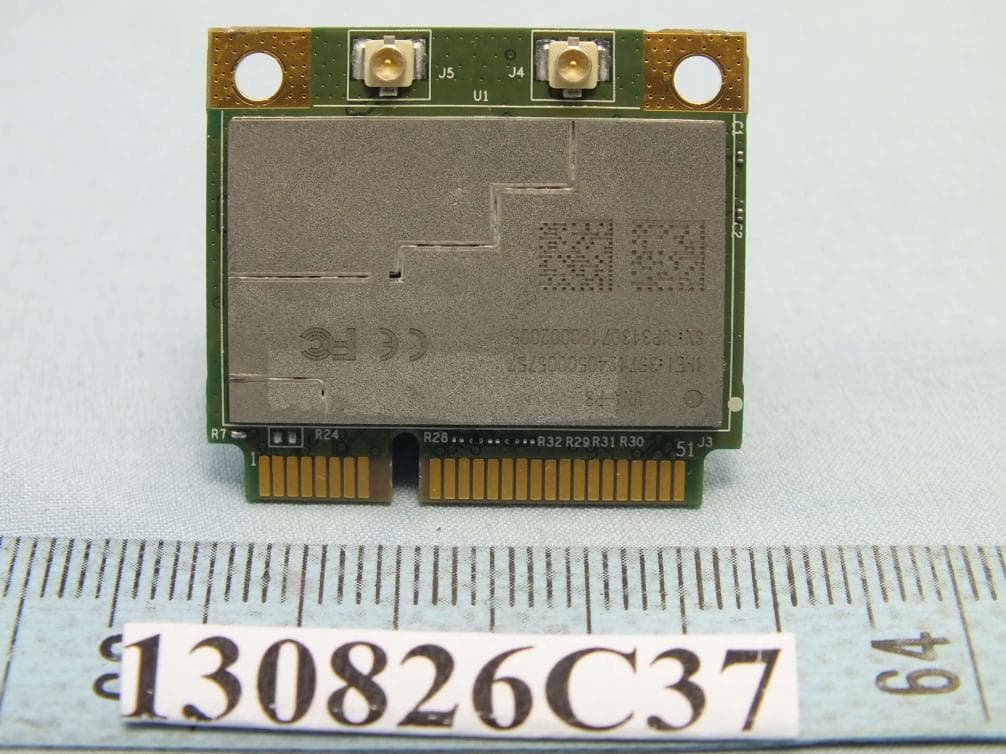
IXM-UNA-P3
Nov 21, 20133G Module
Equipment Class
PCB - PCS Licensed Transmitter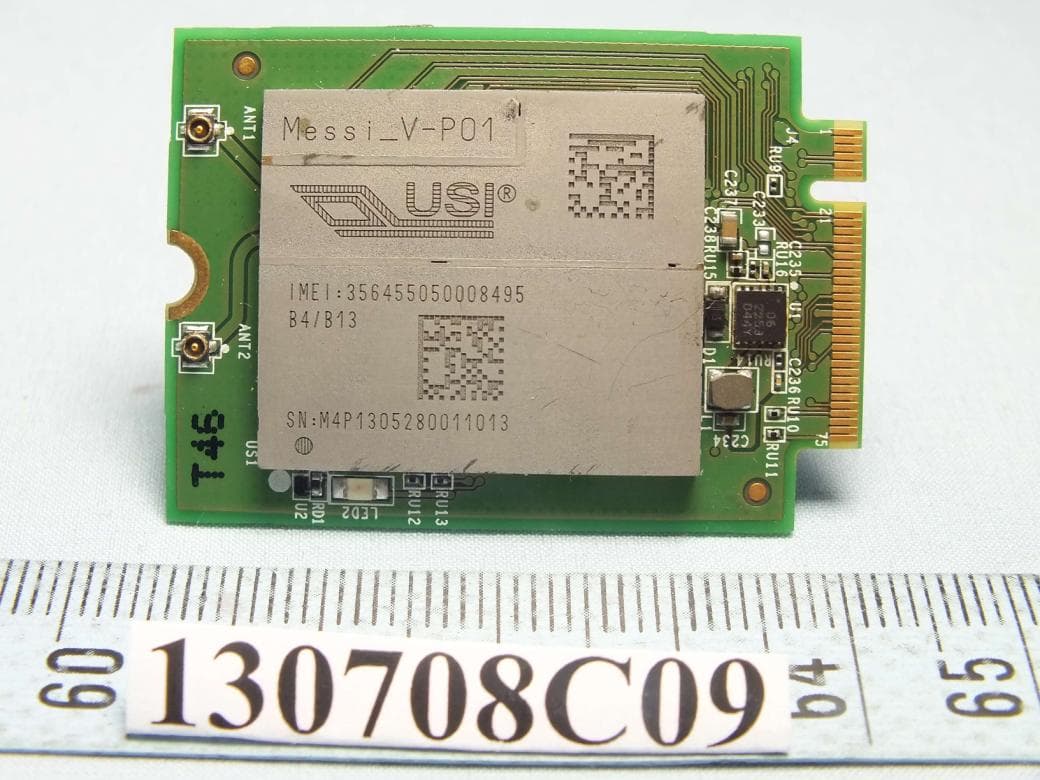
IXMMESSI-V
Sep 29, 2013LTE Module
Equipment Class
JBP - Part 15 Class B Computing Device Peripheral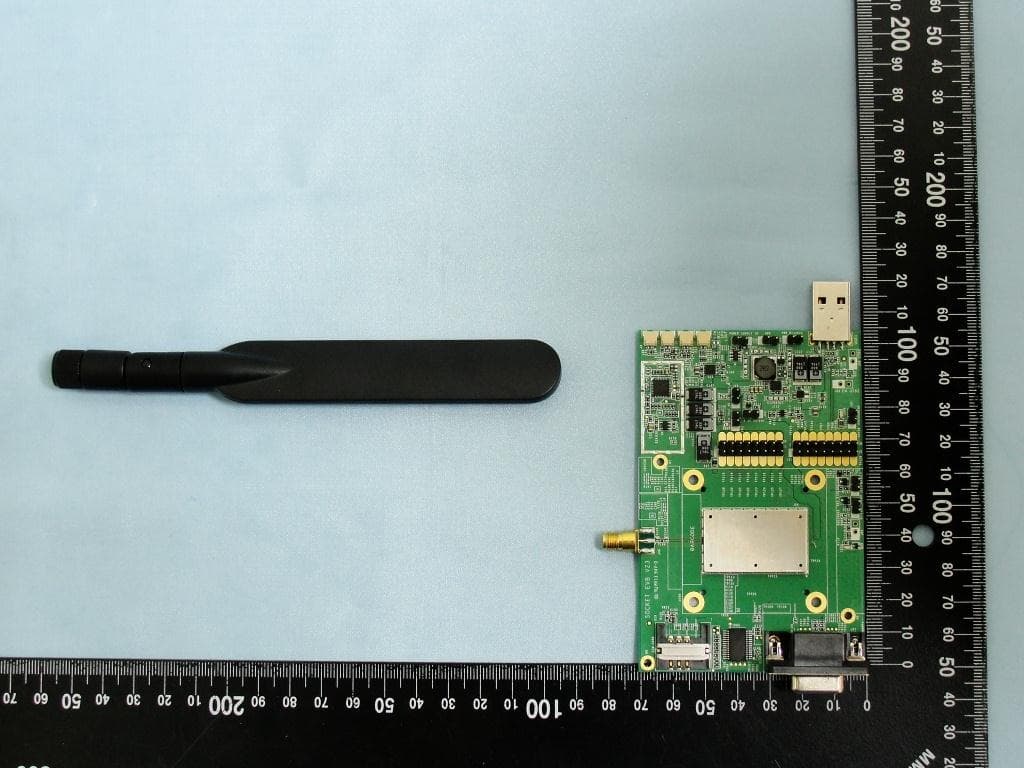
IXM-UNA850
Oct 01, 2012UNA 850 module
Equipment Class
PCB - PCS Licensed Transmitter
IXM-UNA900
Apr 19, 2012WWAN Module
Equipment Class
PCB - PCS Licensed Transmitter
IXMUGNAS-P3
Jul 28, 2011NETWORK ATTACHED STORAGE
Equipment Class
DTS - Digital Transmission System