IXMHD003WUSB Bluetooth Dongle
Universal Scientific Industrial Co., Ltd.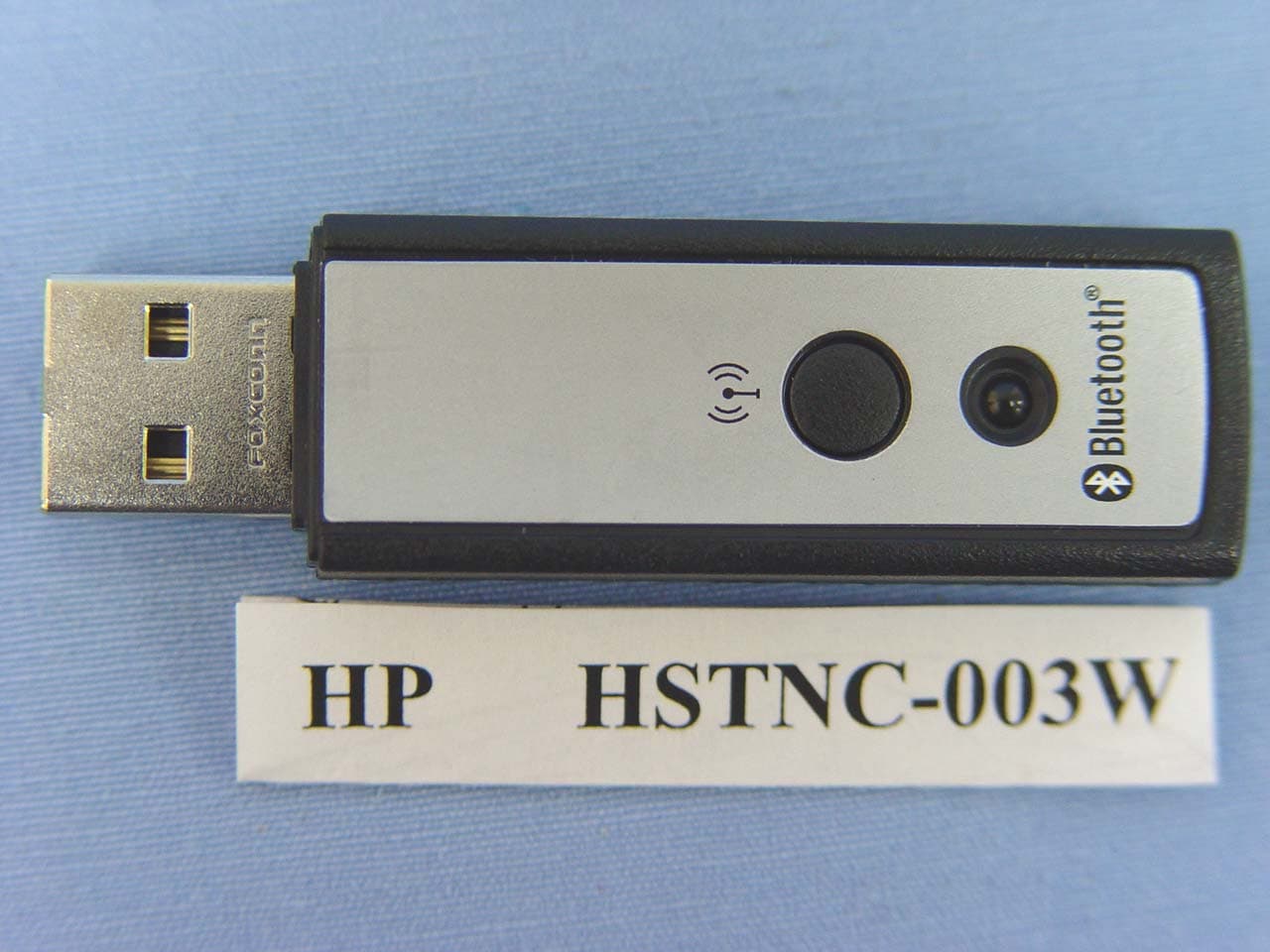
Click to zoom
Application Details
- Equipment Class
- DSS - Part 15 Spread Spectrum Transmitter
- Date of Grant
- Jul 28, 2004
- Application Purpose
- Original Equipment
- Date of Application
- Jul 28, 2004
- Equipment Note
- USB Bluetooth Dongle
- Frequency Range
- 2402.00000000 - 2480.00000000
- Country
- Taiwan
Documents & Files
Document Text
Text extracted from the exhibit documents filed with the FCC. Open a document above to read the original.
Users Manual
Hewlett-Packard Company 20555 SH 249 Mail Stop 060607 Houston, TX 77070-2698 www.hp.com 1 User Manual for USB Bluetooth Button Dongle Product Name: USB Bluetooth Button Dongle Model Number: HSTNC-003W System requirement: 1. OS: MS2000 or MS XP or above Operation system 2. Installed WIDCOMM application SW 3. Good Bluetooth Device (like BT Mouse and BT Dongle) Introduction 0. Preparation Insert the USB Bluetooth Button Dongle into the USB port of Host. 1. BLUETOOTH TRAY The Bluetooth tray resides in the Windows system tray, which is normally located in thelower-right corner of the screen. The Bluetooth tray provides fast access to most Bluetooth operations. From the Bluetooth tray you can: Access My Bluetooth Places—double-click the Bluetooth icon, or right-click the Bluetooth icon and then select Explore My Bluetooth Places. Access the Bluetooth Setup Wizard. This wizard will help you: z Configure how this computer accesses a service on another Bluetooth device z Locate remote Bluetooth devices z Configure the way that this computer provides services to remote Bluetooth devices z Set the name and type of this Bluetooth device, e.g., “John's PC” and “Desktop.” Hewlett-Packard Company 20555 SH 249 Mail Stop 060607 Houston, TX 77070-2698 www.hp.com 2 Access the Bluetooth Configuration Panel—right-click the Bluetooth icon, and then select Advanced Configuration. Access the Quick Connect option—right-click the Bluetooth icon, select Quick Connect, and then select the type of service to which you wish to connect. Start/Stop Bluetooth on this computer. 2 ACCESS MY BLUETOOTH PLACES My Bluetooth Places is part of Windows Explorer. There are multiple ways to access My Bluetooth Places: In the Windows system tray z Right-click the Bluetooth icon and select Explore My Bluetooth Places or z Double-click the Bluetooth icon On the desktop, double-click the Bluetooth icon Open Windows Explorer and select My Bluetooth Places in the Folders pane or from the Address shortcut menu. Basic Operations 1. START OR STOP BLUETOOTH To start Bluetooth: in the Windows system tray, right-click the Bluetooth icon and select Start the Bluetooth Device. The Bluetooth icon is blue in color with a white insert when Bluetooth is running. To stop Bluetooth: in the Windows system tray, right-click the Bluetooth icon and select Stop the Bluetooth Device. The Bluetooth icon is blue in color with a red insert when Bluetooth is stopped. 2. CREATE A CONNECTION FROM THE BLUETOOTH ICON IN THE SYSTEM TRAY In the Windows system tray, right-click the Bluetooth icon, select Quick Connect and then the Bluetooth service that you wish to use. If this computer has created a connection to the desired type of service in the past, the options on the shortcut menu are: The name(s) of any device(s) with which prior connections to this type of service have been established. Select a name from the list to re-establish connection. Other Devices...Select this option to search for additional devices that potentially provide the desired service, select a device from the list, and then click Connect. If this computer has never created a connection to this type of service, the only option on the shortcut menu is “Find Devices....” Select this option to search for devices that potentially provide the desired service, select a device from the list, and then click Connect. Hewlett-Packard Company 20555 SH 249 Mail Stop 060607 Houston, TX 77070-2698 www.hp.com 3 3. CREATE A CONNECTION USING THE BLUETOOTH SETUP WIZARD In Windows Explorer: Right-click My Bluetooth Places and select Bluetooth Setup Wizard or With My Bluetooth Places selected, from the Bluetooth menu, select Bluetooth Setup Wizard or With My Bluetooth Places selected, double-click Bluetooth Setup Wizard or From the Windows system tray: right-click the Bluetooth icon and select Bluetooth Setup Wizard. Follow the wizard's on-screen instructions. 4. CREATE A CONNECTION FROM ENTIRE BLUETOOTH NEIGHBORHOOD From Windows Explorer: In the Folders pane, select Entire Bluetooth Neighborhood, right-click a device name and select “Connect ...” the desired service. or In the Folders pane, expand Entire Bluetooth Neighborhood, select a device, and then, in the right pane, right-click a service provided by that device and select “Connect to...” Hewlett-Packard Company 20555 SH 249 Mail Stop 060607 Houston, TX 77070-2698 www.hp.com 4 15.105 Federal Communications Commission (FCC) Requirements, Part 15 This equipment has been tested and found to comply with the limits for a class B digital device, pursuant to part 15 of the FCC Rules. These limits are designed to provide reasonable protection against harmful interference in a residential installation. This equipment generates, uses and can radiate radio frequency energy and, if not installed and used in accordance with the instructions, may cause harmful interference to radio communications. However, there is no guarantee that interference will not occur in a particular installation. If this equipment does cause harmful interference to radio or television reception, which can be determined by turning the equipment off and on, the user is encouraged to try to correct the interference by one or more of the following measures: ---Reorient or relocate the receiving antenna. ---Increase the separation between the equipment and receiver. ---Connect the equipment into an outlet on a circuit different from that to which the receiver is connected. ---Consult the dealer or an experienced radio/TV technician for help. Regulatory information / Disclaimers Installation and use of this Bluetooth device must be in strict accordance with the instructions included in the user documentation provided with the product. Any changes or modifications (including the antennas) made to this device that are not expressly approved by the manufacturer may void the user’s authority to operate the equipment. The manufacturer is not responsible for any radio or …
Text truncated - open the document above for the full version.
External Photos
Compliance Certification Services Inc. Report No: 40701001 Date of Issue: July 28, 2004 Page 1 of 4 EXTERNAL PHOTOGRAPHS OF EUT Compliance Certification Services Inc. Report No: 40701001 Date of Issue: July 28, 2004 Page 2
Internal Photos
Compliance Certification Services Inc. Report No: 40701001 Date of Issue: July 28, 2004 Page 3 INTERNAL PHOTOGRAPHS OF EUT
Parts List/Tune Up Info
SIZE DRAWING NO. REV A USB Bluetooth Button Dongle A DRAWN SCALE 1/1 SHEET 1 OF 7 Antenna Pattern for Bluetooth USB Dongle The integration of a high performance etched PCB antenna makes the Dongle more cost effective and performance is guaranteed during the production. Layout Schematic Gain Peak Average Horizontal 1.87 -5.17 X Plane Vertical -8.13 -10.84 Horizontal 2.03 -4.91 Y Plane Vertical -7.63 -11.39 Horizontal -4.97 -17.24 Z Plane Vertical 0.7 -1.1 Unit: dBi SIZE DRAWING NO. REV A USB Bluetooth Button Dongle A DRAWN SCALE 1/1 SHEET 2 OF 7 rand/ Model: USB Bluetooth Button Dongle X Plane and Horizontal. SIZE DRAWING NO. REV A USB Bluetooth Button Dongle A DRAWN SCALE 1/1 SHEET 3 OF 7 Brand/ Model: USB Bluetooth Button Dongle X Plane and Vertical SIZE DRAWING NO. REV A USB Bluetooth Button Dongle A DRAWN SCALE 1/1 SHEET 4 OF 7 Brand/ Model: USB Bluetooth Button Dongle Y Plane and Horizontal. SIZE DRAWING NO. REV A USB Bluetooth Button Dongle A DRAWN SCALE 1/1 SHEET 5 OF 7 Brand/ Model: USB Bluetooth Button Dongle Y Plane and Vertical SIZE DRAWING NO. REV A USB Bluetooth Button Dongle A DRAWN SCALE 1/1 SHEET 6 OF 7 Brand/ Model: USB Bluetooth Button Dongle Z Plane and Horizontal. SIZE DRAWING NO. REV A USB Bluetooth Button Dongle A DRAWN SCALE 1/1 SHEET 7 OF 7 Brand/ Model: USB Bluetooth Button Dongle Z Plane and Vertical
Test Report
Compliance Certification Services Inc. Report No: 40701001-RP FCC ID: IXMHD003W Date of Issue: July 29, 2004 Note: This report shall not be reproduced except in full, without the written approval of Compliance Certification Services Inc. This document may be altered or revised by Compliance Certification Services Inc. personnel only, and shall be noted in the revision section of the document. Page 1 of 50 FCC 47 CFR PART 15 SUBPART C TEST REPORT For Universal Scientific Industrial Co., Ltd USB Bluetooth Button Dongle Model: HSTNC-003W Tr a d e Na me : H P Prepared for Universal Scientific Industrial Co., Ltd 141, Lane 351, Taiping Road, Sec. 1, Tsao Tuen, Nan-Tou, Taiwan, R.O.C. Prepared by Compliance Certification Services Inc. No. 81-1, Lane 210, Bade Rd. 2, Luchu Hsiang, Taoyuan Hsien, (338) Taiwan, R.O.C. TEL: 886-3-324-0332 FAX: 886-3-324-5235 Compliance Certification Services Inc. Report No: 40701001-RP FCC ID: IXMHD003W Date of Issue: July 29, 2004 Page 2 TABLE OF CONTENTS 1. TEST RESULT CERTIFICATION....................................................................................................3 2. EUT DESCRIPTION ...........................................................................................................................4 3. TEST METHODOLOGY ....................................................................................................................5 3.1 EUT CONFIGURATION........................................................................................................................5 3.2 EUT EXERCISE....................................................................................................................................5 3.3 GENERAL TEST PROCEDURES.............................................................................................................5 3.4 FCC PART 15.205 RESTRICTED BANDS OF OPERATIONS........................................................6 3.5 DESCRIPTION OF TEST MODES...........................................................................................................6 4. INSTRUMENT CALIBRATION........................................................................................................7 5. FACILITIES AND ACCREDITATIONS ..........................................................................................8 5.1 FACILITIES ........ ...............................................................................................................................8 5.2 EQUIPMENT........................................................................................................................................8 5.3 LABORATORY ACCREDITATIONS AND LISTING..................................................................................8 5.4 TABLE OF ACCREDITATIONS AND LISTINGS.......................................................................................9 6. SETUP OF EQUIPMENT UNDER TEST .......................................................................................10 6.1 SETUP CONFIGURATION OF EUT.......................................................................................................10 6.2 SUPPORT EQUIPMENT ...............................................................................................................10 7. FCC PART 15.247 REQUIREMENTS.............................................................................................11 7.1 PEAK POWER....................................................................................................................................11 7.2 BAND EDGES MEASUREMENT ................................................................................................12 7.3 PEAK POWER SPECTRAL DENSITY....................................................................................................17 7.4 FREQUENCY SEPARATION.......................................................................................................20 7.5 NUMBER OF HOPPING FREQUENCY ......................................................................................22 7.6 TIME OF OCCUPANCY (DWELL TIME)...................................................................................24 7.7 RADIO FREQUENCY EXPOSURE........................................................................................................32 7.8 SPURIOUS EMISSIONS ................................................................................................................33 7.9 POWERLINE CONDUCTED EMISSIONS...............................................................................................46 APPENDIX 1 PHOTOGRPHS OF TEST SETUP .................................................................................49 Compliance Certification Services Inc. Report No: 40701001-RP FCC ID: IXMHD003W Date of Issue: July 29, 2004 Page 4 2. EUT DESCRIPTION Product USB Bluetooth Button Dongle Trade Name HP Model Number HSTNC-003W Model Discrepancy N/A Power Supply Powered from host device Frequency Range 2402 ~ 2480 MHz Transmit Power -0.61 dBm Modulation Technique GFSK Transmit Data Rate 1MHz Number of Channels 79 Channels Antenna Specification Chip Antenna / Gain: 2.03 dBi Note: This submittal(s) (test report) is intended for FCC ID: IXMHD003W filing to comply with Section 15.207, 15.209 and 15.247 of the FCC Part 15, Subpart C Rules. Compliance Certification Services Inc. Report No: 40701001-RP FCC ID: IXMHD003W Date of Issue: July 29, 2004 Page 5 3. TEST METHODOLOGY The tests documented in this report were performed in accordance with ANSI C63.4 and FCC CFR 47 2.1046, 2.1047, 2.1049, 2.1051, 2.1053, 2.1055, 2.1057, 15.207, 15.209 and 15.247. 3.1 EUT CONFIGURATION The EUT configuration for testing is installed on RF field strength measurement to meet the Commissions requirement and operating in a manner that intends to maximize its emission characteristics in a continuous normal application. 3.2 EUT EXERCISE The EUT was operated in the engineering mode to fix the TX frequen…
Text truncated - open the document above for the full version.
Test Setup Photos
Compliance Certification Services Inc. Report No: 40701001-RP FCC ID: IXMHD003W Date of Issue: July 29, 2004 Page 49 APPENDIX 1 PHOTOGRPHS OF TEST SETUP Radiated Emission Set up Photos Compliance Certification Services Inc. Report No: 40701001-RP FCC ID: IXMHD003W Date of Issue: July 29, 2004 Page 50 Conducted Emission Set Up Photos
Contact Information
Applicant
Martin Shih(Section Manager)
Test Firm
Compliance Certification Services Inc.Tony Houng
Technical Specifications
| # | Rule Parts | Frequency Range | Power Output |
|---|---|---|---|
| 1 | 15C | 2.40 GHz - 2.48 GHz | 900.00 µW |
Other Applications from Universal Scientific Industrial Co., Ltd.
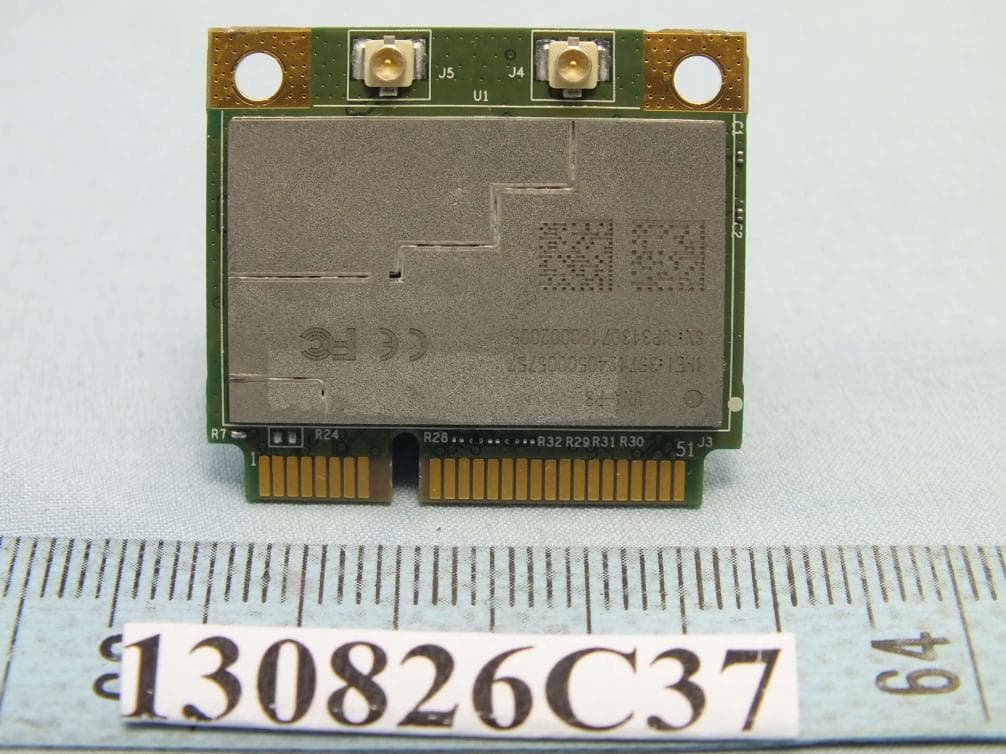
IXM-UNA-P3
Nov 21, 20133G Module
Equipment Class
PCB - PCS Licensed Transmitter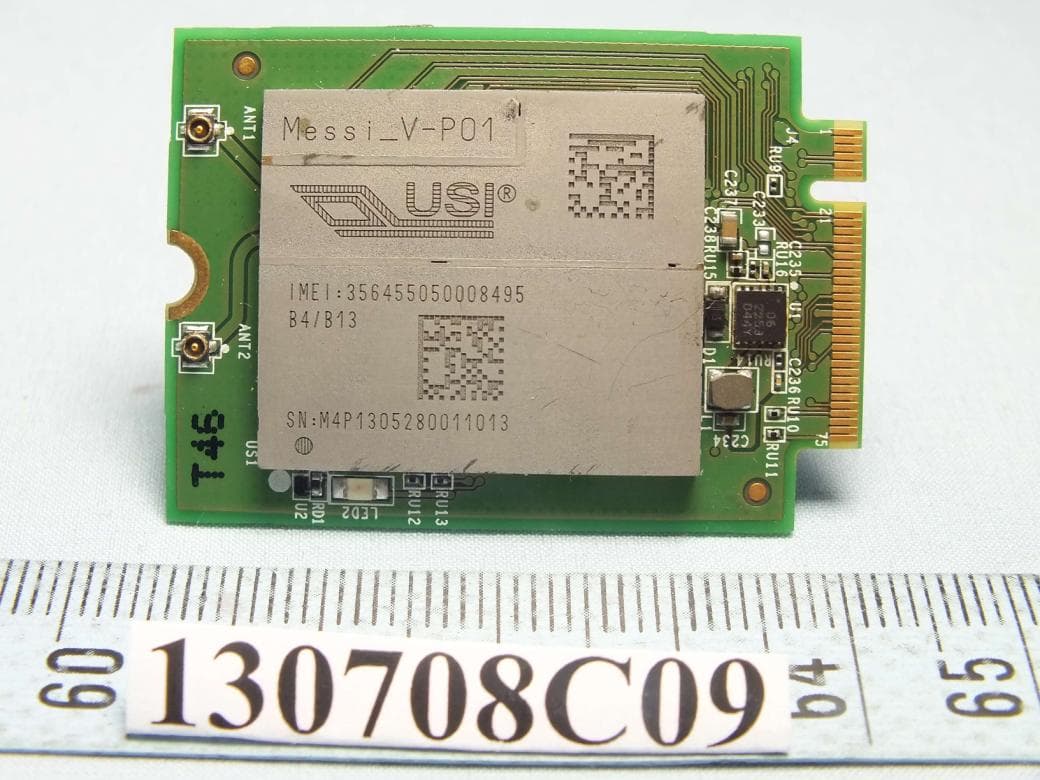
IXMMESSI-V
Sep 29, 2013LTE Module
Equipment Class
JBP - Part 15 Class B Computing Device Peripheral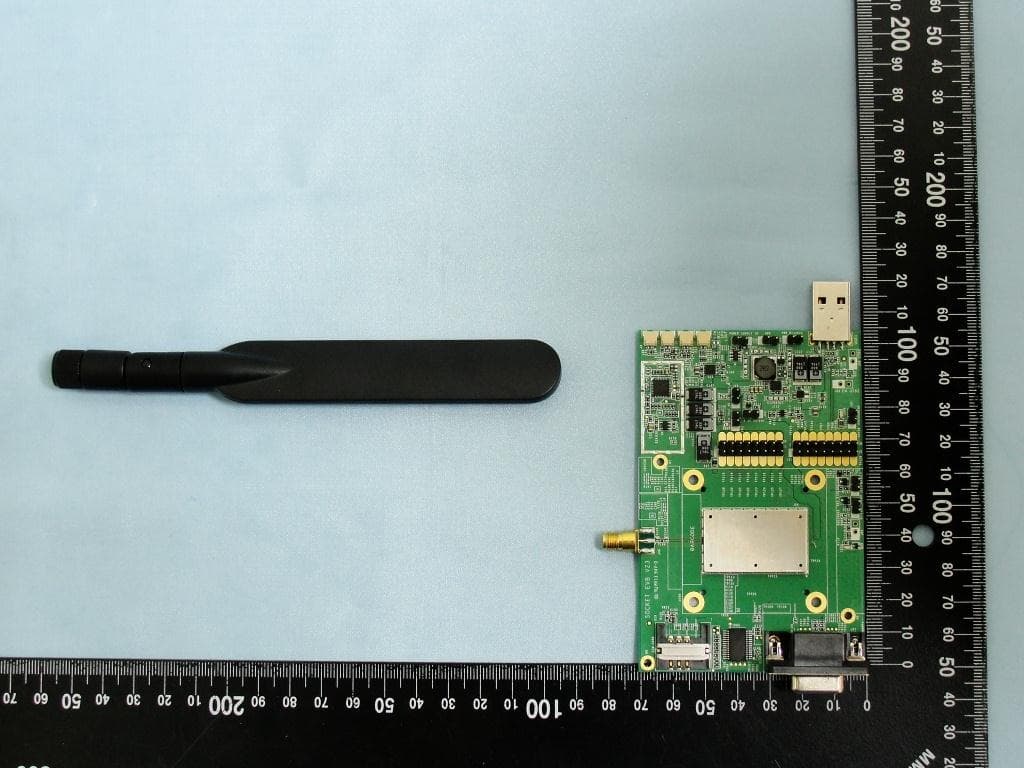
IXM-UNA850
Oct 01, 2012UNA 850 module
Equipment Class
PCB - PCS Licensed Transmitter
IXM-UNA900
Apr 19, 2012WWAN Module
Equipment Class
PCB - PCS Licensed Transmitter
IXMUGNAS-P3
Jul 28, 2011NETWORK ATTACHED STORAGE
Equipment Class
DTS - Digital Transmission System