MQ4UHL1KDUSB 1M HomePNA Adapter
Abocom Systems Inc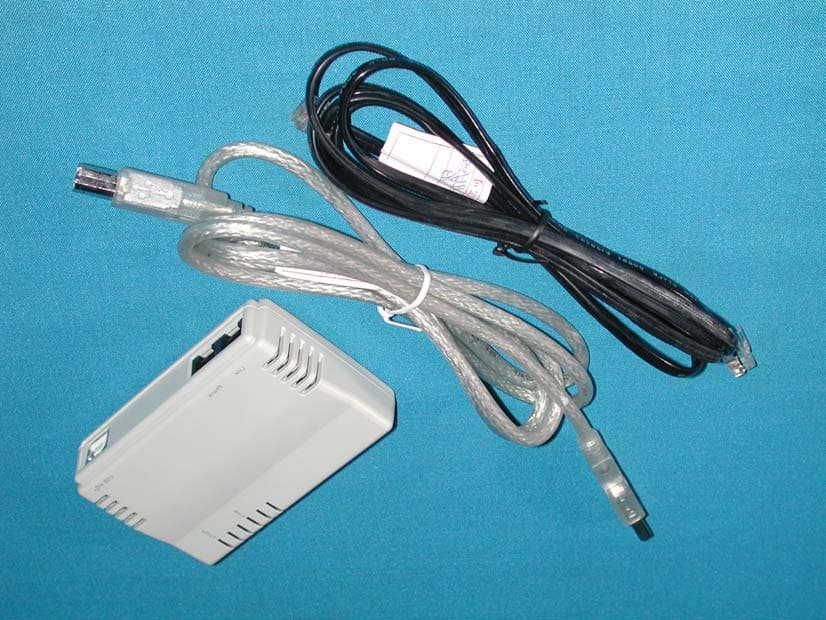
Click to zoom
Application Details
- Equipment Class
- JBP - Part 15 Class B Computing Device Peripheral
- Date of Grant
- Oct 17, 2001
- Application Purpose
- Original Equipment
- Date of Application
- Oct 17, 2001
- Equipment Note
- USB 1M HomePNA Adapter
- Company
- Abocom Systems Inc
- Country
- Taiwan
Documents & Files
Document Text
Text extracted from the exhibit documents filed with the FCC. Open a document above to read the original.
Users Manual
USB Home PhoneLine 1Mbps Network Adapter User Manual Doc. No.: 091901-02 REGULATORY STATEMENTS Part15, Class B This device complies with Part 15 of FCC rules. Operation is subject to the following two conditions: 1. This device may not cause harmful interface, and 2. This device must accept any interface received, including interface that may cause undesired operation. This equipment has been tested and found to comply with the limits for a Class B digital device, pursuant to Part 15 of the FCC Rules. These limits are designed to provide reasonable protection against harmful interference in a residential installation. This equipment generates, uses and can radiate radio frequency energy, and if not installed and used in accordance with the instructions, may cause harmful interference to radio communications. However, there is no guarantee that interference will not occur in a particular installation. If this equipment does cause harmful interference to radio or television reception, which can be determined by turning off and on, the user is encouraged to try to correct the interference by one or more of the following measures: ! Reorient or relocate the receiving antenna. ! Increase the distance between the equipment and receiver. ! Connect the equipment into an outlet on a circuit different from that to which the receiver is connected. # Changes or modifications not expressly approved by party responsible for compliance could void the user the user authority to operate the equipment. FCC Part 68 Registration This device complies with FCC Part 68 rules, and the use of this device is subject to the following restrictions: The FCC has established rules which permit this device to be directly connected to the telephone network. Standardized jacks are used for these connections. This equipment should not be used on party lines or coin phones. If this device is malfunctioning, it may also be causing harm to the telephone network; this device should be disconnected until the source of the problem can be determined and until repair has been made. If this is not done, the telephone company may temporarily disconnect service. The telephone company may make changes in it's facilities, equipment, operation and procedures; if such changes affect the compatibility or use of this device, the telephone company is required to give adequate notice of the situation with the FCC. If the telephone company requests information on what equipment is connected to their lines, inform them of: a. The telephone number to which this unit is connected. b. The Ringer Equivalence Number (REN). c. The USOC jack required. d. The FCC Registration number. Items (b) and (d) are indicated on the label. The Ringer Equivalence Number (REN) is used to determine how many devices can be connected to your telephone line. In most areas, the sum of the REN's of all the devices on any one line should not exceed 5.0. If too many devices are attached, they may not ring properly. INTRODUCTIONS The USB Home PhoneLine 1Mbps Network Adapter brings the latest technology of instant connectivity to multiple PCs over a home's existing telephone line. You can network any notebook computer by connecting it to any standard phone line. No switches, hubs, or even any additional cables are needed - the network runs on standard home-grade telephone wires just like the ones you use everyday. This USB device is equipped with two standard RJ- 11 telephone ports. You can connect to any 1Mbps home phone network. The adapter connects to your computer via USB (Universal Serial Bus), you can enjoy the advantage of true plug-and-play connections through a single interface. You can share Internet access via a dial-up, cable modem or DSL connection, as well as files, printers, and CD-ROM drives at 1Mbps without interrupting regular telephone service. The home phone networking runs on regular telephone cables, so there’s no extra hardware to buy. Just plug it into any standard wall jack and you’re networked! The USB Home PhoneLine 1Mbps Network Adapter complies the HomePNA specification, which allows your phone line to carry computer data as well as regular telephone voice service. Every standard telephone jack at home is capable of hosting a PC - you can connect up to 25 computers, thus transforming the home's telephone wiring into an easily expandable network. - 1 - Features ! Connects to a network using your existing telephone line -- No additional hubs or network cables are needed ! Works with any PCs with a USB port ! Supports Microsoft Windows 98/ ME/ 2000 ! 1Mbps data transfer rate over telephone lines ! External USB network adapter with 2 RJ-11 modular telephone ports ! USB cable included – true plug & play ! HomePNA compliant ! Connects up to 25 devices together on your home phone network About Home Phone Networking Technology The USB Home PhoneLine 1Mbps Network Adapter utilizes a technology known as Frequency Division Multiplexing (FDM) which essentially divides the data travelling over the phone lines into separate frequencies - one for voice, another for high-bandwidth net access such as DSL, and the other for the network data. These frequencies can coexist on the same telephone line without impacting one another. The 1 Megabit-per-second (one million bits-per- second) data rate is 18 times that of the fastest analog modems available, which runs at 56Kbps. Even high-speed modem, DSL, and ISDN connections will perform at full speed on a home network. - 2 - Note: Because of the limitations of standard telephone cables, Home Phone Networking devices require that your cabling does not exceed a total length of 500 feet for your entire network. Specifications Network Standard ! HomePNA specification 1.1 ! Standard phone wiring Data Transfer Rate ! Up to 1 Mbps of HomePNA data transfer rate Supported Operating Systems ! Windows 98 ! Windows ME ! Windows 2000 - 3 - Parts Names and Functions 1. USB Connection Cable: connects the USB Home PhoneLine 1Mbps Net…
Text truncated - open the document above for the full version.
External Photos
Report No.: 019H042FI Page : 1 of 1 Version : 1.0 Attachment 2 : EUT Detailed Photographs (1) EUT Photo (2) EUT Photo
ID Label/Location Info
AboCom FCC ID.: MQ4UHL1KD 1F, No. 21, R&D Road II, Science-based Industrial Park, Hsinchu, Taiwan, R.O.C. Tel: 886 3 578-9090 Fax: 886 3 578-9520 FCC ID Label Sample USB 1M HomePNA Adapter Model No.: UHL1000D F F C C C C I I D D : : M M Q Q 4 4 U U H H L L 1 1 K K D D This device complies with Part 15 of the FCC Rules. Operation is subject to the following two conditions: (1) this device may not cause harmful interference and (2) this device must accept any interference received, including interference that may cause undesired operation. S/N: Made in Taiwan
ID Label/Location Info
AboCom FCC ID.: MQ4UHL1KD 1F, No. 21, R&D Road II, Science-based Industrial Park, Hsinchu, Taiwan, R.O.C. Tel: 886 3 578-9090 Fax: 886 3 578-9520 FCC ID The FCC ID Label will be placed on the equipment as shown in the photograph below.
Internal Photos
Report No.: 019H042FI Page : 1 of 3 Version : 1.0 Attachment 2 : EUT Detailed Photographs (1) EUT Photo Report No.: 019H042FI Page : 2 of 3 Version : 1.0 (2) EUT Photo Report No.: 019H042FI Page : 3 of 3 Version : 1.0 (3) EUT Photo
Test Report
Report No. 019H042FI Page : 1 of 18 Version:1.0 Test Report Product Name : USB 1M HomePNA Adapter Model No. : UHL1000D FCC ID.: MQ4UHL1KD Applicant : AboCom Systems, Inc. Address : 1F, No. 21, R & D Road II, Science-Based Industrial Park, Hsin-Chu, Taiwan, R.O.C. Date of Receipt : Sep.13, 2001 Date of Test : Sep.28, 2001 Report No. : 019H042FI The Test Results relate only to the samples tested. The test report shall not be reproduced except in full without the written approval of QuieTek Corporation. This report must not be used to claim product endorsement by NVLAP any agency of the U.S. Government Report No. 019H042FI Page : 3 of 18 Version:1.0 TABLE OF CONTENTS Description Page 1. GENERAL INFORMATION .....................................................................................................4 1.1. EUT Description ..........................................................................................................................................4 1.2. Tested System Details..................................................................................................................................5 1.3. Configuration of tested System ....................................................................................................................5 1.4. EUT Exercise Software................................................................................................................................7 1.5. Test Facility..................................................................................................................................................7 2. Conducted Emission....................................................................................................................8 2.1. Test Equipment List .....................................................................................................................................8 2.2. Test Setup .....................................................................................................................................................8 2.3. Limits ...........................................................................................................................................................9 2.4. Test Procedure..............................................................................................................................................9 2.5. Test Result....................................................................................................................................................9 3. Radiated Emission .....................................................................................................................10 3.1. Test Equipment ..........................................................................................................................................10 3.2. Test Setup ...................................................................................................................................................10 3.3. Limits .........................................................................................................................................................11 3.4. Test Procedure............................................................................................................................................11 3.5. Test Result..................................................................................................................................................11 4. EMI Reduction Method During Compliance Testing ............................................................12 5. Summary of Test Datas .............................................................................................................13 5.1. Test Data of Conducted Emission ..............................................................................................................14 5.2. Test Data of Radiated Emission .................................................................................................................16 Attachment 1: EUT Test Photographs Attachment 2: EUT Detailed Photographs Reference : Laboratory of License Report No. 019H042FI Page : 4 of 18 Version:1.0 1. GENERAL INFORMATION 1.1. EUT Description Product Name : USB 1M HomePNA Adapter Trade Name : AboCom FCC ID. : MQ4UHL1KD Model No. : UHL1000D Transfer Speed : 1Mbps USB Cable : Shielded, 1.5m RJ11 Cable : Non-shielded, 1.8m Note: 1. This EUT is an USB 1M HomePNA Adapter. 2. QuieTek has verified the construction and function in typical operation. All the test modes were carried out with the EUT in normal operation, which was shown in this test report and defined as: Conducted Test Mode 1: Data Transmit Radiated Test Mode 1: Data Transmit Report No. 019H042FI Page : 5 of 18 Version:1.0 1.2. Tested System Details The types for all equipment, plus descriptions of all cables used in the tested system (including inserted cards ) are: Product Manufacturer Model No. Serial No. FCC ID (1) PC Compaq DESK PRO N/A DoC (2) Monitor VIEWSONIC VCDTS21490-1P ERO1502850 DoC (3) Keyboard IBM KB-9930 0073463 DoC (4) Mouse Lo gitech M-S35 LZA75102600 DZL211029 (5) USB Mouse Lo gitech M-UE55 DVT-325 DoC (6) Printer HP P1371A CN02600150 DoC (7) Tele phone KINGTEL KT-916 435829 DoC (8) Modem ACEEX 1414 980033035 IFAXDM1414 (9) HomePNA and Fast Ethernet Adapter AboCom UHF1000B N/A MQ4UHF1KB (10) PC ASUS P2L97 92M1Y03979 DoC (11) Monitor NEC 15CP AWI980502810 HSUTRLDH-1570 (12) Keyboard ACER 6311-TW4C 916590704C91F24438 DoC (13) Mouse Lo gitech M-M35 LZA74956375 DZL210365 Note: 1. The power cord of The device. (1)、(2) 、(10)、(11) are Non-shielded power cord. 2. The power cord of The device. (6) is Shielded power cord. Signal Cable Type Signal cable Description A. VGA Cable Shielded, 1.8m, two ferrite cores bonded B. Keyboard Cable Shielded, 1.8m C. Mouse Cable Shielded, 1.8m D. USB Mouse Cable Shielded, 0.8m E. USB Cable Shielded, 1.5m F. Printer Cab…
Text truncated - open the document above for the full version.
Test Setup Photos
Report No.: 019H042FI Page : 1 of 2 Version:1.0 Attachment 1 : EUT Test Photographs Front View of Conducted Test (Mode 1) Back View of Conducted Test (Mode 1) Report No.: 019H042FI Page : 2 of 2 Version:1.0 Front View of Radiated Test (Mode 1) Back View of Radiated Test (Mode 1)
Contact Information
Applicant
Harry Huang(Manager)
Test Firm
DEKRA Testing and Certification Co., Ltd.Sky Hsu
Technical Specifications
| # | Rule Parts | Frequency Range | Power Output |
|---|---|---|---|
| 1 | 15B | - | - |
Other Applications from Abocom Systems Inc
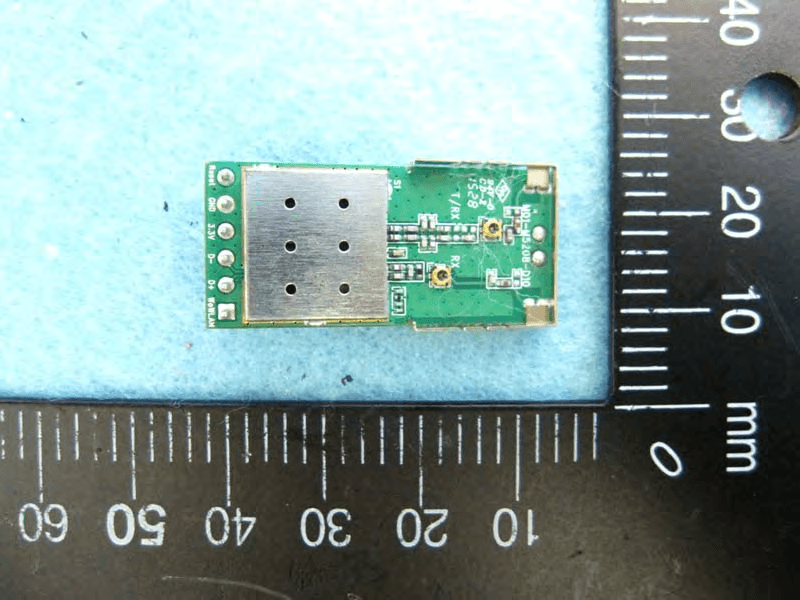
MQ4WM5208
Oct 27, 2015802.11b/g/n Module
Equipment Class
DTS - Digital Transmission System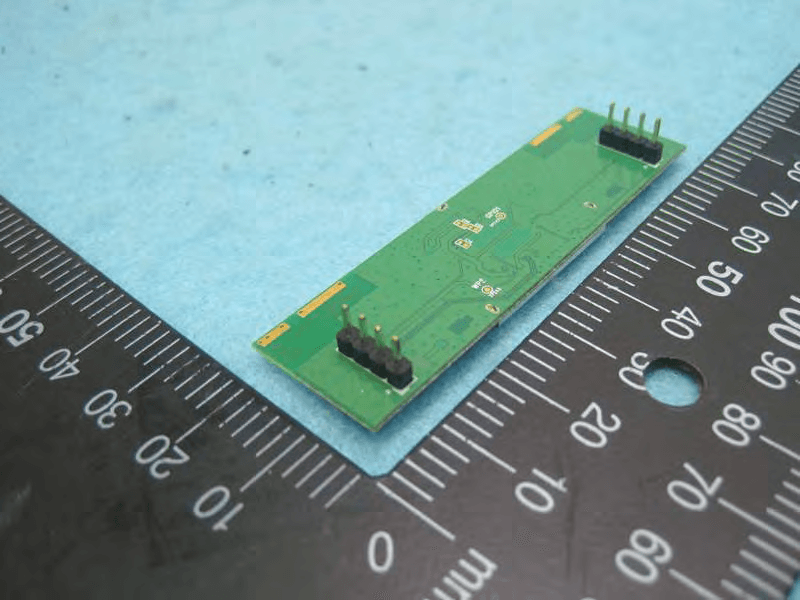
MQ4AM7221
Mar 18, 20152T2R 802.11b/g/n/ac Module
Equipment Class
DTS - Digital Transmission System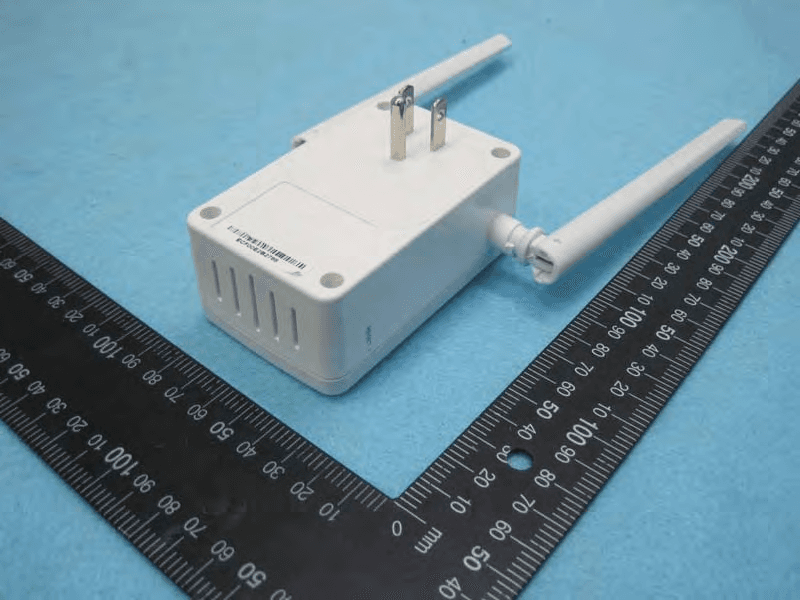
MQ4PLW72
Mar 18, 201511ac WiFi Extender Smart Plug / 11ac WiFi Extender
Equipment Class
NII - Unlicensed National Information Infrastructure TX
MQ4CB1522M
Sep 22, 2014IP Camera
Equipment Class
DTS - Digital Transmission System
MQ4-MBR-1100
Sep 21, 2014Android TV Dongle
Equipment Class
JBC - Part 15 Class B Computing Device/Personal Computer