N99J1WPLL4RModel 1WPLL4R - hand held transmitter
Firstech, Inc.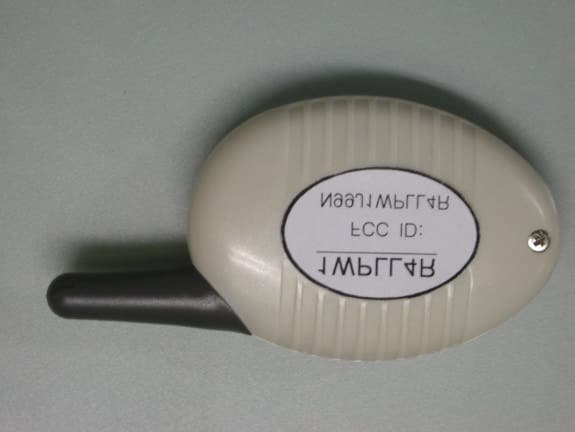
Click to zoom
Application Details
- Equipment Class
- DXT - Part 15 Low Power Transceiver, Rx Verified
- Date of Grant
- Jul 13, 2003
- Application Purpose
- Original Equipment
- Date of Application
- Jul 13, 2003
- Equipment Note
- Model 1WPLL4R - hand held transmitter
- Frequency Range
- 907.15000000 - 907.15000000
- Company
- Firstech, Inc.
- Country
- United States
Documents & Files
Document Text
Text extracted from the exhibit documents filed with the FCC. Open a document above to read the original.
Users Manual
User’s Guide Page 1 of 6 USER’S GUIDE By Firstech, Inc. Website: www.compustar.org TABLE OF CONTENTS Safety Information....................................Page 1 Remote: 1WFM4R ...........................................1 Remote Button Functions...................................1 Remote Learning Routine...................................2 Keyless Entry..................................................2 Auto-start Function...........................................2 Reservation Mode.............................................2 Trunk Release.................................................3 Timer Start Mode.............................................4 Safety Shutdown Features.................................4 Optional Programmable Features .......................4 Ignition Lock ...............................................4 Passive Lock...............................................4 Turbo Mode................................................4 Optional Installation Features.............................4 Cold Start Mode ..............................................5 Warranty.............................................5 Safety Information Please take these safety precautions into consideration under the following conditions: 1. Servicing the vehicle When servicing (i.e. changing the oil, washing your car) your automobile, the CompuStar system should be in Valet Mode. There is a safety shutdown switch under the hood that deactivates the remote starter function if the hood is open. However, if the switch has been damaged or the switch has been installed improperly, the vehicle may start when Button is pressed for 2 seconds even if the hood is open. 2. Loaning your vehicle to others Whenever you loan your vehicle to an individual who is not familiar with Compustar, please put the vehicle in Valet mode. This will prevent the vehicle barrower from accidentally activating the CompuStar auto- security system. 3. For manual transmission vehicles If the Compustar 1WFM4R is installed in a manual transmission vehicle, extra precautions are required because the Compustar does not monitor the gear shift: Important! Under normal circumstances, Reservation Mode is cancelled when a door or hatchback opens. Please verify if the opening of any door or hatchback cancels Reservation Mode. If any of the doors or hatchback are not being monitored by the CompuStar because of improper installation, or a faulty dome light switch, do not use the CompuStar and take your vehicle to the dealer immediately for repair. Do not set Reservation Mode when the window(s) are open or if there is anyone inside of the vehicle including animals. Remote: 1WFM4R The model name, 1WFM4R, stands for One Way FM 4 Button Remote. Remote Button Functions Button Press Function 1. .5 sec Lock/Unlock 2. .5 sec Programmable Aux Output 1 3. .5 sec Programmable Aux Output 2 4. .5 sec Query Function 5. 2 sec Auto-start Function - on/off 6. 2 sec Trunk Release – on/off 7. 2 sec Panic, Press I to shut off. 8. .5 sec Siren Chirps – on/off 9. .5 sec Valet Mode – on/off 10. .5 sec Passive Locking – on/off 11. .5 sec Timer Start Mode - on/off 12. .5 sec Turbo Mode – On/Off User’s Guide Page 2 of 6 13 2 sec Shock Sensor – on/off 10. - 2 sec Programming Menu 1 – Installer Only 11. 2 sec Programming Menu 2 – Installer Only Note: Note: - meand pressing the button for 2 seconds. ( ) means simultaneously pressing the buttons ( ) – means simultaneously pressing the buttons for 2 seconds Remote Learn Routine The Compustar will allow up to three remotes to be programmed to one vehicle. Please perform the following procedure to add or reprogram additional remotes. Step 1: Activate Valet/Programming mode by manually turning the ignition on and off five times (between Acc and On) with car key within a 10 second period. The parking lights will flash once with successful completion of this step. Step 2: Within a 10 second period after cycling the ignition for the 5 th time, press button I ½ sec. The car parking lights will flash once to confirm that the transmitter has been programmed. Continue programming the additional remotes. The parking lights will flash two times when the programming mode is expired. Keyless Entry You can lock or unlock the vehicle by pressing Button for a ½ second. Alarm Mode You can arm or disarm alarm mode by pressing Button for a ½ second. Press Buttons for a ½ second to make your car siren mute when arming or disarming your vehicle. Keep in mind that your car siren will still activate for all other modes (i.e. panic, alarm, shock sensor) regardless of whether or not your car siren is in mute mode. The car siren will be mute only when arming or disarming your vehicle. In alarm mode, the starter kill function (this maybe an optional feature provided by your installer) is activated. This feature disengages the starter mechanism on your car that prevents you from starting your car even with a manual key when your vehicle’s alarm mode is activated. Note: If you lose your remote after you have armed the vehicle, use your key to open the vehicle. The siren will go off. Turn on and off ignition 5 times with your key to shut off the siren and turn the system into valet mode. Cancel the valet mode with remote later. See Valet mode. Note: (Siren duration is 30 to 60 sec depending on the options set at the time of initial installation.) Dual Stage Shock Sensor • Press Buttons for 2 seconds to activate or deactivate the dual stage shock sensor. The dual stage shock sensor will activate 30 seconds after the CompuStar alarm mode is armed. Auto-Start Function Press Button for 2 seconds to auto-start an automatic transmission engine. Remember that actual key in the ignition is required to drive the car. In addition, the anti-grind circuit (this maybe an optional feature provided by your installer) prevents you from re-cranking the starter on a remote- started vehicle. Press Button for 2 seconds in order to turn off an auto-started car. For manual tra…
Text truncated - open the document above for the full version.
Users Manual
User’s Guide Page 1 of 6 USER’S GUIDE By Firstech, llc. Website: www.compustar.org TABLE OF CONTENTS Safety Information....................................Page 1 Remote: 1WPLL4R ........................................1 Remote Button Functions...................................1 Remote Learning Routine...................................2 Keyless Entry..................................................2 Auto-start Function...........................................2 Reservation Mode.............................................2 Trunk Release.................................................3 Timer Start Mode.............................................4 Safety Shutdown Features.................................4 Optional Programmable Features .......................4 Ignition Lock ...............................................4 Passive Lock...............................................4 Turbo Mode................................................4 Optional Installation Features.............................4 Cold Start Mode ..............................................5 Warranty.............................................5 Safety Information Please take these safety precautions into consideration under the following conditions: 1. Servicing the vehicle When servicing (i.e. changing the oil, washing your car) your automobile, the CompuStar system should be in Valet Mode. There is a safety shutdown switch under the hood that deactivates the remote starter function if the hood is open. However, if the switch has been damaged or the switch has been installed improperly, the vehicle may start when Button is pressed for 2 seconds even if the hood is open. 2. Loaning your vehicle to others Whenever you loan your vehicle to an individual who is not familiar with Compustar, please put the vehicle in Valet mode. This will prevent the vehicle barrower from accidentally activating the CompuStar auto- security system. 3. For manual transmission vehicles If the Compustar 1WPLL4R is installed in a manual transmission vehicle, extra precautions are required because the Compustar does not monitor the gear shift: Important! Under normal circumstances, Reservation Mode is cancelled when a door or hatchback opens. Please verify if the opening of any door or hatchback cancels Reservation Mode. If any of the doors or hatchback are not being monitored by the CompuStar because of improper installation, or a faulty dome light switch, do not use the CompuStar and take your vehicle to the dealer immediately for repair. Do not set Reservation Mode when the window(s) are open or if there is anyone inside of the vehicle including animals. Remote: 1WPLL4R The model name, 1WPLL4R, stands for One Way FM 4 Button Remote. Remote Button Functions Button Press Function 1. .5 sec Lock/Unlock 2. .5 sec Programmable Aux Output 1 3. .5 sec Programmable Aux Output 2 4. .5 sec Query Function 5. 2 sec Auto-start Function - on/off 6. 2 sec Trunk Release – on/off 7. 2 sec Panic, Press I to shut off. 8. .5 sec Siren Chirps – on/off 9. .5 sec Valet Mode – on/off 10. .5 sec Passive Locking – on/off 11. .5 sec Timer Start Mode - on/off 12. .5 sec Turbo Mode – On/Off User’s Guide Page 2 of 6 13 2 sec Shock Sensor – on/off 10. - 2 sec Programming Menu 1 – Installer Only 11. 2 sec Programming Menu 2 – Installer Only Note: Note: - meand pressing the button for 2 seconds. ( ) means simultaneously pressing the buttons ( ) – means simultaneously pressing the buttons for 2 seconds Remote Learn Routine The Compustar will allow up to three remotes to be programmed to one vehicle. Please perform the following procedure to add or reprogram additional remotes. Step 1: Activate Valet/Programming mode by manually turning the ignition on and off five times (between Acc and On) with car key within a 10 second period. The parking lights will flash once with successful completion of this step. Step 2: Within a 10 second period after cycling the ignition for the 5 th time, press button I ½ sec. The car parking lights will flash once to confirm that the transmitter has been programmed. Continue programming the additional remotes. The parking lights will flash two times when the programming mode is expired. Keyless Entry You can lock or unlock the vehicle by pressing Button for a ½ second. Alarm Mode You can arm or disarm alarm mode by pressing Button for a ½ second. Press Buttons for a ½ second to make your car siren mute when arming or disarming your vehicle. Keep in mind that your car siren will still activate for all other modes (i.e. panic, alarm, shock sensor) regardless of whether or not your car siren is in mute mode. The car siren will be mute only when arming or disarming your vehicle. In alarm mode, the starter kill function (this maybe an optional feature provided by your installer) is activated. This feature disengages the starter mechanism on your car that prevents you from starting your car even with a manual key when your vehicle’s alarm mode is activated. Note: If you lose your remote after you have armed the vehicle, use your key to open the vehicle. The siren will go off. Turn on and off ignition 5 times with your key to shut off the siren and turn the system into valet mode. Cancel the valet mode with remote later. See Valet mode. Note: (Siren duration is 30 to 60 sec depending on the options set at the time of initial installation.) Dual Stage Shock Sensor • Press Buttons for 2 seconds to activate or deactivate the dual stage shock sensor. The dual stage shock sensor will activate 30 seconds after the CompuStar alarm mode is armed. Auto-Start Function Press Button for 2 seconds to auto-start an automatic transmission engine. Remember that actual key in the ignition is required to drive the car. In addition, the anti-grind circuit (this maybe an optional feature provided by your installer) prevents you from re-cranking the starter on a remote- started vehicle. Press Button for 2 seconds in order to turn off an auto-started car. For manual tr…
Text truncated - open the document above for the full version.
Block Diagram
–
Cover Letter(s)
1. The Firstech, Inc. 1WPLL4R hand held transmitter (FCC ID# N99J1WPLL4R) operates on a single frequency 907.15 MHz. The Grant has been changed to reflect this. 2. A plot showing the occupied bandwidth has been uploaded. 3. An updated Users Manual with the 15.21 statement has also been uploaded.
Schematics
1 1 2 2 3 3 4 4 5 5 6 6 7 7 8 8 AA BB CC DD 0 R2500III(1WPLL4R) B 01Monday, June 30, 2003 907.169545MHz FCC ID : N99J1WPLL4R Title SizeDocument NumberRev Date:Sheet of 3V 3V R17 22nH C1 0.1u D1 SLSNNUR101T6 C2 0.1u R15 33K C14 NU VCO1 VCO-MODULE 1 2 3 4 5 67 8 9 10 11 12 LE DATA CLOCK OSC_OUT OSC_IN TX_DATAVCO_VCC GND RF_OUT L/D EN_MAIN PLL_VCC C3 0.1u TC1 10uF R19 3.3K L1 4P C51 0.1u L2 22nH C11 NU VC1 10P-T RES1 4MHz R11 1K R16 100K C12 3P XT1 19.680MHz TC3 10uF R12 1K R18 390K BATTERY +DC6V Coin Battery SW1 SKQG R20 3K SW2 SKQG R21 3K C5 27P C13 1000P Q2 KRC109S C8 0.1uF R2 4.7K R4 4.7K TC4 NU R3 10K C10 270nH Q3 KTA1504GL R10 1K R9 1K Q1 KRA1504GR R1 10K C4 0.033u U1 HT48R05A 1 2 3 4 5 6 710 11 12 13 14 15 16 89 PA3 PA2 PA1 PA0 PB0 VSS PCOVDD OSC1 OSC2 PA7 PA6 PA5 PA4 PC1RES SW2 SKQG R14 1K U2 ELM9830A 3 1 2 IN VSS OUT SW2 SKQG C6 30P C9 4P R7 4.7K ANT ANTENNA R22 10K R8 4.7K R5 4.7K R6 4.7K R13 200K
Test Report
TEST REPORT FROM: COMMUNICATION CERTIFICATION LABORATORY 1940 W. Alexander Street Salt Lake City, Utah 84119-2039 Type of Report: Certification TEST OF: 1WPLL4R FCC ID: N99J1WPLL4R To FCC PART 15, Subpart C Section 15.249 Test Report Serial No: 73-7891 Applicant: Firstech LLC. 3415 116th Ave. S. #113 Seattle, WA 98168 Date of Test: July 7, 2003 Issue Date: July 9, 2003 COMMUNICATION CERTIFICATION LABORATORY TEST REPORT: 73-7891 FCC ID: N99J1WPLL4R Page 2 of 22 CERTIFICATION OF ENGINEERING REPORT This report has been prepared by Communication Certification Laboratory to determine compliance of the device described below with the certification requirements of FCC Part 15, Subpart C Section 15.249. This report may be reproduced in full, partial reproduction may only be made with the written consent of the laboratory. The results in this report apply only to the sample tested. - Applicant: Firstech LLC. - Manufacturer: Youngshin Electronics Co., LTD - Trade Name: Compustar - Model Number: 1WPLL4R - FCC ID: N99J1WPLL4R On this 9 th day of July 2003, I, individually, and for Communication Certification Laboratory, certify that the statements made in this engineering report are true, complete, and correct to the best of my knowledge, and are made in good faith. Although NVLAP has recognized that the Communication Certification Laboratory EMC testing facilities are in good standing, NVLAP does not endorse the product described in this report. COMMUNICATION CERTIFICATION LABORATORY Tested by: Norman P. Hansen EMC Technician COMMUNICATION CERTIFICATION LABORATORY TEST REPORT: 73-7891 FCC ID: N99J1WPLL4R Page 3 of 22 TABLE OF CONTENTS SECTION 1.0 CLIENT INFORMATION ................................................................................4 SECTION 2.0 EQUIPMENT UNDER TEST (EUT)................................................................5 SECTION 3.0 TEST SPECIFICATION, METHODS & PROCEDURES ............................6 SECTION 4.0 OPERATION OF EUT DURING TESTING...................................................9 SECTION 5.0 SUMMARY OF TEST RESULTS ..................................................................10 SECTION 6.0 MEASUREMENTS, EXAMINATIONS AND DERIVED RESULTS ........11 APPENDIX A TEST PROCEDURES AND TEST EQUIPMENT .......................................14 APPENDIX B PHOTOGRAPHS:............................................................................................18 COMMUNICATION CERTIFICATION LABORATORY TEST REPORT: 73-7891 FCC ID: N99J1WPLL4R Page 4 of 22 SECTION 1.0 CLIENT INFORMATION 1.1 Client Information: Company Name: Firstech LLC. 3415 116 th Ave. S. #113 Seattle, WA 98168 Contact Name: Jason Lee Title: President 1.2 Manufacturer: Company Name: Youngshin Electronics Co., Ltd. 4FL Hirun Town Bldg 536-3. Unhaeng-Dong. Sihung, Kyungki-Do, KOREA 429-060 Contact Name: Young T1 Change Title: President COMMUNICATION CERTIFICATION LABORATORY TEST REPORT: 73-7891 FCC ID: N99J1WPLL4R Page 5 of 22 SECTION 2.0 EQUIPMENT UNDER TEST (EUT) 2.1 Identification of EUT: Trade Name: Compustar Model Name or Number: 1WPLL4R Serial Number: None Options Fitted: N/A Country of Manufacture: Korea 2.2 Description of EUT: The 1WPLL4R is a hand-held transmitter for an automobile alarm, remote entry, or an auto start system operating at 907.15 MHz. The 1WPLL4R has 4 buttons. By pressing a button or a combination of buttons, the 1WPLL4R will transmit an RF signal to a receiver installed in a vehicle. 2.3 Modification Incorporated/Special Accessories on EUT: There were no modifications or special accessories required to comply with the specification. Signature: Typed Name: Jason Lee Title: President COMMUNICATION CERTIFICATION LABORATORY TEST REPORT: 73-7891 FCC ID: N99J1WPLL4R Page 6 of 22 SECTION 3.0 TEST SPECIFICATION, METHODS & PROCEDURES 3.1 Test Specification: Title: FCC PART 15, Subpart C (47 CFR 15). Section 15.249 Operation within the bands 902-928 MHz, 2400- 2483.5 MHz, 5725-5875 MHz and 24.0-24.25 GHz. Purpose of Test: The tests were performed to demonstrate Initial compliance. 3.2 Methods & Procedures: 3.2.1 § 15.249 (a) Except as provided in paragraph (b) of this section, the field strength of emissions from intentional radiators operated within these frequency bands shall comply with the following: Fundamental frequency Field strength of fundamental (millivolts/meter) Field strength of harmonics (microvolts/meter) 902 – 928 MHz 50 500 2400 – 2483.5 MHz 50 500 5725 – 5875 MHz 50 500 24.0 – 24.25 GHz 250 2500 (b) Fixed, point-to-point operation as referred to in this paragraph shall be limited to systems employing a fixed transmitter transmitting to a fixed remote location. Point-to- multipoint systems, omnidirectional applications, and multiple co-located intentional radiators transmitting the same information are not allowed. Fixed, point-to-point operation is permitted in the 24.05 – 24.25 GHz band subject to the following conditions: (1) The field strength of emissions in this band shall not exceed 2500 millivolts/meter. (2) The frequency tolerance of the carrier signal shall be maintained within ± 0.001% of the operating frequency over a temperature variation of –20 degrees to +50 degrees C at normal supply voltage, and for a variation COMMUNICATION CERTIFICATION LABORATORY TEST REPORT: 73-7891 FCC ID: N99J1WPLL4R Page 7 of 22 in the primary supply voltage from 85% to 115% of the rated supply voltage at a temperature of 20 degrees C. For battery powered equipment, the equipment tests shall be performed using a new battery. (3) Antenna gain must be at least 33dBi. Alternatively, the main lobe beamwidth must not exceed 3.5 degrees. The beamwidth limit shall apply to both the azimuth and elevation planes. At antenna gains over 33 dBi or beamwidths narrower than 3.5 degrees, power must be reduced to ensure that the field strength does not exceed 2500 millivolts/meter. (c) Field strength limits are specified at a distance of 3 meters. (d) Emissions radiated outside of the specifi…
Text truncated - open the document above for the full version.
Test Report
dBuV 70 60 50 40 30 20 10 0 -10 -20 -30 Firstech Inc. FCC# N99J1WPLL4R Trace A Start: 906.150000 MHzStop: 908.150000 MHz Res BW: 100 kHzVid BW: 300 kHzSweep: 20 ms 08/18/2003 9:41:56 AMHP8566BPLOT.SPT Plot showing that the modulated signal is within the 902-928 MHz band. 1 1 906.244000 MHz 2.7000 dBuV 2 2 907.952000 MHz 2.5000 dBuV
Contact Information
Applicant
Jason Lee(President)
Technical Contact
Communication Certification LaboratoryKirk P Thomas
[email protected]801-972-6146
1940 West Alexander Street · Salt Lake City, Utah · United States
Test Firm
Nemko-CCL, Inc.Thomas Jackson
Technical Specifications
| # | Rule Parts | Frequency Range | Power Output |
|---|---|---|---|
| 1 | 15C | 907.15 MHz - 907.15 MHz | - |
Other Applications from Firstech, Inc.
N99J447RS
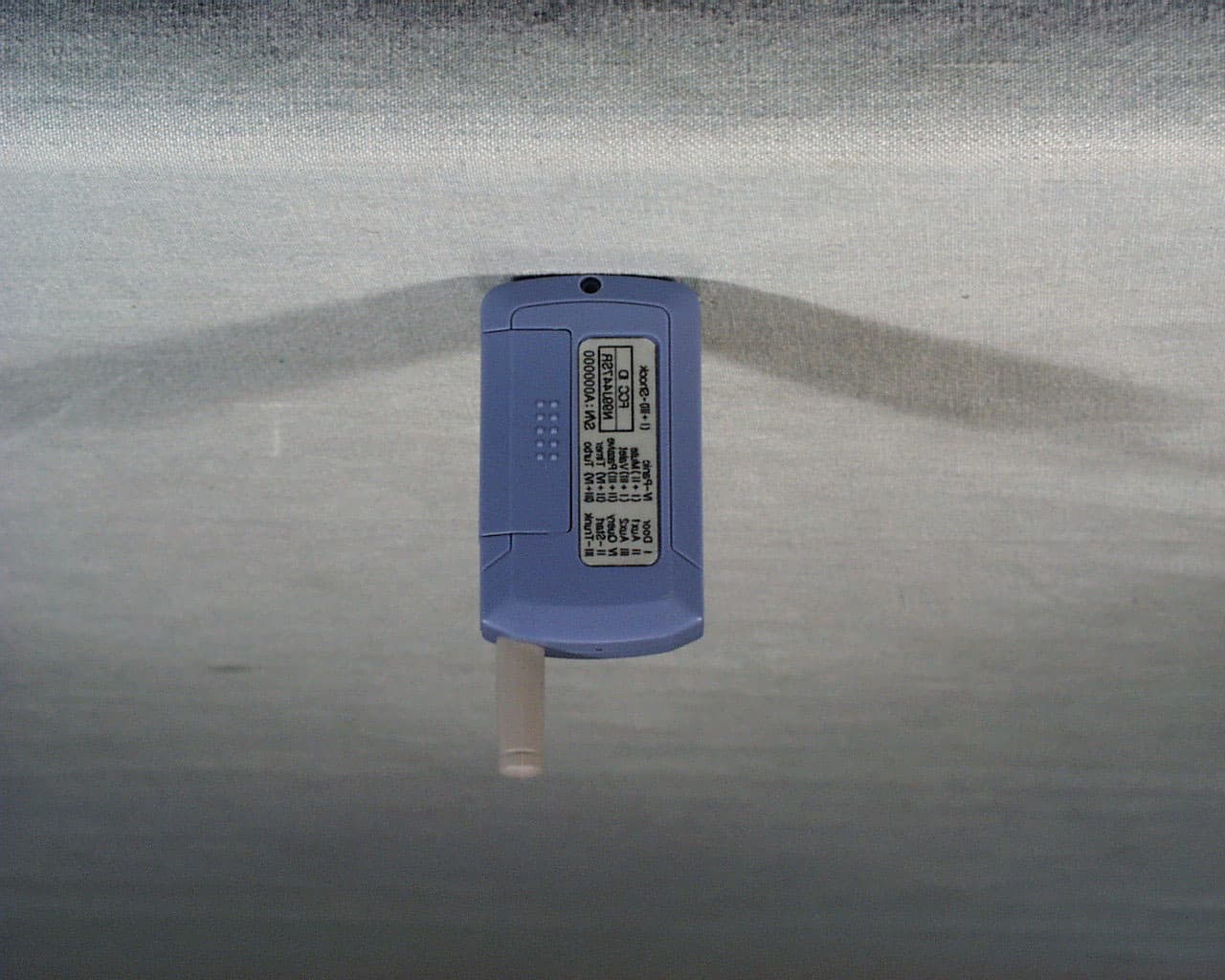
Feb 13, 2002Model 2WFMRS- hand-held transceiver
Equipment Class
DSC - Part 15 Security/Remote Control Transmitter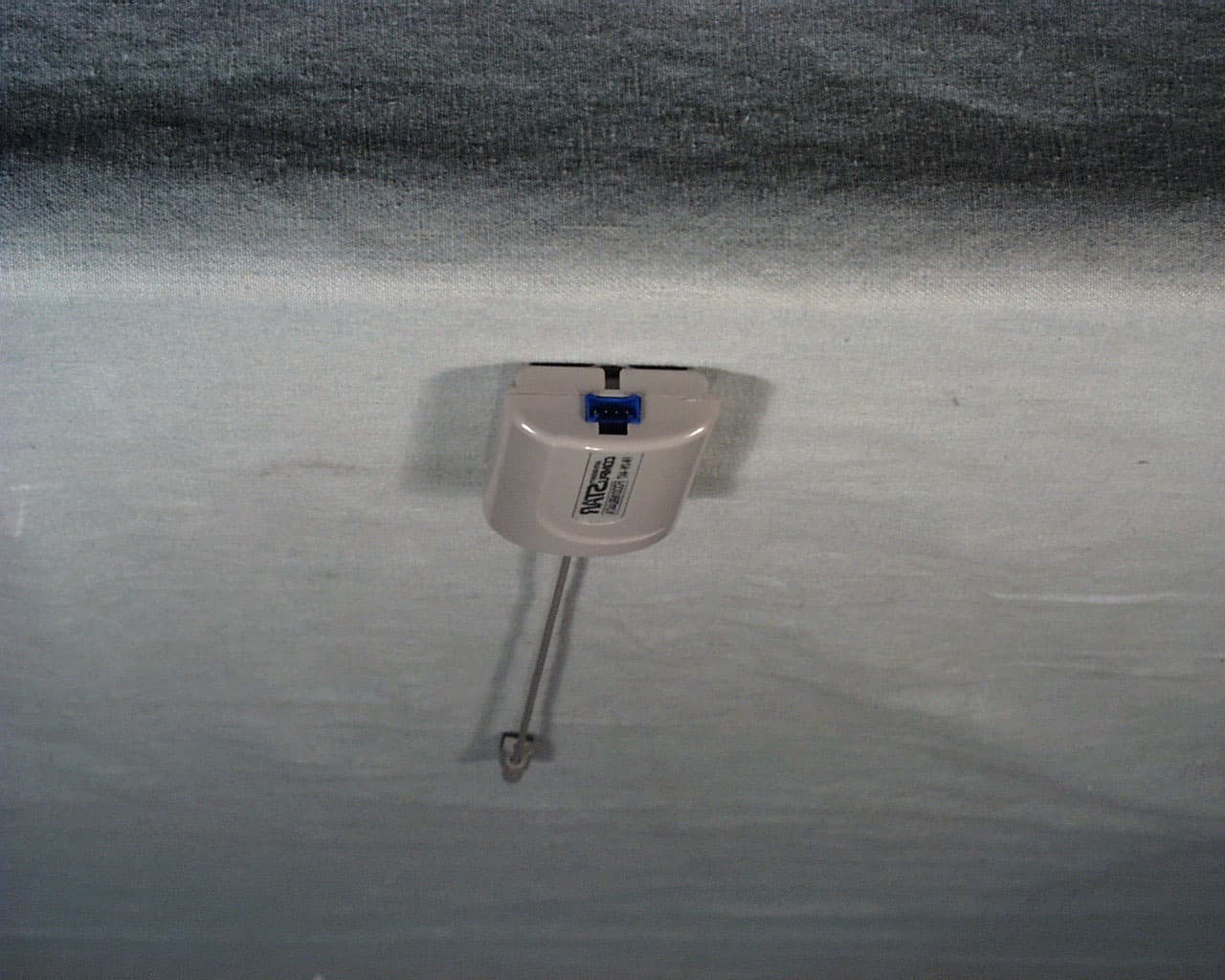
N99J447A
Feb 12, 2002Model ANT2W - car mount transceiver
Equipment Class
DSC - Part 15 Security/Remote Control Transmitter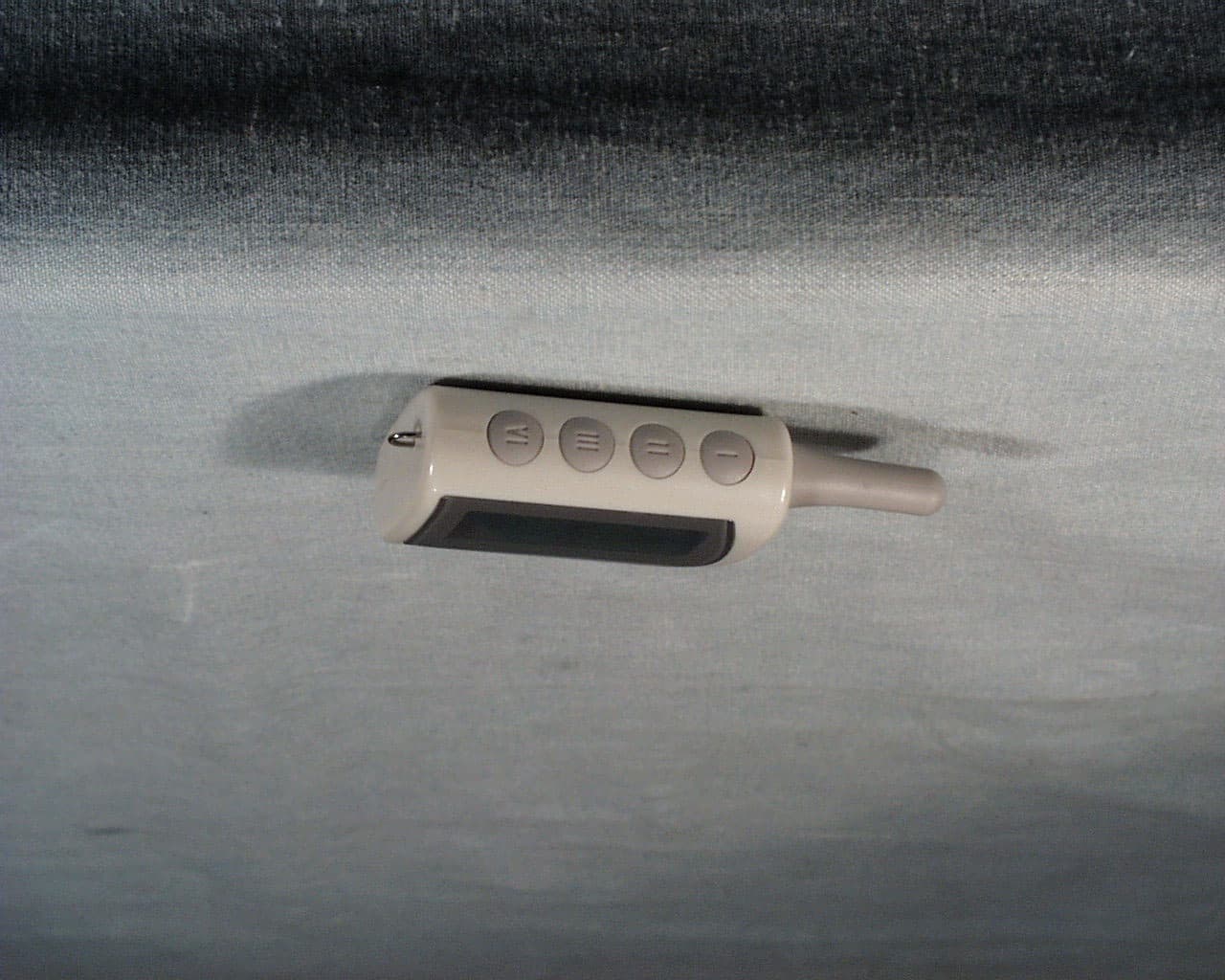
N99J447R
Feb 12, 2002Model 2WFMR - hand-held transceiver
Equipment Class
DSC - Part 15 Security/Remote Control Transmitter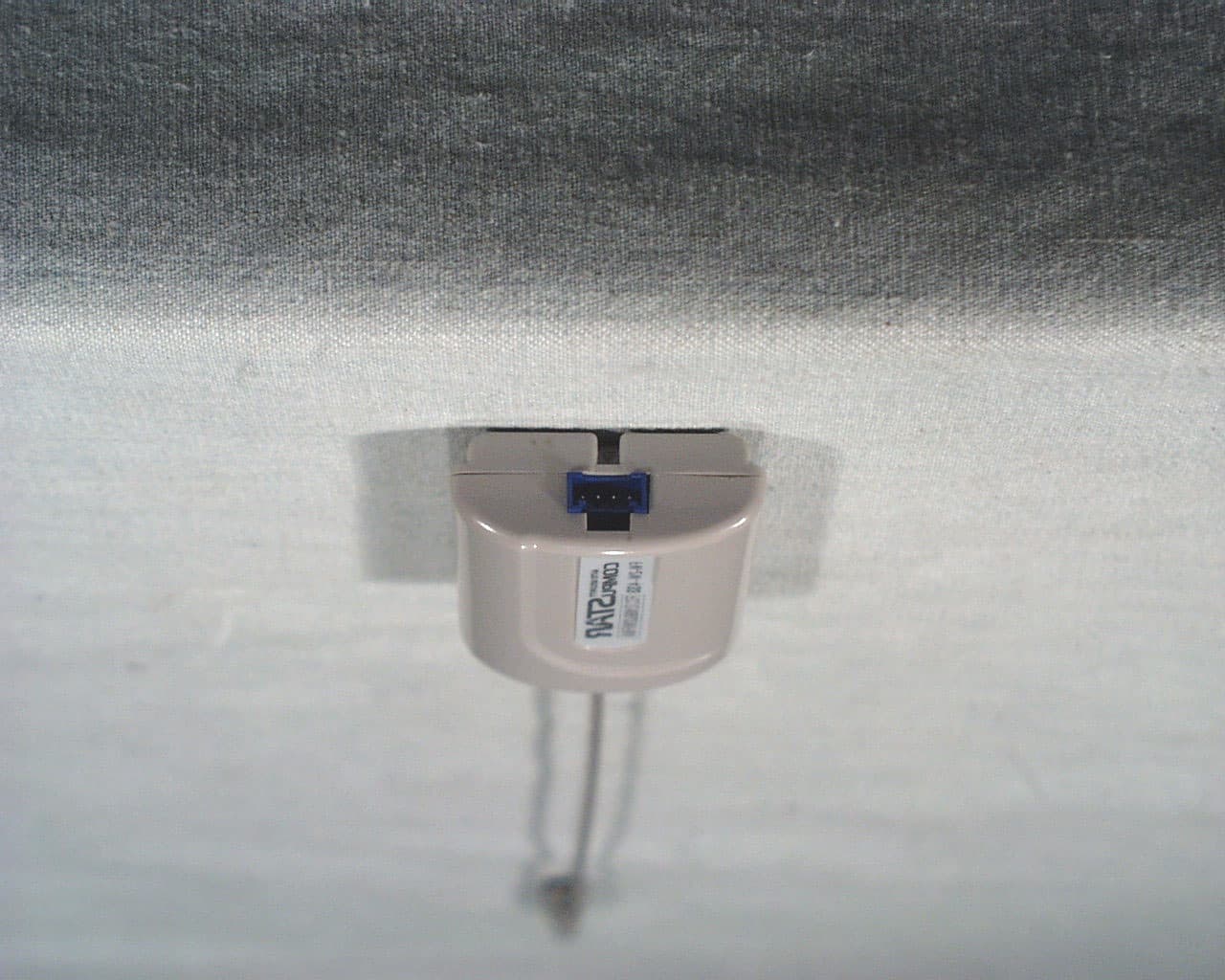
N99JANT2W
Dec 04, 2001Car mounted remote starter and alarm
Equipment Class
DSC - Part 15 Security/Remote Control Transmitter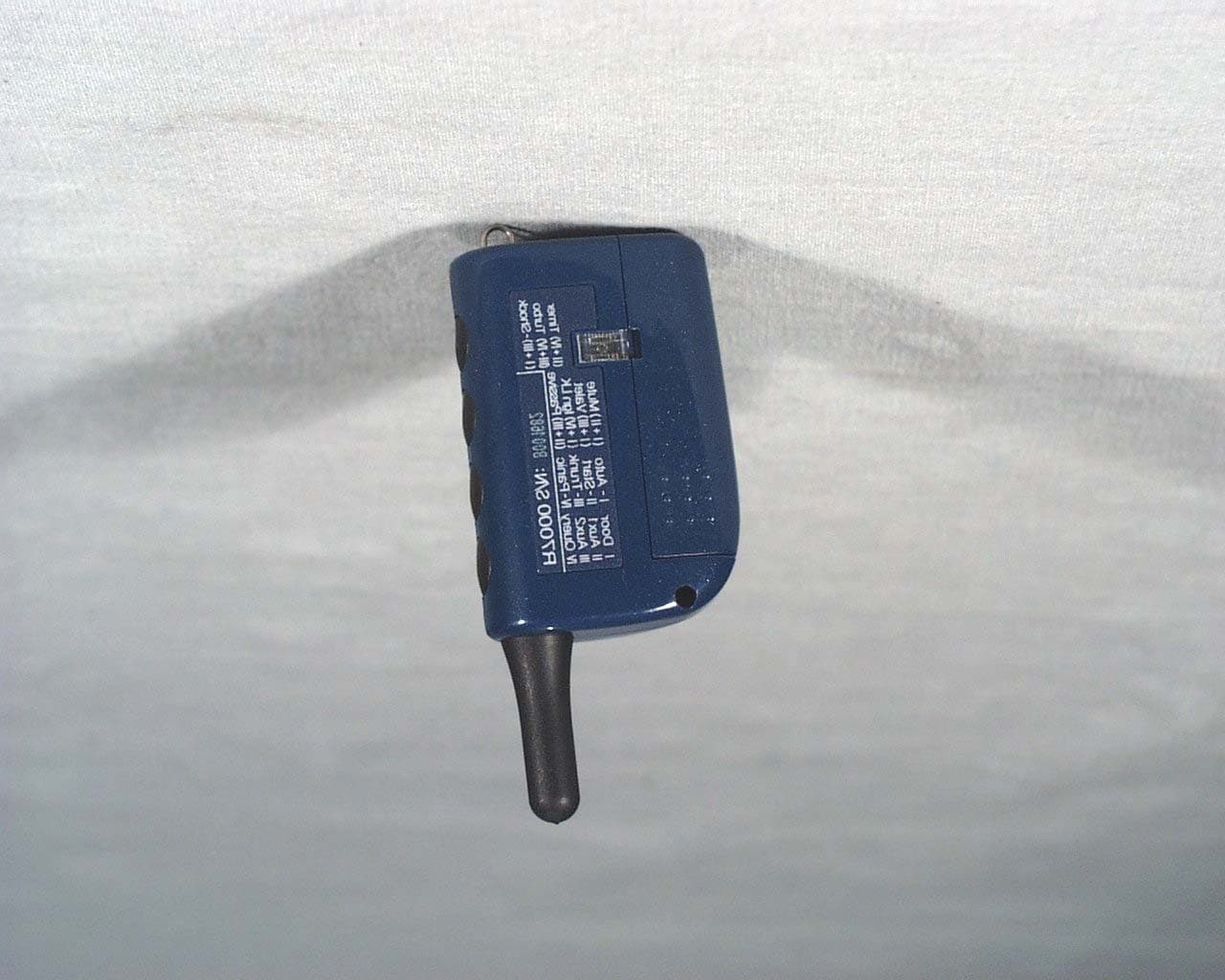
N99J2WFMR
Dec 04, 2001Remote portion of car starting and alarm system
Equipment Class
DSC - Part 15 Security/Remote Control Transmitter