NGVAWP305M2.4GHz WIRELESS MULTIFUNCTION UFO PRESENTER AIR MOUSE
Airwave Technologies Inc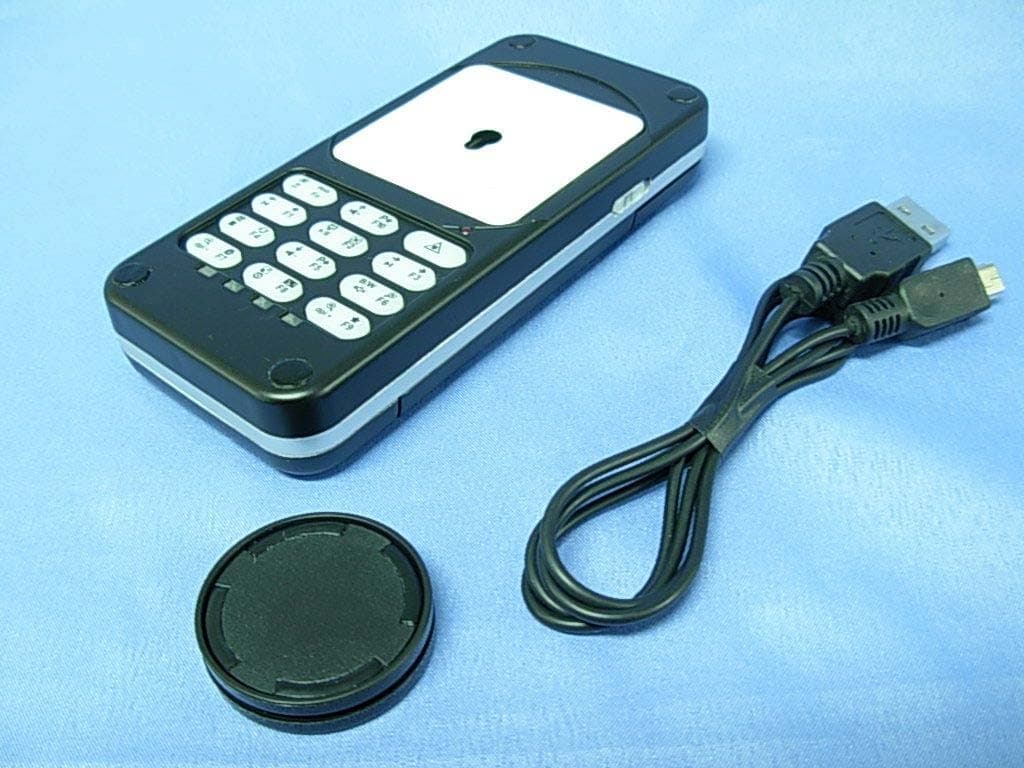
Click to zoom
Application Details
- Equipment Class
- DXX - Part 15 Low Power Communication Device Transmitter
- Date of Grant
- Sep 12, 2010
- Application Purpose
- Original Equipment
- Date of Application
- Sep 09, 2010
- Equipment Note
- 2.4GHz WIRELESS MULTIFUNCTION UFO PRESENTER AIR MOUSE
- Frequency Range
- 2408.00000000 - 2472.00000000
- Company
- Airwave Technologies Inc
- Country
- Taiwan
Documents & Files
Document Text
Text extracted from the exhibit documents filed with the FCC. Open a document above to read the original.
Users Manual
2.4GHz multifunction UFO Presenter Air Mouse User’s Manual AWP305 Table of Contents 1. Overview P.1 7. Installation P.5 2. Applications P.2 8. Operation P.6-17 3. Features P.2 9. Troubleshooting P.17 4. Package contents P.3 10. Software compatibility P.18 5. System requirements P.3 11. Specification P.19 6. Detailed Introduction P.3-4 1. Overview This 2.4GHz wireless multifunction UFO (Universal Flip Operation) Presenter Air Mouse has patents from many countries that include dual-mode operation for conventional desktops and in-air mode. Thanks to this technology, users can also freely choose the mode that suits them the best by having shortcut keys for PowerPoint and PDF files, website and e-mail browsing, multimedia playing and special function keys, among many others in a single versatile device. The smart design of the shortcut keys, laser pointer and other wireless presentation functions allows using them either from your desk or from any spot in a meeting room giving you a free moving space and the chance to use your body language to vividly deliver the content of your presentation. When used on the desktop, the UFO presenter air mouse is a conventional wireless optical mouse, however, when used with a notebook, you don’t need to worry anymore about finding a fixed surface to place the mouse or feel annoyed/uncomfortable about using the touch panel or a red-cap pointer on the notebook. Using the UFO presenter air mouse is as simple as pressing a button once to immediately start enjoying it in the air, besides, the operation method is similar to an ordinary mouse so its operation will be very simple to learn. The UFO presenter air mouse has even a complete set of shortcut keys for web and e-mail browsing as well as a multimedia function allowing you to feel relaxed while surfing on the internet and checking e-mails or when playing multimedia files. The usage scope can also be extended to your living room where you can use your LCD TV as the monitor of your computer while comfortably sit on the sofa to enjoy the convenience brought to you by our UFO multiple wireless functions. In addition, the UFO presenter air mouse features a turbo key let you instantly speed up or slow down the cursor speed for fast and accurate cursor control. Lastly, the 10 built-in special function keys allow users to customize the set up by their most frequently used keys, especially in PC games, where you can become undefeated by setting the frequently used multiple key sequences to a single key. 1 2.Applications As a wireless pointer for Power Point presentations. As a common wireless mouse when used on a desktop. As an “in-air” handy wireless mouse with no surface. As a wireless PC remote control when it is used with a LCD TV connected to a PC. While listening to music or watching videos in your PC, you can use the shortcut keys to remotely control your pre-set multimedia player. For web browsing you can use the shortcut keys to operate the browser basic functions. In online or PC gaming, you can use special function keys to facilitate some operations. 3.Features z Can be operated on the desk or in the air, which is suitable for any circumstances and user’s personal preferences. z Employs 2.4GHz wireless digital technology and the transmission range is up to 20 meters. z Equipped with wireless remote control feature for convenient control of a TV or projector when playing multimedia, web browsing, presenting, and gaming. z Automatic power saving mode for when it is not being used. z Built-in rechargeable Li-ion battery, that lasts up to 7 days of normal operations after charging. z Includes a ID code pairing and 76 channels which allows that many users can be at the same time in the same area. z Through multiple pairing ID codes, a single mouse can control up to 10 PCs or notebooks. z Automatic detection to avoid channel interference. z Battery low LED indication. z USB cable connector to PC for simultaneous wired usage and battery charging z 1600dpi high resolution optical engine, precise and sensitive. z Laser pointer included, convenient for PowerPoint presentations. z Turbo key for instant speedup of cursor speed (resolution). z Built-in 10 shortcut keys for PDF file reading and PowerPoint, convenient for presentations. z Built-in 10 shortcut keys for e-mail and web browsing, suitable for Web TV usage, among others. z Built-in 8 shortcut keys for multimedia player. z Built-in 10 special function keys for the comfort of online gamers and other type of users. z Two shortcut keys to adjust cursor speed, suitable for fast and accurate cursor control. z Plug-and-play with no software installation needed, compatible with Windows Me / 2000 / XP / Vista / Win 7 & Mac OS. 2 4.Package contents Wireless mouse . . . . . 1 pc USB adaptor . . . . . 1 pc Sliding plate . . . . . 1 pc USB to Mini-USB cable . . . . . 1 pc User manual . . . . . 1 pc 5.System Requirement Windows 98 SE*/Me/2000/XP/Vista/Win 7 (*need to install driver) USB port Software compatible with Microsoft Power Point Windows Media Player or other compatible media player software Internet Explorer or other internet browsers Adobe Acrobat and Acrobat Reader Microsoft Outlook or other e-mail software 6. Detailed Introduction Wireless mouse Front view: 3 Scroll wheel (Turbo key ) Right-click button Left-click button Mini-USB port Laser pointer USB adaptor storage space ON/OFF switch Back view: USB adaptor Sliding plate 4 LED indicator Pairing button USB connector Sliding surface Function key Battery low LED indicator Mode LED indicator 7. Installation 1. Open the cover of the storage space and take out the the USB adaptor. 2. Plug the USB adaptor to an USB port in a desktop PC or notebook. Note : If the USB adaptor is used for a long period of time in the desktop PC, it is suggested to plug it into the USB port at the PC’s backside) 3. When the USB connector is correctly plugged in, the toolbar at the lower right …
Text truncated - open the document above for the full version.
External Photos
Report No:107320R-RFUSP44V01 Page: 42 of 48 Attachement EUT Photograph (1) EUT Photo (Black) (2) EUT Photo Report No:107320R-RFUSP44V01 Page: 43 of 48 (3) EUT Photo (White) (4) EUT Photo
ID Label/Location Info
AIRWAVE TECHNOLOGIES INC. FCC ID AND DoC Label The FCC ID and DoC Label will be placed on the equipment as shown in the photograph below. 2.4GHz wireless multifunction UFO Presenter Air Mouse Model No.: AWP305M FCC ID : NGVAWP305M This device complies with Part 15 of the FCC Rules. Operation is subject to the following two conditions: (1) this device may not cause harmful interference and (2) this device must accept any interference received, including interference that may cause undesired operation. S/N: Made in Taiwan
ID Label/Location Info
AIRWAVE TECHNOLOGIES INC. FCC ID AND DoC Label The FCC ID and DoC Label will be placed on the equipment as shown in the photograph below. 2.4GHz wireless multifunction UFO Presenter Air Mouse Model No.: AWP305M FCC ID : NGVAWP305M This device complies with Part 15 of the FCC Rules. Operation is subject to the following two conditions: (1) this device may not cause harmful interference and (2) this device must accept any interference received, including interference that may cause undesired operation. S/N: Made in Taiwan
Internal Photos
Report No:107320R-RFUSP44V01 Page: 44 of 48 (5) EUT Photo (6) EUT Photo Report No:107320R-RFUSP44V01 Page: 45 of 48 (7) EUT Photo (8) EUT Photo Report No:107320R-RFUSP44V01 Page: 46 of 48 (9) EUT Photo Report No:107320R-RFUSP44V01 Page: 47 of 48 (10) EUT Photo Report No:107320R-RFUSP44V01 Page: 48 of 48 (11) EUT Photo
Test Report
Report No:107320R-RFUSP44V01 Page: 1 of 48 Test Report Product Name :2.4GHz wireless multifunction UFO Presenter Air Mouse Model No. :AWP305M FCC ID. :NGVAWP305M Applicant : AIRWAVE TECHNOLOGIES INC. Address : 4F, NO.9, INDUSTRY E. 9TH ROAD, SCIENCE-BASED INDUSTRIAL PARK, HSINCHU, TAIWAN, R.O.C Date of Receipt:2010/07/22 Issued Date :2010/08/09 Report No. :107320R-RFUSP44V01 Version :V1.0 The test results relate only to the samples tested. The test report shall not be reproduced except in full without the written approval of QuieTek Corporation. Report No:107320R-RFUSP44V01 Page: 2 of 48 Test Report Certification Issued Date : 2010/08/09 Report No. : 107320R-RFUSP44V01 Product Name : 2.4GHz wireless multifunction UFO Presenter Air Mouse Applicant : AIRWAVE TECHNOLOGIES INC. Address : 4F, NO.9, INDUSTRY E. 9TH ROAD, SCIENCE-BASED INDUSTRIAL PARK, HSINCHU, TAIWAN, R.O.C Manufacturer : AIRWAVE TECHNOLOGIES INC. Model No. : AWP305M Trade Name : AIRWAVE FCC ID. : NGVAWP305M EUT Voltage : DC 3.7V Applicable Standard : FCC CFR Title 47 Part 15 Subpart C Section 15.249: 2009 Test Result : Complied The test results relate only to the samples tested. The test report shall not be reproduced except in full without the written approval of QuieTek Corporation. Documented By : ( Carol Tsai / Engineering Adm. Specialist ) Reviewed By : ( Lucia Lu / Assistant Engineer ) Approved By : ( Roy Wang / Manager ) Report No:107320R-RFUSP44V01 Page: 3 of 48 TABLE OF CONTENTS Description Page 1. General Information ..................................................................................................... 4 1.1. EUT Description ............................................................................................................. 4 1.2. Operational Description .................................................................................................. 6 1.3. Test Mode .......................................................................................................................7 1.4. Tested System Details .................................................................................................... 8 1.5. Configuration of tested System ...................................................................................... 9 1.6. EUT Exercise Software .................................................................................................. 9 1.7. Test Facility...................................................................................................................10 2. Conducted Emission.................................................................................................. 11 2.1. Test Equipment............................................................................................................. 11 2.2. Test Setup .................................................................................................................... 11 2.3. Limits ............................................................................................................................ 12 2.4. Test Procedure ............................................................................................................. 12 2.5. Test Specification.......................................................................................................... 12 2.6. Uncertainty ................................................................................................................... 12 2.7. Test Result....................................................................................................................13 2.8. Test Photo .................................................................................................................... 15 3. Radiated Emission ..................................................................................................... 16 3.1. Test Equipment............................................................................................................. 16 3.2. Test Setup .................................................................................................................... 17 3.3. Limits ............................................................................................................................ 18 3.4. Test Procedure ............................................................................................................. 19 3.5. Test Specification.......................................................................................................... 19 3.6. Uncertainty ................................................................................................................... 19 3.7. Test Result....................................................................................................................20 3.8. Test Photo .................................................................................................................... 33 4. Band Edge................................................................................................................... 35 4.1. Test Equipment............................................................................................................. 35 4.2. Test Setup .................................................................................................................... 35 4.3. Limits ............................................................................................................................ 36 4.4. Test Procedure ............................................................................................................. 36 4.5. Test Specification.......................................................................................................... 36 4.6. Uncertainty ................................................................................................................... 36 4.7. Test Result................................................................................................…
Text truncated - open the document above for the full version.
Test Setup Photos
Report No:107320R-RFUSP44V01 Page: 15 of 48 2.8. Test Photo Test Mode : Mode 1: Transmit Description: Front View of Conducted Emission Test Setup Test Mode : Mode 1: Transmit Description: Back View of Conducted Emission Test Setup Report No:107320R-RFUSP44V01 Page: 33 of 48 3.8. Test Photo Test Mode : Mode 1: Transmit Description: Front View of Radiated Emission Test Setup Test Mode : Mode 1: Transmit Description: Back View of Radiated Emission Test Setup Report No:107320R-RFUSP44V01 Page: 34 of 48 Test Mode : Mode 1: Transmit Description: Front View of Radiated Emission Test Setup (Horn)
Contact Information
Applicant
Tzu-Hung Chen(President)
Test Firm
DEKRA TESTING AND CERTIFICATION CO., LTD. LinKouMirenda Liao
Technical Specifications
| # | Rule Parts | Frequency Range | Power Output |
|---|---|---|---|
| 1 | 15C | 2.41 GHz - 2.47 GHz | - |
Other Applications from Airwave Technologies Inc
NGVAWS821T
Apr 23, 2012Wire-to-Air
Equipment Class
DTS - Digital Transmission System
NGVAWS822R
Apr 23, 2012Wire-to-Air
Equipment Class
DTS - Digital Transmission System
NGVAWD8112
Apr 18, 2012Wire-to-Air
Equipment Class
DSS - Part 15 Spread Spectrum Transmitter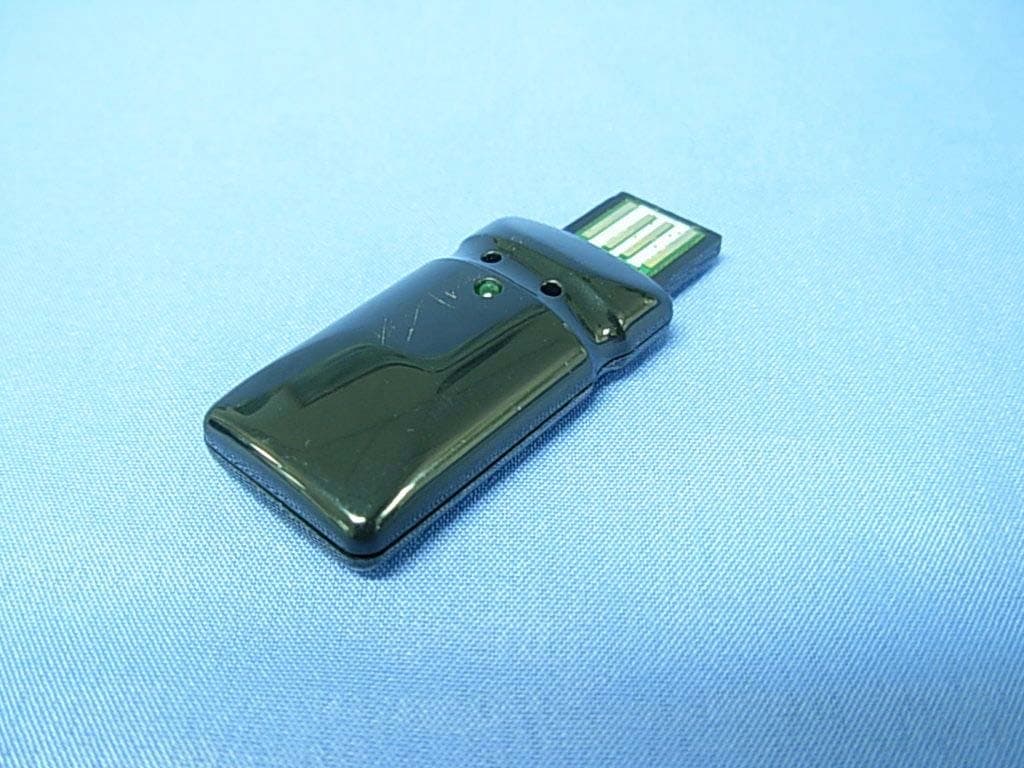
NGVAWP30XA
Sep 12, 20102.4GHz WIRELESS USB ADAPTOR
Equipment Class
DXX - Part 15 Low Power Communication Device Transmitter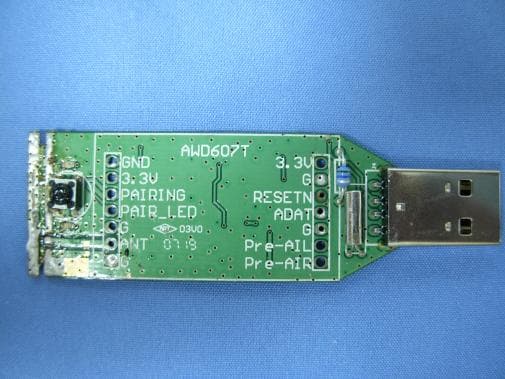
NGVAWD60XT
Aug 05, 20072.4GHz Wireless Digital Audio Transmitter Module
Equipment Class
DXX - Part 15 Low Power Communication Device Transmitter