NRQUT6045NTablet
Aiptek International Inc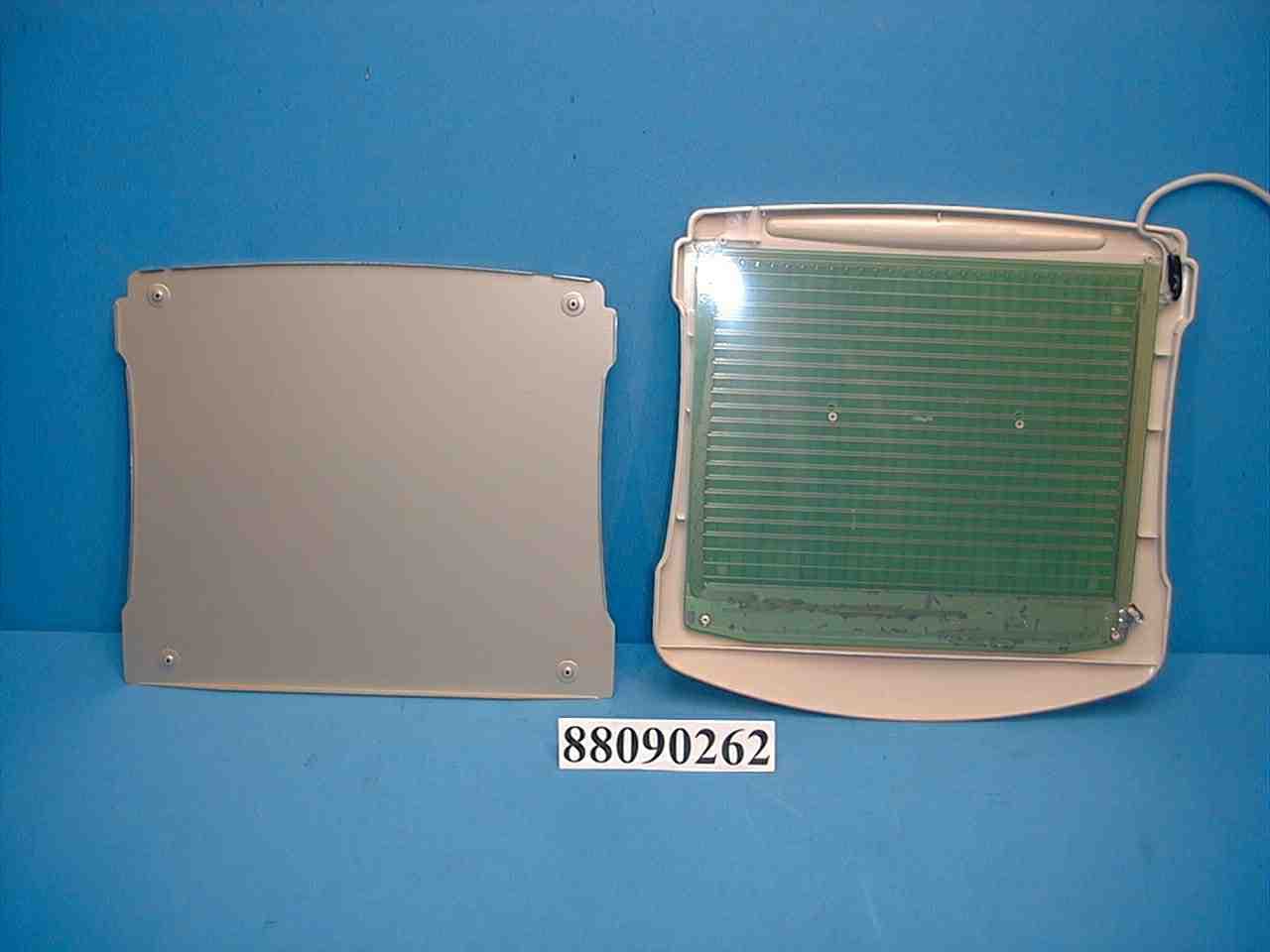
Click to zoom
Application Details
- Equipment Class
- JBP - Part 15 Class B Computing Device Peripheral
- Date of Grant
- Nov 21, 1999
- Application Purpose
- Original Equipment
- Date of Application
- Oct 11, 1999
- Equipment Note
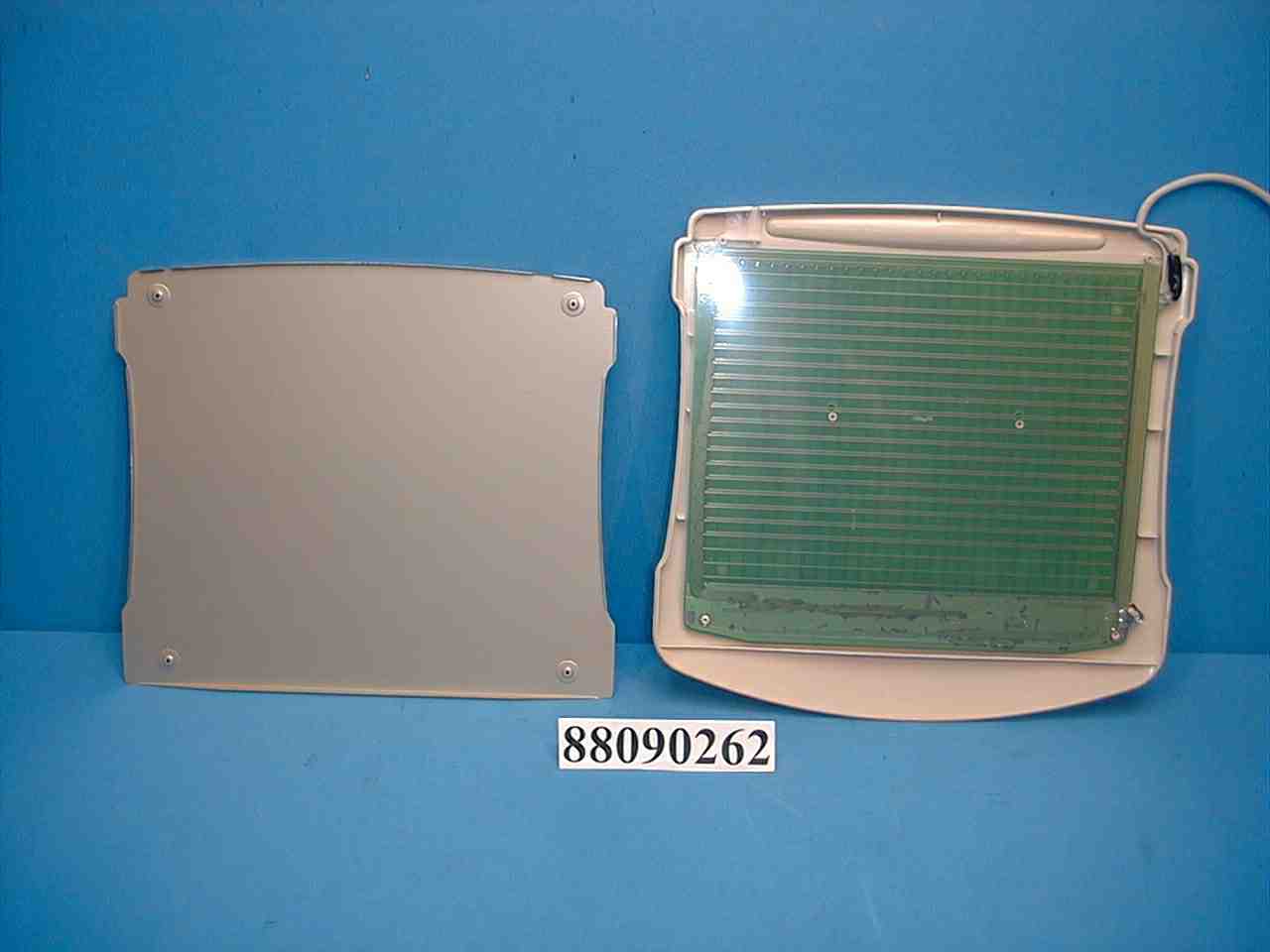
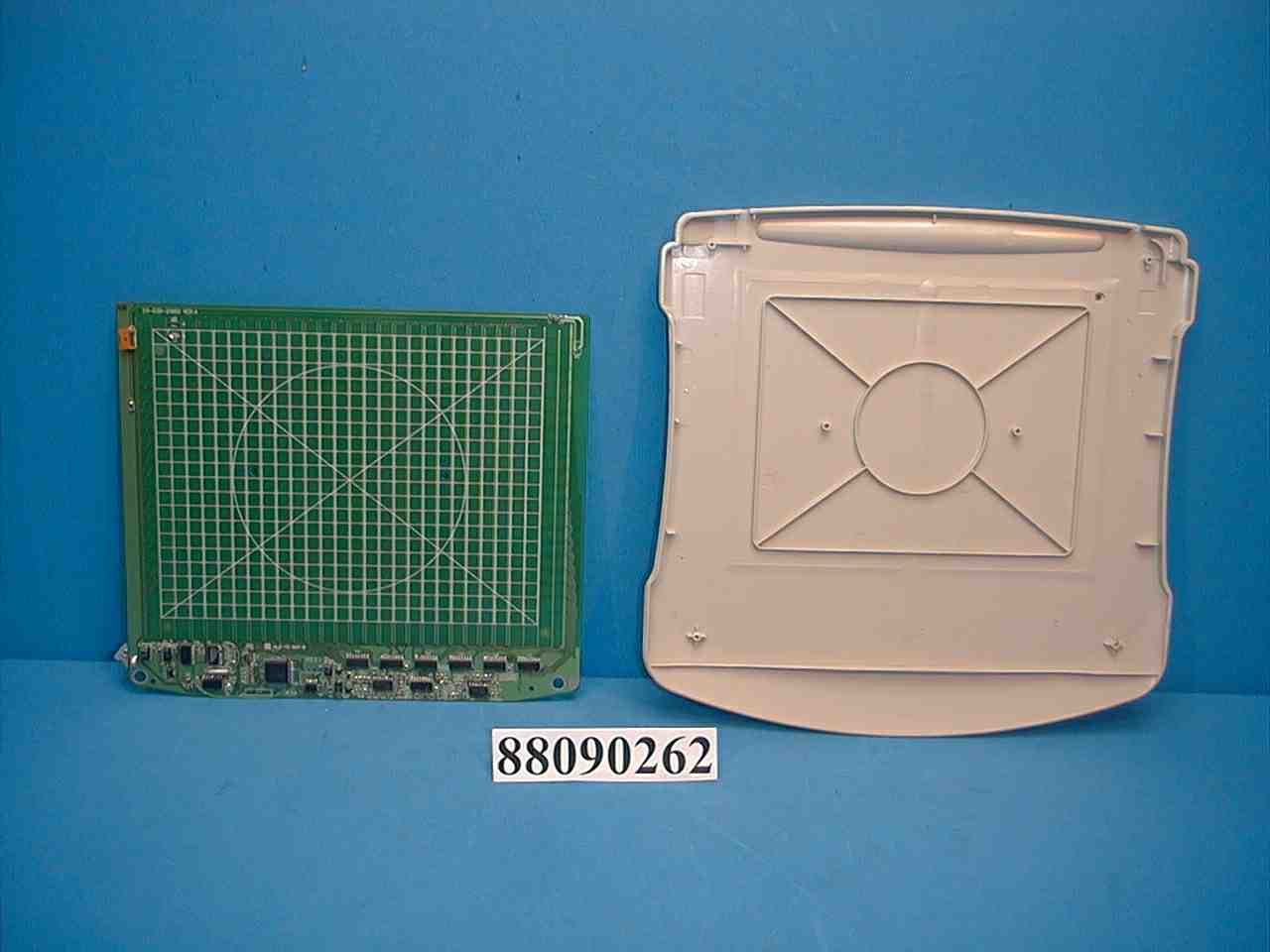
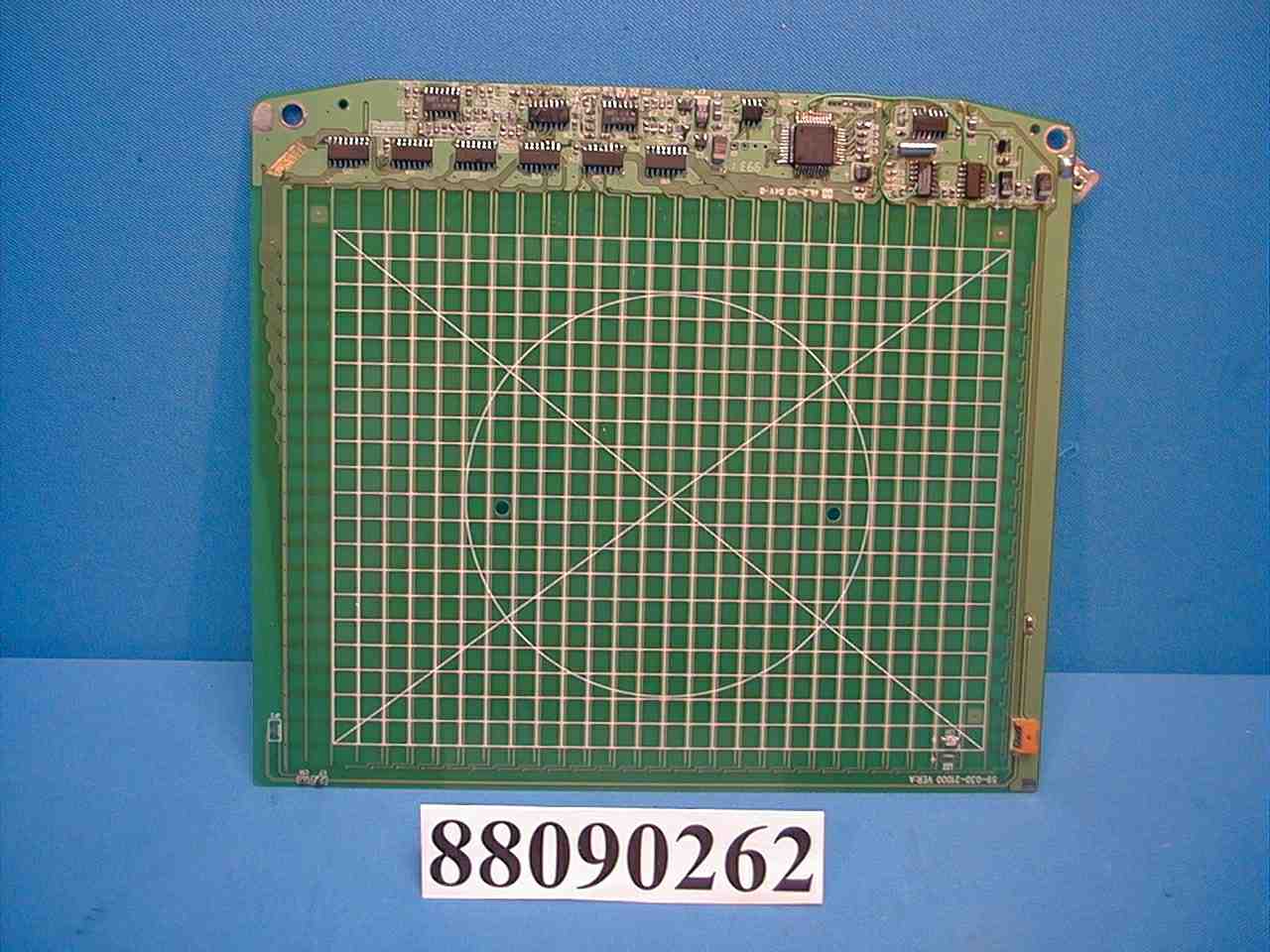
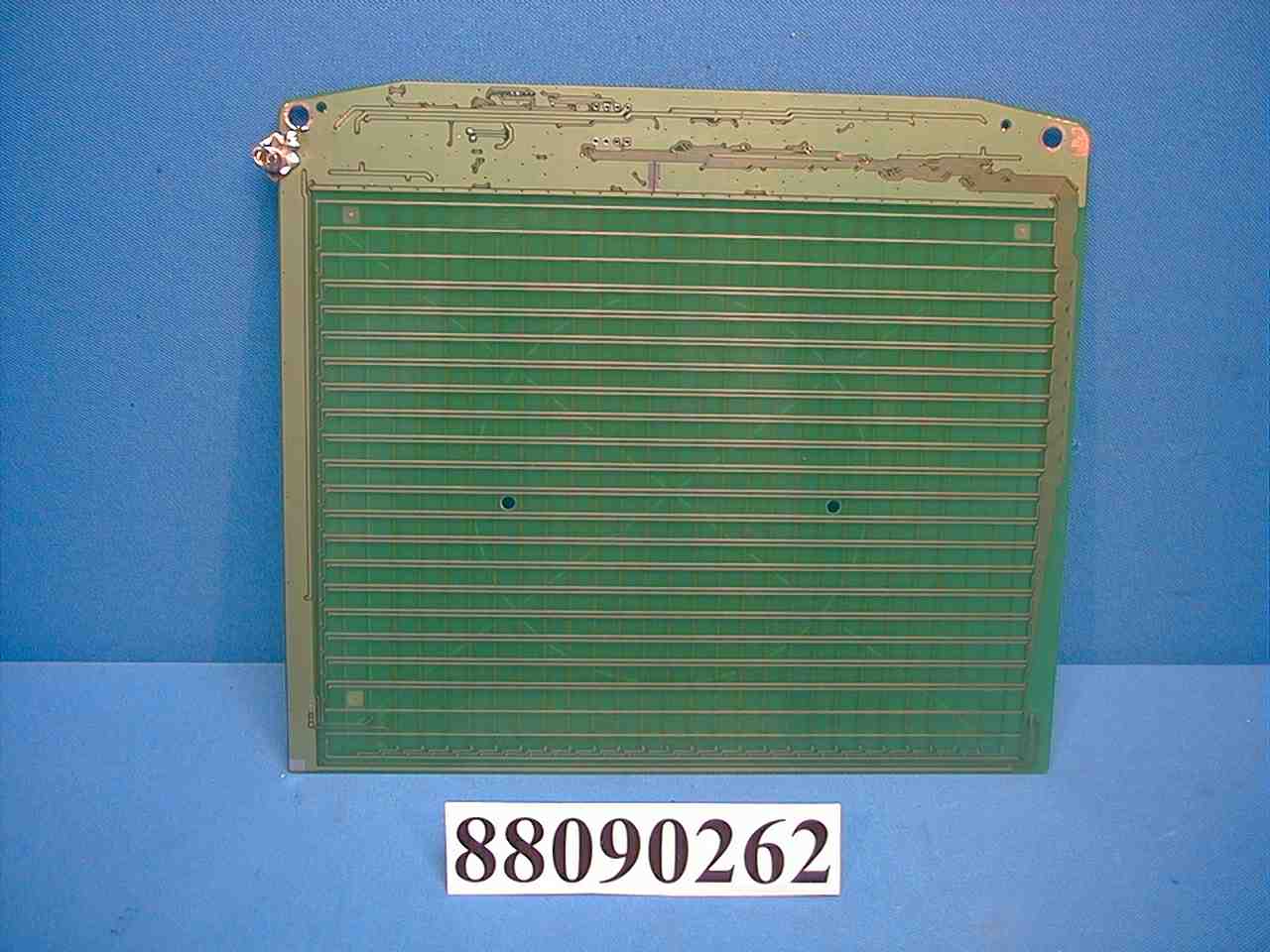
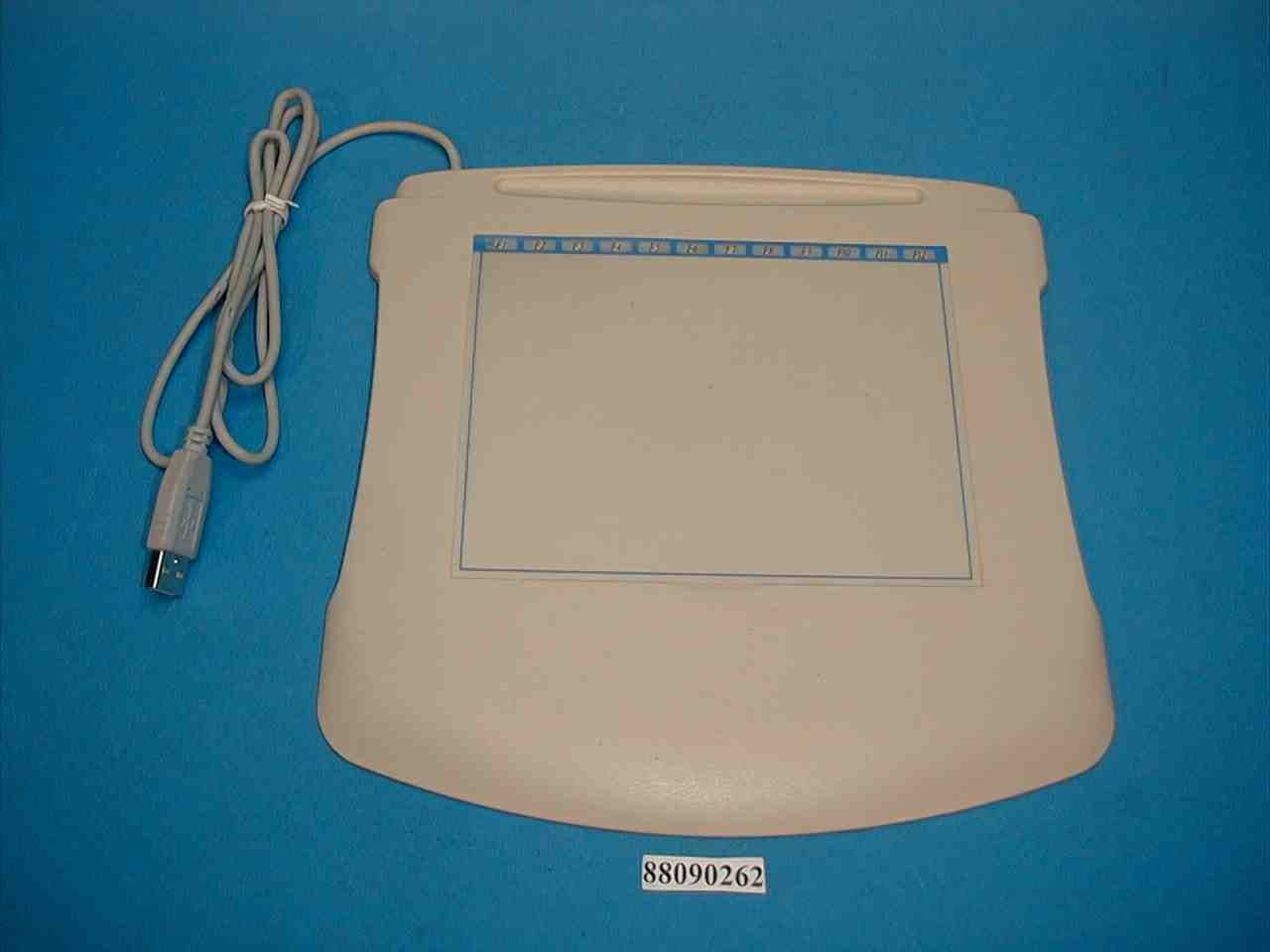
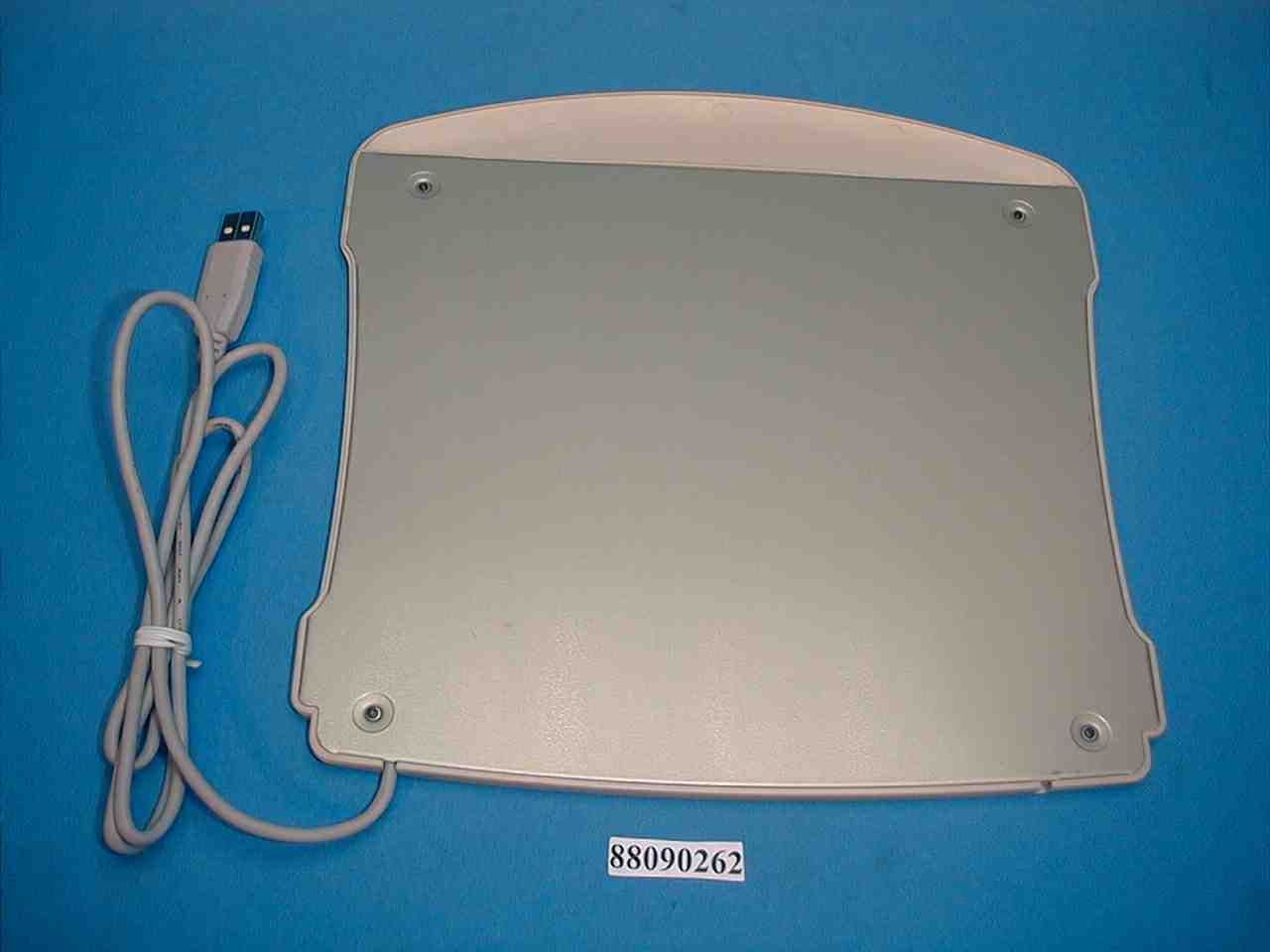
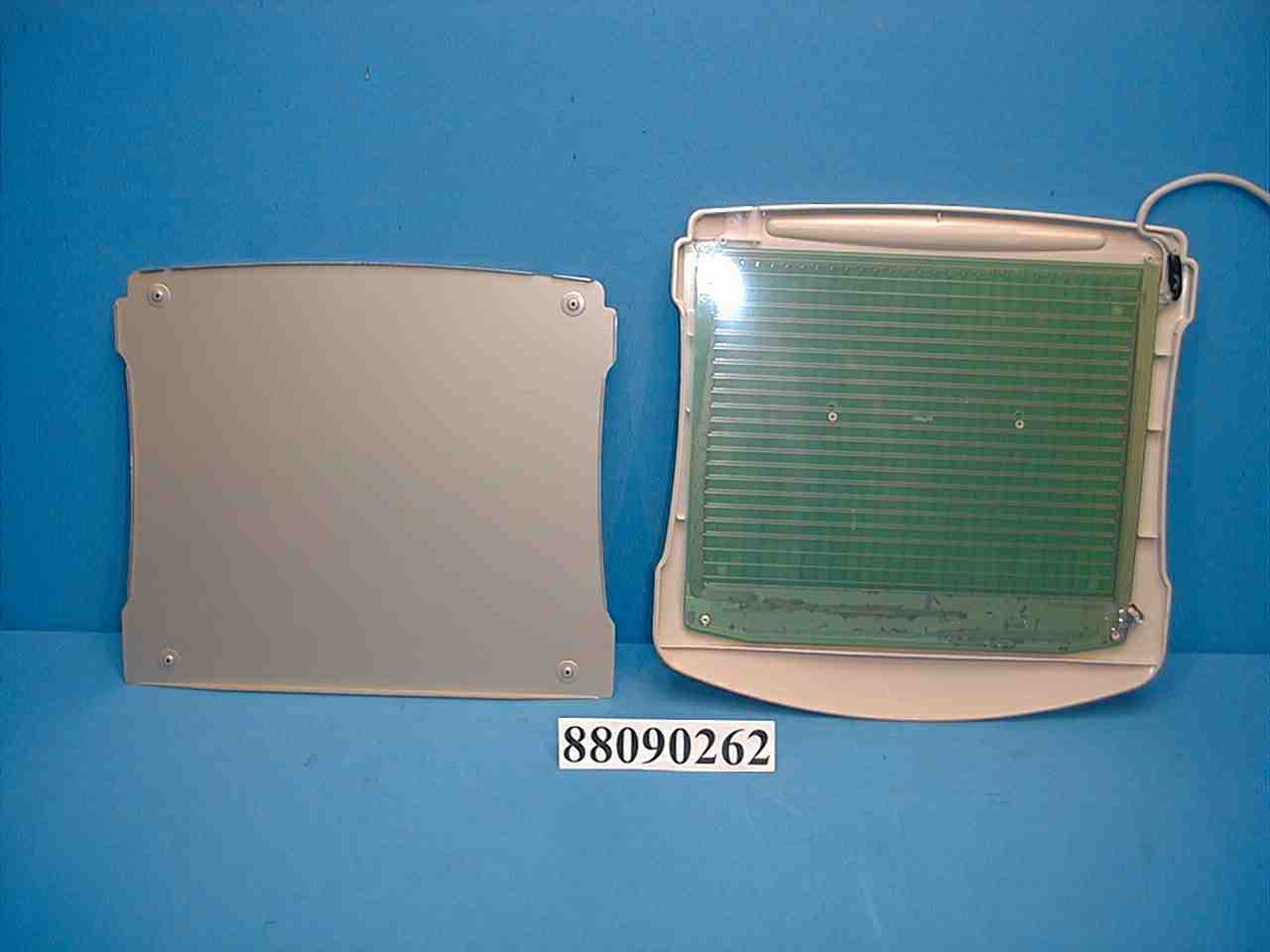
- Tablet
- Company
- Aiptek International Inc
- Country
- Taiwan
Documents & Files
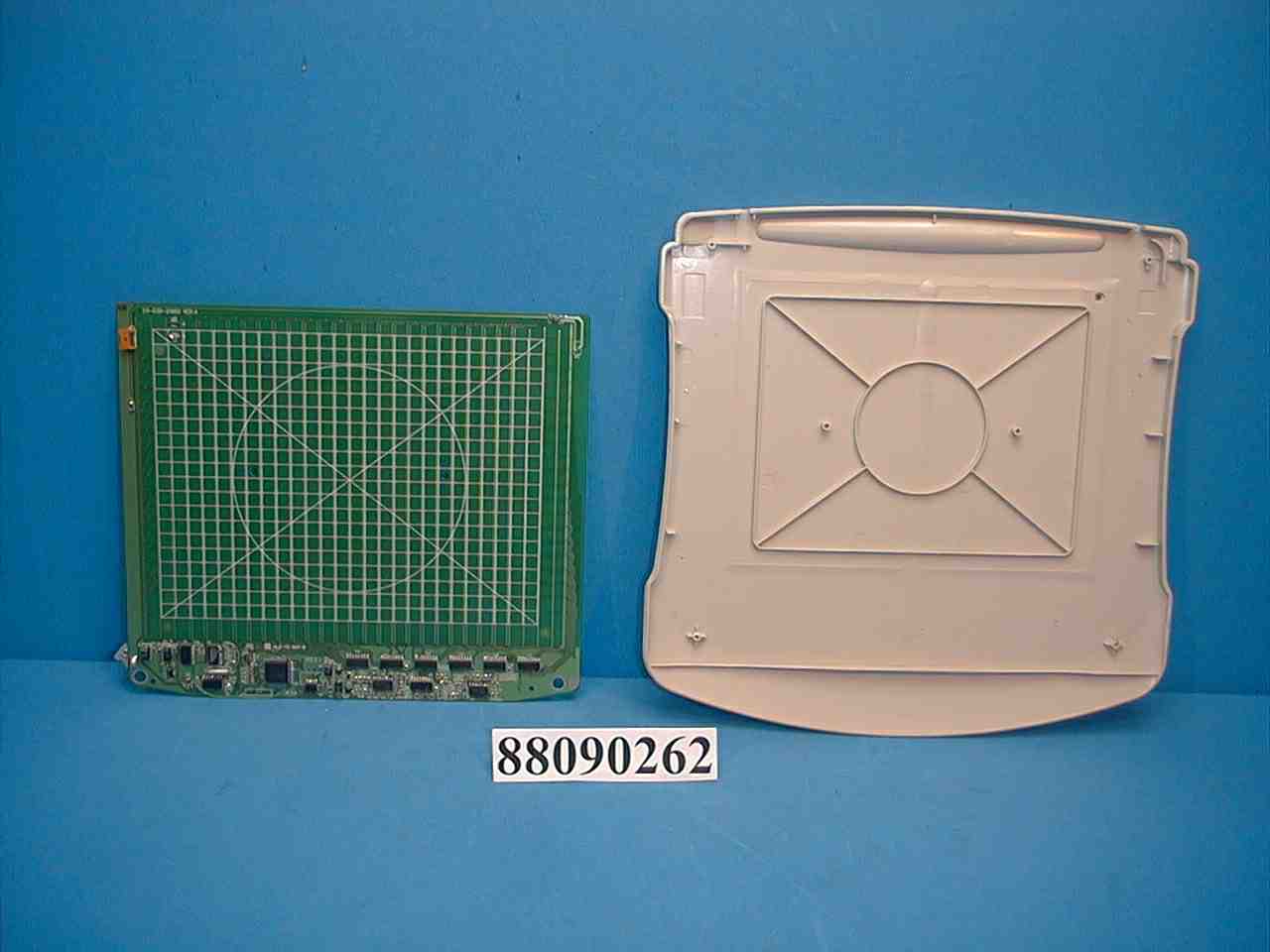
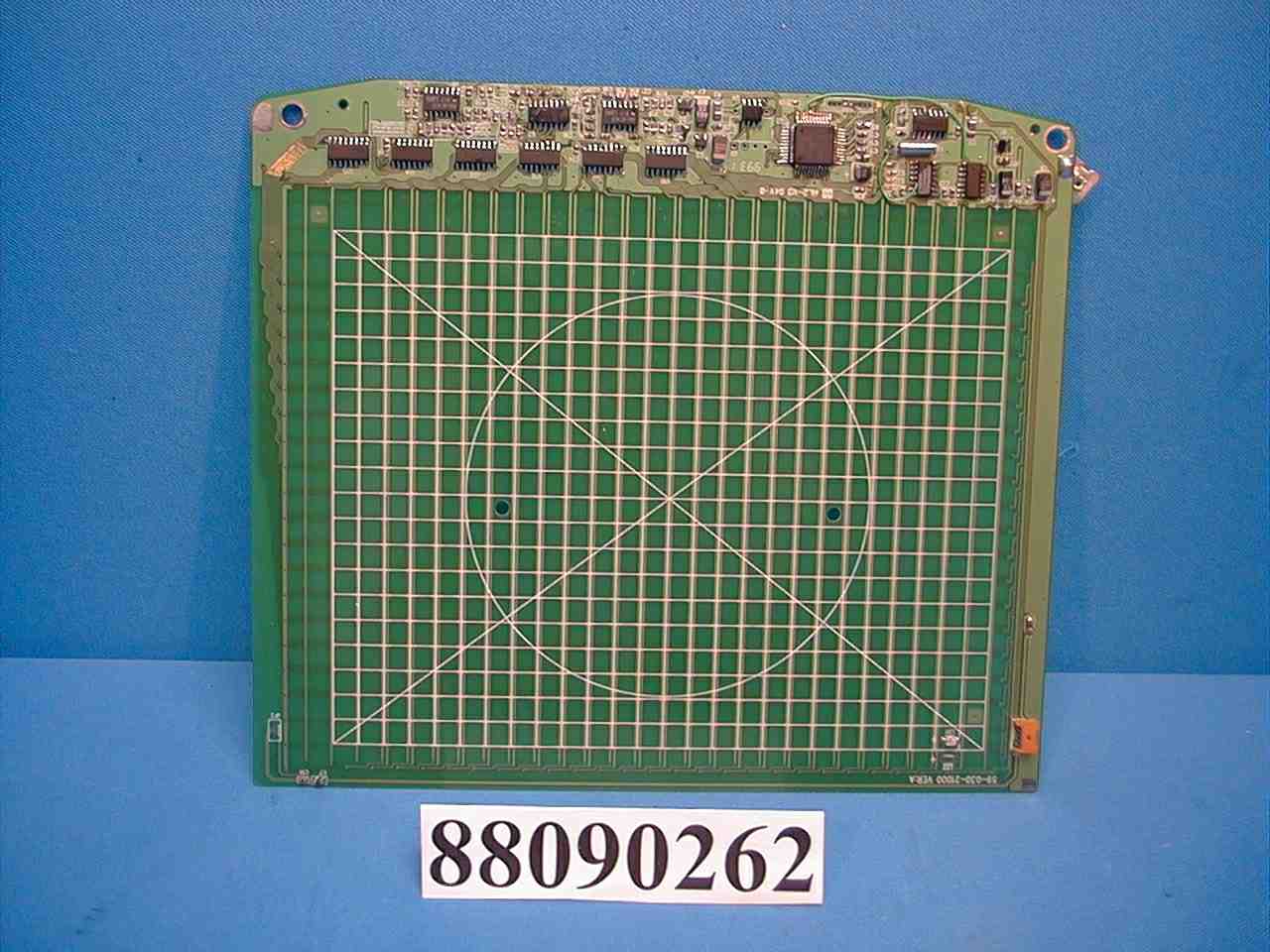
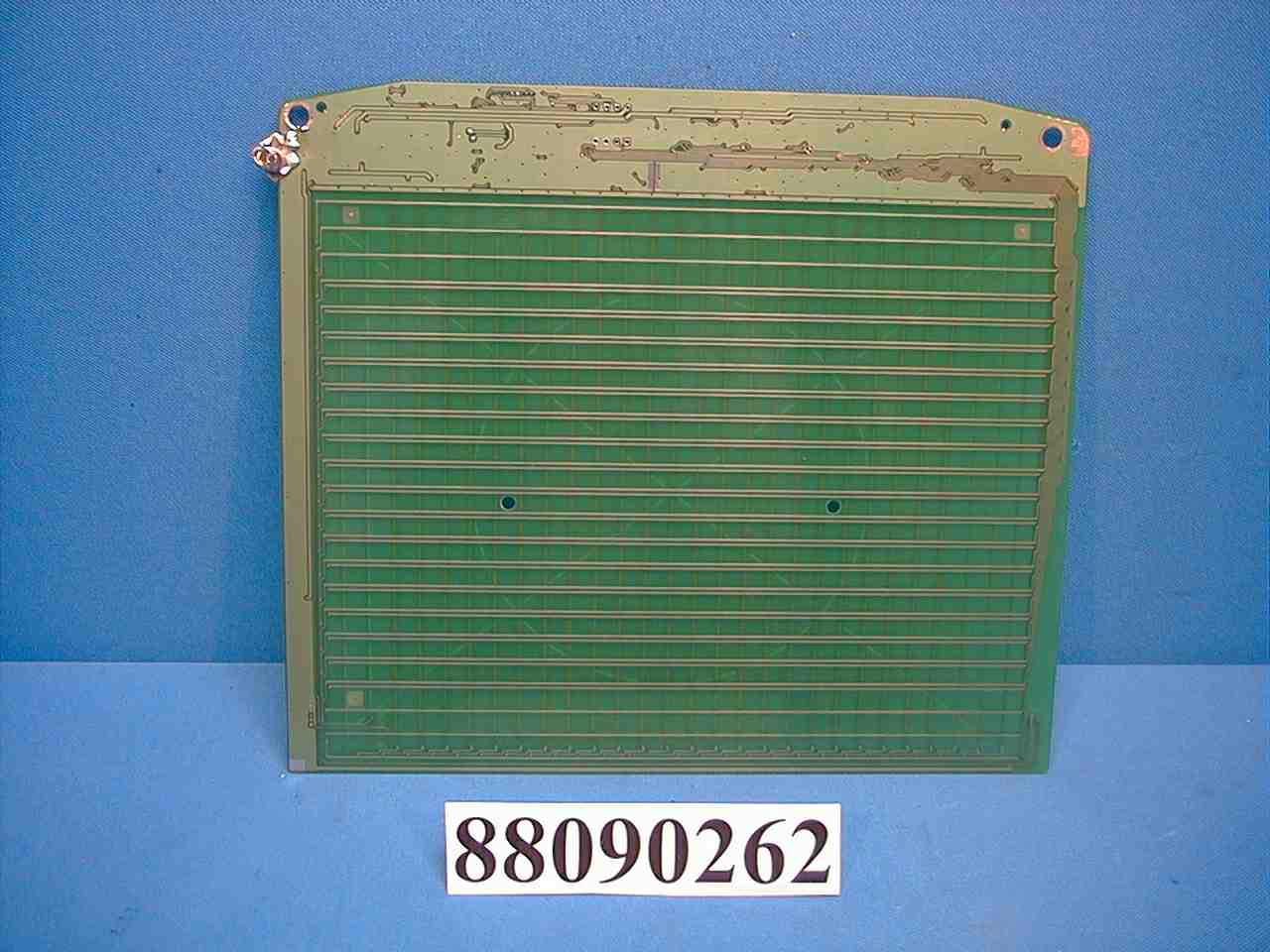
Document Text
Text extracted from the exhibit documents filed with the FCC. Open a document above to read the original.
Users Manual
PC USB Tablet User’s Guide FCC Statement This equipment generates and uses radio frequency energy and if not installed and used in accordance with the manufacturer’s instructions, it may cause interference to radio and television reception. This equipment has been tested and certified to comply with the limits for a Class B computing device, pursuant to sub-part J of part 15 of FCC Regulation, which are designed to provide reasonable protection against such interference in a residential installation. However, there is no guarantee that interference will not occur in a particular installation. If this equipment does cause interference to radio or television reception, which can be determined by turning the equipment off and on, the user is encouraged to try to correct the interference by more of the following measures: • Reorient the receiving antenna • Relocate the computer with respect to receiver • Plug the computer into a different power outlet so that the computer and receiver are on different branch circuits. If necessary, the user should consult with the dealer or an experienced radio/television technician for additional suggestions. The user may find the following booklet helpful which prepared by the Federal Communication Commission: “How to Identify and Resolve Radio-TV Interference Problems.” This booklet is available from the US Government Printing Office Washington DC, 20402, Stock Number 004-000-00345-4. Introduction Thank you for purchasing HyperPen, the most natural text and graphics input device for your desktop or notebook PC. We are confident that you will benefit from its advanced features and that it will make your computing more productive and fun. Traditionally, computer graphics tablets have been regarded as professional devices used in specialized fields such as CAD/CAM and graphic arts. Their potential in everyday computing has not, until recently, been fully realized. With the introduction of its HyperPen series of affordable, user-friendly graphics and text tablets, Aiptek brings the power of such intuitive input devices to a much wider audience of computer users, proving that they can be successfully used for much more than CAD/CAM and painting. The benefits of using HyperPen are many. A cordless pen design gives you increased freedom of movement and flexibility, something you will really notice whether you are retouching a photo, drawing and writing freehand, or simply dragging and dropping objects on your desktop. Our unique pressure sensitive pen gives a natural and realistic feel to every written or drawn stroke, making full artistic expression possible on the desktop computer. Press hard and you get a thick stroke, press lightly and you get a lighter stroke. It's that simple! And this is not only of benefit to computer artists--the ability to define and differentiate multiple levels of pressure is also important to pattern and text recognition. Imagine being able to use your digital pen and tablet to sign your name on your PC, to confirm a transaction over the internet for example, and the computer being able to confirm authenticity of the signature in real time. It's all possible with HyperPen! Use of graphics tablets as the input device of choice is increasing as the mainstream computing world realizes their huge potential. For example, Microsoft Windows 98 will feature a whiteboard utility to allow direct sketching and writing via tablet and pen. HyperPen also makes communication over the internet a much more fluid and interactive experience, allowing you to convey messages and ideas as fast as you can write and draw! System Requirements • 586 PC or faster with an available serial port • Windows 3.1, Windows 95 or Windows NT 3.5 or later • 8MB RAM for Windows 95 • 12MB RAM for Windows NT • 3.5" floppy drive • CD-ROM drive • Color monitor Minimum 4MB hard disk space for HyperPen Manager software installation (actual hard disk space required for additional software installation varies greatly, depending on programs installed). Hardware Installation Before connecting the tablet to your computer, please take a few moments to familiarize yourself with the contents of your HyperPen package. The various components are shown below: • HyperPen stylus • HyperPen pad • USB data/power connector • Please carefully read the following instructions to install HyperPen on your computer. 1.Make sure your computer and all peripherals are turned off. 2.Remove the keyboard cable from the back of your computer. 3. Attach the connector of the USB adaptor cable and then plug the male connector of the USB adaptor into usb socket of your computer. 4. Plug the power jack of the USB adaptor cable into the power socket of the USB connector. 5. Connect the USB data/power connector to the port of your computer. 6. Open the HyperPen stylus with a gentle twisting motion and insert the included AAAA-type battery. 7. Power up your computer and prepare to install software drivers for your HyperPen tablet. 8. If HyperMouse option was included with your HyperPen package, you may now insert the AAA-type battery by opening the panel on the bottom of the mouse. Please note that HyperMouse can only be used with your HyperPen tablet to function. Software Installation BACKUP Before starting the software installation procedure, please make a backup copy of the original diskette and use this copy to install, storing the original in a safe place.. Driver Installation 1. HyperPen is fully Plug-n-Play compliant and should therefore be detected by Windows 95 as “New Hardware Found” when you start up your machine. If for any reason it is not, please go to the Windows Control Panel and double-click on the “Add New Hardware” icon. When Windows asks if it should auto-detect new hardware, select “No” and proceed to the next screen. Then choose “Tablet” or “Other Devices” from the list of installable devices and click on the “Next” button. 2.Select “Have Disk” and, after inserting the HyperPen driver disket…
Text truncated - open the document above for the full version.
Test Report
ADVANCE DATA TECHNOLOGY CORPORATION REPORT NO.: F88090262 Page 1 of 15 FCC ID: NRQUT6045N EMC TEST REPORT REPORT NO.: F88090262 MODEL NO.: T-6000U DATE OF TEST: Sep. 3 to 9, 1999 MULTIPLE LISTING FOR: MODEL: HyperPen 6000 BRAND: AIPTEK MODEL: StartWriter BRAND: AIPTEK PREPARED FOR: AIPTEK INTERNATIONAL INC. ADDRESS: 3F, NO. 5-1, INNOVATION RD. 1, SCIENCE-BASED INDUSTRIAL PARK, HSIN-CHU, TAIWAN, R.O.C. PREPARED BY:ADVANCE DATA TECHNOLOGY CORPORATION No. 81-1, Lu Liao Keng, 9 Ling, Wu Lung Tsuen, Chiung Lin Hsiang, Hsin Chu Hsien, Taiwan, R.O.C. This test report consists of 15 pages in total. It may be duplicated completely for legal use with the allowance of the applicant. It shall not be reproduced except in full, without the written approval of our laboratory. It should not be used by the client to claim product endorsement by NVLAP or any agency of the U.S. government. The test result in the report only applies to the tested sample. Accredited Laboratory ADVANCE DATA TECHNOLOGY CORPORATION REPORT NO.: F88090262 Page 2 of 15 FCC ID: NRQUT6045N TABLE OF CONTENTS 1.CERTIFICATION.............................................................................................................3 2.GENERAL INFORMATION............................................................................................4 2.1GENERAL DESCRIPTION OF EUT....................................................................4 2.2DESCRIPTION OF SUPPORT UNITS.................................................................5 2.3TEST METHODOLOGY AND CONFIGURATION............................................5 3.TEST INSTRUMENTS....................................................................................................6 3.1TEST INSTRUMENTS (EMISSION)...................................................................6 3.2LIMITS OF CONDUCTED AND RADIATED EMISSION..................................7 4.TEST RESULTS (EMISSION)......................................................................................8 4.1RADIO DISTURBANCE......................................................................................8 4.2EUT OPERATION CONDITION.........................................................................8 4.3TEST DATA OF CONDUCTED EMISSION.......................................................9 4.4TEST DATA OF RADIATED EMISSION..........................................................11 5.PHOTOGRAPHS OF THE TEST CONFIGURATION WITH MINIMUM MARGIN....13 6.ATTACHMENT 1 - TECHNICAL DESCRIPTION OF EUT.........................................15 ADVANCE DATA TECHNOLOGY CORPORATION REPORT NO.: F88090262 Page 3 of 15 FCC ID: NRQUT6045N 1. CERTIFICATION Issue Date: Sep. 26, 1999 Product:TABLET Trade Name:AIPTEK Model No.:T-6000U, HyperPen 6000, StartWriter Applicant:AIPTEK INTERNATIONAL INC. Standard:FCC Part 15, Subpart B, Class B ANSI C63.4-1992 CISPR 22:1993 + A1:1995 + A2:1996 We hereby certify that one sample of the designation has been tested in our facility from Sep. 3 to 9, 1999. The test record, data evaluation and Equipment Under Test (EUT) configurations represent herein are true and accurate representation of the measurements of the sample's EMC characteristics under the conditions herein specified. The test results show that the EUT as described in this report is in compliance with the Class B limits of conducted and radiated emission of applicable standards ADVANCE DATA TECHNOLOGY CORPORATION Accredited Laboratory ADVANCE DATA TECHNOLOGY CORPORATION REPORT NO.: F88090262 Page 4 of 15 FCC ID: NRQUT6045N 2. GENERAL INFORMATION 2.1 GENERAL DESCRIPTION OF EUT Product:TABLET Model No.:T-6000U Power Supply:DC 5V (From PC) Data Cable:Shielded USB Cable (1.0m) Note: The EUT is a digitizing TABLET input device with USB interface. It has three model names which are identical to each other in all aspects except for their model names: Model NameBrand T-6000UAIPTEK HyperPen 6000AIPTEK StartWriterAIPTEK For more detailed features, please refer to User’s Manual. ADVANCE DATA TECHNOLOGY CORPORATION REPORT NO.: F88090262 Page 5 of 15 FCC ID: NRQUT6045N 2.2 DESCRIPTION OF SUPPORT UNITS The EUT has been tested as an independent unit together with other necessary accessories or support units. The following support units or accessories are used to form representative test configuration during the tests. NoProductBrandModel No.FCC IDI/O Cable 1PERSONAL COMPUTER IBM2156-D1NFCC DoCNonshielded Power (1.8m) 2MONITORADIPD-697BR8PD-697Shielded Signal (1.2m) Nonshielded Power (1.8m) 3PRINTERHPC2642AB94C2642XShielded Signal (1.2m) Nonshielded Power (1.8m) 4MODEMACEEX1414IFAXDM1414Shielded Signal (1.1m) Nonshielded Power (2.1m) 5MOUSEDEXINA2P800ANIYA2P800AShielded Signal (1.8m) 6KEYBOARDFORWARDFDA-104GAF4ZDA-104Shielded Signal (1.4m) 7STYLUS-PENAIPTEKHyper PenNRQAHPPENNA 2.3 TEST METHODOLOGY AND CONFIGURATION Both conducted and radiated testing were performed according to the procedures in ANSI C63.4:1992. Radiated testing was performed at an antenna to EUT distance of 10 m on an open area test site. Please refer to the photos of test configuration in Item 5. 2. MONITOR 3. PRINTER 6. KEYBOARD 7. STYLUS-PEN 5. MOUSE 1. PC EUT 4. MODEM ADVANCE DATA TECHNOLOGY CORPORATION REPORT NO.: F88090262 Page 6 of 15 FCC ID: NRQUT6045N 3. TEST INSTRUMENTS 3.1 TEST INSTRUMENTS (EMISSION) CONDUCTED EMISSION MEASUREMENT Description & ManufacturerModel No.Serial No.Calibrated Until ROHDE & SCHWARZ Test Receiver ESCS 30847124/029Nov. 13, 1999 ROHDE & SCHWARZ LISNESHS-Z5848773/004Nov. 11, 1999 KYORITSU LISNKNW-4078/1395/12Aug. 02, 2000 Shielded RoomCon AADT-CAN/A Note: 1. The measurement uncertainty is less than +/- 2.6dB, which is calculated as per NAMAS document NIS81. 2. The calibration interval of the above test instruments is 12 months and the calibrations are traceable to NML/ROC and NIST/USA. RADIATED EMISSION MEASUREMENT Description & ManufacturerModel No.Serial No.Calibrated Until HP Spectrum Analyzer8594E3710A04861Sep. 14, 1999 ADVANTEST Spectrum …
Text truncated - open the document above for the full version.
Contact Information
Applicant
Leo Lin(Deputy Manager)
Technical Contact
ADVANCE DATA TECHNOLOGY CORPORATIONMIKE SU
MIKE@MAIL/ADT.COM.TW886-2-26032180
NO. 47, 14 LING, CHIA PAU TSUEN. LIN KOU HSIANG, · TAIPEI HSIEN · Taiwan
Non-Technical Contact
ADVANCE DATA TECHNOLOGY CORPORATIONMIKE SU
[email protected]886-2-26032180
Test Firm
Bureau Veritas CPS (H.K.) Ltd. Taoyuan BranchRichard Chen
Technical Specifications
| # | Rule Parts | Frequency Range | Power Output |
|---|---|---|---|
| 1 | 15B | - | - |
Other Applications from Aiptek International Inc
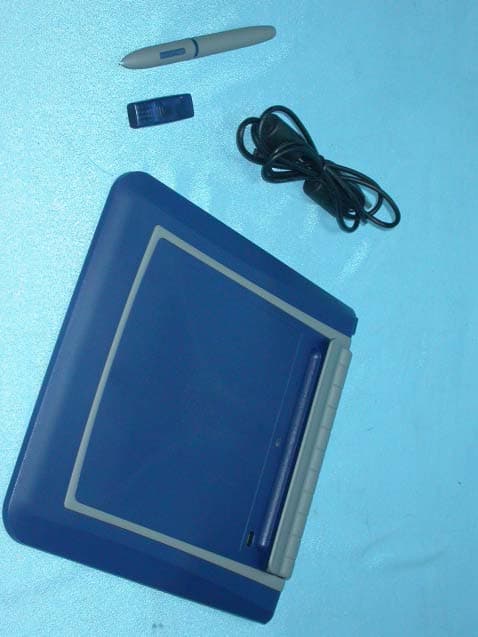
NRQRMKT05
Feb 16, 2004Bluetooth Tablet
Equipment Class
DSS - Part 15 Spread Spectrum Transmitter
NRQRXOB31
Dec 21, 2003SecuCam AV100 - Transmitter
Equipment Class
DXX - Part 15 Low Power Communication Device Transmitter
NRQ-BROR01
Jan 05, 2003Bluetooth USB Adapter
Equipment Class
DSS - Part 15 Spread Spectrum TransmitterNRQ-BROR02
Oct 28, 2002Bluetooth USB Adapter
Equipment Class
DSS - Part 15 Spread Spectrum Transmitter
NRQUT4030M
Apr 25, 2000Tablet
Equipment Class
JBP - Part 15 Class B Computing Device Peripheral