NVA00011Multilane POS Terminal
Equinox Payments LLC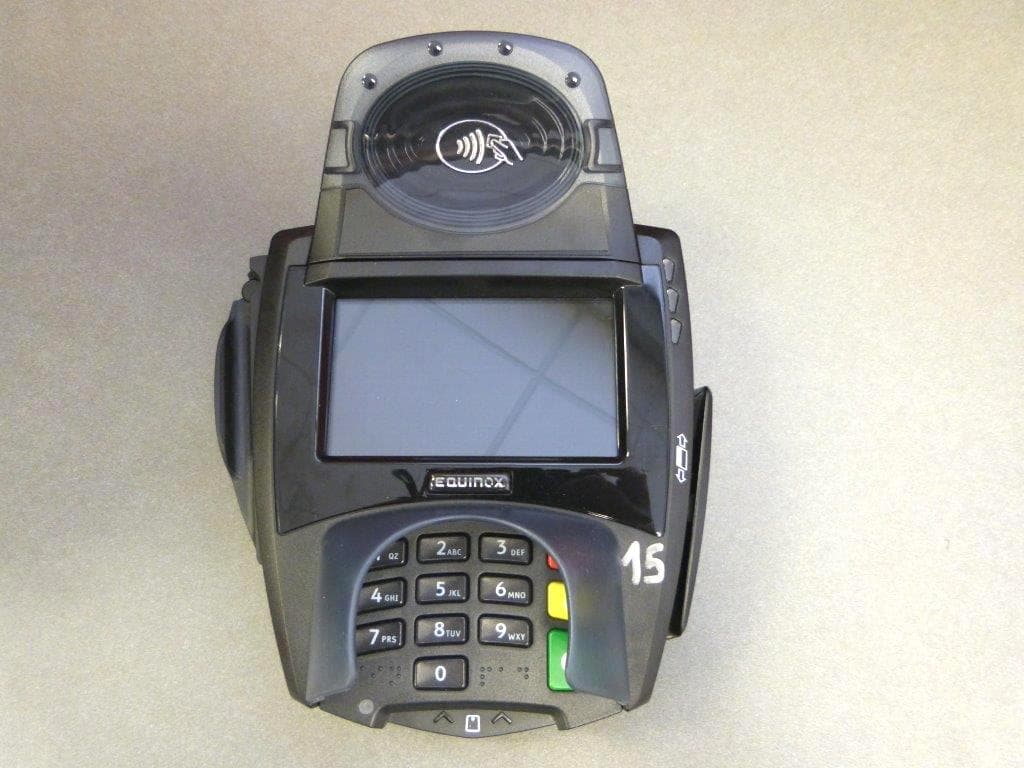
Click to zoom
Application Details
- Equipment Class
- DXX - Part 15 Low Power Communication Device Transmitter
- Date of Grant
- Jan 20, 2015
- Application Purpose
- Original Equipment
- Date of Application
- Jan 20, 2015
- Equipment Note
- Multilane POS Terminal
- Frequency Range
- 13.56000000 - 13.56000000
- Company
- Equinox Payments LLC
- Country
- United States
Documents & Files
Document Text
Text extracted from the exhibit documents filed with the FCC. Open a document above to read the original.
Users Manual
iRMMM=c~ãáäó qbojfk^i=fkpq^ii^qflk=drfab `ljmif^k`b qbojfk^i=fkpq^ii^qflk=drfab bèìáåçñ=m~óãÉåíë 9045 E. Pima Center Parkway, Suite 3, Scottsdale, Arizona 85258, USA | Tel: 480.551.7800 | Fax: 480.551.7811 © 2011-2014 Equinox Payments. All rights reserved. The Equinox logo is a trademark of Equinox Payments. All other products or services mentioned in this document are trademarks, service marks, registered trademarks or registered service marks of their respective owners. 940660-001E Rev. B 08/14 T he user is cautioned that changes or modifications to the device(s) identified in this manual unless expressly approved by the p arty responsible for compliance could void the user’s authority to operate this device. This is a class A device. In a domestic e nvironment this device may cause radio interference in which case the user may be required to take adequate measures. • F CC Part 15 B - Operation is subject to the following two conditions: (1) this device may not cause harmful interference, and (2) t his device must accept any interference received, including interference that may cause undesired operation. • FCC ID: NVA00010•UL Listed•RoHS•PCI PTS 3.xx with SRED iRMMM=c~ãáäó klqf`bp If a power supply was NOT shipped with the L5X00s terminal or if there is NOT an immediately available power supply to use with the L5X00s, use the following when selecting and using a suitable power supply: • Must use Equinox P/N 870066-004, or • Must use a suitably safety Listed power supply, output rated 12-24Vdc 1A or greater and must be a certified Limited Power Source, marked LPS. To Clean Screen: Apply distilled water or mild glass cleaner onto a soft, lint free cloth and gently wipe terminal screen. To Clean Terminal: Apply distilled water or plastic- safe cleaner onto a soft, lint free cloth and gently wipe terminal. N Smart Card Reader MSR Slot Ports (in the back) Cleaning the Device • Do NOT use industrial strength or an abrasive cleaner as it may damage or scratch the screen. •Do NOT immerse device in water (or liquid). • Do NOT spray water or cleaner into the MSR slot, Smart Card Reader or ports in the back. N Screen t ^okfkd W Inserting a MicroSD Card Power down and remove all power from terminal before installing card. Turn terminal over. Loosen two retained screws on underside of ter- minal and remove top cap or con- tactless module. Card slot is accessible once top cap or contactless module is removed. Insert card (gold connectors down) into MicroSD slot (as shown). Push card in until firmly seated in slot. Reinstall top cap or contactless module. Tighten two retained screws to secure the top cap or module to terminal. Contact Equinox for list of approved cards and format- ting information. O Screws MicroSD Slot • When so powered, this device is intended to be connected only to Power over Ethernet (PoE) networks that are not routed to the outside plant. klqbW=This equipment has been tested and found to comply with the limits for a Class A digital device, pursuant to part 15 of the FCC Rules. These limits are designed to provide reasonable protection against harmful interference when the equipment is operated in a commercial environment. This equipment generates, uses, and can radiate radio frequency energy and, if not installed and used in accor- dance with the instruction manual, may cause harmful interference to radio communications. Operation of this equipment in a residen- tial area is likely to cause harmful interference in which case the user will be required to correct the interference at his own expense. This device complies with Industry Canada licence-exempt RSS standard(s). Operation is subject to the following two conditions: (1) this device may not cause interference, and (2) this device must accept any interference, including interference that may cause undesired operation of the device. (940660-001E) Applicable to L5200 and L5300 Applicable to L5200 and L5300 N MSR Slot I n s p e c t i n g S l o t s Closely, visually inspect the MSR Slot for any foreign objects that may obstruct, hamper or prevent the sliding of your card thru the MSR Reader. If any foreign objects are found, do NOT use and notify the appro- priate person immediately for the device may be compromised. If no foregin objects exist, use the device as normal. O Smart Card Reader Slot Closely, visually inspect the Smart Card Reader Slot for any foreign objects that may obstruct, hamper or prevent your smart card from being read. If any foreign objects are found, do NOT use and notify the appro- priate person immediately for the device may be compromised. If no foregin objects exist, use the device as normal. iRMMM=c~ãáäó=qÉêãáå~ä=fåëí~ää~íáçå=dìáÇÉ Equipment Checklist Power & Cable Connections Stylus Pen L5000 Family Terminal (L5300 shown for illustration) The iRMMM=c~ãáäó=qÉêãáå~ä=fåëí~ää~íáçå=dìáÇÉprovides basic terminal setup information. Note: Images in this guide may not exactly match your device (e.g., contactless and communication modules are optional). Additional accessories are available for purchase. Contact your Equinox Sales Associate for specific options. Upon receipt of the terminal, immediately change the default Setup password. Changing the password can be done terminal by terminal or via download. For instructions on changing the password, contact your Equinox Sales Engineer or Equinox Technical Support at 1-877-497-3726. Additional Accessories (Contact your Equinox Sales Associate for current information and availability.) If required, remove plug from round opening in stylus holder (as shown) by pushing up from underside. To insert, push plug into round opening from above. Insert the connector end of the stylus pen (as shown). Stand Installation If required, remove smart card reader plug from wrapper. Insert plug into smart card receptacle slot (as shown). Insert metal stand prongs into 3 stand slots on underside of terminal. Slide terminal firmly into place on stand. Power Cord (if provided) N L…
Text truncated - open the document above for the full version.
External Photos
ANNEX 2 – External Photos Equinox Payments LLC Multilane POS Terminal, Model L5200 FCC ID: NVA00011, IC: 10113A-00011 A1 - 1 ANNEX 2 – External Photos Equinox Payments LLC Multilane POS Terminal, Model L5200 FCC ID: NVA00011, IC: 10113A-00011 A1 - 2 ANNEX 2 – External Photos Equinox Payments LLC Multilane POS Terminal, Model L5200 FCC ID: NVA00011, IC: 10113A-00011 A1 - 3 ANNEX 2 – External Photos Equinox Payments LLC Multilane POS Terminal, Model L5200 FCC ID: NVA00011, IC: 10113A-00011 A1 - 4
Internal Photos
ANNEX 3 – Internal Photos Equinox Payments LLC Multilane POS Terminal, Model L5200 FCC ID: NVA00011, IC: 10113A-00011 A1 - 1 ANNEX 3 – Internal Photos Equinox Payments LLC Multilane POS Terminal, Model L5200 FCC ID: NVA00011, IC: 10113A-00011 A1 - 2 ANNEX 3 – Internal Photos Equinox Payments LLC Multilane POS Terminal, Model L5200 FCC ID: NVA00011, IC: 10113A-00011 A1 - 3 ANNEX 3 – Internal Photos Equinox Payments LLC Multilane POS Terminal, Model L5200 FCC ID: NVA00011, IC: 10113A-00011 A1 - 4 ANNEX 3 – Internal Photos Equinox Payments LLC Multilane POS Terminal, Model L5200 FCC ID: NVA00011, IC: 10113A-00011 A1 - 5 ANNEX 3 – Internal Photos Equinox Payments LLC Multilane POS Terminal, Model L5200 FCC ID: NVA00011, IC: 10113A-00011 A1 - 6 ANNEX 3 – Internal Photos Equinox Payments LLC Multilane POS Terminal, Model L5200 FCC ID: NVA00011, IC: 10113A-00011 A1 - 7 ANNEX 3 – Internal Photos Equinox Payments LLC Multilane POS Terminal, Model L5200 FCC ID: NVA00011, IC: 10113A-00011 A1 - 8 ANNEX 3 – Internal Photos Equinox Payments LLC Multilane POS Terminal, Model L5200 FCC ID: NVA00011, IC: 10113A-00011 A1 - 9 ANNEX 3 – Internal Photos Equinox Payments LLC Multilane POS Terminal, Model L5200 FCC ID: NVA00011, IC: 10113A-00011 A1 - 10 ANNEX 3 – Internal Photos Equinox Payments LLC Multilane POS Terminal, Model L5200 FCC ID: NVA00011, IC: 10113A-00011 A1 - 11 ANNEX 3 – Internal Photos Equinox Payments LLC Multilane POS Terminal, Model L5200 FCC ID: NVA00011, IC: 10113A-00011 A1 - 12
Test Report
Multilane POS Terminal Model: L5200 FCC ID: NVA00011 Applicant: Equinox Payments LLC 8901 East Raintree Drive, Suite 400 Scottsdale, AZ 85260 USA In Accordance With Federal Communications Commission (FCC) Part 15, Subpart C Unlicensed Low Power Transmitter Operating in the Band 13.110-14.010 MHz UltraTech's File No.: 15MIS109_FCC15.225 This Test report is Issued under the Authority of Tri M. Luu Vice President of Engineering UltraTech Group of Labs Date: January 14, 2015 Report Prepared by: Dharmajit Solanki Issued Date: January 14, 2015 Tested by: Hung Trinh Test Dates: Nov. 11, 2014 to Jan. 09, 2015 The results in this Test Report apply only to the sample(s) tested, and the sample tested is randomly selected. This report must not be used by the client to claim product endorsement by NVLAP or any agency of the US Government. UltraTech 3000 Bristol Circle, Oakville, Ontario, Canada, L6H 6G4 Tel.: (905) 829-1570 Fax.: (905) 829-8050 Website: www.ultratech-labs.com , Email: [email protected], Email: [email protected] Korea KCC-RRA 91038 1309 46390-2049 NVLAP LAB CODE 200093-0 SL2-IN-E- 1119R CA2049 TL363_B TPTDP DA1300 FCC Part 15, Subpart C, Section 15.225 – Unlicensed Low Power Transmitter Page 1 of 24 Multilane POS Terminal, Model: L5200 FCC ID: NVA00011 ULTRATECH GROUP OF LABS File #: 15MIS109_FCC15.225 3000 Bristol Circle, Oakville, Ontario, Canada L6H 6G4 January 14, 2015 Tel. #: 905-829-1570, Fax. #: 905-829-8050, Email: [email protected] , Website: http://www.ultratech-labs.com All test results contained in this engineering test report are traceable to National Institute of Standards and Technology (NIST) TABLE OF CONTENTS EXHIBIT 1. INTRODUCTION ......................................................................................................................................... 2 1.1. SCOPE ......................................................................................................................................................................... 2 1.2. RELATED SUBMITTAL(S)/GRANT(S) .................................................................................................................. 2 1.3. NORMATIVE REFERENCES ................................................................................................................................... 2 EXHIBIT 2. PERFORMANCE ASSESSMENT .............................................................................................................. 3 2.1. CLIENT INFORMATION .......................................................................................................................................... 3 2.2. EQUIPMENT UNDER TEST (EUT) INFORMATION ............................................................................................ 3 2.3. EUT’S TECHNICAL SPECIFICATIONS ................................................................................................................. 4 2.4. LIST OF EUT’S PORTS ............................................................................................................................................. 4 2.5. ANCILLARY EQUIPMENT ...................................................................................................................................... 4 2.6. TEST SETUP .............................................................................................................................................................. 5 EXHIBIT 3. EUT OPERATING CONDITIONS AND CONFIGURATIONS DURING TESTS ............................... 7 3.1. CLIMATE TEST CONDITIONS ............................................................................................................................... 7 3.2. OPEPERATIONAL TEST CONDITIONS & ARRANGEMENT FOR TESTS ....................................................... 7 EXHIBIT 4. SUMMARY OF TEST RESULTS ............................................................................................................... 8 4.1. LOCATION OF TESTS .............................................................................................................................................. 8 4.2. APPLICABILITY & SUMMARY OF EMC EMISSION TEST RESULTS ............................................................. 8 4.3. MODIFICATIONS INCORPORATED IN THE EUT FOR COMPLIANCE PURPOSES ....................................... 8 EXHIBIT 5. TEST DATA ................................................................................................................................................... 9 5.1. EMISSION BANDWIDTH [§15.215(C)] ................................................................................................................... 9 5.2. FIELD STRENGTH OF EMISSIONS WITHIN & OUTSIDE THE PERMITTED BAND 13.110-14.010 MHZ [47 CFR 15.225 (A) TO (D)] ........................................................................................................................................... 11 5.3. FREQUENCY STABILITY [47 CFR 15.225(E)] .................................................................................................... 13 5.4. POWER LINE CONDUCTED EMISSIONS [47 CFR 15.107(A) & 15.207] .......................................................... 14 EXHIBIT 6. TEST EQUIPMENT LIST ......................................................................................................................... 23 EXHIBIT 7. MEASUREMENT UNCERTAINTY ......................................................................................................... 24 7.1. LINE CONDUCTED EMISSION MEASUREMENT UNCERTAINTY ................................................................ 24 7.2. RADIATED EMISSION MEASUREMENT UNCERTAINTY .............................................................................. 24 FCC Part 15, Subpart C, Section 15.225 – Unlicensed Low Power Transmitter Page 2 of 24 Multilane POS Terminal, Model: L5200 FCC ID: NVA00011 ULTRATECH GROUP OF LABS File #: 15MIS109_FCC15.225 3000 Bristol Circle, Oakville…
Text truncated - open the document above for the full version.
Test Setup Photos
ANNEX 1 - TEST SETUP PHOTOS Equinox Payments LLC Multilane POS Terminal, Model L5200 FCC ID: NVA00011, IC: 10113A-00011 A1 - 1 Power Line Conducted Emissions (Power Port) ANNEX 1 - TEST SETUP PHOTOS Equinox Payments LLC Multilane POS Terminal, Model L5200 FCC ID: NVA00011, IC: 10113A-00011 A1 - 2 Power Line Conducted Emissions (Power Port) ANNEX 1 - TEST SETUP PHOTOS Equinox Payments LLC Multilane POS Terminal, Model L5200 FCC ID: NVA00011, IC: 10113A-00011 A1 - 3 Power Line Conducted Emission (Power over Ethernet) ANNEX 1 - TEST SETUP PHOTOS Equinox Payments LLC Multilane POS Terminal, Model L5200 FCC ID: NVA00011, IC: 10113A-00011 A1 - 4 Power Line Conducted Emission (Power over Ethernet) ANNEX 1 - TEST SETUP PHOTOS Equinox Payments LLC Multilane POS Terminal, Model L5200 FCC ID: NVA00011, IC: 10113A-00011 A1 - 5 Power Line Conducted Emission (RS232 or PUSB) ANNEX 1 - TEST SETUP PHOTOS Equinox Payments LLC Multilane POS Terminal, Model L5200 FCC ID: NVA00011, IC: 10113A-00011 A1 - 6 Power Line Conducted Emission (RS232 or PUSB) ANNEX 1 - TEST SETUP PHOTOS Equinox Payments LLC Multilane POS Terminal, Model L5200 FCC ID: NVA00011, IC: 10113A-00011 A1 - 7 Radiated Emissions @ 10 m, Below 30 MHz ANNEX 1 - TEST SETUP PHOTOS Equinox Payments LLC Multilane POS Terminal, Model L5200 FCC ID: NVA00011, IC: 10113A-00011 A1 - 8 Radiated Emissions @ 3 m, 30 to 1000 MHz ANNEX 1 - TEST SETUP PHOTOS Equinox Payments LLC Multilane POS Terminal, Model L5200 FCC ID: NVA00011, IC: 10113A-00011 A1 - 9 Radiated Emissions @ 10 to 1000 MHz
Contact Information
Applicant
Clint Woodworth(Manager Regulatory Compliance)
Test Firm
UltraTech Engineering Labs Inc.Tri Luu
Technical Specifications
| # | Rule Parts | Frequency Range | Power Output | Tolerance |
|---|---|---|---|---|
| 1 | 15C | 13.56 MHz - 13.56 MHz | - | 0.0100000000 % |
Other Applications from Equinox Payments LLC
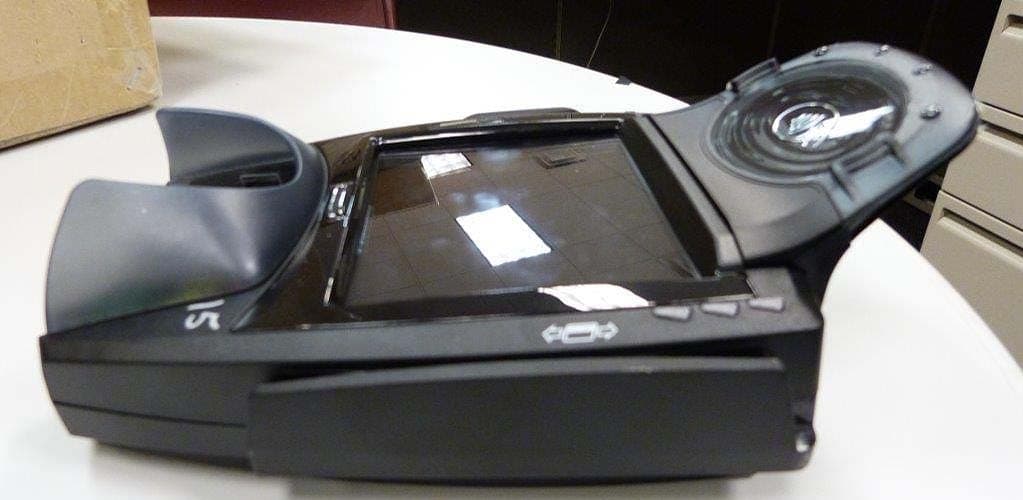
NVA00010
Sep 14, 2014Point of Sale Terminal
Equipment Class
DXX - Part 15 Low Power Communication Device Transmitter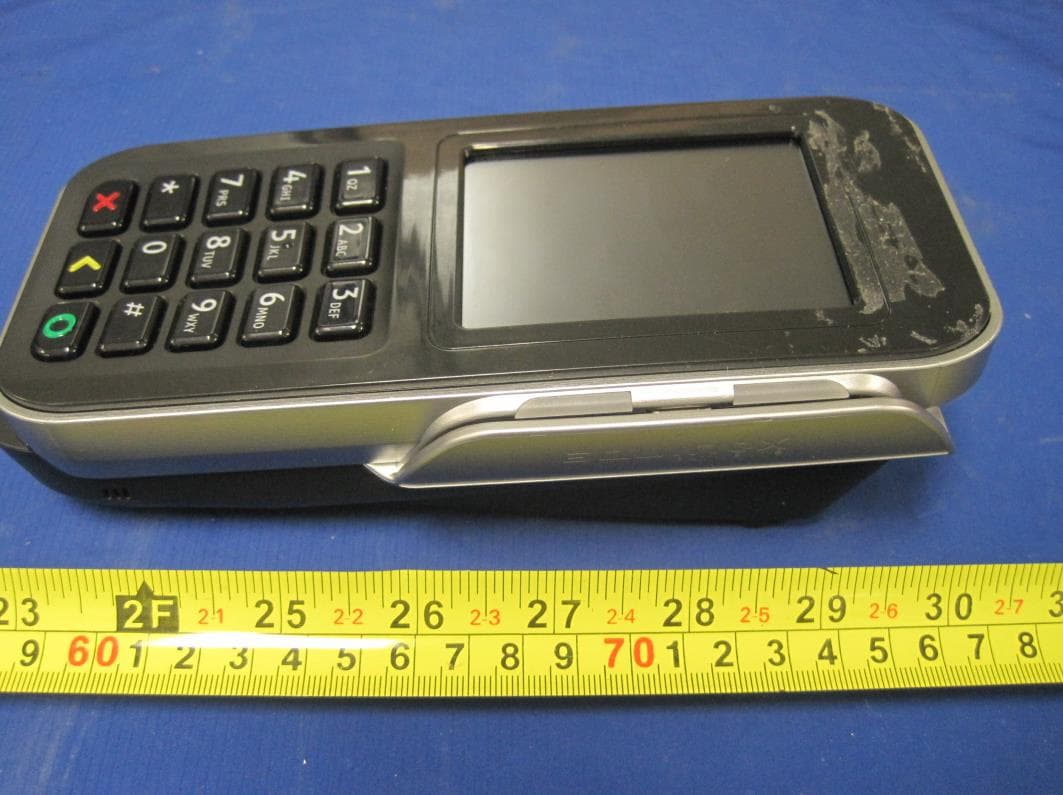
NVA00008
Sep 12, 2013Electronic POS Terminal
Equipment Class
DSS - Part 15 Spread Spectrum Transmitter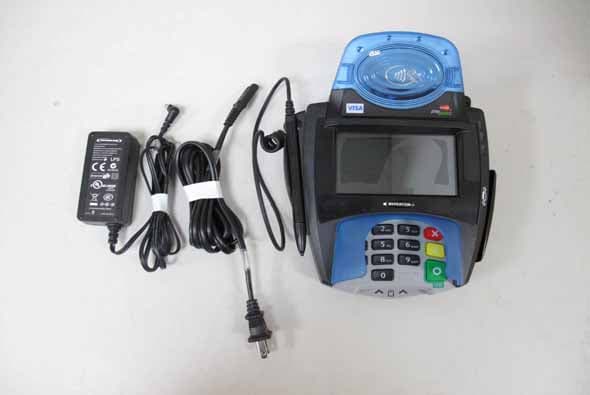
NVA00007
Aug 28, 2011Multilane POS Terminal
Equipment Class
DXX - Part 15 Low Power Communication Device Transmitter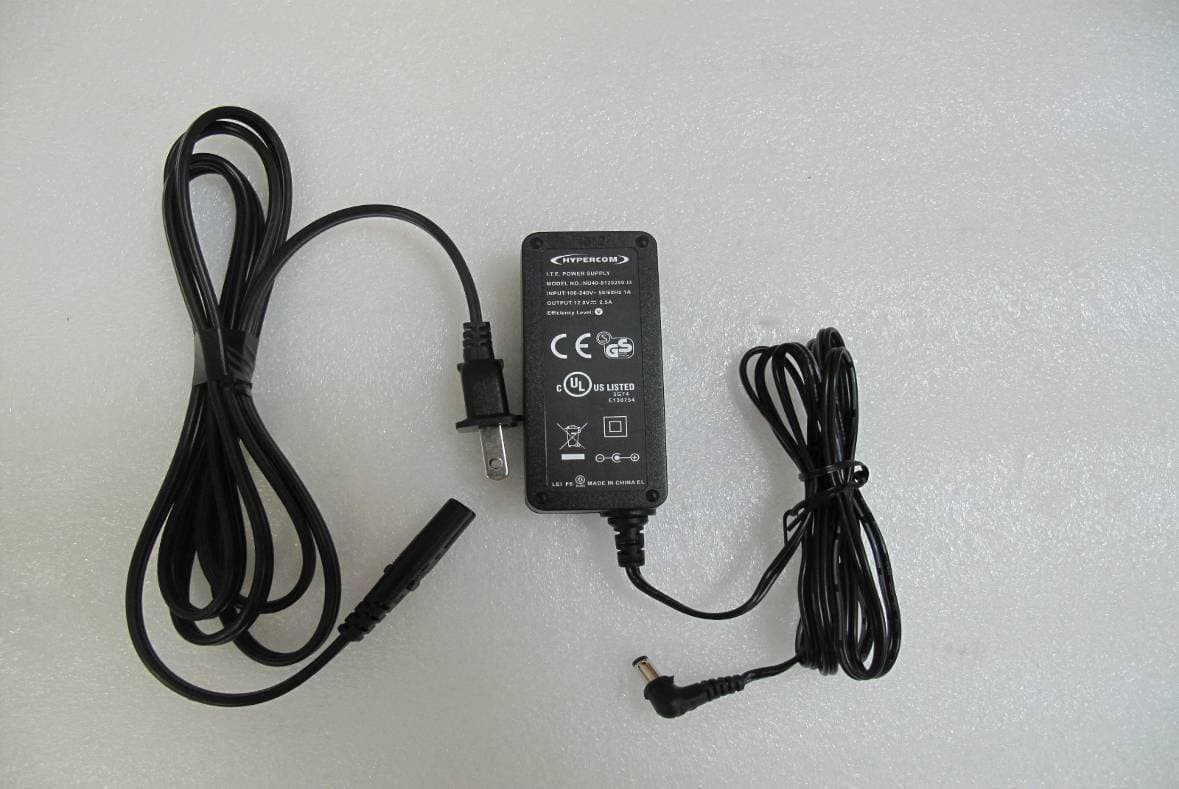
NVA00005
Sep 08, 2010Multilane POS Terminal
Equipment Class
DXX - Part 15 Low Power Communication Device Transmitter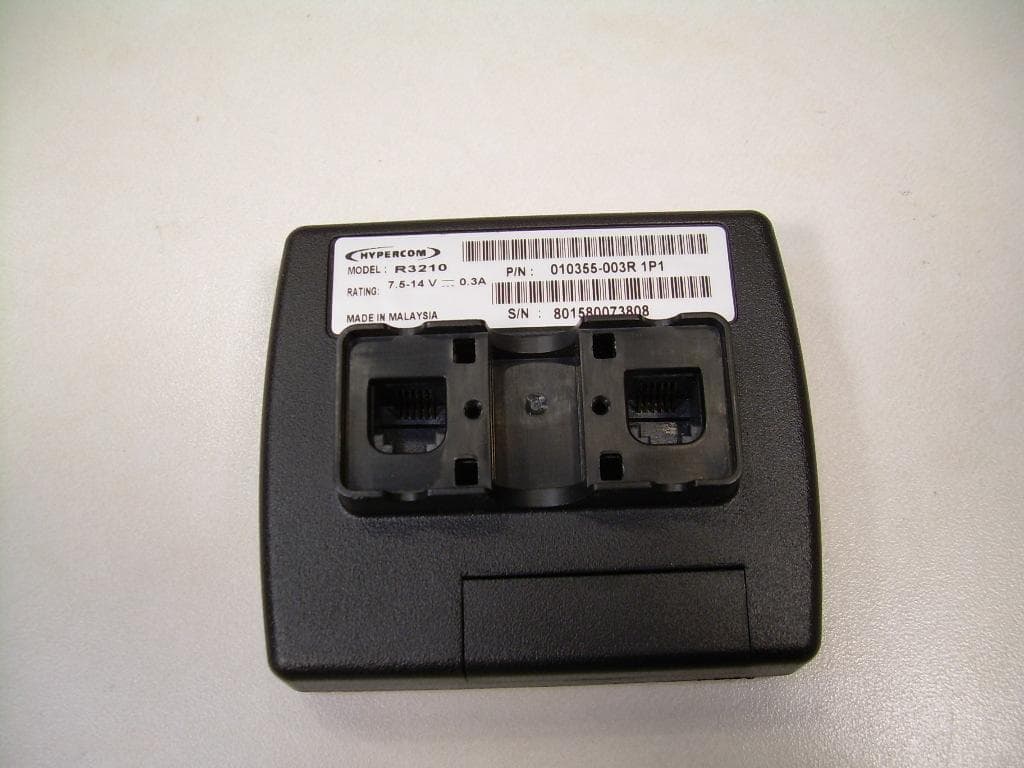
NVA00004
Jul 13, 2010R3210 Contactless Reader
Equipment Class
DXX - Part 15 Low Power Communication Device Transmitter