NWNM106XLight Curtain
FarmTek Inc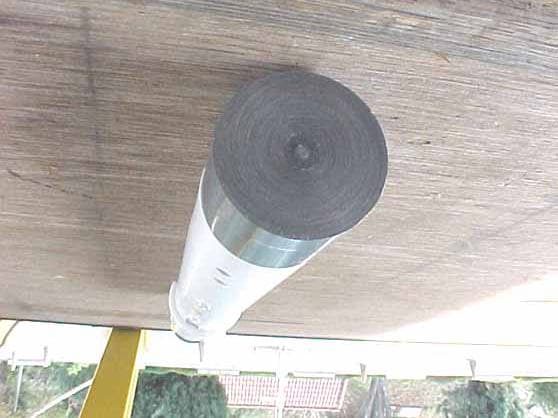
Click to zoom
Application Details
- Equipment Class
- DXX - Part 15 Low Power Communication Device Transmitter
- Date of Grant
- Mar 15, 2004
- Application Purpose
- Original Equipment
- Date of Application
- Mar 15, 2004
- Equipment Note
- Light Curtain
- Frequency Range
- 903.30000000 - 921.30000000
- Company
- FarmTek Inc
- Country
- United States
Documents & Files
Document Text
Text extracted from the exhibit documents filed with the FCC. Open a document above to read the original.
Users Manual
1 DOG AGILITY SOFTWARE VERSION 1.0 AKC OR CKC VENUE Standard & JWW Classes Setup Procedure With the Timer stopped, press SETUP to open the menu Press ENTER to select Dog Agility Rules Press ENTER to select AKC or CKC RULES Press ENTER for STANDARD COURSE TIME Key in the STANDARD COURSE TIME using the numbers in the lower left hand corner of each keypad key HINT: Press and hold the clear key to reset the time to “0" in the event you put in the incorrect time Press ENTER after you have selected the correct time HINT: The Maximum Course Time will automatically be set at 1.5 times the Standard Course Time per AKC and CKC Rules Press ENTER for Faults/Second Default is preset at 1 Fault/Second. If you do not have computer scoring, this can be set at 1 Fault/Second for Novice, 2 Faults per second for Open or 3 Faults/Second for Excellent to calculate Time Faults. HINT: Press NEXT CHOICE on the Keypad to pass any menu choice that does not need to be set or reset Press ENTER to Set Finish Eye Press Enter the Finish Eye Menu If the last obstacle is not used on course as any other obstacle, select Stop on Pass 1 If the last obstacle is used once on course before the last jump, press NEXT CHOICE and select Stop on Pass 2 If the last obstacle is used twice on course before the last jump, press NEXT CHOICE twice and select Stop on Pass 3 HINTS: 1 - Press SETUP at any time to exit the SETUP mode 2 - An asterisk will identify the selected mode - e.g. *AKC Rules or *Stop on Pass 1 3 - All parameters can be updated individually and in any order desired 4 - All changes are automatically stored in the timer until changed again in the future Operating Procedures for Human Timer Verify that the eyes are adjusted to the correct jump height at the beginning of the class and with each jump height change. Assuming everything goes normally, the time will automatically start and stop - simply show the time to the scribe to copy down. If the time does not start, press the HORN key to stop the run before the third obstacle. If a dog takes the last obstacle out of sequence or if the Timer stops in error, press RESTART on the keypad to resume timing as if the timer had never been stopped. If a dog is excused or fails to complete the course, press the START/STOP key to stop the time and report “no time” to the scribe. HINTS: 1 - There is no need to clear the time after each run. 2 - If a closed tunnel or a broad jump is the last obstacle, the timer will need to stop the time manually with the START/STOP key when the dog crosses the finish line. 3 - Use the PREV & NEXT keys to scan back and forth through previous times - this can be done and viewed in the lower window even while a dog is running. 2 DOG AGILITY SOFTWARE VERSION 1.0 USDAA, AAC, ASCA and NADAC VENUES Standard & JWW Classes Setup Procedure With the timer stopped, press SETUP to open the menu Press ENTER to select Dog Agility Rules Press ENTER to select USDAA, AAC, ASCA or NADAC RULES Press ENTER for STANDARD COURSE TIME Key in the STANDARD COURSE TIME using the numbers in the lower left hand corner of each keypad key HINTS: Press and hold the clear key to reset the time to “0" in the event you put in the incorrect time If you leave STANDARD COURSE TIME at 0.00, be sure to select No Game Horns in the Game Horn Menu Press ENTER after you have selected the correct time Press ENTER for MAXIMUM COURSE TIME Key in the MAXIMUM COURSE TIME using the numbers in the lower left hand corner of each keypad key HINT: If you leave this set at 0.00, there will not be a maximum course time Press ENTER after you have selected the correct time Press ENTER for Faults/Second Default is preset at 1 Fault/Second. HINT: Press NEXT CHOICE on the Keypad to pass any menu choice that does not need to be set or reset Press ENTER to Set Finish Eye Press Enter If the last obstacle is not used on course as any other obstacle, select Stop on Pass 1 If the last obstacle is used once on course before the last jump, press NEXT CHOICE and select Stop on Pass 2 If the last obstacle is used twice on course before the last jump, press NEXT CHOICE twice and select Stop on Pass 3 Press SETUP to exit the Setup menu HINTS: 1 - Press SETUP at any time to exit the SETUP mode 2 - An asterisk will identify the selected mode - e.g. *AKC Rules or *Stop on Pass 1 3 - All parameters can be updated individually and in any order desired 4 - All changes are automatically stored in the timer until changed again in the future Operating Procedures for Human Timer Verify that the eyes are adjusted to the correct jump height at the beginning of the class and with each jump height change. Assuming everything goes normally, the time will automatically start and stop - simply show the time to the scribe to copy down. If the time does not start, press the HORN key to stop the run before the third obstacle. If a dog takes the last obstacle out of sequence or if the Timer stops in error, press RESTART on the keypad to resume timing as if the timer had never been stopped. If a dog is excused or fails to complete the course, press the START/STOP key to stop the time and report “no time” to the scribe. HINTS: 1 - There is no need to clear the time after each run. 2 - If a closed tunnel or a broad jump is the last obstacle, the timer will need to stop the time manually with the START/STOP key when the dog crosses the finish line. 3 - Use the PREV & NEXT keys to scan back and forth through previous times - this can be done and viewed in the lower window even while a dog is running. 3 Gambler’s Class Setup Procedure If the start line is the length of the ring, place the timer at either end of the start line With the timer stopped, press SETUP to open the menu Press ENTER to select Dog Agility Rules Press ENTER to select USDAA, AAC, ASCA or NADAC RULES Press NEXT CHOICE to skip STANDARD COURSE TIME Press NEXT CHOICE to skip MAXIMUM COURSE TIME Press NEXT CHOICE to skip Faults/Second Press NEXT CHOICE to skip Set Finish Eye Press …
Text truncated - open the document above for the full version.
Cover Letter(s)
114 OLINDA DRIVE • •• • BREA, CALIFORNIA 92823 • •• • (714) 579-0500 • •• • FAX (714) 579-1850 March 16, 2004 CETCB 114 Olinda Drive Brea, CA 92823 Subject: Request for withholding from public disclosure of FarmTek, Inc. documents. Gentlemen: As appointed agent for FarmTek, Inc., 1000-D Highway 78 North, Wylie, Texas 75098, we would like to request that the Block Diagrams, Schematics, and Theory of Operation submitted with the application for certification be withheld from public disclosure as per Section 0.459 of the FCC Rules. This request is made under the provisions of Section 0.457 (d) of the FCC Rules and Section 552 (b)(4) of the Freedom of Information Act. These sections authorize a withholding from public inspection materials, which would be privileged as a matter of law if retained by the person submitting them, and materials which would not customarily be released to the public by that person. If you have any questions, please do not hesitate to contact us at (714) 579-0500. Sincerely, Kyle Fujimoto Test Engineer
Test Report
Report Number: B40217D1 FCC Part 15 Subpart B and FCC Section 15.249 Test Report Light Curtain Model: MI06X Brea Division 114 Olinda Drive Brea, CA 92823 (714) 579-0500 Agoura Division 2337 Troutdale Drive Agoura, CA 91301 (818) 597-0600 Silverado Division 19121 El Toro Road Silverado, CA 92676 (949) 589-0700 Lake Forest Division 20621 Pascal Way Lake Forest, CA 92630 (949) 587-0400 Page 1 of 14 FCC PART 15, SUBPART B and C TEST REPORT for LIGHT CURTAIN MODEL: MI06X Prepared for FarmTek, INC. 1000-D HIGHWAY 78 NORTH WYLIE, TEXAS 75098 Prepared by:_____________________ KYLE FUJIMOTO Approved by:____________________ MICHAEL CHRISTENSEN COMPATIBLE ELECTRONICS INC. 114 OLINDA DRIVE BREA, CALIFORNIA 92823 (714) 579-0500 DATE: FEBRUARY 24, 2004 REPORT APPENDICES TOTAL BODY A B C D E PAGES 14 2 2 2 12 16 48 This report shall not be reproduced except in full, without the written approval of Compatible Electronics. Report Number: B40217D1 FCC Part 15 Subpart B and FCC Section 15.249 Test Report Light Curtain Model: MI06X Brea Division 114 Olinda Drive Brea, CA 92823 (714) 579-0500 Agoura Division 2337 Troutdale Drive Agoura, CA 91301 (818) 597-0600 Silverado Division 19121 El Toro Road Silverado, CA 92676 (949) 589-0700 Lake Forest Division 20621 Pascal Way Lake Forest, CA 92630 (949) 587-0400 Page 2 of 14 TABLE OF CONTENTS Section / Title PAGE GENERAL REPORT SUMMARY 4 SUMMARY OF TEST RESULTS 4 1. PURPOSE 5 2. ADMINISTRATIVE DATA 6 2.1 Location of Testing 6 2.2 Traceability Statement 6 2.3 Cognizant Personnel 6 2.4 Date Test Sample was Received 6 2.5 Disposition of the Test Sample 6 2.6 Abbreviations and Acronyms 6 3. APPLICABLE DOCUMENTS 7 4. Description of Test Configuration 8 4.1 Description Of Test Configuration - EMI 8 4.1.1 Cable Construction and Termination 9 5. LISTS OF EUT, ACCESSORIES AND TEST EQUIPMENT 10 5.1 EUT and Accessory List 10 5.2 EMI Test Equipment 11 6. TEST SITE DESCRIPTION 12 6.1 Test Facility Description 12 6.2 EUT Mounting, Bonding and Grounding 12 7. Test Procedures 13 7.1 Radiated Emissions (Spurious and Harmonics) Test 13 8. CONCLUSIONS 14 Report Number: B40217D1 FCC Part 15 Subpart B and FCC Section 15.249 Test Report Light Curtain Model: MI06X Brea Division 114 Olinda Drive Brea, CA 92823 (714) 579-0500 Agoura Division 2337 Troutdale Drive Agoura, CA 91301 (818) 597-0600 Silverado Division 19121 El Toro Road Silverado, CA 92676 (949) 589-0700 Lake Forest Division 20621 Pascal Way Lake Forest, CA 92630 (949) 587-0400 Page 3 of 14 LIST OF APPENDICES APPENDIX TITLE A Laboratory Recognitions B Modifications to the EUT C Additional Models Covered Under This Report D Diagrams, Charts, and Photos • Test Setup Diagrams • Radiated Emissions Photos • Antenna and Effective Gain Factors E Data Sheets LIST OF FIGURES FIGURE TITLE 1 Plot Map And Layout of Radiated Site Report Number: B40217D1 FCC Part 15 Subpart B and FCC Section 15.249 Test Report Light Curtain Model: MI06X Brea Division 114 Olinda Drive Brea, CA 92823 (714) 579-0500 Agoura Division 2337 Troutdale Drive Agoura, CA 91301 (818) 597-0600 Silverado Division 19121 El Toro Road Silverado, CA 92676 (949) 589-0700 Lake Forest Division 20621 Pascal Way Lake Forest, CA 92630 (949) 587-0400 Page 4 of 14 GENERAL REPORT SUMMARY This electromagnetic emission test report is generated by Compatible Electronics Inc., which is an independent testing and consulting firm. The test report is based on testing performed by Compatible Electronics personnel according to the measurement procedures described in the test specifications given below and in the "Test Procedures" section of this report. The measurement data and conclusions appearing herein relate only to the sample tested and this report may not be reproduced without the written permission of Compatible Electronics, unless done so in full. This report must not be used to claim product endorsement by NVLAP, NIST or any other agency of the U.S. Government. Device Tested: Light Curtain Model: MI06X S/N: N/A Product Description: See Expository Statement Modifications: The EUT was not modified in order to meet the specifications. Manufacturer: FarmTek, Inc. 1000-D Highway 78 North Wylie, Texas 75098 Test Dates: February 16 and 17, 2004 Test Specifications : EMI requirements CFR Title 47, Part 15 Subpart B; and Subpart C, Sections 15.205, 15.209 and 15.249 Test Procedure: ANSI C63.4: 2001 Test Deviations: The test procedure was not deviated from during the testing. SUMMARY OF TEST RESULTS TEST DESCRIPTION RESULTS 1 Conducted RF Emissions, 150 kHz - 30 MHz This test was not performed because the EUT operates on battery power only and cannot be plugged into the AC public mains. 2 Radiated RF Emissions, 10 kHz - 9300 MHz Complies with the Class B limits of CFR Title 47, Part 15, Subpart B; and Subpart C, sections 15.205, 15.209, and 15.249. Report Number: B40217D1 FCC Part 15 Subpart B and FCC Section 15.249 Test Report Light Curtain Model: MI06X Brea Division 114 Olinda Drive Brea, CA 92823 (714) 579-0500 Agoura Division 2337 Troutdale Drive Agoura, CA 91301 (818) 597-0600 Silverado Division 19121 El Toro Road Silverado, CA 92676 (949) 589-0700 Lake Forest Division 20621 Pascal Way Lake Forest, CA 92630 (949) 587-0400 Page 5 of 14 1. PURPOSE This document is a qualification test report based on the Electromagnetic Interference (EMI) tests performed on the Light Curtain Model: MI06X. The EMI measurements were performed according to the measurement procedure described in ANSI C63.4: 2001. The tests were performed in order to determine whether the electromagnetic emissions from the equipment under test, referred to as EUT hereafter, are within the Class B specification limits defined by CFR Title 47, Part 15, Subpart B; and Subpart C, sections 15.205, 15.209, and 15.249. Report Number: B40217D1 FCC Part 15 Subpart B and FCC Section 15.249 Test Report Light Curtain Model: MI06X Brea Division 114 Olinda Drive Brea, CA 92823 (714) 579-0500 Agoura Division 2337 Troutdale Drive Agoura, CA 9130…
Text truncated - open the document above for the full version.
Contact Information
Applicant
Mike Douglas(President)
Technical Contact
Compatible ElectronicsKyle Fujimoto
[email protected]714-579-0500
114 Olinda Drive · Brea, California · United States
Test Firm
Compatible ElectronicsScott McCutchan
714-579-0500Fax: 714-579-1850
Technical Specifications
| # | Rule Parts | Frequency Range | Power Output |
|---|---|---|---|
| 1 | 15C | 903.3 MHz - 921.3 MHz | - |
Other Applications from FarmTek Inc
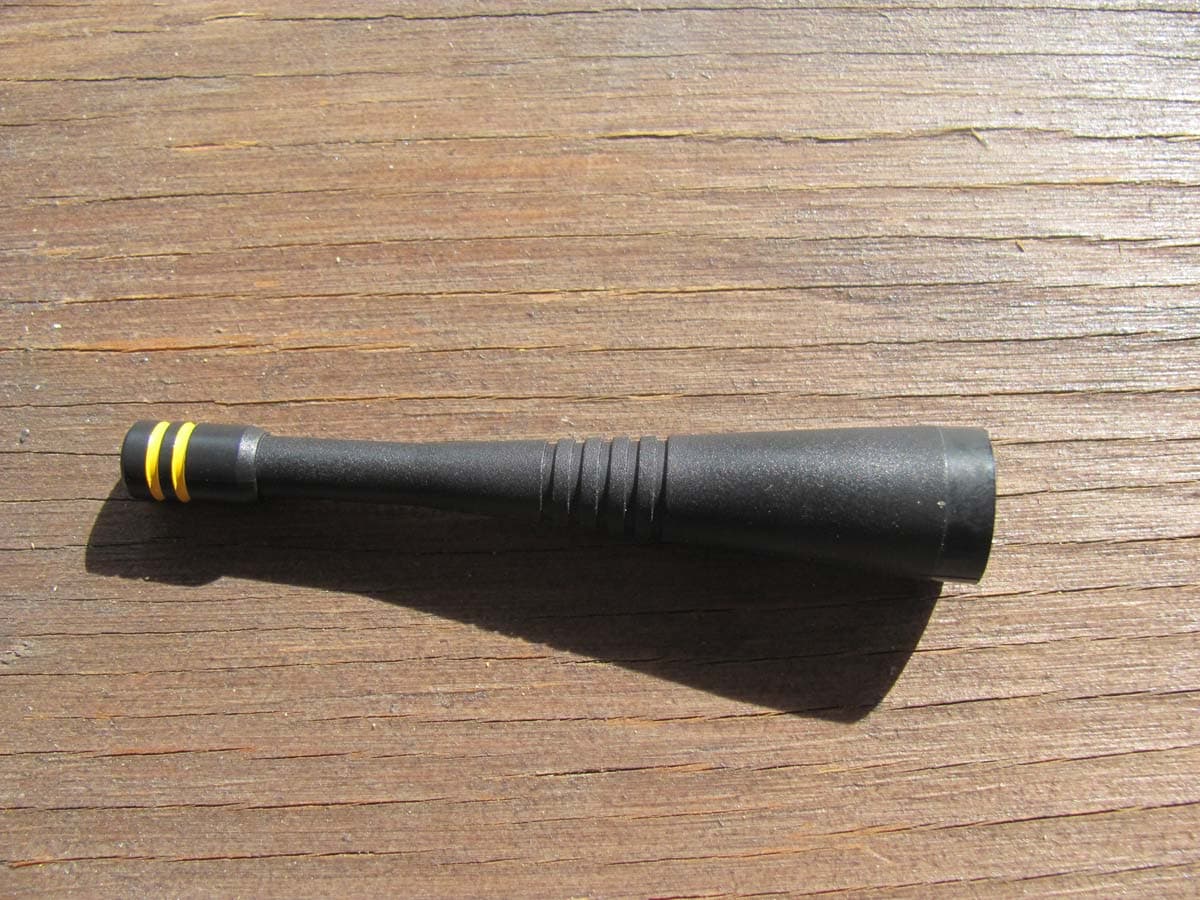
NWNMI043
Feb 23, 2011Polaris Timer Console
Equipment Class
DXT - Part 15 Low Power Transceiver, Rx Verified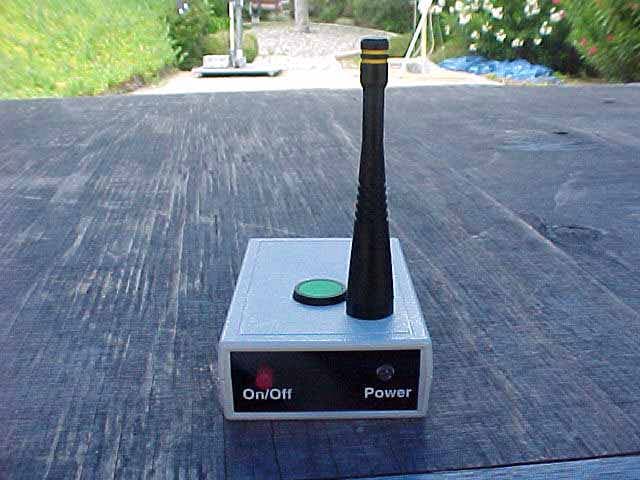
NWNMI046
Jul 19, 2005Wireless Photo-Receiver
Equipment Class
DXX - Part 15 Low Power Communication Device Transmitter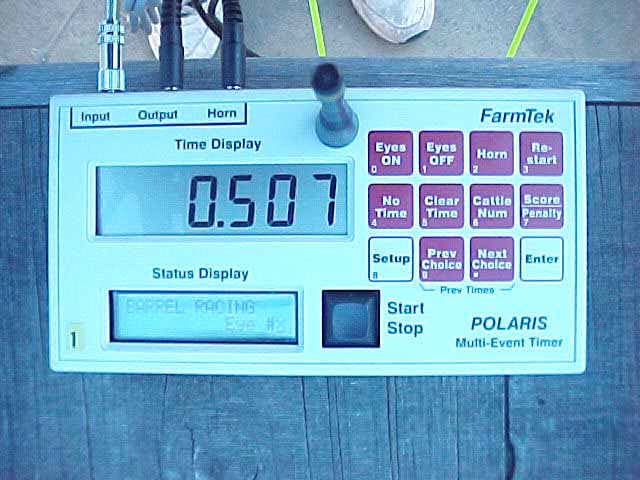
NWNM104X
Jan 18, 2005Timer Console
Equipment Class
DXX - Part 15 Low Power Communication Device Transmitter
NWNMI052-2RB
Nov 19, 1998CSR - Scanning Receiver
Equipment Class
CSR - Scanning Receiver
NWNMI050-2RB
Oct 01, 1998DXX - Part 15 Low Power Communication Device Transmitter
Equipment Class
DXX - Part 15 Low Power Communication Device Transmitter