NZ3-WN0001Wireless Repeater
Winstars Technology Limited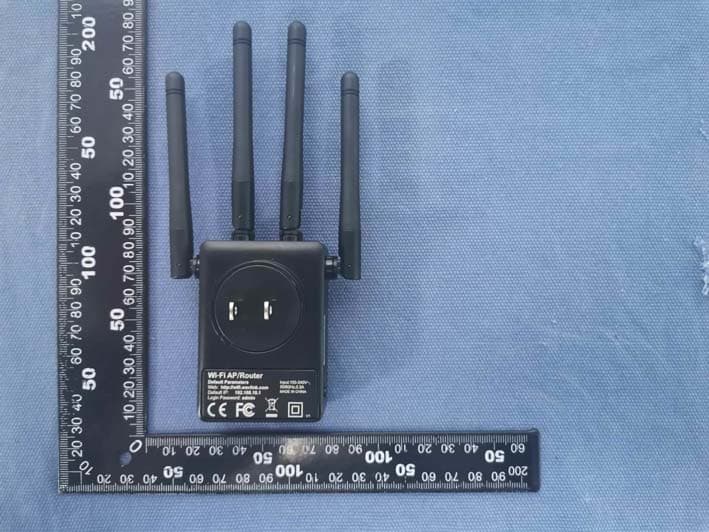
Click to zoom
Application Details
- Equipment Class
- DTS - Digital Transmission System
- Date of Grant
- Jan 07, 2020
- Application Purpose
- Original Equipment
- Date of Application
- Jan 07, 2020
- Equipment Note
- Wireless Repeater
- Frequency Range
- 2412.00000000 - 2462.00000000
- Company
- Winstars Technology Limited
- Country
- China
Documents & Files
Document Text
Text extracted from the exhibit documents filed with the FCC. Open a document above to read the original.
Users Manual
Hardware Overview 3 LED Indicators Wi-Fi Signal Strength POWER WAN/LAN WPS ON: The Extender is powered on. OFF: The Extender is not receiving electrical power. ON: The Ethernet port is connected. OFF: The Ethernet port is disconnected. Flashing: Transferring data to/from connected devices. Slow Flashing: The Extender is trying to connect to your phone or PC. Fast Flashing: The Extender is connecting to your AP or router. WPS Button: Press and hold for 2 seconds, the Extender is trying to connect to your phone or PC . Press and hold for 6 seconds to connect to your Wi-Fi AP/router (for Repeater Mode). Reset Button: Press and hold for 3 seconds to Reset the Extender. Mode AP/Router Repeater Indicator LEDs ON ON ON ON ON OFFOFF OFFOFF OFF ON ON ON ON Flashing Description Full Reception: 100% Full Reception: 100% Good Reception: 50% to 75% Weak Reception: below 50% Disconnected 1. Launch a web browser and enter ap.setup in the address field. Enter admin (all lowercase) for the first login. 3. Click Wizard. Select a Wi-Fi SSID of your router (Host WIFI) and enter the password. Either keep the same SSIDs as your host WIFI or create new names for the extended networks. Verify your wireless settings and click Connect button. Please DO NOT install the Extender in where it is heavily surrounded by things. And KEEP AWAY from the strong electromagnetic radiation. - Drawings with “” : Recommended - Drawings with “ X ” : Not Recommended 2. The “System Setup” window will pop up for the first login. Configure and change the default login password, then click Next. Getting Started OPTION ONE Wi-Fi Repeater Mode Using a Web Browser The Extender also supports Router and AP modes. And you could switch the mode selector to choose the mode you prefer. Quick Guide Wi-Fi Range Extender Router Mode and Access Point Mode (Optional) Power ON 1 1. Switch the mode selector to Repeater position. 2. Plug the product into an electrical outlet near your Wi-Fi router. 3. Shift the power switch to ON and wait until the POWER LED is on and solid green. If the login window does not pop up, please refer to the FAQ > Q1. For Windows User 1. Disconnect the Ethernet (Wired) connection from your laptop (if any). 2. Turn your laptop’s Wi-Fi ON if it is OFF. 3. Click the Wi-Fi icon on the top right corner of the screen, and connect to the Extender’s network: Wirelees-N or Wirelees-AC. For Mac OS X User Connect to the Device 2 Configure 3 1. Disconnect the Ethernet (Wired) connection from your laptop (if any). 2. Turn your laptop’s Wi-Fi ON if it is OFF. 3. Click the Wi-Fi icon on the taskbar and connect to the Extender’s network: Wirelees-N or Wirelees-AC. Relocate 4 1. Plug the Extender into an electrical outlet about halfway between your router(Host Wi-Fi) and the Wi-Fi dead zone. The location you choose must be within the range of your existing host Wi-Fi. 2. Wait until the WLAN LEDs are ON. If the signal is weak, relocate it closer to your router to achieve a good (or better) signal quality. Tips: 1). Use your phone to find the ideal location for the Extender. If your phone’s Wi-Fi signal (received from your router) is higher than 3 levels, it is the ideal spot to install the Extender. If not, we recommend you move it closer to your router for better Wi-Fi signal. 2). If you haven’t changed the names of extended 2.4G and 5G at Step 3, the default extended 2.4G SSID (Wi-Fi name) will be your router’s SSID with “EXT2.4G” within and “EXT5G” is for Extended 5G SSID correspondingly. 3). The extended 2.4G&5G passwords are the same as your Host passwords. Default Parameters Login: http://ap.setup Default IP: 192.168.10.1 Login Password: admin 2.4G SSID: Wirelees-N 5G/AC SSID: Wirelees-AC Not connected Connections are available Wireless Network Connection Wirelees-N Wirelees-AC Connect Connect automatically Wi-Fi:On Turn Wi-Fi Off Wirelees-N Wirelees-AC Join Other Network.... Create Network.... Open Network Preferences... Host Wi-Fi WLANWLAN Ideal Location WLANWLAN Flashing Too Far Away Swtich to Repeater Mode Signal Strength Indicator LEDs Wi-Fi Range Extender English login Repeater Wizard StatusWizardWi-FiSetup Connect Wi-Fi Connect to: Wi-Fi Password: Extended 2.4G: Repeater Mode: Gateway(recommended) Extended 5G: Select a Wi-FiManually Your Host Wi-Fi Name Wireless-562 Wireless-N Wireless-112 Your Host Wi-Fi Name Extended 2.4G Wi-Fi Name Extended 5G Wi-Fi Name Host Wi-Fi Password System Setup Login Password: Next Country Region: Time Zone: Country Region Time Zone Note: The default password of the Extender is “admin”, we strongly recommend you change the default password. AP Mode Router Ethernet Cable Router Mode Modem Ethernet Cable OPTION TWO Wi-Fi Repeater Mode Using WPS (Wi-Fi Protected Setup) Note:` 1). Some ISP gateways disable the WPS function by default. If the WPS connection fails, please use OPTION ONE. 2). For more information about using WPS on your router, please refer to the router manufacturer's user guide. 1. Press the WPS button for 6 seconds on the Extender. 2. Within two minutes, press the WPS button on your router. 3. The Extender will reboot, please wait a few minutes. Tips:The corresponding WLAN LEDs should turn on and stay solid, indicating successful connections. Press Press 1~2 seconds Power ON 1 Connect 2 1. Switch the mode selector to Repeater position. 2. Plug the Extender into an electrical outlet near your Wi-Fi router. 3. Shift the power switch to ON and wait until the POWER LED is on and solid green. Relocate 3 1. Plug the Extender into an electrical outlet about halfway between your router (Host Wi-Fi) and the Wi-Fi dead zone. The location you choose must be within the range of your existing host Wi-Fi. Host Wi-Fi WLANWLAN Ideal Location WLANWLAN Flashing Too Far Away 2. Wait until the WLAN LEDs are ON. If the signal is weak, relocate it closer to the router to achieve a good (or better) signal quality. Management via Web Browser Change Login Password 1. Visit http://ap.setup, and log in with the p…
Text truncated - open the document above for the full version.
External Photos
FCC ID:NZ3-WN0001 FCC ID:NZ3-WN0001 FCC ID:NZ3-WN0001
Internal Photos
FCC ID:NZ3-WN0001 FCC ID:NZ3-WN0001 FCC ID:NZ3-WN0001
RF Exposure Info
Shenzhen Huaxia Testing Technology Co., Ltd 1F., Block A of Tongsheng Technology Building,Huahui Road, Dalang Street, Longhua District, Shenzhen, China Telephone: +86-755-26648640 Fax:+86-755-26648637 Website:www.cqa-cert.com Report Template Version: V04 Repor tTemplate Revision Date: 2018-07-06 RF Exposure Evaluation Report The test report is effective only with both signature and specialized stamp, The result(s) shown in this report refer only to the sample(s) tested. Without written approval of CQA, this report can’t be reproduced except in full. Report No. : CQASZ20191101241E-03 Applicant: Winstars Technology Limited Address of Applicant:Block 4, Taisong Industrial Park, Dalang Street, Longhua Town, Bao'an District, Shenzhen, China Equipment Under Test (EUT): Product: Wireless Repeater Model No.: WS-WN575A2, WL-WN575A2, WS-WN575A3, WL-WN575A3, WS-WN575A4, WL- WN575A4, WS-WN575A5, WL-WN575A5, WS-WN575B5, WL-WN575B5, WS- WN578R2, WL-WN578R2, WS-WN578HR2, WL-WN578HR2, WS-WN578S2, WL- WN578S2, WS-WN579G3, WL-WN579G3, WS-WN579X3, WL-WN579X3, AERIAL X, AERIAL MAX, AERIAL S2, AERIAL S2H, AERIAL S2Q, AERIAL S2M Test Model No.: WL-WN575A3 Brand Name: N/A FCC ID: NZ3-WN0001 Standards: 47 CFR Part 1.1307 47 CFR Part 1.1310 KDB447498D01 General RF Exposure Guidance v06 Date of Receipt: 2019-11-29 Date of Test: 2019-11-29 to 2019-12-31 Date of Issue: 2019-12-31 Test Result :PASS* *In the configuration tested, the EUT complied with the standards specified above Tested By: (Tom Chen) Reviewed By: (Aaron Ma ) Approved By: ( Jack Ai) Shenzhen Huaxia Testing Technology Co., Ltd Report No.: CQASZ20191101241E-03 Page: 2 of 13 1Version Revision History Of Report ReportNo.Version Description Issue Date CQASZ20191101241E-03Rev.01 Initial report 2019-12-31 Shenzhen Huaxia Testing Technology Co., Ltd Report No.: CQASZ20191101241E-03 Page: 3 of 13 2 Contents Page 1 VERSION......................................................................................................................................................................2 2CONTENTS..................................................................................................................................................................3 3 GENERAL INFORMATION........................................................................................................................................4 3.1 C LIENTINFORMATION................................................................................................................................................4 3.2 G ENERALDESCRIPTION OFEUT................................................................................................................................4 3.3 G ENERALDESCRIPTION OF2.4G WIFI...................................................................................................................... 4 3.4 G ENERALDESCRIPTION OF5G WIFI.........................................................................................................................4 4 RF EXPOSURE EVALUATION.................................................................................................................................6 4.1 RF E XPOSURECOMPLIANCEREQUIREMENT..............................................................................................................6 4.1.1 Limits................................................................................................................................................................6 4.1.2 Test Procedure...............................................................................................................................................6 4.1.3 EUT RF Exposure Evaluation standalone operations............................................................................. 7 4.1.4 EUT RF Exposure Evaluation simultaneous transmission operations................................................13 Shenzhen Huaxia Testing Technology Co., Ltd Report No.: CQASZ20191101241E-03 Page: 4 of 13 3 General Information 3.1 Client Information Applicant: Winstars Technolo gyLimited Address of Applicant: Block 4, Taisong Industrial Park, Dalang Street, Longhua Town, Bao'an District, Shenzhen, China Manufacturer: Winstars Technolo gyLimited Address of Manufacturer: Block 4, Taisong Industrial Park, Dalang Street, Longhua Town, Bao'an District, Shenzhen, China 3.2 General Description of EUT Product Name: Wireless Repeater Model No.: WS-WN575A2, WL-WN575A2, WS-WN575A3, WL-WN575A3, WS-WN575A4, WL- WN575A4, WS-WN575A5, WL-WN575A5, WS-WN575B5, WL-WN575B5, WS- WN578R2, WL-WN578R2, WS-WN578HR2, WL-WN578HR2, WS-WN578S2, WL- WN578S2, WS-WN579G3, WL-WN579G3, WS-WN579X3, WL-WN579X3, AERIAL X, AERIAL MAX, AERIAL S2, AERIAL S2H, AERIAL S2Q, AERIAL S2M Test Model No.: WL-WN575A3 Trade Mark: N/A Hardware Version: WS-WN575A3-A V1.3 Software Version: RPT75A3.V4300.180801 Sample Type: MobilePortableFix Location Power Supply: 100-240V 50/60Hz 3.3 General Description of 2.4G WIFI Operation Frequency:IEEE 802.11b/g/n(HT20): 2412MHz to 2462MHz IEEE 802.11n(HT40): 2422MHz to 2452MHz Channel Numbers: IEEE 802.11b/g, IEEE 802.11n HT20: 11 Channels IEEE 802.11n HT40: 7 Channels Channel Separation: 5MHz Type of Modulation: IEEE for 802.11b: DSSS(CCK,DQPSK,DBPSK) IEEE for 802.11g : OFDM(64QAM, 16QAM, QPSK, BPSK) IEEE for 802.11n(HT20/40): OFDM (64QAM, 16QAM,QPSK,BPSK) Test Software of EUT:MT7603 QA V0.0.0.71 (manufacturer declare ) Antenna Type:Omni Directional Antenna Antenna Gain: ANT1:3dBi ANT2:3dBi 3.4 General Description of 5G WIFI Operation Frequency: IEEE 802.11a/n/ac(20M): 5150MHz ~5250 MHz IEEE802.11n/ac(40M): 5150MHz ~5250 MHz IEEE802.11ac(80M): 5150MHz ~5250 MHz IEEE 802.11a/n/ac(20M): 5725MHz ~5850 MHz IEEE802.11n/ac(40M): 5725MHz ~5850 MHz IEEE802.11ac(80M): 5725MHz ~5850 MHz Channel Numbers: IEEE 802.11a/n/ac(20M): 5150MHz ~5250MHz/ 4 channel Shenzhen Huaxia Testing Technology Co., Ltd Report No.: CQASZ20191101241E-03 Page: 5 of 13 IEEE 802.11n/ac(40M): 5150MHz ~5250…
Text truncated - open the document above for the full version.
Test Report
Shenzhen Huaxia Testing Technology Co., Ltd 1F., Block A of Tongsheng Technology Building,Huahui Road, Dalang Street, Longhua District, Shenzhen, China Telephone: +86-755-26648640 Fax:+86-755-26648637 Website:www.cqa-cert.com Report Template Version: V04 Report Template Revision Date: 2018-07-06 TEST REPORT The test report is effective only with both signature and specialized stamp, The result(s) shown in this report refer only to the sample(s) tested. Without written approval of CQA, this report can’t be reproduced except in full. Report No. : CQASZ20191101241E-01 Applicant: Winstars Technology Limited Address of Applicant:Block 4, Taisong Industrial Park, Dalang Street, Longhua Town, Bao'an District, Shenzhen, China Equipment Under Test (EUT): EUT Name: Wireless Repeater Model No.: WS-WN575A2, WL-WN575A2, WS-WN575A3, WL-WN575A3, WS-WN575A4, WL- WN575A4, WS-WN575A5, WL-WN575A5, WS-WN575B5, WL-WN575B5, WS- WN578R2, WL-WN578R2, WS-WN578HR2, WL-WN578HR2, WS-WN578S2, WL- WN578S2, WS-WN579G3, WL-WN579G3, WS-WN579X3, WL-WN579X3, AERIAL X, AERIAL MAX,AERIAL S2,AERIAL S2H,AERIAL S2Q,AERIAL S2M Test Model No.: WL-WN575A3 Brand Name: N/A FCC ID: NZ3-WN0001 Standards:47 CFR Part 15, Subpart C Date of Receipt: 2019-11-29 Date of Test: 2019-11-29 to 2019-12-31 Date of Issue: 2019-12-31 Test Result :PASS* *In the configuration tested, the EUT complied with the standards specified above Tested By: (Tom Chen) Reviewed By: (Aaron Ma ) Approved By: ( Jack Ai) . Shenzhen Huaxia Testing Technology Co., Ltd Report No.: CQASZ20191101241E-01 Page:2 of 181 1Version Revision History Of Report ReportNo.Version Description Issue Date CQASZ20191101241E-01Rev.01 Initial report 2019-12-31 Shenzhen Huaxia Testing Technology Co., Ltd Report No.: CQASZ20191101241E-01 Page:3 of 181 2TestSummary Test ItemTest RequirementTest methodResult Antenna Requirement 47 CFR Part 15, Subpart C Section 15.203/15.247 (c) ANSI C63.10 2013PASS AC Power Line Conducted Emission 47 CFR Part 15, Subpart C Section 15.207 ANSI C63.10 2013PASS Conducted Peak & Average Output Power 47 CFR Part 15, Subpart C Section 15.247 (b)(3) ANSI C63.10 2013PASS 6dB Occupied Bandwidth 47 CFR Part 15, Subpart C Section 15.247 (a)(2) ANSI C63.10 2013PASS Power Spectral Density 47 CFR Part 15, Subpart C Section 15.247 (e) ANSI C63.10 2013PASS Band-edge for RF Conducted Emissions 47 CFR Part 15, Subpart C Section 15.247(d) ANSI C63.10 2013PASS RF Conducted Spurious Emissions 47 CFR Part 15, Subpart C Section 15.247(d) ANSI C63.10 2013PASS Radiated Spurious Emissions 47 CFR Part 15, Subpart C Section 15.205/15.209 ANSI C63.10 2013PASS Restricted bands around fundamental frequency (Radiated Emission) 47 CFR Part 15, Subpart C Section 15.205/15.209 ANSI C63.10 2013PASS Model No.: WS-WN575A2,WL-WN575A2,WS-WN575A3,WL-WN575A3,WS-WN575A4,WL-WN575A4, WS-WN575A5,WL-WN575A5,WS-WN575B5,WL-WN575B5,WS-WN578R2,WL-WN578R2, WS- WN578HR2,WL-WN578HR2,WS-WN578S2,WL-WN578S2,WS-WN579G3,WL-WN579G3, WS- WN579X3,WL-WN579X3,AERIAL X,AERIAL MAX,AERIAL S2,AERIAL S2H,AERIAL S2Q, AERIAL S2M Only the model WL-WN575A3 was tested, since the electrical circuit design, layout, components used and internal wiring were identical for the above models, with difference being color of appearance and model name. Shenzhen Huaxia Testing Technology Co., Ltd Report No.: CQASZ20191101241E-01 Page:4 of 181 3 Contents Page 1 VERSION................................................................................................................................................................ 2 2 TEST SUMMARY.................................................................................................................................................. 3 3CONTENTS............................................................................................................................................................ 4 4 GENERAL INFORMATION................................................................................................................................. 5 4.1 C LIENTINFORMATION.....................................................................................................................................5 4.2 G ENERALDESCRIPTION OFEUT...................................................................................................................5 4.3 T ESTENVIRONMENT ANDMODE....................................................................................................................7 4.4 D ESCRIPTION OFSUPPORTUNITS.............................................................................................................. 15 4.5 T ESTLOCATION............................................................................................................................................ 15 4.6 T ESTFACILITY.............................................................................................................................................. 15 4.7 S TATEMENT OF THE MEASUREMENT UNCERTAINTY....................................................................................16 4.8 D EVIATION FROMSTANDARDS.....................................................................................................................16 4.9 A BNORMALITIES FROMSTANDARDCONDITIONS.........................................................................................16 4.10 O THERINFORMATIONREQUESTED BY THECUSTOMER.............................................................................16 4.11 E QUIPMENTLIST...........................................................................................................................................17 5 TEST RESULTS AND MEASUREMENT DATA............................................................................................18 5.1 A NTENNAREQUIREMENT..............................................................................................................................18 5.2 C ONDUCTEDEMISSIONS.......................................................…
Text truncated - open the document above for the full version.
Test Report
Shenzhen Huaxia Testing Technology Co., Ltd Report No.: CQASZ20191101241E-01 Page:96 of 181 11N20SISO/LCH A Offset 8.4 dB LVL Att 40 dB * Ref 30 dBm Start 2.31 GHzStop 2.45 GHz14 MHz/ 3DB RBW 100 kHz SWT 15 ms * VBW 300 kHz * 1 PK VIEW -70 -60 -50 -40 -30 -20 -10 0 10 20 30 1 Marker 1 [T1 ] 0.76 dBm 2.413320000 GHz 2 Marker 2 [T1 ] -36.16 dBm 2.400000000 GHz 3 Marker 3 [T1 ] -37.83 dBm 2.390000000 GHz 4 Marker 4 [T1 ] -38.46 dBm 2.310000000 GHz D1 -19.24 dBm Date: 6.DEC.2019 13:33:02 11N20SISO/HCH A Offset 8.2 dB LVL Att 20 dB * Ref 25 dBm Center 2.4835 GHzSpan 100 MHz10 MHz/ 3DB RBW 100 kHz SWT 10 ms * VBW 300 kHz * 1 PK VIEW -70 -60 -50 -40 -30 -20 -10 0 10 20 1 Marker 1 [T1 ] 1.69 dBm 2.463300000 GHz 2 Marker 2 [T1 ] -47.47 dBm 2.483500000 GHz 3 Marker 3 [T1 ] -49.09 dBm 2.500000000 GHz 4 Marker 4 [T1 ] -47.70 dBm 2.483600000 GHz D1 -18.31 dBm Date: 6.DEC.2019 13:52:54 Shenzhen Huaxia Testing Technology Co., Ltd Report No.: CQASZ20191101241E-01 Page:97 of 181 11N20MIMO/LCH A Offset 8.4 dB LVL Att 40 dB * Ref 30 dBm Start 2.31 GHzStop 2.45 GHz14 MHz/ 3DB RBW 100 kHz SWT 15 ms * VBW 300 kHz * 1 PK VIEW -70 -60 -50 -40 -30 -20 -10 0 10 20 30 1 Marker 1 [T1 ] 0.79 dBm 2.413320000 GHz 2 Marker 2 [T1 ] -36.13 dBm 2.400000000 GHz 3 Marker 3 [T1 ] -38.86 dBm 2.390000000 GHz 4 Marker 4 [T1 ] -38.81 dBm 2.310000000 GHz D1 -19.21 dBm Date: 6.DEC.2019 15:20:08 11N20MIMO/HCH A Offset 8.2 dB LVL Att 20 dB * Ref 25 dBm Center 2.4835 GHzSpan 100 MHz10 MHz/ 3DB RBW 100 kHz SWT 10 ms * VBW 300 kHz * 1 PK VIEW -70 -60 -50 -40 -30 -20 -10 0 10 20 1 Marker 1 [T1 ] 1.86 dBm 2.463300000 GHz 2 Marker 2 [T1 ] -48.04 dBm 2.483500000 GHz 3 Marker 3 [T1 ] -51.02 dBm 2.500000000 GHz 4 Marker 4 [T1 ] -47.19 dBm 2.483900000 GHz D1 -18.14 dBm Date: 6.DEC.2019 15:36:52 Shenzhen Huaxia Testing Technology Co., Ltd Report No.: CQASZ20191101241E-01 Page:98 of 181 11N40SISO/LCH A Offset 8.2 dB LVL Att 40 dB * Ref 30 dBm Start 2.31 GHzStop 2.45 GHz14 MHz/ 3DB RBW 100 kHz SWT 15 ms * VBW 300 kHz * 1 PK VIEW -70 -60 -50 -40 -30 -20 -10 0 10 20 30 1 Marker 1 [T1 ] -1.81 dBm 2.419480000 GHz 2 Marker 2 [T1 ] -38.60 dBm 2.400000000 GHz 3 Marker 3 [T1 ] -38.61 dBm 2.390000000 GHz 4 Marker 4 [T1 ] -39.25 dBm 2.310000000 GHz D1 -21.81 dBm Date: 6.DEC.2019 14:16:08 11N40SISO/HCH A Offset 8.2 dB LVL Att 20 dB * Ref 25 dBm Center 2.4835 GHzSpan 100 MHz10 MHz/ 3DB RBW 100 kHz SWT 10 ms * VBW 300 kHz * 1 PK VIEW -70 -60 -50 -40 -30 -20 -10 0 10 20 1 Marker 1 [T1 ] -2.11 dBm 2.449500000 GHz 2 Marker 2 [T1 ] -47.44 dBm 2.483500000 GHz 3 Marker 3 [T1 ] -52.49 dBm 2.500000000 GHz 4 Marker 4 [T1 ] -45.11 dBm 2.484800000 GHz D1 -22.11 dBm Date: 6.DEC.2019 14:25:56 Shenzhen Huaxia Testing Technology Co., Ltd Report No.: CQASZ20191101241E-01 Page:99 of 181 11N40MIMO/LCH A Offset 8.2 dB LVL Att 40 dB * Ref 30 dBm Start 2.31 GHzStop 2.45 GHz14 MHz/ 3DB RBW 100 kHz SWT 15 ms * VBW 300 kHz * 1 PK VIEW -70 -60 -50 -40 -30 -20 -10 0 10 20 30 1 Marker 1 [T1 ] -2.77 dBm 2.418360000 GHz 2 Marker 2 [T1 ] -38.64 dBm 2.400000000 GHz 3 Marker 3 [T1 ] -38.94 dBm 2.390000000 GHz 4 Marker 4 [T1 ] -40.20 dBm 2.310000000 GHz D1 -22.77 dBm Date: 6.DEC.2019 15:42:46 11N40MIMO/HCH A Offset 8.2 dB LVL Att 20 dB * Ref 25 dBm Center 2.4835 GHzSpan 100 MHz10 MHz/ 3DB RBW 100 kHz SWT 10 ms * VBW 300 kHz * 1 PK VIEW -70 -60 -50 -40 -30 -20 -10 0 10 20 1 Marker 1 [T1 ] -2.98 dBm 2.455700000 GHz 2 Marker 2 [T1 ] -47.77 dBm 2.483500000 GHz 3 Marker 3 [T1 ] -52.23 dBm 2.500000000 GHz 4 Marker 4 [T1 ] -45.76 dBm 2.484500000 GHz D1 -22.98 dBm Date: 6.DEC.2019 15:54:02 Shenzhen Huaxia Testing Technology Co., Ltd Report No.: CQASZ20191101241E-01 Page:100 of 181 5.7 RF Conducted Spurious Emissions Test Requirement:47 CFR Part 15C Section 15.247 (d) Test Method:ANSI C63.10: 2013 Test Setup: Offset=cable loss+ attenuation factor Exploratory Test Mode: Transmitting with all kind of modulations, data rates Final Test Mode:Through Pre-scan, find the 1Mbps of rate is the worst case of 802.11b; 6Mbps of rate is the worst case of 802.11g ; 6.5Mbps of rate is the worst case of 802.11n(HT20) ; 13.5Mbps of rate is the worst case of 802.11n(HT40) Only the worst case is recorded in the report. Limit:In any 100 kHz bandwidth outside the frequency band in which the spread spectrum intentional radiator is operating, the radio frequency power that is produced by the intentional radiator shall be at least 20 dB below that in the 100 kHz bandwidth within the band that contains the highest level of the desired power, based on either an RF conducted or a radiated measurement. Test Results:Pass Shenzhen Huaxia Testing Technology Co., Ltd Report No.: CQASZ20191101241E-01 Page:101 of 181 Test plot as follows: 11B_Ant1_LCH_Graphs Pref/11B/LCH A Offset 8.4 dB LVL Att 20 dB * Ref 25 dBm 3DB RBW 100 kHz SWT 15 ms * VBW 300 kHz * Center 2.412 GHzSpan 40 MHz4 MHz/ 1 PK VIEW -70 -60 -50 -40 -30 -20 -10 0 10 20 1 Marker 1 [T1 ] 1.85 dBm 2.412520000 GHz D1 -18.15 dBm Date: 6.DEC.2019 10:19:18 Puw/11B/LCH A Att 30 dB * Offset 8.4 dB LVL Ref 30 dBm 3DB RBW 100 kHz SWT 1.1 s * VBW 300 kHz * Start 30 MHzStop 11 GHz1.097 GHz/ 1 PK VIEW -70 -60 -50 -40 -30 -20 -10 0 10 20 30 1 Marker 1 [T1 ] 1.54 dBm 2.413232500 GHz 2 Marker 2 [T1 ] -43.50 dBm 2.624405000 GHz D1 -18.15 dBm Date: 6.DEC.2019 10:19:30 Shenzhen Huaxia Testing Technology Co., Ltd Report No.: CQASZ20191101241E-01 Page:102 of 181 Ref 30 dBmAtt 30 dB * Offset 8.4 dB A LVL Start 11 GHzStop 26 GHz1.5 GHz/ * 3DB RBW 100 kHz SWT 1.5 s * VBW 300 kHz 1 PK VIEW -70 -60 -50 -40 -30 -20 -10 0 10 20 30 1 Marker 1 [T1 ] -42.45 dBm 24.865625000 GHz D1 -18.15 dBm Date: 6.DEC.2019 10:19:41 11B_Ant2_LCH_Graphs Pref/11B/LCH A Offset 8.4 dB LVL Att 20 dB * Ref 25 dBm 3DB RBW 100 kHz SWT 15 ms * VBW 300 kHz * Center 2.412 GHzSpan 40 MHz4 MHz/ 1 PK VIEW -70 -60 -50 -40 -30 -20 -10 0 10 20 1 Marker 1 [T1 ] 1.96 dBm 2.412520000 GHz D1 -18.04 dBm Date: 6.DEC.2019 11:44:18 Shenzhen Huaxia Testing Technology Co., Ltd Report No.: CQASZ20191101241E-01 Page:103 of 181 Puw/11B/LCH A Att…
Text truncated - open the document above for the full version.
Test Setup Photos
Radiated Spurious Emission Test Setup 9kHz~30MHz 30MHz~1GHz Conducted Emission Test Setup Above 1GHz
Contact Information
Applicant
Johnson Huang(General Manager)
Test Firm
Shenzhen Huaxia Testing Technology Co., LtdJack Ai
[email protected]+8613902988375
Technical Specifications
| # | Rule Parts | Frequency Range | Power Output |
|---|---|---|---|
| 1 | 15C | 2.41 GHz - 2.46 GHz | 209.90 mW |
Other Applications from Winstars Technology Limited
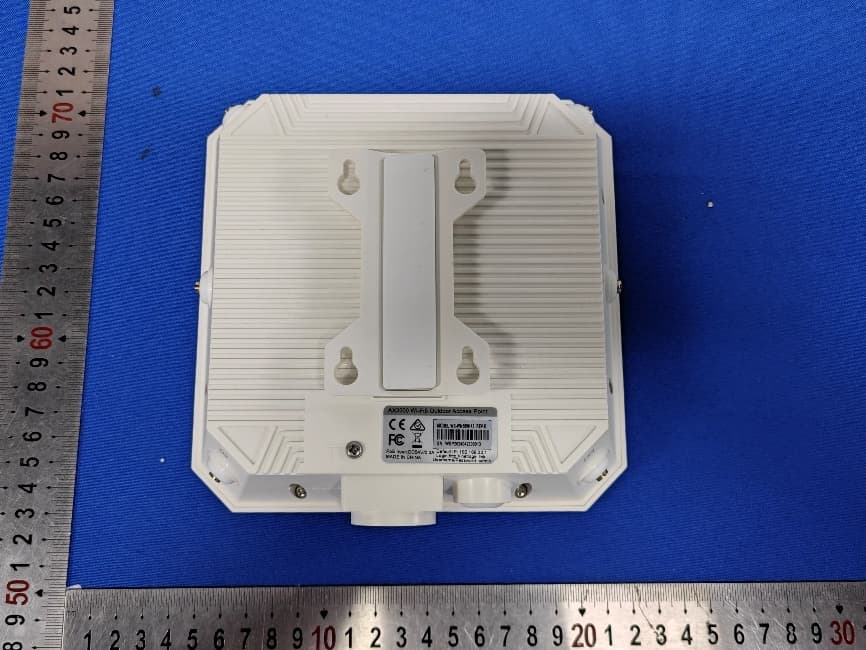
NZ3-WN0009
Mar 03, 2026AX3000 WIFI6 Mesh Router
Equipment Class
NII - Unlicensed National Information Infrastructure TX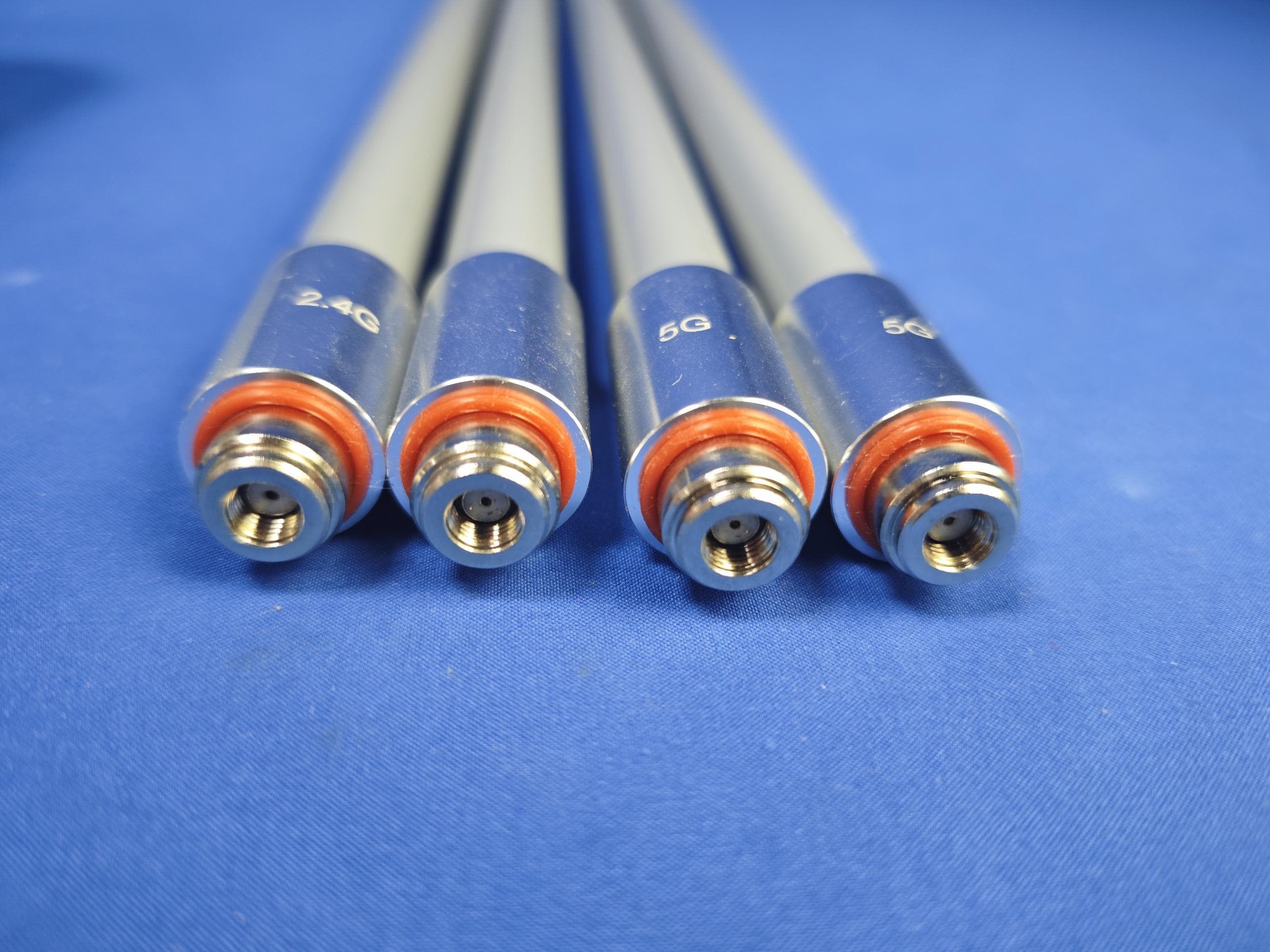
NZ3-WN0007
Jul 13, 2024Wireless AP/Repeater
Equipment Class
NII - Unlicensed National Information Infrastructure TXNZ3-WN0006
Jan 21, 2024WiFi 6E Tri-Band AX5400 PCI-E Adapter
Equipment Class
DTS - Digital Transmission System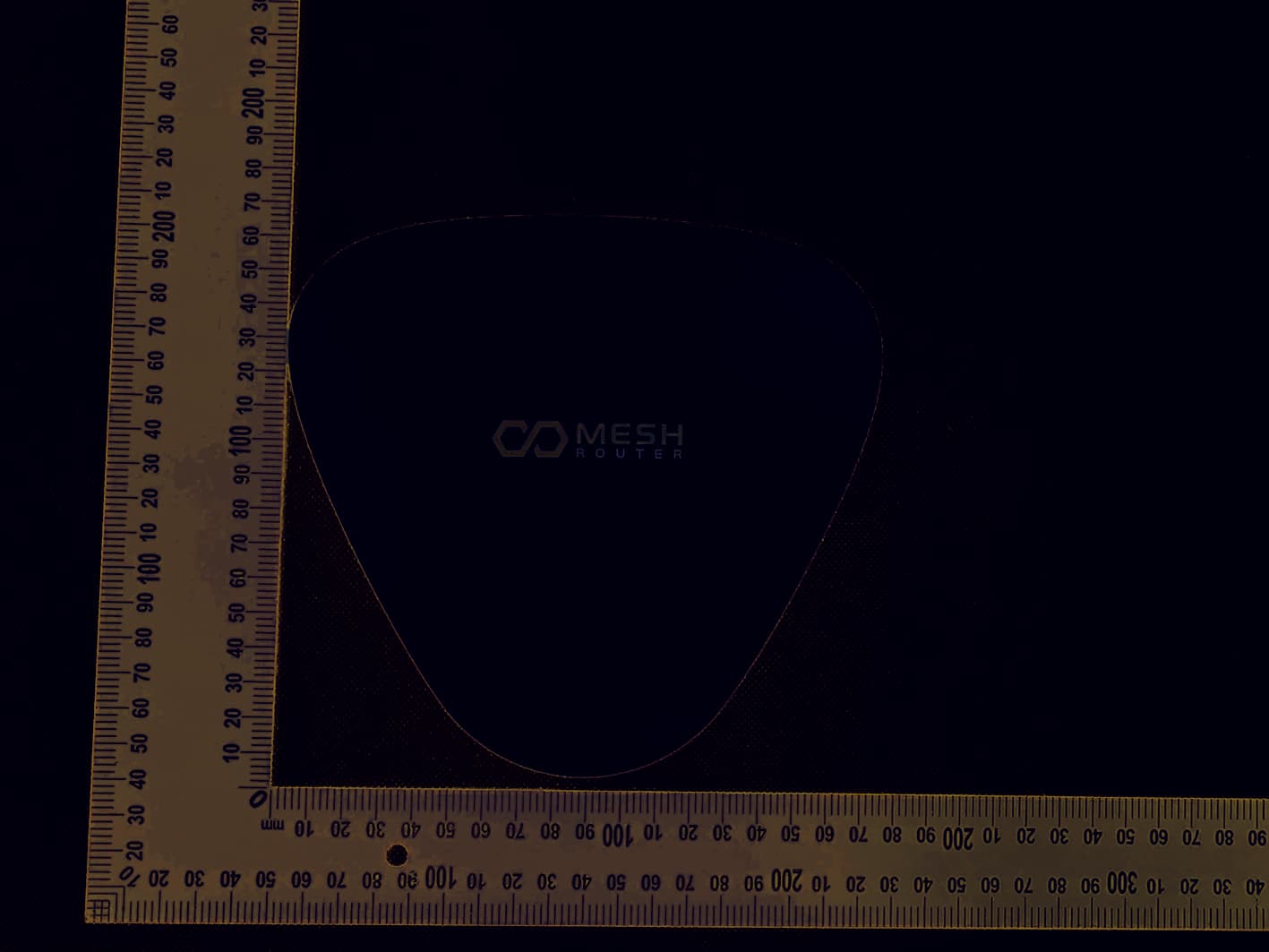
NZ3-WN0004
Jan 12, 2023AX1800 Dual-Band Mesh WiFi Router Kit
Equipment Class
NII - Unlicensed National Information Infrastructure TX
NZ3-WN0003
Nov 13, 2022High Power Wireless Repeater
Equipment Class
NII - Unlicensed National Information Infrastructure TX