O3LPT-2000-6789Cordless Mouse
Paten Wireless Technology Inc.
Click to zoom
Application Details
- Equipment Class
- JBP - Part 15 Class B Computing Device Peripheral
- Date of Grant
- Jul 12, 2000
- Application Purpose
- Original Equipment
- Date of Application
- Jul 05, 2000
- Equipment Note
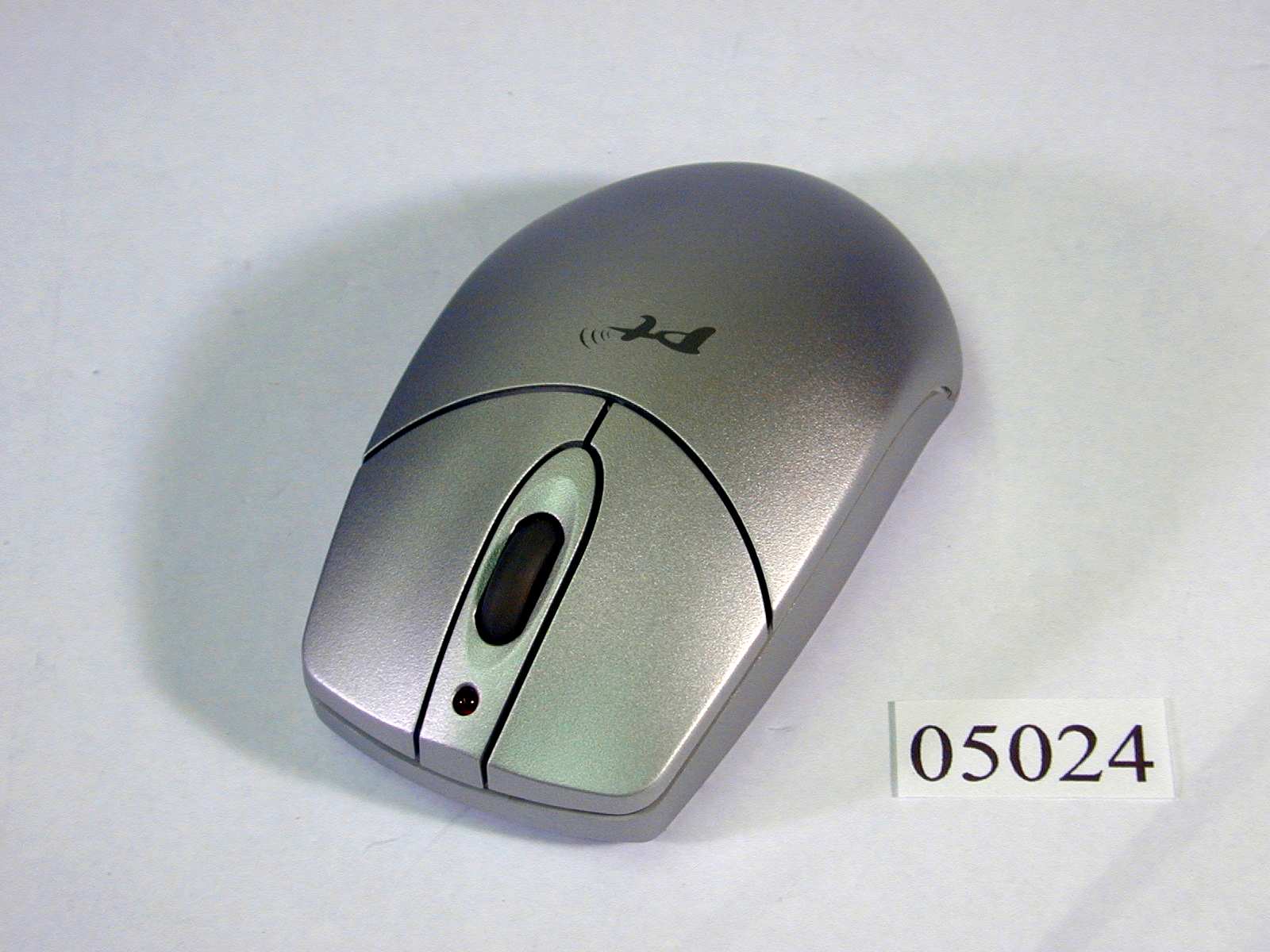
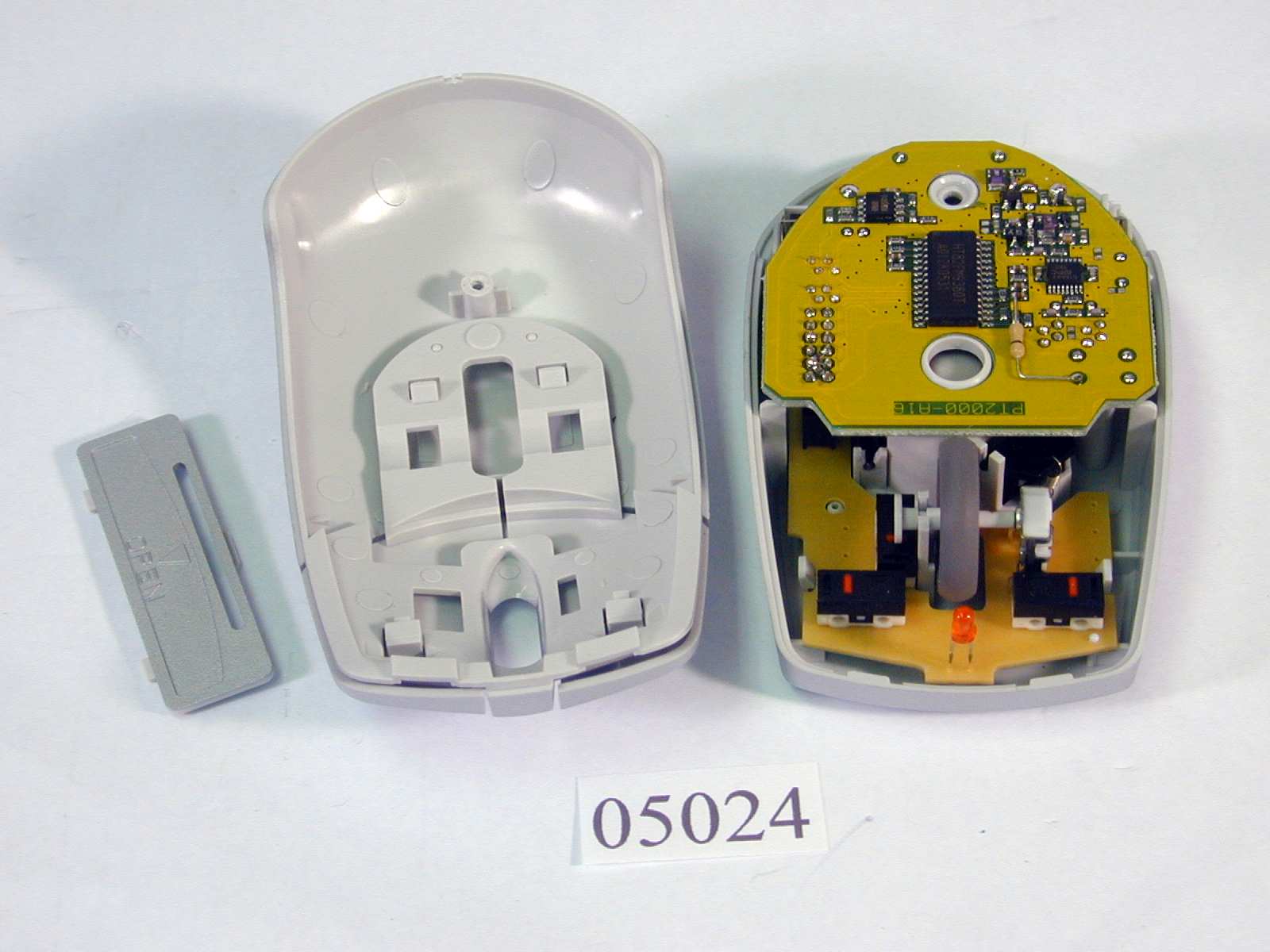
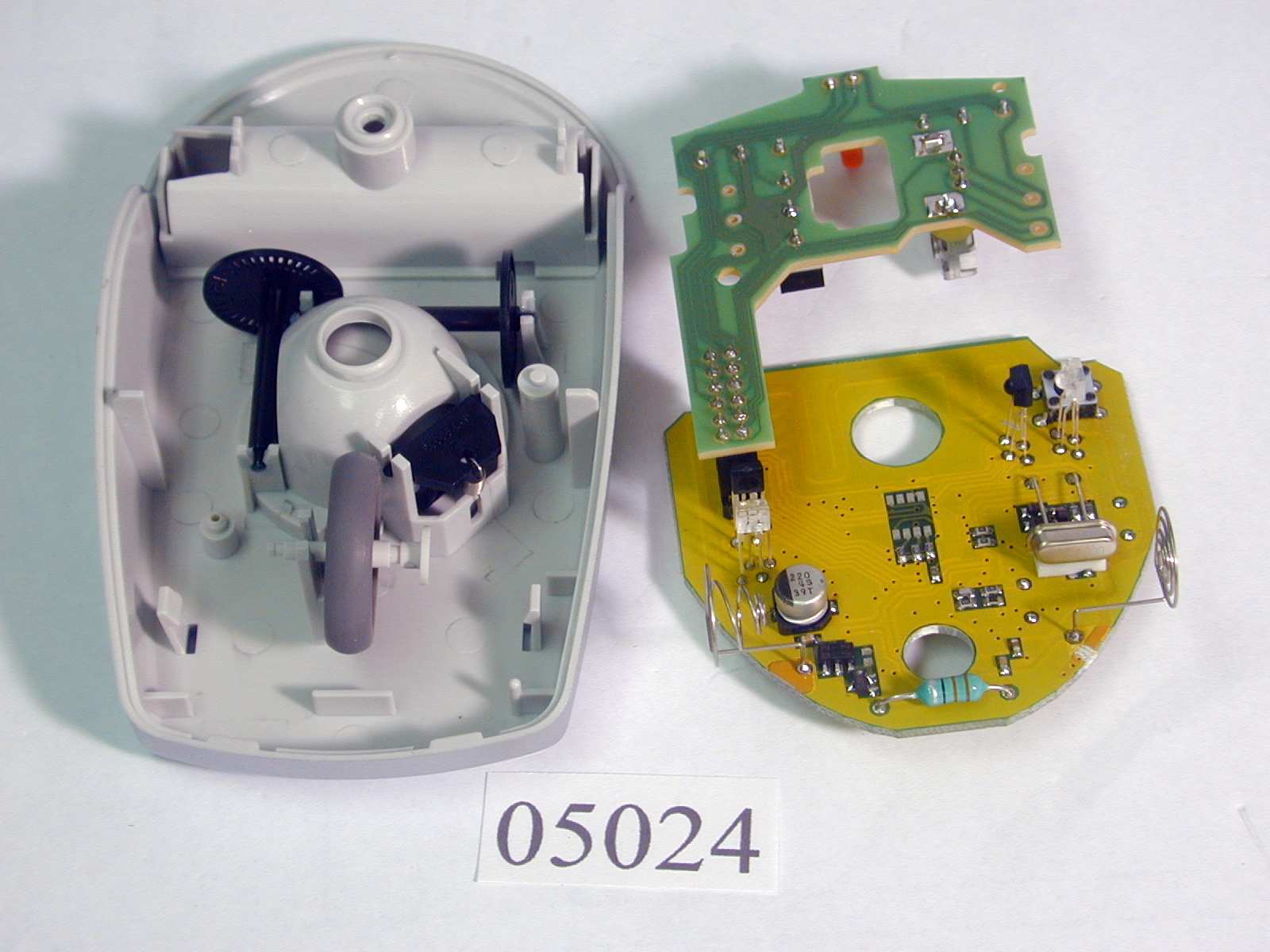
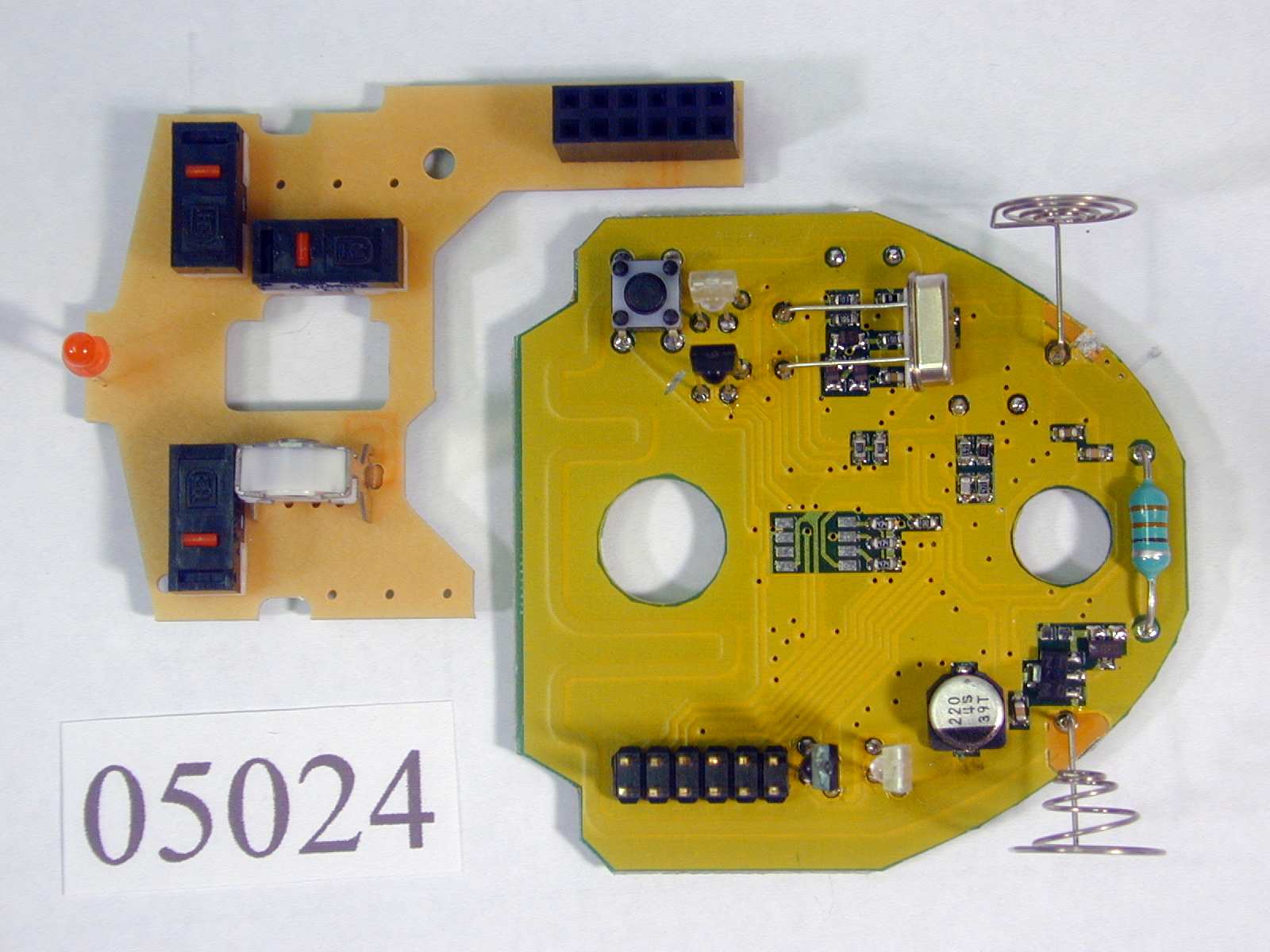
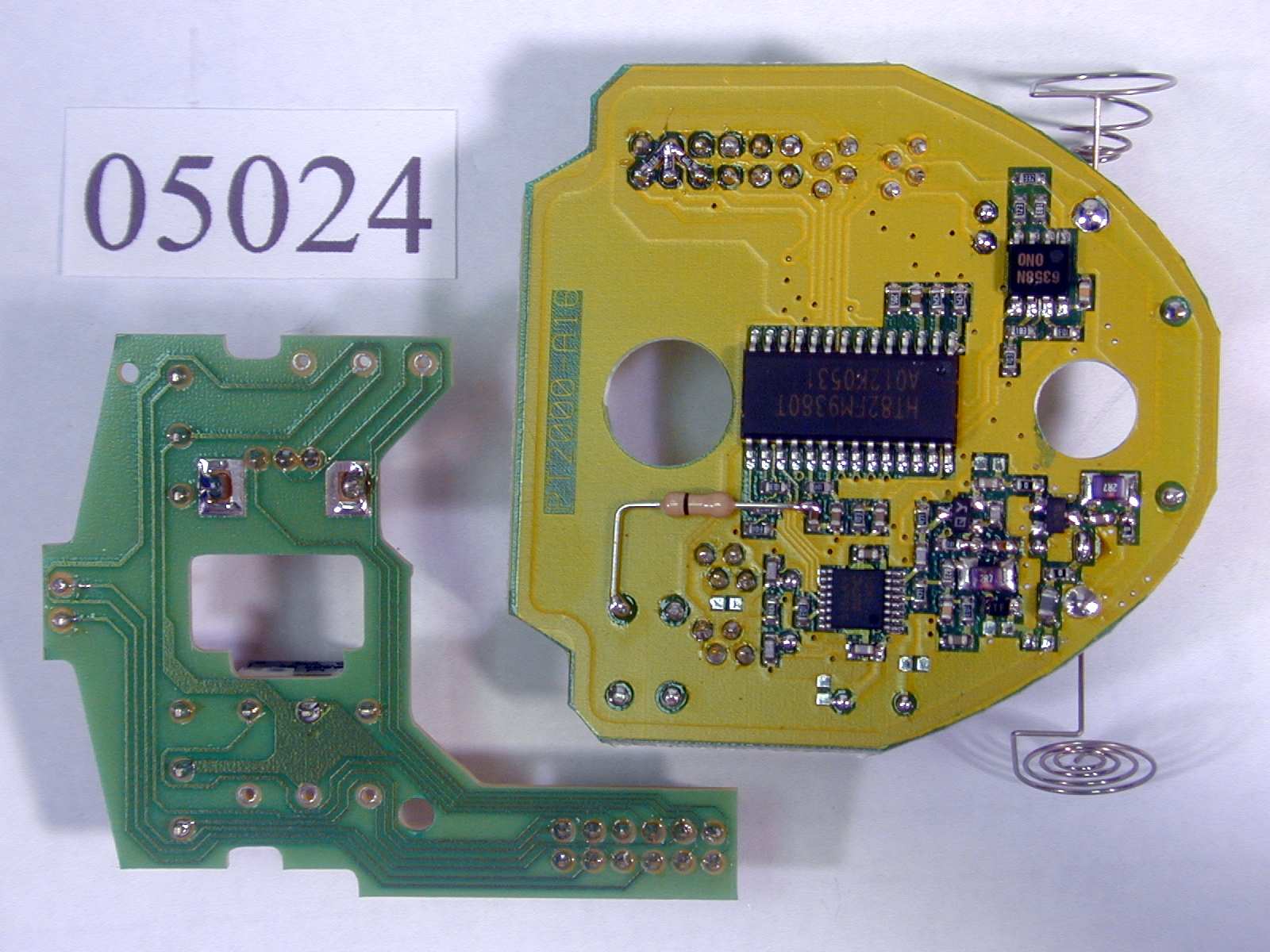
- Cordless Mouse
- Frequency Range
- 26.96000000 - 27.26000000
- Country
- Taiwan
Documents & Files
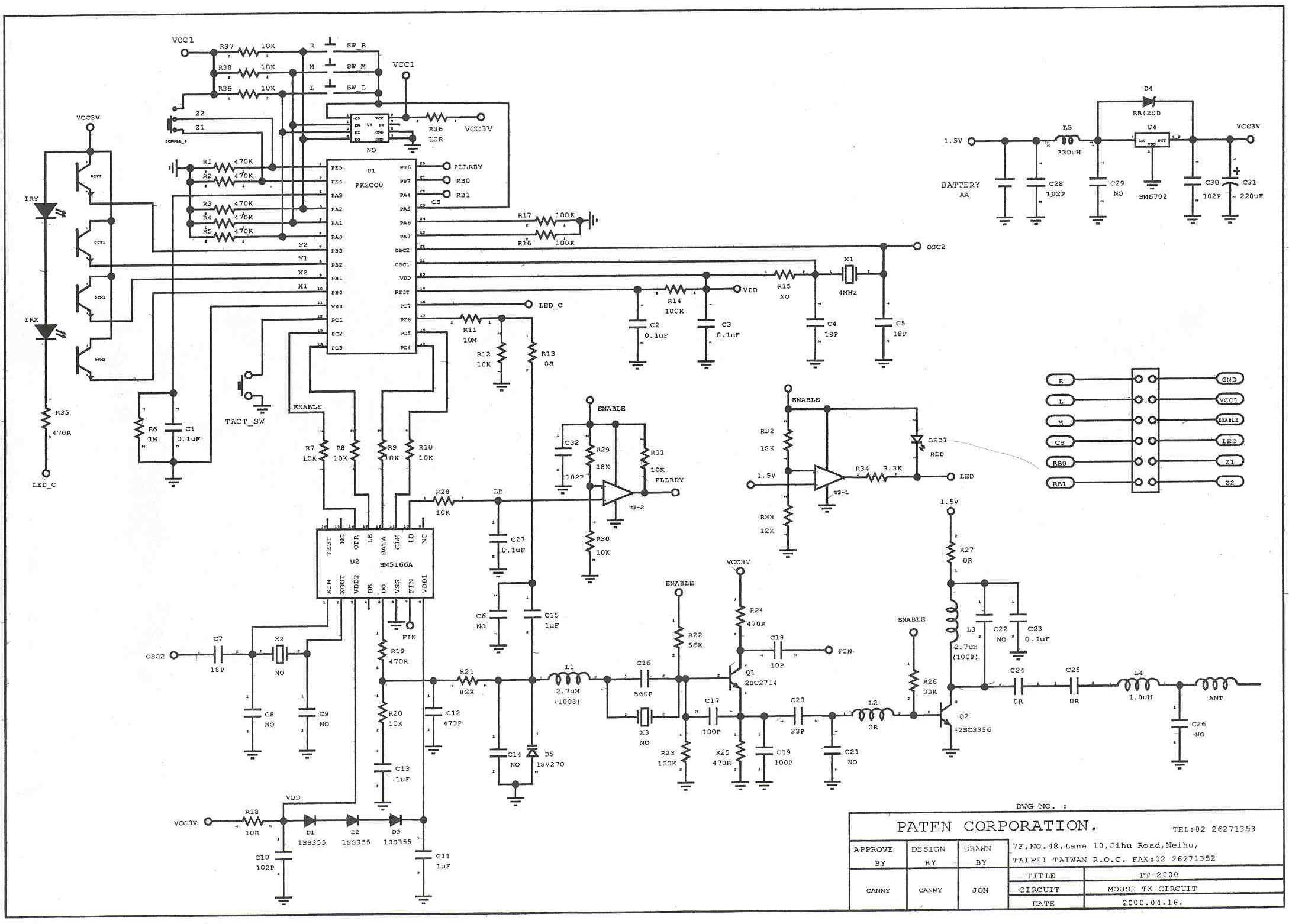
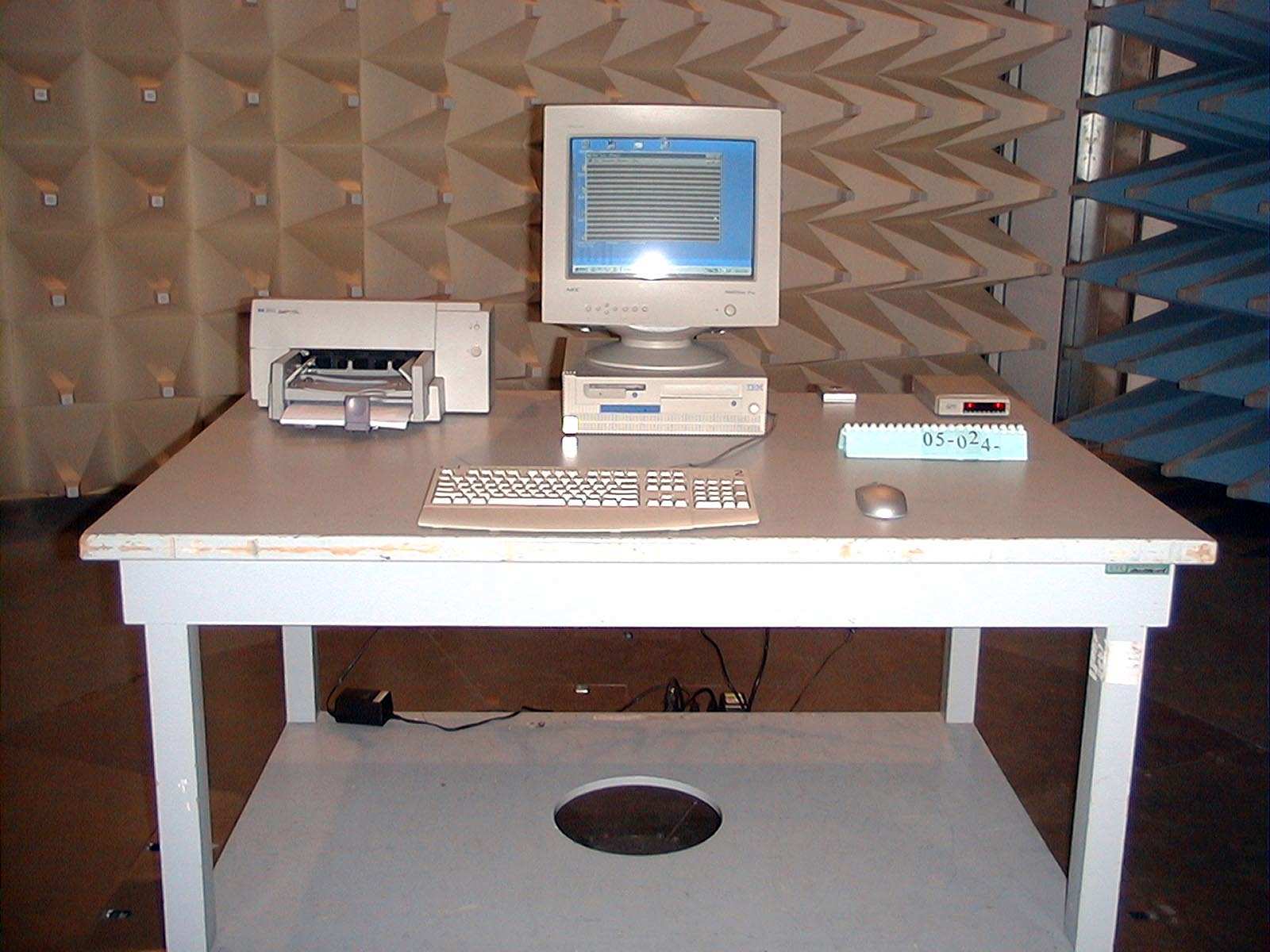
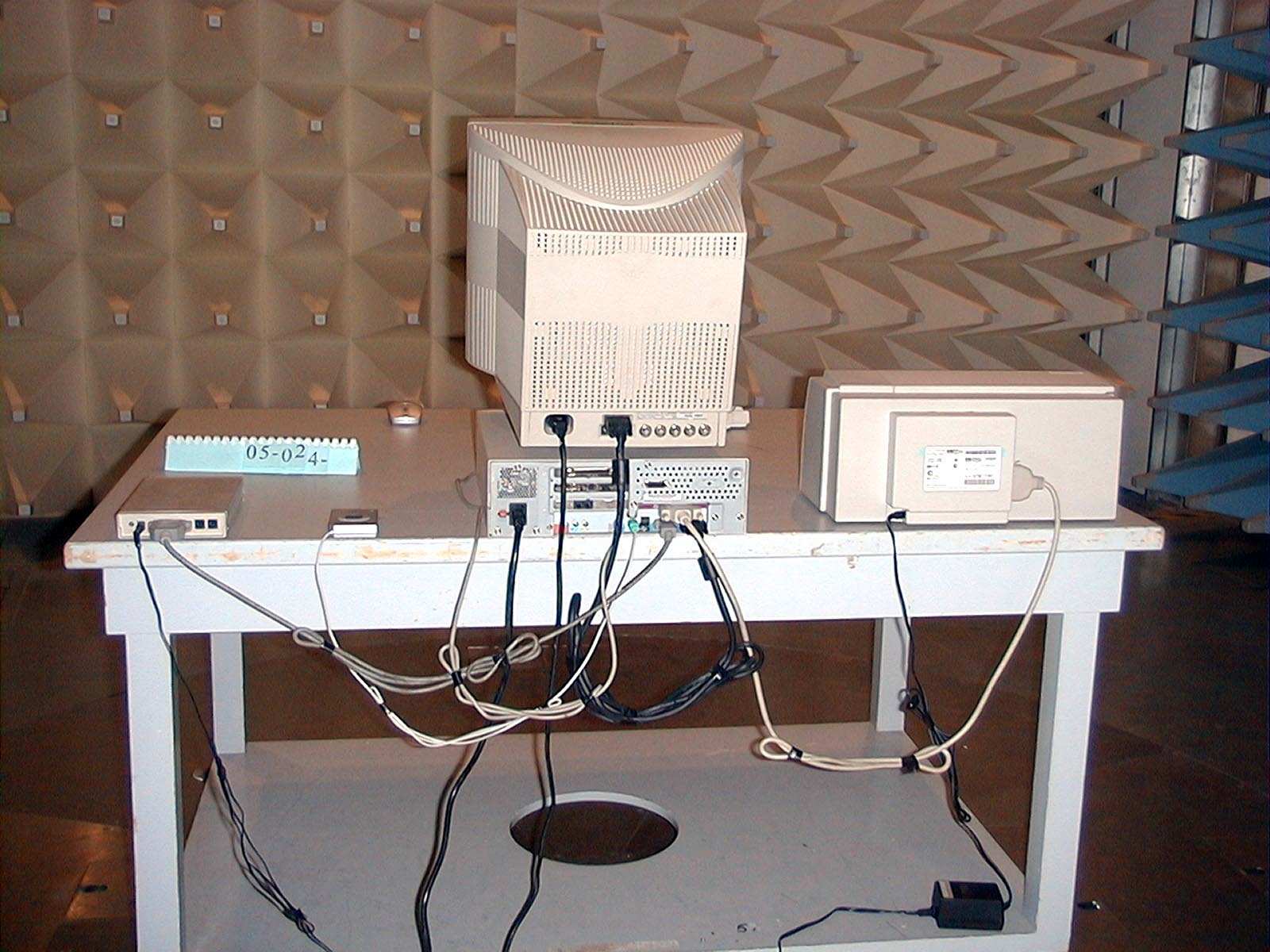
Document Text
Text extracted from the exhibit documents filed with the FCC. Open a document above to read the original.
Users Manual
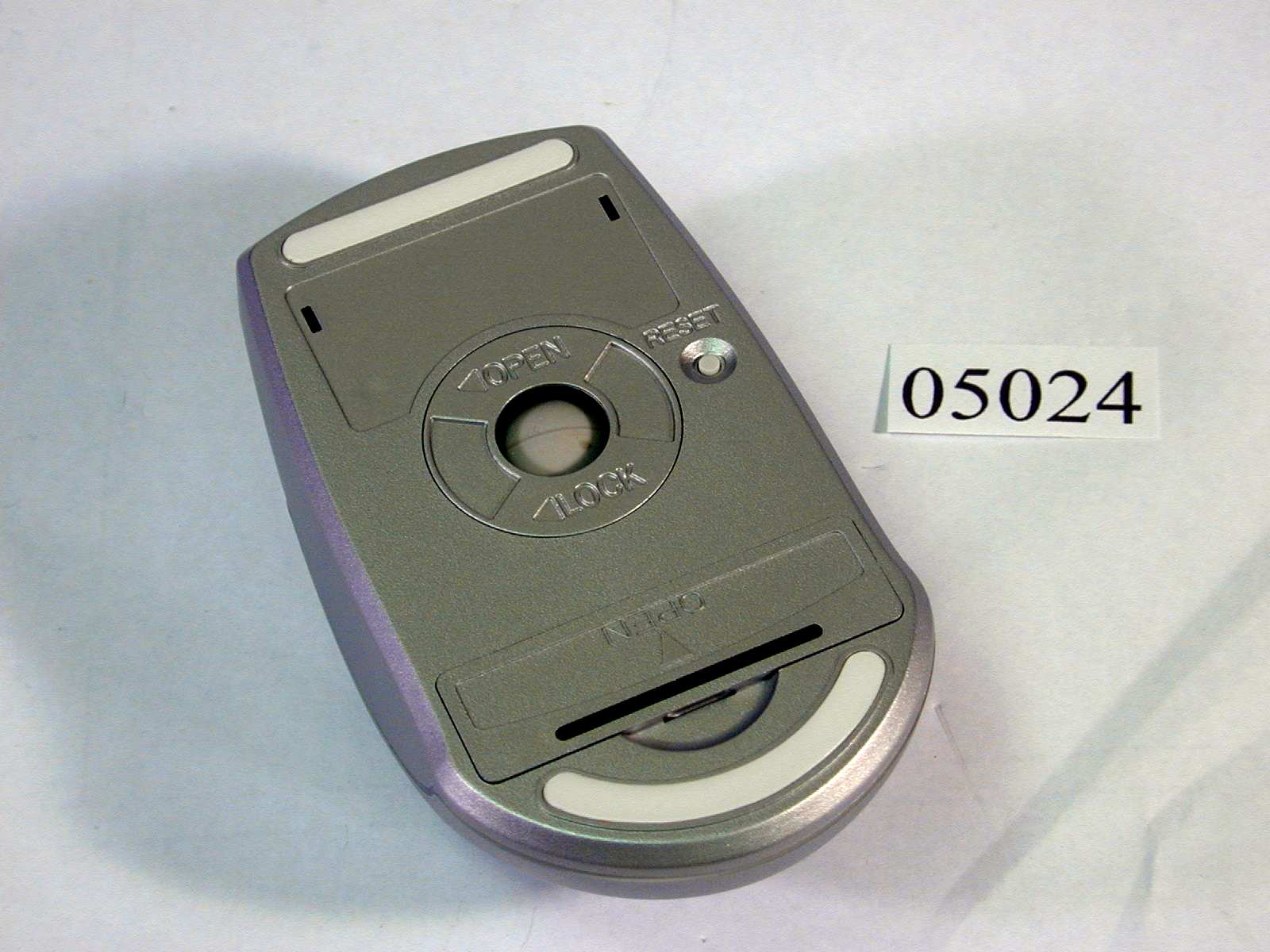
1 Paten’s Fantasy Mouse Operation Guide Table of Contents 1. Basic Operation Function of the Mouse 2. The Component List of the Product 3. Specification 4. The Wheel Function Provided by the Program Driver 5. Introduction to the Appearance of the Mouse and the Receiver 6. Basic Installation of the Mouse 7. Installation of the Program Driver 8. Introduction to the Special Function of the Program Driver 9. Hardware Maintenance and Simple Debugging 10. Installation Configuration and Troubleshooting 11. Customer Technical Service Support Important Ergonomic Suggestion According to the experts, operating a device such as a mouse in the same posture for a long time easily makes some parts of our body such as hand, wrist, and shoulder uncomfortable. They suggest users to stand up and stretch their body after operating the mouse for a certain period of time (40-60 minutes). In addition to reducing the damage by use of palm rest, frequently changing the posture of operating the mouse, maximizing the utility of all functions provided by the utility program, and reducing the repeatedly operation movement can prevent the damages such as wrist tunnel symptoms and tendonitis. Essential Rights and Obligations The program driver provided has copyright. It is a dedicated product to go with the “Paten’s Fantasy Mouse” and prohibited for selling the product by itself. 2 Basic Operation Function of the Mouse Paten’s Fantasy Mouse is the most recently launched cordless wheel mouse, which supports as many as 13 sets of wireless channels, its wheel button can control the horizontal scroll and the vertical scroll, in addition it can act as a third set of buttons or goes with the dedicated program driver and be activated as a multiple sets of additional functions such as zooming. The Component List of the Product A set of cordless mouse A set of wireless receiver A program driver DISK A manual A No. 3 battery Specification Length x Width x Height (mm)113 x 60 x 256 Weight (g)130 Weight of Ball (g)30 Cord Length (cm)140 InterfacePS/2 Port Resolution (dpi)600 Number of Buttons3 (including the wheel button) Bundled Utility/Setup Program RF Wheel Mouse 1.0 The Wheel Function Provided by the Utility Program Scroll by using cursorConfigure to support the vertical and horizontal scrolls, and adjust its sensit ivity. ZoomingSelect the specific area surrounded by pixels, and magnified by a specific proportion. Auto scrollFreely scroll the scroll bar to browse every corner of a document or web page. Vertical scroll functionsProvide 3 additional functions of vertical scroll support Other functionsConfigure the “Backspace”, “F1” and “Delete” specific key functions, or activate the special functions of “Copy” and “File Manager”, etc. 3 Introduction to Appearance of Mouse and Receiver In addition to the two sets of buttons on the Fantasy Mouse, it offers a third set of wheel keys, and a set of lights in front of the wheel keys to remind the users for the low level of the battery. The wireless receiver has a set of buttons, in addition it also has a set of simple LED and two sets of lights, such LED shows in hexadecimal 0-F indicating the current channel used to the user. Basic Installation of the Mouse In addition to plugging the PS/2 connector of the wireless receiver to the PS/2 socket of the main computer system (it should be done before power on), we still need to remember to put a No. 3 battery in the battery slot in the bottom of the mouse due to the wireless signal transmission requires electric power for proper operation. Switching Wireless Channel Since the Fantasy Mouse can support a total of 13 wireless channels, users can select their channels by themselves. To switch channels, we need to simultaneously press three sets of buttons (including the wheel). When the other set of lights are lit, we can start to change channels. Then press the right button to switch channels, and the channels are changing in the hexadecimal sequence from 0 to F. After the selection completes, press the left button to start using such channel for operation. Insufficient Battery Indicating Light The light disposed in the front of the wheel button will be lit automatically when the voltage of the battery in the mouse is lower than the output signal 1.1V. It reminds the users to replace new battery. 4 Installation of Utility Program The provided utility program RF Wheel Mouse 1.0 can be used to install the program drivers, and it also can provide additional functions. After the proper installation of the mouse, insert the program driver disk into the floppy disk drive, and press “SETUP” icon to start the installation. STEP 1: First you will see the screen of the RF Wheel Mouse 1.0 software copyright announcement. STEP 2: Choose to install the Chinese or English version of the program drivers and utility program. STEP 3: Install the program according to personal needs to a designated directory (you can change the directory for the installed programs by yourself.) Introduction to Special Functions of the Utility Program Such program driver will be merged into the “mouse setup” function of the control panel, and add two sets of functions “Scrolling” and “Press Button” to the menu. Scrolling Function It mainly offers the two functions “ scrolling modes” and “ vertical scroll speed”. In the scrolling modes, it provides the commonly executed program for the users. When the program supports the vertical wheel function of the “Intelli-Mouse” system, it provides a smoother scroll, but it will be disabled for the supporting programs. The vertical scroll speed supports the vertical scroll bar for a specific rows and pages when the wheel is rolling. (Users can specify the number of rows per scroll.) “Button” Function It mainly provides the support functions of the middle wheel. Since the program driver supports the functions of the 4-key mouse, the configuration of the 4 th set of buttons has no function. We only need to choose the selection of the sup…
Text truncated - open the document above for the full version.
Cover Letter(s)
Federal Communications Commission Dear Sir: We, the undersigned, hereby authorize ELECTRONICS TESTING CENTER, TAIWAN to act on our behalf in all matters relating to application for “Cordless Mouse (Model:PT-2000 • FCC ID No.: O3LPT-2000-6789)” authorization, including the signing of all documents relating to these matters. Any and all acts carried out by ELECTRONICS TESTING CENTER, TAIWAN TESTING LAB, on our behalf shall have the same effect as acts of our own. The applicant certifies that in the case of an individual applicant (e.g., corporation ), no party to the applicant is subject to a denial of federal benefits, that includes FCC benefits, pursuant to section 5301 of the Anti- drug abuse Act of 1988, 21 U.S.C. 862. For a definition of a “party” for these purposes See 47 C.F.R. 1.2002(b). By: By: (Signature) (Printed) Title : Assistant Manager , Engineer applicant : PATEN Technology Corporation Address : 7F • NO.48 • Lane 10 • Jihu Road • Neihu • Taipei 114 • Taiwan • R.O.C. Tel: 02-2627-1353 Fax: 02-2627-1352 Date: 2000/07/04
Operational Description
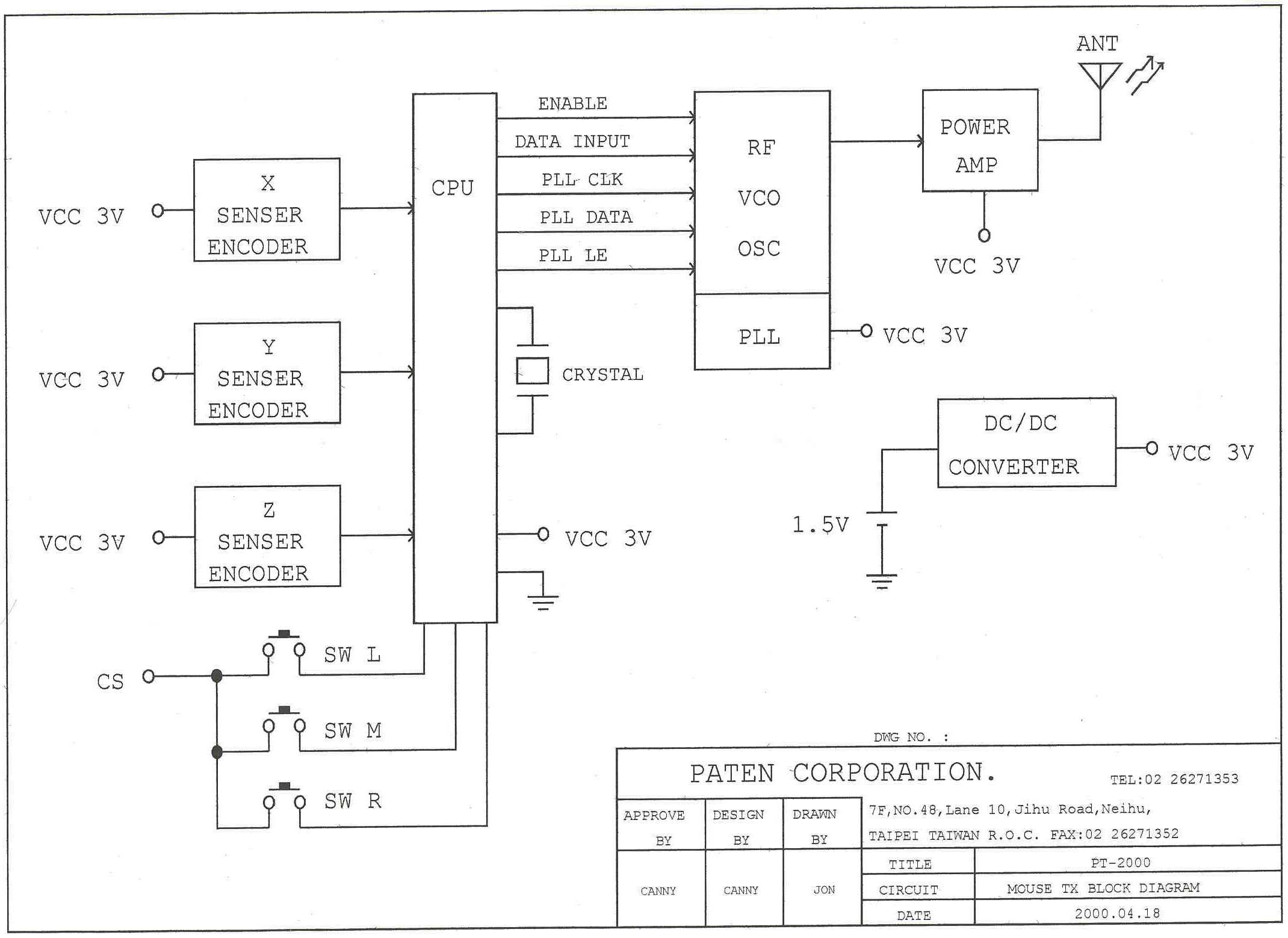
PT-2000 Fantasy Mouse Operation Principle 1. Transmitter While the mouse moves or presses button, CPU receiver the command to produce coding characters and then sends the characters to VCO and produce FSK modulation. Transmitting through antenna at last. 2. Receiver When the receiver receives the signal from Transmitter, it will produce decoder and then connect to the PS/2 Port and communicate with the computer.
Operational Description
PT-2000 Fantasy Mouse Specification • ELECTRICAL CHARACTERISTICS CHARACTERISTICPT-2000(TX)PT-2000(RX) Operating Bandwidth26.96Mhz~27.28Mhz 27.415Mhz~27.81Mhz Channel Spacing25Khz25Khz Selectable channels13CH13CH ModulationFSKFSK Stability•/• 20ppm•/• 20ppm Operating Temperature Range•10~•50••10~•50• RF Power Output0.5mW0.5mW Channel Indicating MethodLED Displays BatteryOne No.3 battery Low Voltage Indicator1.1V warning light Battery LifeContinuous use for 45 hours Current Consumption•3V/18mA•5V/22mA • Setup Program • RF WHELL MOUSE 1.0 • Product Appearance LengthWidthHeightWeight Mouse113.0mm60.0mm25.6mm135g Wireless Receiver95.0mm62.0mm17.0mm95g • System Requirement • Desktop Personal Computer Windows 95,98,2000,NT Mouse Port (PS/2 Port)
Test Report
FCC ID. :O3LPT-2000-6789 Rev. No 1.0 FCC Part 15 Subpart C EMI TEST REPORT of E.U.T. : Cordless Mouse FCC ID. : O3LPT-2000-6789 MODEL : PT-2000 Working Frequency : 26.96 ~ 27.28 MHz for APPLICANT : Paten Technology Corporation ADDRESS: 3FL. NO.2, LANE 497, CHUNG CHENG ROAD, HSIN TIEN, TAIPEI HSIEN, TAIWAN, R.O.C. Test Performed by ELECTRONICS TESTING CENTER, TAIWAN NO. 8 LANE 29, WENMIMG ROAD, LOSHAN TSUN, KWEISHAN HSIANG, TAOYUAN, TAIWAN, R.O.C. Tel:(03)3276170-3276174 Fax:(03)3276188 Report Number : ET89S-05-024-01 ETC Report No.:ET89S-05-024-01FCC ID.: O3LPT-2000-6789 Rev. No 1.0 TEST REPORT CERTIFICATION Applicant: Paten Technology Corporation 7F. NO.48, Lane 10, Jihu Road, Neihu, Taipei, Taiwan, R.O.C. Manufacturer: Paten Technology Corporation 7F. NO.48, Lane 10, Jihu Road, Neihu, Taipei, Taiwan, R.O.C. Description of EUT: a) Type of EUT: Cordless Mouse b) Trade Name: Paten c) Model No.: PT-2000 d) FCC ID: O3LPT-2000-6789 e) Working Frequency : 26.96 ~ 27.28 MHz f) Power Supply: DC 3V Battery Regulation Applied: FCC Rules and Regulations Part 15 Subpart C (1999) I HEREBY CERTIFY THAT; The data shown in this report were made in accordance with the procedures given in ANSI C63.4 and the energy emitted by the device was founded to be within the limits applicable. I assume full responsibility for accuracy and completeness of these data. Note : 1. The results of the testing report relate only to the items tested. 2. The testing report shall not be reproduced except in full, without the written approval of ETC. Test Date : May 10, 2000 Test Engineer : Approve & Authorized Signer : Win-Po Tsai, Supervisor, NVLAP Signatory EMC Dept. of ELECTRONICS TESTING CENTER, TAIWAN ETC Report No.:ET89S-05-024-01FCC ID.: O3LPT-2000-6789 Rev. No 1.0 Table of Contents Page 1. GENERAL INFORMATION ........................................................................................................................................ 1 1.1 P RODUCT D ESCRIPTIO N ................................................................................................................................................... 1 1.2 C HARACTERISTICS OF D EVICE : ........................................................................................................................................ 1 1.3 T EST M ETHODOLOGY ...................................................................................................................................................... 1 1.4 T EST F ACILITY ................................................................................................................................................................. 1 2. DEFINITION AND LIMITS.......................................................................................................................................... 2 2.1 D EFINITION ..................................................................................................................................................................... 2 2.2 R ESTRICTED B ANDS OF O PERATION ................................................................................................................................. 2 2.3 L IMITATION ..................................................................................................................................................................... 2 2.4 L ABELIN G R EQ UIREMEN T ................................................................................................................................................. 4 2.5 U SER I NFORMATION ........................................................................................................................................................ 4 3. SYSTEM TEST CONFIGURATION............................................................................................................................ 5 3.1 EUT CONFIGURATION AND OPERATING ........................................................................................................................... 5 3.2 D EVICES FO R T ESTED S YSTEM ......................................................................................................................................... 5 3.3 D EVIATIO N S TATEMEN T ................................................................................................................................................... 5 3.4 M ODIFICATION R ECO RD .................................................................................................................................................. 5 4. RADIATED EMISSION MEASUREMENT................................................................................................................. 6 4.1 A PPLICABLE S TANDARD .................................................................................................................................................. 6 4.2 M EASUREMEN T P ROCEDURE ............................................................................................................................................ 6 4.3 T EST D ATA ...................................................................................................................................................................... 8 4.4 F IELD S TREN GTH C ALCULATIO N ...................................................................................................................................... 9 4.5 R ADIATED T EST E QUIPMENT ............................................................................................................................................ 9 4.6 M EASURIN G I N STRUMEN T S ETUP ..................................................................................................................................... 9 4.7 R ADIATED M EASUREMEN T P HOTOS ................................................................................................................................. 9 5. CONDUCTED EMISSION MEASUREMENT.....................................…
Text truncated - open the document above for the full version.
Contact Information
Applicant
Jon Liao(R&D Manager)
Technical Contact
Electronics Testing Center, TaiwanJoseph Lu
[email protected]886-3-328 0026
No. 8, Lane 29, Wen-Ming RD., Lo-Shan Tsun, · Taoyuan Hsien · Taiwan
Non-Technical Contact
Electronics Testing Center, TaiwanMina Lin
[email protected]886-3-327 6170
Technical Specifications
| # | Rule Parts | Frequency Range | Power Output | Tolerance |
|---|---|---|---|---|
| 1 | 15B | 26.96 MHz - 27.26 MHz | - | ppm |
Other Applications from Paten Wireless Technology Inc.

O3L-PT61R001
Oct 03, 2007WIRELESS OPTICAL LIPSTICK MOUSE
Equipment Class
DXT - Part 15 Low Power Transceiver, Rx Verified
O3L-PT-03-K4D
Oct 29, 200627MHz Wireless Optical Desktop
Equipment Class
DXX - Part 15 Low Power Communication Device Transmitter
O3L-PT2005-MH2
Sep 20, 2006Wireless Laser Mouse
Equipment Class
DXX - Part 15 Low Power Communication Device Transmitter
O3L-PT2005-MH
May 02, 2006Labtec Wireless Laser Mouse for Notebooks
Equipment Class
DXX - Part 15 Low Power Communication Device Transmitter
O3L-PT2005-MF
Apr 27, 2006Wireless Laser Mouse
Equipment Class
DXX - Part 15 Low Power Communication Device Transmitter