O6ZSIR-S300WDigital Satellite Receiver
Humax Co., Ltd.
Click to zoom
Application Details
- Equipment Class
- HID - Part 15 TV Interface Device
- Date of Grant
- Jan 07, 2003
- Application Purpose
- Original Equipment
- Date of Application
- Jan 07, 2003
- Equipment Note
- Digital Satellite Receiver
- Frequency Range
- 67.25000000 - 71.75000000
- Company
- Humax Co., Ltd.
- Country
- South Korea
Documents & Files
Document Text
Text extracted from the exhibit documents filed with the FCC. Open a document above to read the original.
Users Manual
DIRECTV Receiver Owner’s Manual For DIRECTV Receiver Models: SIR-S300W SIR-S310W This symbol indicates high voltage is present inside. It is dangerous to make any kind of contact with any part inside of this product. This symbol alerts you that important literature concerning operation and maintenance has been included with this product. Note to CATV system installer: This reminder is provided to call CATV system installer’s attention to Article 820-40 of the National Electrical Code that provides guidelines for proper grounding and, in particular, specifies that the cable ground shall be connected to the grounding system of the building as close to the point of cable entry as practical. Caution:FCC regulations state that any unauthorized changes or modifications to this equipment may void the user’s authority to operate it. Caution:To prevent electric shock, match the wide blade of plug to the wide slot, and fully insert the plug. Important:One Federal Court has held that unauthorized recording of copyrighted TV programs is an infringement of U.S. copyright laws. To prevent damage which may result in fire or electric shock hazard, do not expose this appliance to rain or moisture. CAUTION RISK OF ELECTRIC SHOCK DO NOT OPEN CAUTION:TO REDUCE THE RISK OF ELECTRIC SHOCK, DO NOT REMOVE COVER (OR BACK). NO USER SERVICEABLE PARTS INSIDE. REFER SERVICING TO QUALIFIED SERVICE PERSONNEL. Warning! Important Safety Instructions Warning! Important Safety Instructions • Read all safety and operating instructions before operating this product. • Keep the safety and operating instructions for future reference. • Heed all warnings on the product and in the operating instructions. • Follow all operating and use instructions. • Unplug the product from the wall outlet before cleaning. Use a damp cloth; do not use liquid or aerosol cleaners. • Never add any attachments and/or equipment without approval of the manufacturer. Such additions can increase the risk of fire, electric shock, or other personal injury. • Do not use the product where contact with or immersion in water is a possibility, such as near bath tubs, sinks, washing machines, swimming pools, etc. • Do not place the product on an unstable cart, stand, tripod, bracket, or table where it can fall. A falling product can cause serious injury to a child or adult, and serious damage to the appliance. Use only with a cart, stand, tripod, bracket, or table recommended by the manufacturer or sold with the product. Follow the manufacturer’s instructions when mounting the unit, and use a mounting accessory recommended by the manufacturer. Move the product and cart with care. Quick stops, excessive force, and uneven surfaces can make the unit and cart unsteady and likely to overturn. • Provide ventilation for the product. The unit is designed with slots in the cabinet for ventilation to protect it from overheating. Do not block these openings with any object, and do not place the product on a bed, sofa, rug, or other similar surface. Do not place it near a radiator or heat register. If you place the product on a rack or bookcase, ensure that there is adequate ventilation and that you have followed the manufacturer’s instructions for mounting. • Operate your product only from the type of power source indicated on the marking label. If you are not sure of the type of power supplied to your home, consult your appliance dealer or local power company. • Use only a grounded or polarized outlet. For your safety, this product is equipped with a polarized alternating current line plug having one blade wider than the other. This plug will fit into the power outlet only one way. If you are unable to insert the plug fully into the outlet, try reversing the plug. If the plug still does not fit, contact your electrician to replace your outlet. • Protect the power cord. Power supply cords should be routed so that they will not be walked on or pinched by objects placed on or against them. Pay particular attention to cords at plugs, convenience receptacles, and the point where they exit from the unit. • Unplug the product from the wall outlet and disconnect the antenna or cabling during a lightning storm or when left unattended and unused for long periods of time. This will prevent damage to the unit due to lightning and power-line surges. Always be careful when using this product. To reduce the risk of fire, electrical shock, and other injuries, keep these safety precautions in mind when installing, using, and maintaining your DIRECTV ® Receiver. Warning! Important Safety Instructions Warning! Important Safety Instructions • Avoid overhead power lines. An outside antenna system should not be placed in the vicinity of overhead power lines or other electric light or power circuits or where it can fall into such power lines or circuits. When installing an outside antenna system, be extremely careful to keep from touching the power lines or circuits. Contact with such lines can be fatal. • Do not overload the wall outlet or extension cords. Overloading can result in fire or electric shock. • Do not insert anything through the openings in the unit, where they can touch dangerous voltage points or damage parts. Never spill liquid of any kind on the product. • Ground outdoor antennas. If an outside antenna is connected to the product, be sure the antenna is grounded so as to provide some protection against voltage surges and built-up static charges. Section 810 of the National Electrical Code, ANSI/NFPA No.70-1984, provides information about proper grounding of the mast and supporting structure, grounding of the lead-in wire to an antenna discharge unit, size of grounding conductors, location of antenna discharge unit, connection to grounding electrodes, and requirements for the grounding electrode. • Do not attempt to service the product yourself. Refer all servicing to qualified service personnel. Unplug the unit from the wall outlet and refer servicing to qualified service pe…
Text truncated - open the document above for the full version.
Users Manual
55 Chapter 3: Watching TV Searching by Credits, Title, or Text If you want to find all programs that star a certain actor, share a certain director, have a particular character role, have won a particular award, or were created in a certain year, you can searchBy Credits. To search for a program whose title you know, search by title. Searching by text looks at both credits and titles to find all of the programs that match your search terms. 1While viewing the Guide, press the blue B button on your remote control. A search list appears, allowing you to choose a type of search. 2Use the arrow buttons on your remote control to highlight By Credits, By Title, or By Text, then press thebutton on your remote control. The search screen you selected appears. If you chose to search By Credits, the screen allows you to select a type of credit to search by. Highlight one of the five Credit types (Actor, Director, Role, Award, or Year), and press thebutton on your remote control. 3Use the arrow buttons on your remote control to highlight the first letter in the word you wish to search for, then press thebutton. To erase a letter, highlight the on-screen left arrow and press thebutton on your remote control. To clear the entire entry, highlight the on-screen Clear button and press thebutton. 4Continue to select letters from the on-screen keyboard until you have completed your search term. As you enter letters, an on-screen list shows you matches for the text you have entered so far. 5To execute the search you can either highlight the on-screen Searchbutton and press thebutton, or you can highlight an item from the on-screen list and press thebutton. A list of programs related to your search terms appears. 6To see a list of show times for one of the search results, use the arrow buttons on your remote control to highlight that program, then press thebutton. 7To see information about one of the search results, use the arrow buttons on your remote control to highlight that program, then press the INFO button. 56 Chapter 3: Watching TV Searching by Category When you search by category, you narrow down the list of programs by choosing from program categories and sub-categories. 1While viewing the Guide, press the blue B button on your remote control. A search list appears, allowing you to choose a type of search. 2Use the arrow buttons on your remote control to highlight By Category, then press thebutton on your remote control. The Search By Categoryscreen appears. Categories that contain sub-categories have a page icon to the right of the category name. 3Use the arrow buttons on your remote control to highlight a category, then press thebutton. If you select a category that contains sub-categories, the subcategory list appears. Continue to narrow your search by selecting from the sub-category list until there are no more sub-categories. If you select a category that contains no sub-categories, the search results appear displaying the programs in the category you selected. To return to a previous category list, highlight the on-screen Backbutton and press thebutton. 4To see a list of show times for one of the search results, use the arrow buttons on your remote control to highlight that program, then press thebutton. 5To see information about one of the search results, use the arrow buttons on your remote control to highlight that program, then press the INFO button. 57 Chapter 3: Watching TV Choosing an alternate audio format for a program Many programs on your DIRECTV Receiver offer several audio formats. For example, some programs are available in alternative languages. Some are available in the Dolby Digital format (a high-quality digital audio format available on model SIR-S310W only). You can tell if a program offers alternative audio formats by pressing the INFO button on your remote control while watching a program. If one of these icons appears in the Channel Banner, an alternative audio format is available: This icon indicates that one or more alternative languages are available for the program. This icon indicates that an Dolby Digital version of the audio for the program is available (playable on model SIR-S310W only). To change the audio format for a program you are watching, follow these steps: 1While viewing a program, press the AUDIO button on your remote control. A list of available audio formats for the program you are watching appears. 2Use the arrow buttons on your remote control to highlight the audio format you wish to hear for the program, then press thebutton on your remote control. The list of audio formats disappears and the program audio is now played in the format you selected. Changing the User setting Your DIRECTV Receiver allows you to establish groups of preferences for your family, and for up to four individuals. For each of these users, you can specify the user name, a unique channel list, and the color and translucency of the on-screen Guides and Menus. (Detailed instructions for modifying these user-settings are in Chapter 6.) To set your DIRECTV Receiver to operate using the settings specified for one of the users, follow these steps: 1While viewing a program, press the WHO button on your remote control. The Who list appears. 58 Chapter 3: Watching TV 2Use the arrow buttons on your remote control to highlight the name of the user whose settings you wish to activate, then press thebutton on your remote control. The Who list disappears, and the selected user’s settings take effect. To clear the Who list without changing the current user, press the WHO or EXIT button on your remote control. Pay per view programs Your DIRECTV Receiver gives you access to many pay per view movies, sporting events, concerts, etc. All you need to order these events is your DIRECTV account, a land-based telephone line connected to your DIRECTV Receiver, and your remote control. Identifying pay per view programs There are several ways to identify pay per view programs. 1If you tune to a channel…
Text truncated - open the document above for the full version.
Block Diagram
DIGITAL EMC CO., LTD. FCC Class B Certification Test Report No. : DR50110212J Page 1 of 1 BLOCK DIAGRAM FCC ID: O6ZSIR-S300W
External Photos
DIGITAL EMC CO., LTD. FCC Class B Certification Test Report No. : DR50110212J Page 1 of 3 PHOTOGRAPHS MODEL NO.: SIR-S300W FCC ID: O6ZSIR-S300W DIGITAL EMC CO., LTD. FCC Class B Certification Test Report No. : DR50110212J Page 2 of 3 FCC ID: O6ZSIR-S300W DIGITAL EMC CO., LTD. FCC Class B Certification Test Report No. : DR50110212J Page 3 of 3 FCC ID: O6ZSIR-S300W
ID Label/Location Info
DIGITAL EMC CO., LTD. FCC Class B Certification Test Report No. : DR50110212J Page 1 of 1 LABEL LOCATION LABEL LOCATION Sample Label & Location Sample Label & Location FCC ID: O6ZSIR-S300W FCC ID: O6ZSIR-S300W This device complies with part 15 of the FCC Rules. Operation is subject to the following two conditions: (1) This device may not cause harmful interference, and (2) this device must accept any interference received, including interference that may cause undesired operation. This device complies with part 15 of the FCC Rules. Operation is subject to the following two conditions: (1) This device may not cause harmful interference, and (2) this device must accept any interference received, including interference that may cause undesired operation. FCC ID: O6ZSIR-S300W
ID Label/Location Info
DIGITAL EMC CO., LTD. FCC Class B Certification Test Report No. : DR50110212J Page 1 of 1 Label FOR FCC ID Label FOR FCC ID Sample Label & Location Sample Label & Location The sample label shown shall be permanently affixed at a conspicuous location on the device and be readily visible to the user at the time of purchase. The sample label shown shall be permanently affixed at a conspicuous location on the device and be readily visible to the user at the time of purchase. Label Next Page. Label Next Page. FCC ID: O6ZSIR-S300C
Internal Photos
DIGITAL EMC CO., LTD. FCC Class B Certification Test Report No. : DR50110212J Page 1 of 3 PHOTOGRAPHS MODEL NO.: SIR-S300W FCC ID: O6ZSIR-S300W DIGITAL EMC CO., LTD. FCC Class B Certification Test Report No. : DR50110212J Page 2 of 3 FCC ID: O6ZSIR-S300W DIGITAL EMC CO., LTD. FCC Class B Certification Test Report No. : DR50110212J Page 3 of 3 FCC ID: O6ZSIR-S300W
Test Report
DIGITAL EMC CO., LTD. FCC Class B Certification Test Report No. : DR50110212J Page 1 of 19 Applicant : HUMAX CO., LTD. HUMAX Venture Tower 271-2, Seohyeon-Dong, Bundang-Gu, Seongnam-City, Gyeonggi-Do, Korea Manufacturer : HUMAX CO., LTD. HUMAX Bldg. 212-1, Yubang-Dong, Youngin-Si, Gyeonggi-Do, Korea Test Item :Digital Satellite Receiver FCC ID : O6ZSIR-S300W Model No. :SIR-S300W Brand name :HUMAX , SAMSUNG Test Specification : ANSI C 63.4:2001 FCC Part 15 Class B Tested Date :December 24 - 26, 2002 Issued Date : December 29, 2002 Test Result :Passed Tested by : K.T.LEE Name Signature Reviewed by : C.H.AHN Name Signature Other Aspects : Abbreviations : OK, Pass = passed , Fail = failed , N/A = not applicable This test result only responds to the tested sample. It is not allowed to copy this report even partly without the allowance of the test laboratory. This report must not be used by the applicant to claim product endorsement by NVLAP or any agency of the U.S.Government. FCC ID: O6ZSIR-S300W DIGITAL EMC CO., LTD. FCC Class B Certification Test Report No. : DR50110212J Page 2 of 19 TEST SUMMARY The data collected shows that the HUMAX CO., LTD. (Model NO.: SIR-S300W) Digital Satellite Receiver complies with §15.107 and §15.109 of the FCC Rules. The highest emission observed, with a minimum margin to the specifications, was at 6.540MHz for conducted emissions with a margin of 5.3dB, and at 856.93MHz for radiated emissions (Pol.: Vertical, EUT Angle : 108degree , ANT. Height : 100cm)with a margin of 4.3dB. The data and results referenced in this document are true and accurate. The reader is cautioned that there may be errors within the calibration limits of the equipment and facilities. The measurement uncertainty was calculated for all measurements listed in this test report accdg. to NIS 81 / 5 1994.”. 5.1 CONDUCTED EMISSIONS RESULT : Pass 5.2 RADIATED EMISSIONS RESULT : Pass 5.3 ANTENNA CONDUCTED POWER EMISSIONS RESULT : Pass 5.4 OUTPUT CONDUCTED LEVEL EMISSIONS RESULT : Pass 5.5 ANTENNA TRANSFER SWITCH EMISSIONS RESULT : Pass FCC ID: O6ZSIR-S300W DIGITAL EMC CO., LTD. FCC Class B Certification Test Report No. : DR50110212J Page 3 of 19 Contents 1. GENERAL REMARKS -------------------------------------------------------------------------------- 2. TEST SITES ----------------------------------------------------------------------------------------- 2.1 TEST FACILITIES 2.2 LIST OF TEST AND MEASUREMENT INSTRUMENTS 3. GENERAL PRODUCT INFORMATION --------------------------------------------------------------- 4. TEST SET-UP AND OPERATION MODES ----------------------------------------------------------- 4.1 PRINCIPLE OF CONFIGURATION SELECTION 4.2 TEST OPERATION MODES 4.3 SUPPORT EQUIPMENT USED 5. TEST RESULTS EMISSION -------------------------------------------------------------------------- 5.1 CONDUCTED EMISSIONS ------------------------------------------------------------------------- 5.2 RADIATED EMISSIONS ---------------------------------------------------------------------------- 5.3 ANTENNA CONDUCTED POWER EMISSIONS ----------------------------------------------------- 5.4 OUTPUT CONDUCTED LEVEL EMISSIONS -------------------------------------------------------- 5.5 ANTENNA TRANSFER SWITCH EMISSIONS ------------------------------------------------------ APPENDIX APPENDIX 1 CONDUCTED MEASUREMENT GRAPH ------------------------------------------------ APPENDIX 2 OUTPUT CONDUCTED LEVEL MEASUREMENT GRAPH ---------------------------------- APPENDIX 3 ANTENNA CONDUCTED POWER MEASUREMENT GRAPH ------------------------------ LIST OF TABLES Table 1 : Conducted Emissions Test Data ------------------------------------------------------------ Table 2 : Radiated Emissions Test Data ------------------------------------------------------------- Table 3 : Antenna Conducted power Emissions Test Data ----------------------------------------- Table 4 : Output Conducted level Emissions Test Data ---------------------------------------------- Table 5 : Antenna Transfer Switch Emissions Test Data --------------------------------------------- 4 4 5 6 7-16 7-8 9-10 11-12 13-14 15-16 17 18 19 8 10 12 14 16 FCC ID: O6ZSIR-S300W DIGITAL EMC CO., LTD. FCC Class B Certification Test Report No. : DR50110212J Page 4 of 19 1. General Remarks This Report describes the emission characteristics of the tested product. If the product will be used with additional equipment other than those mentioned in this report or if the tested product will be used against the manufacture's specifications, the compliance with the relevant standards for the system has to be ensured. 2. Test Facility 2.1 Test Laboratory Quality control in the testing laboratory is implemented as per ISO/IEC 17025, which is the “General requirements for the competents of calibration and testing laboratory”. This laboratory is accredited by NVLAP for NVLAP Lab. Code : 200559-0. DIGITAL EMC CO., LTD. Address : 683-3, Yubang-Dong, Yongin-Si, Kunggi-Do, Korea. 449-080 http://www.digitalemc.com E-mail : [email protected] Tel: +82-31-321-2664 Fax: +82-31-321-1664 2.2 Measurement Instruments Refer to each item. FCC ID: O6ZSIR-S300W DIGITAL EMC CO., LTD. FCC Class B Certification Test Report No. : DR50110212J Page 5 of 19 3. General Product Information SIR-S300W Kind of Equipment : Digital Satellite Receiver FCC ID : O6ZSIR-S300W Model Number : SIR-S300W Brand name : HUMAX, SAMSUNG Serial No. : 410D70007A High Frequency :27MHz(Main CLK), 4.9152(Modem CLK) 150MHz(PLC CLK) Input Voltage : 120ACV, 60Hz(SMPS type) Power Consumption : 24W max Size : 10.24 in.(W)× 1.96 in.(H)×7.17 in.(D) (260mm×50mm×182mm) Weight(Net) : 1.36Kg(about 3.00lbs) Tested Power Supply : 1 phase 120Vac 60Hz Applicant : HUMAX CO., LTD. Manufacturer : HUMAX CO., LTD. Date of Receipt of Sample : 2002-12-23 FCC ID: O6ZSIR-S300W DIGITAL EMC CO., LTD. FCC Class B Certification Test Report No. : DR50110212J Page 6 of 19 4. Test Set-up and operation modes 4.1 Principle of Configuration Selection Emission :…
Text truncated - open the document above for the full version.
Test Setup Photos
DIGITAL EMC CO., LTD. FCC Class B Certification Test Report No. : DR50110212J Page 1 of 3 -PHOTOGRAPHS- MODEL NO.: SIR-S300W 1. Test setup photograph for Conducted Emission 2. Test setup photograph for Radiated Emission FCC ID: O6ZSIR-S300W DIGITAL EMC CO., LTD. FCC Class B Certification Test Report No. : DR50110212J Page 2 of 3 Test setup photograph for Conducted Emission FCC ID: O6ZSIR-S300W DIGITAL EMC CO., LTD. FCC Class B Certification Test Report No. : DR50110212J Page 3 of 3 Test setup photograph for Radiated Emission FCC ID: O6ZSIR-S300W
Contact Information
Applicant
Sunghum Yeon(DQA Manager)
Test Firm
DT&C Co.,Changho Lee
Technical Specifications
| # | Rule Parts | Frequency Range | Power Output |
|---|---|---|---|
| 2 | 15B | 67.25 MHz - 71.75 MHz | - |
Other Applications from Humax Co., Ltd.
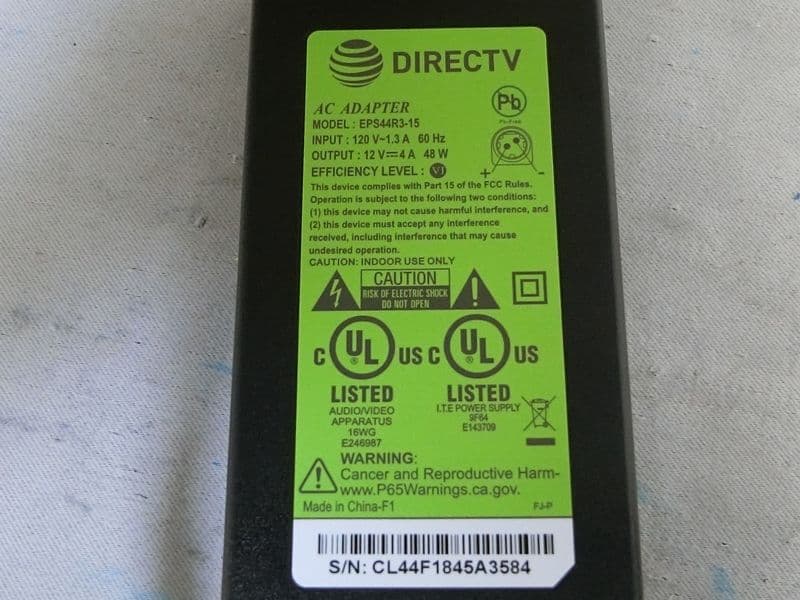
O6ZHR54R1-500
Jan 11, 2024Digital Satellite Receiver
Equipment Class
NII - Unlicensed National Information Infrastructure TX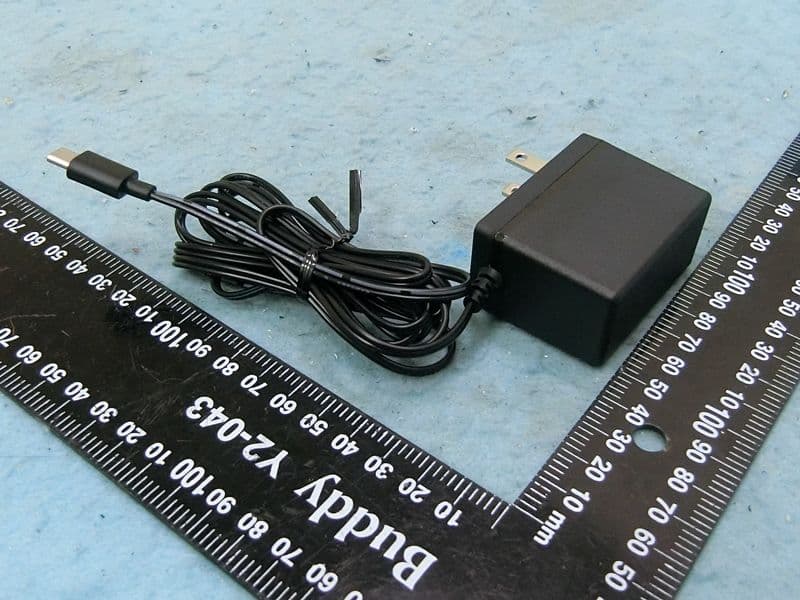
O6ZP21KW
Dec 05, 2022Wireless Streaming Device
Equipment Class
NII - Unlicensed National Information Infrastructure TX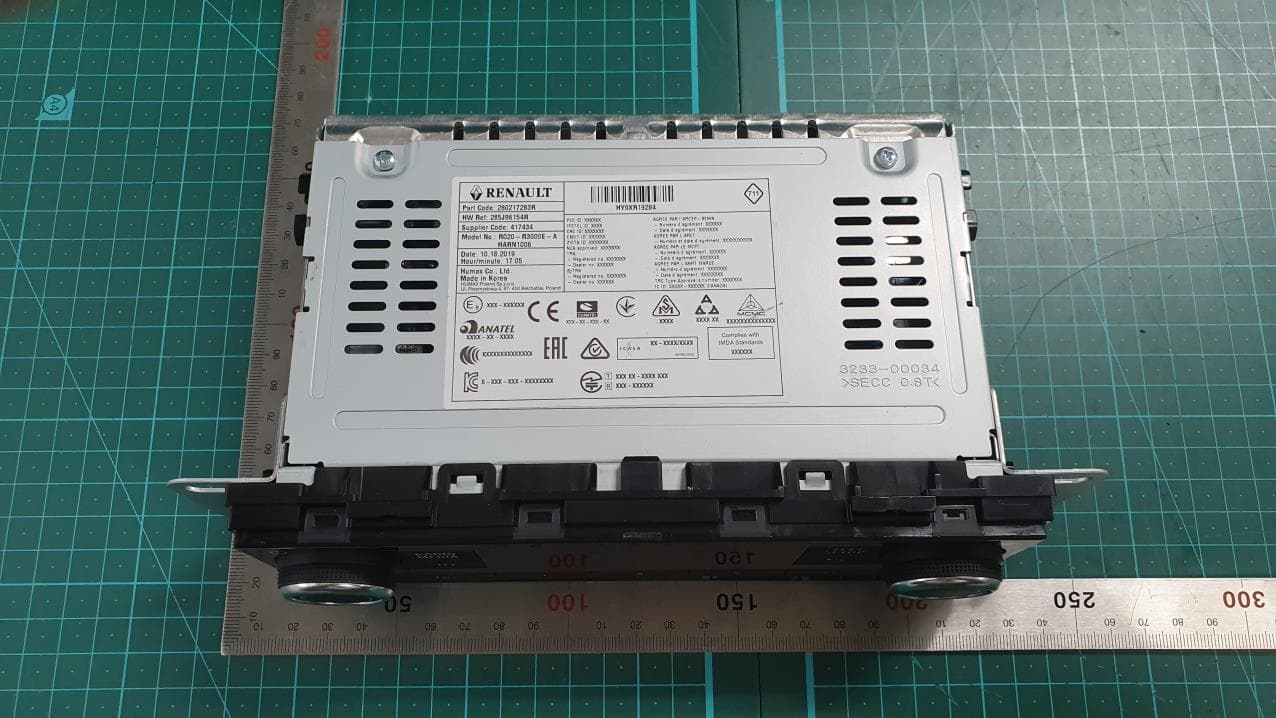
O6Z-HARN1006
Jan 21, 2020CAR AUDIO
Equipment Class
DSS - Part 15 Spread Spectrum Transmitter
O6ZC61-500
Dec 22, 2015Client Receiver
Equipment Class
DTS - Digital Transmission System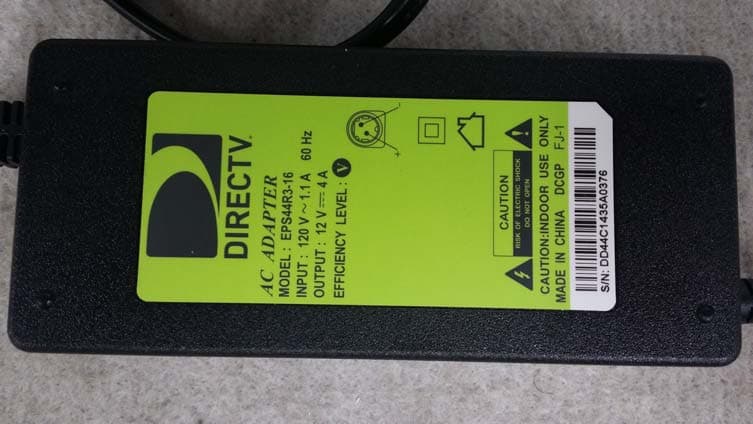
O6ZH44
May 21, 2015Direc TV Satellite Receiver
Equipment Class
DTS - Digital Transmission System