OU9LS502-E01DATA BRIDGE
Guangdong Transtek Medical Electronics Co.,Ltd
Click to zoom
Application Details
- Equipment Class
- CYY - Communications Receiver used w/Pt 15 Transmitter
- Date of Grant
- Dec 12, 2012
- Application Purpose
- Original Equipment
- Date of Application
- Dec 12, 2012
- Equipment Note
- DATA BRIDGE
- Frequency Range
- 915.50000000 - 916.50000000
- Country
- China
Documents & Files
Document Text
Text extracted from the exhibit documents filed with the FCC. Open a document above to read the original.
Users Manual
LS901-E Product structure Power Adaptor SocketBroadband Interface WAN Light LAN LightInternet Cable Power AdaptorReset Button Before using 1 Open Broadband Service 2 Environmental Requirements of Area Network Open standard broadband service,such as telecommunication, Great Wall, Unicom, Railcom PC automatically connect to the network via router, User can enter into base station installation steps directly. PC not connect to the network via router, User can buy a router, refer to the user manual to set up the router to autodial and connect to the network. Unable to distinguish whether PC connect to the network via router. 1) Turn on PC, if PC automatically connect to the network, which indicates PC automatically connect to the network via router.(Please refer to ) 2) Turn on PC, if PC need to autodial to connect to the network, which indicates PC not connect to the network via router. (Please refer to ) (Everytime connecting the network, if the screen display dail-up interface, which indicates PC not connect to the network via router) Install data bridge 1 Use power adaptor to connect power source and bridge. 2 Use internet cable to connect bridge with LAN interface of the router. 3 When WAN and LAN light on the bridge turns green, which indicates the connection is successful. To prevent the product hurting people during using and prolong product lifetime, please follow below rules. Caution Symbol Meaning About battery use Disassemble forbidden Regular instruction Forbidden Avoid the water, dust and others on the adapter. When the surface of the adapter is broken, please do not use it. Please do not disassemble or repair the adapter without professional instruction. Please keep your hands dry to install the data bridge. Data bridge will cache data due to network problem. Please turn off the power and network during a lightning storm. Data bridge only applies to Lifesense dedicated power adaptor, please don’t use other type. For unprofessional person, please don’t teardown it alone. Please put the data bridge at cool and dry place. Please don’t immerse in water or liquid. Product instruction About product daily maintenance Please do not disassemble the products without professional people ‘s instruction. 1 Using the wet clothing to remove the dirt on the product. 2 Please put liquid soap on the cloth, and wring out it to wipe out the dirt on the surface, at the end pls use dry cloth to wipe. 1) If DHCP function on router was open, press reset button for a moment on bridge to make it reset to factory defaults 2) If DHCP function on router wasn’t open, pls refer to IP setting up method on bridge (page 5) Trouble shooting Symptom Power connecting error Data bridge connect to the router is abnormal LAN lights up, WAN is shining Fault causeSolution LAN and WAN light turns green, data was sucessfully sent from device, but not shown in health center PC can enter the internet But bridge can’t enter the internet Not choose user for the device Please check the power connecting situation of the data bridge Please add user in device management interface Please go to get the data from device management interface 1) Please check the power connecting situation of the router 2) Please check the connecting situation between bridge and router Turn on power, LAN and WAN light is shining Turn on power, LAN and WAN light is dark Data can’t automatically distinguish the user Advanced setting (Attention: only for user whose DHCP function on router wasn’t open) 1 Press reset button, and hold it more than 5 seconds LAN and WAN light shining at the same time, pls loose the button. 2 Connect bridge to PC by internet cable directly 3 Setting up the network on PC and save, pls refer to below image: 5 If setting up is successful, below interface will shown. Bridge will reset and run automatically, setting begin to take effect. Please try to set again. 6 If setting up is fail, below interface will shown: 4 Open IE browser, put http://192.168.1.2/ into the address column, enter into the address, below interface will shown. If choose automatically get IP address, for DNS address we can choose automatically or manually put in. If choose manually put in IP address, for DNS address we have to manually put in accordingly. Specifications SolutionParameter Product name Product dimension Product Weight Display Internet cable Power RF distance Match distance LS901-E 100 x 58 x 24mm 62g 2 green LED light 1m, with RJ45 socket DC 5.0V ≤30m ≤1m Normal working condition Storage & transportation condition Working atmospheric pressure Storage & transportation atmospheric pressure Temperature:Humidity: Temperature:Humidity: 80kPa ~ 105kPa 80kPa ~ 105kPa 1415 This device complies with Part 15 of the FCC Rules. Operation is subject to the following two conditions: (1) this device may not cause harmful interference, and (2) this device must accept any interference received, including interference that may cause undesired operation. Caution: The user is cautioned that changes or modifications not expressly approved by the party responsible for compliance could void the user's authority to operate the equipment. Note: This equipment has been tested and found to comply with the limits for a Class B digital device, pursuant to part 15 of the FCC Rules. These limits are designed to provide reasonable protection against harmful interference in a residential installation. This equipment generates, uses and can radiate radio frequency energy and, if not installed and used in accordance with the instructions, may cause harmful interference to radio communications. However, there is no guarantee that interference will not occur in a particular installation. If this equipment does cause harmful interference to radio or television reception, which can be determined by turning the equipment off and on, the user is encouraged to try to correct the interference by one or more of the following measures: —Reorient or relocate the receiving antenna. —Increas…
Text truncated - open the document above for the full version.
Cover Letter(s)
Zhongshan Transtek Electronics Co., Ltd. Jin’an Road, Minzhong, Zhongshan 528441, Guangdong, China Federal Communications Commission Authorization and Evaluation Division Confidentiality Request regarding application for certification of FCC ID: OU9LS502-E01. Pursuant to Sections 0.457 and 0.459 of the Commission’s Rules, we hereby request confidential treatment of information accompanying this application as outlined below: Exhibit Type File Name Block Diagram OU9LS502-E01 Block Diagram.pdf Schematics OU9LS502-E01 Schematics.pdf Operational Description OU9LS502-E01 Operational Description.pdf BOM OU9LS502-E01 BOM.pdf The above materials contain trade secrets and proprietary information not customarily released to the public. The public disclosure of these materials may be harmful to the applicant and provide unjustified benefits to its competitors. The applicant understands that pursuant to Section 0.457 of the Rules, disclosure of this application and all accompanying documentation will not be made before the date of the Grant for this application. Sincerely, ----------------------------------------------- Terry Chen / Compliance Engineer Company Name: Zhongshan Transtek Electronics Co., Ltd. Tel: +86-760-8828 2982-8 Fax: +86-760-85339231 Email: [email protected]
External Photos
External Photos
Internal Photos
Internal Photos
Test Report
SGS-CSTC Standards Technical Services Co., Ltd. 198 Kezhu Road, Scientech Park, Guangzhou Economic & Technological Development District, Guangzhou, China 510663 Telephone: +86 (0) 20 82155555 Fax: +86 (0) 20 82075059 Email: [email protected] Report No.: GZEM120700300901 Page: 1 of 20 FCC ID: OU9LS502-E01 Authorized Signature: Strong Yao Manager The manufacturer should ensure that all products in series production are in conformity with the product sample detailed in this report. If the product in this report is used in any configuration other than that detailed in the report, the manufacturer must ensure the new system complies with all relevant standards. The report must not be used by the client to claim product certification, approval, or endorsement by NVLAP, NIST, or any agency of the federal government. All test results in this report can be traceable to National or International Standards. This document is issued by the Company subject to its General Conditions of Service printed overleaf, available on request or accessible at www.sgs.com/terms_and_conditions.htm and, for electronic format documents, subject to Terms and Conditions for Electronic Documents at www.sgs.com/terms_e-document.htm. Attention is drawn to the limitation of liability, indemnification and jurisdiction issues defined therein. Any holder of this document is advised that information contained hereon reflects the Company’s findings at the time of its intervention only and within the limits of Client’s instructions, if any. The Company’s sole responsibility is to its Client and this document does not exonerate parties to a transaction from exercising all their rights and obligations under the transaction documents. This document cannot be reproduced except in full, without prior written approval of the Company. Any unauthorized alteration, forgery or falsification of the content or appearance of this document is unlawful and offenders may be prosecuted to the fullest extent of the law. Unless otherwise stated the results shown in this test report refer only to the sample(s) tested and such sample(s) are retained for 90 days only 1 Cover Page TEST REPORT Application No.: GZEM1207003009RF Applicant: Zhongshan Transtek Electronics Co., Ltd. FCC ID: OU9LS502-E01 Product Name: data bridge Product Description: Wireless data bridge with 915MHz as carrier Model No: LS901-E Standards: FCC PART 15 SUBPART B:2010 Date of Receipt: 2012-08-03 Date of Test: 2012-08-04 to 2012-10-24 Date of Issue: 2012-11-05 Test Result : Pass* * In the configuration tested, the EUT complied with the standards specified above. SGS-CSTC Standards Technical Services Co., Ltd. Report No.: GZEM120700300901 Page: 2 of 20 FCC ID: OU9LS502-E01 This document is issued by the Company subject to its General Conditions of Service printed overleaf, available on request or accessible at www.sgs.com/terms_and_conditions.htm and, for electronic format documents, subject to Terms and Conditions for Electronic Documents at www.sgs.com/terms_e-document.htm. Attention is drawn to the limitation of liability, indemnification and jurisdiction issues defined therein. Any holder of this document is advised that information contained hereon reflects the Company’s findings at the time of its intervention only and within the limits of Client’s instructions, if any. The Company’s sole responsibility is to its Client and this document does not exonerate parties to a transaction from exercising all their rights and obligations under the transaction documents. This document cannot be reproduced except in full, without prior written approval of the Company. Any unauthorized alteration, forgery or falsification of the content or appearance of this document is unlawful and offenders may be prosecuted to the fullest extent of the law. Unless otherwise stated the results shown in this test report refer only to the sample(s) tested and such sample(s) are retained for 90 days only. 2 Version Revision Record Version Chapter Date Modifier Remark 00 2012-11-05 Original Authorized for issue by: Tested By 2012-08-04 to 2012-10-24 (Storm Shu) /Project Engineer Date Prepared By 2012-10-29 (Storm Shu) /Clerk Date Checked By 2012-11-05 (Strong Yao) /Reviewer Date SGS-CSTC Standards Technical Services Co., Ltd. Report No.: GZEM120700300901 Page: 3 of 20 FCC ID: OU9LS502-E01 This document is issued by the Company subject to its General Conditions of Service printed overleaf, available on request or accessible at www.sgs.com/terms_and_conditions.htm and, for electronic format documents, subject to Terms and Conditions for Electronic Documents at www.sgs.com/terms_e-document.htm. Attention is drawn to the limitation of liability, indemnification and jurisdiction issues defined therein. Any holder of this document is advised that information contained hereon reflects the Company’s findings at the time of its intervention only and within the limits of Client’s instructions, if any. The Company’s sole responsibility is to its Client and this document does not exonerate parties to a transaction from exercising all their rights and obligations under the transaction documents. This document cannot be reproduced except in full, without prior written approval of the Company. Any unauthorized alteration, forgery or falsification of the content or appearance of this document is unlawful and offenders may be prosecuted to the fullest extent of the law. Unless otherwise stated the results shown in this test report refer only to the sample(s) tested and such sample(s) are retained for 90 days only. 3 Test Summary Electromagnetic Interference (EMI) Test Test Requirement Test Method Class / Severity Result Conducted Emission (150 KHz to 30 MHz) FCC PART 15 SUBPART B ANSI C63.4 Class B PASS Radiated Emission (30 MHz to 1 GHz) FCC PART 15 SUBPART B ANSI C63.4 Class B PASS Radiated Emission above 1 GHz FCC PART 15 SUBPART B ANSI C63.4 Class B PASS Remark : EUT: In this whole report EUT means Equipment Under…
Text truncated - open the document above for the full version.
Test Setup Photos
Test Setup Photos Conducted Emissions Mains Terminals Test Setup Radiated Emissions, 30 MHz to 1 GHz Test Setup Radiated Emissions above 1 GHz Test Setup
Contact Information
Applicant
Jerry Fan(RA Manager)
Test Firm
SGS-CSTC Standards Technical Services Co., LtdJerry Chan
Technical Specifications
| # | Rule Parts | Frequency Range | Power Output |
|---|---|---|---|
| 1 | 15B | 915.5 MHz - 916.5 MHz | - |
Other Applications from Guangdong Transtek Medical Electronics Co.,Ltd
OU9SFX66AA01
Aug 24, 2026Body Fat Scale
Equipment Class
PCB - PCS Licensed TransmitterOU9BB2284-AE01
Sep 02, 2024Blood Pressure monitor
Equipment Class
DTS - Digital Transmission System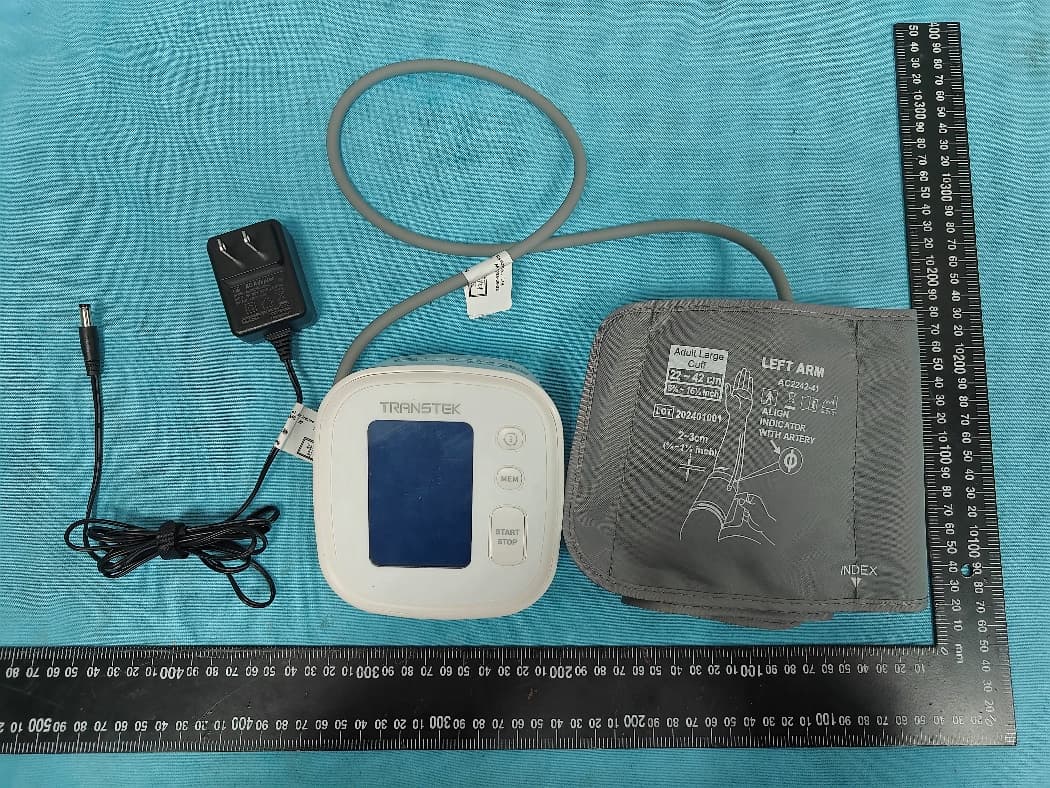
OU9BB-1597-G
Aug 08, 2024Blood Pressure monitor
Equipment Class
PCB - PCS Licensed Transmitter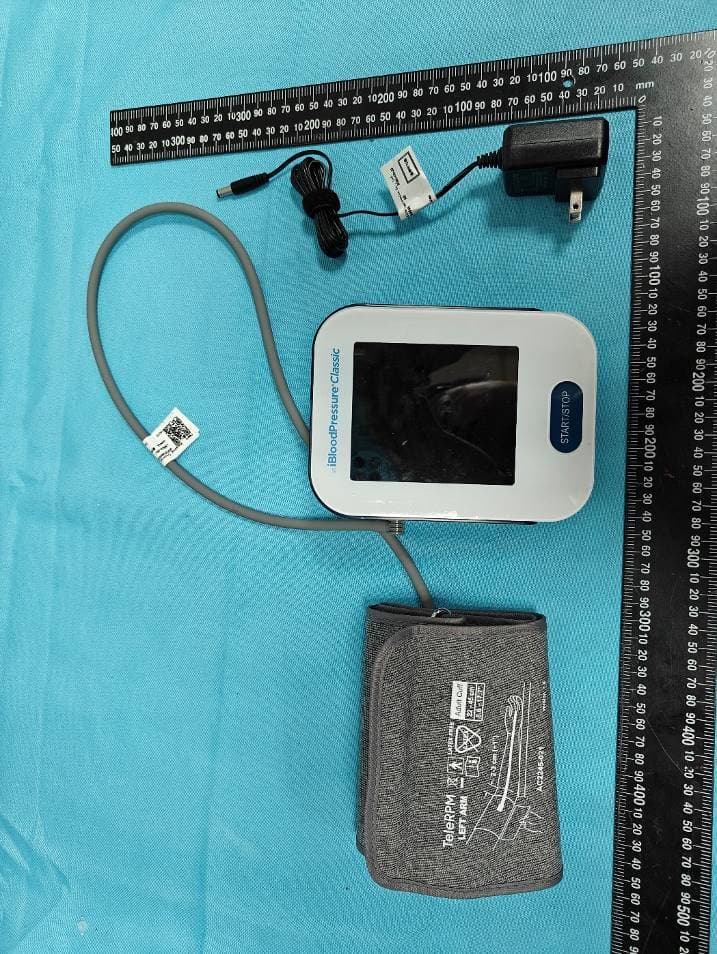
OU9LS802GAM2
Jun 16, 2024Blood pressure monitor
Equipment Class
PCB - PCS Licensed Transmitter
OU9-TMB2287B
Oct 15, 2023Blood pressure monitor
Equipment Class
DTS - Digital Transmission System