OYCBT022Wireless water proof speakers
Dongguan Taide Industrial Co., Ltd.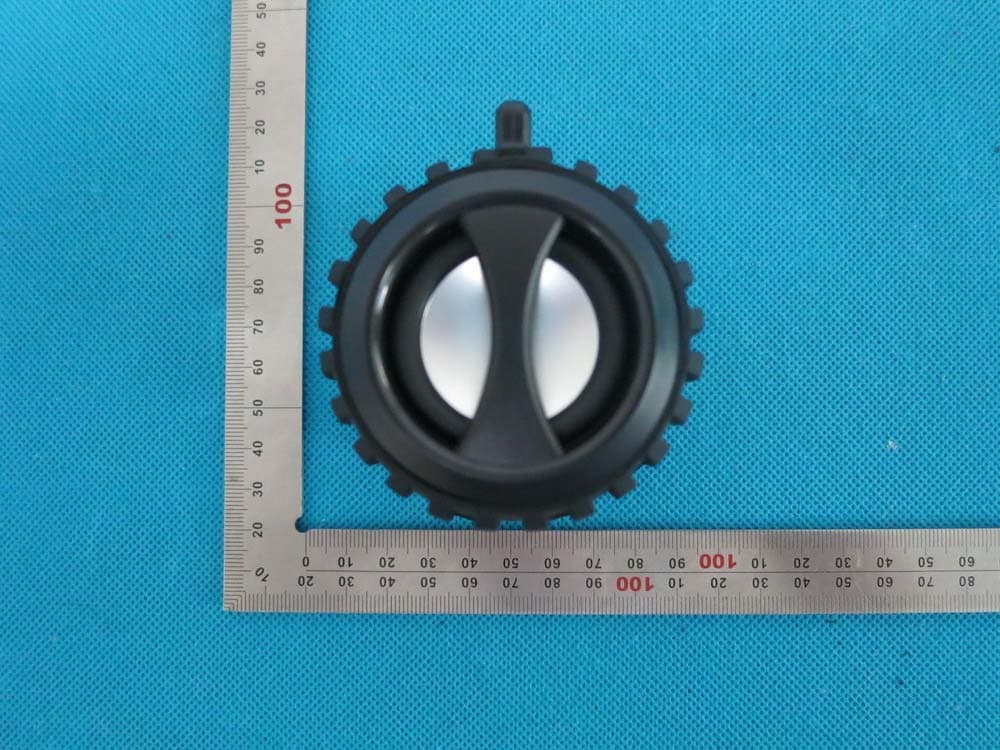
Click to zoom
Application Details
- Equipment Class
- DSS - Part 15 Spread Spectrum Transmitter
- Date of Grant
- Aug 28, 2014
- Application Purpose
- Original Equipment
- Date of Application
- Aug 28, 2014
- Equipment Note
- Wireless water proof speakers
- Frequency Range
- 2402.00000000 - 2480.00000000
- Country
- China
Documents & Files
Document Text
Text extracted from the exhibit documents filed with the FCC. Open a document above to read the original.
Users Manual
User Manual Model name:BT022 Brand name:IKANOO FCC ID:OYCBT022 Dear user, Thank you very much for choosing BT022 Bluetooth Portable Speaker. Please read this user manual carefully in order to operate this device correctly and bring its excellent performance. I. NOTICE Please store and use this product at normal temperature; DO NOT expose this product to rain or damp; DO NOT toss this product and prevent it from falling and being damaged; DO NOT disassemble, repair and modify this product; As it is inbuilt with lithium battery, DO NOT cast or place it in fire to avoid danger! II. KIND REMINDER 1. To prolong the speaker‘s life span and for your physical and mental health, please don't listen to music under big volume for a long time to avoid hearing damage. 2. When something wrong with the speaker, please immediately shut off the power switch, plug off the USB, to prevent the speaker and other parts are damaged. 3. Power shortage will affect Bluetooth distance or Bluetooth easy to disconnect, please charge in time. III. OVERVIEW 1.“ /”:Click “pause” during playing and click “play” when it is paused. Click to answer the phone when there is a Bluetooth call, click it again to hang up and keep pressing it to refuse the call. Keep 2.5 seconds to disconnect the Bluetooth device. 2.“- ” :down selection key. Long press to select the previous music. Short press to volume down . 3.“+”: up selection key. Long press to select the next music. Short press to volume up. . 4. “ ”:Long press for 2.5 seconds to turn on the speaker,long press for 2.5 s again to turn off the speaker IV. SPECIFICATION Model: BT022 Bluetooth specification: Bluetooth V2.1 + EDR Transmission distance : ≦ 10M ( It varied when the environmental factors and the connected Bluetooth devices are different ) USB charging voltage: DC 5V/300mAh Built-in battery: Lithium battery,300mAh Frequency response: 90Hz-20KHz S/N ratio: ≥ 76dB Dimensions: φ88*40 mm V. PA C K I N G L I S T 1. Speaker * 1 2. USB cable * 1 3. User manual * 1 VI. FUNCTION DESCRIPTION BLUETOOTH OPERATION 1. Turn on the speaker. The blue indicator light will flash to detect Bluetooth enabled devices near you. The blue indicator light will go out if no Bluetooth device is detected within 5 minutes. 2. Pair the speaker with the desired Bluetooth device. 3. Play/pause as desired by pressing/. 4. When you want to play music or movie from another Bluetooth device, long press 2.5 seconds to disconnect the speaker . AUX PLAYBACK OPERATION 1. Turn on the speaker. 2. Insert an 3.5mm audio cable into the aux jack on the back of the speaker, connecting to any audio device such as mobile phones or computers with the other port. 3. press “/” to enter mute mode and re-press “/” to release sound. CHARGING THE SPEAKER The speaker has a built-in Lithium battery. The battery is rechargeable and provides approx 2.5-hour continuous operation when fully charged. Use the micro-USB cable to charge the speaker. The red indicator light will illuminate. The red indicator light will go out when the speaker is fully charged. VII. COMPATIBILITY Device equipped with BLUETOOTH 2.1+EDR or higher version (for details please refer to the relevant agreements, general specification), such as the IPAD, IPHONE (the second generation and IPHONE with updated IPHONE 3.1 software), IPOD TOUCH, MAC with Bluetooth, and most of smart phone or computer support Bluetooth. Bluetooth 2.1+EDR including agreements as:A2DP, AVRCP, HFP. VIII. TROUBLESHOOTING PROBLEM TROUBLESHOOTING Failure in connection and pairing for many times 1. Inspect whether the speaker is in the status of searching, or, restart the machine. 2. The surrounding Bluetooth equipments are plentiful, which causes the difficulty in searching. So, please close the other Bluetooth equipments. The sound is small or distorted 1. Inspect the volume of the Bluetooth equipment and adjust the volume. 2. The power of battery is insufficient, please charge it. Discontinuous music See whether the effective connection distance of sound is exceeded, or, whether there is obstacle between the speaker and the Bluetooth equipment. The indicator for Bluetooth mode is not on 1. It indicates that the power of the battery is not sufficient. Please try again after charging it. 2. Restart the machine. Hints: Another trouble, please consult the dealer or an experienced IT technician for help. PHENOMENON This device complies with part 15 of the FCC rules. Operation is subject to the following two conditions: (1) this device may not cause harmful interference, and (2) this device must accept any interference received, including interference that may cause undesired operation. Changes or modifications to this unit not expressly approved by the party responsible for compliance could void the user's authority to operate the equipment.
Cover Letter(s)
Aug.26, 2014 Federal Communication Commission Authorization and Evaluation Division FCC ID: OYCBT022 Re: Confidentiality Request Pursuant to Sections 0.457 and 0.459 of the Commission’s Rules, the applicant hereby requests confidential treatment of information applied this application as outlined below: 1: Block Diagram 2: Circuit Diagram 3: Parts List 4.Operational Description The above materials contain trade secrets and proprietary information not customarily released to the public. The public disclosure of these matters might be harmful to the applicant and provide unjustified benefits to its competitors. The Applicant understands that pursuant to Rules 0.457, disclosure of this Application and all accompanying documentation will not be made before the date of the Grant for this application. Sincerely, Dongguan Taide Industrial Co., Ltd. Contact person: Emily Lee Title: Sales
External Photos
External Photos TOP VIEW OF EUT BOTTOM VIEW OF EUT FRONT VIEW OF EUT BACK VIEW OF EUT LEFT VIEW OF EUT RIGHT VIEW OF EUT VIEW OF EUT (port)
ID Label/Location Info
FCC ID Label Location FCC ID: OYCBT022
Internal Photos
Internal Photos OPEN VIEW OF EUT-1 OPEN VIEW OF EUT-2 INTERNAL VIEW OF EUT-1 INTERNAL VIEW OF EUT-2 INTERNAL VIEW OF EUT-3 BT Antenna
Test Report
Report No.: AGC00931140801FE03 Page 1 of 67 FCC Test Report Report No.: AGC00931140801FE03 FCC ID : OYCBT022 APPLICATION PURPOSE : Original Equipment PRODUCT DESIGNATION : Wireless water proof speakers BRAND NAME : IKANOO MODEL NAME : See page 5. CLIENT : DONGGUAN TAIDE INDUSTRIAL CO., LTD. DATE OF ISSUE : Aug.25,2014 STANDARD(S) : FCC Part 15 Rules REPORT VERSION : V1.0 Attestation of Global Compliance (Shenzhen) Co., Ltd CAUTION: This report shall not be reproduced except in full without the written permission of the test laboratory and shall not be quoted out of context. Report No.: AGC00931140801FE03 Page 2 of 67 Report Revise Record Report Version Revise Time Issued Date Valid VersionNotes V1.0 / Aug.25,2014 Valid Original Report Report No.: AGC00931140801FE03 Page 3 of 67 TABLE OF CONTENTS 1. VERIFICATION OF CONFORMITY ...................................................................................... 5 2. GENERAL INFORMATION .................................................................................................. 6 2.1. PRODUCT DESCRIPTION ........................................................................................................... 6 2.2. TABLE OF CARRIER FREQUENCYS .......................................................................................... 6 2.3. RECEIVER INPUT BANDWIDTH ................................................................................................. 7 2.4. EXAMPLE OF A HOPPING SEQUENCY IN DATA MODE ........................................................... 7 2.5. EQUALLY AVERAGE USE OF FREQUENCIES AND BEHAVIOUR ............................................ 7 2.6. RELATED SUBMITTAL(S) / GRANT (S) ....................................................................................... 8 2.7. TEST METHODOLOGY................................................................................................................ 8 2.8. SPECIAL ACCESSORIES ............................................................................................................ 8 2.9. EQUIPMENT MODIFICATIONS ................................................................................................... 8 3. MEASUREMENT UNCERTAINTY........................................................................................ 9 4. DESCRIPTION OF TEST MODES ........................................................................................ 9 5. SYSTEM TEST CONFIGURATION .................................................................................... 10 5.1. CONFIGURATION OF EUT SYSTEM ........................................................................................ 10 5.2. EQUIPMENT USED IN EUT SYSTEM ....................................................................................... 10 5.3. SUMMARY OF TEST RESULTS ................................................................................................ 10 6. TEST FACILITY .................................................................................................................. 11 7. PEAK OUTPUT POWER .................................................................................................... 12 7.1. MEASUREMENT PROCEDURE ................................................................................................ 12 7.2. TEST SET-UP (BLOCK DIAGRAM OF CONFIGURATION) ....................................................... 12 7.3. LIMITS AND MEASUREMENT RESULT .................................................................................... 13 8. 20DB BANDWIDTH ............................................................................................................ 19 8.1. MEASUREMENT PROCEDURE ................................................................................................ 19 8.2. TEST SET-UP (BLOCK DIAGRAM OF CONFIGURATION) ....................................................... 19 8.3. LIMITS AND MEASUREMENT RESULTS .................................................................................. 19 9. CONDUCTED SPURIOUS EMISSION ............................................................................... 26 9.1. MEASUREMENT PROCEDURE ................................................................................................ 26 9.2. TEST SET-UP (BLOCK DIAGRAM OF CONFIGURATION) ....................................................... 26 9.3. MEASUREMENT EQUIPMENT USED ....................................................................................... 26 9.4. LIMITS AND MEASUREMENT RESULT .................................................................................... 26 10. RADIATED EMISSION ..................................................................................................... 30 10.1. MEASUREMENT PROCEDURE .............................................................................................. 30 10.2. TEST SETUP ............................................................................................................................ 32 10.3. TEST RESULT (Worst Modulation: GFSK) ............................................................................... 33 Report No.: AGC00931140801FE03 Page 4 of 67 11. BAND EDGE EMISSION .................................................................................................. 45 11.1. MEASUREMENT PROCEDURE .............................................................................................. 45 11.2. TEST SET-UP ........................................................................................................................... 45 11.3. TEST RESULT(Worst Modulation: GFSK) ................................................................................ 46 12. NUMBER OF HOPPING FREQUENCY ............................................................................ 50 12.1. MEASUREMENT PROCEDURE .............................................................................................. 50 12.2. TEST SETUP (BLOCK DIAGRAM OF CONFIGURATION) ...…
Text truncated - open the document above for the full version.
Test Setup Photos
APPENDIX IV PHOTOGRAPHS OF TEST SETUP FCC LINE CONDUCTED EMISSION TEST SETUP FCC RADIATED EMISSION TEST SETUP
Contact Information
Applicant
Emily Lee(Sales)
Test Firm
Attestation of Global Compliance Shenzhen Co. Ltd.Forrest Lei
Technical Specifications
| # | Rule Parts | Frequency Range | Power Output |
|---|---|---|---|
| 1 | 15C | 2.40 GHz - 2.48 GHz | 3.00 mW |
Other Applications from Dongguan Taide Industrial Co., Ltd.
OYCBT018
Dec 13, 2015Wireless Speakers
Equipment Class
DXX - Part 15 Low Power Communication Device Transmitter
OYC3962B
Jun 10, 2015Bluetooth speaker
Equipment Class
DXX - Part 15 Low Power Communication Device Transmitter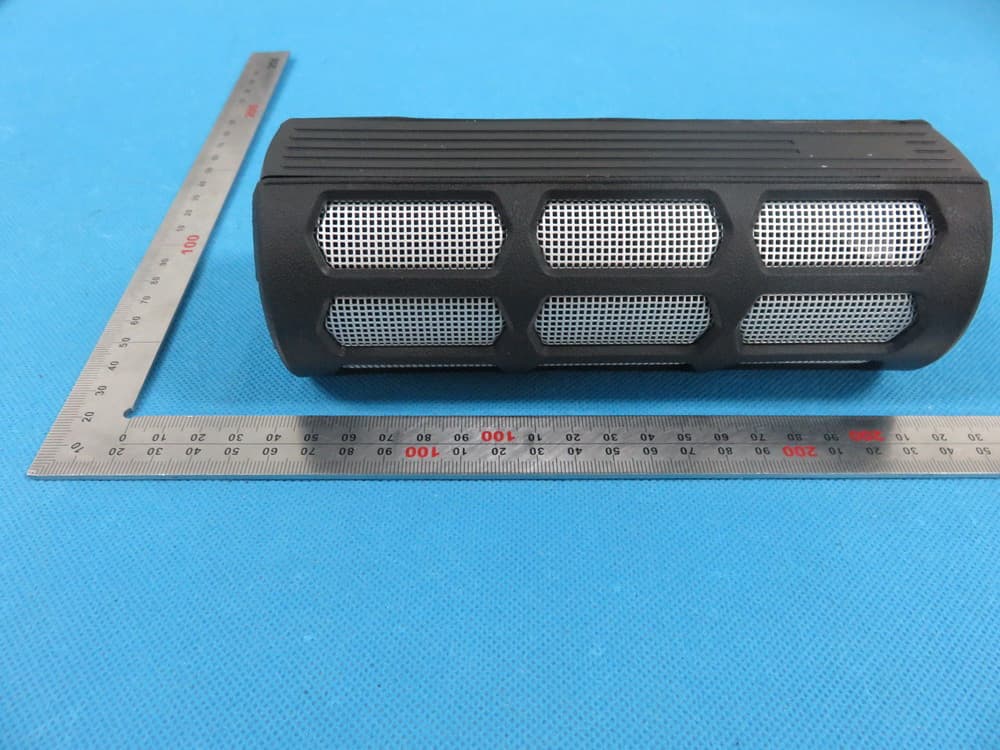
OYCBT048
Jun 09, 2015Bluetooth speaker
Equipment Class
DXX - Part 15 Low Power Communication Device Transmitter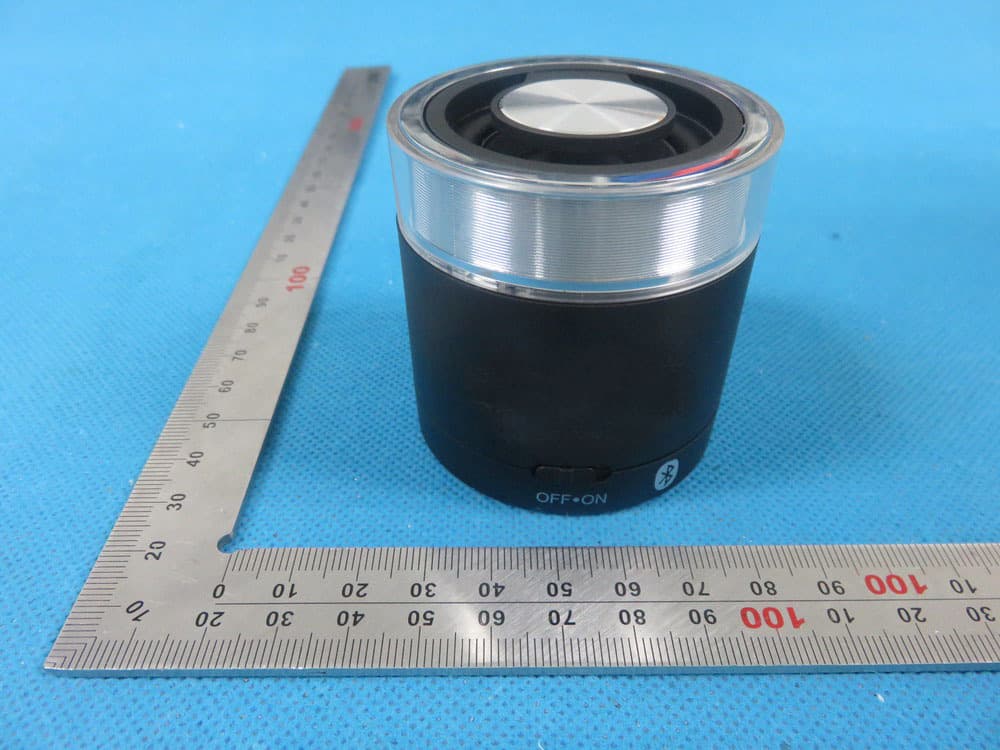
OYCBT015
Jun 07, 2015Bluetooth speaker
Equipment Class
DXX - Part 15 Low Power Communication Device Transmitter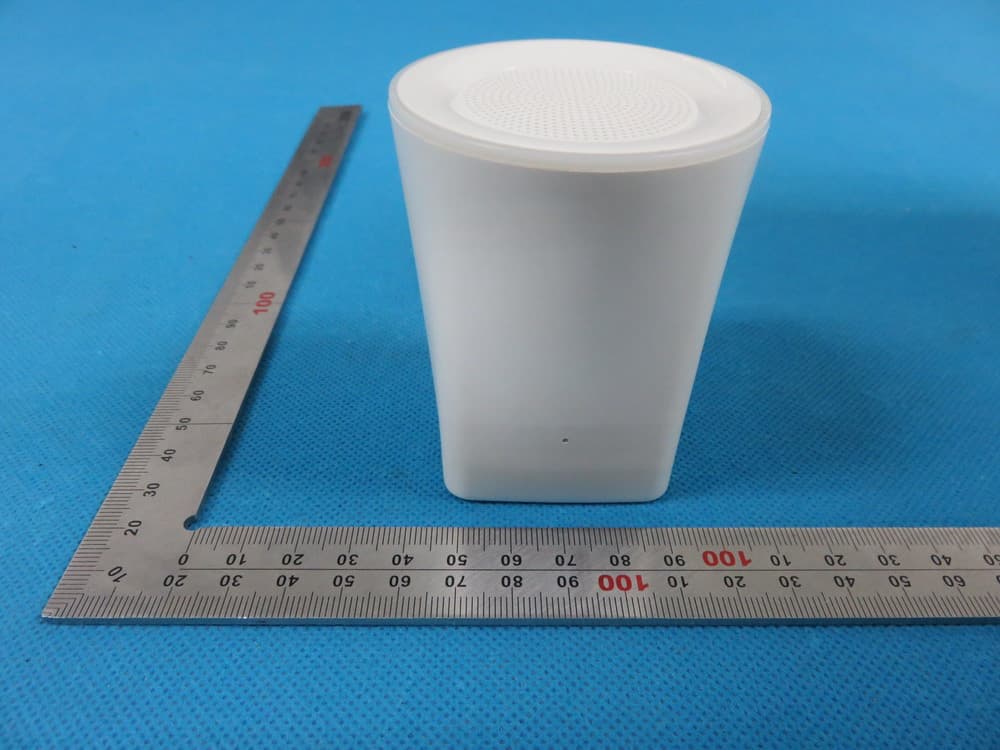
OYCBT074
Jun 05, 2015Bluetooth Speaker
Equipment Class
DXX - Part 15 Low Power Communication Device Transmitter