P3HSPR1-1DIGITAL SATELLITE RADIO W/FM TX
Ki Ryung Electronics Co., Ltd.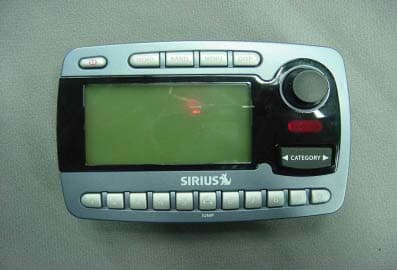
Click to zoom
Application Details
- Equipment Class
- DXX - Part 15 Low Power Communication Device Transmitter
- Date of Grant
- Aug 15, 2004
- Application Purpose
- Original Equipment
- Date of Application
- Aug 15, 2004
- Equipment Note
- DIGITAL SATELLITE RADIO W/FM TX
- Frequency Range
- 88.10000000 - 107.90000000
- Country
- South Korea
Documents & Files
Document Text
Text extracted from the exhibit documents filed with the FCC. Open a document above to read the original.
Users Manual
SP-R1 Satellite Radio Receiver User Guide Sportster SP-R1 User Guide 2 CONGRATULATIONS! Your new Sirius Sportster™ SP-R1 portable Plug-n-Play Receiver kit lets you enjoy SIRIUS® Satellite Radio’s digital entertainment anywhere you’ve installed the SP-H1 Home DockingStation, SP-C1 Mobile Docking Station or the SP-B1 Portable Boombox (each sold separately). Use thismanual to familiarize yourself with all of Sirius Sportster’s features and capabilities. For the latestinformation about this and other Sirius Sportster products, visit www.sirius.com Box Contents .. ................................................................. 3 Safety Precautions .......................................................... 3 Receiver Controls and Features .................................... 6 Remote Control ............................................................... 7 Activating your SIRIUS Subscription ............................. 8 Basic Operation .............................................................. 9 Changing Channels ................................................... 9 Display Button ............................................................ 9 Search Modes (Category, Channel, Artist, Song) .. 10Direct Tuning ............................................................ 11 Setting Channel Presets .......................................... 12 Recalling Channel Presets ...................................... 12 Jump Preset Button ............................................. 12Searching for a Channel Preset (P.TUNE Mode) ... 13Preset Tune List Mode ............................................. 14 Memory (MEMO) and SongSeek (S-Seek) Functions15Game Alert .......................................................... 19 Table of Contents Menu Display Options ............................................... 19 Sirius ID ..................................... .............................. 20 Favorite T eam ......................................................... 20 Jump Settings ......................................................... 21Display Settings ...................................................... 22 Confirm Tone Options ............................................. 23 FM Transmitter ........................................................ 23 Channel Add or Skip ............................................... 24 Lock Options ....................................................... 24Audio Level ................................................... 25Antenna Aiming ..................................................... 26 Memory Options ...................................................... 26 Time-Based Features ............................................. 27 Factory Default ........................................................ 29 Troubleshooting ........................................................... 31 Specifications ............................................................... 32 Optional Accessories ................................................... 34 Warranty ....................................................................... 36 Sportster SP-R1 User Guide 3 Box ContentsUnpack your Sirius Sportster Receiver carefully andmake sure that everything listed here is present: Safety Precautions Warning Take the following precautions to prevent trafficaccidents and avoid personal injury: • Installation must be performed according to this user guide. Sirius Satellite Radio is notresponsible for issues arising from installationsnot performed according to the procedures in thismanual. • Do not install the unit where it may obstruct your view through the windshield or of your vehicle’sindicator displays. • Do not install the unit where it may hinder the function of safety devices such as an airbag.Doing so may prevent the airbag from functioningproperly in the event of an accident. • The installation and use suggestions contained in this manual are subject to any restrictions orlimitations that may be imposed by applicablelaw—the purchaser should check applicable lawfor any restrictions or limitations before installingand/or operating this unit. • Failure to follow these safety instructions and warnings may result in a serious accident. 1 x Sportster Receiver 1 x Remote Control(Batteries Not Included) If anything is missing or damaged, or if your SiriusSportster Receiver fails to operate, notify your dealerimmediately. It is recommended that you retain theoriginal carton and packing materials in case youneed to ship your Receiver in the future. Sportster SP-R1 User Guide 4 WarningTake the following precautions to prevent fire andavoid personal injury: • To avoid short circuits, never put or leave any metallic objects (coins, tools, etc.) inside the unit. • If the unit emits smoke or unusual odors, turn the power off immediately and consult your SiriusSportster retailer. • Do not drop the unit or subject it to strong shocks. • If the LCD display becomes damaged or broken, do not touch the liquid crystal fluid. The fluid canbe dangerous to your health. If the liquid crystalfluid contacts your body or clothing, immediatelywash it off with soap and water. CautionTake the following precautions to keep the unit inproper working order: • Be sure the unit is connected to a 12V DC power supply with a negative ground connection. • Do not open the unit.• Do not install the unit where it will be exposed to high levels of humidity, moisture, or dust. • When replacing a fuse, use only a new one with the proper rating. Using a fuse with the wrongrating may cause the unit to malfunction. • To prevent a short circuit when replacing a fuse, first disconnect the wiring harness. NoteIf the unit doesn’t seem to be working properly: • Turn the unit’s power off, wait 5 – 10 seconds, then turn the power on again. • If the unit still malfunctions, turn the unit’s power off, remove it from the cradle, wait 5 – 10 seconds,replace it in the cradle and turn the power back on.If the problem persists, consult your…
Text truncated - open the document above for the full version.
Cover Letter(s)
219-6 Gasan-Dong, Kumchun-Ku Seoul, 153-023, Korea Tel : 82-2-3282-2264 Fax : 82-2-864-1675 Federal Communications Commission 7435 Oakland Mills Road Columbia, MD 21046 Gentlemen: This letter is to comply with Section 0.457(d)(2)(i) pertaining to confidential material. KI RYUNG ELECTRONICS.,CO.LTD would like the following documents regarding this submission for FCC ID: P3HSPR1-1 to be kept confidential. 1. 5 Pages document schmatics. 2. 5 Pages document system block diagram. The above material contains trade secrets or technical data, which would customarily be guarded from competitors. We do not want these documents to be accessible to the general public. Sincerely,
External Photos
[External Photos]
ID Label/Location Info
IDENTIFICATION LABEL: PROPOSED FCC ID LABEL The FCC ID shall be permanently affixed to the rear side of the equipment This device complies with Part 15 of the FCC Rules. Operation is subject to the following two conditions: (1) this device may not cause harmful interference, and (2) this device must accept any interference received, including interference that may cause undesired operations. Made in Korea FCC ID : P3HSPR1-1
Internal Photos
[Internal Photos]
Operational Description
Operational Description (SP-R1) SP-R1 is a FM transmitter. It is fixed inside the vehicle and powered 12V from car battery. FM transmitter is designed to operate on frequency in the 88.1 ~ 107.9 MHz (range into 200 KHz Step) The u-com in the SP-R1 tune the OSD frequency to the car stereo select by using + CH - button. The selected frequency varies as voltage and the voltage inputs to the RF OSC port of FM stereo transmitter IC (BH1415F). The stereo audio signal is modulated the selected frequency and the modulated RF is amplified by FM stereo transmitter IC (BH1415F). The amplified RF is transmitted via transmitting antenna. All tuning and verification are performed by the manufacturer and there are adjustments which can be made by the user within the 88.1 ~ 107.9 MHz (range into 200 KHz Step). External ground is the chassis of vehicle and transmitting antenna of the EUT is built-in inside the EUT.
Contact Information
Applicant
Won-Kyu Choi(Assistant Manager)
Test Firm
Korea Testing LaboratoryJeong-Min Kim
Technical Specifications
| # | Rule Parts | Frequency Range | Power Output |
|---|---|---|---|
| 1 | 15C | 88.1 MHz - 107.9 MHz | - |
Other Applications from Ki Ryung Electronics Co., Ltd.
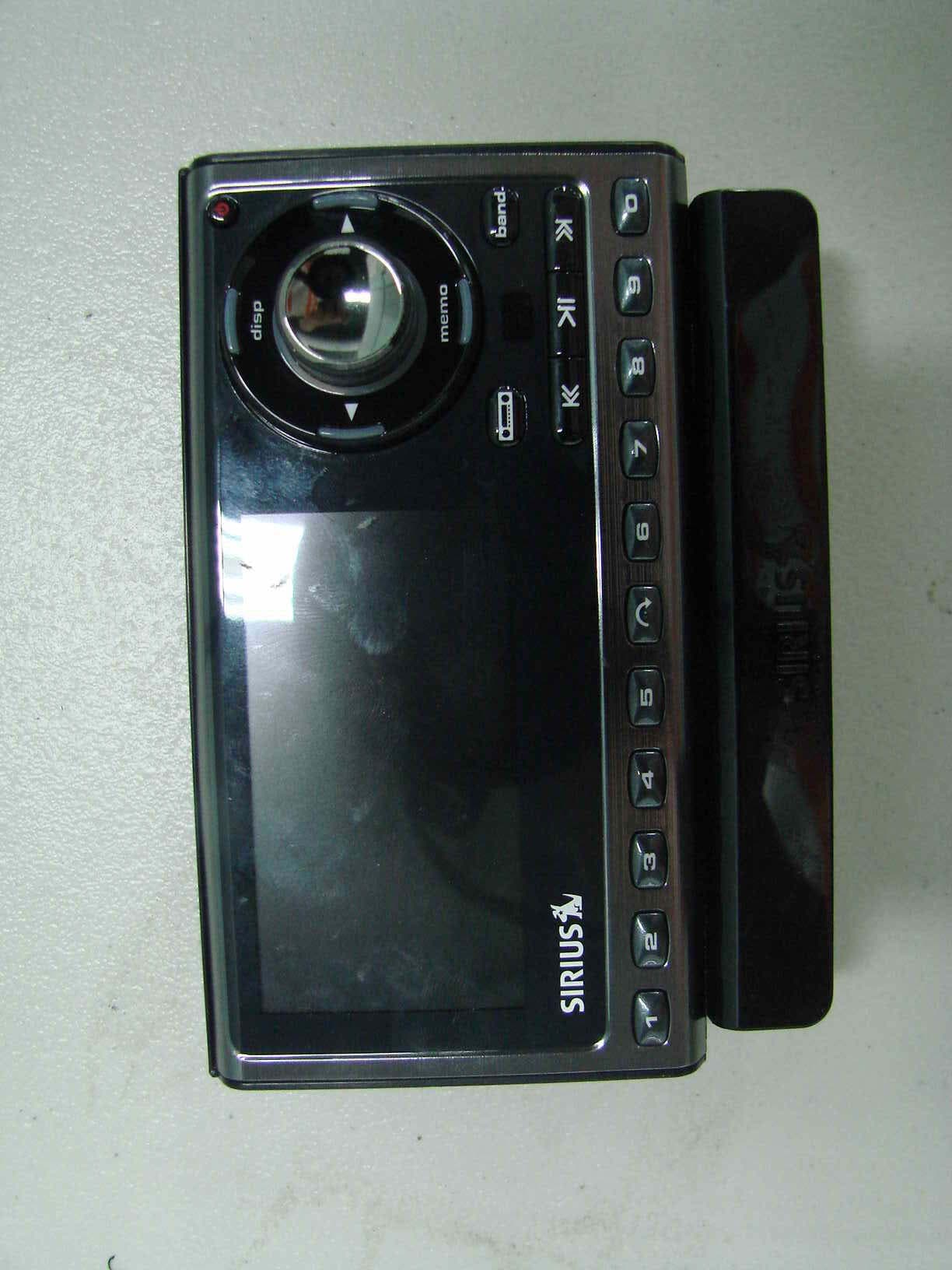
P3HSP5
Sep 10, 2007Digital Satellite Radio
Equipment Class
DXX - Part 15 Low Power Communication Device Transmitter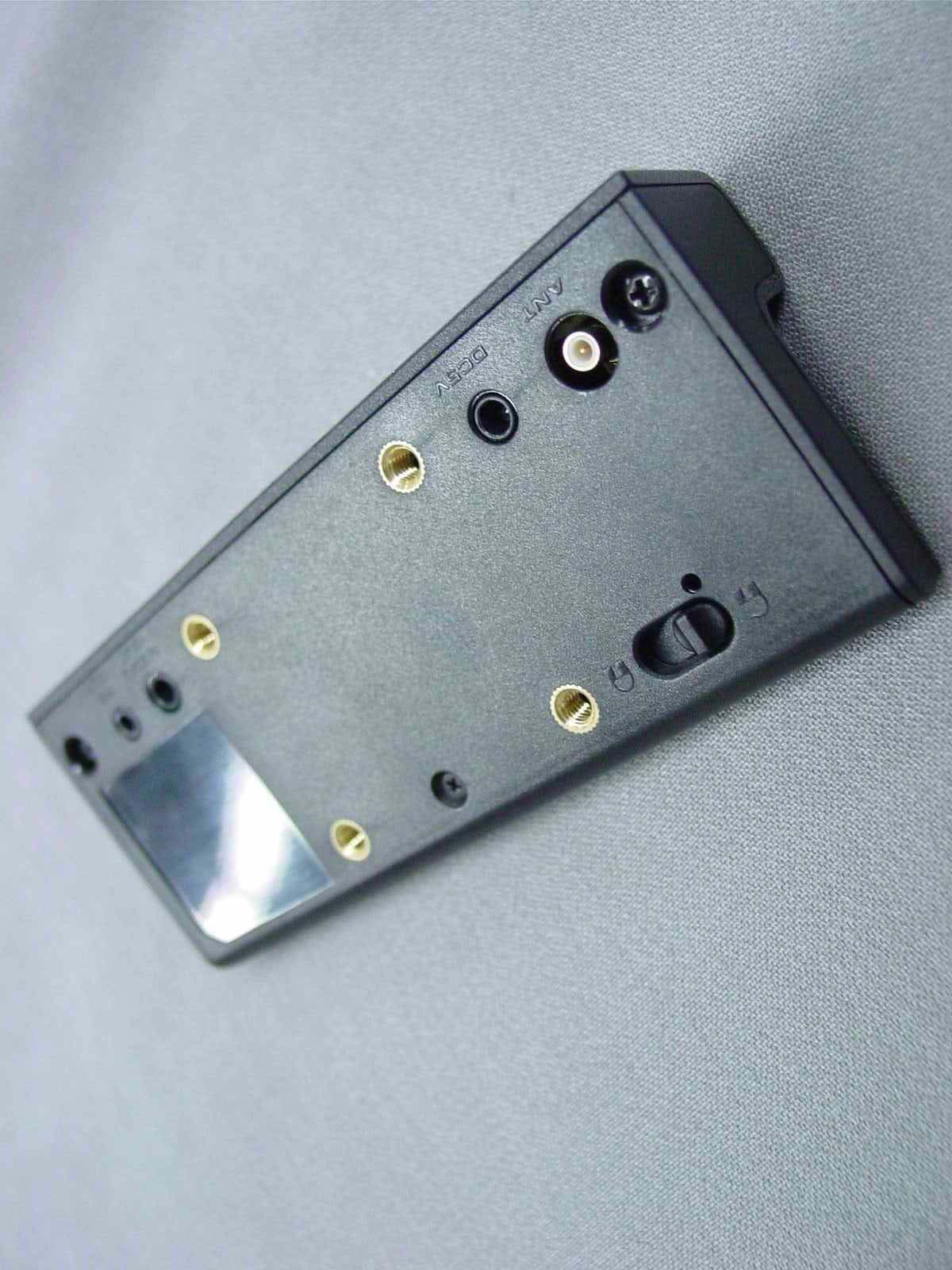
P3HSP3C
Nov 02, 2006Digital Satellite Radio w/ FM Transmitter
Equipment Class
DXX - Part 15 Low Power Communication Device Transmitter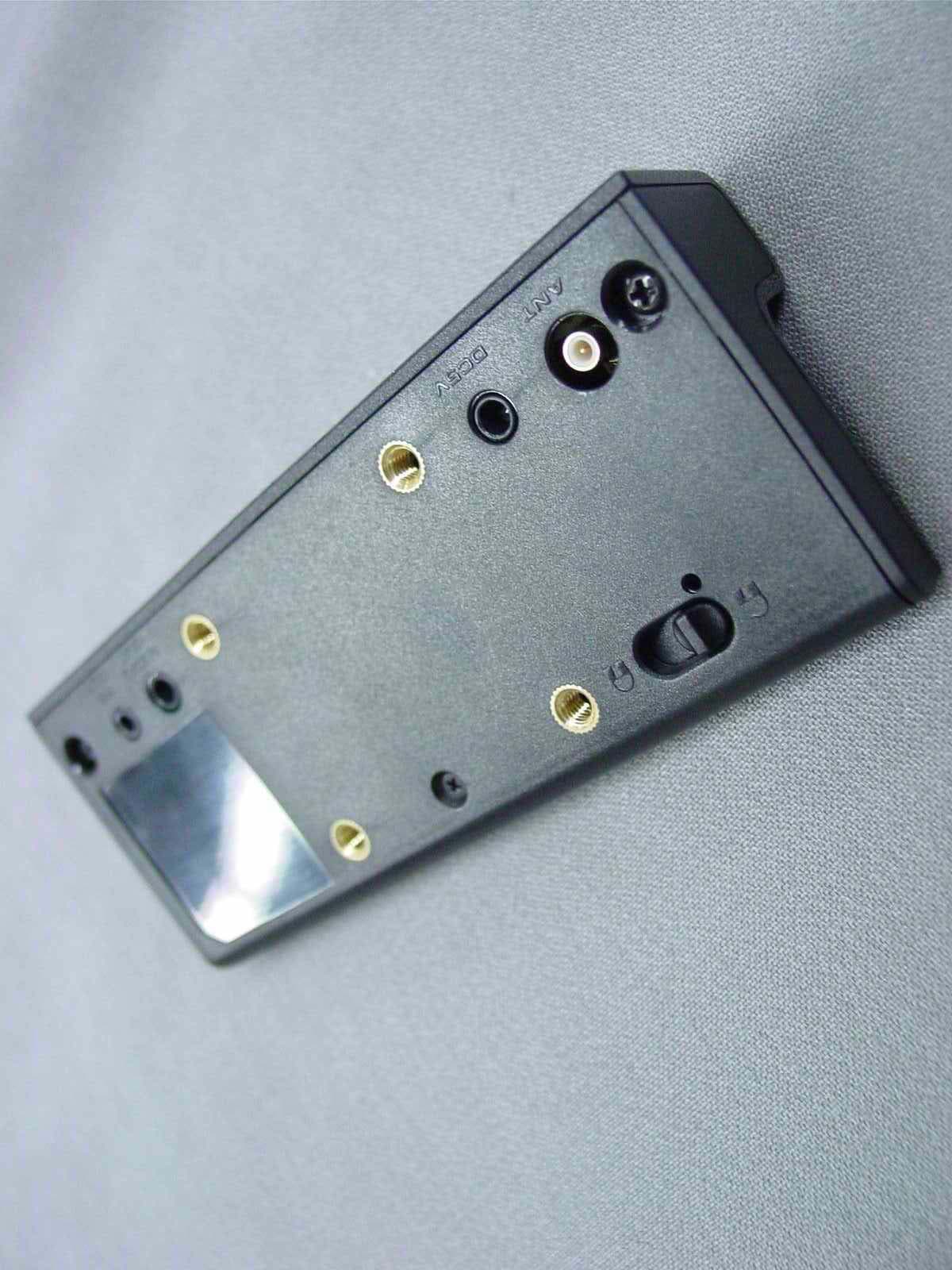
P3HSP4C
Nov 02, 2006Digital Satellite Radio w/ FM Transmitter
Equipment Class
DXX - Part 15 Low Power Communication Device Transmitter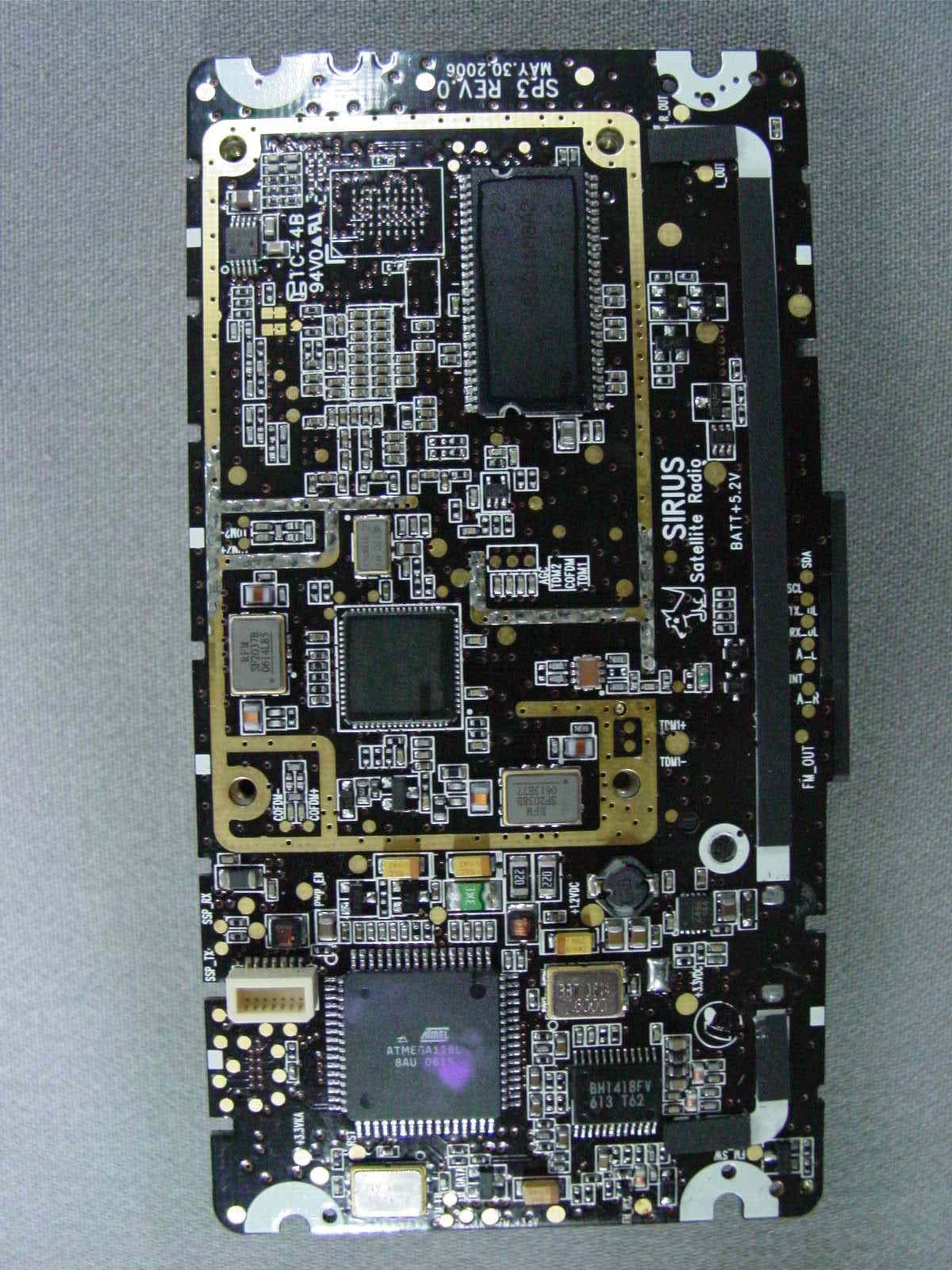
P3HNSPH-3
Oct 19, 2006Digital Satellite Radio w/FM Transmitter
Equipment Class
DXX - Part 15 Low Power Communication Device Transmitter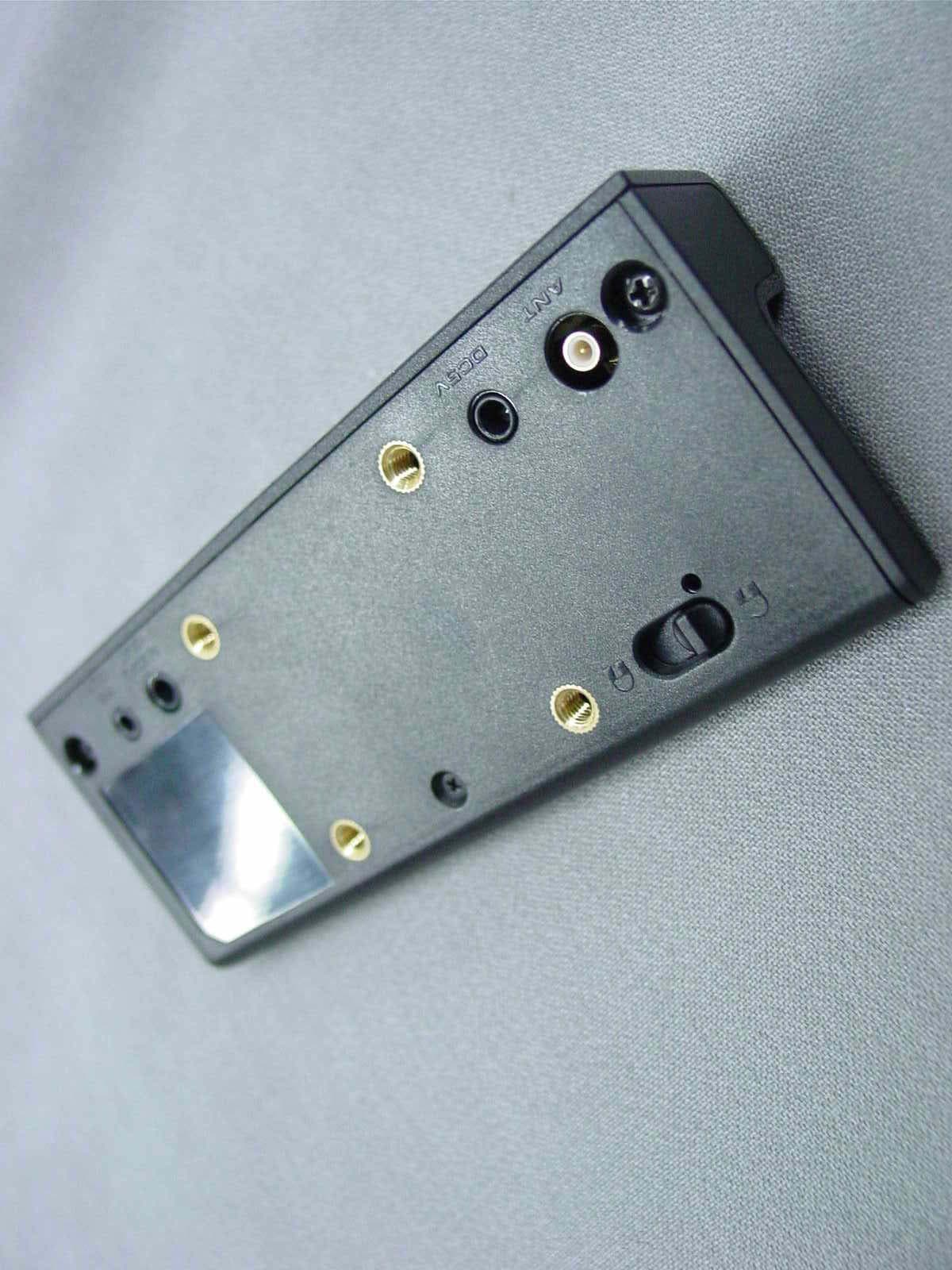
P3HNSPH4
Oct 10, 2006Digital Satellite Radio
Equipment Class
DXX - Part 15 Low Power Communication Device Transmitter