P5T-2000CFBluetooth compact Flash Card
AmbiCom Holdings, Inc.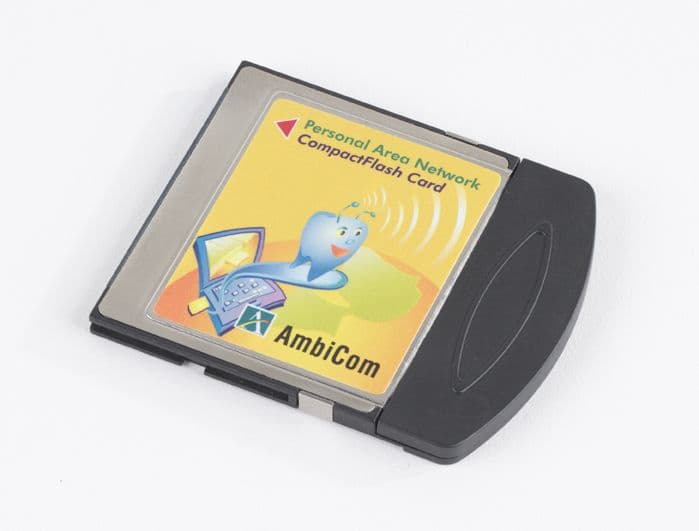
Click to zoom
Application Details
- Equipment Class
- DTS - Digital Transmission System
- Date of Grant
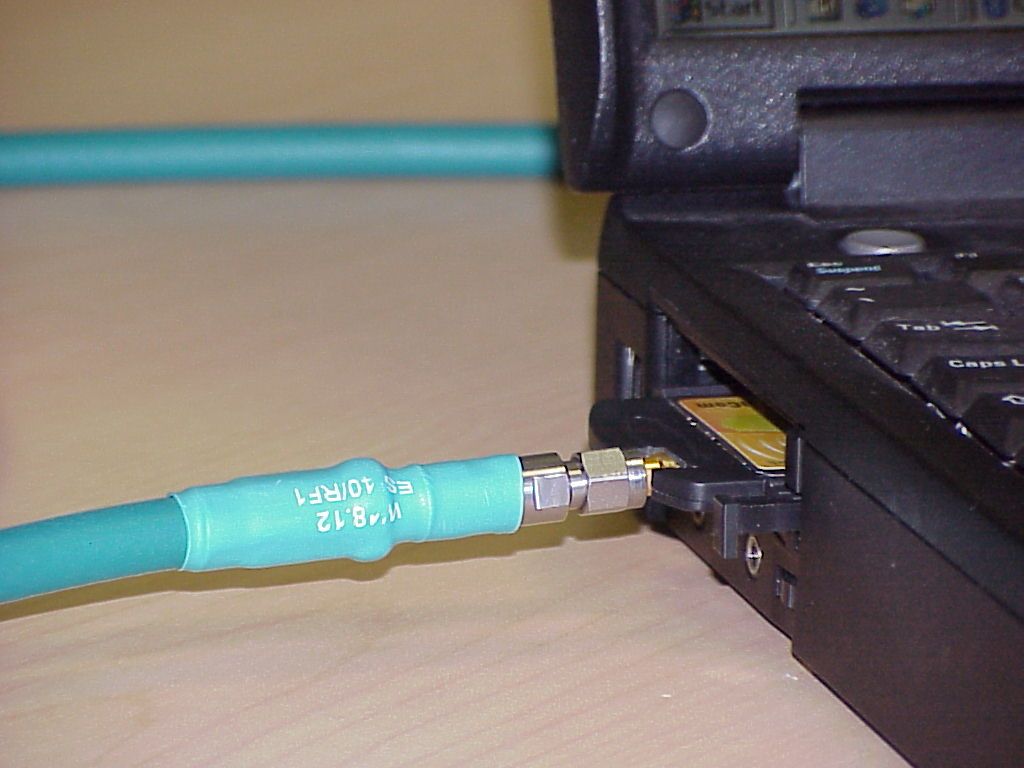
- Feb 12, 2002
- Application Purpose
- Original Equipment
- Date of Application
- Feb 12, 2002
- Equipment Note
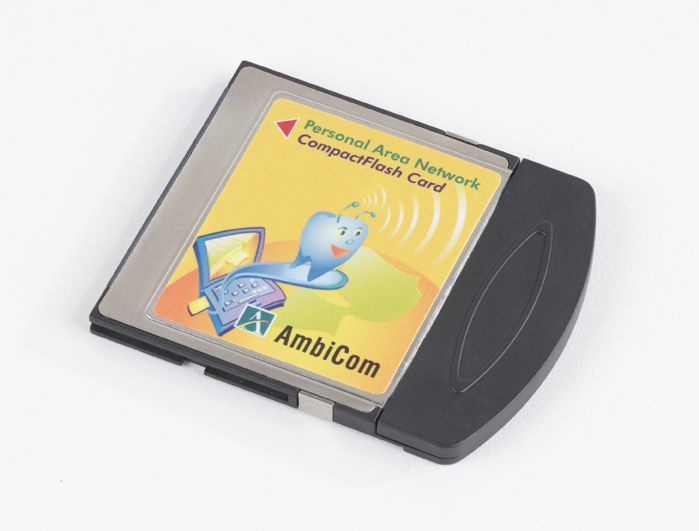
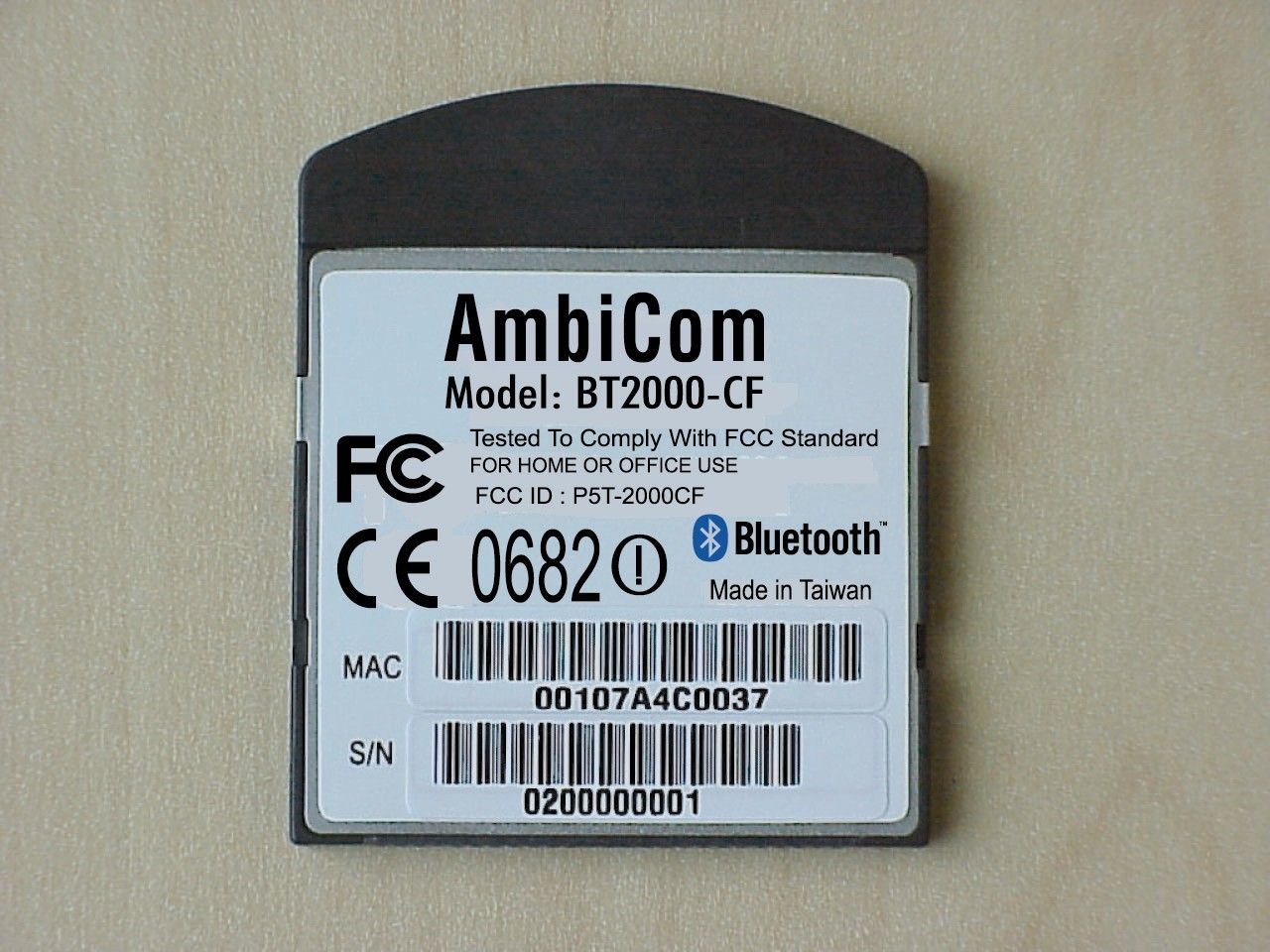
- Bluetooth compact Flash Card
- Frequency Range
- 2402.00000000 - 2480.00000000
- Company
- AmbiCom Holdings, Inc.
- Country
- United States
Documents & Files
Document Text
Text extracted from the exhibit documents filed with the FCC. Open a document above to read the original.
Users Manual
BT2000-CF Quick Installation Guide v.1.2 Page 1 Quick Installation Guide Air2Net Bluetooth TM Wireless Solutions Wireless CompactFlash Card Model: BT2000-CF Before You Start Your new AmbiCom BT2000-CF comes with an automated software installation procedure for Windows XP/2000/ME/98SE and Windows CE 3.0 for Pocket PC and Pocket PC 2002. The procedure automatically installs the software before you install your hardware. Installing the CompactFlash Card for WinCE Note: Microsoft ActiveSync software needs to be installed on your Host PC before the installation procedures can take place. 1. Before inserting your BT2000-CF into your PDA, establish a partnership between your PDA and host PC through a serial or USB connection. Insert the Setup CD into an available CD- ROM drive. Unless you have deactivated the auto-run feature of Windows, the following screen should appear automatically. \ If this screen does not appear automatically, you can access the installation by pressing the Start button and selecting Run. In the drop down box provided, type “D:\Setup.exe” (“D” represents the CD-ROM drive). BT2000-CF Quick Installation Guide v.1.2 Page 2 2. From the main Setup menu, click on the third button, INSTALL Air2Net products to see the following screen. Select the appropriate button for your Pocket PC version to see the following windows. BT2000-CF Quick Installation Guide v.1.2 Page 3 3. The following window will appear. Click “Yes” to install the software in the default application install directory. 4. After the application has been downloaded to your system, the following window will appear. Check your mobile device to see if additional steps are necessary to complete the installation and click “OK” 5. The installation wizard has now finished installing the software. Click “Finish” to complete the installation process. 6. After you have installed the software, reset your PDA. BT2000-CF Quick Installation Guide v.1.2 Page 4 Installing the CompactFlash Card for WinXP 1. Insert the AmbiCom Bluetooth Installation CD into an available CD-ROM drive in your laptop. 2. Run AmbiCom Bluetooth “Setup.exe” and follow the on-screen instructions to install the application program. 3. The following window will appear at the start of the installation process: Select the device you have and click “Next” to continue. During the installation, the following windows will appear. The system is installing additional new devices. BT2000-CF Quick Installation Guide v.1.2 Page 5 Click “Continue Anyway” to complete the installation. After this installation, you can go to the Device Manager and find those devices under “Other devices” and “Ports (COM & LPT)” shown in the following window. In this window, you can see that “AmbiCom Bluetooth COM Bridge” has a question mark. This is OK because it is a special device and was designed to appear as such. 4. After you have restarted your laptop, please connect your AmbiCom Bluetooth CompactFlash Card or USB Adapter to your laptop. The system will automatically install the driver for you. After the system has installed the driver you need to reboot your system. Now you are ready to execute Object Push, File Transfer and Blue Chat by using Bluetooth Neighborhood. Please refer to the User’s Manual for procedures on setting up Bluetooth Neighborhood and Dial-up Networking. BT2000-CF Quick Installation Guide v.1.2 Page 6 Installing the CompactFlash Card for Win2000 1. Insert the AmbiCom Bluetooth Installation CD into an available CD-ROM drive in your laptop. 2. Run AmbiCom Bluetooth “Setup.exe” and follow the on-screen instructions to install the application program. 3. The following window will appear at the start of the installation process: 4. Choose the device you have and click “Next” to continue. Simply follow the on-screen instructions. 5. After you finished the installation, in the “Device Manager”, you will see the following window. BT2000-CF Quick Installation Guide v.1.2 Page 7 In this window, you can see the “AmbiCom Bluetooth COM Bridge” has a question mark. This is OK because it is a special device and was designed to appear as such. 6. After you have restarted your laptop, please connect your AmbiCom Bluetooth CompactFlash Card or USB Adapter to your laptop. The system will automatically install the driver for you. After the system has installed the driver you need to reboot your system. Now you are ready to execute Object Push, File Transfer and Blue Chat by using Bluetooth Neighborhood. Please refer to the User’s Manual for procedures on setting up Bluetooth Neighborhood and Dial-up Networking. Installing the CompactFlash Card for WinME/98SE Note: Microsoft’s Dcom98.exe needs to be installed on your WinME/98SE system before the installation procedures can take place. 1. Insert the AmbiCom Bluetooth Installation CD into an available CD-ROM drive in your laptop. 2. Run AmbiCom Bluetooth “Setup.exe” and follow the on-screen instruction to install the application program. 3. The following window will appear at the start of the installation process: 4. Select the device you have and click “Next” to continue. Simply follow the on-screen instructions. At the end of the installation, the system will pop up several windows to install some devices. This is because the system installs some virtual devices for the software to use. Please be patient and wait until the system finishes. BT2000-CF Quick Installation Guide v.1.2 Page 8 5. After the system finished installing the virtual devices, click “Finish” to reboot your system. 6. After you have restarted your laptop, please connect your AmbiCom Bluetooth CompactFlash Card or USB Adapter to your laptop. The system will automatically install the driver for you. After the system has installed the driver you need to reboot your system. Now you are ready to execute Object Push, File Transfer and Blue Chat by using Bluetooth Neighborhood. Please refer to the User’s Manual for procedures on setting up Bluetooth Neighborhood and Dial…
Text truncated - open the document above for the full version.
Block Diagram
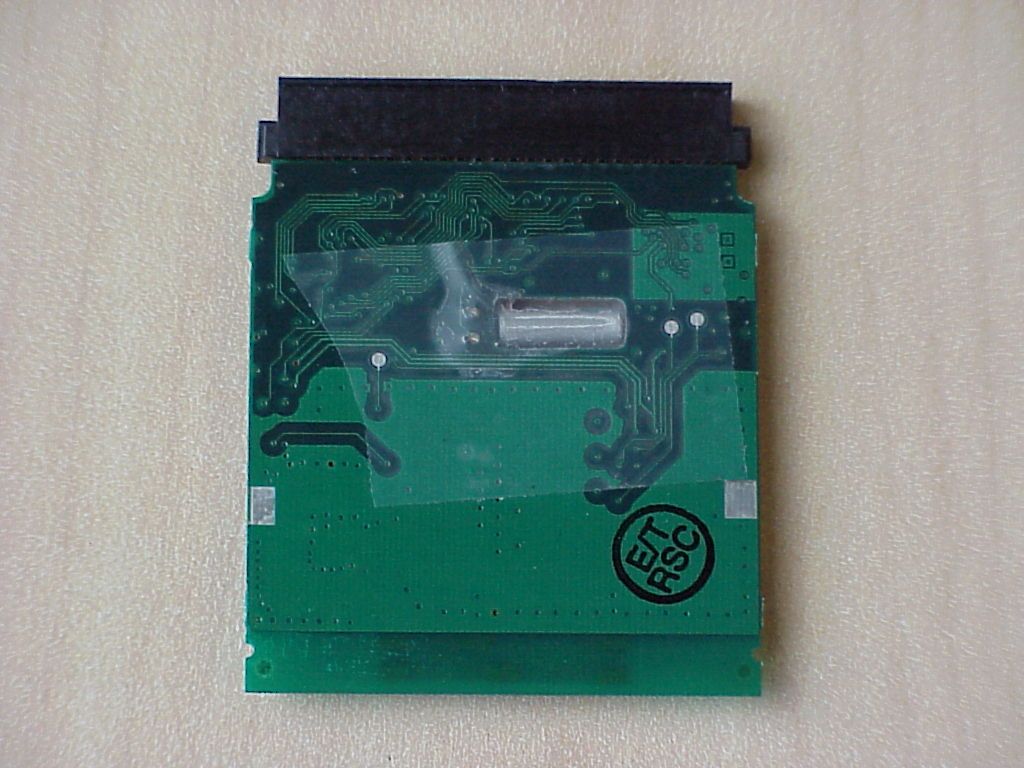
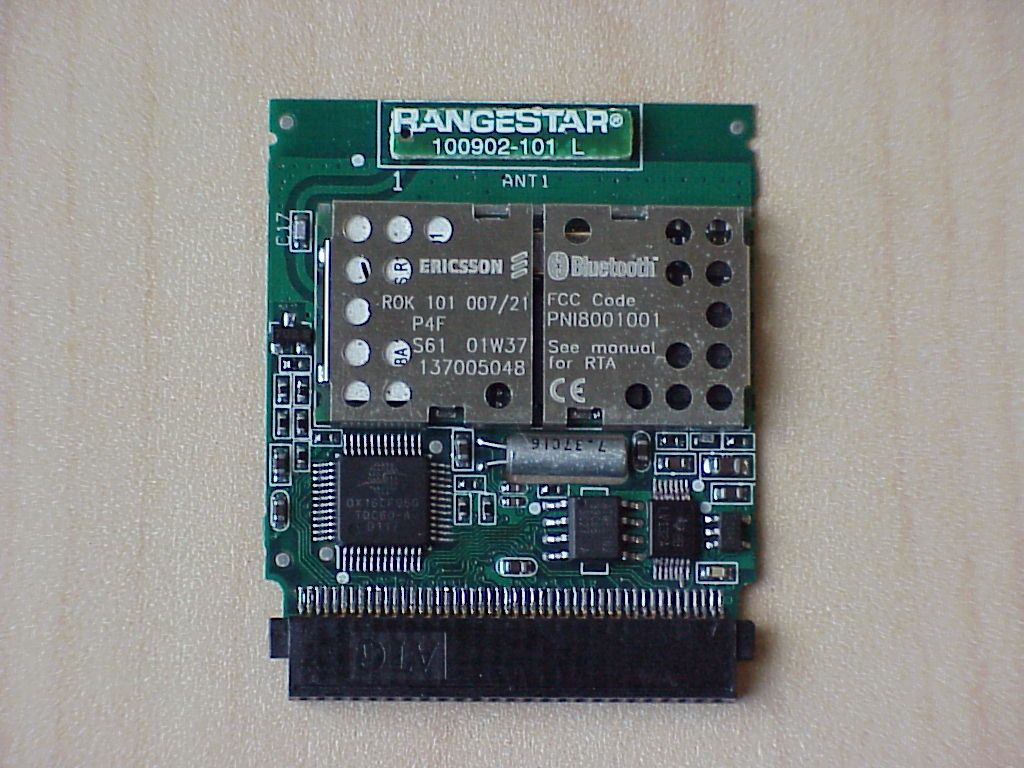
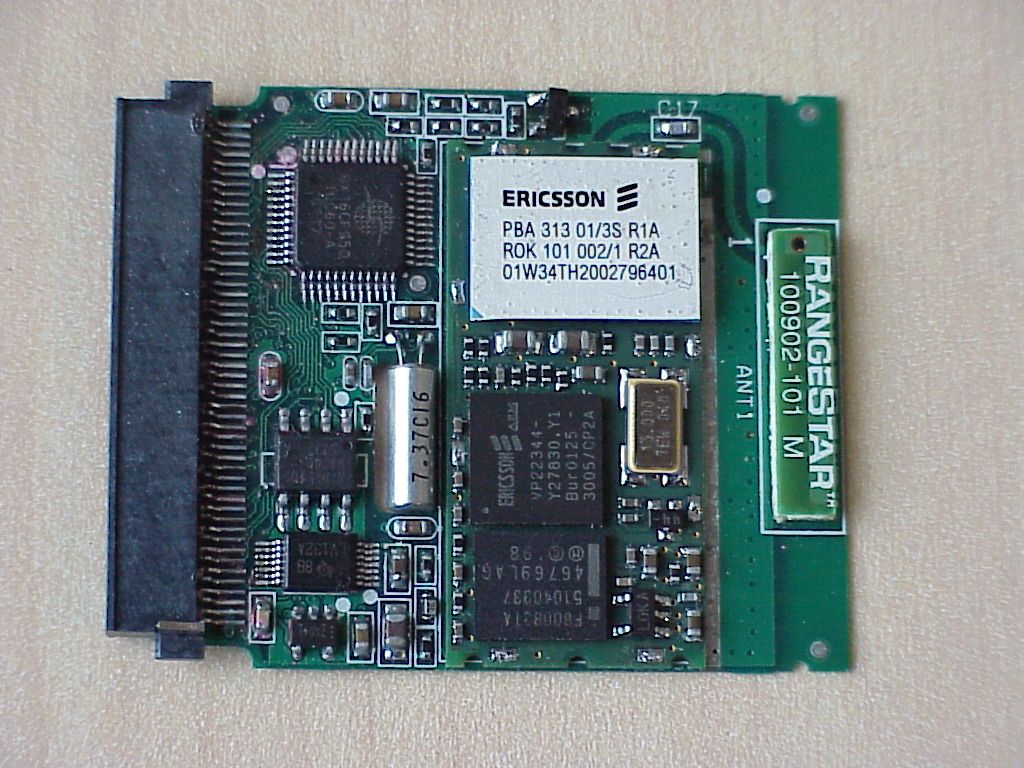
Page 1 of 1 1. AmbiCom BT CF Card: Block diagram: Component List: Digital Vender Power Supply IC REG102-33 Burr-Brown BT Module ROK 101 007 Ericsson PCMCIA to UART OX16CF950 Oxford CIS Controller AT93C66 ATmel Antenna 100902-101 RangStar CF Connector PCMCIA to UART Ericsson 007 module Antenna UART I/F Power supply circuit CIS controller Crystal 7.3728MHz
Cover Letter(s)
Federal Communication Commission Equipment Authorization Division, Application Processing Branch 7435 Oakland Mills Road Columbia, MD 21048 January TO WHOM IT MAY CONCERN Pursuant to Paragraphs §0.457 and 0.459 of the Commission’s Rules (47 C.F.R.) and Section §552(b)(4) of the Freedom of Information Act, AmbiCom Inc. requests confidentiality for the following products: FCC ID Number Product Title/Model P5T–2000CF BT2000-CF For the product stated above, we request that the following information be held confidential: 1) Electrical Schematics of the Circuitry No other items submitted as part of the equipment authorization filing process are deemed confidential. The above exhibits contain AmbiCom Inc. trade secrets and proprietary information that could be of benefit to our competitors regarding the design of our mobile handset. This material is not customarily available to the general public and we request that it be withheld from public inspection. If you have any questions, please feel free to contact me at the address shown below. Sincerely, Lothar Schmidt Technical Manager EMC/Radio
Cover Letter(s)
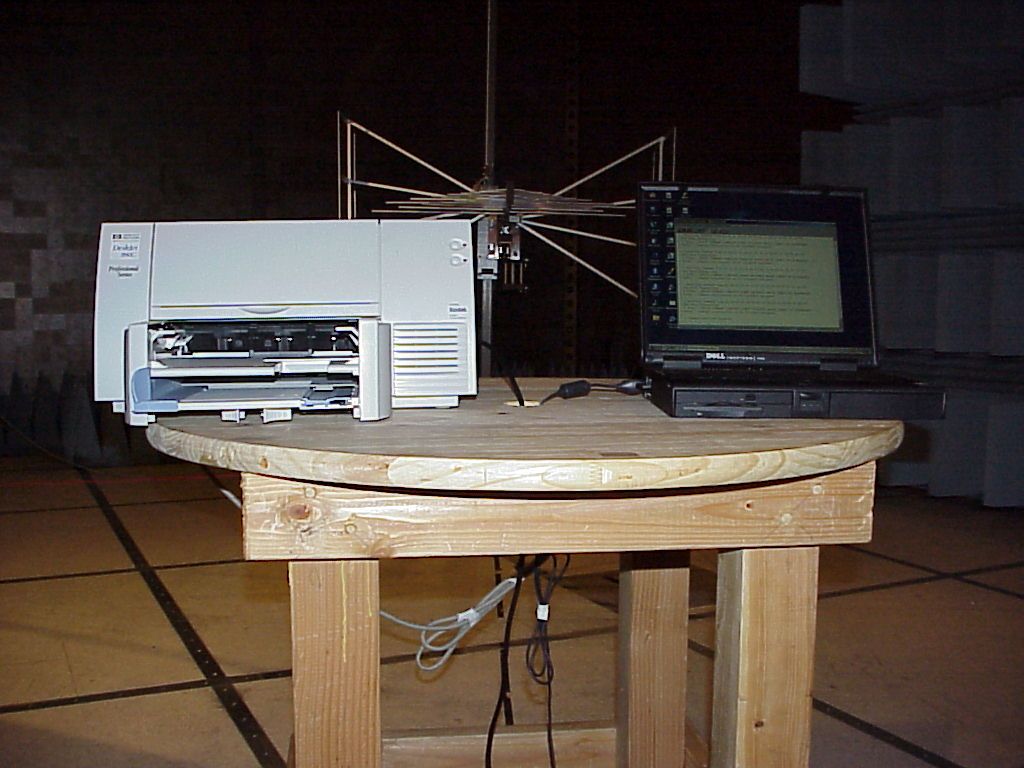
FCC ID: P5T-2000CF Statement The compact flash card uses an already approved Bluetooth module inside (PNI8001001). The Compact Flash card is intended to be used in PDA’s, digital cameras (no transmissions during taking photos – held to face) an similar applications. The application was tested in a PCMCIA card adapter inserted into a notebook. This notebook was used to set the device to the necessary test modes, which were used to set the device to the right channel, switching hopping on and off and to control the data stream to find the one with the highest emissions. The equipment is a spread spectrum device, which has an equal occupancy of his hopping channels (79 channels in traffic mode) It doesn’t incorporate intelligence other the hoping to next channel when the transmission is disturbed. Lothar Schmidt Technical Manager EMC/Radio
RF Exposure Info
Reference Information Safety Information 160Reference GuideStartup Guide Exposure to Radio Frequency Radiation The radiated output power of the this internal wireless radio is far below the FCC radio frequency exposure limits. Nevertheless, the wireless radio shall be used in such a manner that the radio is 2.5 cm or further from the human body. The internal wireless radio operates within guidelines found in radio frequency safety standards and recommendations, which reflect the consensus of the scientific community. Company name therefore believes the internal wireless radio is safe for use by consumers. The level of energy emitted is far less than the electromagnetic energy emitted by wireless devices such as mobile phones. However, the use of wireless radios may be restricted in some situations or environments, such as aboard airplanes. If you are unsure of restrictions, you are encouraged to ask for authorization before turning on the wireless radio.
Test Report
CETECOM Inc. CETECOM Inc. 411 Dixon Landing Road, Milpitas, CA-95035, USA Phone: +1 408 586 6200 Fax: +1 408 586 6299 www.cetecom.com Issued test report consists of 50 Pages Page 1 (50) Test report no.: 225FCC/2001 FCC Part 15.247 (BT2000-CF) FCC LISTED, REG. NO.: 101450 & RECOGNIZED BY INDUSTRY CANADA IC – 3925 CETECOM Inc. Test report no.:225FCC/2001 Issue date:2002-01-22 Page 2 (50) Table of Contents 1 General information 1.1 Notes 1.2 Testing laboratory 1.3 Details of applicant 1.4 Application details 1.5 Test item 1.6 Test standards 2 Technical test 2.1 Summary of test results 2.2 Test report 1 General information 1.1 Notes The test results of this test report relate exclusively to the test item specified in 1.5. The CETECOM Inc. USA does not assume responsibility for any conclusions and generalisations drawn from the test results with regard to other specimens or samples of the type of the equipment represented by the test item. The test report may only be reproduced or published in full. Reproduction or publication of extracts from the report requires the prior written approval of the CETECOM Inc USA. TEST REPORT PREPARED BY: EMC & Radio Engineer: Harpreet Sidhu 1.2 Testing laboratory CETECOM Inc. 411 Dixon Landing Road, Milpitas, CA-95035, USA Phone: +1 408 586 6200 Fax: +1 408 586 6299 E-mail: [email protected] Internet: www.cetecom.com CETECOM Inc. Test report no.:225FCC/2001 Issue date:2002-01-22 Page 3 (50) 1.3 Details of applicant Name : AmbiCom Inc. Street : 48295 Fremont Blvd., Ste A City : Fremont, CA 94538 Country : USA Contact : Dennis Kuang Telephone : +1 510 249 0581 ext-205 Telefax : +1 510 249 0583 e-mail : [email protected] 1.4 Application details Date of receipt of application : 2001-12-10 Date of receipt of test item : 2001-12-20 Date of test : 2001-12-20/21 1.5 Test item Manufacturer : Solomon Technology Corp. Street Address : No. 42, Sing Zhong Rd., Nei Hu Dist City / Country : Taipei, Taiwan, R.O.C Name of EUT : Description : Air2Net Bluetooth CompactFlash Card Model No. : BT2000-CF Serial No. : N/A FCC ID. : P5T-2000CF Additional information Frequency : 2.402 - 2.480 GHz Type of modulation : GFSK, BT=0.5 Number of channels : 79 Antenna : Embedded Antenna with 0dBi max. directivity Power supply : 3.3VDC Output power : -2.88 dBm Extreme vol. Limits : 3.3VDC - 5.0VDC Extreme temp. Tolerance : 1.6 Test standards: FCC Part 15 §15.247 using FCC DA00-0705 CETECOM Inc. Test report no.:225FCC/2001 Issue date:2002-01-22 Page 4 (50) 2 Technical test 2.1 Summary of test results No deviations from the technical specification(s) were ascertained in the course of the tests performed. Technical responsibility for area of testing : 2002-01-23 EMC & Radio Lothar Schmidt Date Section Name Signature CETECOM Inc. Test report no.:225FCC/2001 Issue date:2002-01-22 Page 5 (50) 2.2 Testreport TEST REPORT Test report no. : 225FCC/2001 (BT2000-CF) CETECOM Inc. Test report no.:225FCC/2001 Issue date:2002-01-22 Page 6 (50) TEST REPORT REFERENCE LIST OF MEASUREMENTS Paragraph PARAMETER TO BE MEASURED PAGE Transmitter parameters § 15.204 Antenna gain 7 § 15.247 (a) Carrier frequency separation 8 § 15.247 (a) Number of hopping channels 9 § 15.247 (a) Time of occupancy (dwell time) 13 § 15.247 (a)(1) Spectrum Bandwith of a FHSS System 16 § 15.247 (b)(2) Maximum peak output power 20 §15.247 Band edge compliance 28 § 15.247 (c)(1) Emission limitations 30 § 15.107/207 AC Line Conducted Emission 43 Receiver parameters § 15.209 Spurious radiations - Radiated 45 Test equipment listing 50 CETECOM Inc. Test report no.: 225FCC/2001 Issue Date: 2002-01-22 Page 7 (50) Antenna Gain SUBCLAUSE § 15.204 The max gain is: -2.75dBidBi (measured effectiv radiated power – measured conducted power with a temporary RF-connector) CETECOM Inc. Test report no.: 225FCC/2001 Issue Date: 2002-01-22 Page 8 (50) CARRIER FREQUENCY SEPERATION §15.247(a) CETECOM Inc. Test report no.: 225FCC/2001 Issue Date: 2002-01-22 Page 9 (50) NUMBER OF HOPPING CHANNELS §15.247(a) The number of hopping channels is 79 (see next 4 plots) The right red line corresponds to the left red line from the next plot. Plot 1: Total 22 CETECOM Inc. Test report no.: 225FCC/2001 Issue Date: 2002-01-22 Page 10 (50) Plot 2: Total 23 CETECOM Inc. Test report no.: 225FCC/2001 Issue Date: 2002-01-22 Page 11 (50) Plot 3: Total 21 CETECOM Inc. Test report no.: 225FCC/2001 Issue Date: 2002-01-22 Page 12 (50) Plot 4: Total 13 CETECOM Inc. Test report no.: 225FCC/2001 Issue Date: 2002-01-22 Page 13 (50) TIME OF OCCUPANCY (DWELL TIME) FOR DH1 §15.247(a) The system makes worst case 1600 hops per second or 1 time slot has a length of 625μs with 79 channels. A DH1 Packet need 1 time slot for transmitting and 1 time slot for receiving. Then the system makes worst case 800 hops per second with 79 channels. So you have each channel 10.13 times per second and so for 30 seconds you have 303.9 times of appearence . Each Tx-time per appearence is 461.72 μs. So we have 303.9 * 461.72 μs = 140.31 ms per 30 seconds. CETECOM Inc. Test report no.: 225FCC/2001 Issue Date: 2002-01-22 Page 14 (50) TIME OF OCCUPANCY (DWELL TIME) FOR DH3 §15.247(a) A DH3 Packets need 3 time slots for transmit and 1 for receicing, then the system makes worst case 400 hops per second with 79 channels. So you have each channel 5.1 times per second and so for 30 seconds you have 153 times of appearence . Each Tx-time per appearence is 1.72 ms. So we have 153 * 1.72 ms = 263.16 ms per 30 seconds. CETECOM Inc. Test report no.: 225FCC/2001 Issue Date: 2002-01-22 Page 15 (50) TIME OF OCCUPANCY (DWELL TIME) FOR DH5 §15.247(a) At DH5 Packets you need 5 time slots for transmit and 1 for receicing,then the system makes worst case 266,7 hops per second with 79 channels. So you have each channel 3.36 times per second and so for 30 seconds you have 100,8 times of appearence . Each tx-time per appearence is 2.98 ms. So we have 100.8 * 2.98ms = 300.38 ms per 30 seconds. CETECOM Inc. Test report no…
Text truncated - open the document above for the full version.
Test Report
CETECOM Inc. Test report no.: 225FCC/2001Issue Date: 2002-01-30Page 1 (1) EUT: BT2000-CF (Air2Net Bluetooth CompactFlash Card) COMPANY NAME: Ambicom Inc. Measurement done according to FCC 97-114 POWER POWER DENSITYSUBCLAUSE § 15.247 (d) TEST CONDITIONSRF POWER LEVEL IN 3 kHz BW Frequency (MHz)240224412480 T nom ( 23 ) ° °° ° C V nom -0.96dBm-0.72dBm-0.37dBm Measurement uncertainty±3dB LIMIT SUBCLAUSE §15.247(d) The peak power spectral density shall not be greater than 8 dBm in any 3 kHz band ANALYZER SETTINGS:RBW=3KHz, VBW=5KHz, Span=1.5MHz, Sweep Time=500s
Contact Information
Applicant
Kenneth Cheng
Technical Contact
CETECOM, Inc.Lothar Schmidt
[email protected]408-586-6214
411 Dixon Landing Road · Milpitas, California · United States
Non-Technical Contact
CETECOM, Inc.Lothar Schmidt
[email protected]408-586-6214
Test Firm
Cetecom Inc.Lothar Schmidt
Technical Specifications
| # | Rule Parts | Frequency Range | Power Output |
|---|---|---|---|
| 1 | 15C | 2.40 GHz - 2.48 GHz | 515.00 µW |
Other Applications from AmbiCom Holdings, Inc.
P5T-WL150NUSBX
Dec 30, 2009WIRELESS-N USB DONGLE
Equipment Class
DTS - Digital Transmission System
P5T-WL150NNUSB
Dec 16, 2009WIRELESS-N USB DONGLE
Equipment Class
DTS - Digital Transmission System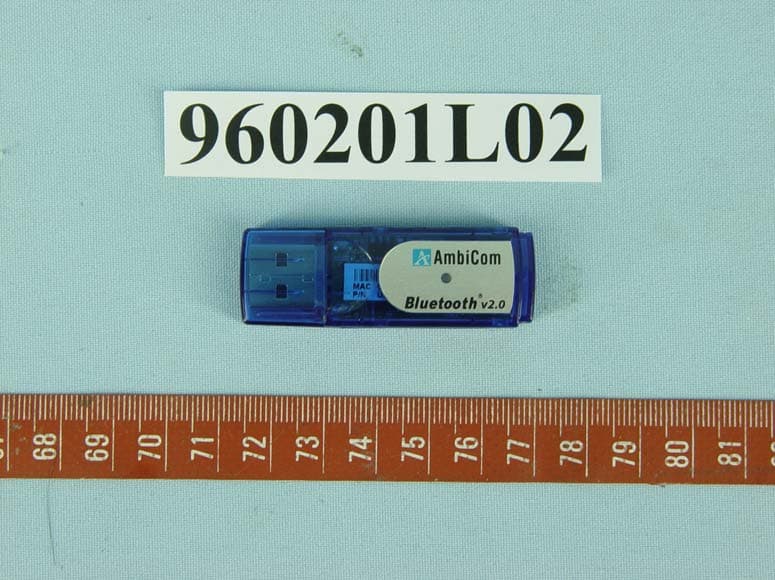
P5T-BT2USB
Feb 08, 2007Bluetooth USB Dongle
Equipment Class
DSS - Part 15 Spread Spectrum Transmitter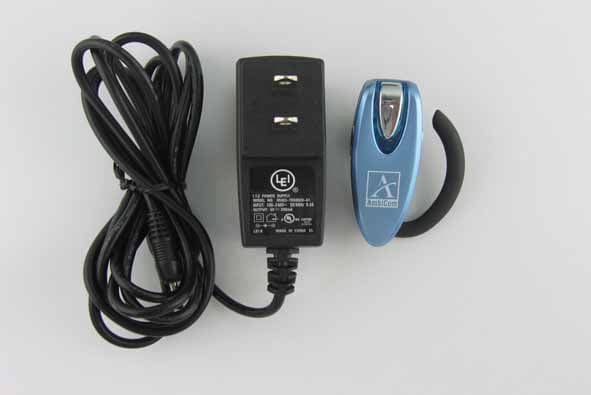
P5T-BTHS
Nov 12, 2006Wireless Skype Headset
Equipment Class
DSS - Part 15 Spread Spectrum Transmitter
P5T-BTHP
Jun 12, 2006Bluetooth Headset
Equipment Class
DSS - Part 15 Spread Spectrum Transmitter