P68STB28811368Stereo Headset with Neck Strap
Audex Telecom Industrial Co. Ltd.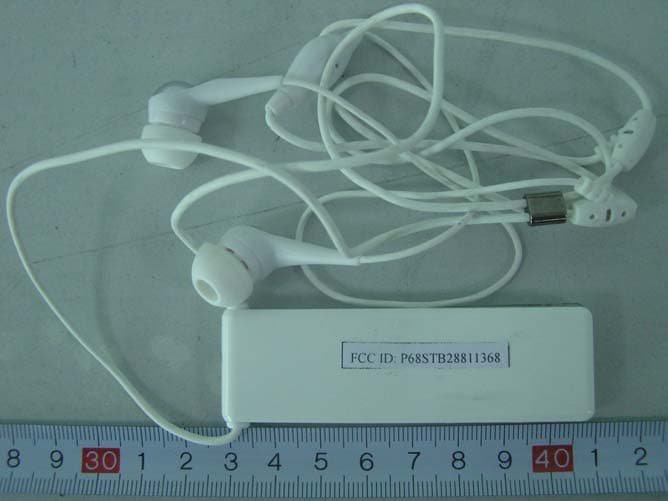
Click to zoom
Application Details
- Equipment Class
- DSS - Part 15 Spread Spectrum Transmitter
- Date of Grant
- Jul 12, 2006
- Application Purpose
- Original Equipment
- Date of Application
- Jul 12, 2006
- Equipment Note
- Stereo Headset with Neck Strap
- Frequency Range
- 2402.00000000 - 2480.00000000
- Country
- China
Documents & Files
Document Text
Text extracted from the exhibit documents filed with the FCC. Open a document above to read the original.
Users Manual
Stereo Headset User’s Guide STB-2881 Bluetooth Made in China www.celleden.com Http://www.celleden.com 1 Introduction ® The Celleden STB-2881 Bluetooth Stereo Headset is a new concept in wireless ® connectivity. Using Bluetooth v1.2, the STB-2881 delivers great stereo ® sound via a robust and secure Bluetooth connection. The STB-2881 works ® with any Bluetoothenabled device that supports the headset profile, the handset profile, or the A2DP profile for streaming stereo audio. This makes the STB-2881 compatible with cellphones, PCs/laptops, PDAs, even MP3/MP4 players. If you have a cellphone that supports streaming audio, you can listen to your tunes without worry - incoming calls will be routed to the headset automatically. Once the call is finished the music will come back on, so you won't miss a thing. This package contains the following: The accessories may be subject to change for the sake of product improvement. Changes may be made without prior notice. Main unit User's Guide U s e r 's g u i d e U s e r 's g u i d e 2 Contents USB Extension Cable Quick Guide 3 Specifications: Technical Specifications ® Compliance: Bluetooth version 1.2 Class 2 6 ~ 4dB Frequency range: 2.4-2.48 GHz Speaker output: < 90 dB Talk time: about 6 hours Music playing time: about 6 hours Standby time: 80 hours Supported profiles: Headset, Handsfree, and A2DP Weight: 25g Dimensions(LxWxH): 80 x 24 x 8mm 1 4 Features: 1. Talk button --- Multi-function control key 2. DC jack --- Used for charging 3. Neck strap 4. LED indicator --- Status check 5. Microphone 6. Ear phone 7. Vol+ key 8. Vol- key 2 3 6 78 4 5 5 Operating Instructions: Charging Use the USB cable included in the package to connect the STB-2881 with your PC/laptop. Charging will start automatically when the headset is connected and the red indicator light will turn on. It will then turn off when charging is completed. Wearing the headset See diagram Note: Make sure you charge the unit for at least 3 hours before first use. Power on/off Power on Press and hold the multi-function control key for about 4 seconds until the blue LED indicator starts flashing or a tone is heard from the headset. Now the headset is on and in Standby mode. Note: The red LED indicator will be flashing when the battery is low 6 Operating Instructions: 4 seconds Power on/off Power off Press and hold the multi-function control key for about 2 seconds until the red LED indicator flashes or a tone is heard from the headset. The headset is now off. 7 Operating Instructions: Pairing "Pairing" means creating a trusted relationship between two or more ® Bluetooth devices. The devices must be paired before they can communicate with each other. Pairing identification is stored for later use, and the devices will automatically recognize each other the next time they are connected. Note: Before use, the STB-2881 must be paired with another ® Bluetooth enabled device. The STB-2881 can save up to 7 device IDs in memory, although it can communicate with only one device at a time. The 7 IDs will be stored in the device list by order. When more than 7 devices are paired with the unit, the oldest one will be deleted. The headset can only automatically connect with the most recently paired device. See diagram on the following page. 1. Place the STB-2881 within 30 cm of the device to be paired with. 8 Operating Instructions: 2 seconds 2. While the STB-2881 is off, press and hold the multi-function control key for about 6 seconds, until the red and blue LEDs flash alternately. The STB-2881 will now be in Pairing mode. ® 3. Initiate the Bluetooth search function in the device to be paired with, such as a mobile phone or PC/laptop. Please refer to the user's manual of the device for more information. 4. Select “STB-2881” in the device list and follow the instructions to proceed. 5. Follow the instruction to enter pairing code “1234”. The red LED indicator will stop flashing if pairing is successful. STB-2881's device ® ID will be stored in the device list of the Bluetooth device so that no pairing will be required for the next use. 9 Operating Instructions: Volume adjustment Press the Vol+ button to increase the volume. A tone will be heard from the headset to indicate that the level has been changed. A separate tone will be heard when the unit is at maximum volume. Press the Vol- button to decrease the volume. A tone will be heard from the headset to indicate that the level has been changed. A separate tone will be heard when the unit is at minimum volume. 10 Operating Instructions: Low High 6 seconds Stereo Music ® After pairing with a Bluetooth device that supports the A2DP profile, such as a PC, MP3 player or cellphone, the music output of those devices will be be transmited to the STB-2881. Answering/Ending phonecalls ® After pairing with Bluetooth enabled cell phones, the music play will be paused when there is an incoming call. A beep tone will also be heard to notify that there is an incoming call. Press the multi-function control key once to answer the call and press it once again to end the call. The music play will now be resumed when the call is ended. If the call is ended from the other side, music play will automatically be resumed. Note: Automatic switching between phonecalls and music play function is not supported by Sony Ericsson T series cellphones. 11 Operating Instructions: 12 Operating Instructions: Status TALK Vol+ Vol- Press and hold Press briefly Press and hold Press briefly Press and hold Press briefly Power on (around 4 secs) Enter pairing mode (around 6 secs) Power Off No function No function No function No function No function Standby Last number redial No function for Sony Ericsson Last number redial No function for Sony Ericsson Vol+ Vol- No function for Sony Ericsson No function for Sony Ericsson Voice activated dial Power off (around 2 secs) Cancel pairing Pairing Power off No function No function No function No function Cancel Voice Activated Dial Voice Activated Di…
Text truncated - open the document above for the full version.
External Photos
External Photos EUT- Front View EUT- Back View
ID Label/Location Info
ID Label Label FCC ID: P68STB28811368
ID Label/Location Info
ID Label/Location Label Location Information Specifications: Text is Black or white in color and is left justified. Labels are printed in indelible ink on permanent adhesive backing or silk-screened onto the EUT or shall be affixed at a conspicuous location on the EUT. Refer to the below arrow.
Internal Photos
Internal Photos EUT- Inside View EUT- PCB Top View (1) EUT-Inside View (2) EUT-PCB Top View EUT- PCB Bottom View (1) EUT- PCB Top View (2) EUT- PCB Bottom View (2)
Operational Description
Hopping Information 1 Hopping Range Hereby we declare that the maximum frequency of this device is: 2402-2480MHz. This is according the Bluetooth Core Specification V1.2 (+ critical errata) for devices which will be operated in the USA. This was checked during the Bluetooth Qualification tests (Test Case: TRM/CA/04-E). Other frequency ranges (e.g. for Spain, France, Japan) which are allowed according the Core Specification are not supported by this device. 2 Hopping Sequence Example of a 79 hopping sequence in data mode: 33,04,21,44,23,42,53,46,55,48,40,59,72,29,76,31,08,73, 07,75,09,45,60,39,58,13,47,11,77,52,35,50,65,54,67,56, 69,62,71,64, 37,25,27,66,57,70,74,61,78,63,10,41,05,43, 15,44,64,68,02,70,06,01,51,03,55,05,03,66,53,49,36,47, 3 Receiver input bandwidth The input bandwidth of the receiver is 1MHz. In every connection one Bluetooth device is the master and the other one is the slave. The master determines the hopping sequence. The slave follows this sequence. Both devices shift between RX and TX time slot according to the clock of the master. Additionally the type of connection is set up at the beginning of the connection. The master adapts its hopping frequency and its TX/RX timing according to the packet type of the connection. Also the slave of the connection will use these settings. Repeating of a packer has no influence on the hopping sequence. The hopping sequence generated by the master of the connection will be followed in any case. That means a repeated packet will not be send on the same frequency, it is send on the next frequency of the hopping sequence.
Schematics
stereo_csr_earpieceFcc.sch-1 - Fri May 12 12:00:25 2006
Schematics
stereo_csr_earpieceFcc.sch-2 - Fri May 12 12:01:21 2006
Test Setup Photos
Test Setup Photos Transmitting Mode: Radiated Emission - Front View (up to 1000MHz) Transmitting Mode: Radiated Emission - Rear View (up to 1000MHz) Transmitting Mode: Radiated Emission - Front View (1000-25000MHz) Transmitting Mode: Radiated Emission – Rear View (1000-25000MHz)
Contact Information
Applicant
Marion Z.(R&D Manager)
Test Firm
Bay Area Compliance Laboratory Corp. (Shenzhen)John Chan
Technical Specifications
| # | Rule Parts | Frequency Range | Power Output |
|---|---|---|---|
| 1 | 15C | 2.40 GHz - 2.48 GHz | 558.00 µW |
Other Applications from Audex Telecom Industrial Co. Ltd.
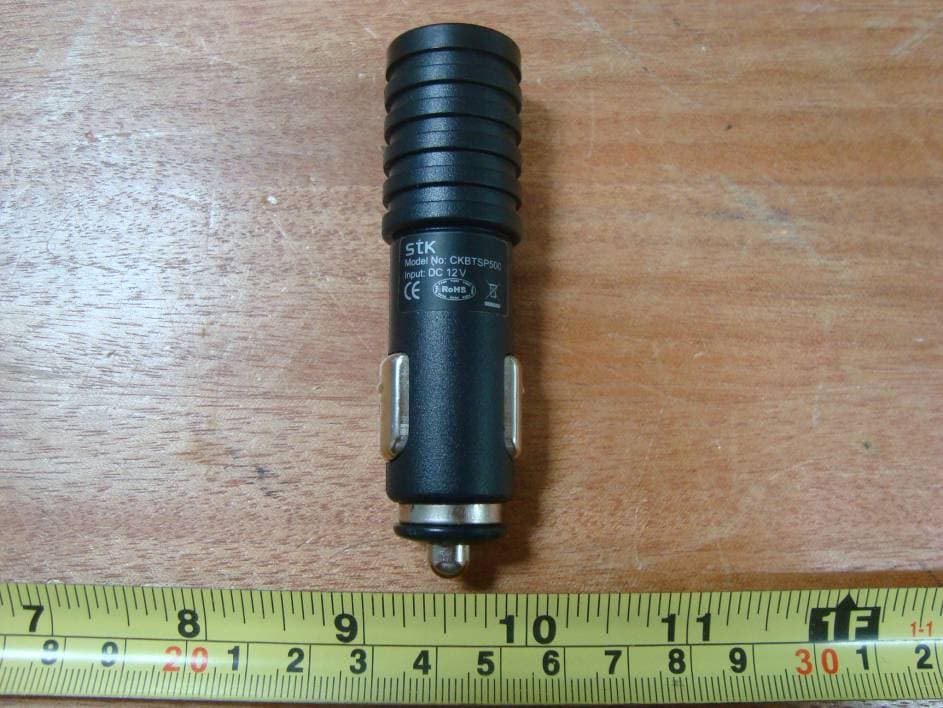
P68MT7000
Mar 24, 2010Motor Trend Bluetooth Headset
Equipment Class
DSS - Part 15 Spread Spectrum TransmitterP68B00788
Dec 21, 2008FM Transmitter
Equipment Class
DXX - Part 15 Low Power Communication Device Transmitter
P68ADB23881898
Jul 23, 2007Bluetooth Micro Headset
Equipment Class
DSS - Part 15 Spread Spectrum Transmitter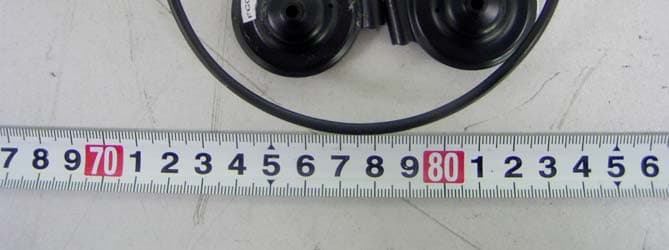
P68STB28821818
Dec 21, 2006Bluetooth Wireless Stereo Headphones
Equipment Class
DSS - Part 15 Spread Spectrum Transmitter
P68SPB28022F88
Aug 30, 2006LCD Speakerphone
Equipment Class
DSS - Part 15 Spread Spectrum Transmitter