P8D-PLUSIIGSM Handset with MP3 and Optional NFC/Paypass
Mobicom Corporation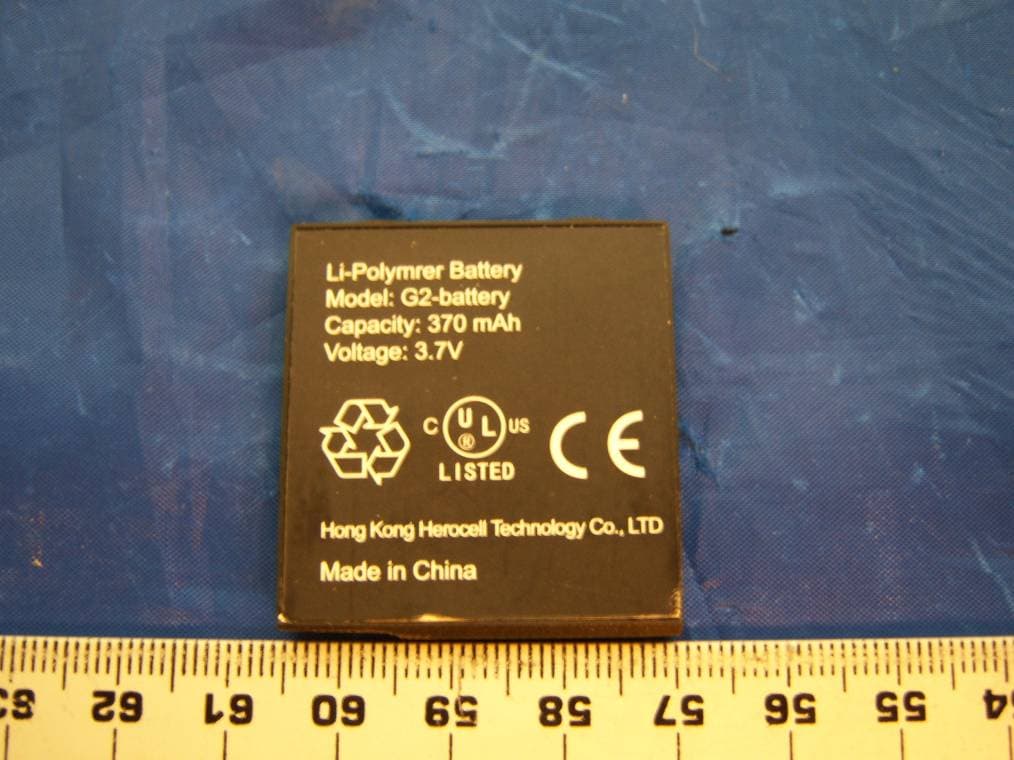
Click to zoom
Application Details
- Equipment Class
- DXX - Part 15 Low Power Communication Device Transmitter
- Date of Grant
- Mar 17, 2008
- Application Purpose
- Original Equipment
- Date of Application
- Mar 17, 2008
- Equipment Note
- GSM Handset with MP3 and Optional NFC/Paypass
- Frequency Range
- 13.56000000 - 13.56000000
- Company
- Mobicom Corporation
- Country
- United States
Documents & Files
Document Text
Text extracted from the exhibit documents filed with the FCC. Open a document above to read the original.
Users Manual
1 Index 1. Getting Started 2. Understanding Your Phone 3. Call Functions 4. Menu Navigation 5. Entering Text 6. Understanding Your Address Book 7. Messaging 8. Changing Your Settings 9. Applications 2 2 3 5 7 8 9 10 11 2 1. Getting Started 2. Understanding Your Phone a. Warnings i. Do not store the phone in hot areas as high temperatures can shorten the life of electronic devices, damage the battery, and cause warping. ii.Excessive rough handling may damage the internal electronic circuit board. b.Network Service i. To use the phone you must have service from a wireless network operator and obtain a SIM (subscriber iden- tity module) card. Many of the features in this device depend on the network support for them. c.Install the SIM card i. To install the SIM card remove the battery if installed. ii. Slide the SIM latch up toward the top of the phone. iii. Insert the SIM into the pocket with the contacts facing down. Locate the SIM card notch which is the corner that has been cut off. Use this notch to properly align the SIM card in the socket which also has a corner cut off. d. Install and Charge the battery i. Slide the battery cover down and away from the phone to remove it. ii. Install the battery into the unit with the contacts facing down and toward the bottom of the phone. iii. To charge insert the plug on the travel charger into the micro-USB connector at the bottom of the unit. iv. When the phone is charging the battery icon will scroll and change colors. v. Charge the battery for at least 2 hours before using it. vi. The phone can also be connected to a PC’s USB port with the data cable accessory. If connected the unit will charge through the USB port. e. Low battery indicator i. When the battery charge is getting low the battery icon will become red and the unit will display a low battery message on the display. It will also beep if not in silent mode. When this happens charge the unit immediately. f. Turning the phone on and off Press and hold the ‘END’ key. a. Features i. MP3 Player ii. Accelerometer iii. File manager iv. Speakerphone b. Keys i. Soft keys The left and right soft keys perform the functions indicated by the screen text on the bottom of the display. 3 ii. Navigation keys These keys allow you to scroll through the phone menu options and they provide shortcuts to the major menu options from the home screen. iii. Send and End keys • The Send key allows you to place or receive a call. At the home screen pressing this key will give access to the recent call log. • Pressing and holding the End key will turn the phone on and off. The End key will end a call. While navigat- ing in the menu this key will bring you back to the home screen. While receiving a call pressing the End key will reject the call. iv. Volume Keys On the home screen these keys are used to change the ringing tone volume level. In the dial and text input menus the Up Volume key switches the curser between the possible inputs and the already selected digits at the top of the screen. In the text input mode the Down Volume key will change the possible selected inputs from digits to small letters to capital letters and fi nally symbols. While in the menus these keys will scroll up and down. 3. Call Functions a. Making a call i. From the home screen From the home screen press the left soft key ‘Dial’. Use the navigation keys to highlight the desired digit and then press the left soft key ‘Select’ to select the digit. As digits are selected they appear at the top of the screen. After all of the digits have been selected the user can place the call by pressing the ‘Send’ key. ii. From the phonebook While in the phonebook list menu highlight an entry and press the ‘Send’ key. iii. International Dialing To dial + for international dialing: from the dial screen navigate to the 0 digit then press and hold the left soft key (select). The 0 becomes a + sign. iv. Correcting a dialed number • Deleting a digit From within the dial screen press the volume up key to switch the curser to the dialed digits. Then use the left and right navigation keys to place the curser on the digit to the right of the one you want to delete and press the right soft key (delete). • Inserting a digit From within the dial screen press the volume up key to switch the curser to the dialed digits. Then use the left and right navigation keys to place the curser on the digit to the right of place where you want to insert a new digit. Then press the volume up key again to move the curser back to the select mode. You will notice the curser at the top is in the space to the left of the digit that was highlighted. Move the curser to the digit you want to insert and press the left soft key (select). b. Ending a call Press the End key briefl y. c. Redialing last number From the home screen press the Send key twice. d. Making a call from the address book i. Press the menu key and scroll to phone book. 4 ii. Press the Select soft key twice to list the phone book entries. iii. Navigate to the desired name/number and press the Send soft key to initiate the call. e. Answering a call Press the Send key of the left soft key (Accept) while receiving an incoming call alert. f. Placing a call on hold While on an active call press the Send key. g. Call waiting Press the Send key to switch the current active call on hold and to answer the incoming call. Press the Send key to switch between the two calls. h. In-call options i. Mute / Un-mute While on call press the left soft key (options) and scroll to the mute option and press the left soft key (select). To un-mute, select options and scroll to un-mute and select. ii. Hold / Resume While on call press the left soft key (options) and scroll to the hold option and press the left soft key (select). To resume, select options and scroll to un-hold and select. iii. New Call Press the send key to place the active call on hold, and then press the right navigation key to enter the dial screen. Select the digits to dial a…
Text truncated - open the document above for the full version.
Cover Letter(s)
960 Holmdel Rd. Holmdel, New Jersey, USA Tel: (732) 772-2200 Fax: (732) 834-9853 www.mobicomcorp.com Federal Communications Commission Authorization and Evaluation Division Confidentiality Request regarding application for certification of FCC ID: P8D-PLUS II Pursuant to Sections 0.457 and 0.459 of the Commission’s Rules, we hereby request confidential treatment of information accompanying this application as outlined below: - Schematic diagrams - Block diagrams - Parts lists - Antenna specifications - Tune-up procedures - Transmitter Calibration The above materials contain trade secrets and proprietary information not customarily released to the public. The public disclosure of these materials may be harmful to the applicant and provide unjustified benefits to its competitors. The applicant understands that pursuant to Section 0.457 of the Rules, disclosure of this application and all accompanying documentation will not be made before the date of the Grant for this application. Sincerely, John Huang Director Product Certification and Customer Test Mobicom Corp. March 03, 2008
External Photos
Mobicom Corporation FCC ID: P8D-PLUSII Report No.: R0802053-225 Page 25 of 34 FCC Part15.225 Report EXHIBIT C - EUT EXTERNAL PHOTOGRAPHS EUT- Front side view EUT- Back side view Mobicom Corporation FCC ID: P8D-PLUSII Report No.: R0802053-225 Page 26 of 34 FCC Part15.225 Report EUT – Bottom/ Interface Port view EUT – Top View Mobicom Corporation FCC ID: P8D-PLUSII Report No.: R0802053-225 Page 27 of 34 FCC Part15.225 Report EUT – Right Side View EUT – Left Side View Mobicom Corporation FCC ID: P8D-PLUSII Report No.: R0802053-225 Page 28 of 34 FCC Part15.225 Report EUT – Battery Compartment View (back cover removed) EUT Battery Mobicom Corporation FCC ID: P8D-PLUSII Report No.: R0802053-225 Page 29 of 34 FCC Part15.225 Report EUT – USB Interface Cable EUT AC/DC Power Adapter
ID Label/Location Info
Mobicom Corporation FCC ID: P8D-PLUSII Report No.: R0802053-225 Page 20 of 34 FCC Part15.225 Report EXHIBIT A - FCC ID LABEL INFORMATION Applicable Standard As per FCC part 15.19 paragraph (a) (3): All other devices [subject to certification or verification] shall bear the following statement in a conspicuous location on the device: This device complies with part 15 of the FCC Rules. Operation is subject to the following two conditions: (1) This device may not cause harmful interference, and (2) this device must accept any interference received, including interference that may cause undesired operation. As per FCC part 15.19 paragraph (a) (5): When the device is so small or for such use that it is not practicable to place the statement specified under paragraph (a) of this section on it, the information required by this paragraph shall be placed in a prominent location in the instruction manual or pamphlet supplied to the user or, alternatively, shall be placed on the container in which the device is marketed. However, the FCC identifier or the unique identifier, as appropriate, must be displayed on the device. As per FCC part 15.19 (b) (4): The label shall not be a stick-on, paper label. The label on these products shall be permanently affixed to the product and shall be readily visible to the purchaser at the time of purchase, as described in Section 2.925(d) of this chapter. "Permanently affixed" means that the label is etched, engraved, stamped, silk-screened, indelibly printed, or otherwise permanently marked on a permanently attached part of the equipment or on a nameplate of metal, plastic, or other material fastened to the equipment by welding, riveting, or a permanent adhesive. The label must be designed to last the expected lifetime of the equipment in the environment in which the equipment may be operated and must not be readily detachable. Required FCC ID Label Contents Specifications : Text is black or white in color and is left justified. Labels are silk-screened and shall be “permanently affixed” at a conspicuous location on the EUT. FCC ID: P8D-PLUSII This device complies with part 15 of the FCC Rules. Operation is subject to the following two conditions: (1) This device may not cause harmful interference, and (2) this device must accept any interference received, including interference that may cause undesired operation. Manufacturer: Mobicom Corp. Mobicom Corporation FCC ID: P8D-PLUSII Report No.: R0802053-225 Page 21 of 34 FCC Part15.225 Report Proposed Label Location on EUT EUT Battery Compartment / Proposed Label location
Internal Photos
Mobicom Corporation FCC ID: P8D-PLUSII Report No.: R0802053-225 Page 30 of 34 FCC Part15.225 Report EUT Internal – PCB Side one with LCD and RF Sielding Mobicom Corporation FCC ID: P8D-PLUSII Report No.: R0802053-225 Page 31 of 34 FCC Part15.225 Report EUT Internal – PCB Side one, LCD and RF Sheilding Removed Mobicom Corporation FCC ID: P8D-PLUSII Report No.: R0802053-225 Page 32 of 34 FCC Part15.225 Report EUT Internal – PCB Side two Mobicom Corporation FCC ID: P8D-PLUSII Report No.: R0802053-225 Page 33 of 34 FCC Part15.225 Report EUT Internal – PCB Side two, Antenna and RF Sheilding removed Mobicom Corporation FCC ID: P8D-PLUSII Report No.: R0802053-225 Page 34 of 34 FCC Part15.225 Report EUT Internal – NFC Antenna EUT Internal – GSM 850/1900 Antenna
Test Report
Note: This test report is for the customer shown above and their specific product only. It may not be duplicated or used in part without prior written consent from Bay Area Compliance Laboratory Corp. (Shenzhen). This report must not be used by the customer to claim product certification, approval, or endorsement by NVLAP, NIST, or any agency of the Federal Government . FCC PART 15.225 MEASUREMENT AND TEST REPORT For Mobicom Corporation 960 Holmdel Road Holmdel, NJ 08817, USA FCC ID: P8D-PLUSII Report Type: Original Report Product Type: GSM 850/1900 Dual-band Bar-type Cellular Phone with NFC Test Engineer: Xiao Ming Hu Report Number: R0802053-225 Testing Date(s): 2008-02-15, 2008-02-12, 2008-02-22 Report Date: 2008-03-03 Reviewed By: James Ma, RF Test Engineer Prepared By: (12) Bay Area Compliance Laboratories Corp. (BACL) 1274 Anvilwood Avenue Sunnyvale, CA 94089 Tel: (408) 732-9162 Fax: (408) 732 9164 Mobicom Corporation FCC ID: P8D-PLUSII Report No.: R0802053-225 Page 2 of 34 FCC Part15.225 Report TABLE OF CONTENTS GENERAL INFORMATION.......................................................................................................................................4 PRODUCT DESCRIPTION FOR EQUIPMENT UNDER TEST (EUT) .....................................................................................4 EUT PHOTO.................................................................................................................................................................4 MECHANICAL DESCRIPTION.........................................................................................................................................4 OBJECTIVE...................................................................................................................................................................5 RELATED SUBMITTAL(S)/GRANT(S).............................................................................................................................5 TEST METHODOLOGY..................................................................................................................................................5 MEASUREMENT UNCERTAINTY....................................................................................................................................5 TEST FACILITY.............................................................................................................................................................5 SYSTEM TEST CONFIGURATION ..........................................................................................................................7 JUSTIFICATION.............................................................................................................................................................7 EUT EXERCISE SOFTWARE..........................................................................................................................................7 SPECIAL ACCESSORIES.................................................................................................................................................7 EQUIPMENT MODIFICATIONS.......................................................................................................................................7 REMOTE SUPPORT EQUIPMENT....................................................................................................................................7 LOCAL SUPPORT EQUIPMENT.......................................................................................................................................7 POWER SUPPLY AND LINE FILTERS..............................................................................................................................7 INTERFACE PORTS AND CABLING (THIS IS ONLY NEEDED FOR FCC15.225) .................................................................7 TEST SETUP BLOCK DIAGRAM.....................................................................................................................................8 SUMMARY OF TEST RESULTS ...............................................................................................................................9 § 15.203 – ANTENNA REQUIEMENT .....................................................................................................................10 APPLICABLE STANDARD............................................................................................................................................10 APPLICABLE STANDARD............................................................................................................................................10 § 15.35, § 15.205, § 15.209, § 15.225 - RADIATED EMISSIONS ............................................................................11 APPLICABLE STANDARD............................................................................................................................................11 EUT SETUP................................................................................................................................................................11 TEST EQUIPMENT LIST AND DETAILS.........................................................................................................................11 TEST PROCEDURE......................................................................................................................................................12 CORRECTED AMPLITUDE & MARGIN CALCULATION.................................................................................................12 SUMMARY OF TEST RESULTS.....................................................................................................................................12 RADIATED EMISSIONS TEST RESULT DATA @ 3METER (BELOW 30 MHZ) .................................................................13 § 15.207 – CONDUCTED EMISSIONS TEST ..........................................................…
Text truncated - open the document above for the full version.
Test Setup Photos
Mobicom Corporation FCC ID: P8D-PLUSII Report No.: R0802053-225 Page 22 of 34 FCC Part15.225 Report EXHIBIT B - TEST SETUP PHOTOGRAPHS Conducted Emission – Front View Conducted Emission – Side View Mobicom Corporation FCC ID: P8D-PLUSII Report No.: R0802053-225 Page 23 of 34 FCC Part15.225 Report Radiated Emission below 30MHz – Front View Radiated Emission below 30MHz – Rear View Mobicom Corporation FCC ID: P8D-PLUSII Report No.: R0802053-225 Page 24 of 34 FCC Part15.225 Report Radiated Emission above 30MHz – Front View Radiated Emission above 30MHz – Rear View
Contact Information
Applicant
John Huang
Test Firm
Bay Area Compliance Laboratory Corp.John Chan
Technical Specifications
| # | Rule Parts | Frequency Range | Power Output |
|---|---|---|---|
| 1 | 15C | 13.56 MHz - 13.56 MHz | - |
Other Applications from Mobicom Corporation
P8D-2189A
Jan 19, 2006850/1900 MHz GSM Mobile Phone
Equipment Class
PCE - PCS Licensed Transmitter held to ear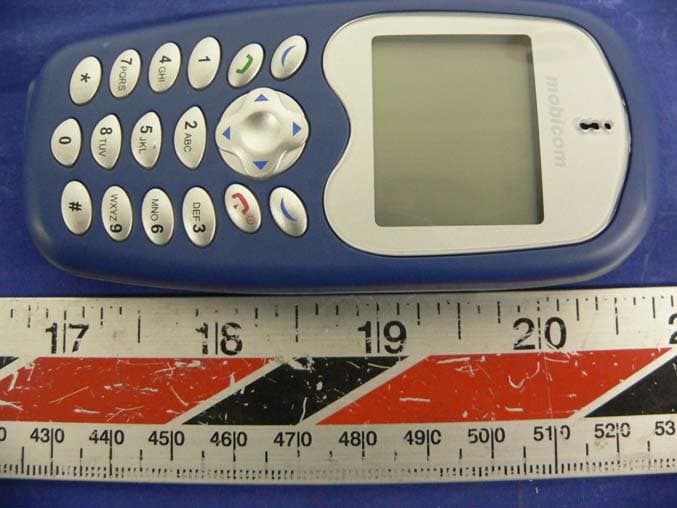
P8D-2188A
Aug 24, 2005850/1900 MHz GSM Mobile Phone
Equipment Class
PCE - PCS Licensed Transmitter held to ear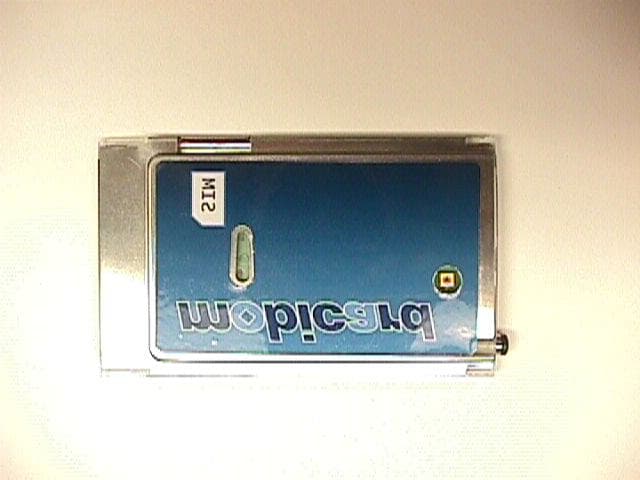
P8D-C6M88I
Jan 21, 2003GSM/GPRS 900/1900 PCMCIA Card
Equipment Class
PCB - PCS Licensed Transmitter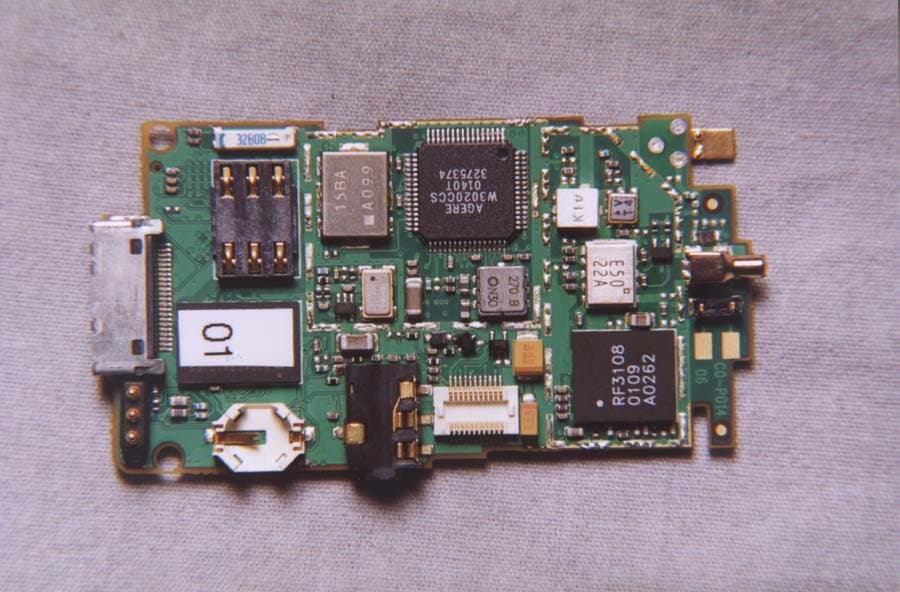
P8D-C6288I
May 08, 2002Dual Band PCS/GSM Flip-Phone
Equipment Class
PCE - PCS Licensed Transmitter held to ear
P8D-C6088I
May 07, 2002Dual Band PCS/GSM Flip-Phone
Equipment Class
PCE - PCS Licensed Transmitter held to ear