PBCNOTE-CDExternal Slim Drive
Sarotech Co., Ltd.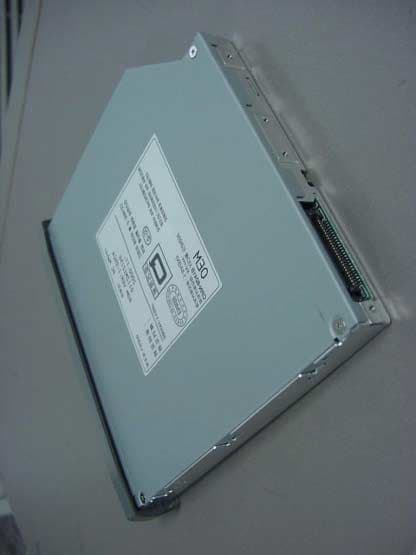
Click to zoom
Application Details
- Equipment Class
- JBP - Part 15 Class B Computing Device Peripheral
- Date of Grant
- May 03, 2001
- Application Purpose
- Original Equipment
- Date of Application
- May 03, 2001
- Equipment Note
- External Slim Drive
- Company
- Sarotech Co., Ltd.
- Country
- South Korea
Documents & Files
Document Text
Text extracted from the exhibit documents filed with the FCC. Open a document above to read the original.
Users Manual
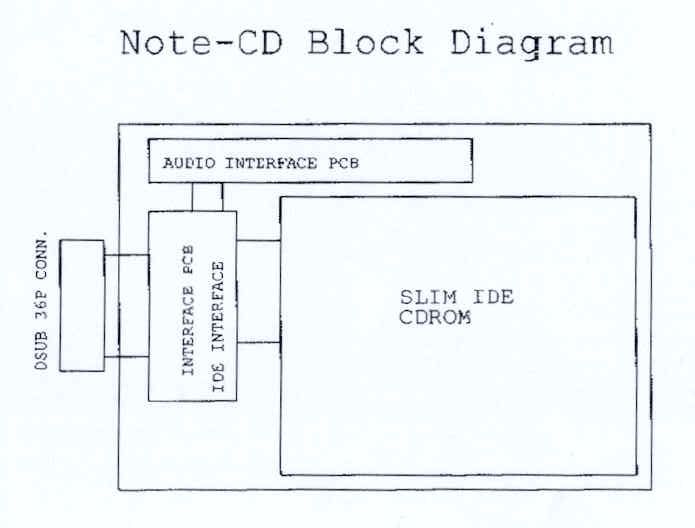
Sarotech Note-CD User’s Manual Contents Chapter 1 Features Electrical Power Requirements Physical Characteristics Chapter 2 Installation Getting Started Hardware Installation Steps Software Installation Steps Chapter 3 Power Source Option Chapter 4 Playing Audio CD APPENDIX FCC COMPLIANCE Chapter 1 Features • Ultra light weights and compacts. • Connects to any PC via PCMCIA interface. • 16-bit data transfers. • Data transfer rate up to 3.6 MB/sec. Physical Characteristics • Dimension(W x H x D) : 150 x 22 x 182 mm • Weight: 550g Chapter 2 Installation Getting Started This chapter will walk you through the installation of your external Note-CD. Before getting started, make sure that you have the following items: ! Note-CD ! PCMCIA card with 36 pin connector ! Diskette of driver software ! User’s manual Hardware Installation for Windows 95/98 1. Power on the system 2. When the WIN 95/98 boots up, go to my computer to check, make sure there is no Note-CD icon in there. Under WIN 95/98, plug in your PCMCIA card to the laptops’ PCMCIA slot, inside the “my computer” icon you should see the “CD-ROM (D:)” icon. Now you can put in the CD Disc to use your Pocket CD-ROM drive to do you work. To install the Note-CD on Windows NT 4.0 system: 1. Select "SCSI Adapter" from "My Computer" program group 2. Select "Drivers" from "SCSI Adapter" icon. 3. Select "Add" from menu 4. Select "Have Disks" from menu 5. Insert Note-CD software diskette 6. Enter "A:\NT\oemsetnt.inf" as the *INF path and select "OK" 7. Choose "Sarotech PCMCIA-ATAPI" driver and select "OK" 8. Select "Install" followed by "Continue" to install the driver 9. Reboot the system To install the Note-CD drive on DOS system: 1. Boot up system to the “C” prompt 2. Put in Sarotech PCMCIA driver in “A” drive; after “A” prompt, type DOSSETUP and press enter 3. Use ARROW KEYS to highlight the CD-ROM Driver, then press SPACE BAR to confirm the selection. Press ENTER to go to the next screen. 4. Follow on screen message to finish loading the DOS driver. Chapter 3 Power Source Option The Note-CD, can be powered by your notebook from either the PCMCIA connection. In either case, make sure your notebook battery is fully charged. Some notebook computers battery may not supply the required voltage to power the PocketCD98 drive. In this situation, the external AC/DC power adapter will be neede d. A. Using PCMCIA cable to get power • Make sure the power switch on the back of the drive is in the PCMCIA position (move the switch to the cable connection side). • Connect the cable to the drive and insert the PCMCIA card into an open PCMCIA slot on the computer. The small LED light on the top of the drive should light up in green, indicating power and drive ready. Chapter 4. Playing Audio CDs You can use the Sarotech Pocket CD or Pocket DVD drive to play regular music CDs. • To listen to the music from regular music CDs, you will need to attach a headset or an amplifying speaker to the Audio Line Out at the back of the drive. • To play the audio music through the computer, you will need to attach an audio cable (commonly available from any electronic store) between the Audio Line Out of the drive and the Audio Line In on the computer. FCC COMPLIANCE INFORMATION TO THE USER This equipment has been tested and found to comply with the limits for a Class B digital device, pursuant to part 15 of the FCC Rules. These limits are designed to provide reasonable protection against harmful interference in a residential installation. This equipment generates, uses and can radiate radio frequency energy and, if not installed and used in accordance with the instructions, may cause harmful interference to radio communications. However, there is no guarantee that interference will not occur in a particular installation. If this equipment does cause harmful interference to radio or television reception, which can be determined by turning the equipment off and on, the user is encouraged to try to correct the interference by one more of the following measures: •Reorient or relocate the receiving antenna. •Increase the separation between the equipment and receiver. •Connect the equipment into an outlet on a circuit different from that to which the receiver is connected. •Consult the dealer or an experienced radio/TV technician for help. WARNING - Changes or modifications not expressly approved by the manufacturer could void the user’s authority to operate the equipment. This device complies with Part 15 of the FCC Rules. Operation is subject to the following two conditions: (1) this device may not cause harmful interference, and (2) this device must accept any interference received, including interference that may cause undesired operations.
External Photos
FCC ID.: PBCNOTE-CD File No.: E014R-010 ONETECH Testing & Evaluation Lab. FCC ID.: PBCNOTE-CD File No.: E014R-010 ONETECH Testing & Evaluation Lab.
ID Label/Location Info
FCC ID. : PBCNOTE-CD File No. : E014R-010 ONETECH Testing & Evaluation Lab. IDENTIFICATION LABEL: PROPOSED FCC ID LABEL The label included following statement will be attached on the bottom of product. This device complies with Part 15 of the FCC Rules. Operation is subject to the following two conditions: (1) this device may not cause harmful interference, and (2) this device must accept any interference received, including interference that may cause undesired operations. Made in Korea FCC ID : PBCNOTE-CD FCC ID AREA
Test Report
Page 1 of 13 FCC ID. : PBCNOTE-CD File No. : E014R-010 This report shall not be reproduced except in full without our written approval. EMC-004 (Rev.0) HEAD OFFICE : #505 SK APT. Factory 223-28, Sangdaewon 1 Dong, Jungwon-Gu, Seongnam-City, Kyunggi-Do, 462-121, Korea (TEL: 82-31-746-8500 FAX: 82-31-746-8700 ) EMC Testing Dept : 426-1 Daessangryung-Ri, Chowol-Myun, Kwangju-Kun, Kyunggi-Do 464-860 Korea. (TEL: 82-31-765-8289 FAX: 82-31-766-2904) ONETECH Testing & Evaluation Lab. E LECTROMAGNETIC E MISSION C OMPLIANCE R EPORT Test report file number : E014R-010 Applicant : SAROTECH CO., LTD. Address : Hangang Bldg. 1549-7, Seocho-Dong, Seocho-Ku, Seoul, 137-070, Korea Manufacturer : SAROTECH CO., LTD. Address : Hangang Bldg. 1549-7, Seocho-Dong, Seocho-Ku, Seoul, 137-070, Korea Type of Equipment : External Slim Drive FCC ID : PBCNOTE-CD Model / Type No. : NOTE-CD Serial number : N/A Total page of Report : 13 pages (including this page) Date of Incoming : March 18, 2001 Date of issuing : March 12, 2001 SUMMARY The equipment complies with the regulation; FCC PART 15 SUBPART B §15.101 This test report contains only the result of a single test of the sample supplied for the examination. It is not a general valid assessment of the features of the respective products of the mass-production Reviewed by: Approved by: G. W. Lee / Chief Engineer S. S. Hong / Managing Director EMC Dept. EMC Dept. ONETECH Corp. ONETECH Corp. Page 2 of 13 FCC ID. : PBCNOTE-CD File No. : E014R-010 This report shall not be reproduced except in full without our written approval. EMC-004 (Rev.0) HEAD OFFICE : #505 SK APT. Factory 223-28, Sangdaewon 1 Dong, Jungwon-Gu, Seongnam-City, Kyunggi-Do, 462-121, Korea (TEL: 82-31-746-8500 FAX: 82-31-746-8700 ) EMC Testing Dept : 426-1 Daessangryung-Ri, Chowol-Myun, Kwangju-Kun, Kyunggi-Do 464-860 Korea. (TEL: 82-31-765-8289 FAX: 82-31-766-2904) ONETECH Testing & Evaluation Lab. CONTENTS Page 1. VERIFICATION OF COMPLIANCE ...............................................................................................................3 2. GENERAL INFORMATION ................................................................................................................................4 2.1 P RODUCT D ESCRIPTION .............................................................................................................................................4 2.2 R ELATED S UBMITTAL ( S ) / G RANT ( S ) ......................................................................................................................4 2.3 T EST S YSTEM D ETAILS ..............................................................................................................................................5 2.4 T EST M ETHODOLOGY ................................................................................................................................................5 2.5 T EST F ACILITY ............................................................................................................................................................5 3. SYSTEM TEST CONFIGURATION .................................................................................................................6 3.1 J USTIFICATION ............................................................................................................................................................6 3.2 EUT EXERCISE S OFTWARE .......................................................................................................................................6 3.3 C ABLE D ESCRIPTION ..................................................................................................................................................6 3.4 N OISE S UPPRESSION P ARTS ON C ABLE ...................................................................................................................7 3.5 E QUIPMENT M ODIFICATIONS ....................................................................................................................................7 3.6 C ONFIGURATION OF T EST S YSTEM ..........................................................................................................................7 4. PRELIMINARY TEST ............................................................................................................................................8 4.1 AC P OWER LINE C ONDUCTED E MISSION T EST ......................................................................................................8 4.2 R ADIATED E MISSION T EST ........................................................................................................................................8 5. FINAL RESULT OF MEASURMENT .............................................................................................................9 5.1 C ONDUCTED E MISSION T EST ....................................................................................................................................9 5.2 R ADIATED E MISSION T EST ......................................................................................................................................11 6. FIELD STRENGTH CALCULATION ...........................................................................................................12 7. LIST OF TEST EQUIPMENT ............................................................................................................................13 Page 3 of 13 FCC ID. : PBCNOTE-CD File No. : E014R-010 This report shall not be reproduced except in full without our written approval. EMC-004 (Rev.0) HEAD OFFICE : #505 SK APT. Factory 223-28, Sangdaewon 1 Dong, Jungwon-Gu, Seongnam-City, Kyunggi-Do, 462-121, Korea (TEL: 82-31-746-8500 FAX: 82-31-746-8700 ) EMC Testing Dept : 426-1 Daessangryung-Ri, Chowol-Myun, Kwangju-Kun, Kyunggi-Do 464-860 Korea. (TEL: 82-31-765-8289 FAX: 82-31-766-2904) ONETECH Testing & Evaluation Lab. 1. VERIFICATION OF COMPLIANCE APPLICANT : SAROTECH CO.,…
Text truncated - open the document above for the full version.
Test Setup Photos
FCC ID. : PBCNOTE-CD File No. : E014R- 010 ONETECH Testing & Evaluation Lab. FCC ID. : PBCNOTE-CD File No. : E014R- 010 ONETECH Testing & Evaluation Lab.
Contact Information
Applicant
Chung-Young So(Manager)
Test Firm
ONETECH Corp.Y. Kwon
Technical Specifications
| # | Rule Parts | Frequency Range | Power Output |
|---|---|---|---|
| 1 | 15B | - | - |
Other Applications from Sarotech Co., Ltd.
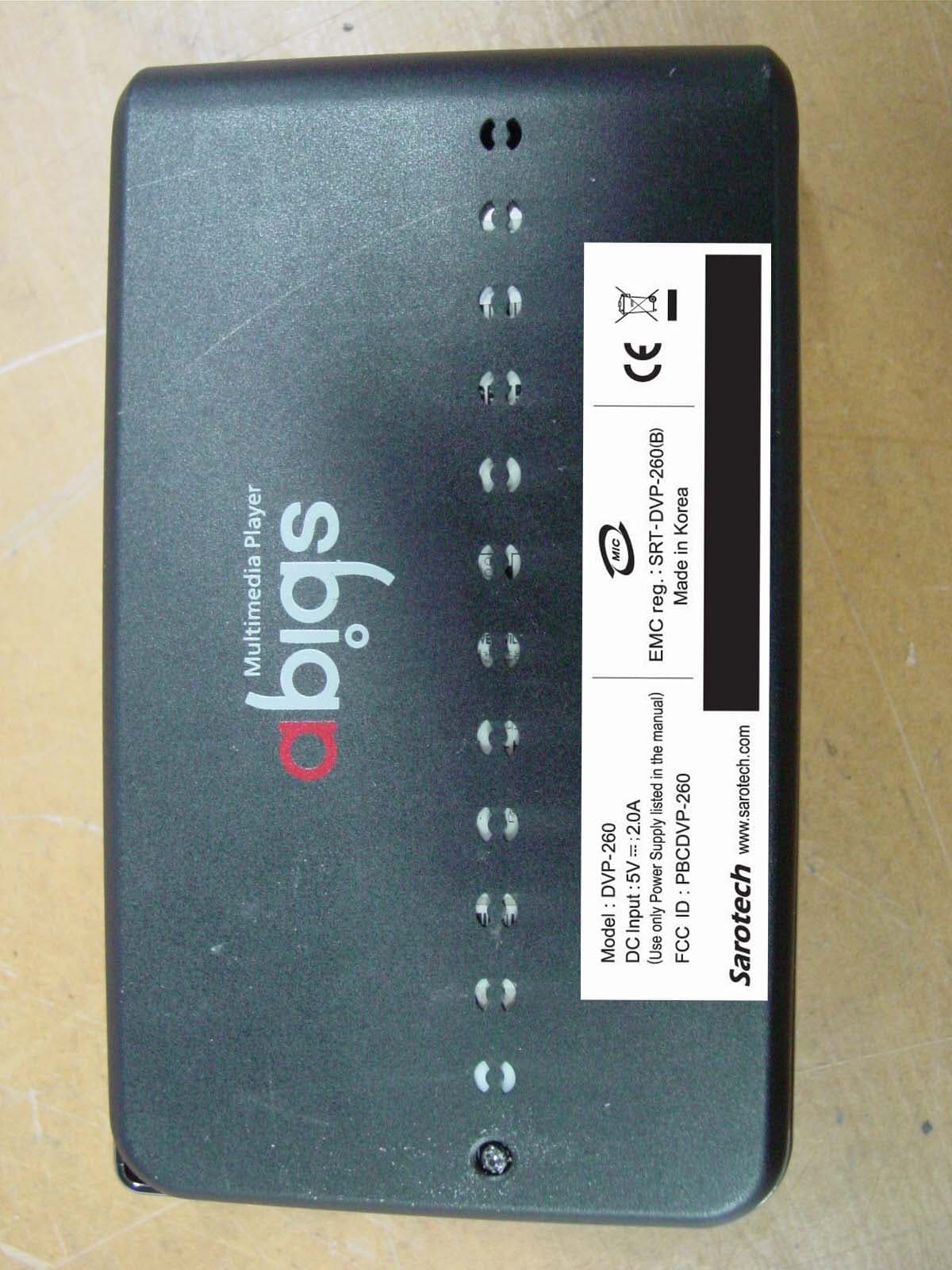
PBCDVP-260
Mar 18, 2007Multi Media Player
Equipment Class
JBP - Part 15 Class B Computing Device Peripheral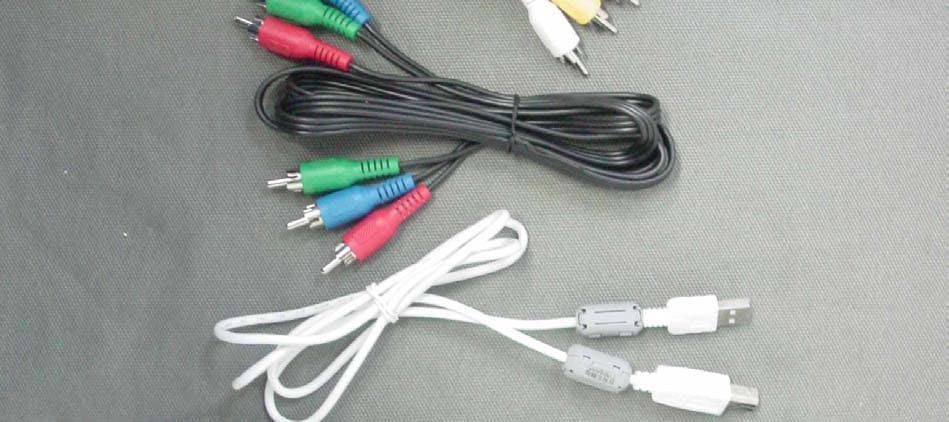
PBCDVP-570
Nov 19, 2006Multi Media Player
Equipment Class
JBP - Part 15 Class B Computing Device Peripheral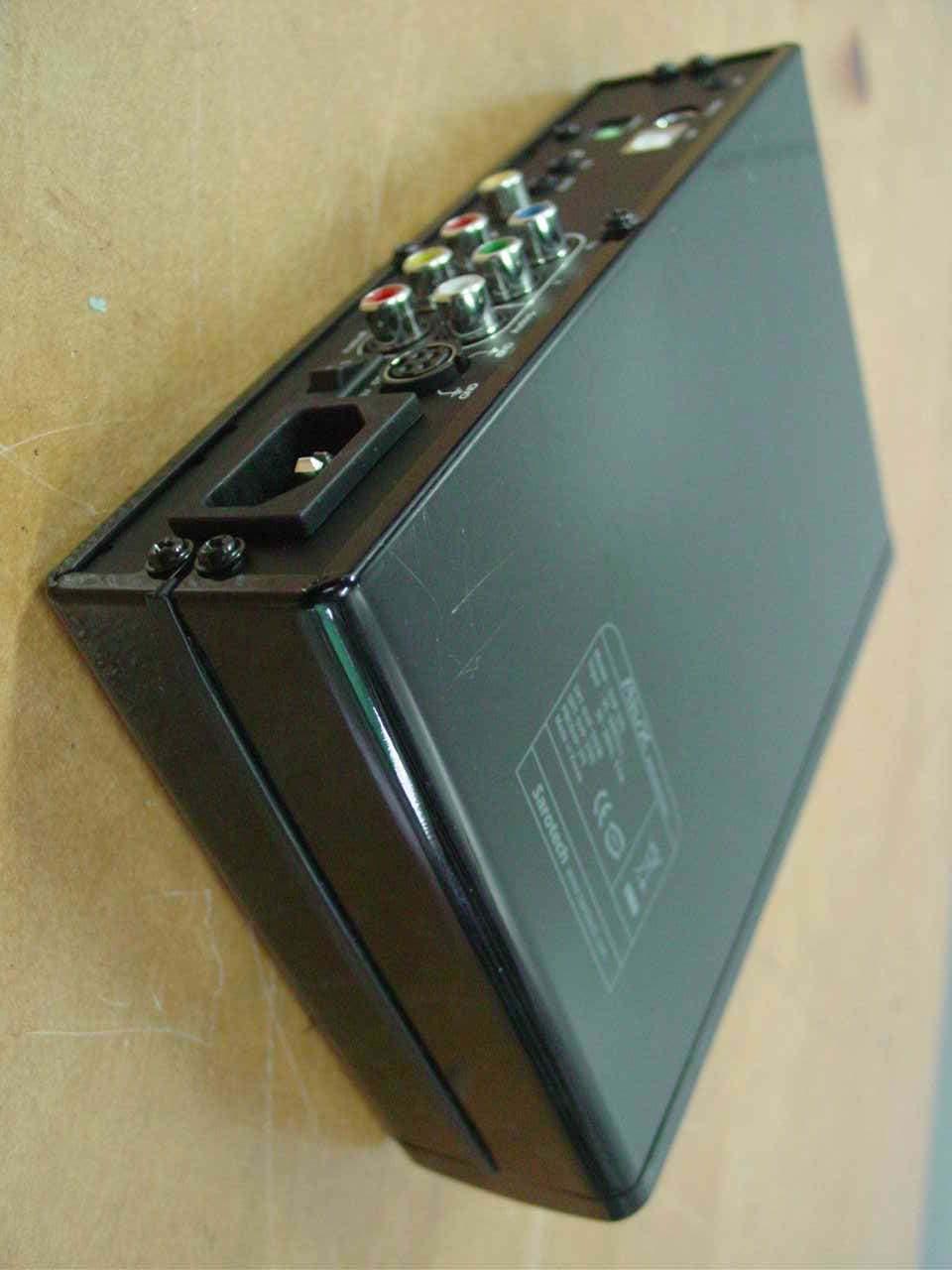
PBCDVP-370
Mar 28, 2006Multimedia Player
Equipment Class
DXX - Part 15 Low Power Communication Device Transmitter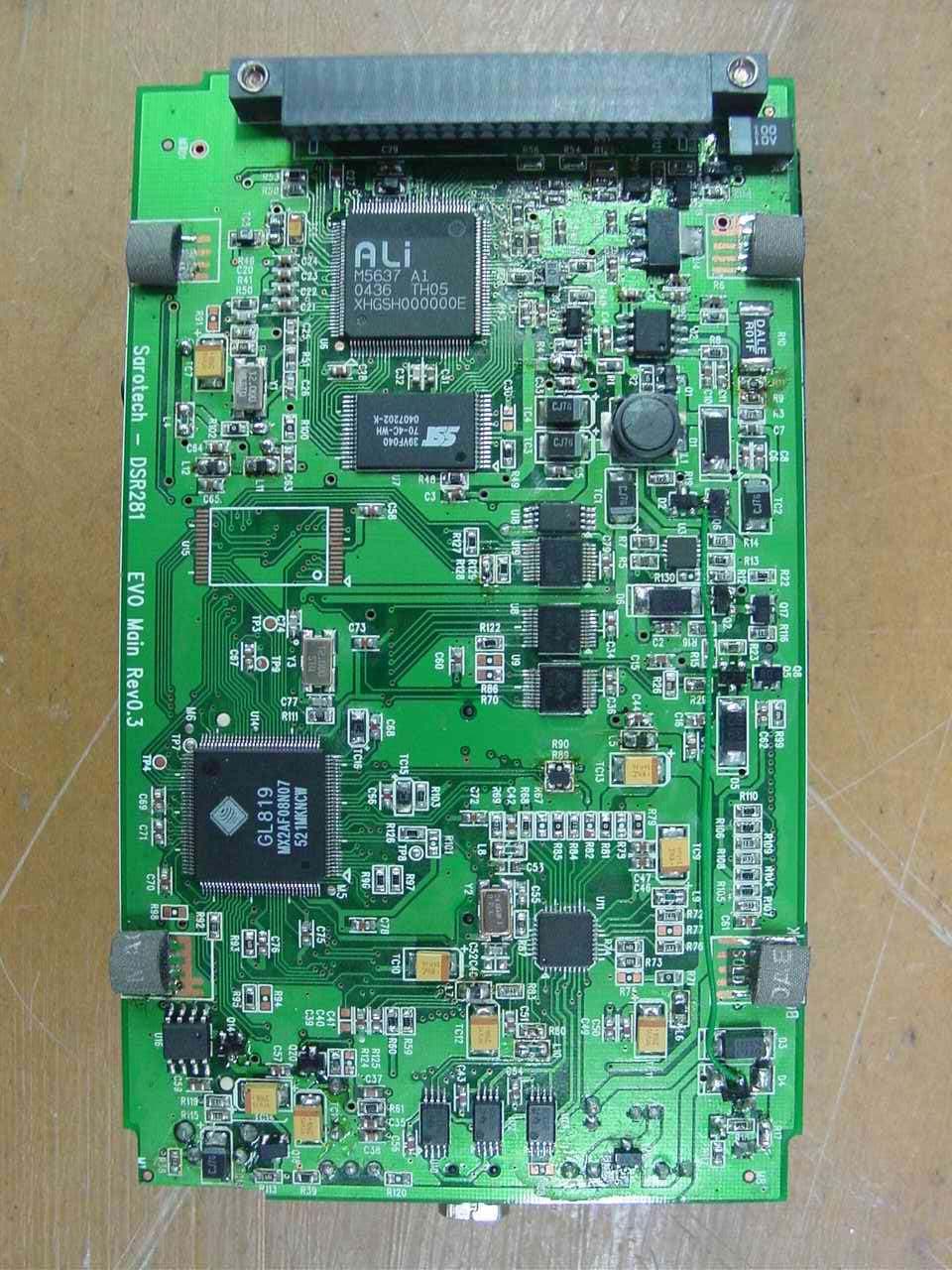
PBCDSR281
Jan 18, 2006Photo Storage
Equipment Class
JBP - Part 15 Class B Computing Device Peripheral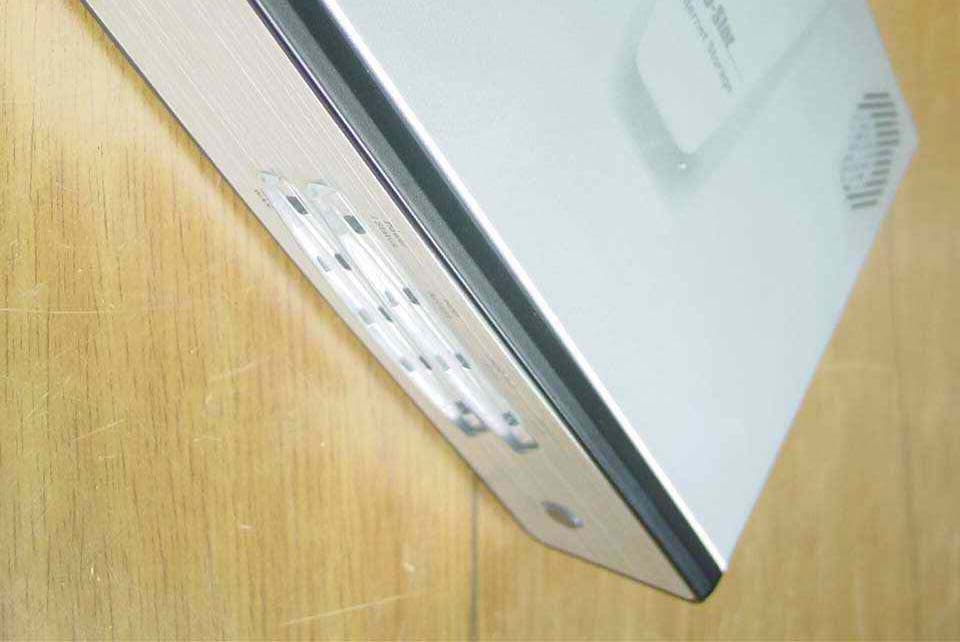
PBCNHD-355
Sep 15, 2005Network Storage
Equipment Class
JBP - Part 15 Class B Computing Device Peripheral