PDLAL151LCD MONITOR
ATEC Co., Ltd.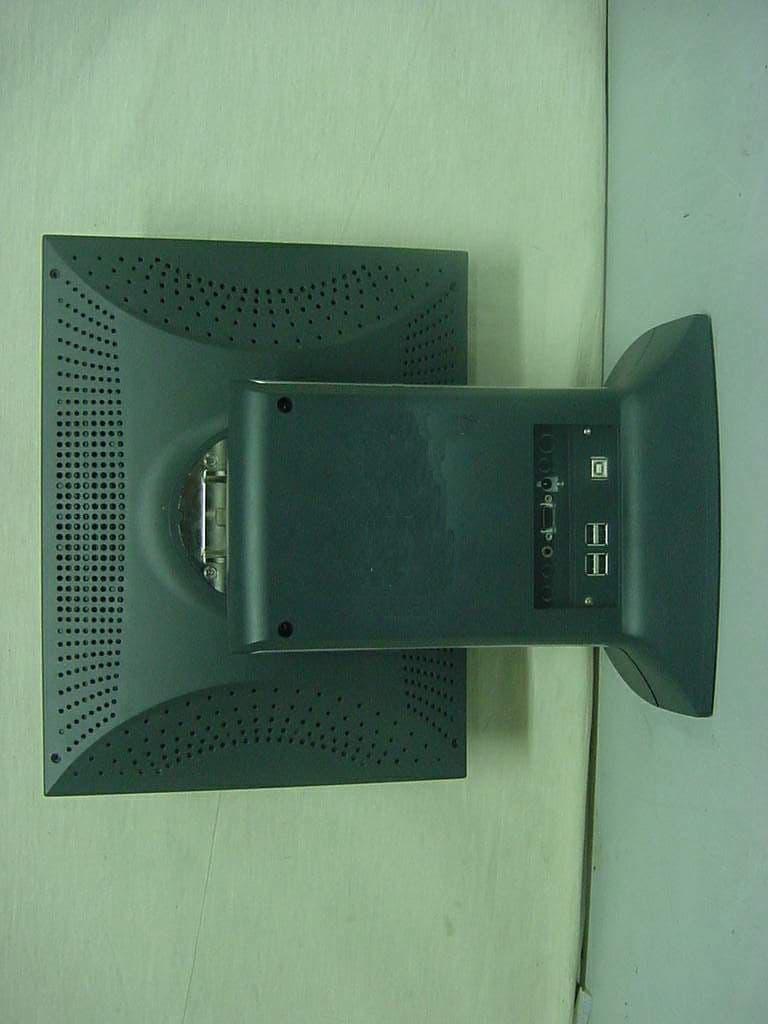
Click to zoom
Application Details
- Equipment Class
- JBP - Part 15 Class B Computing Device Peripheral
- Date of Grant
- Jan 11, 2001
- Application Purpose
- Original Equipment
- Date of Application
- Jan 11, 2001
- Equipment Note
- LCD MONITOR
- Company
- ATEC Co., Ltd.
- Country
- South Korea
Documents & Files
Document Text
Text extracted from the exhibit documents filed with the FCC. Open a document above to read the original.
Users Manual
After opening the box, please check to ensure that the following accessories are provided with the monitor The actual monitor and accessories may appear diff e r e n t l y from those shown on the above figure. B e fo re Use H ow do I Use the Monitor ? I n fo rm ation for Your Conve n i e n c e F e a t u r e s Instructions for Safety How do I Connect the Computer Cables ? How do I Connect with the IBM computer ? The Name and Function of Each Individual Part Front view Back view The name and function of each individual part in the screen adjusting block How to Select and Adjust the OSD (On Screen Display) To adjust the brightness and contrast of the screen ? To select / adjust the color of the screen ? To adjust the up/down/left/right position of the screen ? To adjust the horizontal size of the screen or focus the phase? To get information on the current mode ? T r o u b l e s h o o t i n g Product Specification Please keep the users guide in a place where product users can refer to it. -Adopted the 15.1LCD (Liquid Crystal Display) Panel which allows you efficient use in a small space due to the slim design. -Uses a specially manufactured hinge (ATEC System patent) to adjust the screen freely up and down, left to right, and back and forth. This function is provided with thoughtful consideration to the users convenience. -The Plug & Play function is available, freeing the user from having to reboot or set up the system during operation. -The user does not have to adjust the monitor to computer connection, as optimal screen settings are automatically provided through the DDC (Display Data Channel) system. - The VESA DPMS (Display Power Management Signaling) function is available to reduce power consumption by automatically switching the computer into the power saving mode if the system doesnt operate for a fixed period of time. - A speaker is embedded so that the user can hear sound without separate s p e a k e r s . - This equipment has been registered through compatability tests with electromagnetic waves, and can therefore be used everywhere including residential districts. - Software pivoting to the vertical size of A4 paper is available, making Word work easier. - USB 4Port can be embedded to use the USB without an external Hub. The sign on the product and users guide instructs as following. A sign signifies the need for particular atten- tion in order to avert potential danger under certain conditions. No one but trained repair engineers may disassemble the monitor. Please contact the appropriate sales agency or cus- tomer counsel window for check-ups, adjustment and repair. A fire or electric shock accident may be caused. Please note not to allow liquids such as chemicals, water etc to contact the monitor. A fire or electric shock accident may be caused. Matters that demand special attention are divided into W a r n i n gand C a u t i o n, and are detailed a follows In case of the possibility that a serious injury or death may occur during a violation of the instructions. In case of the possibility that a slight injury or product damage may occur during a violation of the instructions. Wa rn i n g C a u t i o n D o nt place or drop metals (such as coins, hair pins, or ironware) or flammable items (such as paper, or matches) onto the m o n i t o r . A fire or electric shock accident may be caused. D o nt place the monitor near to heat sources (such as a fireplace), and keep out of the sun. A fire or electric shock accident may be caused. Wa rn i n g Please insert the two pins of the plug completely so that the power supply unit can be connected tightly. Unsafe power connections may cause a fire. Please be careful to keep the panel from being scratched or damaged when you transport the monitor. The panel may be damaged, causing a failure. D o nt set up the equipment in a humid environment (such as bathroom, rainy or windy area, e t c ) . Accidents of electric shock, fire or failure may occur. Please stop using in case of smoke or abnormal odors. Immediately switch off the power, and pull out the power cord from the wall. Contact the service center. Continuity of use in such a state may cause a fire or electric shock. D o nt sprinkle water directly on any part of the monitor body. An electric shock or fire accident may occur. Please keep the power cord from proximity to a heating instrument. The covering material of the cord may melt, causing a fire or electric s h o c k . Wa rn i n g Never touch the power plug with wet hands. An electric shock accident may occur. D o nt use a power cord or plug that is damaged or has a loose connection. An electric shock or ignition may be caused. Please note that air-flow holes must not be blocked by a table cloth or curtain. A fire may becaused due to an increase in internal tempe- r a t u r e . D o nt set up the equipment on an unsupported shelf or angled surface. nor on an area subject to serious vibration. Fall or displacement of the equipment may cause an injury. Please set up the monitor at a proper distance (over 10 cm) away from the wall for sufficient ventilation. A fire may be caused due to an increase in internal tempe- r a t u r e . Please grasp the power plug at the base to remove it from the wall, and pull firmly but gently. If you yank at the cord the wire may be broken, causing ignition or heat generation. Wa rn i n g D o nt put pressure upon the panel or score the surface with your hands or sharp items (nails, pencils, pens, etc). Damage or failure of the panel may be caused. When you move the monitor, take hold of it with both hands setting the panel forward. If you drop the monitor, contact the service center to check it for a susceptibility to fire or electric shock. You must switch the power off and pull the power cord out before moving the monitor. You should also check as to whether external connection cords - such as the connection cords between compo- nent parts - are all pulled out before the m o v e m e n t . A damaged cord …
Text truncated - open the document above for the full version.
Block Diagram
15.1" LCD
ID Label/Location Info
FCC ID. : PDLAL151 ONETECH Testing & Evaluation Lab . IDENTIFICATION LABEL LOCATION: PROPOSED FCC ID LABEL The label of FCC ID. will be affixed to the rear side of product. FCC ID : PDLAL151 Model Name: AL151 This device complies with Part 15 of the FCC Rules. Operation is subject to the following two conditions: (1) this device may not cause harmful interference, and (2) this device must accept any interference received, including interference that may cause undesired operations ATEC SYSTEM CO., LTD Made in Korea FCC ID. : PDLAL151 ONETECH Testing & Evaluation Lab .
Test Report
Page 1 of 13 FCC ID. : Error! Unknown docume nt prope rty name . File No. : Error! Unknown docume nt prope rty name . This report shall not be reproduced except in full without our written approval.FCC-004 (Rev.0) HEAD OFFICE : #505 SK APT. Factory 223-28, Sangdaewon 1 Dong, Jungwon- Gu, Seongnam- C ity, K yunggi- Do, 462-121, Korea (TEL: 82- 31-746-8500 FAX: 82-31-746-8700 ) EM C Te s ting De pt : 426-1 Daessangryung- Ri, C howol- Myun, K wangju- K un, K yunggi- Do 464-860 Korea. (TEL: 82- 31-765-8289 FAX: 82-31-766-2904) ONETECH Testing & Evaluation Lab . ELECTROMAGNETIC EMISSION COMPLIANCE REPORT Test report file number : E00NR-052 Applicant : ATEC SYSTEM CO., LTD. Address: #1451-78, Seocho-Dong, Seocho-Gu, Seoul, 137-866, Korea Manufacturer : ATEC SYSTEM CO., LTD. Address: #1451-78, Seocho-Dong, Seocho-Gu, Seoul, 137-866, Korea Type of Equipme nt : LCD MO NITO R (Class B Computing De vice Pe riphe ral) FCC ID: PDLAL151 Model / Type No. : AL151 Se rial numbe r: N/ A Total page of Report: 13 pages (including this page) Date of Incoming: October 30, 2000 Date of Issuing : November 28, 2000 SUMMARY The equipment complies with the regulation; FCC PART 15 SUBPART B, SECTION 15.101 This test report contains only the results of a single test of the sample supplied for the examination. It is not a general valid assessment of the features of the respective products of the mass-production. Prepared by: Reviewed by: G. W. Lee/ Ass. Chief EngineerY. K. Kwon/ Chief Engineer EMC Dept.EMC Dept. ONETECH Corp.ONETECH Corp. Page 2 of 13 FCC ID. : Error! Unknown docume nt prope rty name . File No. : Error! Unknown docume nt prope rty name . This report shall not be reproduced except in full without our written approval.FCC-004 (Rev.0) HEAD OFFICE : #505 SK APT. Factory 223-28, Sangdaewon 1 Dong, Jungwon- Gu, Seongnam- C ity, K yunggi- Do, 462-121, Korea (TEL: 82- 31-746-8500 FAX: 82-31-746-8700 ) EM C Te s ting De pt : 426-1 Daessangryung- Ri, C howol- Myun, K wangju- K un, K yunggi- Do 464-860 Korea. (TEL: 82- 31-765-8289 FAX: 82-31-766-2904) ONETECH Testing & Evaluation Lab . CONTENTS Page 1. VERIFICATION OF COMPLIANCE ................................................................................................................ 3 2. GENERAL INFORMATION .................................................................................................................................. 4 2.1 P RODUCT D ESCRIPTION ............................................................................................................................................. 4 2.2 R ELATED S UBMITTAL ( S ) / G RANT ( S ) ...................................................................................................................... 4 2.3 T EST S YSTEM D ETAILS .............................................................................................................................................. 5 2.4 T EST M ETHODOLOGY ................................................................................................................................................ 5 2.5 T EST F ACILITY ............................................................................................................................................................ 5 3. SYSTEM TEST CONFIGURATION ................................................................................................................... 6 3.1 J USTIFICATION ............................................................................................................................................................. 6 3.2 EUT EXERCISE S OFTWARE ........................................................................................................................................ 6 3.3 C ABLE D ESCRIPTION .................................................................................................................................................. 6 3.4 N OISE S UPPRESSION P ARTS ON C ABLE ................................................................................................................... 7 3.5 E QUIPMENT M ODIFICATIONS .................................................................................................................................... 7 3.6 C ONFIGURATION OF T EST S YSTEM .......................................................................................................................... 7 4. PRELIMINARY TEST .............................................................................................................................................. 8 4.1 AC P OWER LINE C ONDUCTED E MISSION T EST ..................................................................................................... 8 4.2 R ADIAT ED E MISSION T EST ........................................................................................................................................ 8 5. FINAL RESULT OF MEASURMENT ............................................................................................................... 9 5.1 C ONDUCTED E MISSION T EST .................................................................................................................................... 9 5.2 R ADIAT ED E MISSION T EST ...................................................................................................................................... 12 6. FIELD STRENGTH CALCULATION ............................................................................................................. 14 7. LIST OF TEST EQUIPMENT ............................................................................................................................. 15 Page 3 of 13 FCC ID. : Error! Unknown docume nt prope rty name . File No. : Error! Unknown docume nt prope rty name . This report shall not be reproduced except in full without our written approval.FCC-004 (Rev.0) HEAD OFFICE : #505 SK APT. Factory 223-28, Sangdaewon 1 Dong, Jungwon- Gu, Seongnam- C ity, K yunggi- D…
Text truncated - open the document above for the full version.
Test Setup Photos
Conducted Emission Test Radiated Emission Test
Contact Information
Applicant
Mr. Dong-Suk Cha(Research Engineer)
Technical Contact
ONETECH CORP.Y.K. KWON
[email protected]+82-31-765-8289
461-1, Daessangryung-Ri, Chowol-Myun · Kyunggi-Do · South Korea
Test Firm
ONETECH Corp.Y. Kwon
Technical Specifications
| # | Rule Parts | Frequency Range | Power Output |
|---|---|---|---|
| 1 | 15B | - | - |
Other Applications from ATEC Co., Ltd.
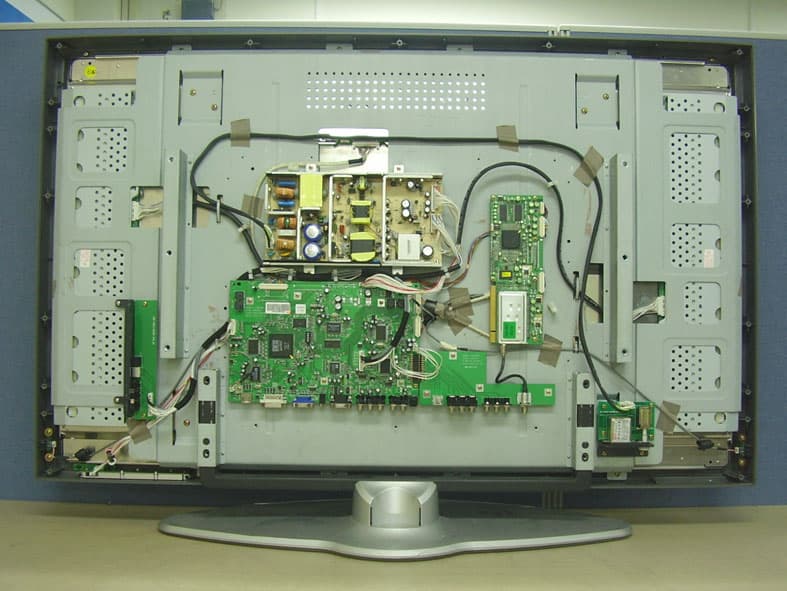
PDLAV420A
Jan 29, 200642 Inches TFT LCD TV
Equipment Class
JBP - Part 15 Class B Computing Device Peripheral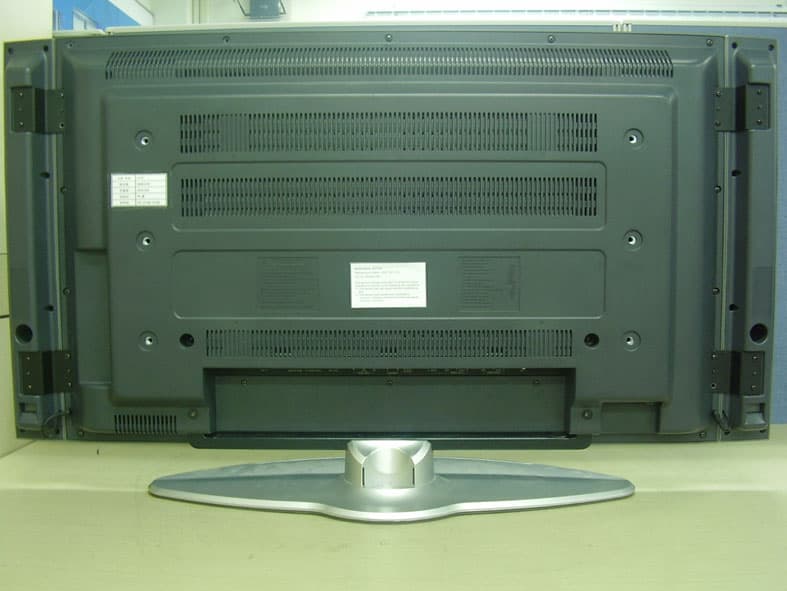
PDLAV370A
Jan 29, 200637 Inches TFT LCD TV
Equipment Class
JBP - Part 15 Class B Computing Device Peripheral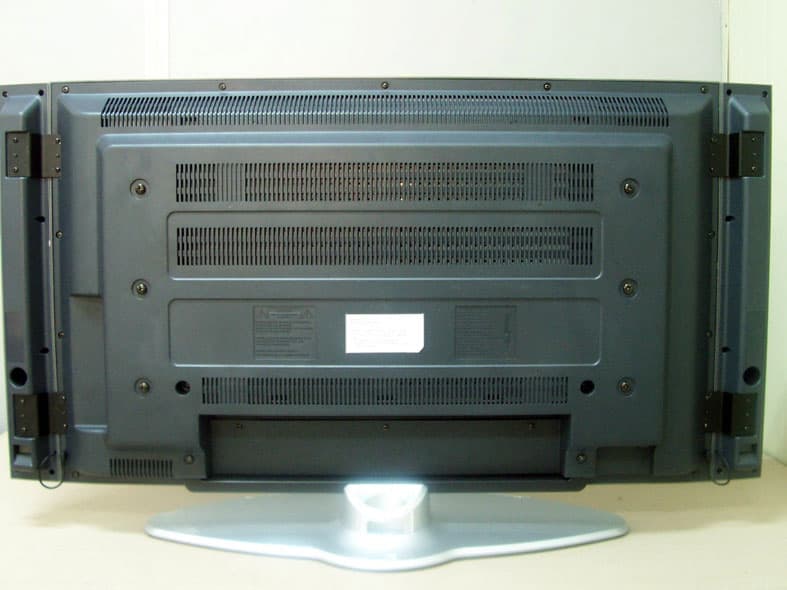
PDLAV370W
May 24, 200537" TFT LCD TV
Equipment Class
JBP - Part 15 Class B Computing Device Peripheral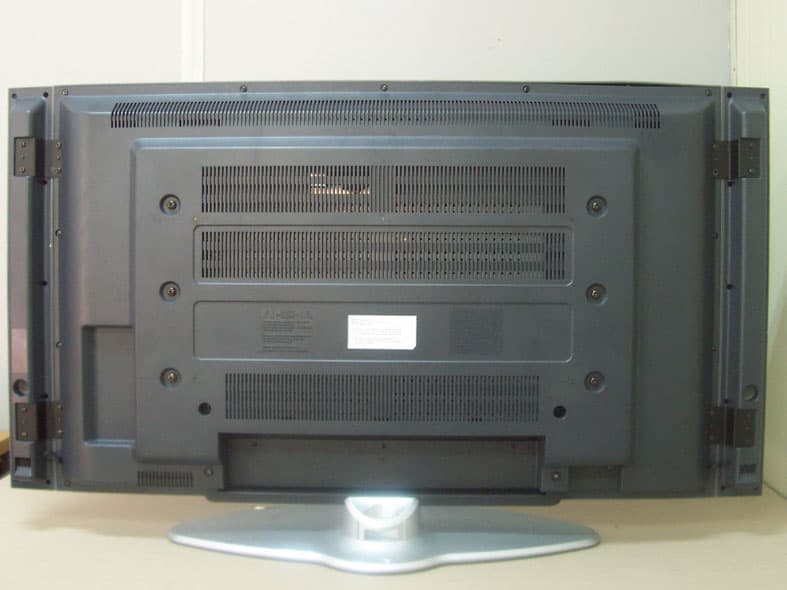
PDLAV420W
May 24, 200542" TFT LCD TV
Equipment Class
JBP - Part 15 Class B Computing Device Peripheral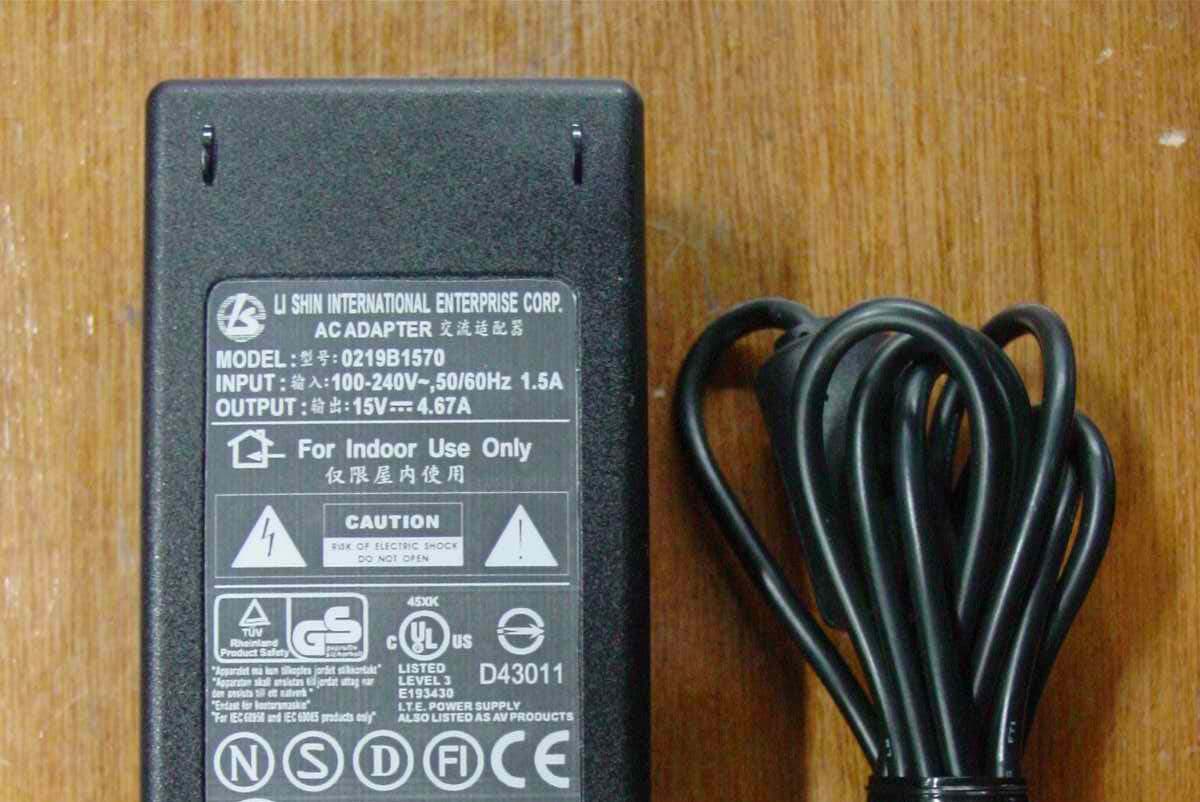
PDLAV201
Mar 06, 200520.1" LCD TV
Equipment Class
JBP - Part 15 Class B Computing Device Peripheral