PDLAL170LCD MONITER
ATEC Co., Ltd.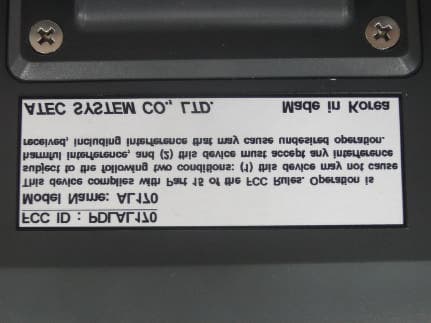
Click to zoom
Application Details
- Equipment Class
- JBP - Part 15 Class B Computing Device Peripheral
- Date of Grant
- Jul 10, 2003
- Application Purpose
- Original Equipment
- Date of Application
- Jul 10, 2003
- Equipment Note
- LCD MONITER
- Company
- ATEC Co., Ltd.
- Country
- South Korea
Documents & Files
Document Text
Text extracted from the exhibit documents filed with the FCC. Open a document above to read the original.
Users Manual
Before Use English This user manual contains proprietary information that is protected by copyright. All rights are reserved. No part of this user manual may be reproduced, photocopied, transcribed, translated or transmitted in whatsoever from without the prior permission of the manufacturer. The size and appearance of this monitor may be changed for improvement without notice. Damage caused by using the unauthorized components or disregard of the information and cautions in this user manual is not covered by the warranty service. If you have problem with your monitor, please check TroubleShooting in this user manual before asking for help service center. The information in this user manual is subject to change without notice. If you let display the static images on the LCD monitor for prolonged time, the LCD monitor may show you the screen images retention. It is not a continuous condition and will fade away in a period time. The Image retention is a condition that may occur on all LCD monitors. The LCD consists of about 5 million pixels. One pixel includes 3 dots and some of dots could be seen bright and dark compared to other dots. Please, note that it may occur on all LCD monitors and it is not a product inferiority. CE Conformity Notice The Product herewith complies with requirements of the Low Voltage Directive 73/23/EEC and the EMC Directive 89/336/EEC and carries the ‘CE’ mark accordingly. Confirms to the following hamonized European standards have been applied: EMC : EN 55022 Class B : 1998 EN 55024 : (EN 61000-4-2 : 1995, A1 : 1998, EN61000-4-3 : 1996, EN 61000-4-4: 1995, EN61000-4-5 : 1995, EN61000-4-4 : 1996, EN61000-4-8 : 1993 and EN61000-4-11 : 1994) EN61000-3-3 : 1995, A1 : 98, A2 : 98 EN61000-3-3 : 1995 FCC Compliance Statement This device complies with Part 15 of the FCC Rules. Operation is subject to the following two conditions : (1) this device may not cause harmful interference, and (2) this device must accept any interference received including interference that may cause undesired operation. INFORMATION TO THE USER This equipment has been tested and found to comply with the limits for a Class B digital device pursuant to Part 15 of the FCC Rules. These limits are designed to provide resonable protection against harmful interference in a residential installation. This equipment generates, uses and can radiate radio frequency energy and if not installed and used in accordance with the instructions, may cause harmful interference to radio communication. However, there is no guarantee that interference will not occur in a particular installation. If this equipment does cause harmful interference to radio or television reception, which can be determined by turning the equipment off and on, the user is encouraged to try to correct the interference by one or more of the following measures: - Reorient or relocate the receiving antenna. - Increase the separation between the equipment an receiver. - Connect the equipment into an outlet in a circuit different from that to which the receiver is connected. - consult the dealer or an experienced radio / TV technician for help. WARNING Changes or modifications not expressly approved by the manufacturer could void the use’s authority to operate the equipment. English English Unpacking After opening the box, make sure the following items are provided with the monitor. If you find that any of these items is missing or appears damaged, contact your dealer immediately. The actual monitor and accessories may appear differently from those shown on the above figure Note Diskette (Monitor Driver) Power Cord User Manual DC Adapter Audio Cable VGA Signal Cable Monitor English Don’t plug the power adapter into a non-grounding power outlet. Matters that demand special attention are divided into ‘Warning’ and ‘Caution’, and are detailed a follows. Never touch the power plug with wet hands. An electric shock accident may occur. Don’t plug with other electrical cords into one power outlet. An electric shock or fire accident may occur. Only use the adapter provided with the monitor. An electric shock or fire accident may occur. Don’t use a power cord or plug that is frayed or damaged. An electric shock or ignition may be caused. Insert the plug completely so that the power supply unit can be connected tightly. Unsafe power connection may cause a fire. In case of the possibility that a serious injury or death may occur during a violation of the instructions. In case of the possibility that a slight injury or product damage may occur during a violation of the instructions. Instructions for Safety English Grasp the power plug at the base to remove it from the wall, and pull firmly but gently. If you yank at the cord, the wire may be broken, causing ignition or heat generation. Pull the power cord out when the monitor is not used for a long time, or while you are away. A dust covering may cause an electric shock, electric leakage, or fire by heat generation, ignition, and insulation degradation. Select a cool, dry area and protect your monitor from extremes in temperature, humidity, dust and smoke. Accidents of electric shock, fire or failure may occur. Avoid direct sunlight or any other source of heat such as a fireplace. A fire or electric shock accident may be caused. Place the monitor at a proper distance (over 10 cm) away from the wall for sufficient ventilation. A fire may be caused due to an increase in internal temperature. Place the monitor in a well-ventilated room. A fire may be caused due to an increase in internal temperature. Note that air-flow holes must not be blocked such as a table cloth or curtain. A fire may be caused due to an increase in internal temperature. Keep the power cord from proximity to a heating instrument. The covering material of the cord may melt, causing a fire or electric shock. English Don’t block or obstruct the air-flow holes of the monitor. A fire or damage of the monitor may be caused due to an increase in i…
Text truncated - open the document above for the full version.
Contact Information
Applicant
Mr. Dong-Suk Cha(Research Engineer)
Test Firm
Korea Standard Quality LaboratoriesSung-goo Kim
Technical Specifications
| # | Rule Parts | Frequency Range | Power Output |
|---|---|---|---|
| 1 | 15B | - | - |
Other Applications from ATEC Co., Ltd.
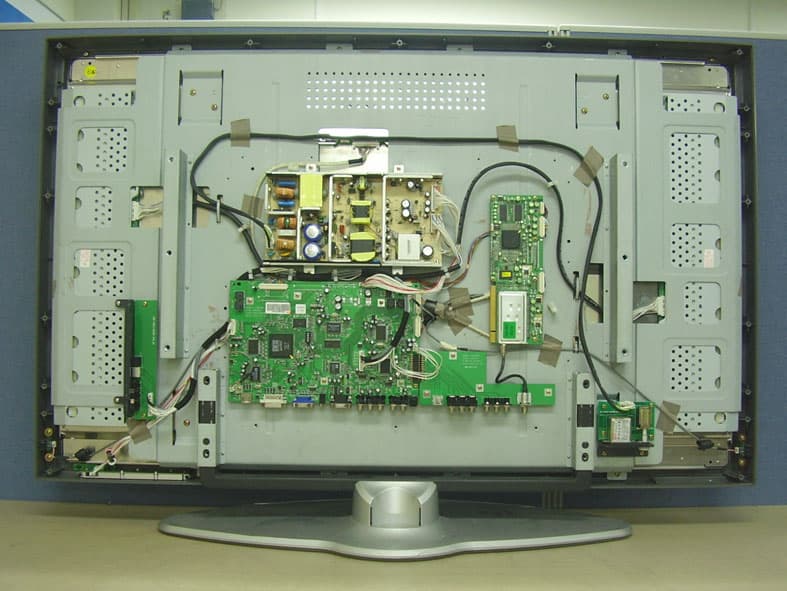
PDLAV420A
Jan 29, 200642 Inches TFT LCD TV
Equipment Class
JBP - Part 15 Class B Computing Device Peripheral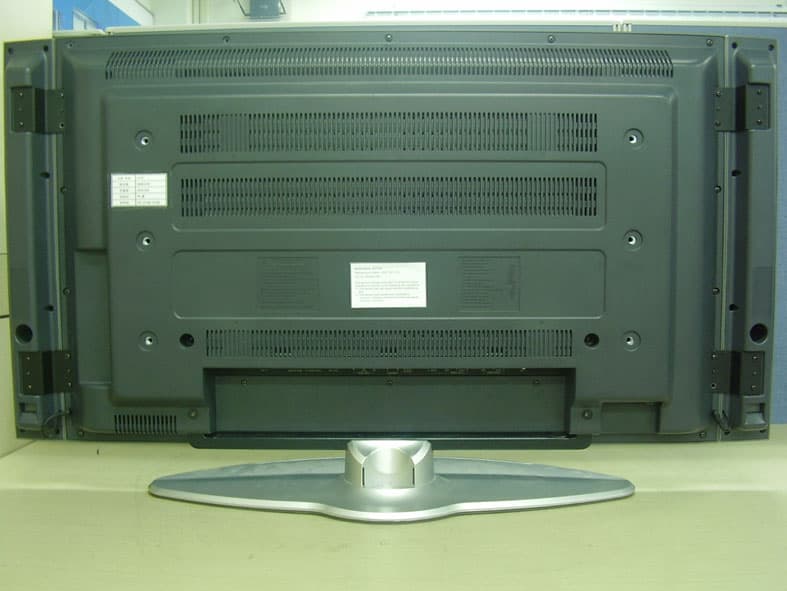
PDLAV370A
Jan 29, 200637 Inches TFT LCD TV
Equipment Class
JBP - Part 15 Class B Computing Device Peripheral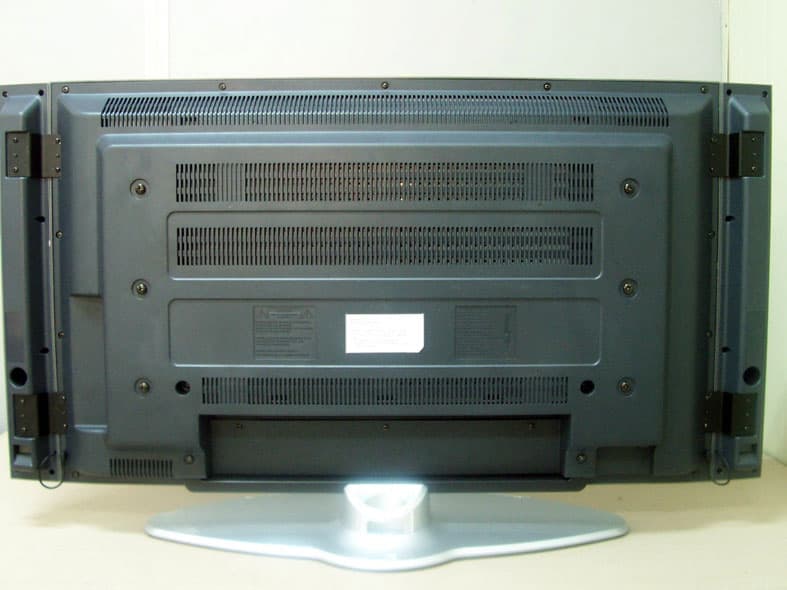
PDLAV370W
May 24, 200537" TFT LCD TV
Equipment Class
JBP - Part 15 Class B Computing Device Peripheral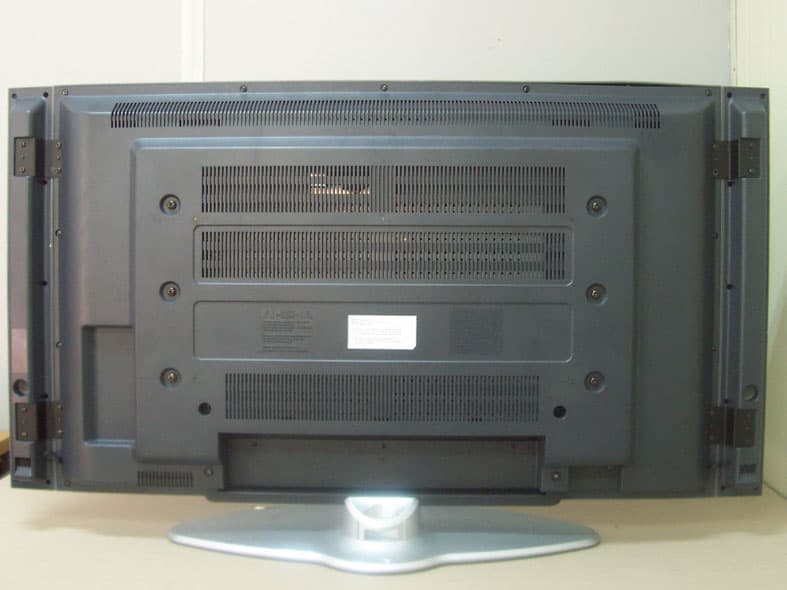
PDLAV420W
May 24, 200542" TFT LCD TV
Equipment Class
JBP - Part 15 Class B Computing Device Peripheral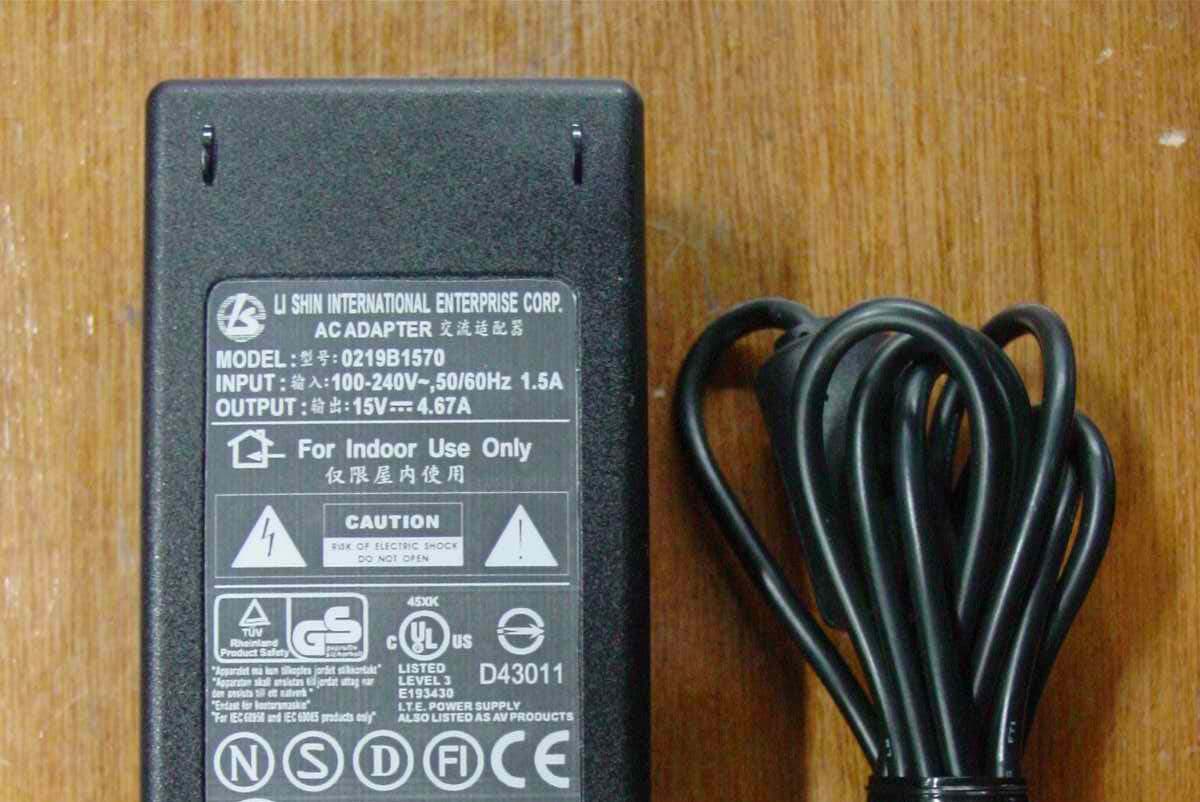
PDLAV201
Mar 06, 200520.1" LCD TV
Equipment Class
JBP - Part 15 Class B Computing Device Peripheral