PFBSRE06003PC Camera
Serome Electronics Inc.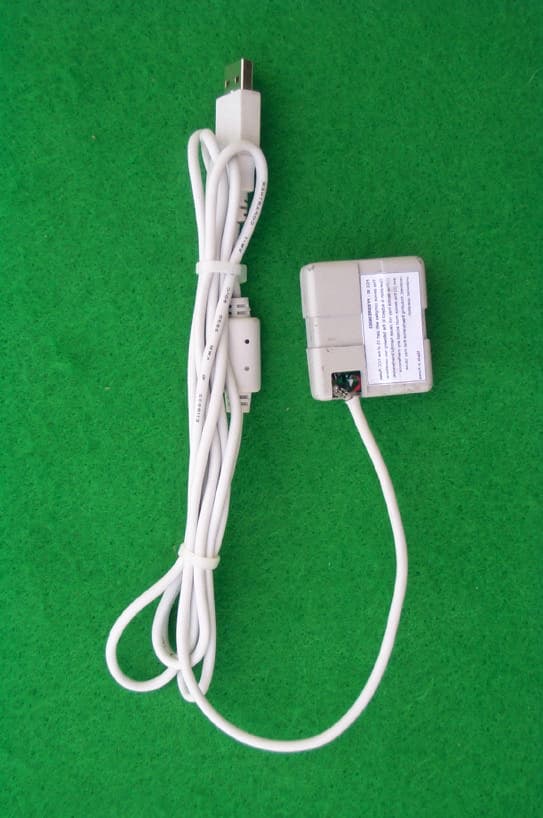
Click to zoom
Application Details
- Equipment Class
- JBP - Part 15 Class B Computing Device Peripheral
- Date of Grant
- Feb 06, 2002
- Application Purpose
- Original Equipment
- Date of Application
- Feb 06, 2002
- Equipment Note
- PC Camera
- Company
- Serome Electronics Inc.
- Country
- South Korea
Documents & Files
Document Text
Text extracted from the exhibit documents filed with the FCC. Open a document above to read the original.
Users Manual
FCC NOTICE THIS DEVICE COMPLIES WITH PART 15 OF THE FCC FULES. OPERATION IS SUBJECT TO THE FOLLOWING TWO CONDITION: (1) THIS DEVICE MAY NOT CAUSE HARMFUL I NTERFERENCE, AND (2) THIS DEVICE MUST ACCEPT ANY I NTERFERENCE RECEIVED, INCLUDI NG I NTERFERENCE THAT MAY CAUSE UNDERSIRED OPERATION. This equipment has been tested and found to comply with the limits for a Class Bdigital device, pursuant to part 15 of the FCC Rules. These limits are designed toprovide reasonable protection against harmful interference in a residential installation.This equipment generates, uses and can radiate radio frequency energy and, if notinstalled and used in accordance with the instructions, may cause harmfulinterference to radio communication. However, there is no guarantee that interferencewill not occur in a particular installation. If this equipment does cause harmful interference to radio or television reception, which can be determined by turning theequipment off and on, the user is encouraged to try to correct the interference by oneor more of the following measures :- Reorient or relocate the receiving antenna.- Increase the separation between the equipment and receiver.- Connect the equipment into an outlet on a circuit difference from that to which the receiver is connected.- Consult the dealer of an experienced radio/TV technician for help.NOTE : The manufacturer is not responsible for any radio or TV interference causedby unauthorized modifications to this equipment. Such modifications could void theuser’s authority to operate the equipment. 2 CONTENTSChapter 1. InstallationChapter 2. SRE06003 ManualChapter 3. Q&A 1. Specifications ! 1/4” color CIF CMOS Image sensor ! 320k Pixels ! Lens F2.0, f=5 ! Top-mounted Snap Shot ! CIF 30Fps ! QCIF 30Fps 2. System Requirements ! Microsoft Windows 98, Windows ME, Windows 2000, XP ! Pentium MMX 200MHz or higher ! 32MB RAM or higher (64MB recommended) ! 16bit colour display or higher ! Connects to USB Port Chapter 1. Installation Install LnSCam1. Close all programs currently running, including any virus protection programs (some virus protection programs may interfere with installation). Insert the L&SCD-ROM into your computer’s CD-ROM drive. Open the ‘My Computer’ folder. Then click Zstar.exe in the CD-ROM drive. Click USB PC Camera Set up. 2. Click ‘Next’..3. The dialogue box for selecting which options you wish to install appears. Select‘LnSCam’ and ‘Driver’, and then click ‘Next’. 3 4. A dialog box warning you to remove any PC Camera from the USB Port beforestarting to install the driver will appear. If PC Camera is not connected to the USB port, click ‘OK’.5. Setup starts automatically. 6. A dialogue box informing you that installation of the driver is complete will appearas below. Please restart your system to complete installation (recommended).If you are using the Windows 2000 Operating system, there is no need to restart yoursystem. Now please connect your PC Camera to the USB Port.7. The [Setup has finished installing Look and Say USB Camera on your computer]window appears. Click ‘Finish’. 4 If you are using the Windows 98 / ME Operating system, restart your computer andconnect your PC Camera to the USB Port. If you are using the Windows 2000operating system, connect your PC Camera to the USB port. Then the ‘NewHardware’ will be found and your USB PC Camera will be installed automatically.8. Connect your PC Camera to USB Port.Then t he ‘New Hardware’ will be found and your USB PC Camera will be installedautomatically.(1) To check that your PC camera has been installed properly, go to the [Start] menu.(2) Point to [Settings] and click on [Control Panel].(3) Double click on [System].(4) Click the [System Properties] tab, then click the [Device Manager] tab. A window containing a list of devices appears. (5) Make sure that ’Samsung USB PC Camera(ZSMC) is now listed as an [Imaging Device] in the [Device Manager]. Chapter 2 SRE06003 Manual 5 ΛνΣΧαμ ηασ τηε θυαλιτψ φυνχτιονσ το ηελπ ψου χρεατε φυστ αβουτ παριουσ σιζεσοφ δισπλαψ ωινδοωσ ανδ ανψ τψπε οφ πιδεο ωιτη ΑςΙ, ΑΣΦ φιλε φορματ ανδπιχτυρεσ στιλλ ιμαγε ωιτη ΒΜΠ.Ιφ ψου ηαπε α θυεστιον ορ χομμεντ αβουτ ΛνΣΧαμ 1.0, πλεασε εμαιλ ψουρ μεσσαγετο ;μοον≅σερομε.χο.κρΩε ωιλλ κεεπ φινδινγ α ωαψ το χοννεχτ ωιτη οτηερ υσερσ το εξχηανγε ιδεασ, τιπσ,θυεστιονσ, ανδ τεχηνιθυεσ φορ δεπελοπινγ τηε υπγραδεδ προγραμ.. On/OffΧλιχκ τηε ΟΝ/ΟΦΦ βυττον το τυρν τηε δισπλαψ ωινδοω ον ορ οφφ. Ωηεν χλιχκ τηε ΟΝ/ΟΦΦ βυττον ονχε, αλλ οφ φυνχτιονσ αρε στοππεδ ασ βελοω. Ιν τηε δισπλαψ στοππεδ, χλιχκ τηε ΟΝ/ΟΦΦ βυττον ονχε μορε το τυρν τηεδισπλαψ ωινδοω ανδ τηε φυνχτιονσ ον. View Size ControlΧλιχκ το χηανγε ωινδοω σιζε 160 Ξ 120, 176 Ξ 144, 320 Ξ 240, 352Ξ288 ανδ 640 ξ 480 πιξελ 6 Movie CaptureΧλιχκ τηε Μοπιε Χαπτυρε βυττον το χαπτυρε πιδεο ωιτη ΑςΙ φιλε ορ ΑΣΦ φιλε.Το χαπτυρε τηε πιδεο ωιτη ΑςΙ φιλε, χλιχκ Νο .Το χαπτυρε τηε πιδεο ωιτη ΑΣΦ φιλε το ρεδυχε δατα πολυμε, χλιχκ Ψεσ .Ωηεν χαπτυρινγ πιδεο ωιτη ΑΣΦ φιλε, τηε θυαλιτψ οφ πιδεο χουλδ βε ινφεριορ.Το σψνχηρονιζε ψουρ ποιχε ωιτη τηε πιδεο, υσε τηε μιχροπηονε.Χλιχκ Οπεν φιλεσ το πλαψ τηε πιδεο ωηατ ψου χαπτυρεδ ανδ οπεν Μοπιεφολδερ το σελεχτ πιδεο φιλε ωηατ ναμεδ ασ βελοω.εξ)2001−06−15_17∋49∋13.απι (ψεαρ−μοντη−δαψ_ ηουρ μινυτε σεχονδ.απι) Still Image Capture Χλιχκ Στιλλ Ιμαγε Χαπτυρε βυττον το χαπτυρε τηε στιλλ ιμαγε ωιτη ΒΜΠ φιλε.Χλιχκ Οπεν φιλεσ το σεε τηε στιλλ ιμαγεσ ωηατ ψου χαπτυρεδ ανδ οπεν Πιχτυρε φολδερ το σελεχτ στιλλ ιμαγε φιλε ωηατ ναμεδ ασ βελοω. εξ)2001−06−15_20∋06∋56.βμπ (ψεαρ−μοντη−δαψ_ χλοχκ μινυτε σεχονδ.βμπ) Video FormatΧλιχκ ςιδεο Φορματ το χοντρολ τηε πιδεο φορματ. Σελεχτ Φραμε Ρατε, Χολορ σπαχε/Χομπρεσσιον ανδ ∆ισπλαψ Σιζε ψου δεσιρεδ.Τηεν χλιχκ Αππλψ . Video SourceΧλιχκ ςιδεο Σουρχε το χοντρολ τηε πιδεο σουρχε. Τηισ οπτιον ισ αππλιεδ το τηεσε μοδελσ ; ΛΣ−Π32ΝΑ, ΛΣ−Π32ΝΒ 7 Ωιτη τηε ςιδεο Προχ Αμπ , σετ υπ τηε συιταβλε χονφιγυρατιον ωιτη τηε πλαχευσινγ τηε ΠΧ χαμερα. Ονχε ψου ηαπε φινισηεδ σελεχτινγ ψουρ σεττινγσ, χλιχκ Αππλψ . <ςιδεο Προχ Αμπ><Custom Property> A…
Text truncated - open the document above for the full version.
External Photos
SK TECH CO., LTD. Page 1 of 2 SKT SKTOS-02016 FCC ID : PFBSRE06003 External Photographs of EUT SK TECH CO., LTD. Page 2 of 2 SKT SKTOS-02016 FCC ID : PFBSRE06003
ID Label/Location Info
SK TECH CO., LTD. Page 1 of 1 SKT SKTOS-02016 FCC ID : PFBSRE06003 FCC ID Label Sample
ID Label/Location Info
SK TECH CO., LTD. Page 1 of 1 SKT SKTOS-02016 FCC ID : PFBSRE06003 FCC ID Sample Label & Location Information LABELLING REQUIREMENTS PER 2.928 The Label shown shall be permanently affixed at a conspicuous location on the device and be readily visible to the user at the time of purchase. FCC ID : PFBSRE06003 This device complies with part 15 of the FCC Rules. Operation is subject to the following two conditions: (1) This device may not cause harmful interference, and (2) this device must accept any interference received, including interference that may cause undesired operation.
Internal Photos
SK TECH CO., LTD. Page 1 of 4 SKT SKTOS-02016 FCC ID : PFBSRE06003 Internal Photographs of EUT SK TECH CO., LTD. Page 2 of 4 SKT SKTOS-02016 FCC ID : PFBSRE06003 SK TECH CO., LTD. Page 3 of 4 SKT SKTOS-02016 FCC ID : PFBSRE06003 SK TECH CO., LTD. Page 4 of 4 SKT SKTOS-02016 FCC ID : PFBSRE06003
Test Report
SK TECH CO., LTD. Page 1 of 13 SKT SKTOS-02017 FCC ID : PFBSRE06003 Certificate of Compliance Test Report No.: SKTOS-02017 NVLAP CODE : 200220-0 Applicant: Serome Electronics Inc. Applicant Address: 521-1, Yonghyun-Dong, Uijeongbu-Si, Kyoungki-Do, Korea Product: PC Camera FCC ID: PFBSRE06003 Model No.: SRE06003 Receipt No.: SKE20020117-40 Date of receipt: Jan. 17, 2002 Date of Issue: Feb. 04, 2002 Testing location: SK TECH CO., LTD. 820-2, Wolmoon-Ri, Wabu-Up, Namyangju-Si, Kyunggi-Do, Korea Test Standards: ANSI C63.4 / 1992 Rule Parts: FCC part 15 Subpart B Equipment Class : Class B Digital Device Peripheral Test Result: The above mentioned product has been tested and passed. Prepared by:Y.H. Kang Tested by:D.H.Kang/Engineer Approved by: J.Y.Hyun /Lab.Manager Signature Date Signature Date Signature Date Other Aspects : Abbreviations : · OK, Pass = passed · Fail = failed · N/A = not applicable •This test report is not permitted to copy partly without our permission. •This test result is dependent on only equipment to be used. •This test result is based on a single evaluation of one sample of the above mentioned. •This test report must not be used by the client to claim product endorsement by NVLAP or any agency of the U.S Government. • We certify that this test report has been based on the measurement standards that is traceable to the national or International standards. NVLAP Lab. Code: 200220-0 SK TECH CO., LTD. Page 2 of 13 SKT SKTOS-02017 FCC ID : PFBSRE06003 Contents Contents 2 List of Tables 2 List of Figures 2 List of Photographs 2 1. General 3 2. Test Site 3 2.1 Location 3 2.2 List of Test and Measurement Instruments 4 2.3 Test Data 4 2.4 Test Environment 4 3. Description of the tested samples 5 3.1 Rating and Physical characteristics 5 3.2 Submitted documents 5 4. Measurement conditions 6 4.1 Modes of operation 6 4.2 List of Peripherals 6 4.3 Type of Used cables 7 4.4 Test Setup 7 4.5 Uncertainty 7 5. Emission Test 8 5.1 Conducted Emissions 8 5.2 Radiated Emissions 12 List of Tables Table 1 List of test and measurement equipment 4 Table 2 Test Data, Conducted Emissions 11 Table 3 Test Data, Radiated Emissions 13 List of Figures Figure 1 Spectral Diagram, LINE-PE 9 Figure 2 Spectral Diagram, Neutral-PE 10 SK TECH CO., LTD. Page 3 of 13 SKT SKTOS-02017 FCC ID : PFBSRE06003 1. General This equipment has been shown to be capable of compliance with the applicable technical standards and was tested in accordance with the measurement procedures as indicated in this report. We attest to the accuracy of data. All measurements reported herein were performed by SK Tech Co., Ltd. and were made under Chief Engineer’s supervision. We assume full responsibility for the completeness of these measurements and vouch for the qualifications of all persons taking them. 2. Test Site SK TECH Co., Ltd. 2.1 Location 820-2, Wolmoon Ri, Wabu-Up, Namyangju-Si, Kyunggi-Do, Korea The test site is in compliance with ANSI C63.4/1992 for measurement of radio interference. SK TECH CO., LTD. Page 4 of 13 SKT SKTOS-02017 FCC ID : PFBSRE06003 2.2 List of Test and Measurement Instruments Table 1 : List of Test and Measurement Equipment l Conducted Emissions Kind of Equipment Type S/N Calibrated until EMI Receiver ESHS10 862970/019 02.2002 Artificial Mains Network ESH2-Z5 834549/001 10. 2002 EMI Receiver ESHS10 385871/002 10.2002 Artificial Mains Network ESH3-Z5 836679/018 10.2002 Conducted Cable N/A N/A 11.2002 l Radiated Emissions Kind of Equipment Type S/N Calibrated until EMI Receiver ESVS 10 825120/013 02.2002 EMI Receiver ESVS 10 361324/014 11.2002 Spectrum Analyzer R3361A 11730187 06.2002 Amplifier 8447F 3113A05153 05.2002 Log Periodic Antenna UHALP9107 1819 02.2002 Biconical Antenna BBA9106 91031626 02.2002 Open Site Cable N/A N/A N/A Antenna Mast 5907 N/A N/A Antenna & Turntable controller 5906 N/A N/A Amp & Receiver connection cable N/A N/A N/A Amp & Spectrum connection cable N/A N/A N/A 50 Switcher MP59B 6100214538 N/A 2.3 Test Date Date of Application : Jan. 17, 2002 Date of Test : Jan. 19, 2002 ~ Jan. 31, 2002 2.4 Test Environment See each test item’s description. SK TECH CO., LTD. Page 5 of 13 SKT SKTOS-02017 FCC ID : PFBSRE06003 3. Description of the tested samples The EUT is PC Camera. 3.1 Rating and Physical Characteristics 1/4” Color CIF CMOS Image sensor 320k pixels Lens F2.0, f=5 Top-mounted snap shot CIF 30Fps QCIF 30fps Microsoft Windows 98, Windows ME, Windows 2000, XP Pentium MMX 200MHz or higher 32MB RAM or higher (64MB recommended) 16bit colour display or higher Connects to USB Port 3.2 Submitted Documents N/A SK TECH CO., LTD. Page 6 of 13 SKT SKTOS-02017 FCC ID : PFBSRE06003 4. Measurement Conditions The operating voltage of EUT is supplied by a PC. (PC Input Voltage : AC 120V, 60Hz) 4.1 Modes of Operation The EUT was in the following operation mode during all testing; The measurement was conducted under down-loading of data and CAM operating mode with interfaced by PC and USB cable. 4.2 List of Peripherals Description Manufacturer Model Name Serial No. FCC ID Personal Computer LG R70 103KI00193 LCD Monitor View Tech CT-141 N/A Keyboard Jing Mold LKB0107 10209670 DoC Mouse Sejin SMB-400U N/A DoC Adapter (for Monitor) L.S.E LSE9802B1240 2K1711039 N/A SK TECH CO., LTD. Page 7 of 13 SKT SKTOS-02017 FCC ID : PFBSRE06003 4.3 Type of Used Cables Description Length Type of shield Manufacturer Remark PC power cable 1.6m Non-Shield None Video interface cable 1.2m Shield None Keyboard interface cable 1.2m Non-Shield None Mouse interface cable 1.2m Non-Shield None Adapter cable 1.8m Non-Shield None For Monitor USB cable 1.2m Non-Shield None For EUT 4.4 Test Setup The test setup photographs showed the external supply connections and interfaces. 4.5 Uncertainty 1) Radiated disturbance Uc (Combined standard Uncertainty) = 1.9dB Expanded uncertainty U = KUc K = 2 U = 3.8dB 2) Conducted disturbance Uc = 0.88dB U = KUc = 2xUc = 1.8dB SK TECH CO., LTD. Page 8 of 13 SKT SKTOS-02017 FCC ID : PFBSRE06003 5. E…
Text truncated - open the document above for the full version.
Test Setup Photos
SK TECH CO., LTD. Page 1 of 2 SKT SKTOS-02016 FCC ID : PFBSRE06003 Test set up photos Photograph 1: Setup for Conducted Emissions SK TECH CO., LTD. Page 2 of 2 SKT SKTOS-02016 FCC ID : PFBSRE06003 Photograph 2: Setup for Radiated Emissions
Contact Information
Applicant
Hong-Joo Ahn(General Manager)
Test Firm
SK Tech Co., Ltd.Jae-Yeong Hyun
Technical Specifications
| # | Rule Parts | Frequency Range | Power Output |
|---|---|---|---|
| 1 | 15B | - | - |
Other Applications from Serome Electronics Inc.
PFB708
Sep 10, 2002ADSL Modem
Equipment Class
JBP - Part 15 Class B Computing Device Peripheral
PFBSRE01035
Jul 16, 2002ADSL Modem
Equipment Class
JBP - Part 15 Class B Computing Device Peripheral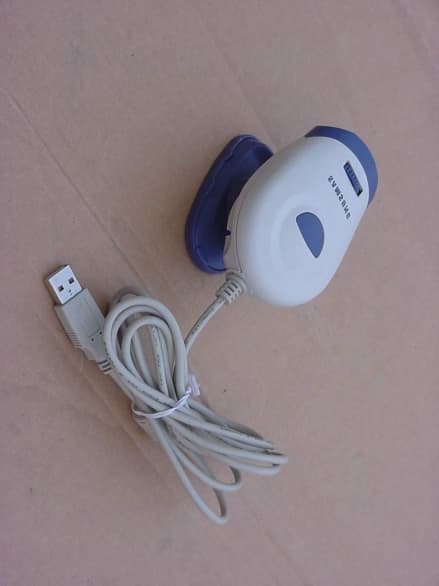
PFBSRE06002
Jan 21, 2002USB PC Camera
Equipment Class
JBP - Part 15 Class B Computing Device Peripheral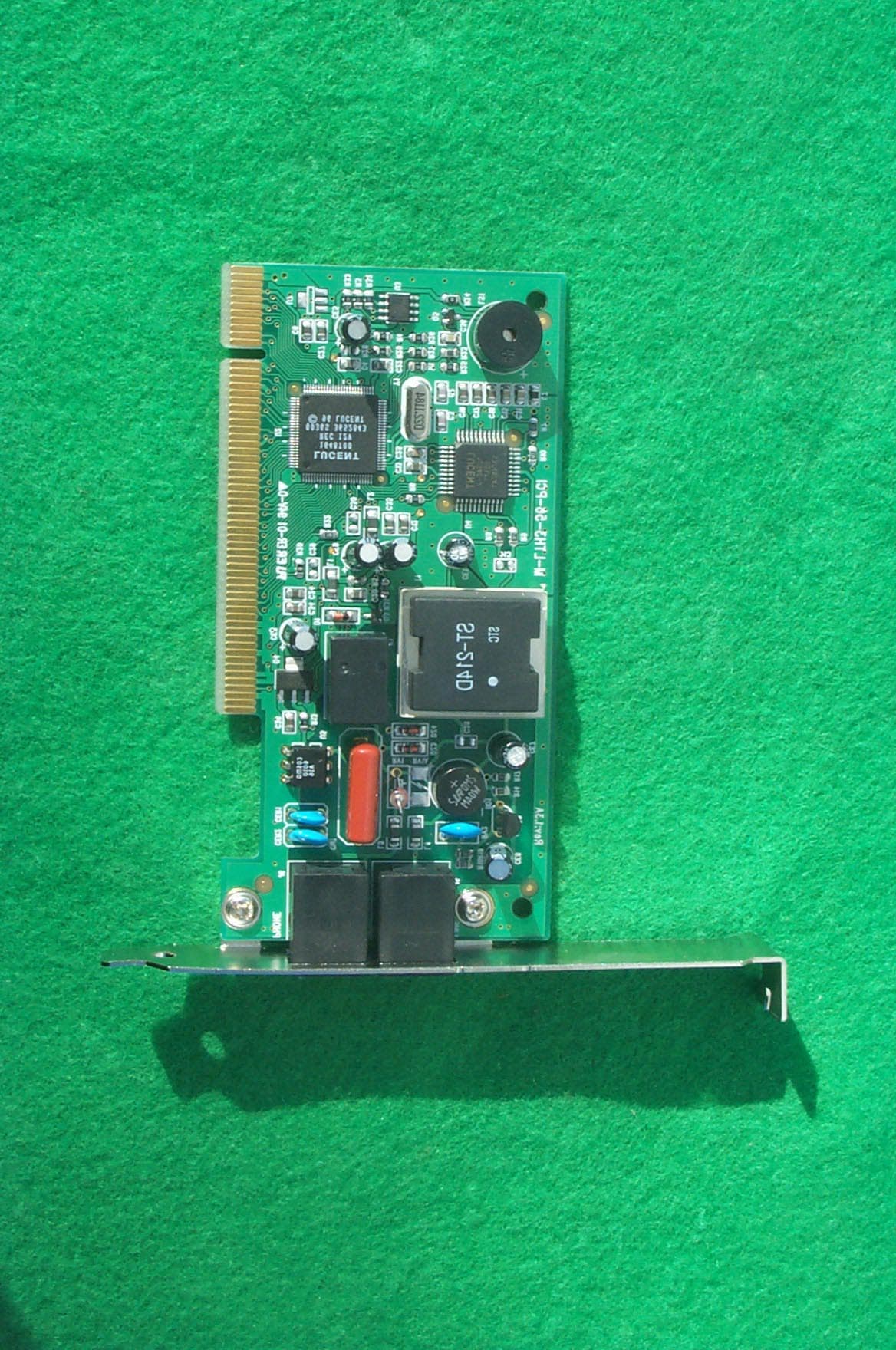
PFBM-LTH3-56-PCI
Jan 18, 2001Modem
Equipment Class
JBP - Part 15 Class B Computing Device Peripheral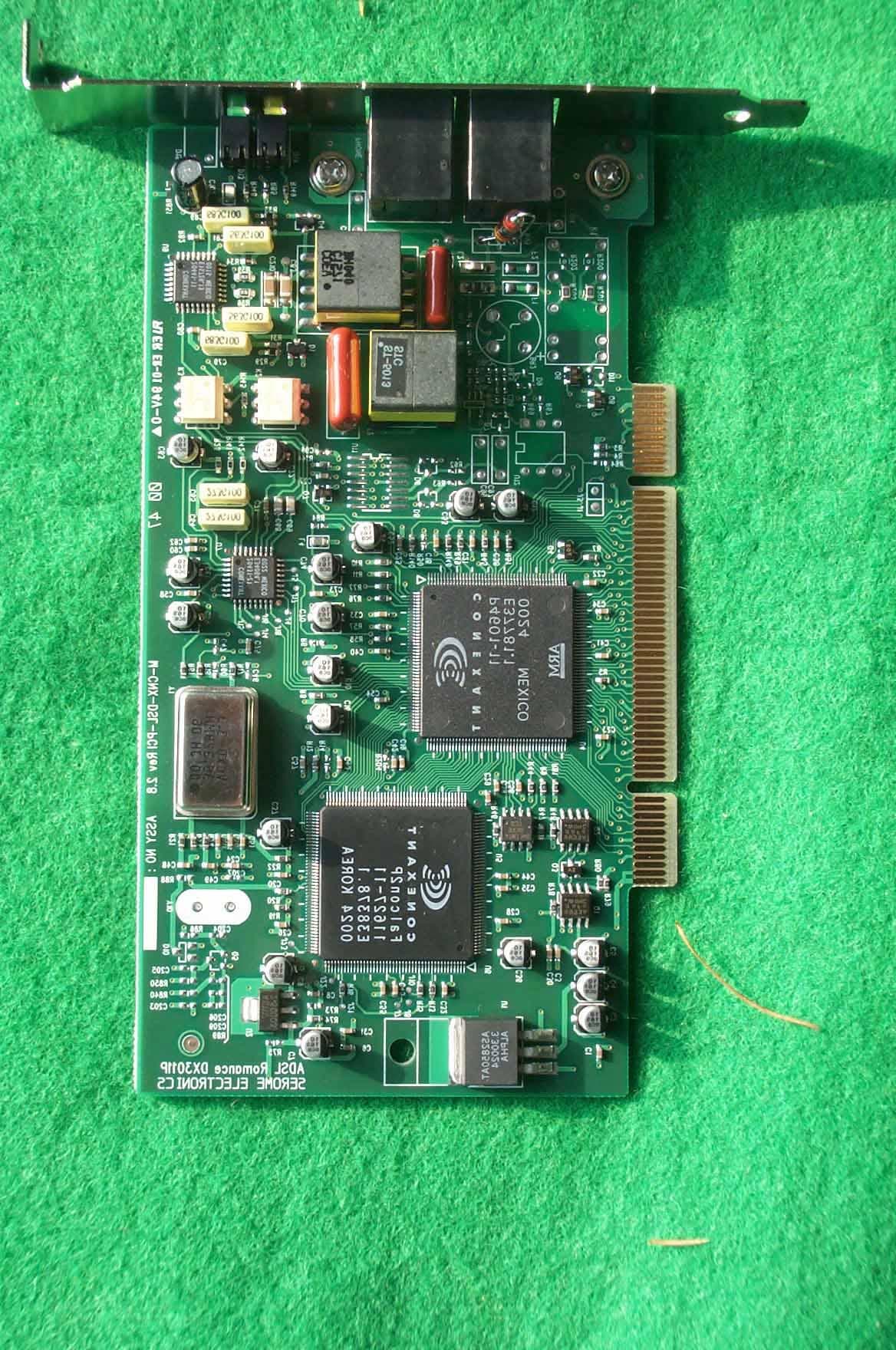
PFBM-CNX-DSL-PCI2
Jan 04, 2001ADSL Modem
Equipment Class
JBP - Part 15 Class B Computing Device Peripheral