PIZXG215012.4 GHz Analog Cordless Phone
CIDMATE International Technology Inc.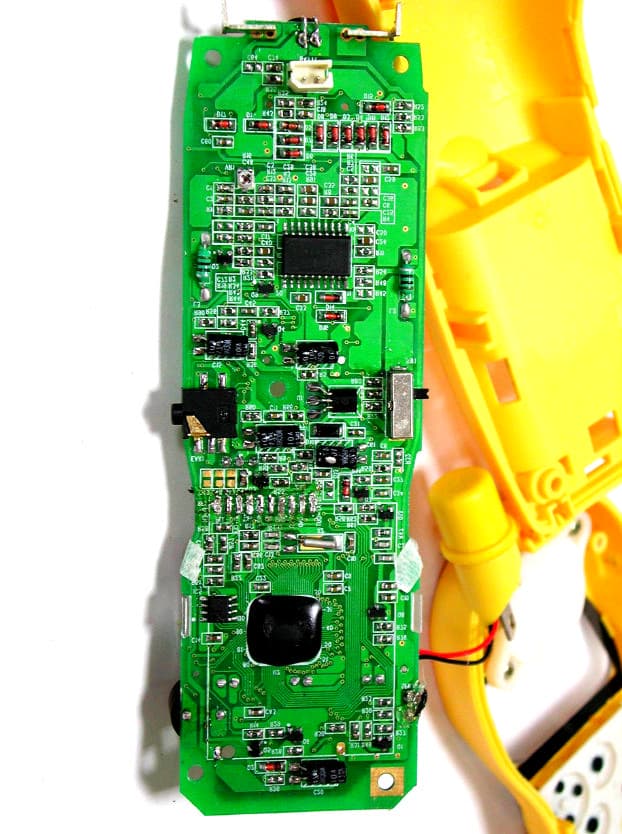
Click to zoom
Application Details
- Equipment Class
- DXX - Part 15 Low Power Communication Device Transmitter
- Date of Grant
- Mar 24, 2003
- Application Purpose
- Original Equipment
- Date of Application
- Mar 24, 2003
- Equipment Note
- 2.4 GHz Analog Cordless Phone
- Frequency Range
- 2474.00000000 - 2475.95000000
- Country
- Taiwan
Documents & Files
Document Text
Text extracted from the exhibit documents filed with the FCC. Open a document above to read the original.
Users Manual
1 Contents Safety Instructions ------------------------------------------------------------------------------------------3 Getting Started -----------------------------------------------------------------------------------------------5 Desk Mounting -----------------------------------------------------------------------------------------------8 Wall Mounting ------------------------------------------------------------------------------------------------9 Cordless Telephone Operation -------------------------------------------------------------------------11 Preparing for Use --------------------------------------------------------------------------------------11 NO LINE Indicator -------------------------------------------------------------------------------------11 Receiving Calls -----------------------------------------------------------------------------------------11 Placing Calls --------------------------------------------------------------------------------------------12 Headset Feature ---------------------------------------------------------------------------------------13 Redial Feature ------------------------------------------------------------------------------------------13 Caller ID System Operation ----------------------------------------------------------------------------14 Caller ID System ---------------------------------------------------------------------------------------14 Viewing Caller Information During Incoming Calls ----------------------------------------14 MSG WAITING (Message Waiting) -----------------------------------------------------------14 Call Waiting ------------------------------------------------------------------------------------------15 Voice Mail Function -------------------------------------------------------------------------------15 C-F (Forwarded Call) -----------------------------------------------------------------------------15 L-D-C (Long Distance Call) ---------------------------------------------------------------------15 Caller List ------------------------------------------------------------------------------------------------15 Viewing the Caller List ----------------------------------------------------------------------------16 Placing a Call From the Caller List -----------------------------------------------------------16 Editing the Caller List before Dialing ---------------------------------------------------------16 Saving the Name and Number in the Caller List into the DIRECTORY -------------17 Deleting All Records in the Caller List --------------------------------------------------------17 Selective Deleting in the Caller List -----------------------------------------------------------17 Name and Telephone Number DIRECTORY ---------------------------------------------------17 Viewing the DIRECTORY ------------------------------------------------------------------------17 Speed Viewing the DIRECTORY --------------------------------------------------------------18 Saving in the DIRECTORY ----------------------------------------------------------------------18 PREFERRED CALLS -----------------------------------------------------------------------------19 BLOCKED CALLS ---------------------------------------------------------------------------------19 Editing a Name and Number in the DIRECTORY -----------------------------------------19 2 Contents Editing the Number in the DIRECTORY before Dialing ---------------------------------20 Placing Calls from the DIRECTORY ---------------------------------------------------------21 Deleting All Records in the DIRECTORY ---------------------------------------------------21 Selective Deleting in the DIRECTORY ------------------------------------------------------21 Function Operation ------------------------------------------------------------------------------------22 A.Language ---------------------------------------------------------------------------------------23 B.Silent On/Off -----------------------------------------------------------------------------------23 C.Time Set ----------------------------------------------------------------------------------------23 D.Ringer Volume -------------------------------------------------------------------------------- 24 E.LCD Contrast ----------------------------------------------------------------------------------24 F.PBX Number -----------------------------------------------------------------------------------24 G.Flash Time --------------------------------------------------------------------------------------25 H.Pause Time -------------------------------------------------------------------------------------25 I.Voice Mail ---------------------------------------------------------------------------------------26 J.MSG Waiting (Message Waiting) ---------------------------------------------------------26 Telephone Keypad Characters ---------------------------------------------------------------------27 Security -------------------------------------------------------------------------------------------------------28 Recharging the Battery Pack ---------------------------------------------------------------------------29 Changing the Battery Pack -----------------------------------------------------------------------------30 Problem Solving -------------------------------------------------------------------------------------------31 Technical Information -------------------------------------------------------------------------------------32 FCC Requirements ----------------------------------------------------------------------------------------33 Warranty -----------------------------------------------------------------------------------------------------35 Wall Mounting Template----------------------------------------------------------------------------------41 3 Safety Instructions IMPORTANT SAFETY INSTRUCTIONS To reduce the risk of fire, electric shock and/or injury, always follow these basic safety precautions when using your cordless…
Text truncated - open the document above for the full version.
Users Manual
16 Caller ID System Operation Viewing the Caller List 1.Press the SCROLL DOWN button to view the latest Caller ID record, or press the SCROLL UP button to view the first Caller ID record, press the SHIFT RIGHT button if the name has more than 11 characters. 2.Press the button to go back to STANDBY mode. (If no active buttons are pressed for 20 seconds or you have viewed the last Caller ID record in the Caller’s List, the LCD Screen will automatically return to STANDBY mode.) Placing a Call from the Caller List 1.With the HANDSETin STANDBYmode, press the SCROLL DOWN button to select from the latest Caller ID record, or press the SCROLL UP button to select from the first Caller ID record. 2.Press and hold down the DIAL 7 button for a local call, or the DIAL 10 button for a local call with area code, or the DIAL1+ button for a long distance call. 3.To end your conversation, either press the button or place the HANDSETon the BASE UNIT. To place a call from the Caller List in TALK mode, press the button, then follow steps 1 through 3. NOTE:You can edit the number before dialing, but you can not SAVE any changes in the Caller List. Editing the Caller List before Dialing 1.Press the SCROLL UP or DOWN button to find the Caller ID record. 2.Press the button. 3.Move the cursor by pressing the SHIFT LEFT or RIGHT or RIGHT button to the digit you want to change. To erase digits, press the button. To add digits, use theTELEPHONE KEYPAD ~ buttons. 4.Press and hold down the DIAL 7 button for a local call, or the DIAL 10 button for a local call with area code, or the DIAL 1 + button for a long distance call. 1+ # WXY9 DELETE SCAN EDIT TALK TALK 1+ # DIR MICHAEL BROW 604-555-1212 10:00 AM 8/24 NEW # 1 BROWING 604-555-1212 10:00 AM 8/24 NEW # 1 17 Caller ID System Operation 5.To end your conversation, either press the button or place the HANDSETon the BASE UNIT. To save the edited record from the Caller List, follow steps 1 through 3 then press and hold down the button. Saving the Name and Number in the Caller List into the DIRECTORY 1.Press the SCROLL UP or DOWN button to find the Caller ID record. 2.Press and hold down the button. The LCD Screen will show “SAVED”. NOTE:It is not advisable to save a telephone number without the corresponding name. This will lead to improper display on PRIVATE and OUTOF AREAcalls. Deleting All Records in the Caller List 1.Press and hold down the button for at least 3 seconds while in STANDBYmode. 2.The LCD Screen will automatically return to STANDBYmode. Selective Deleting in the Caller List 1.Press the SCROLL UP or DOWN button to find the Caller ID record while in STANDBYmode. 2.Press and hold down the button for at least 3 seconds, then the LCD Screen will display the next Caller ID record in the CALLER LIST. 3.Press the button to return to STANDBY mode. Name and Telephone Number DIRECTORY This DIRECTORY lets you scroll through the list to find the record you need for one touch dialing. You can store up to 40 names and telephone numbers in the memory. Viewing the DIRECTORY 1.Press the button. DIR DIR DELETE SCAN DELETE SCAN RE/PA SAVE RE/PA SAVE TALK DIR DIRECTORY 10:00 AM 8/24 TOTAL 12 No. of records stored ALL DELETE 10:00 AM 8/24 NEW 0 TOTAL 0 DELETE 10:00 AM 8/24 # 2 18 Caller ID System Operation 2.Press the SCROLL UP or DOWN button to find the record you wish to view.Press the SHIFT RIGHT button to view a name or telephone number of more than 11 characters. NOTE:To exit the DIRECTORY List at anytime, press the button. Speed Viewing the DIRECTORY 1.Press the button. 2.Enter the first letter of a name. (See Page 27 for detail of entering a letter.) 3.Press the SCROLL UP button to view all names with the same first letter. Saving in the DIRECTORY 1.Press the button. 2.Press the button. 3.Use the TELEPHONE KEYPAD ~ buttons to enter the name, (see page 27 for detail) you can store up to 15 characters. To move the cursor to the right, create a space, or to enter a new letter, press the SHIFT RIGHT button. 4.Press the SCROLL DOWN button once. 5.Enter the telephone number using the TELEPHONE KEYPAD ~ buttons. You can store up to 16 digits. 6.Press and hold down the button. 7.Press the button to go back to STANDBY mode. (If no active buttons are pressed for 20 seconds, the LCD Screen will automatically return to STANDBYmode.) NOTES:1.It will not save a duplicate telephone number or a name without the corresponding telephone number in the DIRECTORY. 2.To delete a character or number inside the cursor, press the button. DELETE SCAN DIR RE/PA SAVE WXY9 WXY9 EDIT DIR DIR DIR DIR MICHAEL BROW 604-555-1212 # 8 TOTAL 12 DIR BROWING 604-555-1212 # 8 TOTAL 12 PREFERRED CALLS You can assign stored numbers a PREFERRED CALLstatus which will generate a special ringer sound at the start of the second ring to any welcome caller in the DIRECTORY. When you are saving the name and number into the DIRECTORY, add a “#”symbol at the beginning of the name by pressing the button. BLOCKED CALLS You can assign stored numbers a BLOCKED CALL status which will disable the ringer sound after the second ring to any caller in the DIRECTORY. When you are saving the name and number into the DIRECTORY, add an “*”symbol at the beginning of the name by pressing the 7 button. Editing a Name and Number in the DIRECTORY 1.Press the button. 2.Press the SCROLL UP or DOWN button to find the record you want to edit. 3.Press the button to edit the name, and the cursor will blink over the first character. 4.Press the SCROLL LEFT or RIGHT button to move the cursor to the letter or number you want to change. To erase, press the button. To add, use the TELEPHONE KEYPAD ~ buttons. (See page 27 for details.) 5.Press the SCROLL UP or DOWN button to edit the number. 6.Press the SCROLL LEFT or RIGHT button to move the cursor to the number you want to change. To erase, press the button. To add, use the TELEPHONE KEYPAD ~ buttons. (See page 27 for details.) WXY9 DELETE SCAN WXY9 DELETE SCAN EDIT DIR 1+ # DIR MICHAEL BROW 604-55…
Text truncated - open the document above for the full version.
ID Label/Location Info
R 2002627 CONFORMS TO ANSI/UL STD, 1950 US HAC FOR SERVICE PLEASE CALL 1-866-466-9228 TELEPHONE EQUIPMENT Licensed under U.S. Patent No. 5,263,084 MODEL NO. XG2150 0307000001 S/NO.: CM QC 1A ACC FCC ID:PIZXG21501 COMPLIES WITH PART 68 FCC RULES,FCC REG. NO.: US: 6RUW900BXG2150 USOC: RJ11C REN: 0.0BPRIVACY OF COMMUNICATIONS MAY NOT BE ENSUREDWHEN USING THIS PHONE MADE IN CHINA MODEL NO. XG2150 Part 15 wording see right drawing FCC Label seeright drawing THIS DEVICE COMPLIES WITH PART 15 OF THE FCC RULES. OPERATION IS SUBJECT TO THE FOLLOWING TWO CONDITIONS: (1) THIS DEVICE MAY NOT CAUSE HARMFUL INTERFERENCE, AND (2) THIS DEVICE MUST ACCEPT ANY INTERFERENCE RECEIVED, INCLUDING INTERFERENCE THAT MAY CAUSE UNDESIRED OPERATION. XG2150 LABELS' LOCATION DESIGNED BY: DENG LING DATE: Mar./12/03 Page 1/2 in use/charge page NOTE PRIOR TO INITIAL USE OR WHEN YOU HEAR A BEEP SOUND WHILE THE BATT LOW SYMBOL APPEARS, RECHARGE THE HANDSET BY PLACING IT IN ITS CRADLE IN THE BASE UNIT OVERNIGHT. IF HANDSET LOSES DIAL TONE, PLACE HANDSET IN BASE FOR 5 SECONDS. THIS WILL RESET SECURITY CODE AND RESTORE DIAL TONE. TO ALLOW PROPER CHARGING, CLEAN THE BATTERY CONTACTS ON BOTH THE HANDSET AND THE BASE UNIT ONCE A MONTH. IMPORTANT TO ENSURE YOUR PHONE CHARGES PROPERLY ALWAYS CHARGE WITH THE KEYPAD FACE UP MODEL NO.: XG2150 FCC ID: PIZXG21501 XG2150 LABELS' LOCATION DESIGNED BY: DENG LING DATE: Mar./12/03 Page 2/2
Contact Information
Applicant
Beryl Liu(Sales Asst. Manager)
Test Firm
Training Research Co., Ltd.Jack Tsai
Technical Specifications
| # | Rule Parts | Frequency Range | Power Output |
|---|---|---|---|
| 2 | 15C | 2.47 GHz - 2.48 GHz | - |
Other Applications from CIDMATE International Technology Inc.
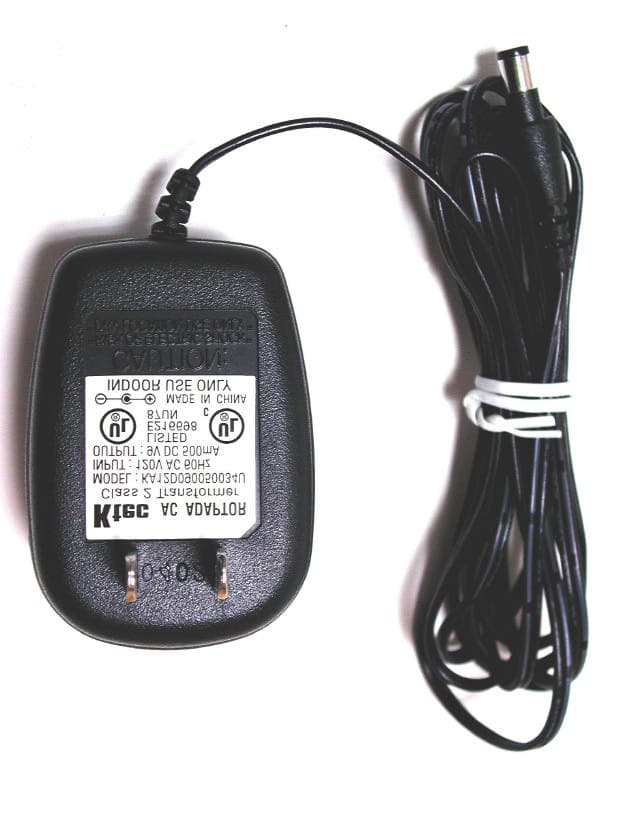
PIZGH9492
Mar 28, 20042.4 GHz Analog Cordless Phone with CID and DAM
Equipment Class
DXX - Part 15 Low Power Communication Device Transmitter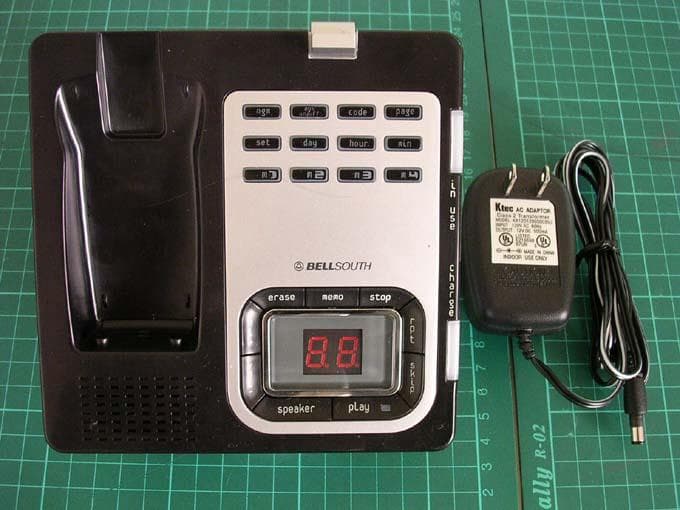
PIZGH9764
Mar 24, 20042.4GHz DSST Multi-Handset w/ CID+DAM
Equipment Class
DTS - Digital Transmission System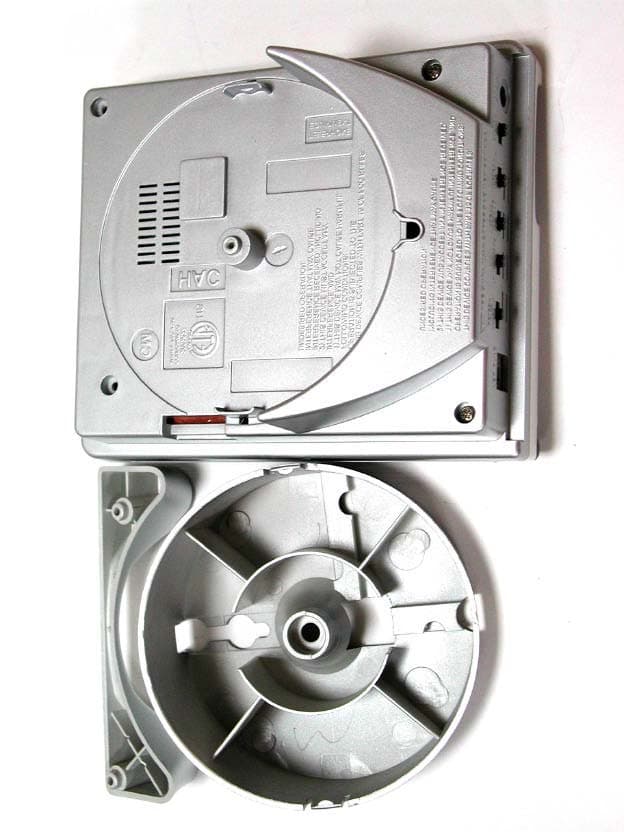
PIZXG34001
Aug 17, 20032.4GHz ANALOG CORDLESS PHONE
Equipment Class
DXX - Part 15 Low Power Communication Device Transmitter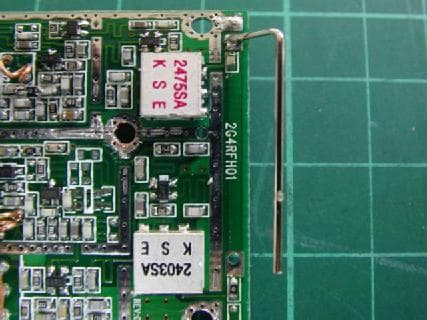
PIZMINI1
Jul 24, 20032.4 GHz Analog Cordless Telephone with CID
Equipment Class
DXX - Part 15 Low Power Communication Device Transmitter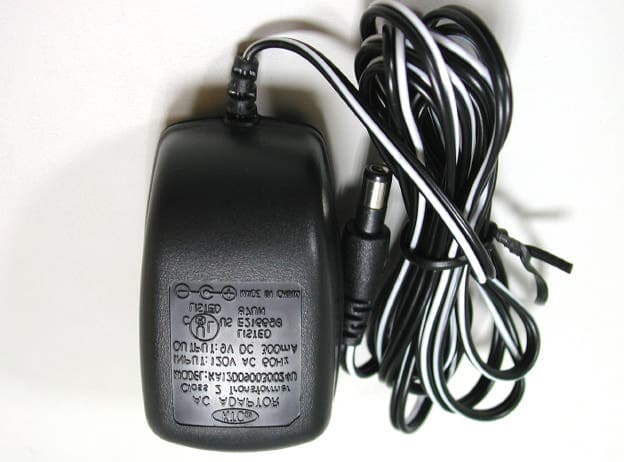
PIZXG32010
Jul 09, 20032.4GHz ANALOG CORDLESS PHONE
Equipment Class
DXX - Part 15 Low Power Communication Device Transmitter