PLJWS1200Weather Station Receiver
Mandolyn Electronic Technology Inc.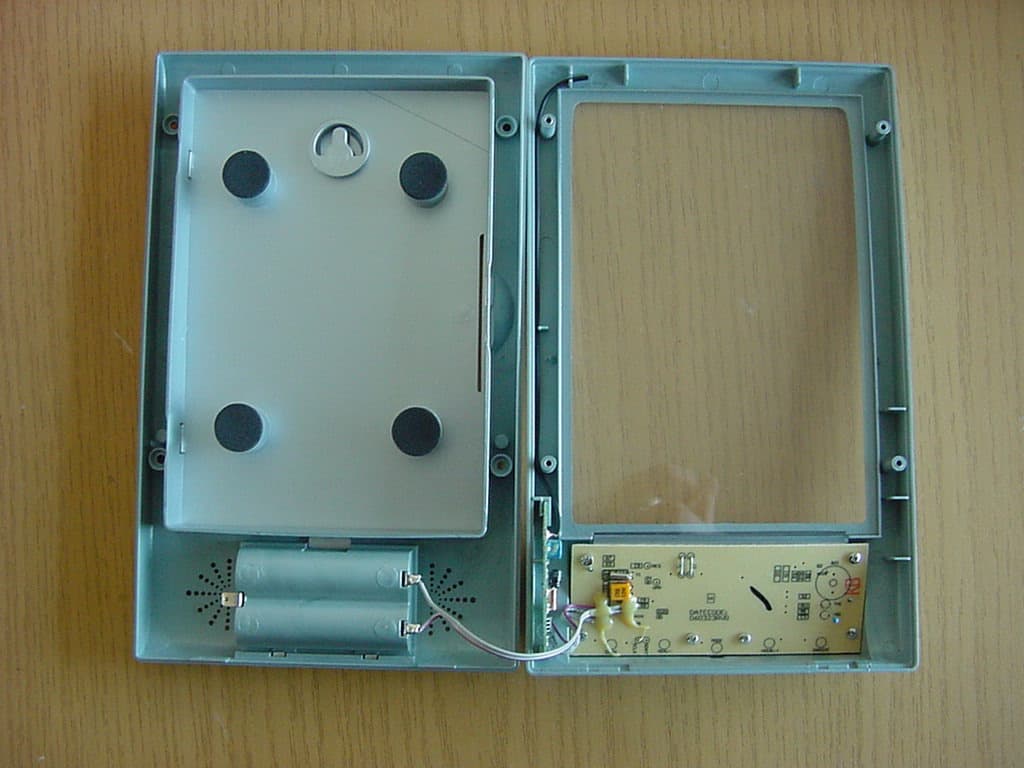
Click to zoom
Application Details
- Equipment Class
- CRR - Superregenerative Receiver
- Date of Grant
- Mar 13, 2007
- Application Purpose
- Original Equipment
- Date of Application
- Mar 13, 2007
- Equipment Note
- Weather Station Receiver
- Frequency Range
- 433.92000000 - 433.92000000
- Country
- Canada
Documents & Files
Document Text
Text extracted from the exhibit documents filed with the FCC. Open a document above to read the original.
Users Manual
1 of 6 OWNERS MANUAL FEATURES Base Station: WS1200 z With 4R size photo frame z Perpetual calendar z Clock (Hour, Minute display) z User selectable 12 or 24 hour display z Local & Remote temperature display in selectable °C or °F display format z Temperature trend indicator z Remote temperature display --Able to receive and display signals of remote temperature up to 4 different transmitters z Low-Battery indicator z Maximum and minimum temperature memory recall for local and remote temperature Remote Transmitter: WT440 z Compact size with Wall-mount holder z Drip-proof design z Transmit temperature data to main unit --Green LED for the transmission indication. z Transmission Range: approx. 40 meters in open area Stand Outdoor Channel Indicator Indoor & Outdoo r Temperature Display Area (With Trend Display) Trend Symbol Clock Display Area (Selectable 12 hours or 24 hours display) Perpetual Calendar Display Area (Year, Month, Day) Photo Frame 2 of 6 KNOW YOUR PRODUCT 1. °C / °F Change between °C or °F display format 2. MAX / + Increase the value during setting status / Show maximum temperature detected by local and remote sensors 3. MODE Scroll between clock, date setting mode 12/24 hr clock display selection 4. MIN / - Decrement the value during setting status / Show minimum temperature detected by local and remote sensors 5. CHANNEL Scroll through remote channels 1-4 / Manual start remote channel learning 6. SET Confirm “House Code” (“01” to “15”) & Channel (“1” to “4”) Function setting of WS1200: Function setting of remote transmitter WT490: 7. C/F Select channel (1-4) READ THIS BEFORE YOU BEGIN For the best operation: 1. Insert batteries for remote transmitter(s) first, and then the receiver 2. Place the receiver and remote transmitter(s) close together. This will ensure that the receiver can synchronize with remote transmitter(s). 3. Place the remote transmitter(s) within effective transmission range. * Although remote transmitter are weather proof, it is recommended to place it away from direct sunlight, rain or snow. This will help to make measurement more accurate. # The building materials and where the receiver and remote transmitter are positioned vastly affect the effective range. Try various set-ups for best result. 2 3 4 5 1 6 7 3 of 6 GETTING STARTED Warning: Any changes or modifications made to this equipment not expressly approved by Mandolyn Electronic Ltd. may void the FCC authorization to operate this equipment. USING THE THERMOMETER FOR THE FIRST TIME ! Set up the transmitter for use first so that the base station can receive a signal immediately. Step 1: Using the transmitter for the first time 1. Open the battery compartment of the transmitter. 2. Insert 2xAA batteries included with purchase. Ensure correct polarity +/- as shown in the compartment. Replace the cover. 3. Once the batteries are inserted correctly, the display will show “01H” for House Code, and the range of House Code is from “01” to “15”, change the House Code by pressing C/F key and SET key to confirm. Make sure all transmitters in your system are set to the same House Code. Note: It is highly recommended to change to different House Code if interference is experienced. 4. After the House Code is set, it goes to Channel setting, and there is a number 1 is flashing at the left-hand side of LCD. Same as House Code setting, pressing C/F key to change the Channel and SET key to confirm. After this, it will go to Temp unit setting. Note: if there are more than 1 transmitters need to be connect to same receiver, then the House Code of all the transmitter should be the same but the Channel number is different. 5. The temp display will be flashing after the Channel, and pressing C/F to toggle between C and F display. Then, it can leave it and the transmitter will transmit the 1 st signal automatically. If pressing SET key, then will go back to the house code setting again. 6. Once setup of remote transmitter is completed, it will start transmission in one minute interval. *The setting is confirmed automatically if it is in idle for 8 seconds. *Use different house code if your weather station detected other signals from neighboring sources *Factory default: house code=01 and channel=01 Step 2: Setting the base station 1. Remove battery cover and insert 2xAA size batteries, ensure correct polarity + / - as shown in the compartment, replace the cover. 4 of 6 SYNCHRONIZE Automatic Learn Function: 1. After inserting the batteries, the indoor temperature is displayed.The base station now tries to pick up signals from sensors for 3 minutes.If no signal is detected, bars are shown on the display. 2. As soon as the base station has detected a sensor signal, the display then shows the temperature value received from the sensor. 3. If reception is lost before the time can be set, then place the base station, which has better reception, such as, near a window. Please re-do the above procedure to restart the search for signals from sensors. *If the signals are not received within this 3 minutes, the outside temperature will show ”- - -“ , during this time, bringing the unit close together or try different location and restart the auto learning function by removing and replacing the batteries for receiver. Manual-Learn function (Searching for Remote Signals): If a new transmitter is added or if signal is lost (outdoor display blinking), learn function must be executed again. 1. Press the “Channel” button and hold for 3 seconds. The Outdoor symbol starts to flash and the base station confirms your setting by sounding an audible tone. 2. As soon as the base station has detected a sensor signal, the base station display then shows the temperature value received from the sensor. 3. It is recommended to place the transmitter and receiver together during synchronization process. If the green indicator of transmitter flashes and the data is shown onto the receiver, this process is considered to be successful; otherwise, it is re…
Text truncated - open the document above for the full version.
External Photos
CETECOM ICT Services GmbH Untertürkheimer Str. 6-10, 66117 Saarbruecken Phone: +49 (0) 681 598-0 Fax: -9075 RSC-Laboratory Phone: +49 (0) 681 598-0 Fax: -9075 Test report no.: 4-2456-01-02/07 Date: 2007-02-15 Page 16 of 20 7 Annex C: Photographs of EUT Photo 1 Photo 2 CETECOM ICT Services GmbH Untertürkheimer Str. 6-10, 66117 Saarbruecken Phone: +49 (0) 681 598-0 Fax: -9075 RSC-Laboratory Phone: +49 (0) 681 598-0 Fax: -9075 Test report no.: 4-2456-01-02/07 Date: 2007-02-15 Page 17 of 20 Photo 3 Photo 4
ID Label/Location Info
FCCLABELOF WEATHERST ATION,MODELWS1200 MODEL:Ws1200 MODEL:Ws1200 FCCID:PLJWS1200/IC:3981A-WS1200 FCCID:PLJWS1200/ IC:3981A-WS1200 MadeinChina MadeinChina ThisdevicecomplieswithPart15oftheFCCRules andwithRSS-210ofIndustryCanada.Operationis subjecttothefollowingtwoconditions:(1)thisdevice maynotcauseharmfulinterference,and(2)this devicemustacceptanyinterferencereceived, includinginterferencethatmaycauseundesired operation. SerialNo.: ThisdevicecomplieswithPart15oftheFCCRules andwithRSS-210ofIndustryCanada.Operationis subjecttothefollowingtwoconditions:(1)thisdevice maynotcauseharmfulinterference,and(2)this devicemustacceptanyinterferencereceived, includinginterferencethatmaycauseundesired operation. SerialNo.: Label Location
Internal Photos
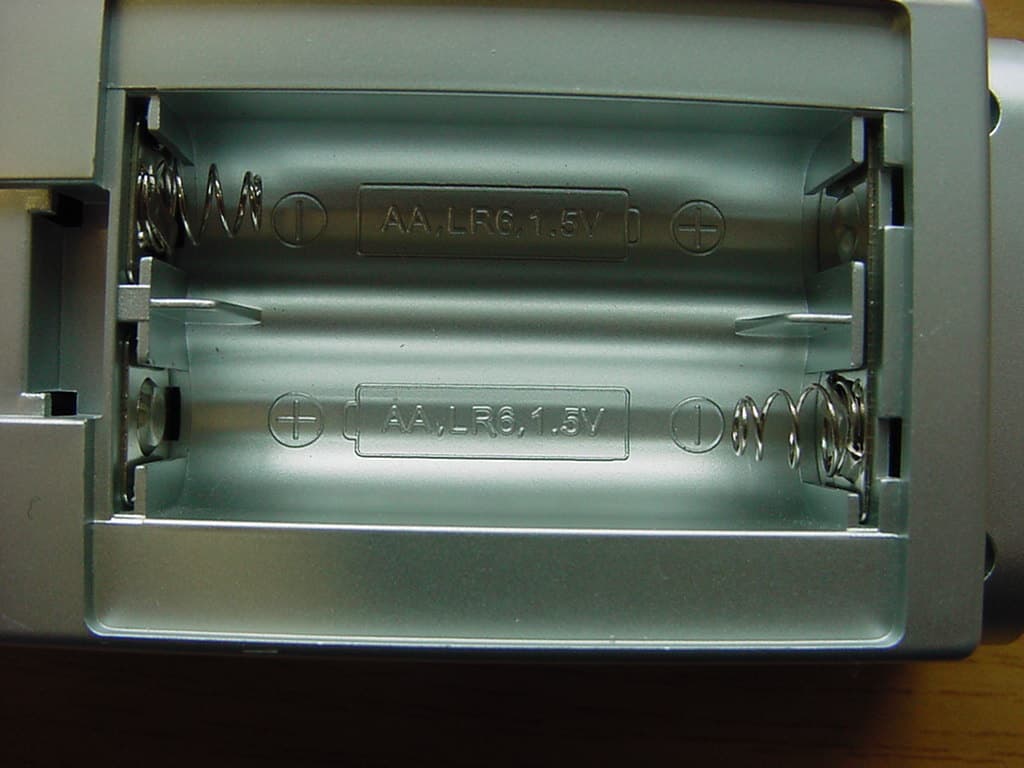
CETECOM ICT Services GmbH Untertürkheimer Str. 6-10, 66117 Saarbruecken Phone: +49 (0) 681 598-0 Fax: -9075 RSC-Laboratory Phone: +49 (0) 681 598-0 Fax: -9075 Test report no.: 4-2456-01-02/07 Date: 2007-02-15 Page 17 of 20 Photo 3 Photo 4 CETECOM ICT Services GmbH Untertürkheimer Str. 6-10, 66117 Saarbruecken Phone: +49 (0) 681 598-0 Fax: -9075 RSC-Laboratory Phone: +49 (0) 681 598-0 Fax: -9075 Test report no.: 4-2456-01-02/07 Date: 2007-02-15 Page 18 of 20 Photo 5 Photo 6 CETECOM ICT Services GmbH Untertürkheimer Str. 6-10, 66117 Saarbruecken Phone: +49 (0) 681 598-0 Fax: -9075 RSC-Laboratory Phone: +49 (0) 681 598-0 Fax: -9075 Test report no.: 4-2456-01-02/07 Date: 2007-02-15 Page 19 of 20 Photo 7 Photo 8 CETECOM ICT Services GmbH Untertürkheimer Str. 6-10, 66117 Saarbruecken Phone: +49 (0) 681 598-0 Fax: -9075 RSC-Laboratory Phone: +49 (0) 681 598-0 Fax: -9075 Test report no.: 4-2456-01-02/07 Date: 2007-02-15 Page 20 of 20 Photo 9
Test Report
CETECOM ICT Services GmbH Untertürkheimer Str. 6-10, 66117 Saarbruecken Phone: +49 (0) 681 598-0 Fax: -9075 RSC-Laboratory Phone: +49 (0) 681 598-0 Fax: -9075 Test report no.: 4-2456-01-02/07 Date: 2007-02-15 Page 1 of 20 Recognized by the Federal Communications Commission Anechoic chamber registration no.: 90462 (FCC) Anechoic chamber registration no.: 3463 (IC) TCB ID: DE 0001 Accredited by the German Accreditation Council DAR–Registration Number DAT-P-176/94-D1 Independent ETSI compliance test house ETSI Accredited Bluetooth ® Test Facility (BQTF) Test report no. : 4-2456-01-02/07 Applicant : W.H. Mandolyn International ltd. Type : WS1200 Test Standard : FCC Part 15 / RSS210 FCC ID : PJLWS1200 Certification No. IC : 3981A-WS1200 The Bluetooth word mark and logos are owned by the Bluetooth SIG, Inc. and any use of such marks by Cetecom ICT is under license CETECOM ICT Services GmbH Untertürkheimer Str. 6-10, 66117 Saarbruecken Phone: +49 (0) 681 598-0 Fax: -9075 RSC-Laboratory Phone: +49 (0) 681 598-0 Fax: -9075 Test report no.: 4-2456-01-02/07 Date: 2007-02-15 Page 2 of 20 Table of contents 1 GENERAL INFORMATION ................................................................................................................................... 3 1.1. ADMINISTRATIVE DATA OF THE TEST FACILITY..................................................................................................... 3 1.1.1 Identification of the testing laboratory ......................................................................................................... 3 1.2. NOTES................................................................................................................................................................... 3 1.3 DETAILS OF APPLICANT......................................................................................................................................... 4 1.4 APPLICATION DETAILS.......................................................................................................................................... 4 1.5 TEST ITEM............................................................................................................................................................. 5 1.6 TEST SETUP........................................................................................................................................................... 6 1.7 TEST SPECIFICATIONS............................................................................................................................................ 6 2 STATEMENT OF COMPLIANCE .......................................................................................................................... 6 2.1 SUMMARY OF MEASUREMENT RESULTS................................................................................................................ 6 2.1.1 CFR 47 Part 15 Radio frequency devices ..................................................................................................... 6 3 MEASUREMENTS AND RESULTS ....................................................................................................................... 7 4 FCC PART 15 SUBPART B ...................................................................................................................................... 8 4.1 RECEIVER SPURIOUS EMISSION (RADIATED) .......................................................................................................... 8 4.1.1 Plots of spurious emissions ........................................................................................................................... 8 5 USED TESTEQUIPMENT ...................................................................................................................................... 10 6 ANNEX B: PHOTOGRAPHS OF TEST SITE ..................................................................................................... 14 7 ANNEX C: PHOTOGRAPHS OF EUT ................................................................................................................ 16 CETECOM ICT Services GmbH Untertürkheimer Str. 6-10, 66117 Saarbruecken Phone: +49 (0) 681 598-0 Fax: -9075 RSC-Laboratory Phone: +49 (0) 681 598-0 Fax: -9075 Test report no.: 4-2456-01-02/07 Date: 2007-02-15 Page 3 of 20 1 General information 1.1. Administrative data of the test facility 1.1.1 Identification of the testing laboratory Company name: Cetecom ICT Services GmbH Address: Untertürkheimerstr. 6-10 D-66117 Saarbruecken Germany Laboratory accreditation: DAR-Registration No. DAT-P-176/94-D1 Bluetooth Qualification Test Facility (BQTF) Federal Communications Commission (FCC) Identification/Registration No : 90462 Responsible for testing laboratory: Michael Berg Phone: +49 681 598 0 Fax: +49 681 598 9075 email: [email protected] 1.2. Notes The test results of this test report relate exclusively to the test item specified in 1.5. The CETECOM ICT Services GmbH does not assume responsibility for any conclusions and generalizations drawn from the test results with regard to other specimens or samples of the type of the equipment represented by the test item. The test report may only be reproduced or published in full. Reproduction or publication of extracts from the report requires the prior written approval of the CETECOM ICT Services GmbH. .................................................................................. Responsible for testing (D. Gillmann) .................................................................................. Responsible for laboratory (Haro Ames) CETECOM ICT Services GmbH Untertürkheimer Str. 6-10, 66117 Saarbruecken Phone: +49 (0) 681 598-0 Fax: -9075 RSC-Laboratory Phone: +49 (0) 681 598-0 Fax: -9075 Test report no.: 4-2456-01-02/07 Date: 2007-02-15 Page 4 of 20 1.3 Details of Applicant Name : W.H. Mandolyn International ltd. Adress : Unit 1003-8, Landmark North, Lung Sum Avenue City : Sheung Shul, N.T. Country : Hong Kong Phon…
Text truncated - open the document above for the full version.
Test Setup Photos
CETECOM ICT Services GmbH Untertürkheimer Str. 6-10, 66117 Saarbruecken Phone: +49 (0) 681 598-0 Fax: -9075 RSC-Laboratory Phone: +49 (0) 681 598-0 Fax: -9075 Test report no.: 4-2456-01-02/07 Date: 2007-02-15 Page 14 of 20 6 Annex B: Photographs of Test site Photo 1 (Radiated Emissions): Photo 2 (Radiated Emissions): CETECOM ICT Services GmbH Untertürkheimer Str. 6-10, 66117 Saarbruecken Phone: +49 (0) 681 598-0 Fax: -9075 RSC-Laboratory Phone: +49 (0) 681 598-0 Fax: -9075 Test report no.: 4-2456-01-02/07 Date: 2007-02-15 Page 15 of 20 Photo 3 (Radiated Emissions):
Contact Information
Applicant
C.M. Yip(Engineering Manager)
Test Firm
cetecom advanced GmbHGerald Schmidt
Technical Specifications
| # | Rule Parts | Frequency Range | Power Output |
|---|---|---|---|
| 1 | 15B | 433.92 MHz - 433.92 MHz | - |
Other Applications from Mandolyn Electronic Technology Inc.
PLJDB910
Jul 03, 2007Wireless Doorbell
Equipment Class
CYY - Communications Receiver used w/Pt 15 Transmitter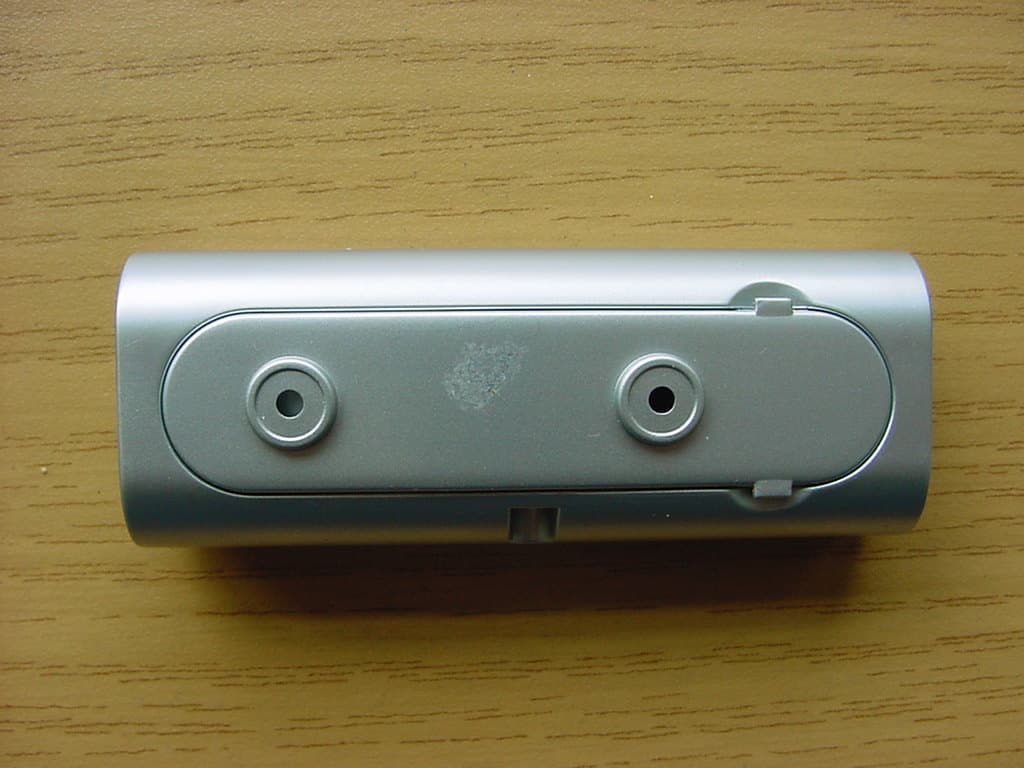
PLJDBT701
Jul 03, 2007Wireless Doorbell
Equipment Class
DSC - Part 15 Security/Remote Control Transmitter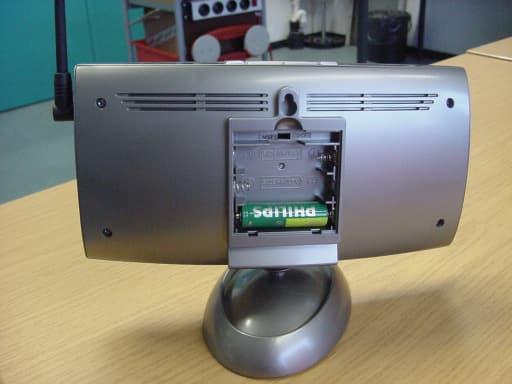
PLJWS2635
Mar 13, 2007Weather Station Receiver
Equipment Class
CRR - Superregenerative Receiver
PLJWDS500
Mar 13, 2007Weather Station Transmitter
Equipment Class
DSC - Part 15 Security/Remote Control Transmitter
PLJWS928
Jan 29, 2006Weather Station Receiver
Equipment Class
CYY - Communications Receiver used w/Pt 15 Transmitter